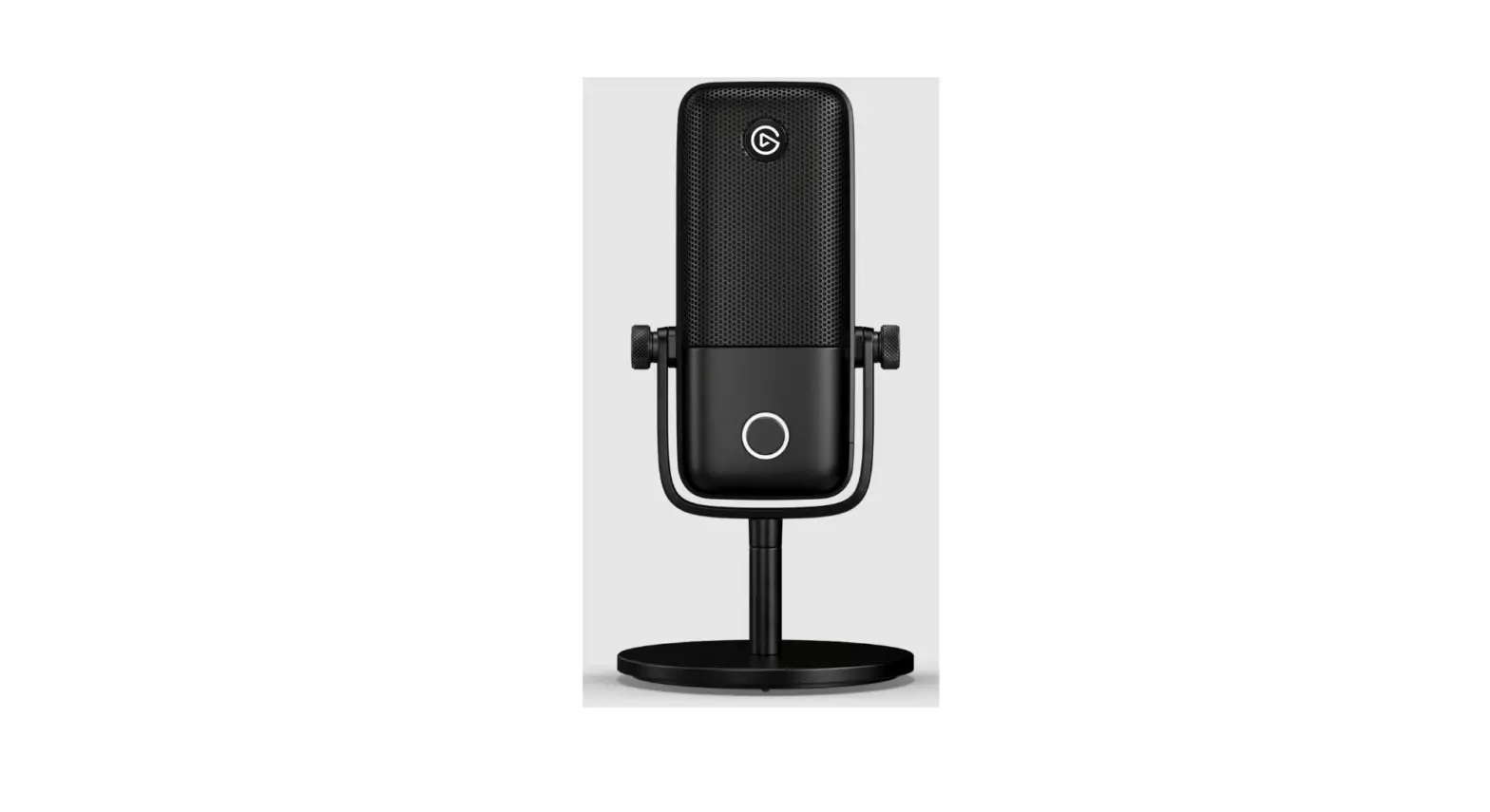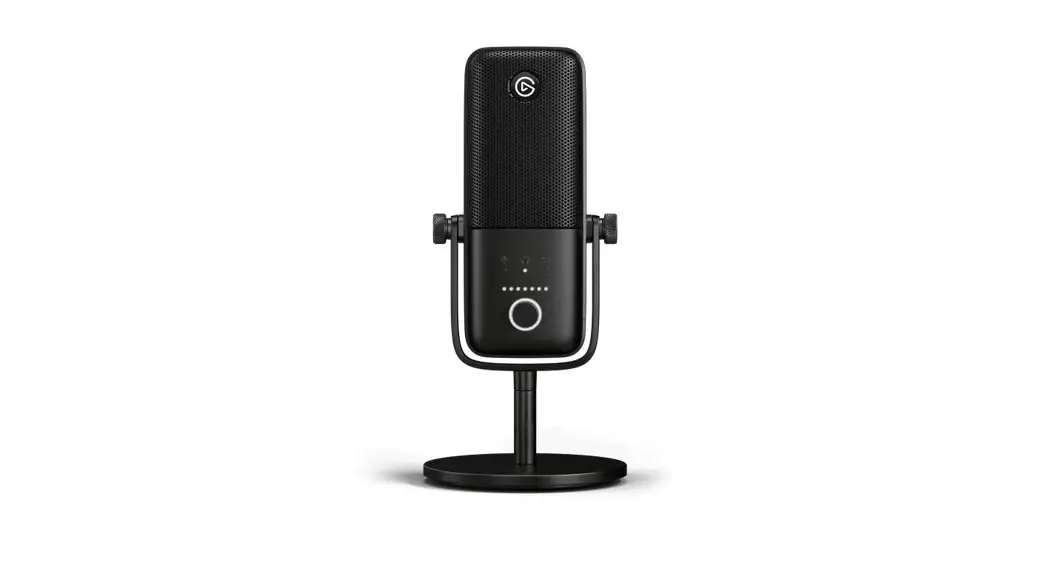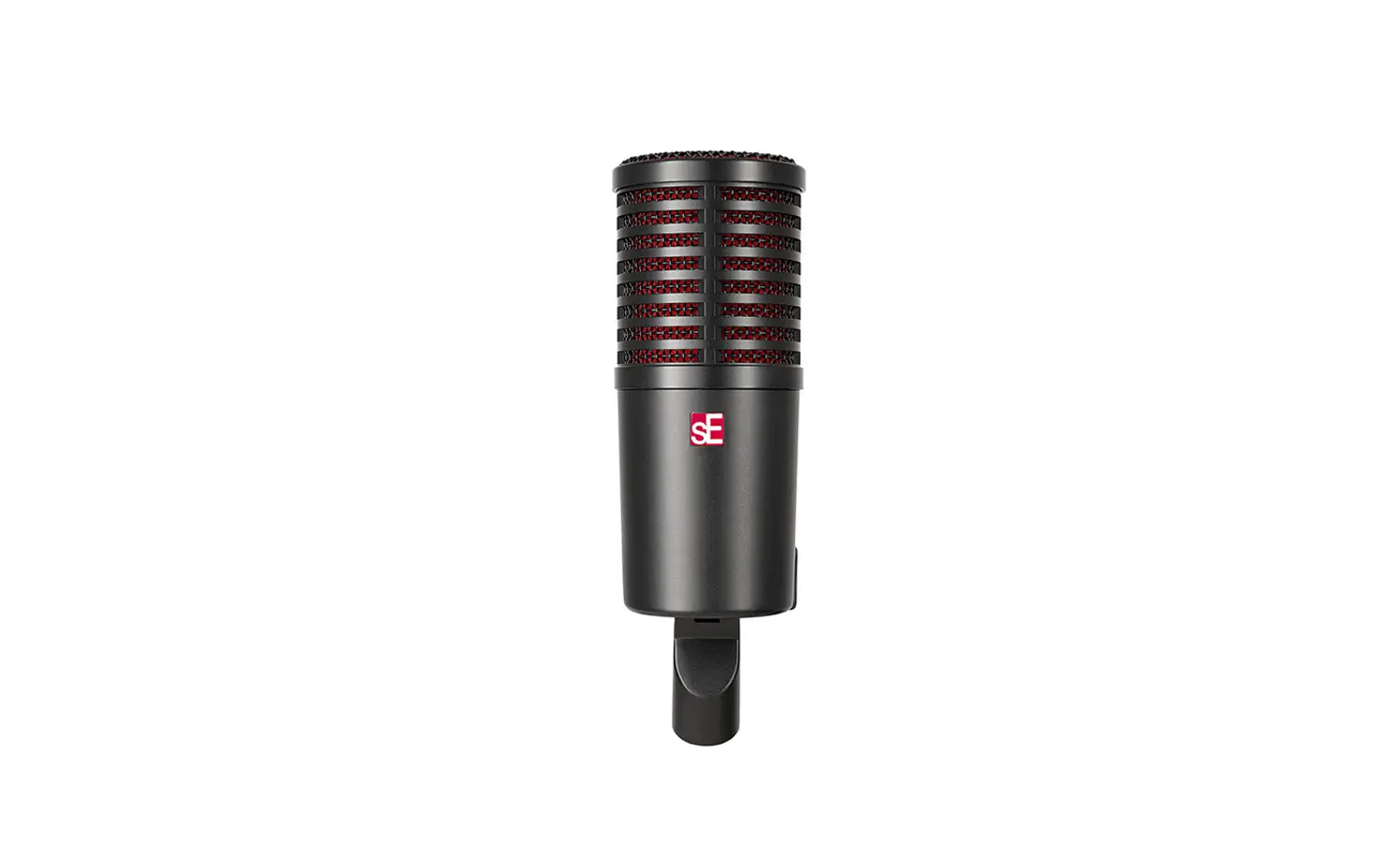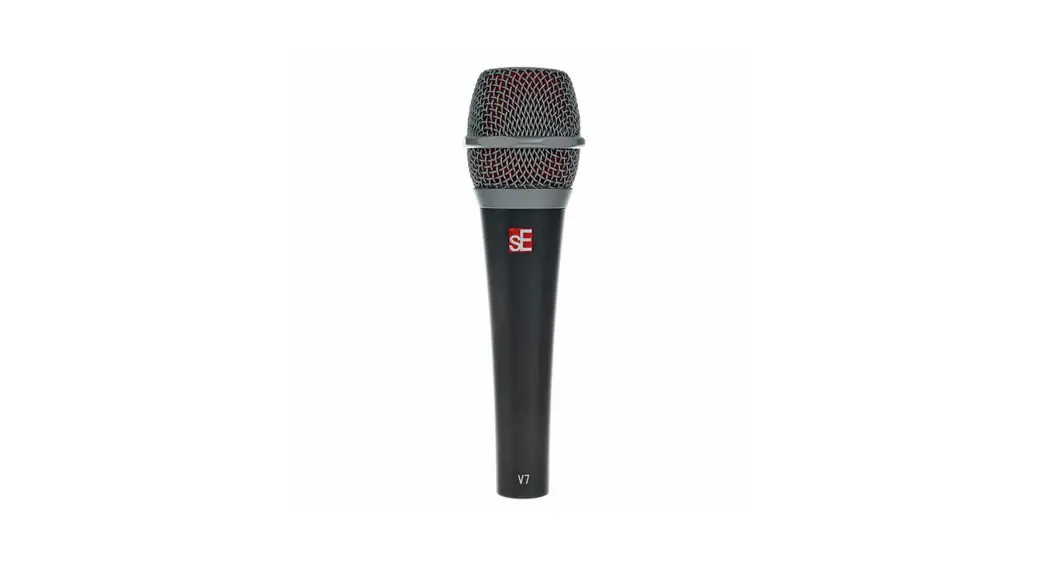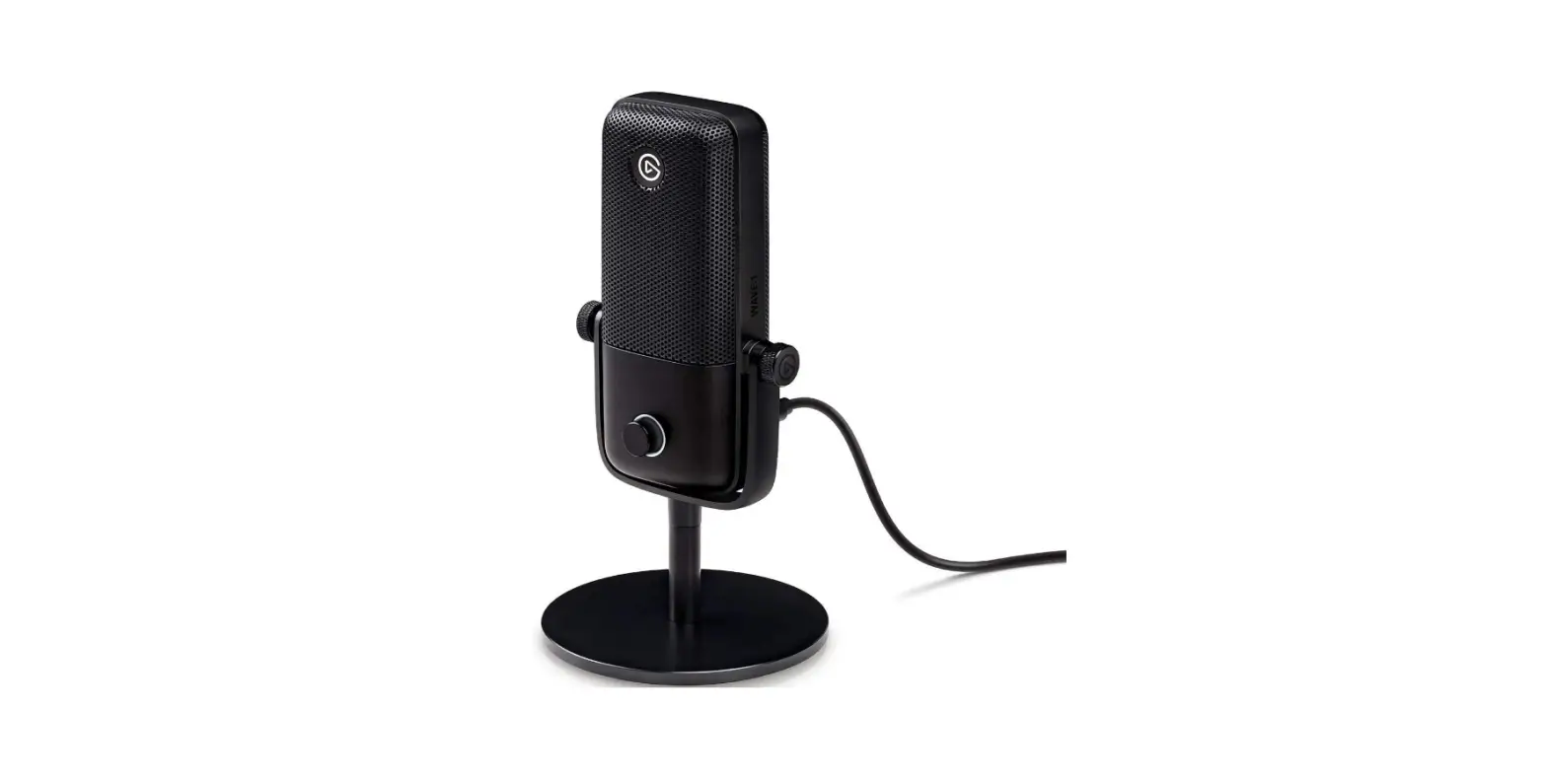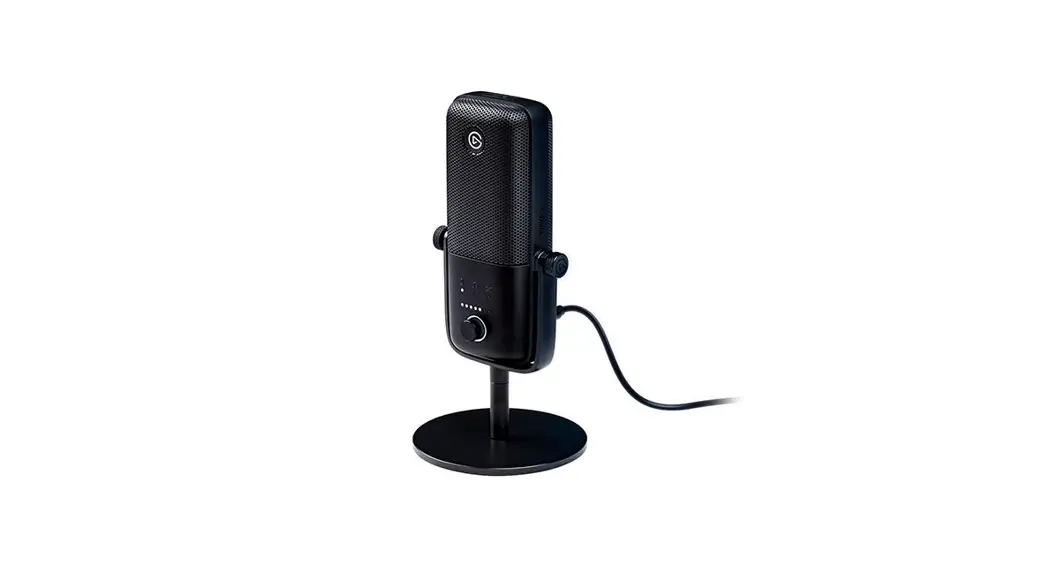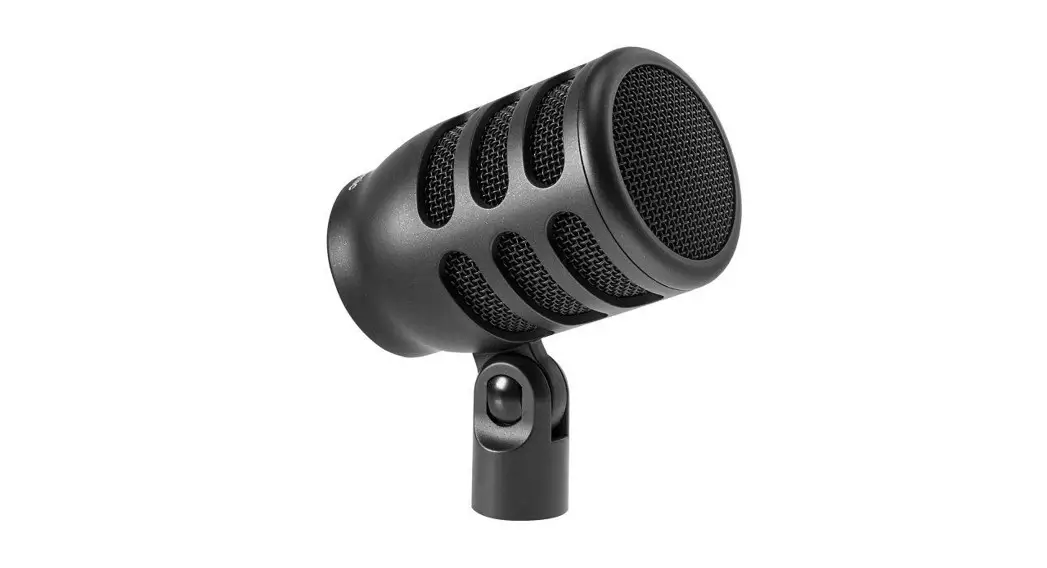

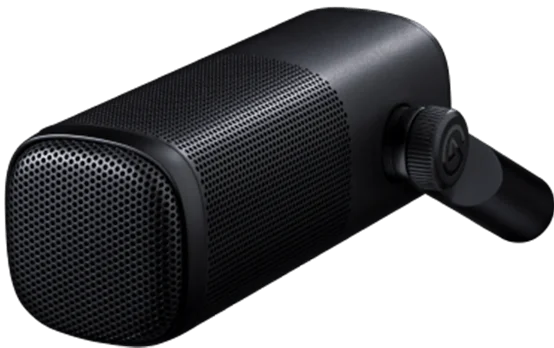
elgato Wave DX Dynamic Microphone
Installation
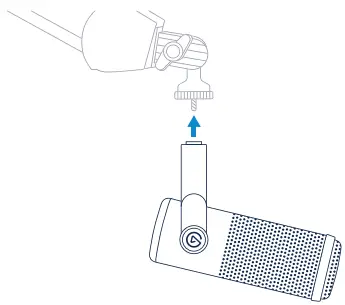
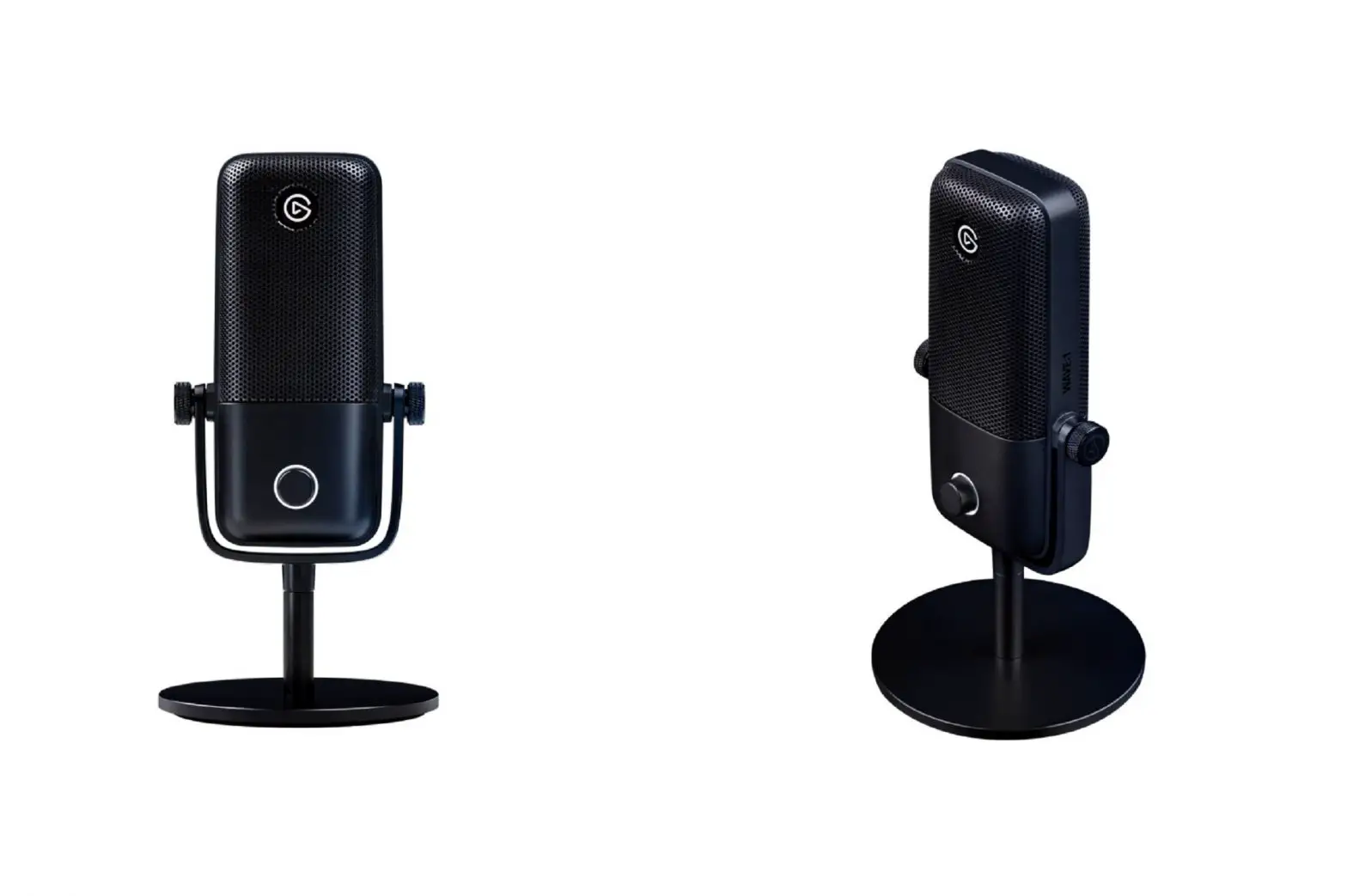
Mount Wave DX on a stand or boom arm such as Wave Mic Arm or Wave Mic Arm LP. If necessary, use a coin to remove the pre-installed thread adaptors.
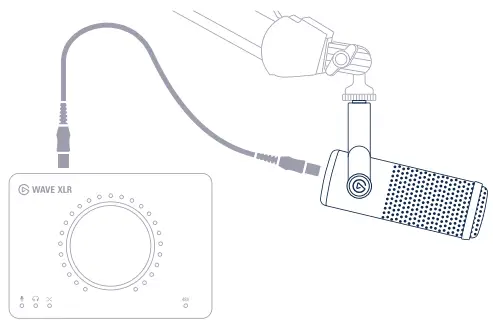
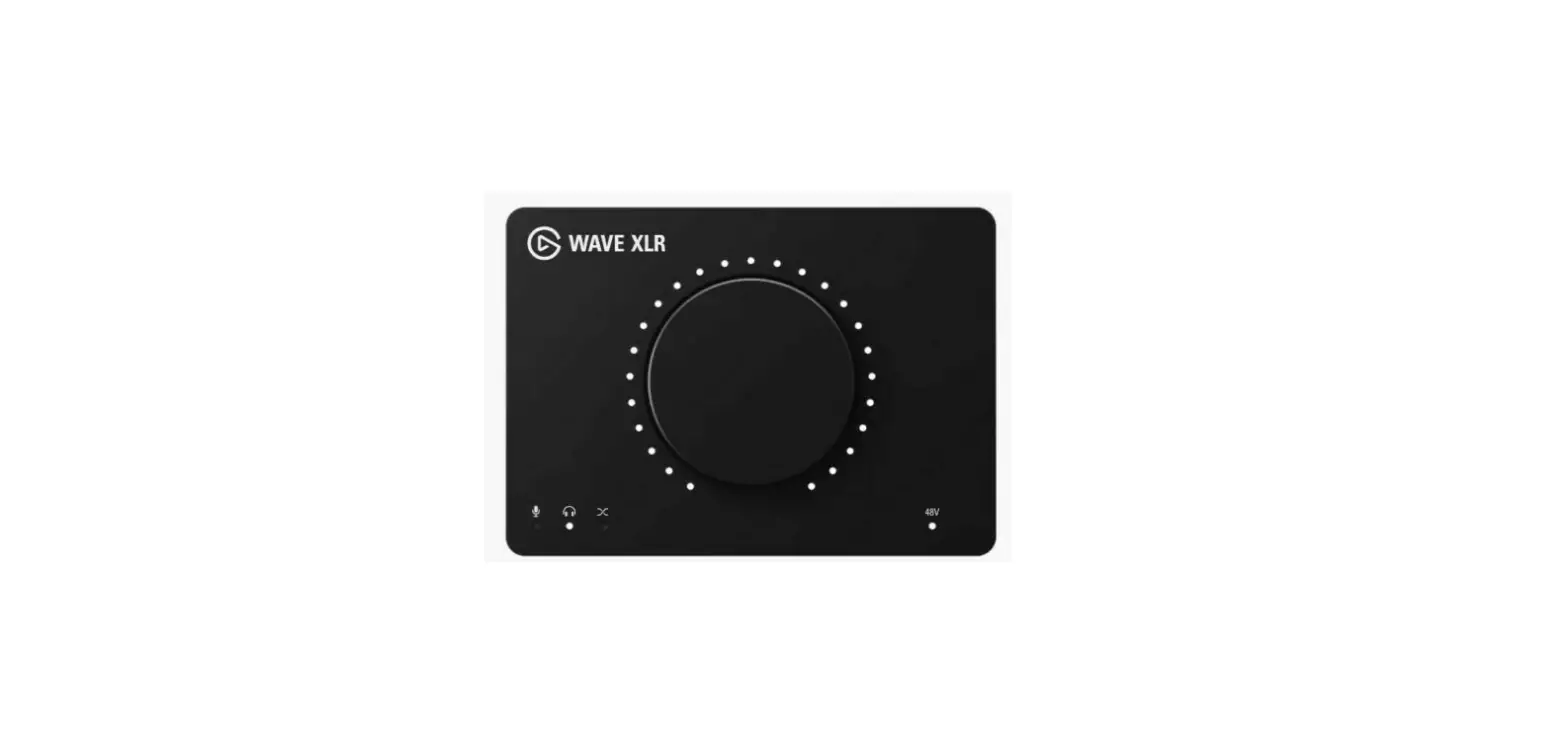
Use a shielded microphone cable with 3-pin XLR connectors to connect Wave DX to a preamp or audio interface such as Wave XLR.
Do not use 48V Phantom Power with Wave DX!
Using Wave DX
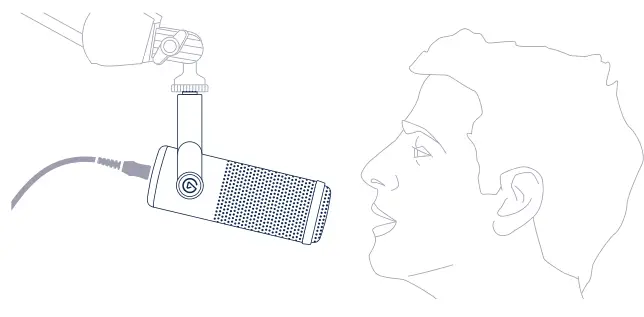
Speak into the end of Wave DX and keep a distance of approximately 8-12 cm I 3-5 in for optimal voice capture.
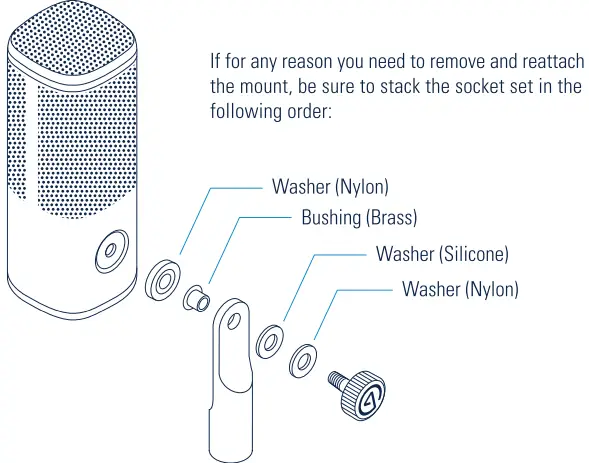
If for any reason you need to remove and reattach the mount, be sure to stack the socket set in the following order
Elgato, a division of:
Corsair Memory Inc., 115 North McCarthy Blvd, Milpitas, CA 95035, USA Corsair Components Limited, 1020 Eskdale Road, Winnersh Triangle, Wokingham, RG41 5TS, UK
Corsair Memory, BV Wormerweg 8, 1311 XB, Almere, Netherlands Copyrignt 20Z0- 2022 Corsair Memory Inc. All ights reserved. Elgato and the tlgato logo are trademarkS of Corsair Memory Inc., registered in the U.S. and other countries. Part: 51MAH9902