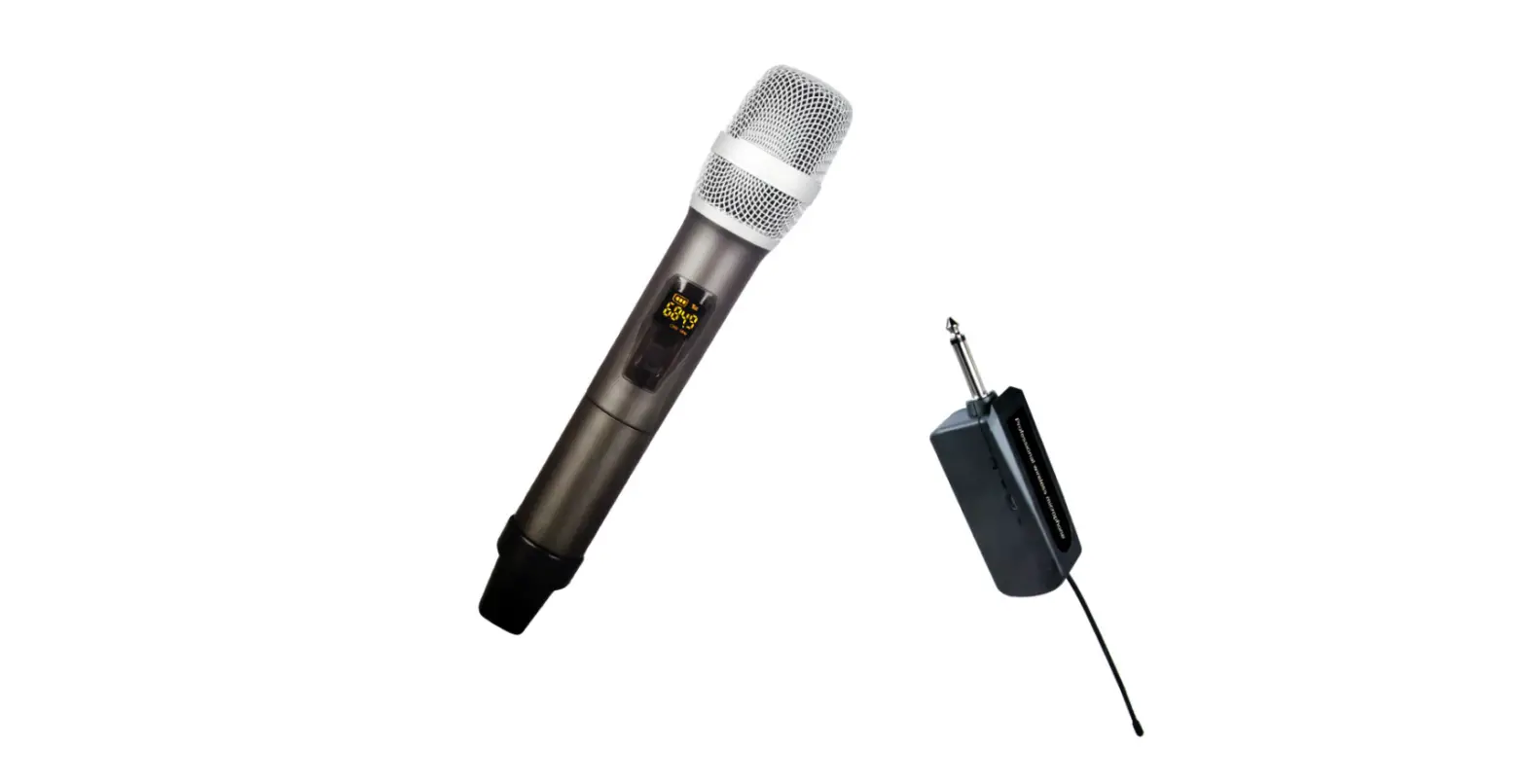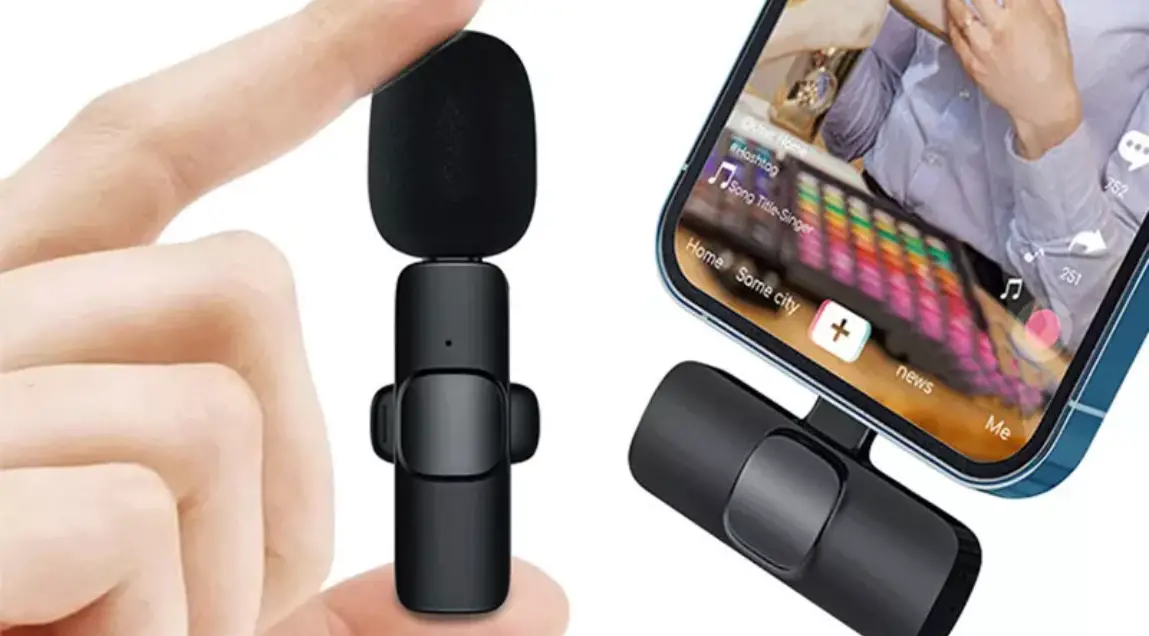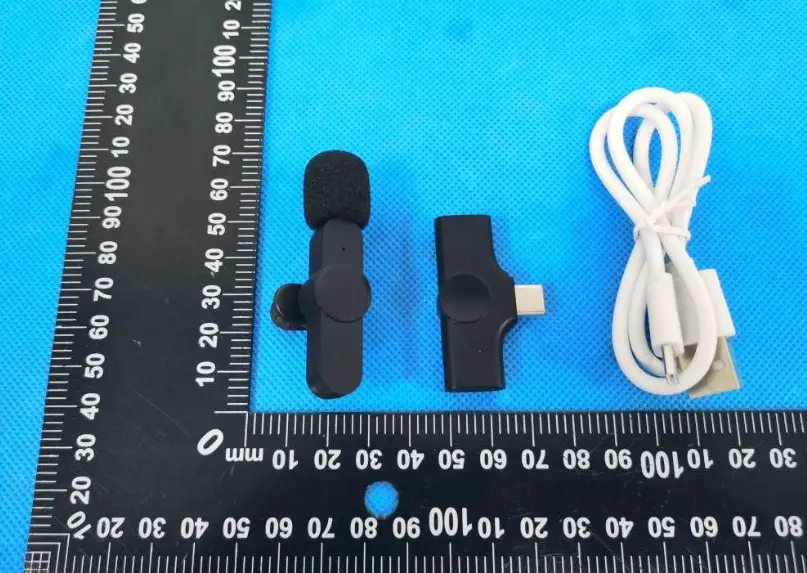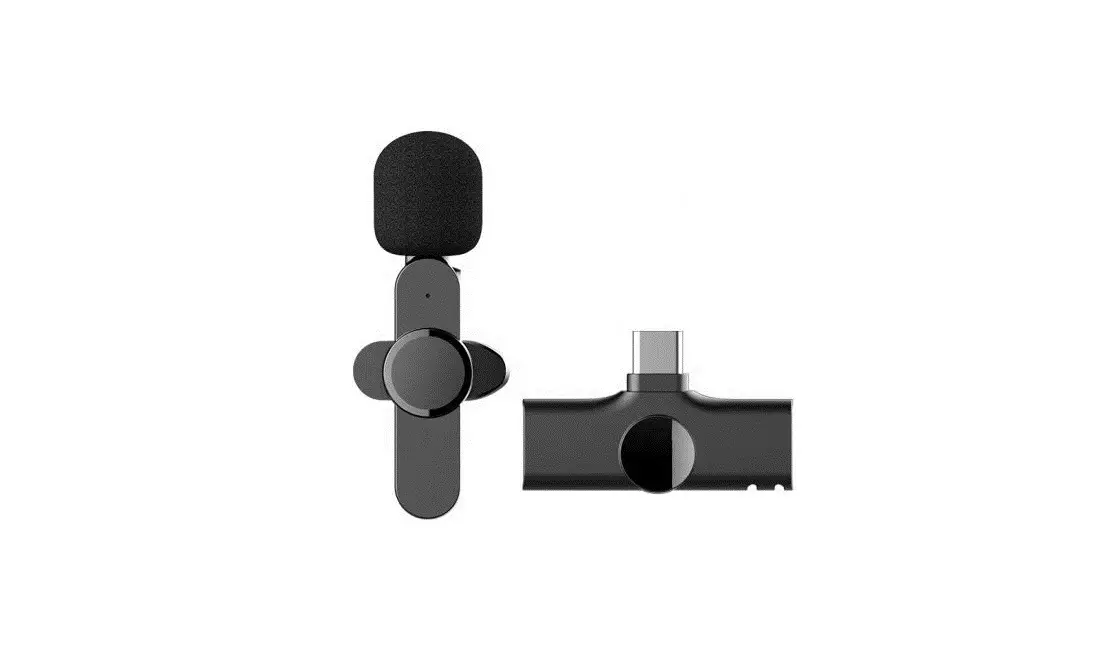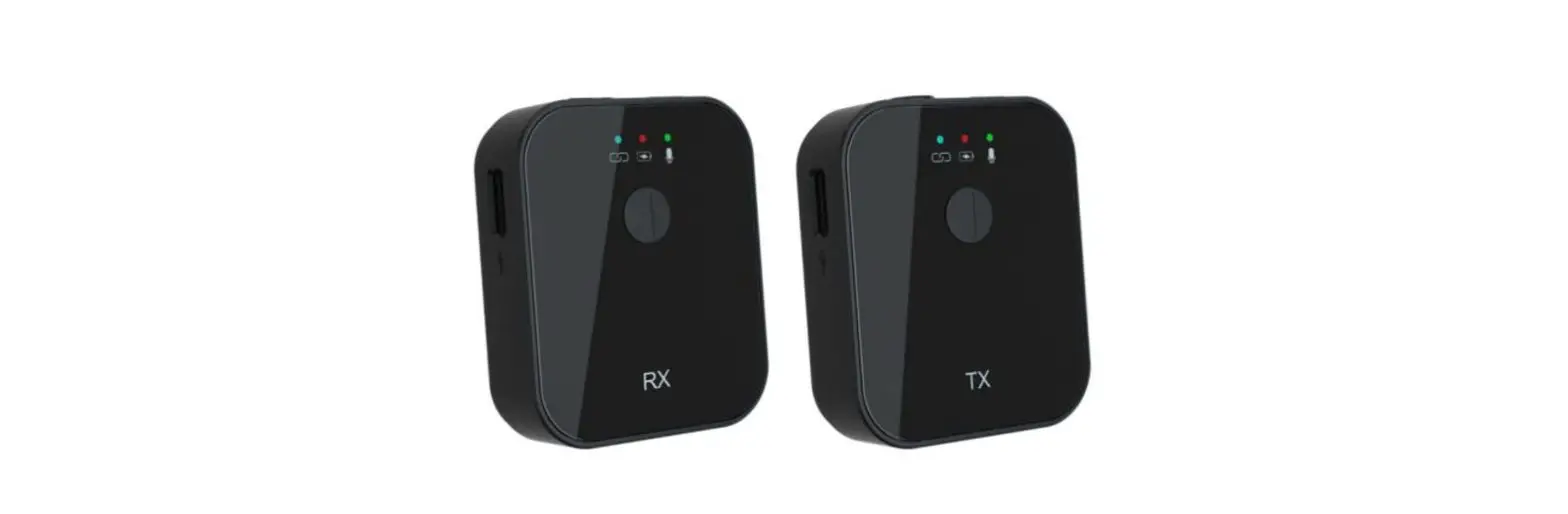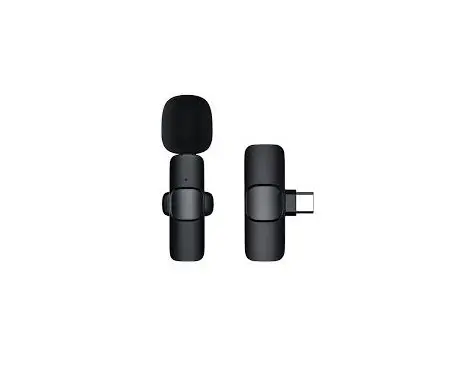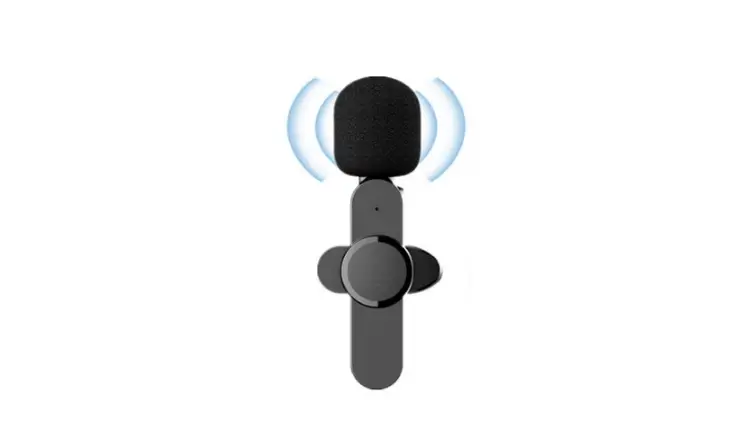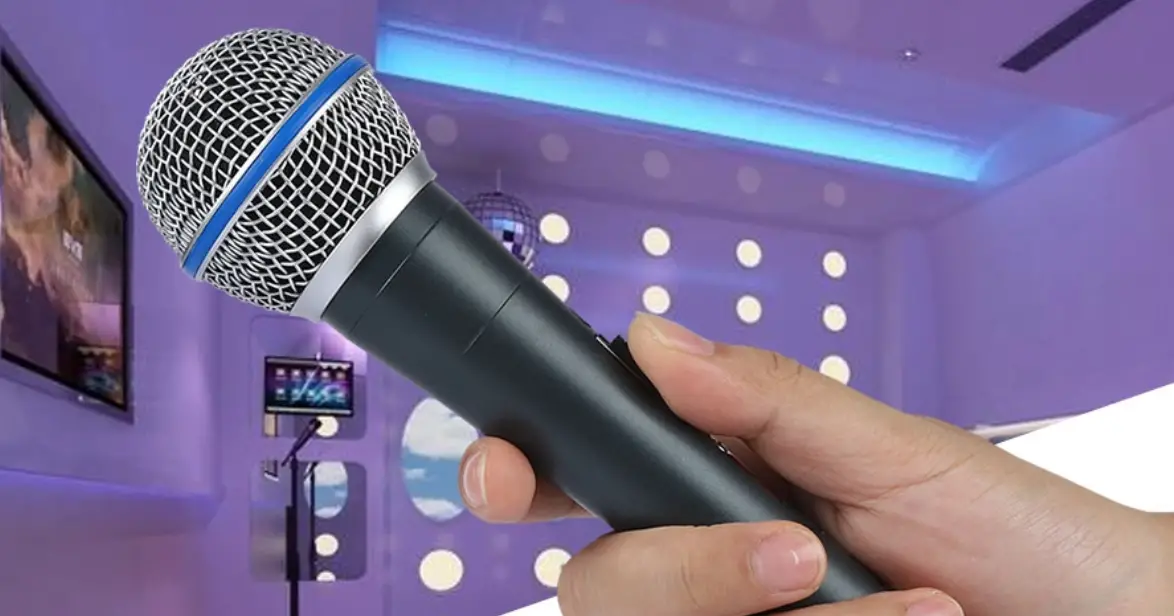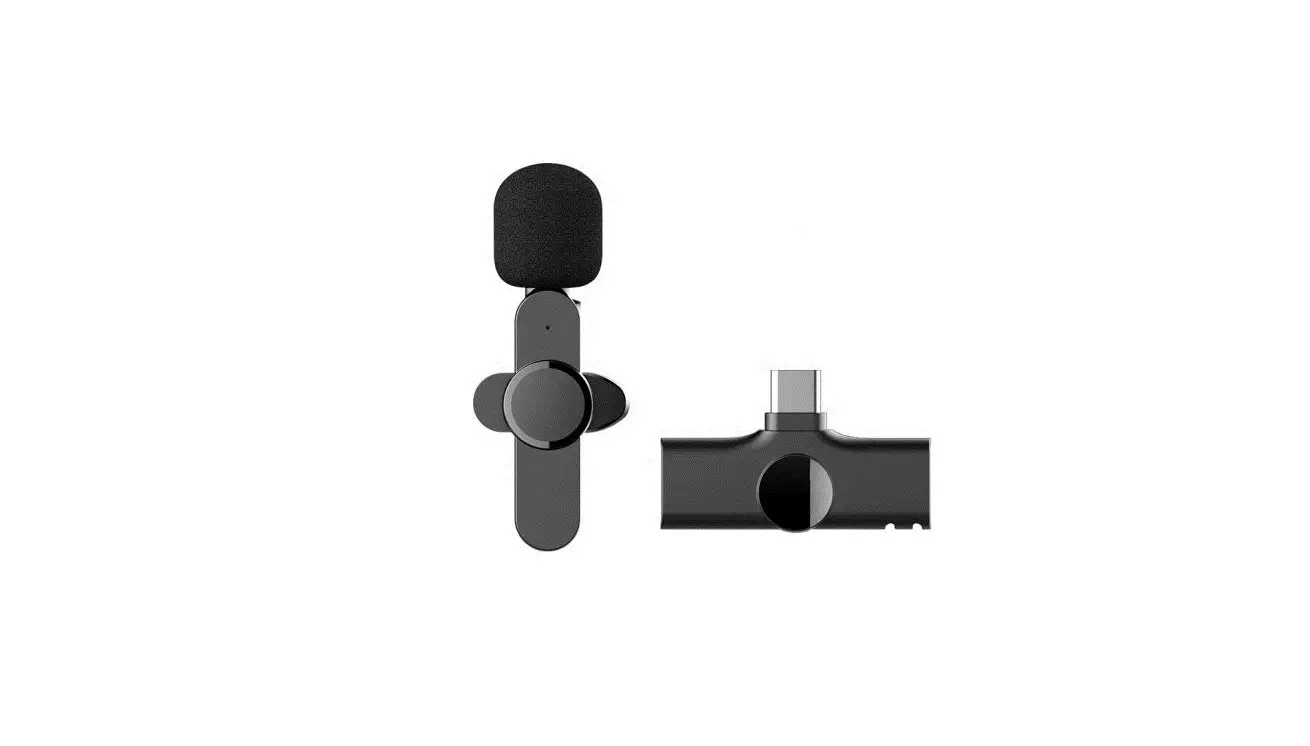

Shen Zhen Dong Hua Xiang Technology DX01 Wireless KTV Microphone
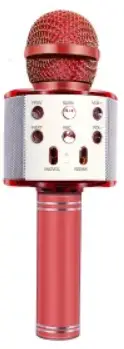
Product Introduction
- The product is a smart wireless microphone that provides professional-grade recording output. Plug and play, no app required.
- The clip-on transmitter has a great sounding built-in mic and it is small and light enough to clip to shirts and clothing.
- It can be used in different circumstances such as Live, Video Recording, Interviewing, online Teaching, KTV and others.
Product Specification
SYSTEM SPECIFICATIONS
- Frequency range:2400~2483.5MHz
- Frequency Response :75Hz ~ 35kHz +/- 3dB
- Signal to noise ratio:-90dB
- Transmission delay:9mS
- The sampling rate:48KHz
- The bit depth:24bit
- Charging input voltage: DC 4.8~5.4V
- Microphone type: built-in polymer battery
- Built-in battery capacity: 100mAh 3.7V
- Working Hour: 4 – 5 hours after fully charged
- Charging Time :About 1 hour (5V/1A)
- CHARGING CASE
- Power Capacity :450mAh
- Charging Time :1hour
Packing List
| Number | Product picture | Text explanation |
|
1 | 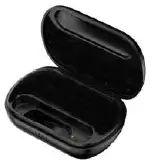 |
Charging box |
| 2 | Power button
Charging port/ Monitor earphone port | Microphone transmitter |
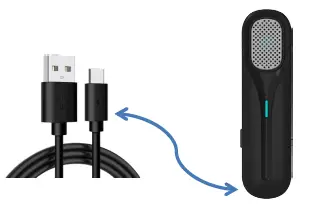
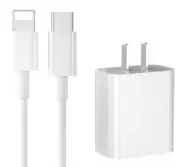
| 3 | 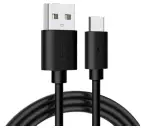 | TYPE-C charging cable |
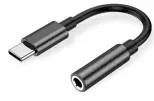
| 4 |
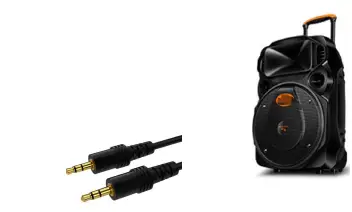
| TYPE-C audio conversion line or Lighting audio conversion line |
How touse
Step1: Preparation before the first use, Charge the charging box
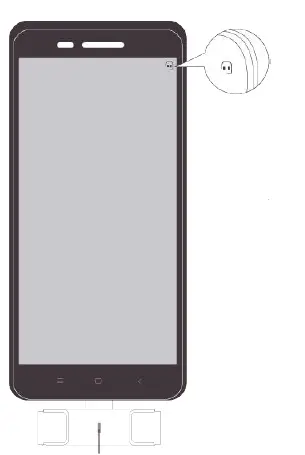
Small icon display on the phone
- Press the powerkey
- .then blue light flashes
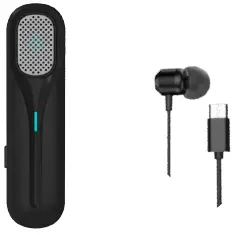
PlugAnalog earphone to monitor at this Port
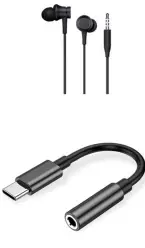
During live broadcasting, charge the mobile phone quickly at the same time
Note:
As shown in the figure above, this product has the monitor function,if the does not need to monitor, it can plug in the charging cable to quickly charge the mobile phone at the same time This product has three selection of scene mode. Please select different scene mode according to the actual situation and your need.
Operation
In the connection state, short press the power buttonofthe transmitter The indicator flashes once in red and then turns blue —the Original mode .the sound quality of the recording is the best when used in a quiet environment The indicator flashes twice in red and then turns blue—the Noise reduction mode.It will reduce the noise when used in a noisy environment The indicator flashes three times in red and then turns blue—the KTV mode When you need to sing(The effect is better when the microphone is within 5cm from the mouth)
UIFunctions
Microphone Transmitter
| Function | Operation | Light |
| Poweron | Long press the power button for 3s to turn on | Blue light flashes slowly |
| Pairing | Automatically search for pairing once starting up | Blue light flashes |
| Paired | Auto pairing | Red light on |
| Poweroff | Long press the power button for 3s or Automatic turn off after 1 min without connection | / |
| Three selection of scene mode | Short press the switch when connected | The flashes times of the Red light reprise different scene mode, then turn blue |
|
Clear the pa iring and Re set | Turn on the Transmitter, then press the power button twice quickly, then Press power button for 3-5s immediately, don’t release until the light turns from purple to blue. | Blue light flashes slowly, then Blue turns purple; then purple turns blue |
| Lowbattery alarm | Battery is below 20% | Red light on |
Charging box
| FunctionFunction | Operation | Light |
| Charging box with type-C | Plug the TYPE-C Charging cable | The blue light flashes, and the four running lights represent 25 / 50 / 75 / 100 power |
| The charging box is fully charged | / | All four blue lights are on |
| The charging box charges the microphone | Put the microphoneinto the charging BOX | the blue light in the charging BOX is always on, and the red light of the microphone is always on |
| The microphone is fully charged | / | the blue light in the charging BOX is off, and the red light of the microphone is off. |
TroubleShooting
If the problem still cannot be solved, Please contact customer service
| NO. | Common issues | Possible Cause | Solutions |
|
1 |
The signal cuts in andout |
other devices are working at the same frequency |
If you have more than one microphones or some other devices, please make sure other sets are powered off to avoid interferences. Or try to pair again. |
|
2 | The lapel mic has to be very close to mouth in order to pick up myvoice | KTV reverberation mode may be enabled |
Suggested to close to mouth and point the lapel mic to your mouth. |
|
3 | There is always harsh sound or loopback. | Don’t be too close to the audio device. harshsound orloopback. | |
|
4 | Can I use two sets together? Is there any interference with eachother? | Yes. But please stagger the pairing time of the two sets of mic. Otherwise it will interfere with each other and need to reset and pair again | |
|
5 |
The Transmitter/ Charging box can’t charge |
May have triggered the battery protection mechanism. Need to activate battery. |
First, it must be charged for 10 minutes, then unplug and then plugged in for another ten minutes, please repeat several times until it returnsto normallycharging. |
|
6 |
The charging Case has power, but the microphonecannot becharged. | Displacement of charging electric shock/greasy stainor Oxidation on the charging contactspots. |
Make sure that align the charging contacts on the Transmitter with the charging pins on the case, Please wipe/friction the charging contacts pots. |
How toCare
- READ/KEEP/FOLLOW these instructions
- Use and store the system only in room temperature environments.
- Do not attempt to modify this product. Doing so could result in product failure.
Product Warranty Certificate
We hereby guarantee and warrant function and finishing of all products under normal installation and usage for a period of (one) year from the date ofpurchase. We will replace any defective product at no additional charge to the product owner. To file a warranty claim, please take photographs showing the damage to your product from various angles, for us to conduct a proper assessment of your warranty claim. Please write a brief description explaining how the damage occurred to the product, along with your order ID. Then, to send a claim via email contact us Please write your claim summary in the body of the email and attach digital photographs and a scanned image of your dated sales receipt.
FCC Caution:
Any Changes or modifications not expressly approved by the party responsible for compliance could void the user’s authority to operate the equipment. This device complies with part 15 of the FCC Rules. Operation is subject to the following two conditions: (1) This device may not cause harmful interference, and (2) this device must accept any interference received, including interference that may cause undesired operation.
FCC Radiation Exposure Statement:
This equipment complies with FCC radiation exposure limits set forth for an uncontrolled environment. Please READ and KEEP these instructions. If you have any problem, please contact us