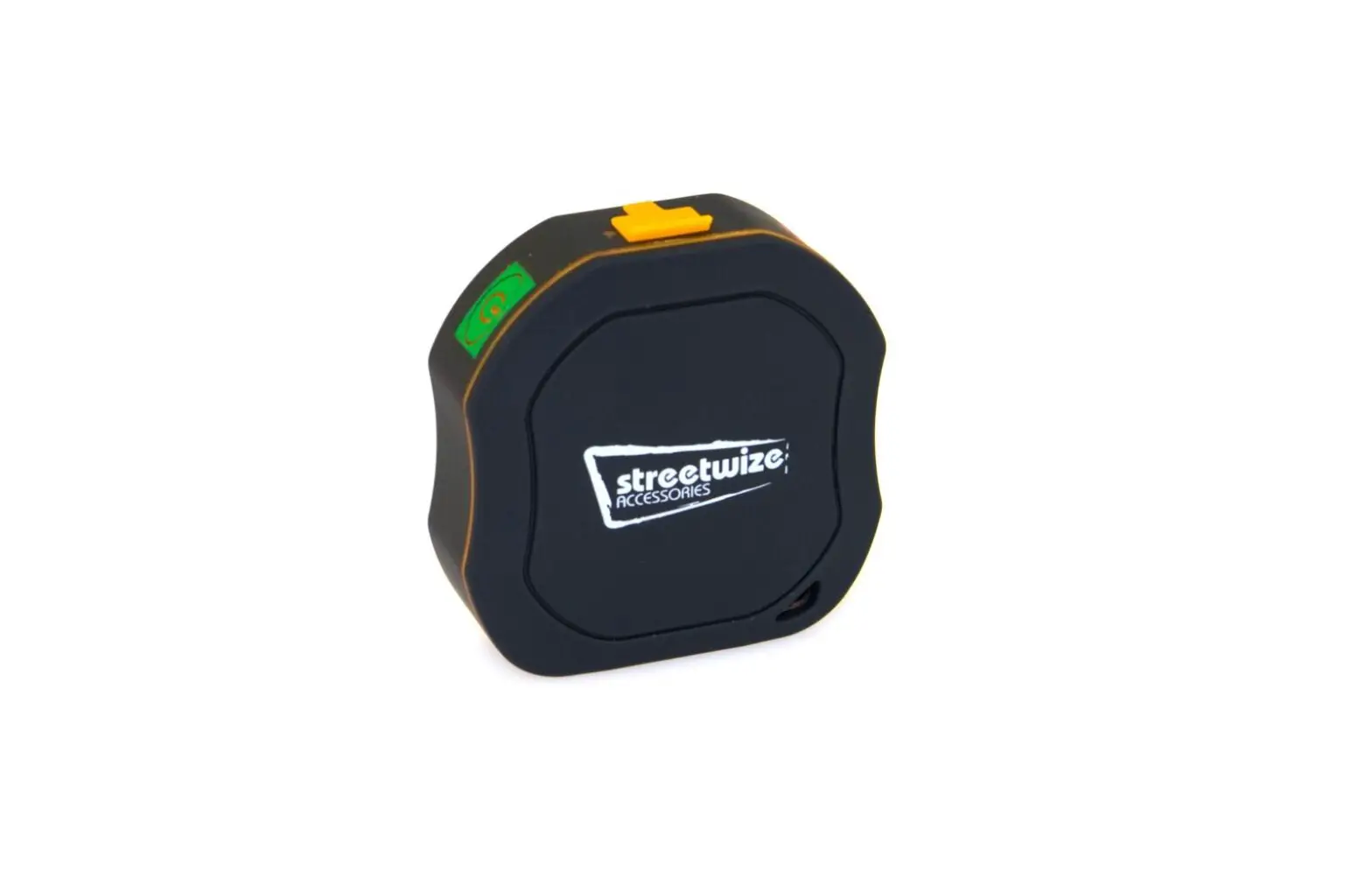
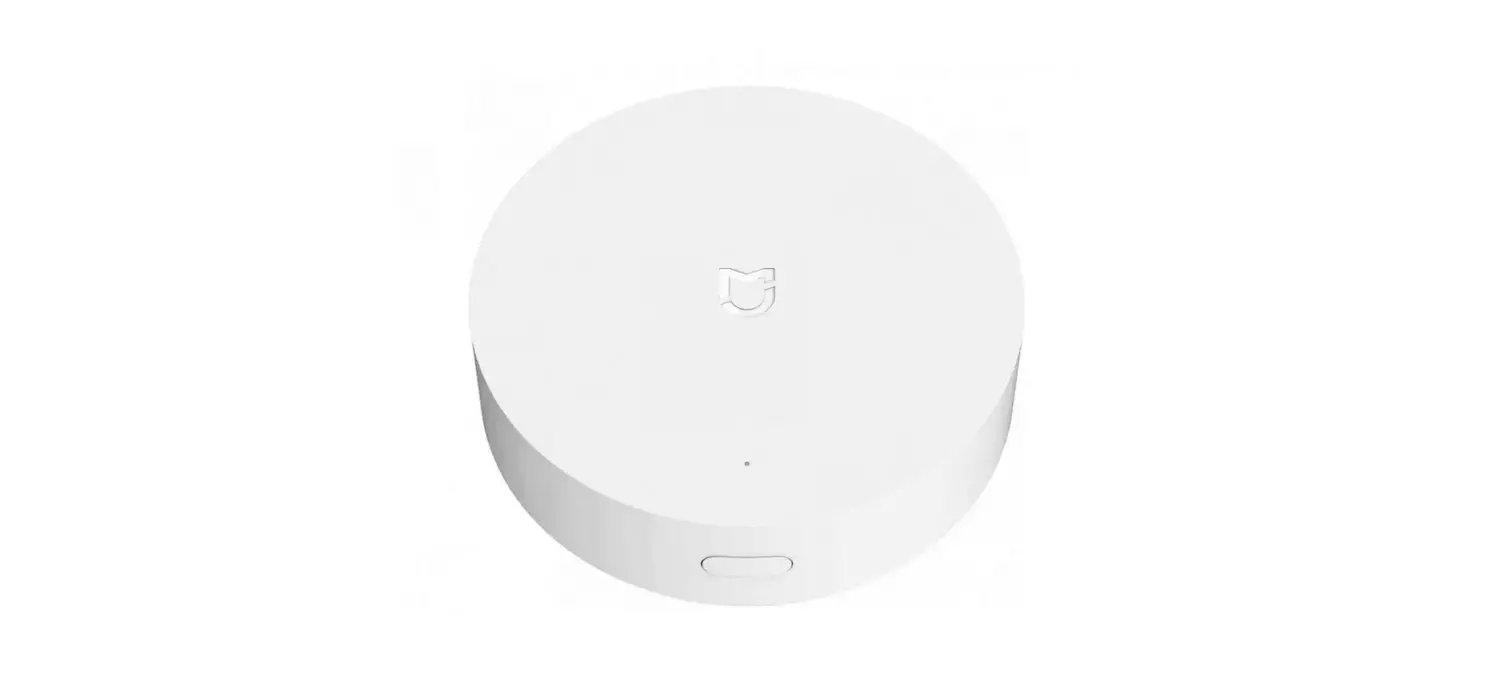
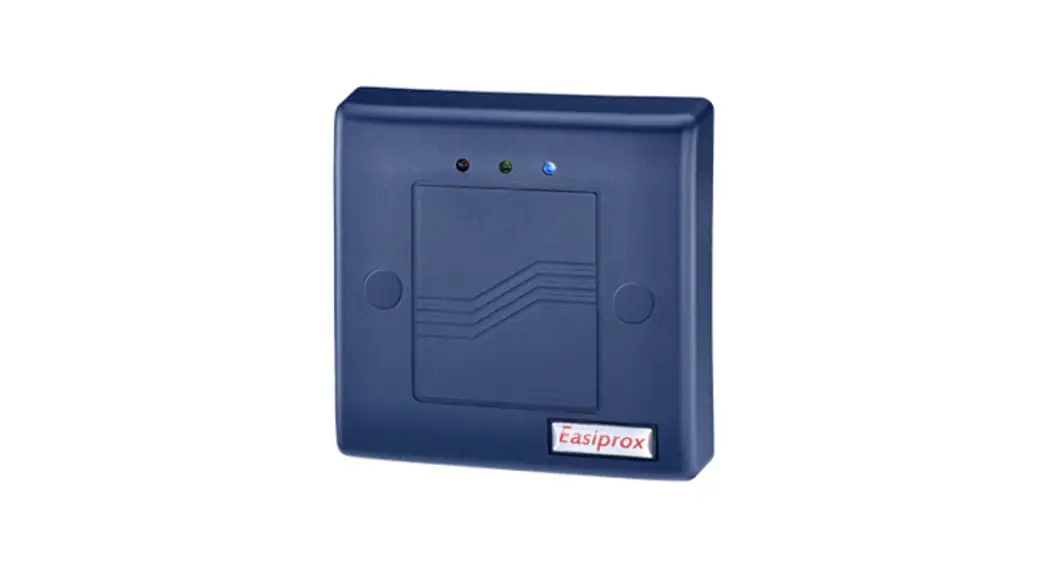
521.0 Location Hub
Product Information
- Manufacturer: SwipeSense, Inc.
- Model: Location Hub Model 521.0
- Address: 4424 N Ravenswood Ave. Chicago, IL. 60640
- Contact: (847) 440-6215
Safety and Regulatory Information
This device complies with part 15 of the FCC Rules. It must not
cause harmful interference and must accept any interference
received. Any changes or modifications not approved by the
responsible party may void the user’s authority to operate the
equipment. The device should not be co-located with other
transmitters.
The device complies with FCC RF Exposure requirements and should
be installed and operated with a minimum distance of 20cm between
the radiator and any part of the human body.
Warnings
- This device is for indoor use only.
- Installation should be performed by trained SwipeSense
personnel. - Do not open the device as there are no user serviceable parts
inside and it is powered at all times. - Do not use if the case is cracked or worn.
Caution
Any changes or modifications not approved by the responsible
party may void the user’s authority to operate the equipment.
Product Usage Instructions
System Description
The SwipeSense System combines point-of-care hand hygiene with
real-time usage data to improve compliance with infection control
procedures. The system includes the following components:
- Badges worn by employees
- Asset tags attached to tracked assets
- Hygiene sensors mounted to hygiene dispensers to track hand
sanitation frequency - Entry sensors installed in door thresholds to provide real-time
feedback - Location hubs to monitor employee presence in patient rooms and
asset locations - Communication hub to collect and transmit data to the
cloud
Once the data is uploaded to the cloud, it can be accessed by
administrators.
Product Description
The Location Hub Model 521.0 is a wall-mounted device placed
inside patient and non-patient areas. It measures the signal
strength of nearby badges and transmits the information to the
communication hub for processing. It also acts as a powered relay
node for Hygiene and Entry Sensors installed beyond the range of
the communication hub alone.
For a visual reference, please refer to Figure 1 in the user
manual.
SwipeSense, Inc. 4424 N Ravenswood Ave. Chicago, IL. 60640 (847) 440-6215
Location Hub User Manual
Location Hub Model: 521.0
Page 1 of 5 June 2023
SwipeSense, Inc. 4424 N Ravenswood Ave. Chicago, IL. 60640 (847) 440-6215
Safety and Regulatory Information
This device complies with part 15 of the FCC Rules. Operation is subject to the following two conditions.
(1) this device may not cause harmful interference, and (2) this device must accept any interference received, including interference that may cause undesired operation.
Warning: Changes or modifications not expressly approved by the party responsible for compliance could void the user’s authority to operate the equipment
This equipment has been tested and found to comply with the limits for a Class B digital device, pursuant to part 15 of the FCC Rules. These limits are designed to provide reasonable protection against harmful interference in a residential installation. This equipment generates, uses and can radiate radio frequency energy and, if not installed and used in accordance with the instructions, may cause harmful interference to radio communications. However, there is no guarantee that interference will not occur in a particular installation. If this equipment does cause harmful interference to radio or television reception, which can be determined by turning the equipment off and on, the user is encouraged to try to correct the interference by one or more of the following measures:
Reorient or relocate the receiving antenna. Increase the separation between the equipment and receiver. Connect the equipment into an outlet on a circuit different from that to which the receiver is
connected. Consult the dealer or an experienced radio/ TV technician for help.
This device must not be co-located with other transmitters.
RF Exposure:
This equipment complies with FCC RF Exposure requirements and should be installed and operated with a minimum distance of 20cm between the radiator and any part of the human body.
Warnings
This Device is for indoor use only. This Device is only to be installed by trained SwipeSense personnel. Do not open the Device as there are no user serviceable parts inside
and this product is powered at all times. Do not use if the case is cracked or worn.
Caution
Changes or modifications not expressly approved by the party responsible for compliance could void the user’s authority to operate the equipment.
Location Hub Model: 521.0
Page 2 of 5 June 2023
SwipeSense, Inc. 4424 N Ravenswood Ave. Chicago, IL. 60640 (847) 440-6215
System Description
The SwipeSense System combines point-of-care hand hygiene with real-time usage data to eliminate dependency on manual observations and increase compliance with infection control procedures.
Our fully integrated system seamlessly provides real-time hand hygiene data from across the enterprise with exceptional clarity. The SwipeSense System creates a “mesh network” that provides flexibility for compiling and communicating hygiene practices of employees within your facility. The mesh network is comprised of:
Badges worn on individual employees Asset tags attached to assets that should be tracked Hygiene sensors mounted to hygiene dispensers tracks employee hand sanitation frequency Entry sensors installed in door thresholds to provide real time feedback Location hubs monitor employee presence in patient rooms and asset locations Communication hub located on each unit collects the data generated within the network and
transmits to the cloud.
Once the data is uploaded to the cloud, it is accessible to all administrators.
Location Hub Model: 521.0
Page 3 of 5 June 2023
SwipeSense, Inc. 4424 N Ravenswood Ave. Chicago, IL. 60640 (847) 440-6215
Product Description
This is a wall-mounted device that is placed inside each of the patient areas and non-patient areas. This device measures signal strength of badges located near it and transmits the information to the communication hub for processing. It also functions as a powered relay node for Hygiene and Entry Sensors installed beyond the range of the communication hub alone. A picture of an installed Location Hub is provided in Figure 1.
Figure 1: Installed Location Hub
Installation Procedure
Proper usage of the Location Hub is dependent upon proper placement within the designated room. This is identified by choosing a location within the room that a healthcare provider will be facing when interacting with the patient.
1. If the Location Hub is not pre-assigned: a. Identify the best outlet/power supply by following the “Location Optimization” guide below. b. Record the serial number and add the Location Hub to the Unit Device Map, ensuring placement on the map reflects the chosen outlet location.
2. Use the pre-applied mounting tape and bracket to ensure solid connectivity to the power outlet. 3. Make sure the Location Hub is aligned correctly, so that the blue LED light is pointed towards
the ceiling.
NOTE: Install either in the top outlet for two outlet fixtures or the top left outlet for four outlet fixtures.
4. The blue light will slowly blink once it is communicating with the communication hub.
Location Hub Model: 521.0
Page 4 of 5 June 2023
SwipeSense, Inc. 4424 N Ravenswood Ave. Chicago, IL. 60640 (847) 440-6215
Location Optimization
If a comprehensive assessment has not been completed, identify the outlet/power supply as needed. Refer to Figure 2, for a diagram identifying the best options, which are the ones closest to the patient. Choose locations:
with a clear line of sight of the patient, that the healthcare provider is likely to face while interacting with the patient, avoid obstructions like medical or patient equipment and belongings, and that are not in the corners which will reduce the monitoring field of the Location Hub.
Figure 2: Patient Room
Location Hub Model: 521.0
Page 5 of 5 June 2023