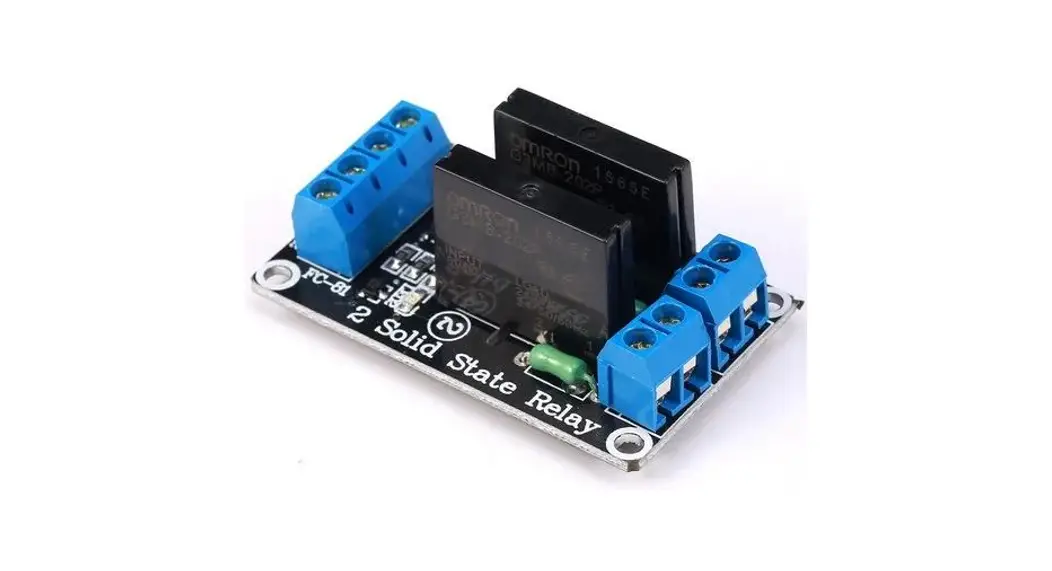
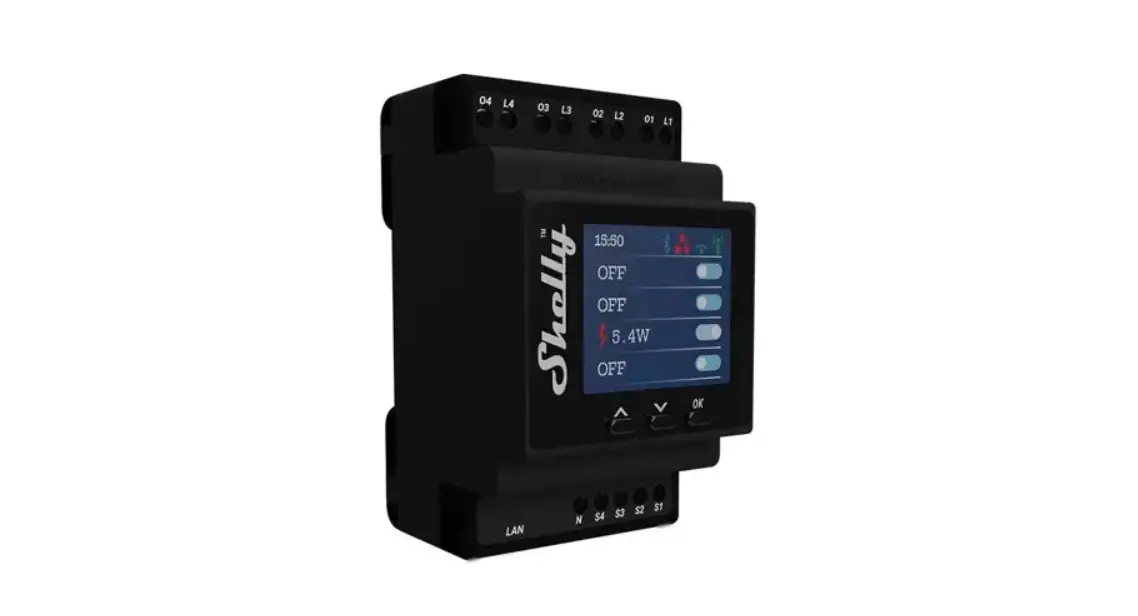
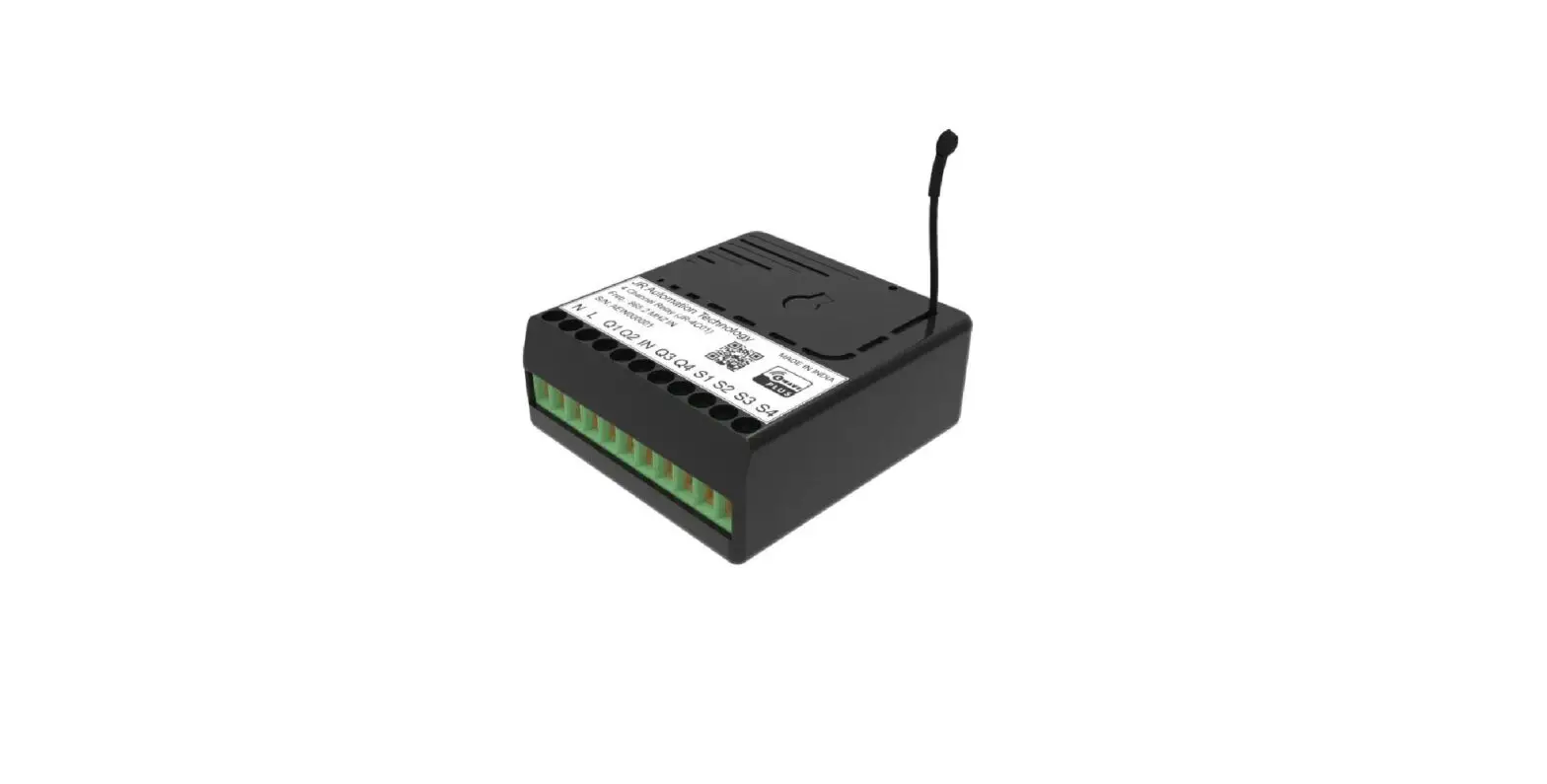
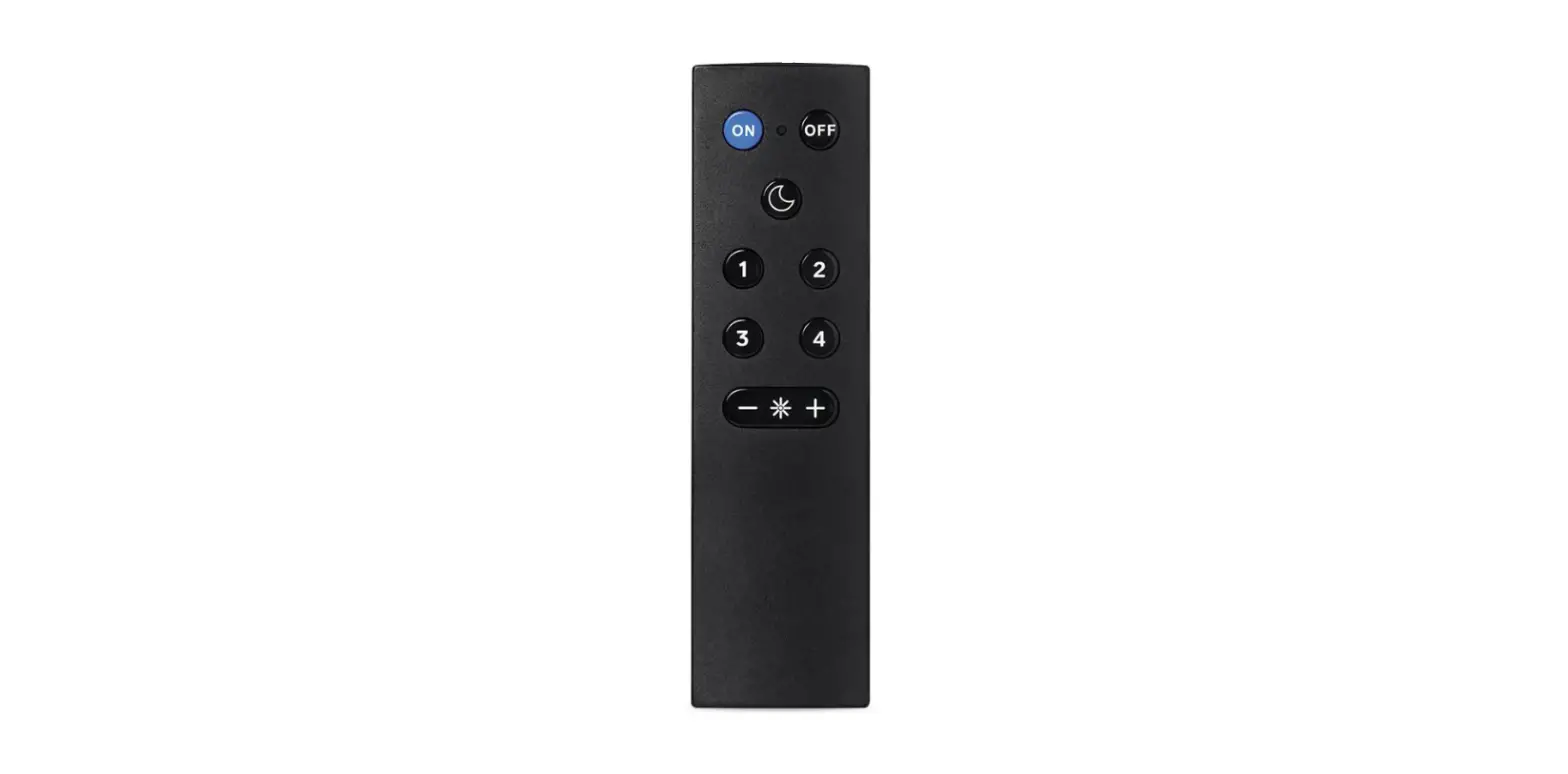
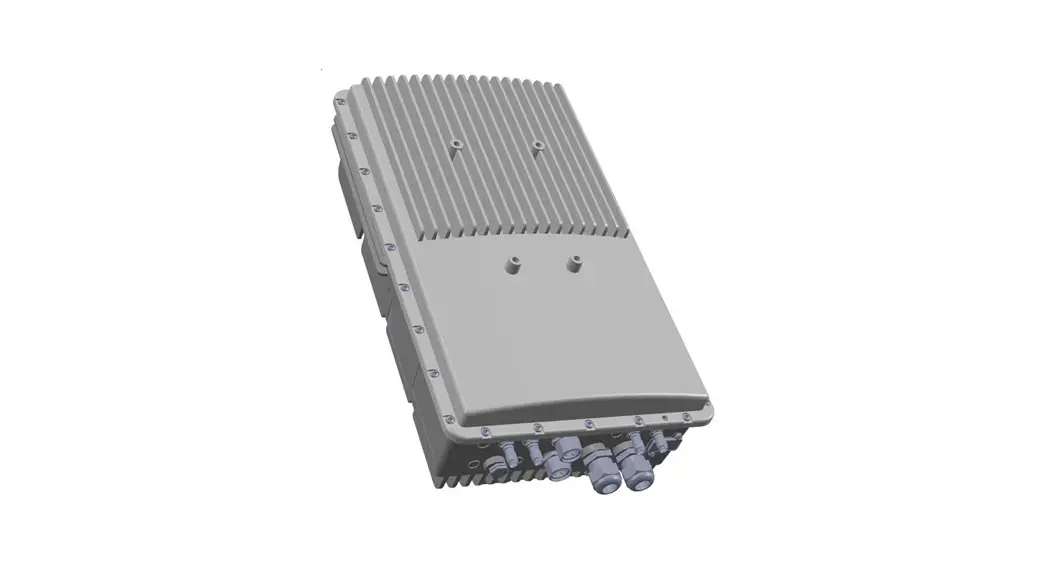
4 Channel WIFI Wireless Remote Control Relay Module
Product Information:
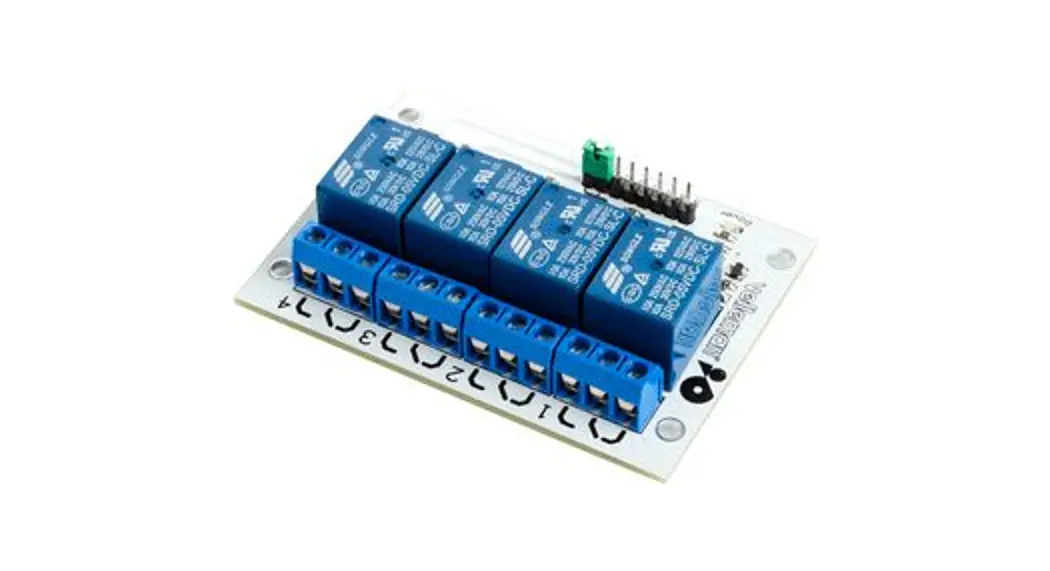
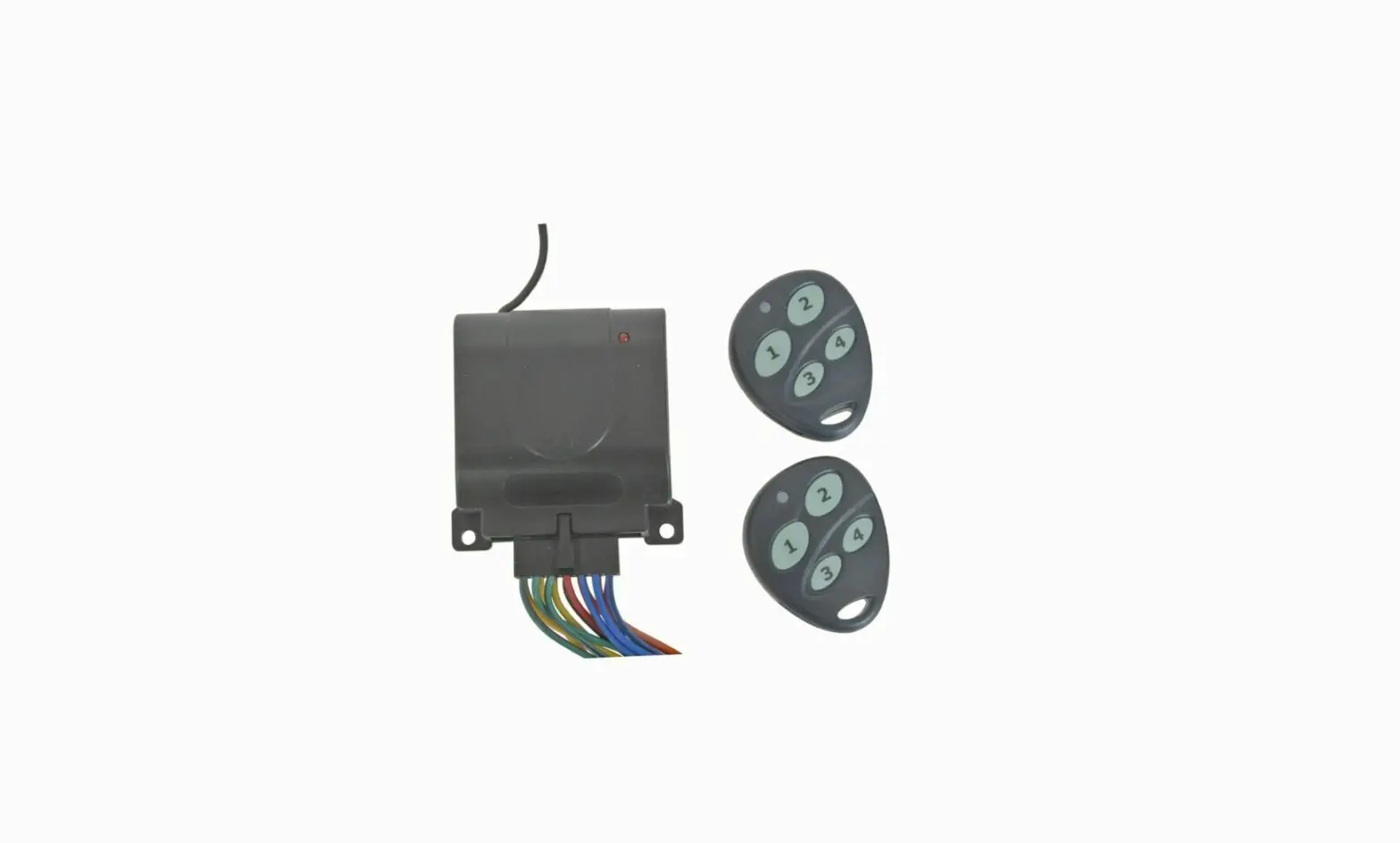
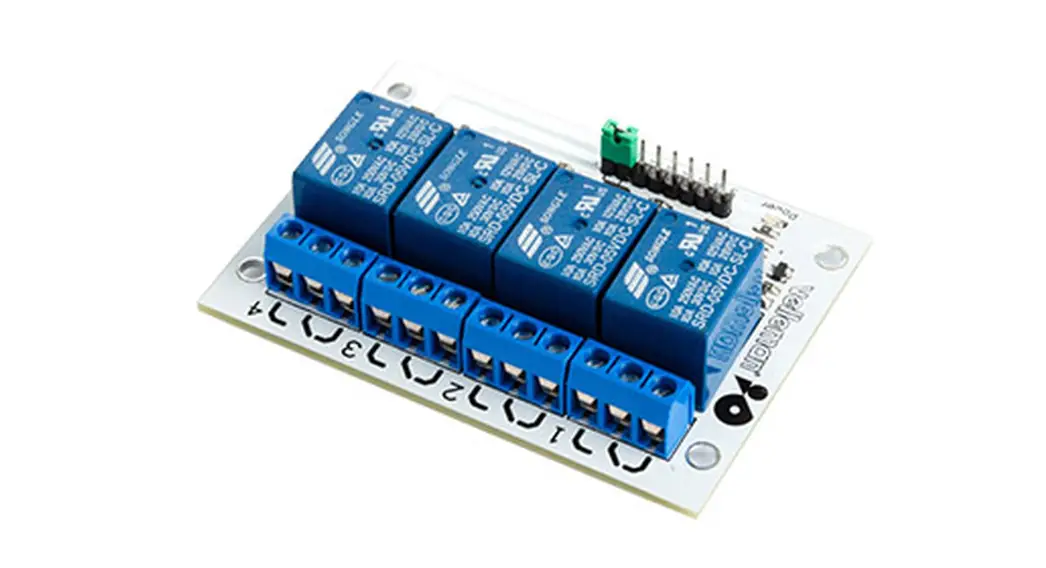
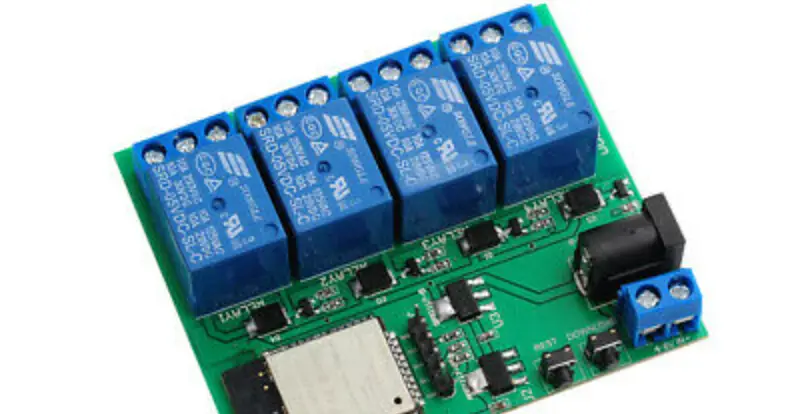
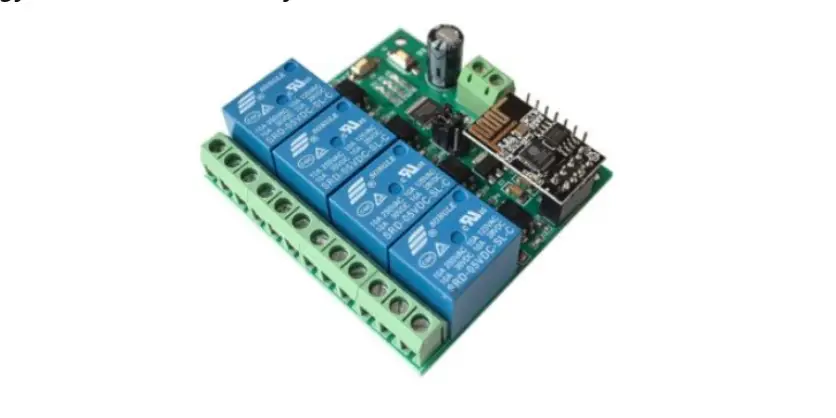
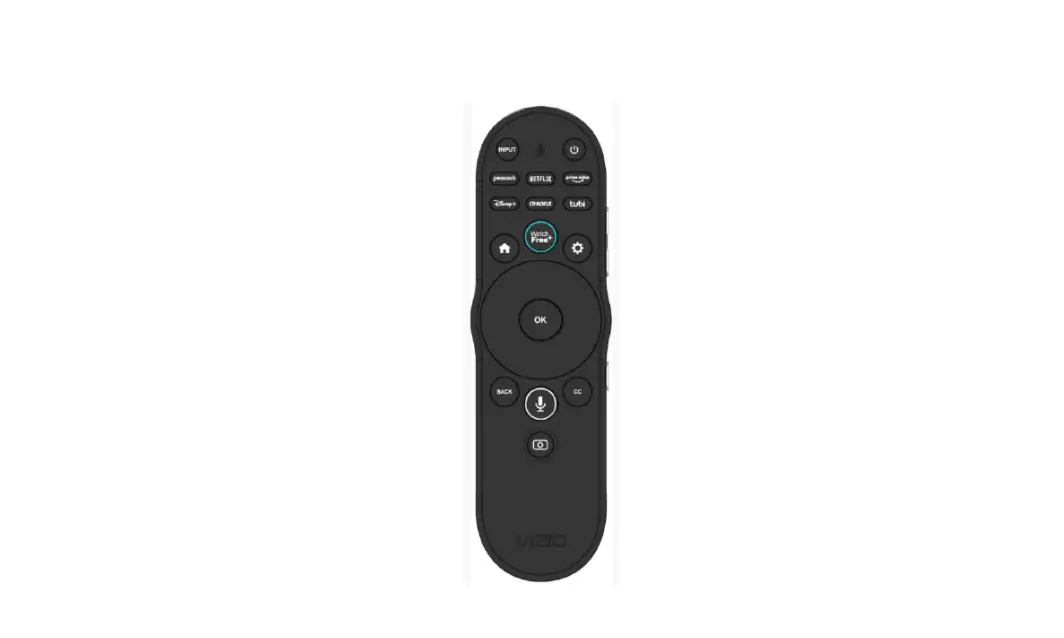
The Mobile Phone 4 Channel WIFI Wireless Remote Control Relay
Module is a device that allows you to remotely control up to four
relays using a mobile phone or remote control. It supports three
different modes of operation: Jog, Self-locking, and Interlock. The
module can be connected to various electrical devices and provides
convenient wireless control.
Product Usage Instructions:
Jog Mode:
In Jog mode, the first relay is closed for a short duration when
triggered by the mobile phone or remote control. The other three
relays are analogized to the first relay, meaning they will also be
closed for the same duration.
Self-locking Mode:
In Self-locking mode, pressing the first relay button on the
mobile phone or remote control will close the relay. Tapping the
second, third, or fourth relay button will disconnect the
respective relay.
Interlock Mode:
In Interlock mode, clicking any one relay button on the mobile
phone or remote control will disconnect the other three channels.
Only one relay can be opened at a time in the four-channel
module.
Using Tips:
Common problems and solutions:
- Problem: After successful addition, the device
display is not online, and the switch cannot be controlled.Solution: First, turn off the WLAN function of
the mobile phone. Wait for a while and restart the device. If the
device is too far away from the router or has a weak Wi-Fi signal,
move it closer to the router and try adding it again. - Problem: The device cannot be added
successfully.Solution: Make sure you have attempted multiple
times to add the device. If it still doesn’t work, try turning off
the WLAN function of the mobile phone, wait for a while, and
restart the device. Also, ensure that the device is within range of
the Wi-Fi signal. - Problem: Can the Chinese WIFI name use Chinese
characters?Solution: It is recommended to use a WIFI name
consisting of letters and numbers. Although Chinese characters can
be used, they may cause issues when adding or failing after
successful device addition. - Problem: How far can the equipment be
controlled?Solution: As long as the device can connect to
the Wi-Fi signal and you have a mobile phone with a 4G/WIFI
network, you can control the equipment from anywhere. - Problem: What happens if the network suddenly
goes offline during use?Solution: The equipment will continue to work
even if the network goes offline. For example, if the controlled
device is a luminaire and it loses network connectivity, the
equipment will still function properly and ensure normal
lighting.
Mobile Phone 4 Channel WIFI Wireless Remote Control Relay Module
User Manual
Connections:
Usage:
Jog: The first line is opened by the mobile phone or remote control, the relay is closed for about .second, and the 2.3.4 way is analogized 1
Self-locking: press the first way to open the mobile phone or remote control, the relay is closed, and the relay is disconnected at the tap. 2.3.4, and so on.
Interlock: Click any 1 way on the mobile phone or remote control, the other 3 channels are in the disconnected state, that is to say, only one relay can be opened in 4 channels.
After the configuration is completed, if the mobile phone display is offline, please wait patiently for 2 minutes. If the problem persists after 2 minutes, please disconnect the power and reconnect the power. Wait a moment, if not, please delete the device and add again. When re-pairing, please check your WIFI account and password carefully. Is there any Chinese name and special symbol, if yes, please re-edit the router WIFI name, also check the router. Is it prohibited to move or unfamiliar MAC address, if any, please modify the router, please use the host router as much as possible, some extension routers can’t match it, the router frequency needs to be 2.4G, 5G is currently not available, and there is no router to set the interception.
Using tips:
1. This switch module needs to be connected to the router WIFI, some people will ask: If some bad environment cannot do online, the following teaches you a method: use the mobile phone to share the hotspot WIFI or 4G to WIFI wireless routing (instead of Wi-Fi role), still Can be paired and remotely controlled. 2. There is no router single mobile phone control method: 1. Use your own mobile phone 4G to share a hotspot (requires hotspot with password) 2. Configure with another mobile phone, and share it with your own mobile phone after successful configuration.
Common problems and solutions
1. After the addition is successful, the device display is not online, can’t control the switch?
A: After the device is added successfully, it takes one or two minutes to connect to your device and connect to the network. If it is not online for a long time, it can be judged according to the status of the LED indicator. The LED flashes for 2 seconds, indicating that the device has not been successfully connected. It may be that the WIFI password is incorrect, or the device is too far from the device, and the signal may be too weak. Please bring the device closer to the device. If you still can’t power off the device, then add it again, and the device can’t recognize the 5G signal, please use the 2.4G device signal to confirm whether your router has used MAC address filtering in the background.
2. The device cannot be added. Has it been added successfully without multiple attempts?
A: Please turn off the wlan function of the mobile phone first. After a while, it is better to restart the device at the same time. It may also be that the device is too far away from the device, and the wifi signal is too weak. Please take the product away from the device. Go a little more and try adding
3. Can the Chinese WIFI name use Chinese?
A: It is best to use the Chinese WIFI name, because the Chinese WIFI name is prone to add or fail after the device is added successfully. It is recommended to design the WIFI name as letters and numbers. 4. How far is the equipment controlled?
A: As long as the device can connect to the WIFI signal, use the mobile phone 4G/WIFI network. You can control the mobile phone with 4G/WIFI network.
5. If there is no network suddenly during use, will the equipment stop working?
A: It will not stop. For example, if your equipment controls the luminaire, the luminaire suddenly has no network under the illumination state, and the equipment is still working, ensuring normal lighting.