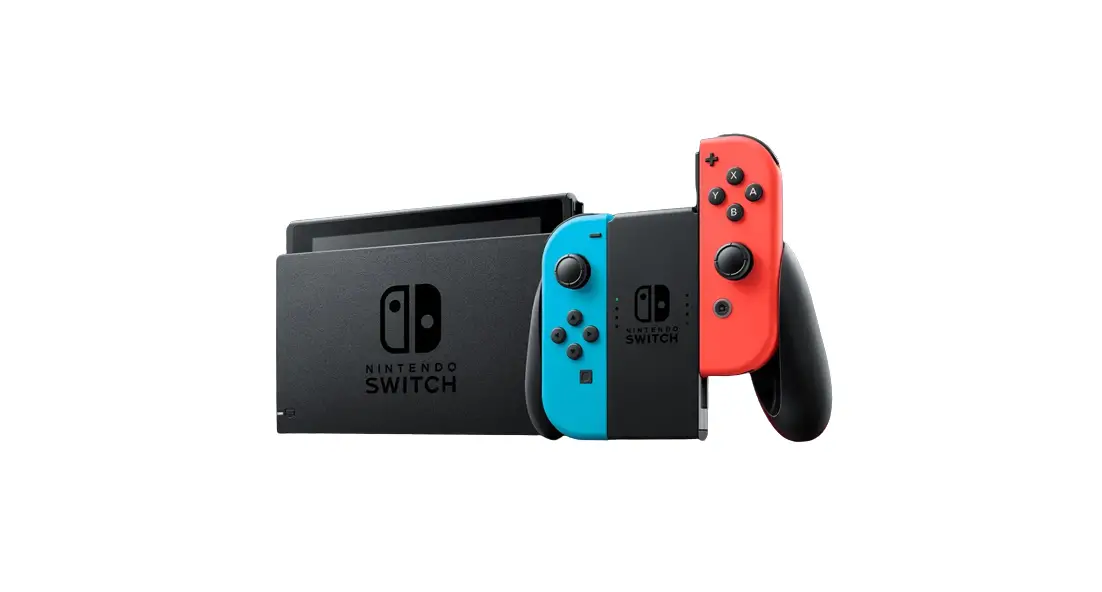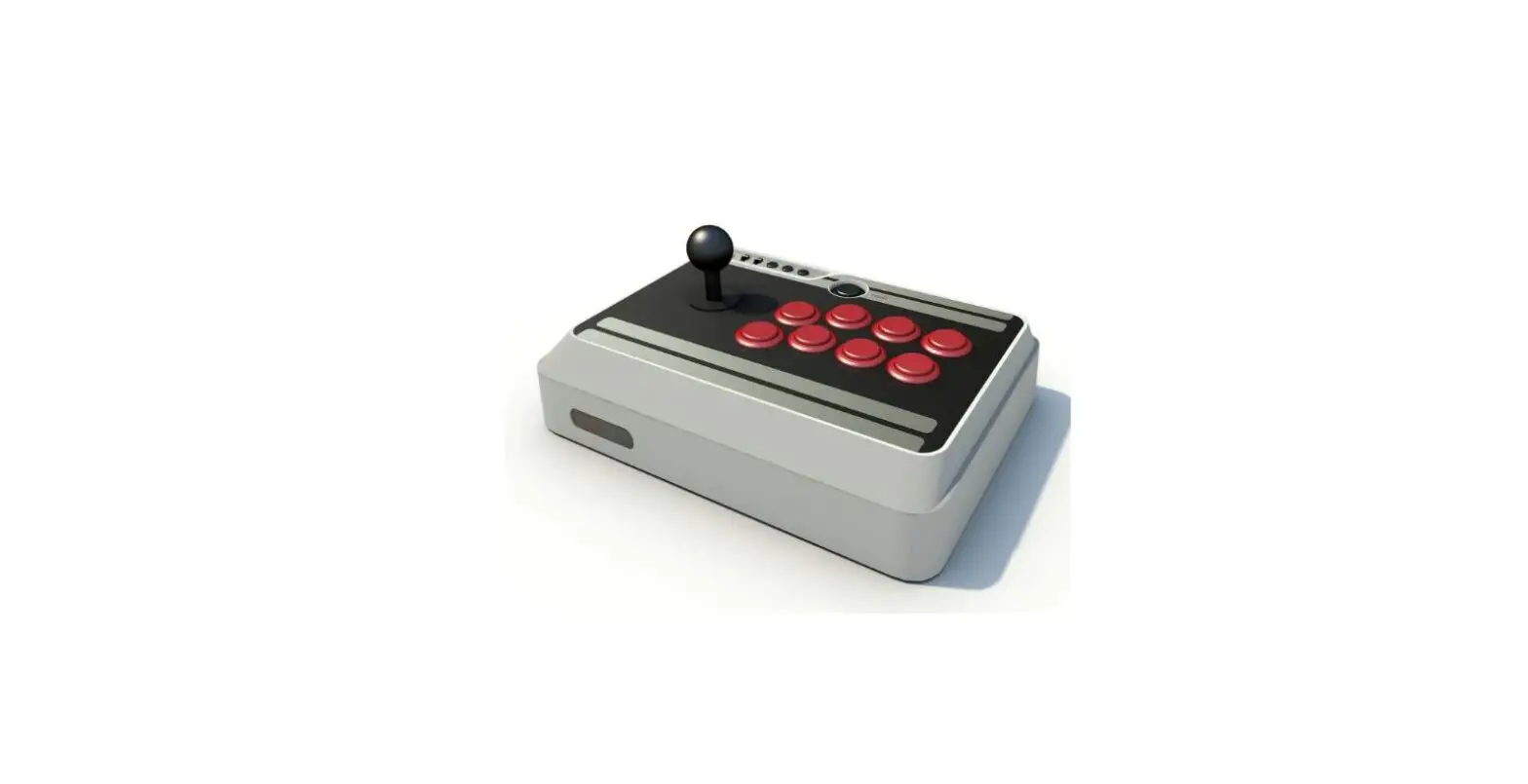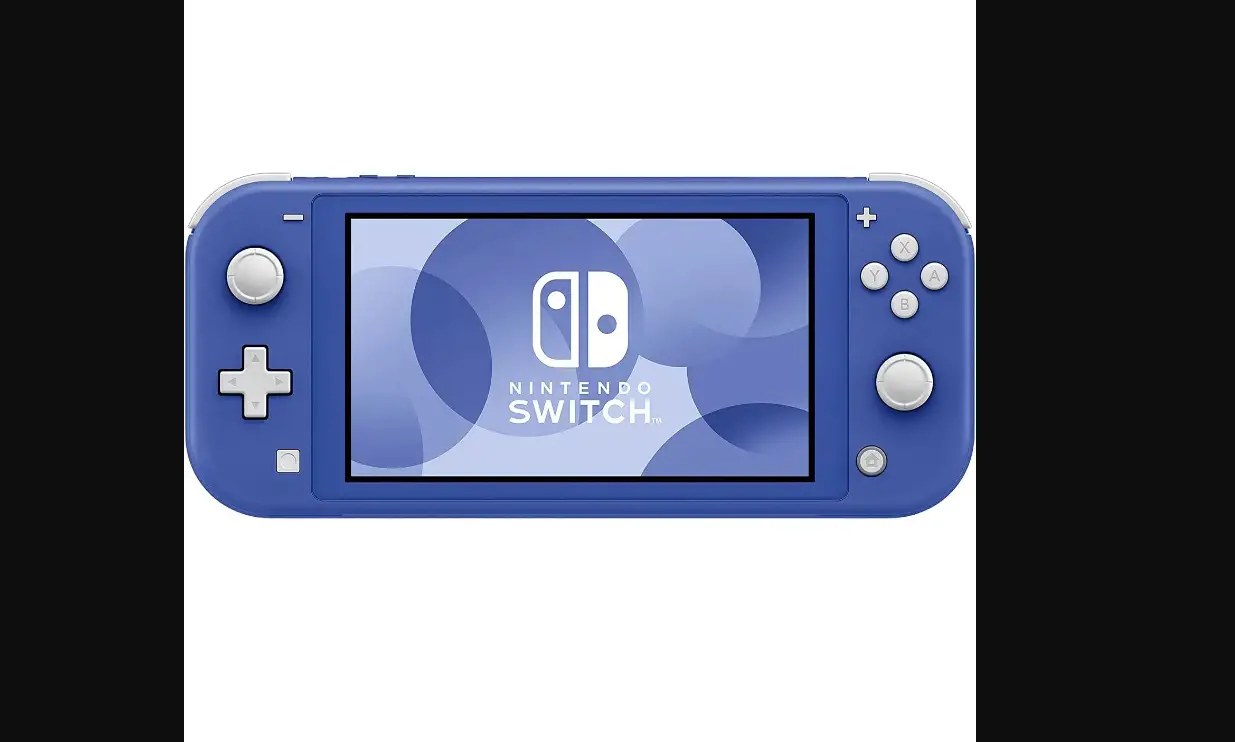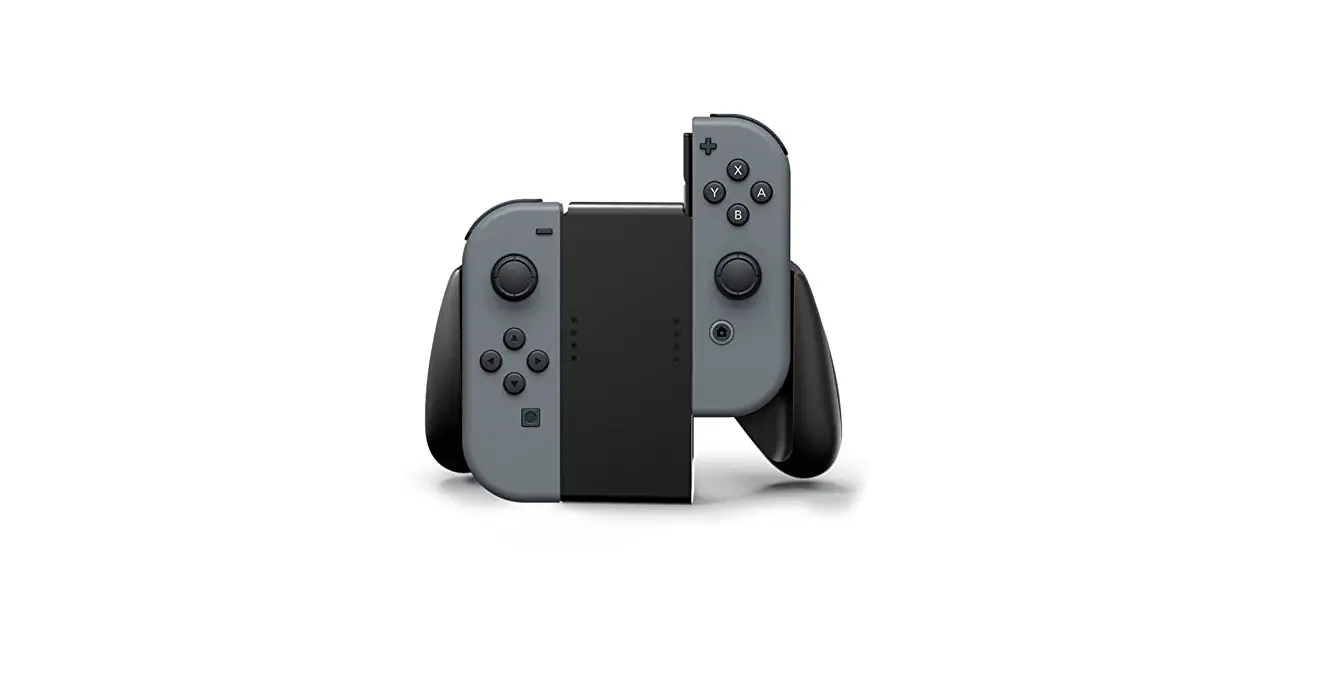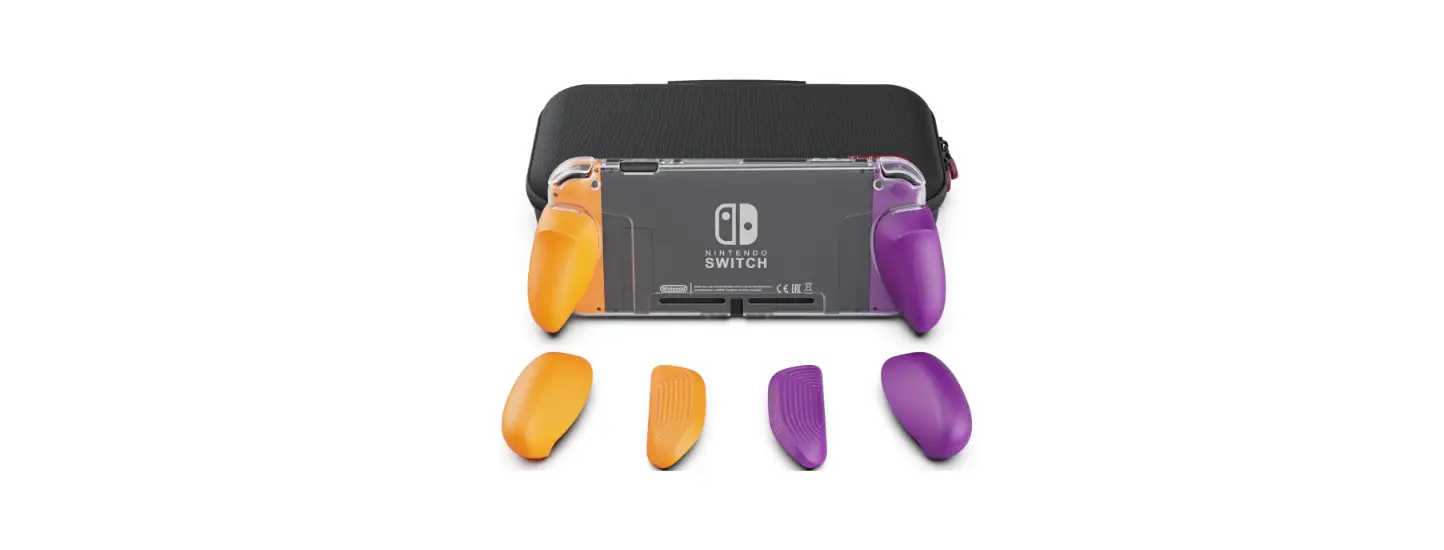
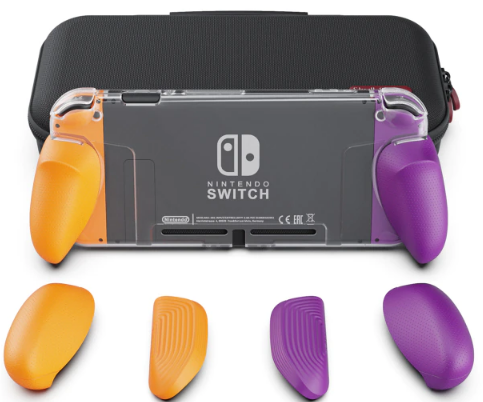
 Skull Co NSGC2-AC GripCase Crystal Nintendo Switch

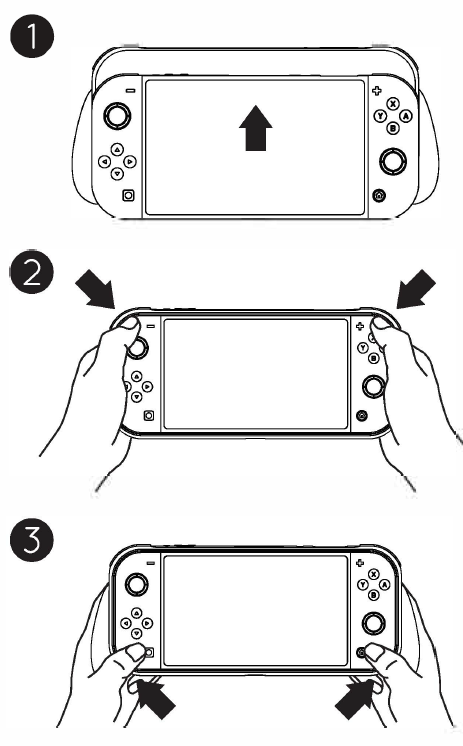
 FITTING THE GRIP CASE
- Put the SWITCH into the GripCase starting with the ZR/ZL buttons.
- Press the ZR/ZL corners into the case.
- Press the bottom corners into the case.

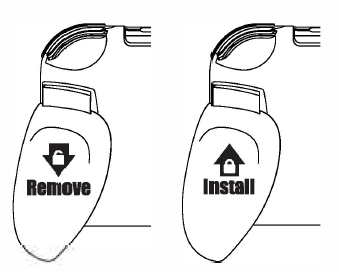
SWITCHING GRIPS
- Please ensure the slider is fitted correctly.


REMOVING THE GRIPCASE
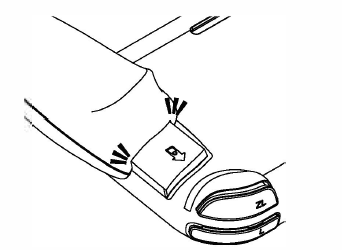
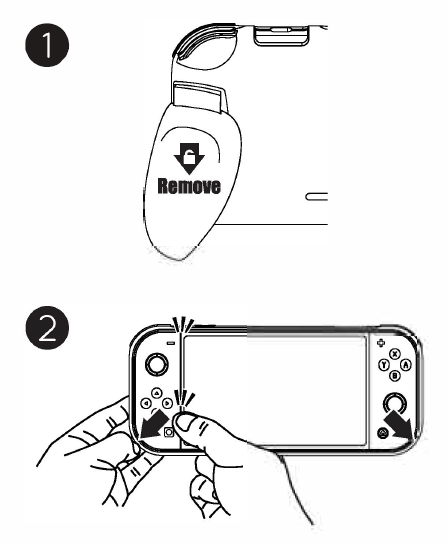
- In order to remove the GripCase easily, we suggest removing both grips first.
- Use one hand to hold the junction between the joy-con and pad. Then, remove the GripCase from corner to corner.
 STORING THE GRIPCASE
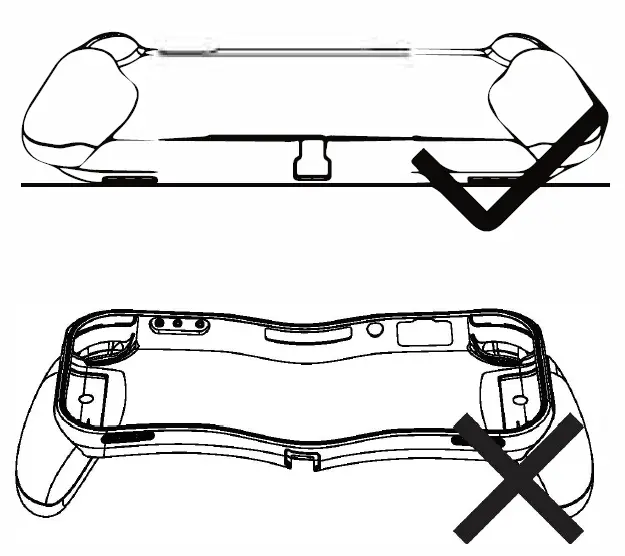
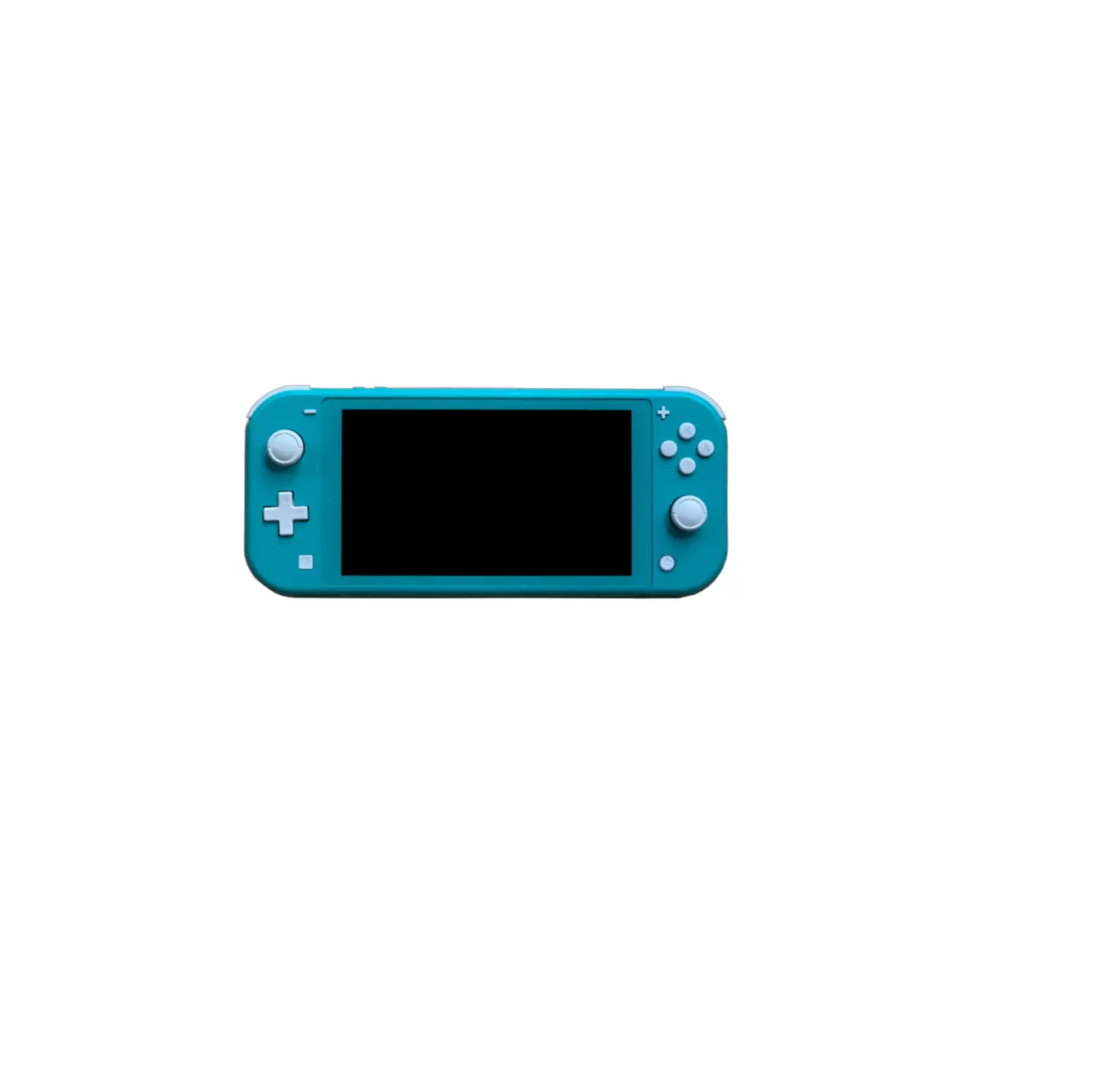
 - Please store GripCase front side down when not fitted on SWITCH Lite.
- Please store GripCase front side down when not fitted on SWITCH Lite.

 STORING THE GRIPCASE