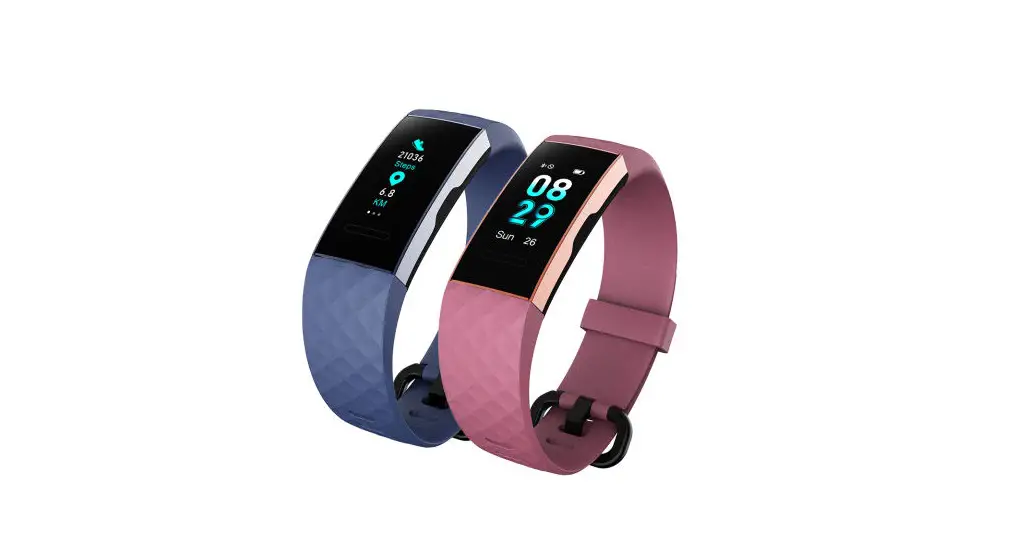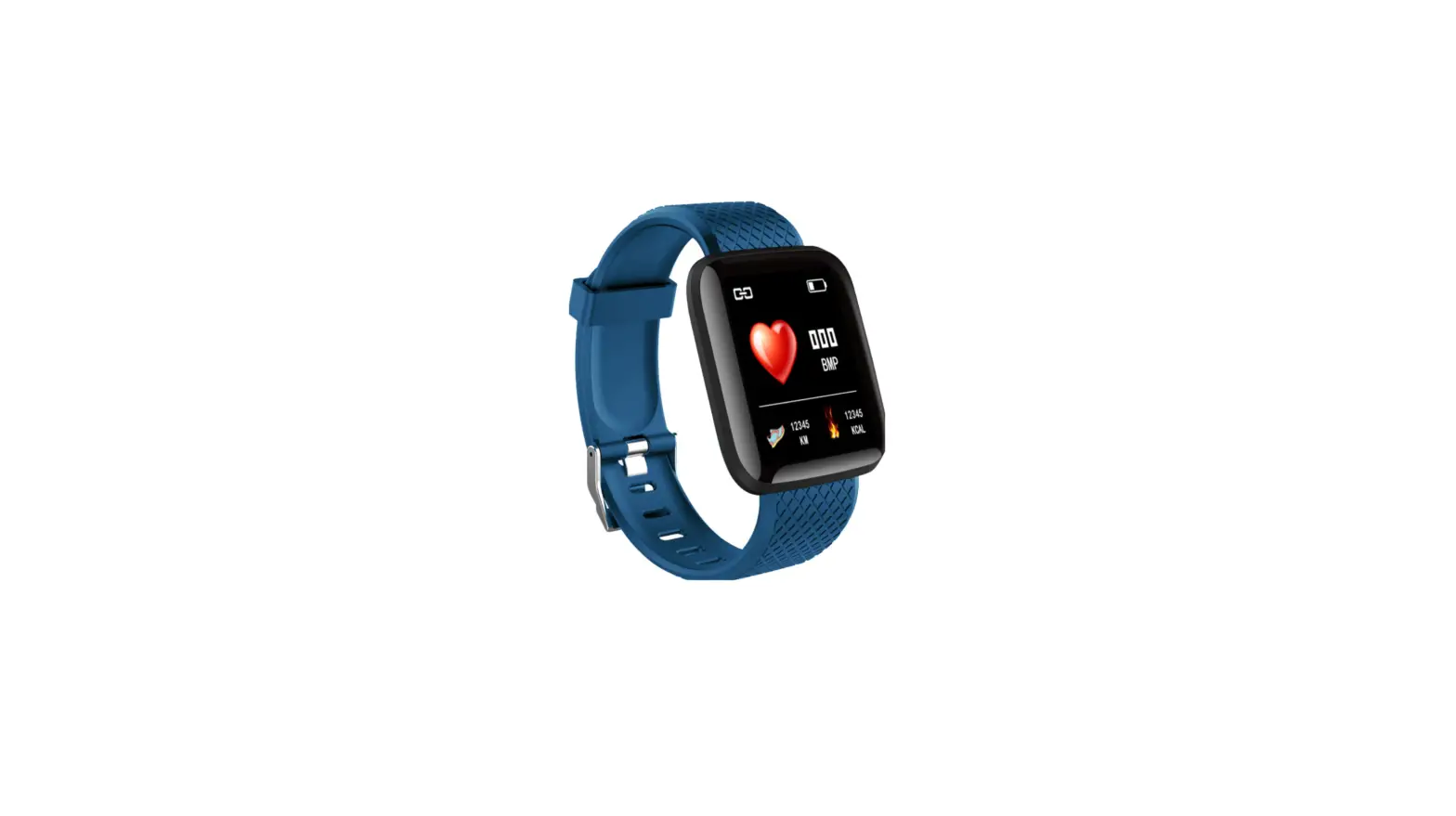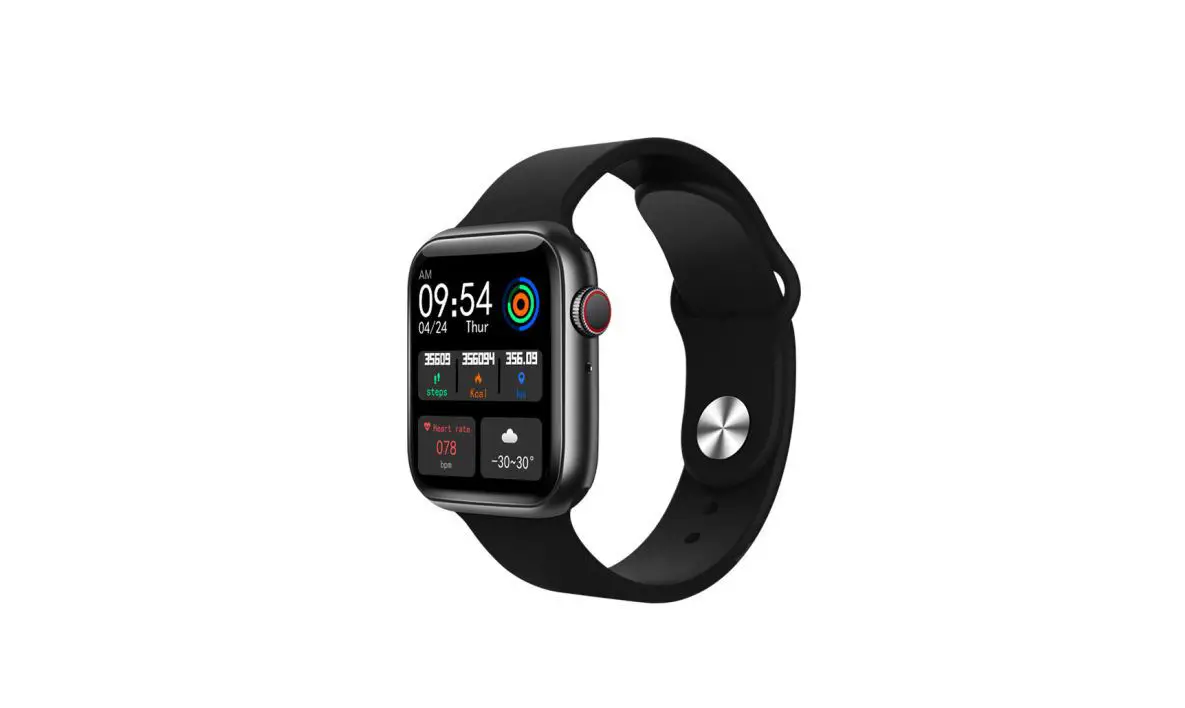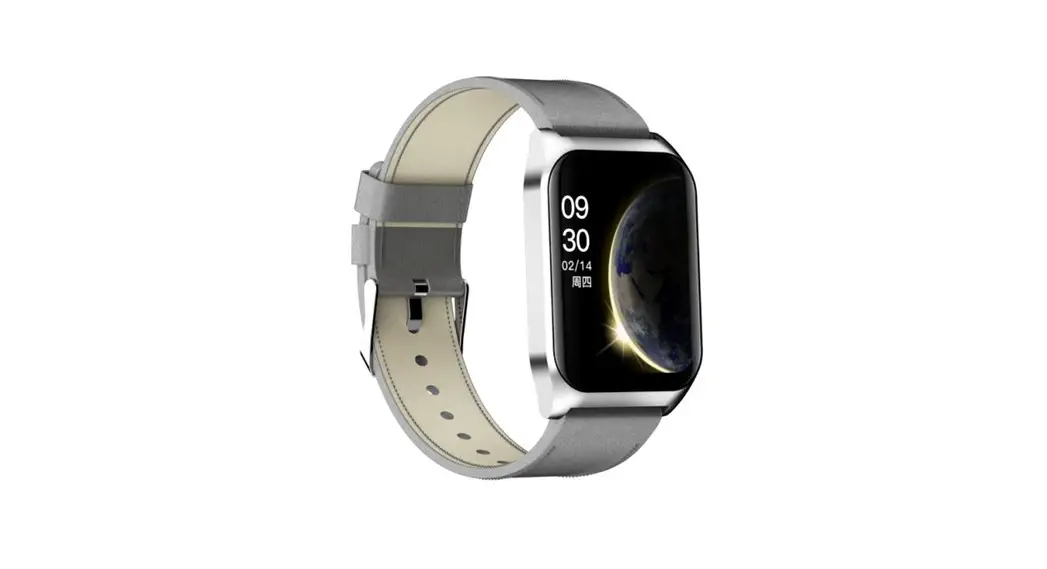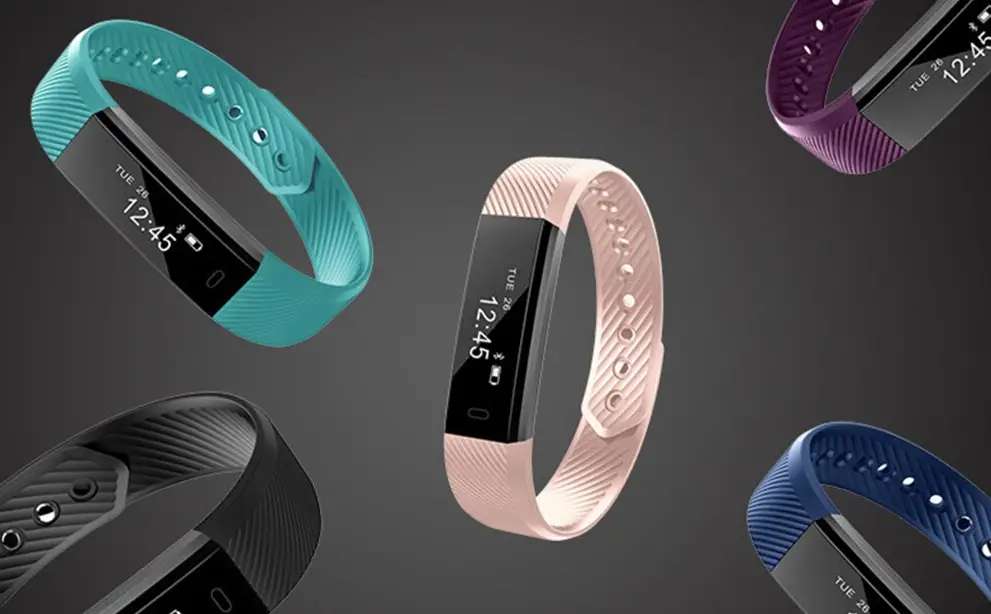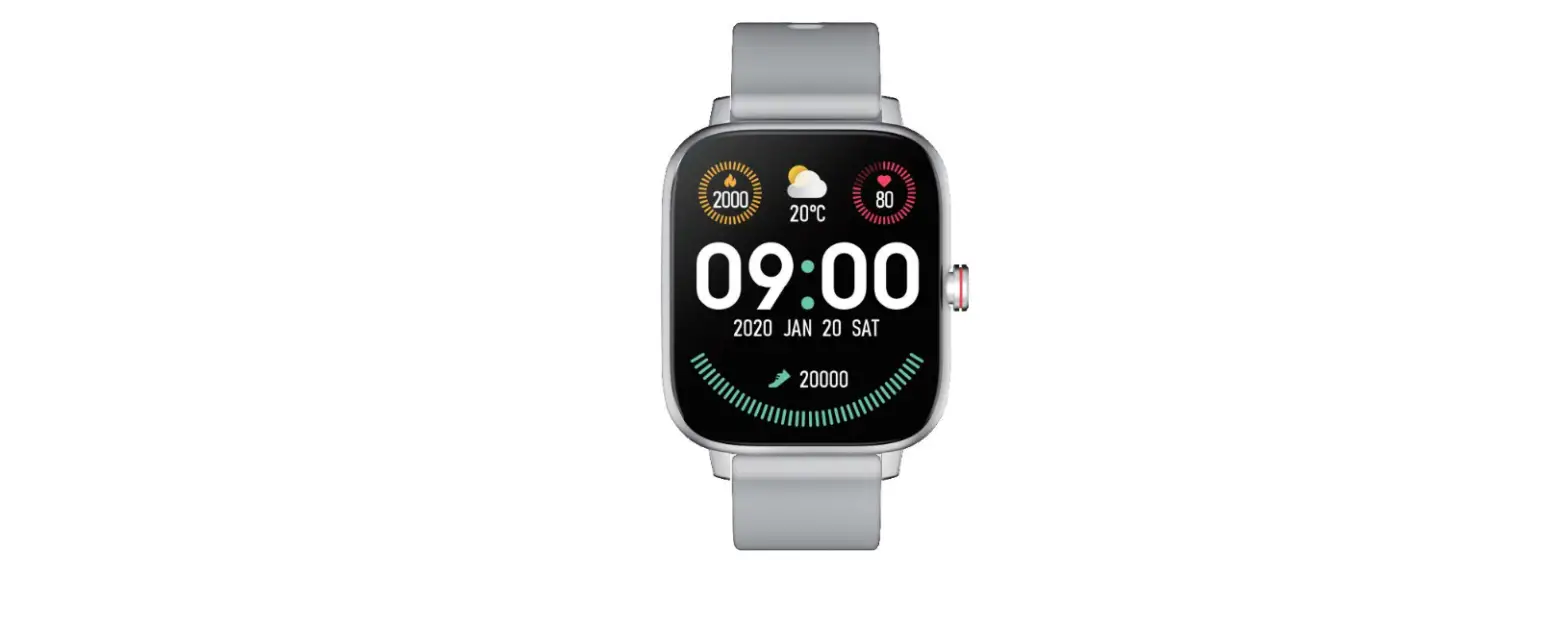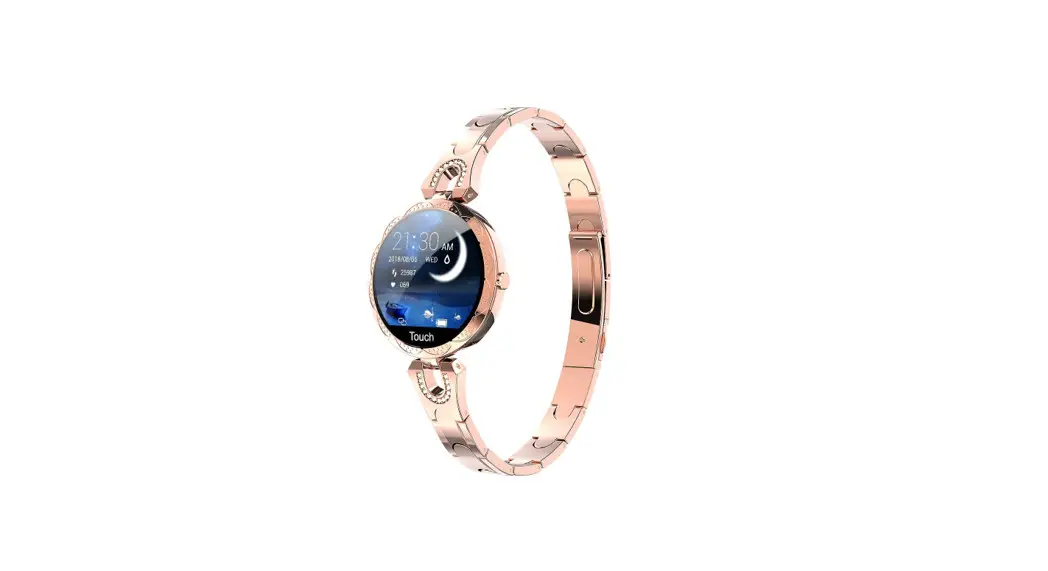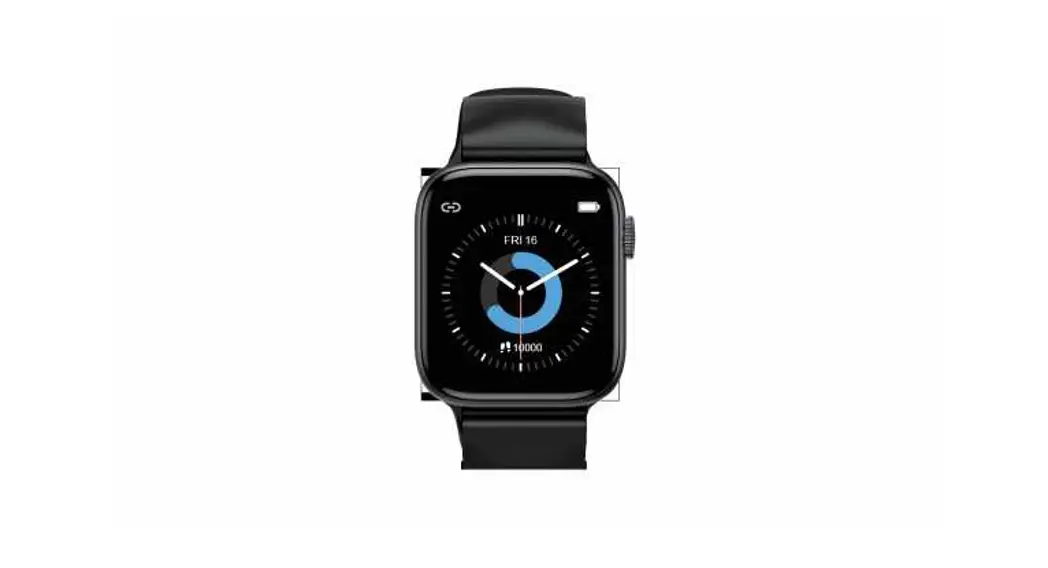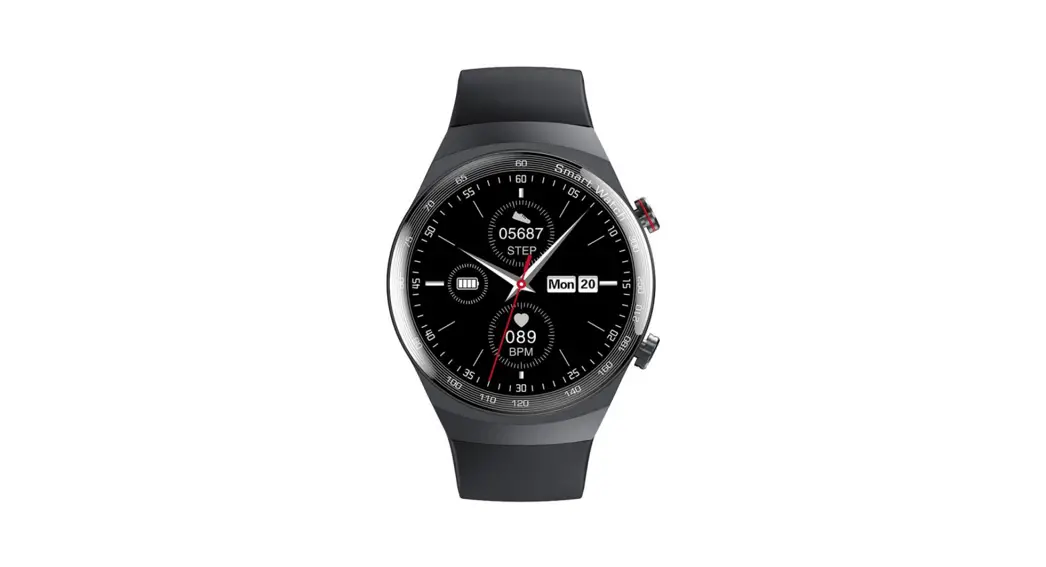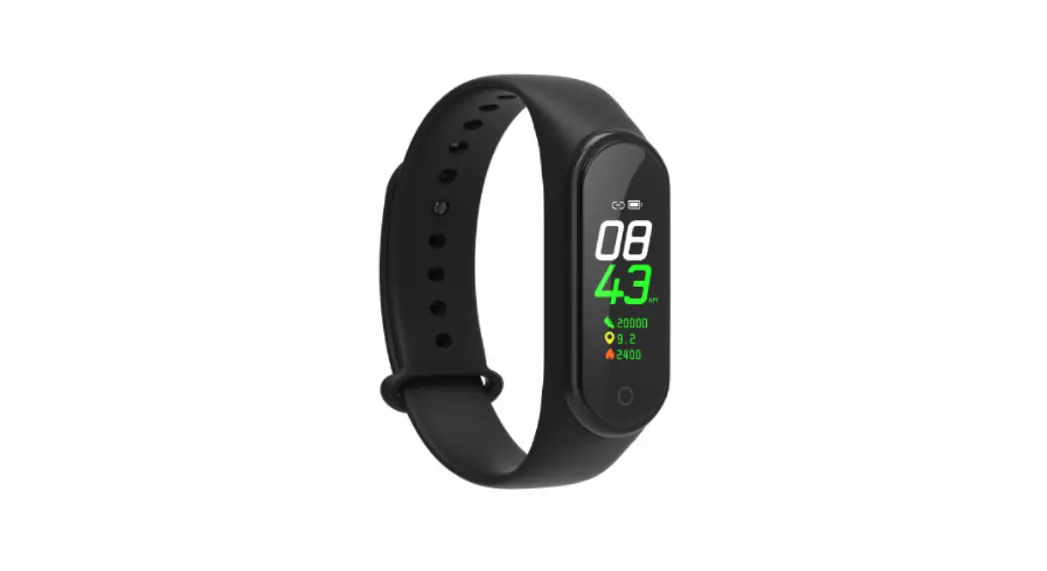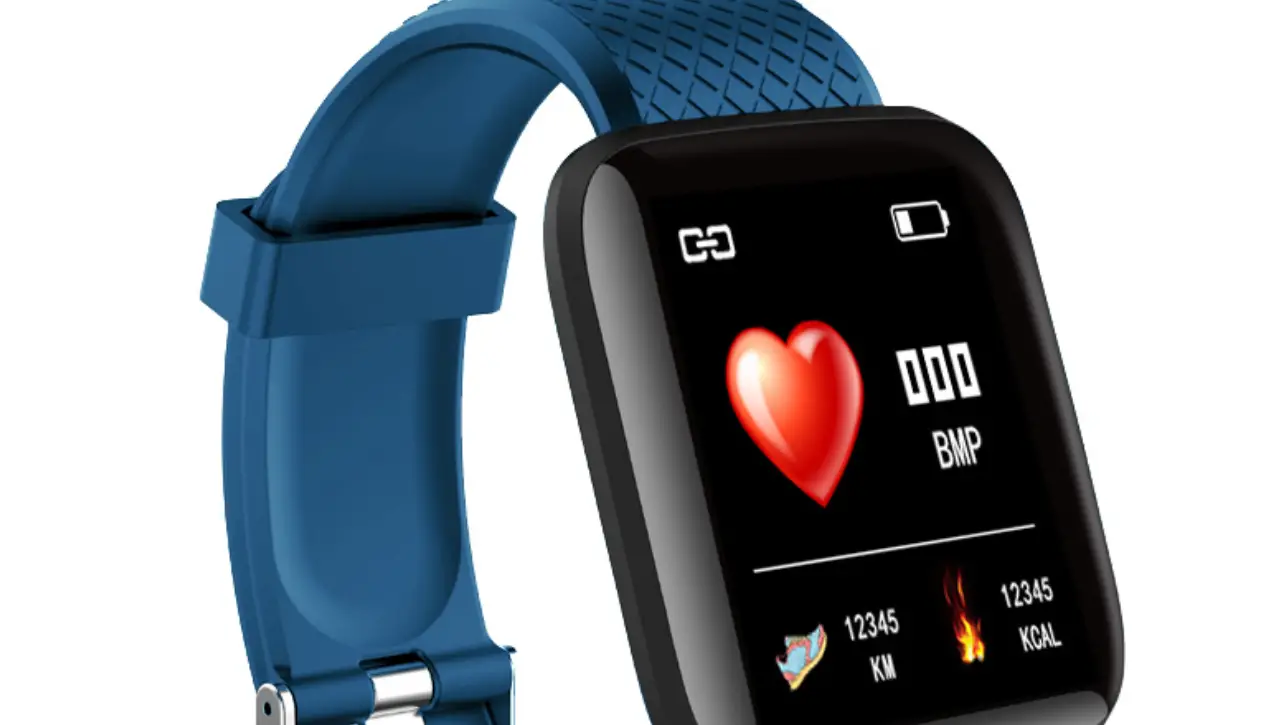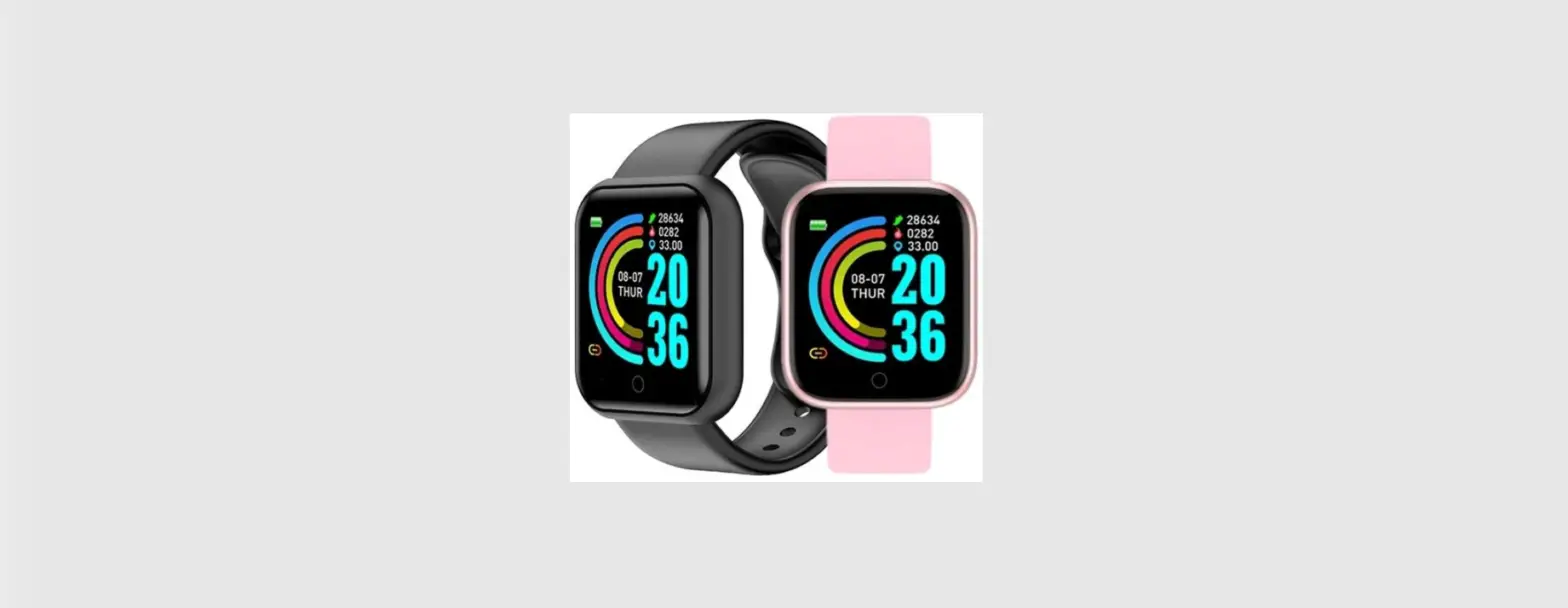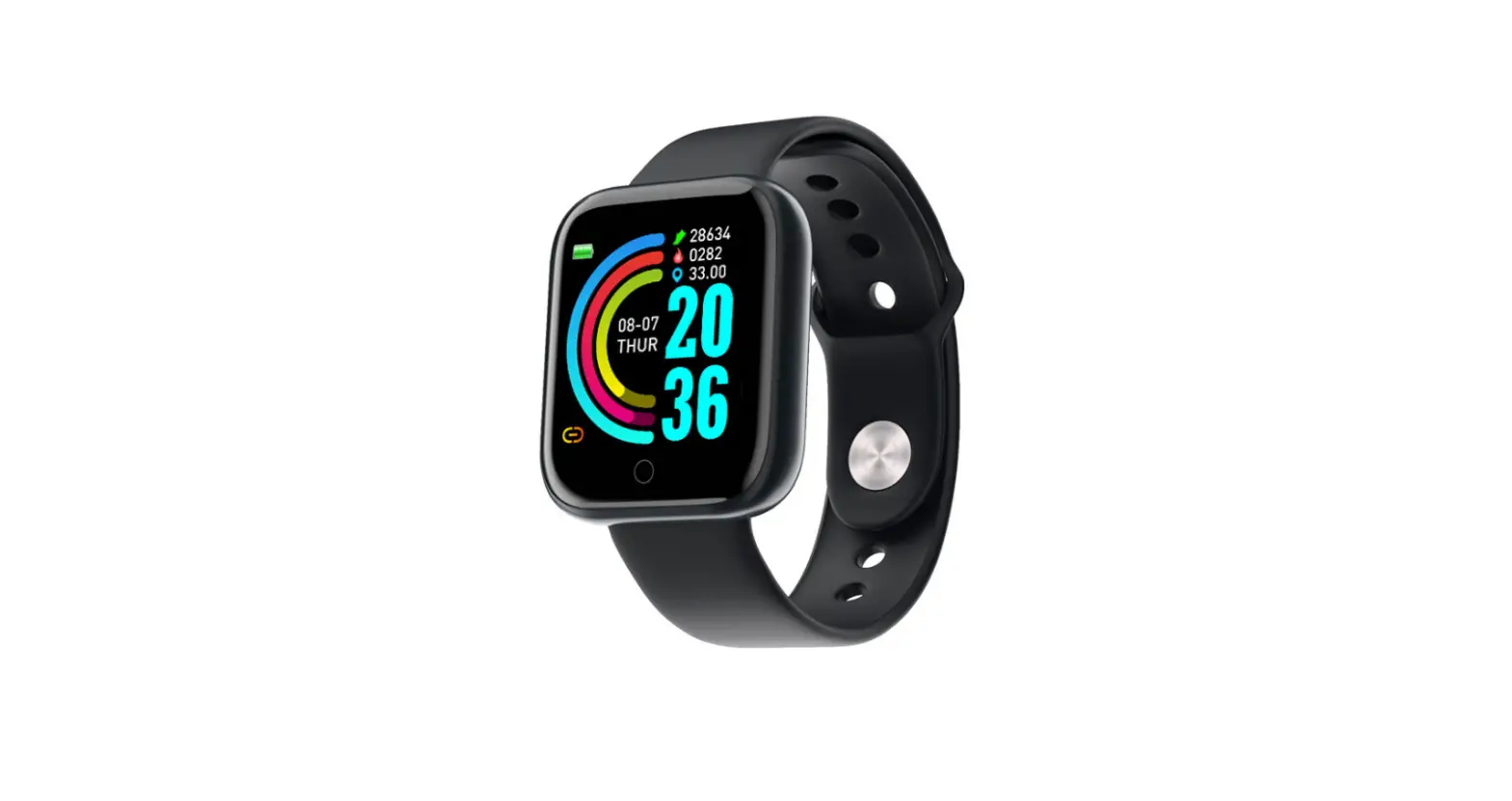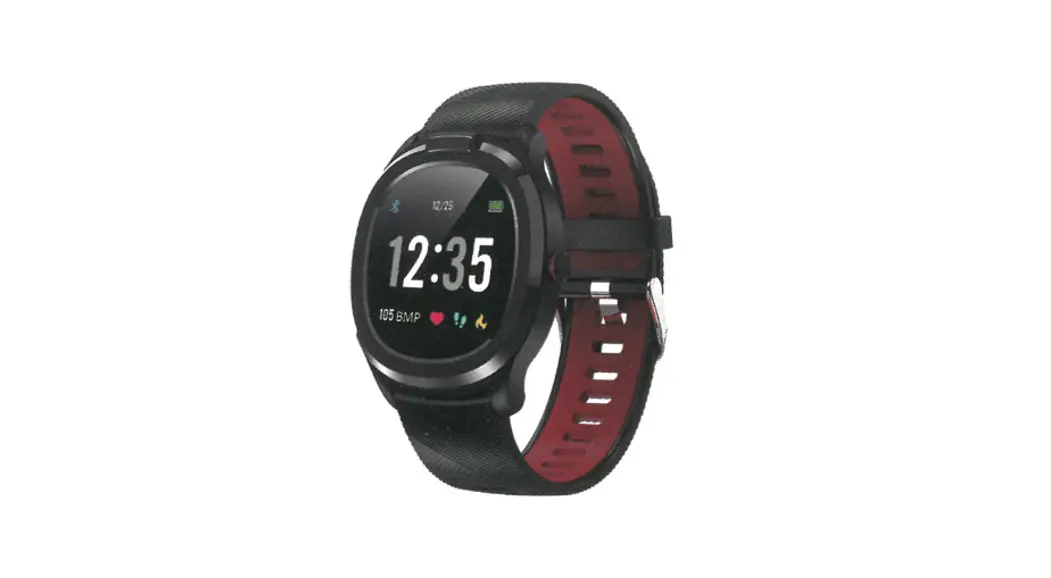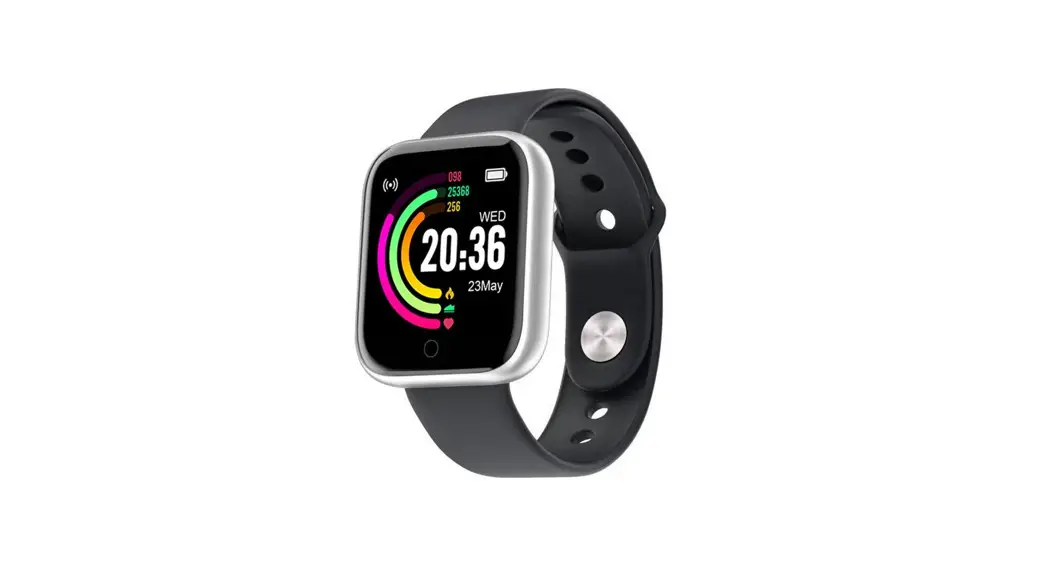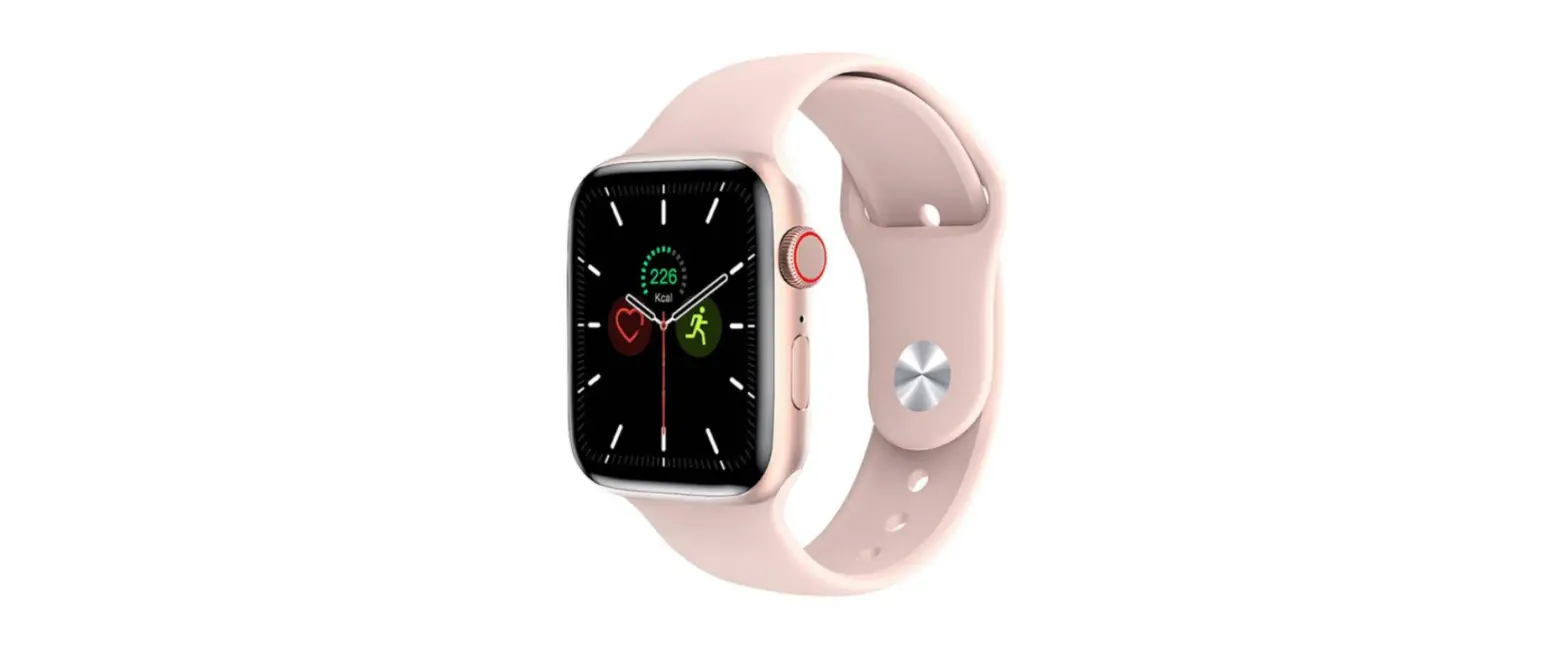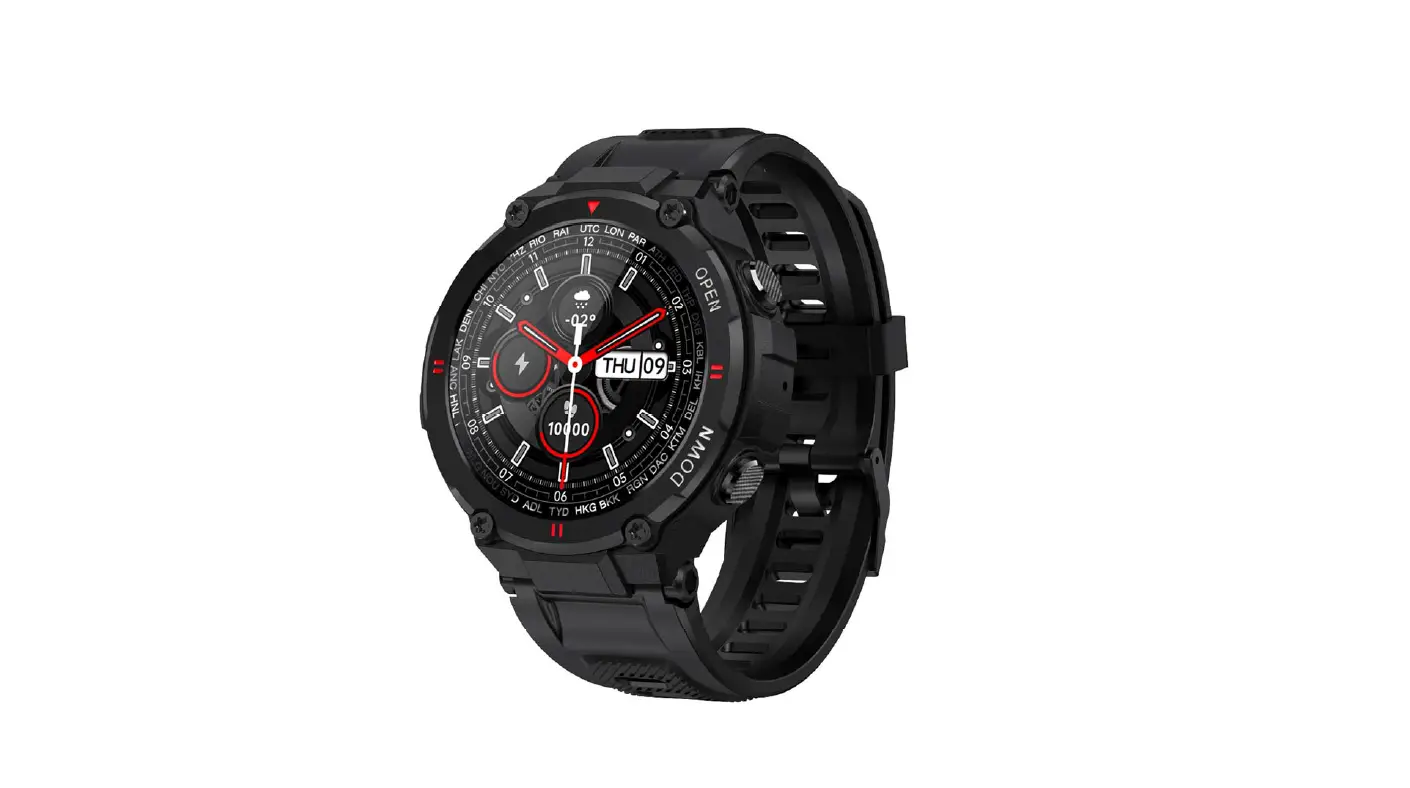

Shenzhen Cacgo Intelligent Technology K22 Smart Bracelet
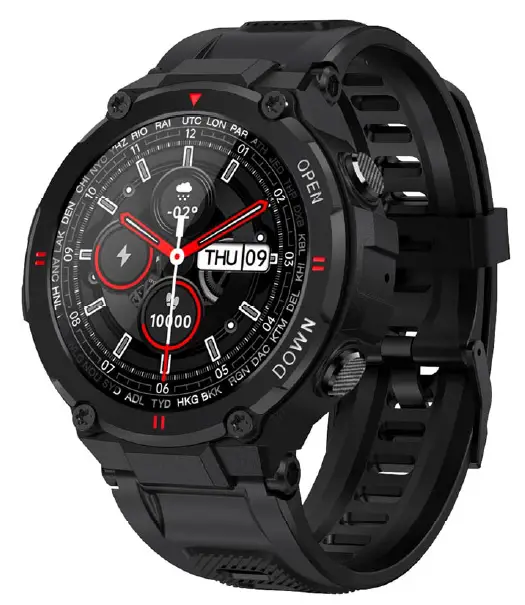
Pleasemakeafullchargebeforeusingit. APP:Daft
Download APP
Longpresssidebutton“OPEN”toturnon. 1.2ScanbelowQRcodetoinstallDafitAPP,Or download“Dafit”fromAppStore,Google Playertheninstallit.

CompatibleSystem:Android4.4andabove ,iOS8.0andabove
BT Calling Version connecting
Step1:TurnonmobilephoneBluetooth
Step2:Open“Dafit”APP,Tap“Adda device”toconnect.
Step3:Turnonphonemenuonthewatch.

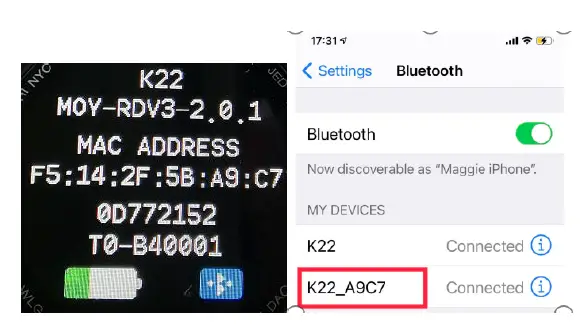
Step4:Checkwatchmenu“about” MAC addresslastfournumberlike“A9C7”,thengo mobilephone“setting-Bluetooth”tosearch thesameBluetoothnamewithlast4numbers “A9C7” tofinishBTconnectionasbelow operation.
Non-BT Calling connecting
1.3EntertheAPPtobindthesearcheddevice.
Step1:TurnonmobilephoneBluetooth
Step2:Open“Dafit” APP,Tap“Addadevice”toconnect.
Smart bracelet Functions
Time Interface
Power on : Long press side button
“OPEN”for3seconds.
Power off:Onthetimeinterface,press
“OPEN”sidebuttonfor3seconds,thenclick”√“icontoturnoff
Switch watch face:
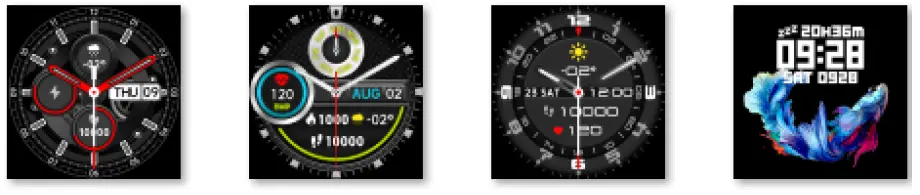
Longpressthescreen based on main watch face,4 interface options,and the 4th dial can manually replace user-defined pictures or photos ontheAPP
Functions menu
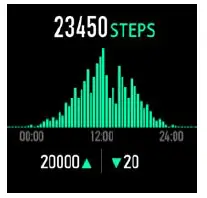
Activity records(Steprecords)
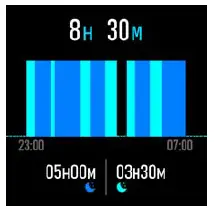
Sleep monitor
Sleepmonitorperiod:20:00PMto10:00AM
Plsmakesurewearedthebraceletdevice
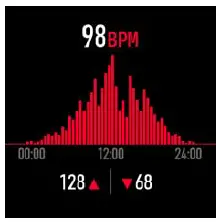
Heart Rate monitor(Ifneed24-hour monitorplsturnon”Full-dayHeartrate”on
Dafitappunder“Other”menu)
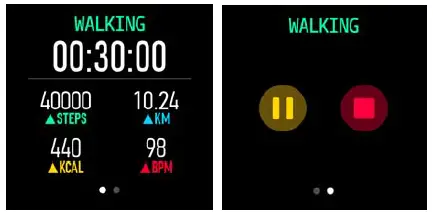
Exercise(Multiplesportmodes:Walking,Running,Cycling,Skipping,Badminton,Basketball, Football,Swimming,all exercisedataswillbesynctomobilephone DafitApp)
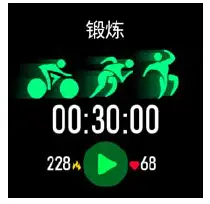
Selectthesportmodeyouwant,starttotest andshowallexercisedata:mileage,calorie, heart-rateasbelowpicture;Slidescreenonleft canexitorpausethesporttesting.
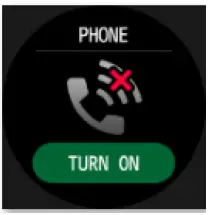
Bluetooth call(K27 without this BT call function)
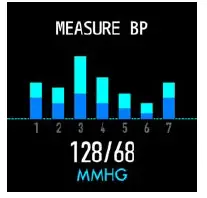
Blood Pressure Detection(click screen to monitor)
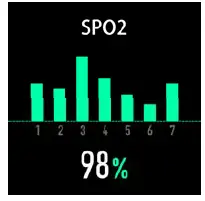
Blood Pressure Detection(click screen to monitor)
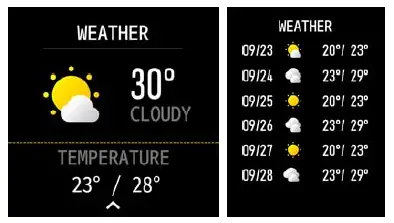
Weather(Slide up screen can check this week weather information)
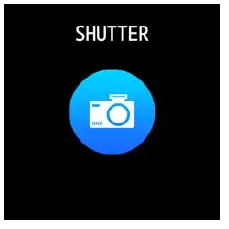
Shutter
Android:TurnonDafitapp,fromsmartbracelet enter“shutter”,shakethebraceletorclickto takephoto.
IOS:Entersmartbracelet“shutter”,makesure turnonmobile’scamera,shakethebraceletorclickicon.
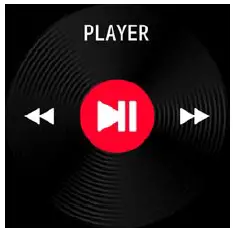
Player(EnterBTmusic,clickmiddleicon to pause or continue,tap left icon to play last song,taprighticontoplaynextsong)
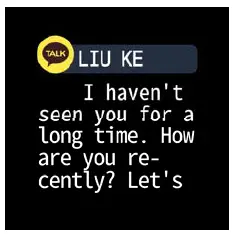
Notifications push(TurnonDafit app”Notifications”socialapplike Facebook,Twitter,Skypeetc
,Pay attention on Android mobile phone setup:
Dafitapp/Notification/Accessibilitytoturn on“Dafit”
( Slide down screen frommainwatchdial)
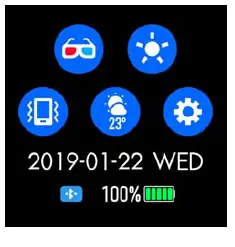
- Theatermode
- Brightnessadjustment
- Vibrationormutemode
- Weatherinformation
- Setting :
Stopwatch,alarm,countdown,brightness,shake:of
f,theater,reset,poweroff,about,APPcode
Functions on Dafit App
Data sync
AllmeasureddatafromsmartbraceletwillbesynconmobilephoneDafitappeg:step,sleep monitor,heartrate, bloodpressure,bloodoxygen andotherdataasbelowPic.
smart bracelet connection interface
Watch Faces ( 5 interface options,and users can manually replace user-definedpicturesorphotos)
Notifications(Turnonsocialapps messagepushlikeWeChat,Facebook, whats’app,Twitteretc)
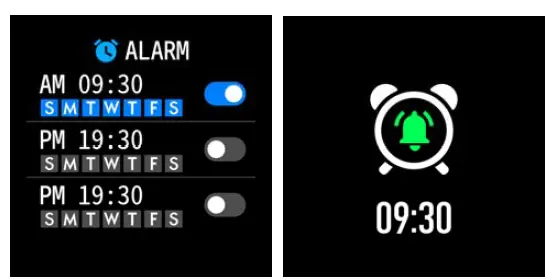
Alarms (3options)
Shutter
Others ( Find my smart bracelet, Time formats, Setting time of no disturbing,Sedentary reminder,Full-day hear-rate monitor QuickViewscreen,Weather,DrinkWaterreminder,Physilogicalcyclereminder)
A. Power on “Find my bracelet” mode,the bracelet will vibrate when the bluetooth isconnected successfully between mobile phone andsmartbracelet.
B.Time format ( 2 options of 12&24hours system)
C.Time format ( 2 options of 12&24hours system)
D.Setting mode of no disturbing
E.Sedentary reminder(Validperiod
10:00AM-22:00PM)
F. Full day heart-rate monitor( Turn on it can detectyourwholedayheart-rate)
G. Quick view screen:wakeupscreen(turnon itandchoosevalidtimeperiod)
H.Drink Water Reminder
I. Weather ( Turn on the weather, choose the city you want or automatic location,the band willshowthelocatedcity’sweather)
J. Physiological cycle reminder
(Notes:Please kindly note above functions are working based on activated and saved the related setup)
Warm notes
- ConnectBluetooth:
- Pleasepoweronyour phone Bluetoothand turn onsmart bracelet Bluetooth beforeconnecting;
- Pleaseensureyoursmartbraceletdidn’tconnectwithother phonesbefore connecting;
- Pleasekeepclosetoyousmartbraceletwhen youare connecting.
- Pleaseturnonmobilephonenotificationsandallowpermissionstorunin thebackgroundifyour
- Mobilehas installed“ Mobilemanager ”orothersimilar Apps, otherwise,you willnotreceivethemessages.
- BatteryRecharge:Poweradaptor:5V 0.5~1A
Disclaimer
Warning:Thisproductisnotamedicaldevice.
Thesmartbandanditsapplicationsshouldnot beusedindiagnosis,treatmentorasa preventivetreatmentfordiseasesandsickness.
Please consultmedicalprofessionalsbeforechangingexercise habitorsleephabitstoavoid seriousinjuries.Themanufacturerreservestherighttomodifyandimproveanyfunctions descriptioninthisuserguideandcontinuous updateofthenewcontentwithoutfurther notice.Thisuserguideisforreferenceonly,the smartbandforsellingissubjecttothefinal product.
Warning:
Thisdevicecomplieswithpart15oftheFCCRules. Operationissubjecttothefollowingtwo conditions:
- thisdevicemaynotcause harmfulinterference,and
- Thisdevicemustacceptanyinterference received,includinginterferencethatmaycause undesiredoperation.
Changesormodificationsnotexpresslyapprovedbythepartyresponsibleforcompliancecouldvoidtheuser’sauthoritytooperatetheequipment.Thisequipmenthas beentestedandfoundtocomplywiththelimitsforaClassBdigitaldevice,pursuanttoPart15 oftheFCCRules.Theselimitsaredesignedto providereasonableprotectionagainstharmful interferenceinaresidentialinstallation.This equipmentgeneratesusesandcanradiateradio frequencyenergyand,ifnotinstalledandused inaccordancewiththeinstructions,maycauseharmfulinterferencetoradiocommunications.
However,thereisnoguaranteethat interferencewillnotoccurinaparticular installation.Ifthisequipmentdoescause harmfulinterferencetoradioortelevision reception,whichcanbedeterminedbyturning the equipmentoffand on,theuseris encouragedtotrytocorrecttheinterferenceby oneormoreofthefollowingmeasures:
- Reorientorrelocatethereceivingantenna.
- Increasetheseparationbetweentheequipmentandreceiver.
- Connecttheequipmentintoanoutletonacircuitdifferentfromthattowhichthereceiverisconnected.
- Consultthedealeroranexperiencedradio/TVtechnicianforhelp.ct.
ThedevicehasbeenevaluatedtomeetgeneralRFexposurerequirement.