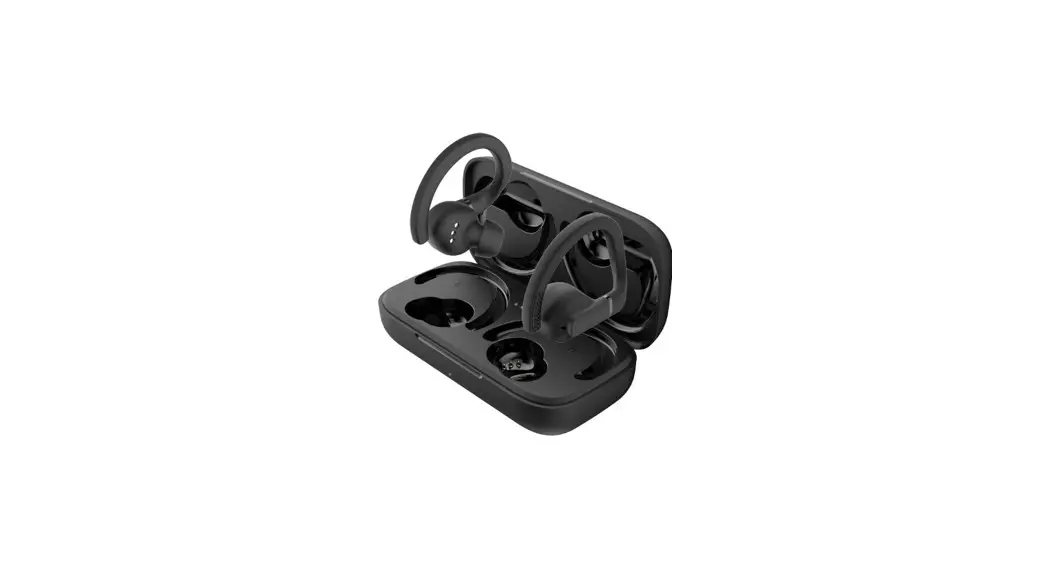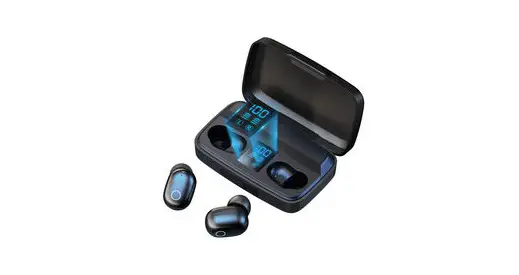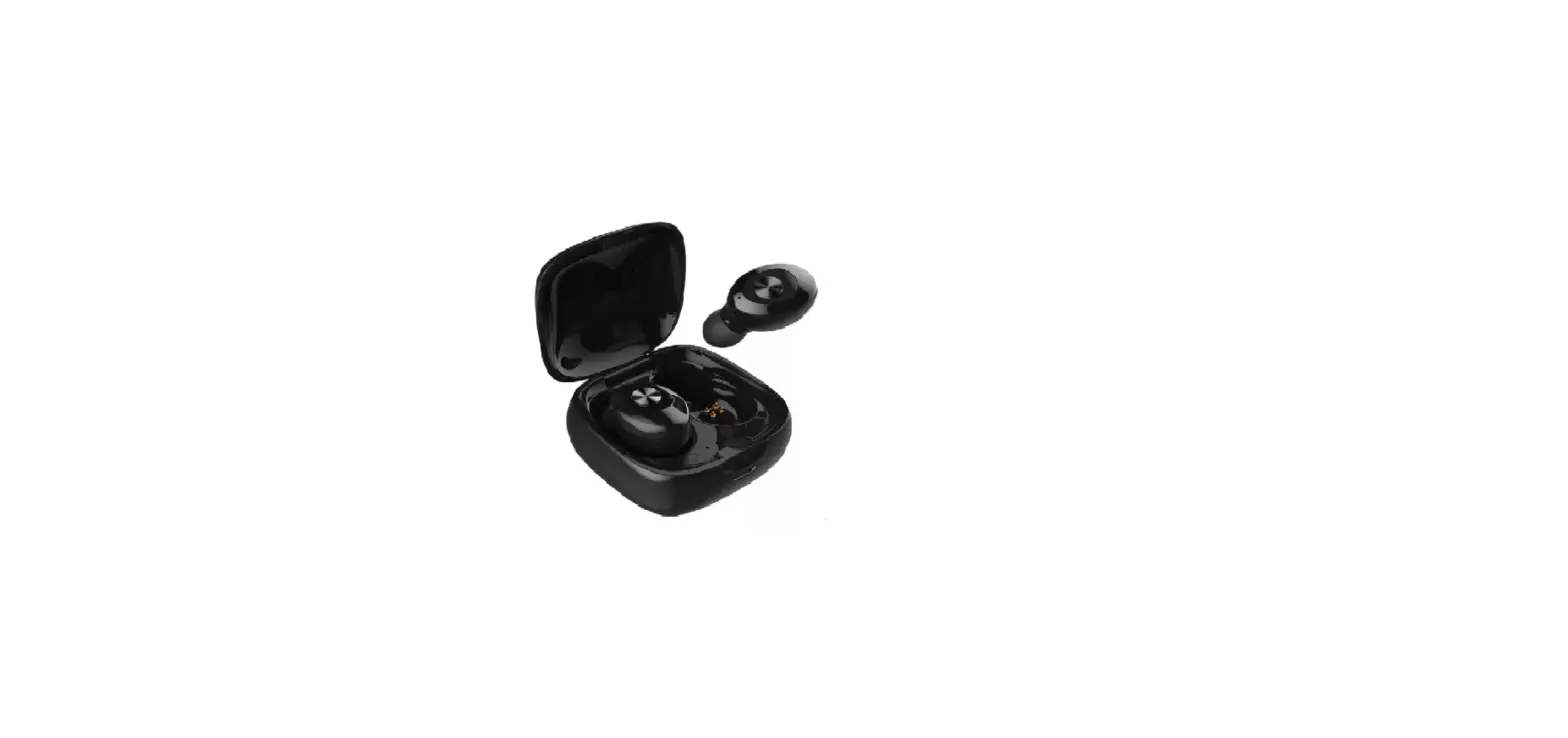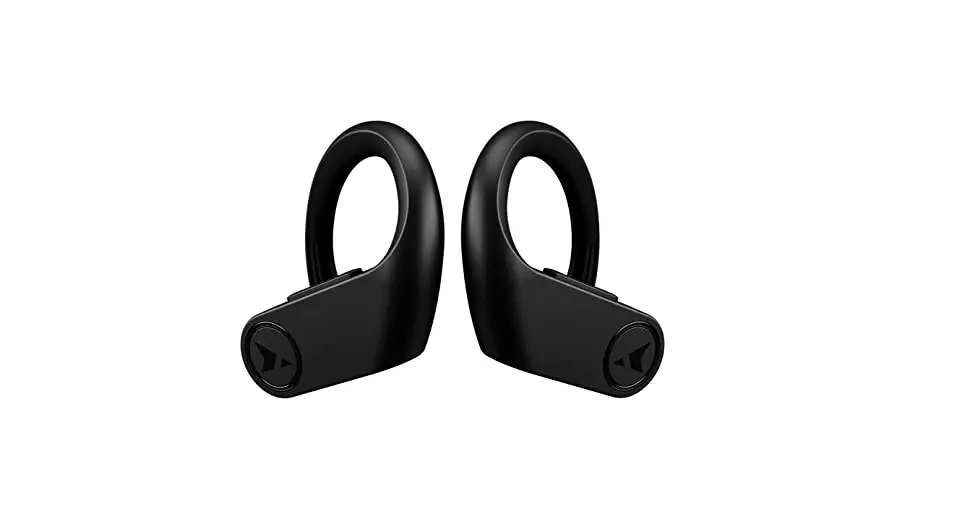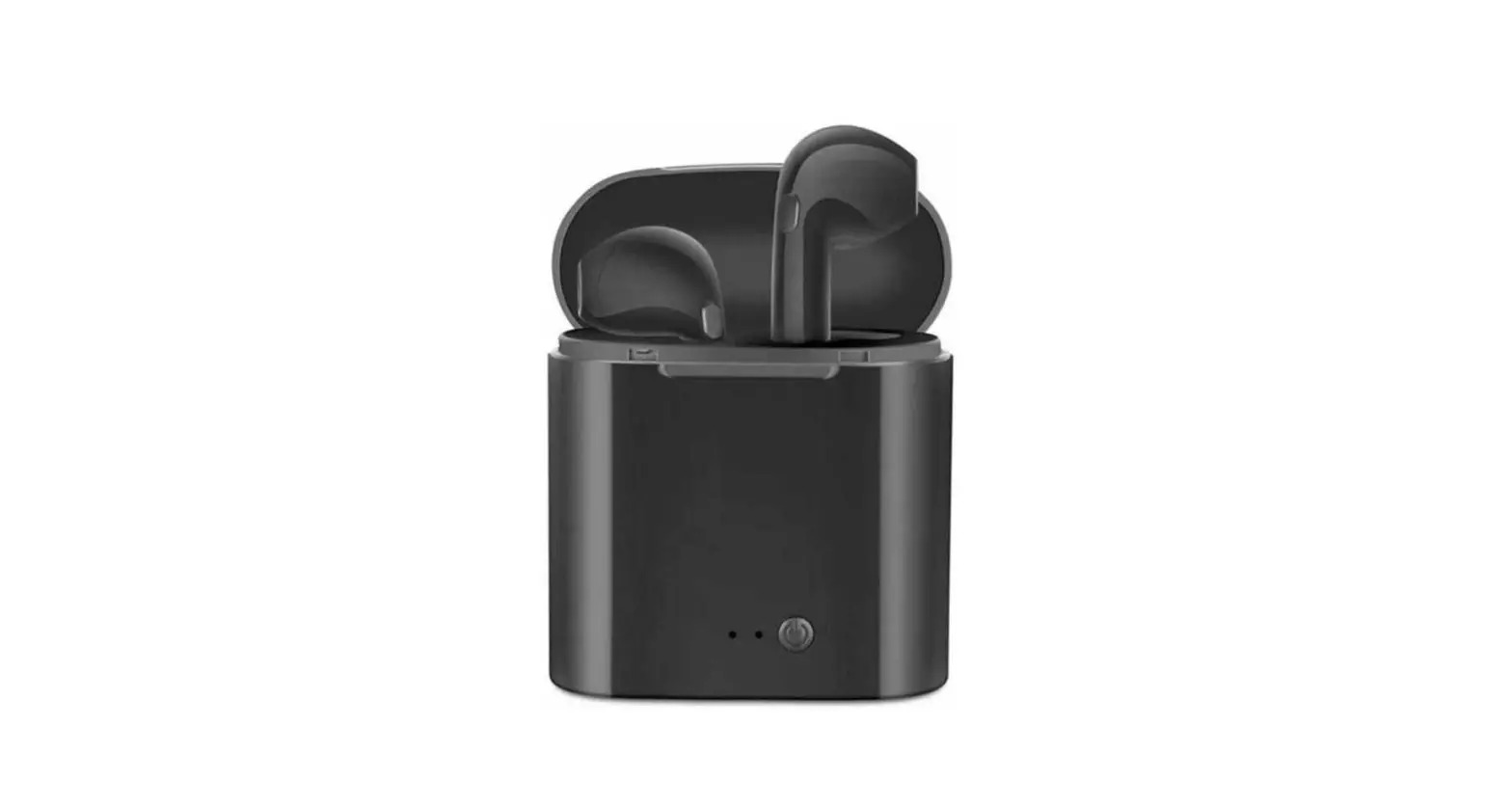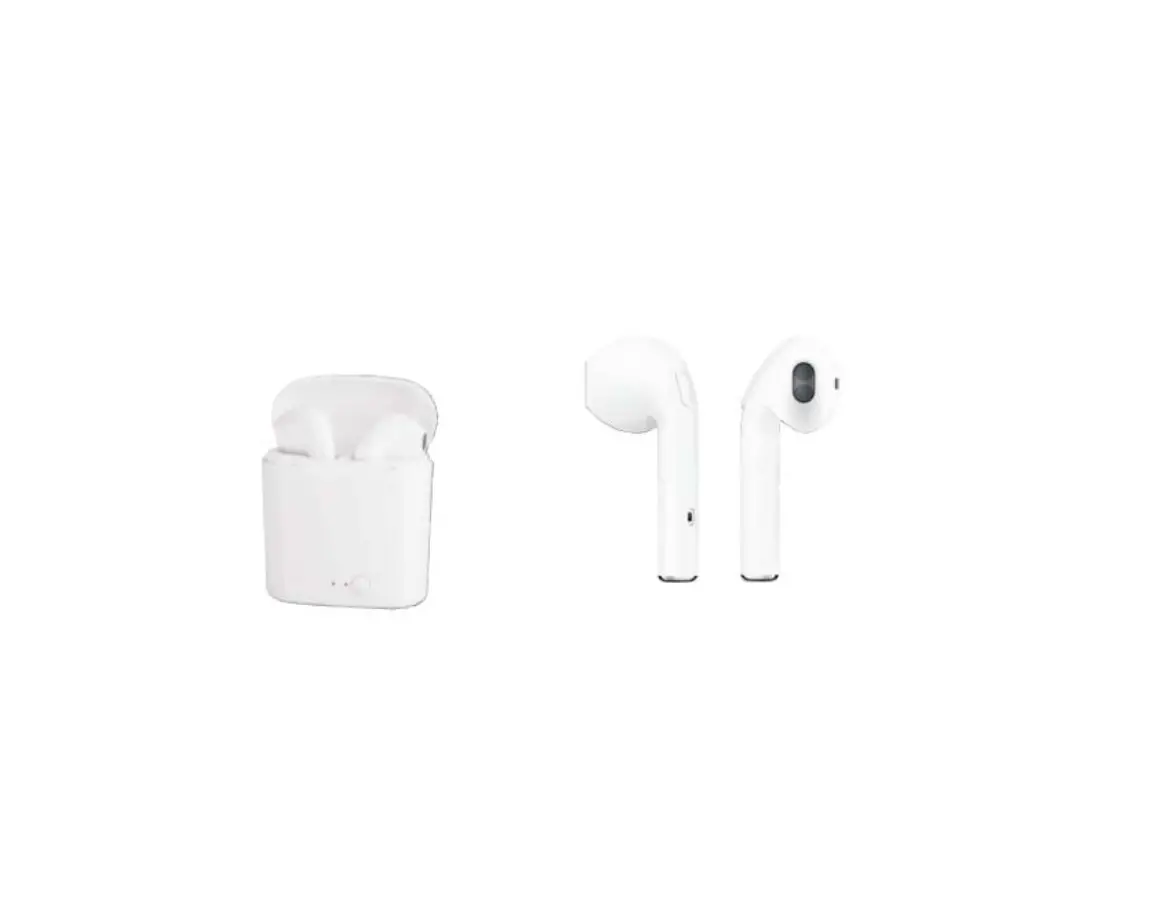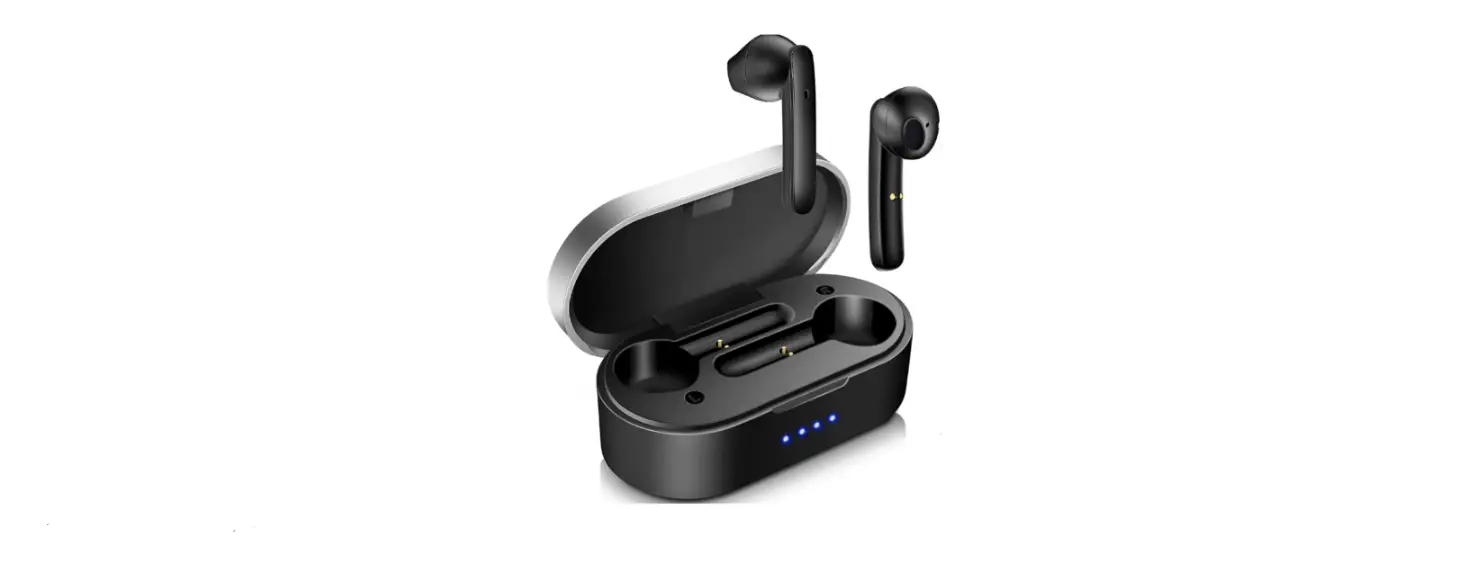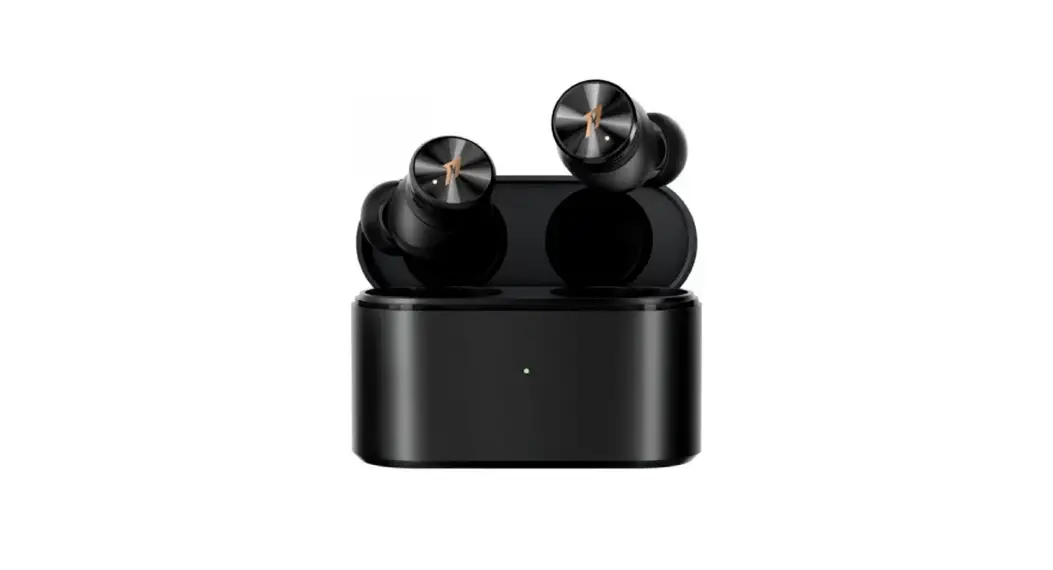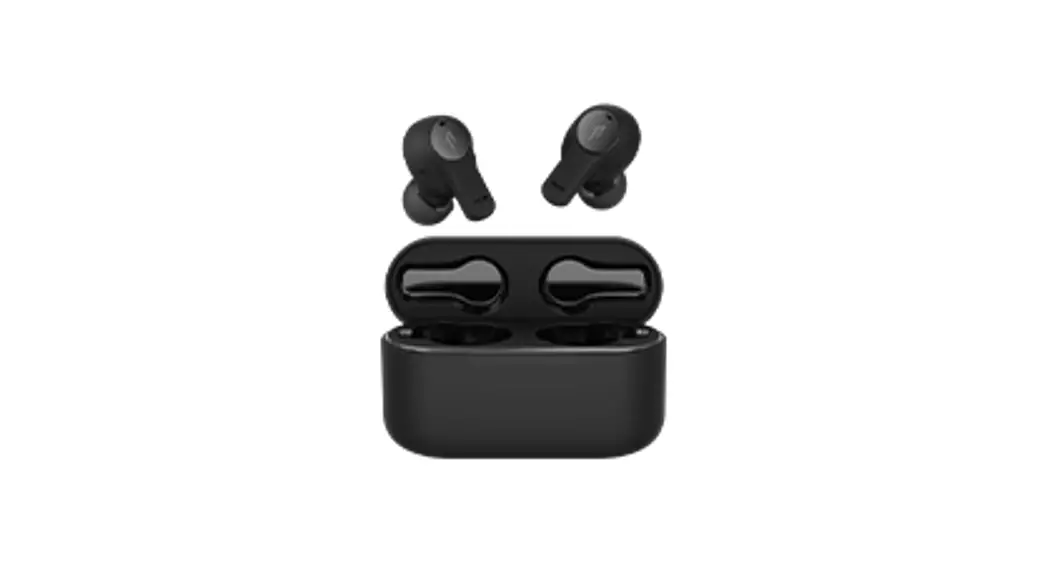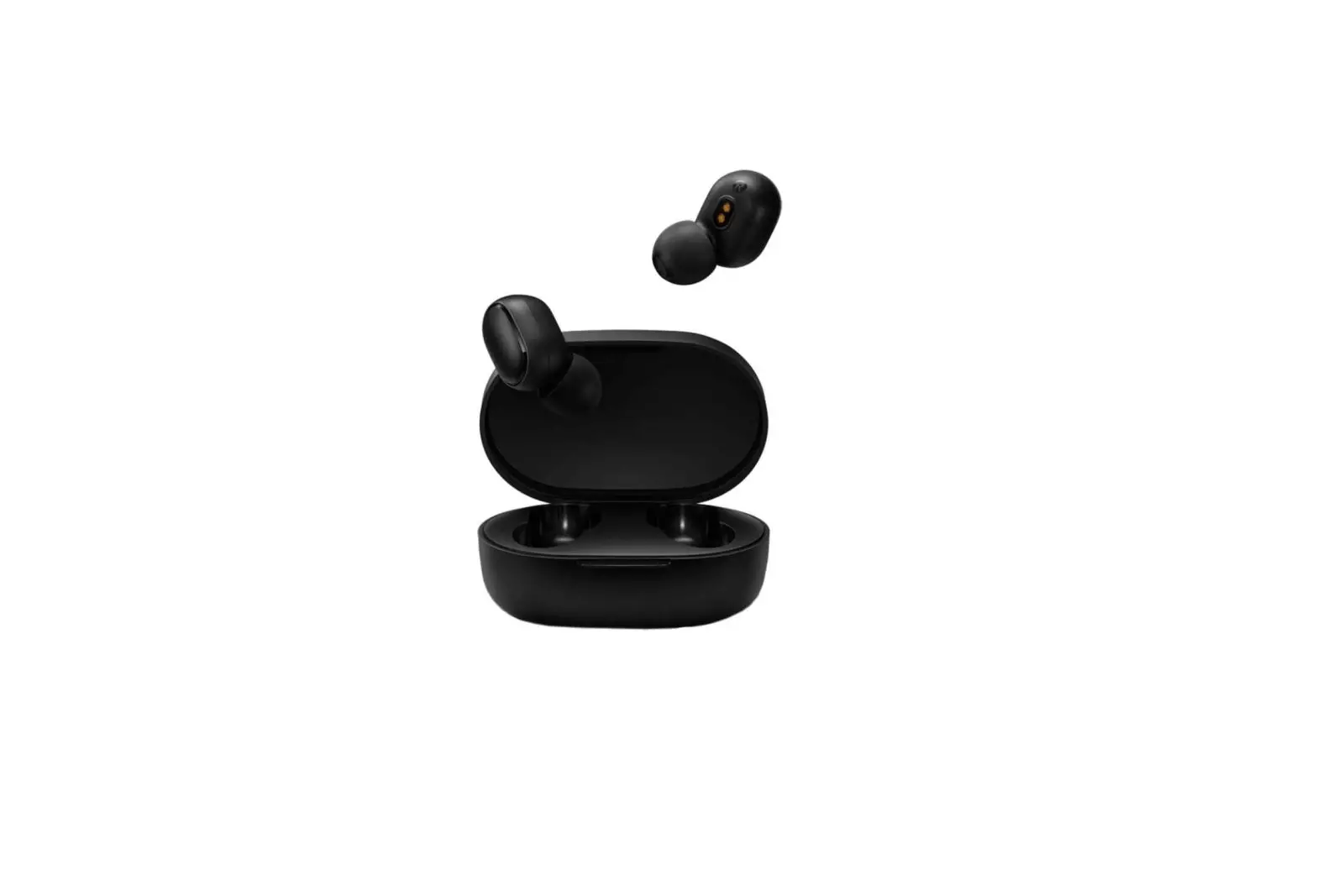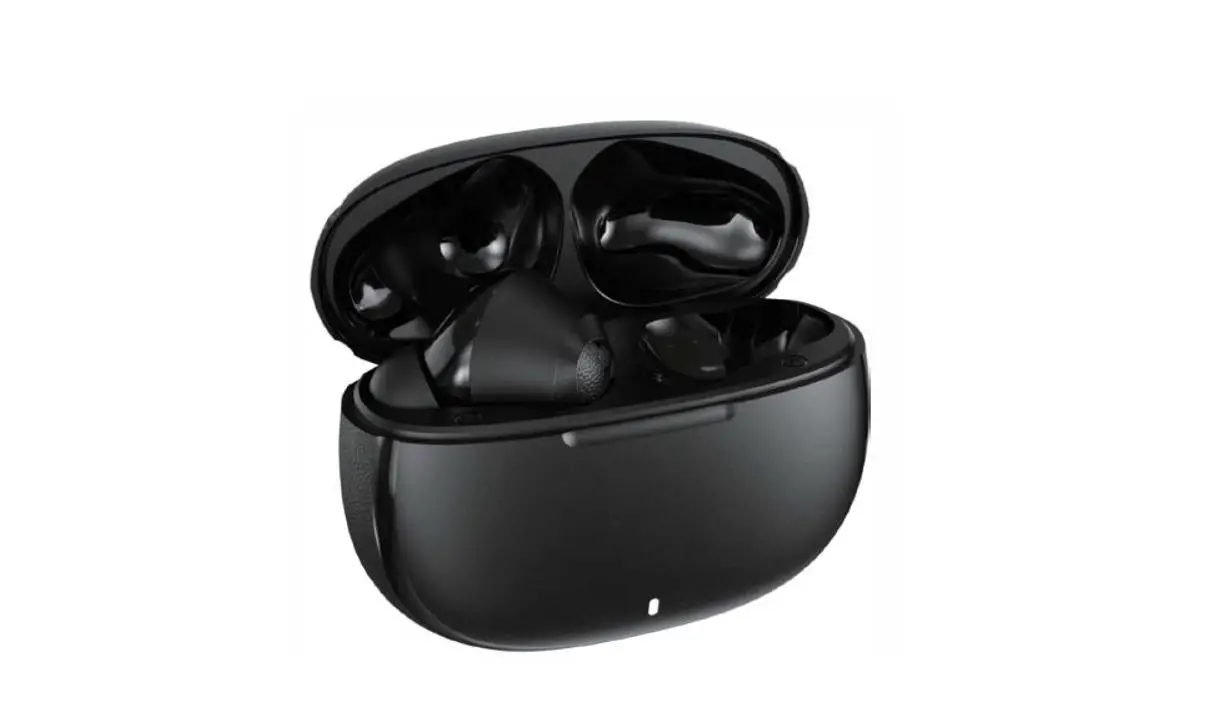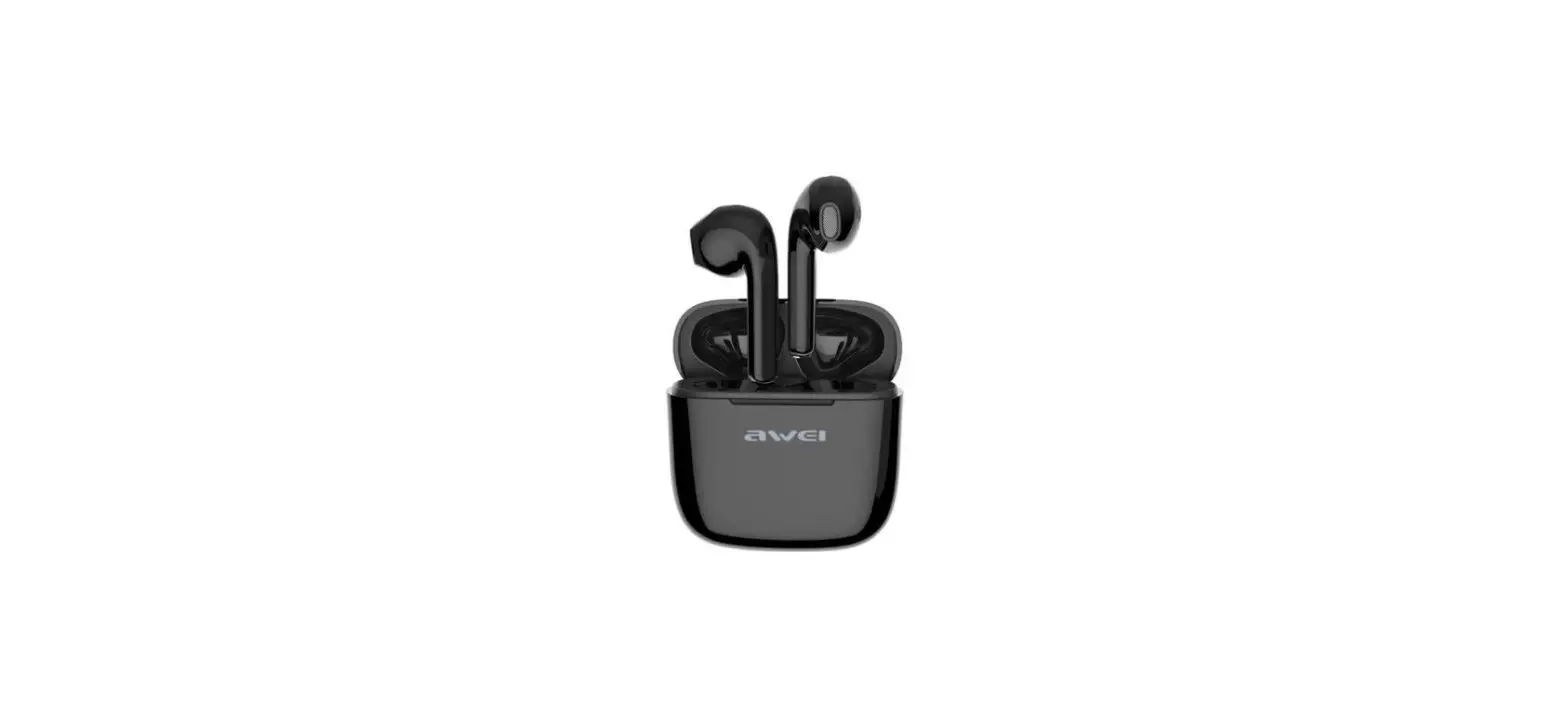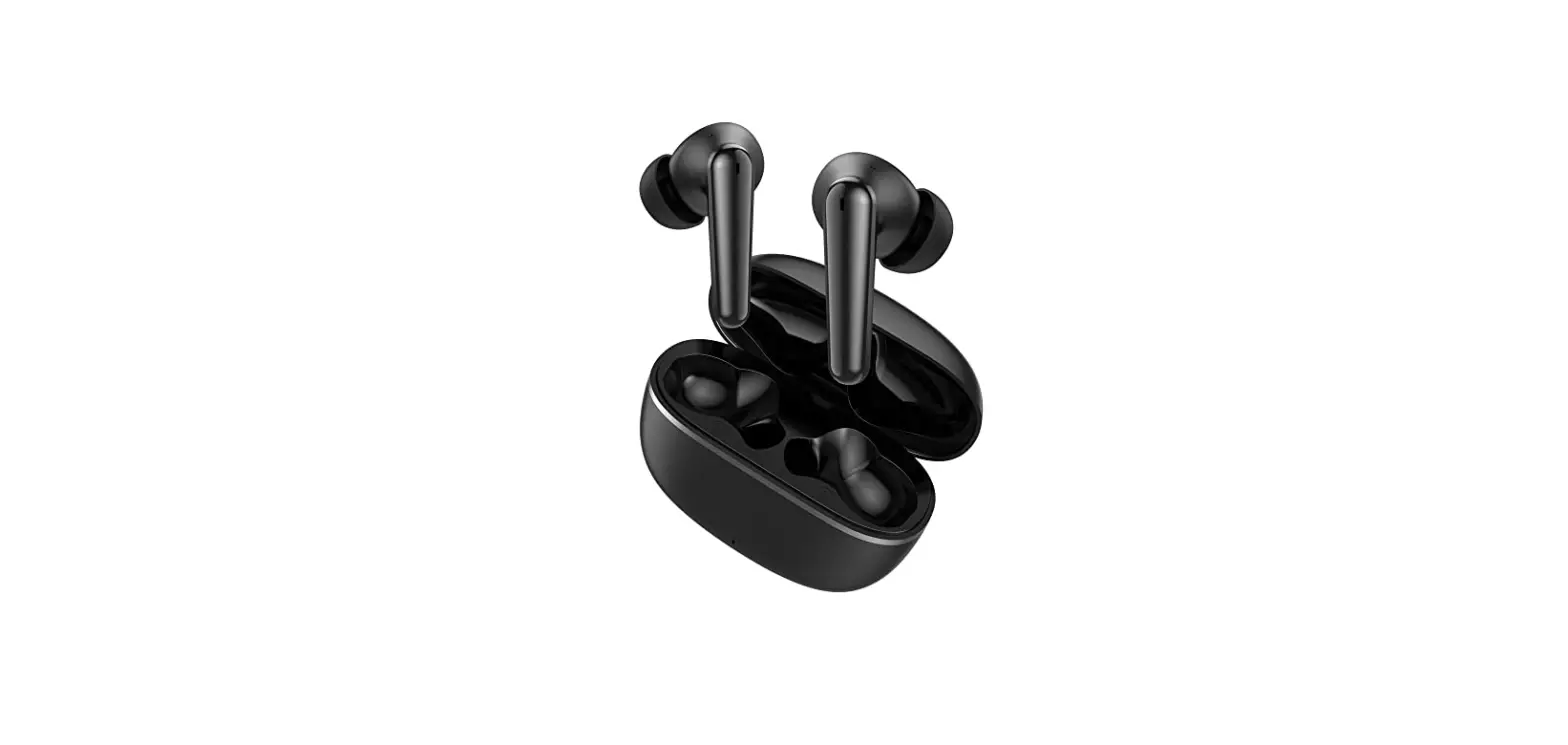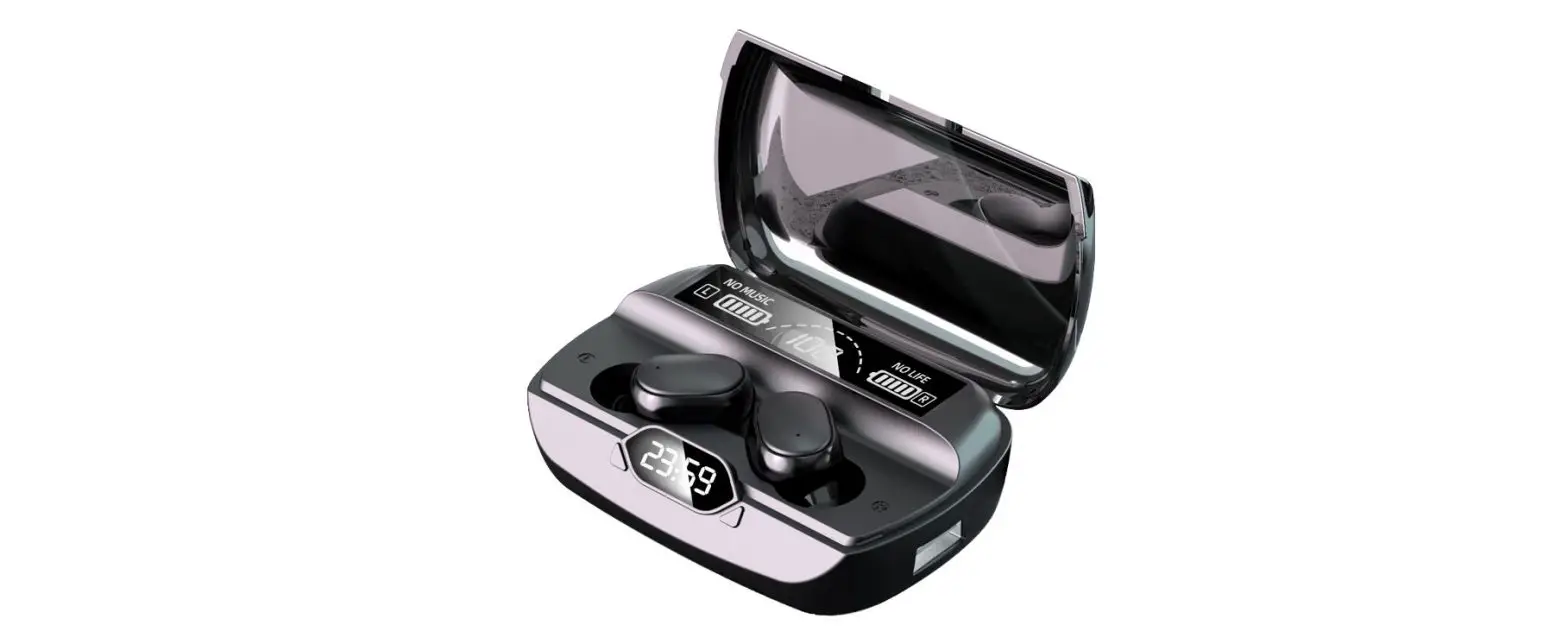

Dongguan Dahan Intelligent Technology F26 TWS Earbuds
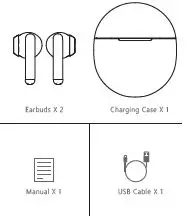
Packing List:
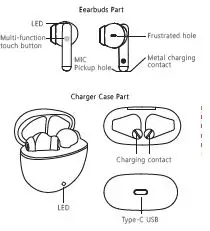
Product Overview:
Wear That:
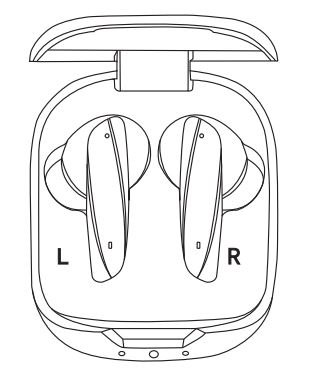
Take out the left/right earphone (L/R mark inside the charging case) and insert the earphone into the side auricle, Rotate the earphone according to the direction of the arrow to make the earphone wear more stable.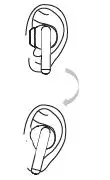
Instructions:
- First Start:
Open the charging case, the headset will automatically turn on and enter Bluetooth pairing mode, and the headset will turn on white for 1 second. - Bluetooth pairing:
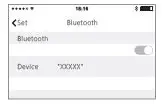
Turn on the phone Bluetooth search to “XXXX”, and then click the icon for pairing connection.
- Automatic back even:
If you put the headset back into the charging case and close the cover of the charging case, the connection between the headset and the device will be interrupted. When you open the charging case again, the headset automatically connects back to the same device.
Functional Operation:
| Function | Left | Right | Warning Tone |
| TIPS | The gray area is the key control area | ||
| Power On | Open charging case Or press 1.5 seconds star t | XXXXXX | |
| Play/Pause | Click | Click | Du |
| Previous | Double-click | Du | |
| Next Song | Double-click | Du | |
| Answering calls | Click | Click | Du |
| Hang Up | Double-click | Double-click | Du |
| Decline a Call | Double-click | Double-click | Du |
| Power Off | Close cover charging case Or press 4 seconds power off | “Power Off ” | |
Light Indication:
| Charging case | Charging case light |
| Charging | White light flashing |
| Charged | White light normally on |
| Turn on/off the cover | Not bright lights |
| Low Batter y | White lights flash off twice ever y 20 seconds |
| No power | Not bright lights |
Earbuds light indicator
| Earbuds | Earbuds Light |
| Charging | White light flashing |
| Charged | Light off |
| Low Batter y | White light flashes twice ever y 20 seconds |
| Power On | White light was on for 1 second |
| Power Off | Light off |
| Phone bluetooth pairing mode | White light in the right ear blinks once for 0.5 seconds, and the light in the lef t ear is off |
| Mobile phone successfully paired with Bluetooth | Light off |
| Mobile phone Bluetooth disconnected | White light in the right ear blinks once for 0.5 seconds, and the light in the lef t ear is off |
| Connect back to cell phone Bluetooth | White light in the right ear blinks once for 0.5 seconds and the light in the lef t ear is off |
Technical Specifications:
- Product Name: True Wireless in-ear earbuds
- Product Model: XXX
- Bluetooth Version:5.1
- Support Agreement: AVRCP/A2 DP/HFP/SBC/AAC Communication Distance: Accessible≥10m
- Music Playback Time: About 5-6 hours
- Talk time: About 4-5 hours
- Standby Time: About 30 hours
- Charging Times of Charging Case: about 4 times Charging Time: About 1.5 hours
- Charging Time of Charging Case: About 1.5 hours
- Input Voltage:5V 250mA
- Earbuds Battery Specifications:3.7V 30mAh
- Batter y Specifications of Charging Case:3.7V 250mAh Driver unit:Φ13mm
- Sensitivity:109±3dB@1KHz
- Impedance:16Ω
- Life Show:
- The maximum playing time of earphones in general use is about 6 hours, Mating charging box, lasts about 25 hours. In use, the battery life will vary according to the specific situation.
This device complies with part 15 of the FCC Rules. Operation is subject to the following two conditions: (1) this device may not cause harmful interference, and (2) this device must accept any interference received, including interference that may cause undesired operation. Any changes or modifications not expressly approved by the party responsible for compliance could void the user’s authority to operate the equipment.
NOTE: This equipment has been tested and found to comply with the limits for a Class B digital device, pursuant to Part 15 of the FCC Rules. These limits are designed to provide reasonable protection against harmful interference in a residential installation. This equipment generates, uses and can radiate radio frequency energy and, if not installed and used in accordance with the instructions, may cause harmful interference to radio communications. However, there is no guarantee that interference will not occur in a particular installation. If this equipment does cause harmful interference to radio or television reception, which can be determined by turning the equipment off and on, the user is encouraged to try to correct the interference by one or more of the following measures:
— Reorient or relocate the receiving antenna.
— Increase the separation between the equipment and receiver.
— Connect the equipment into an outlet on a circuit different
from that to which the receiver is connected.
— Consult the dealer or an experienced radio/TV technician for help.
The device has been evaluated to meet general RF exposure requirements. The device can be used in portable exposure conditions without restriction