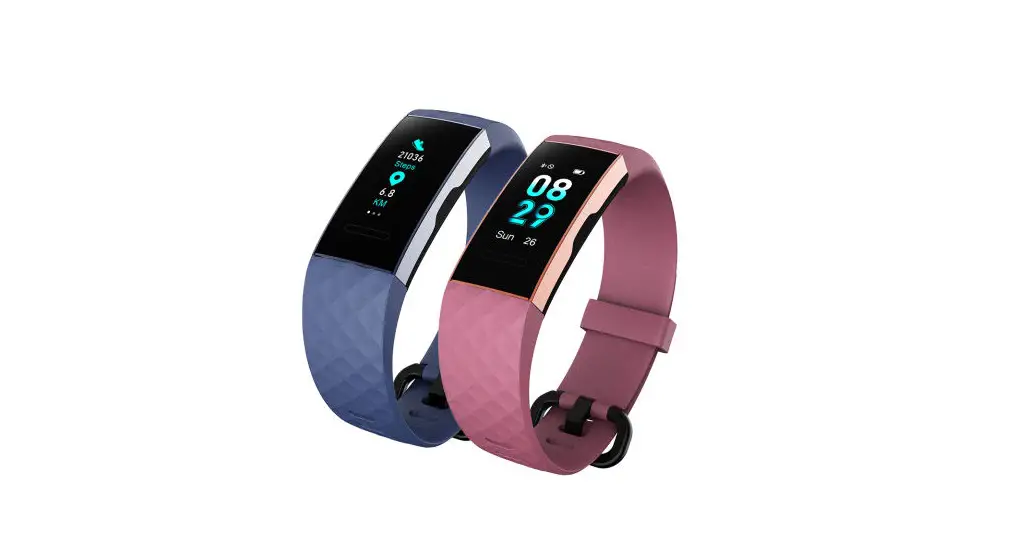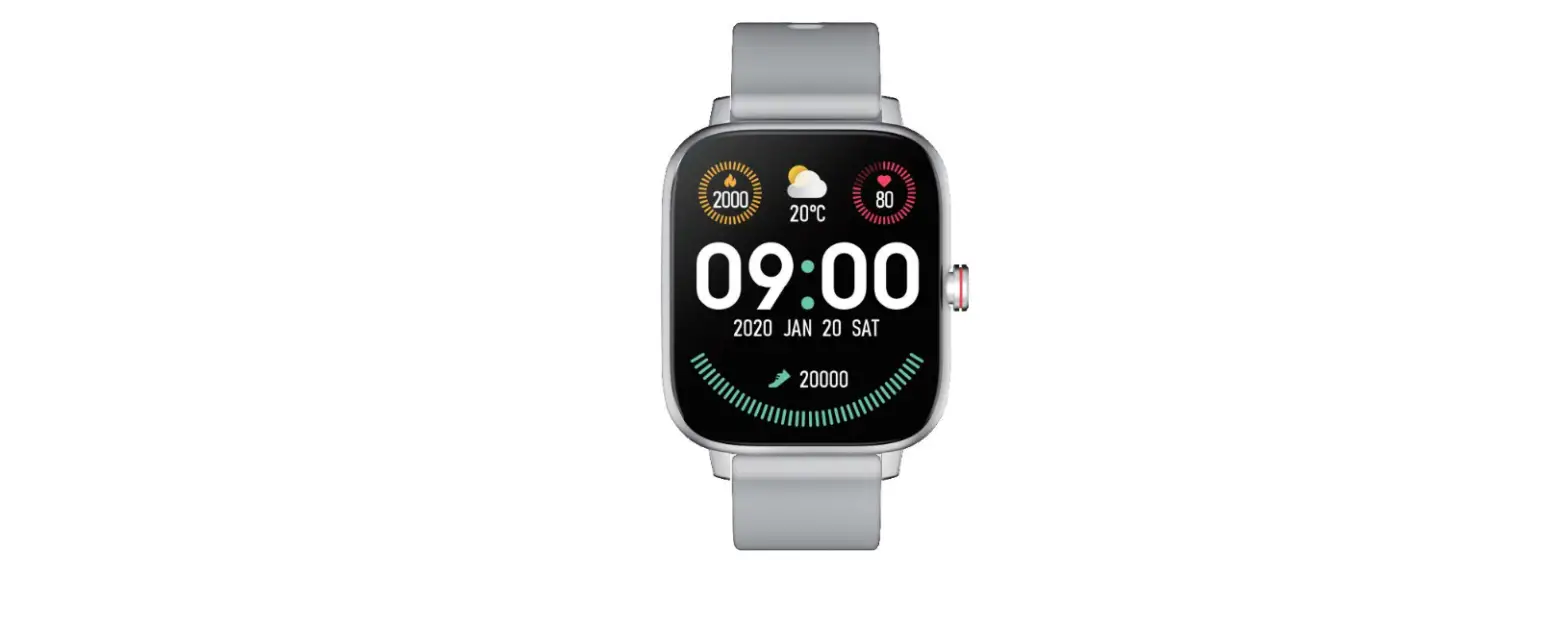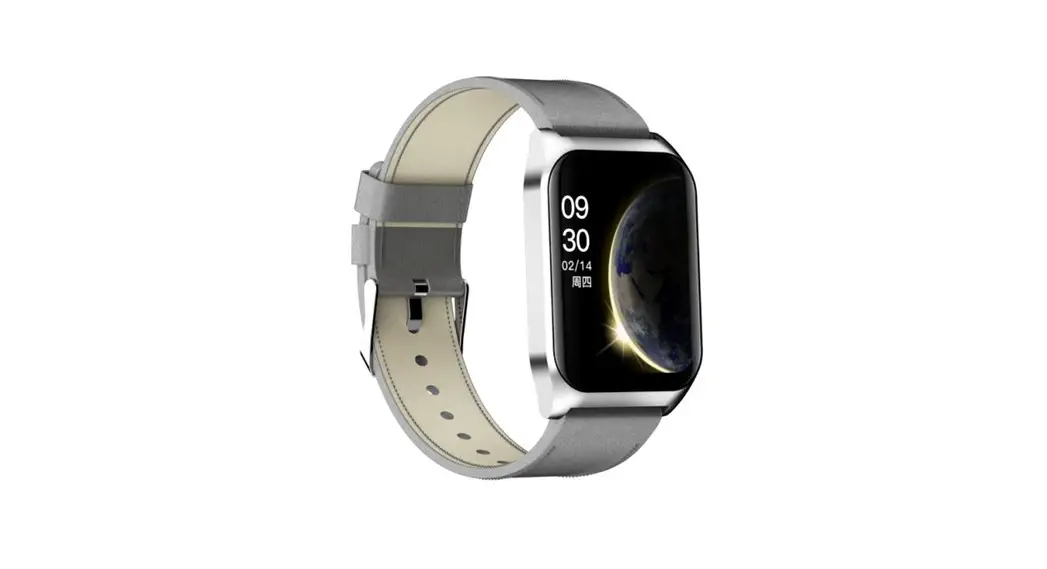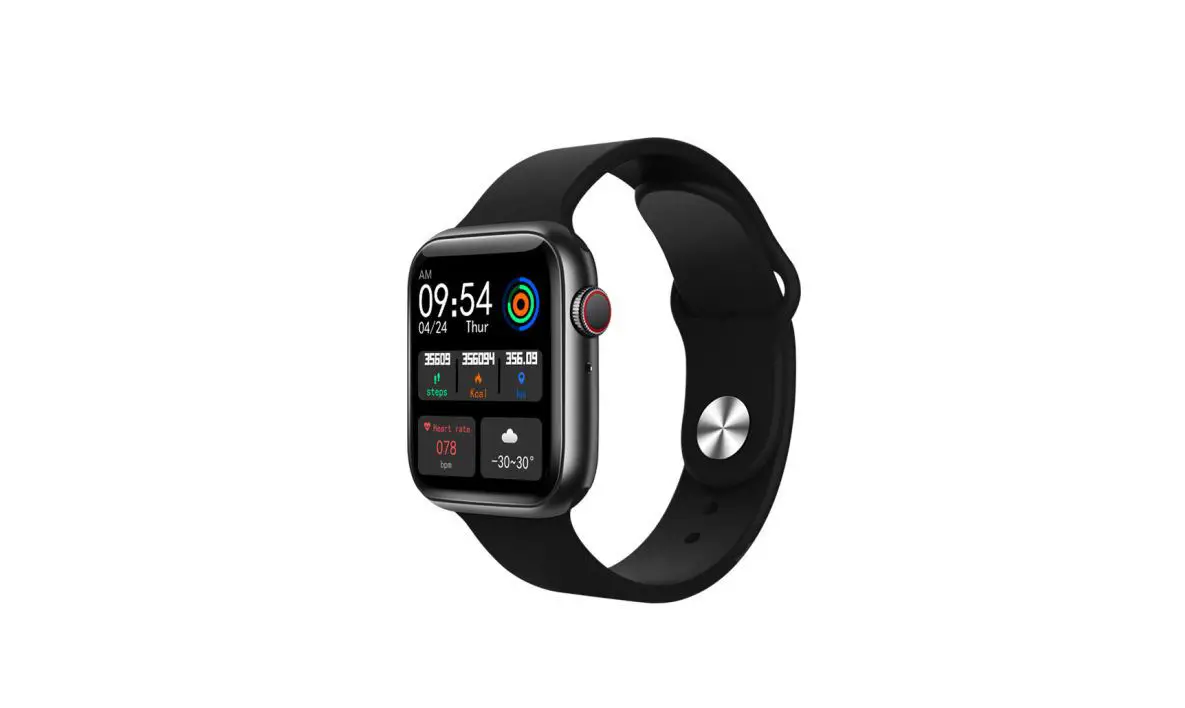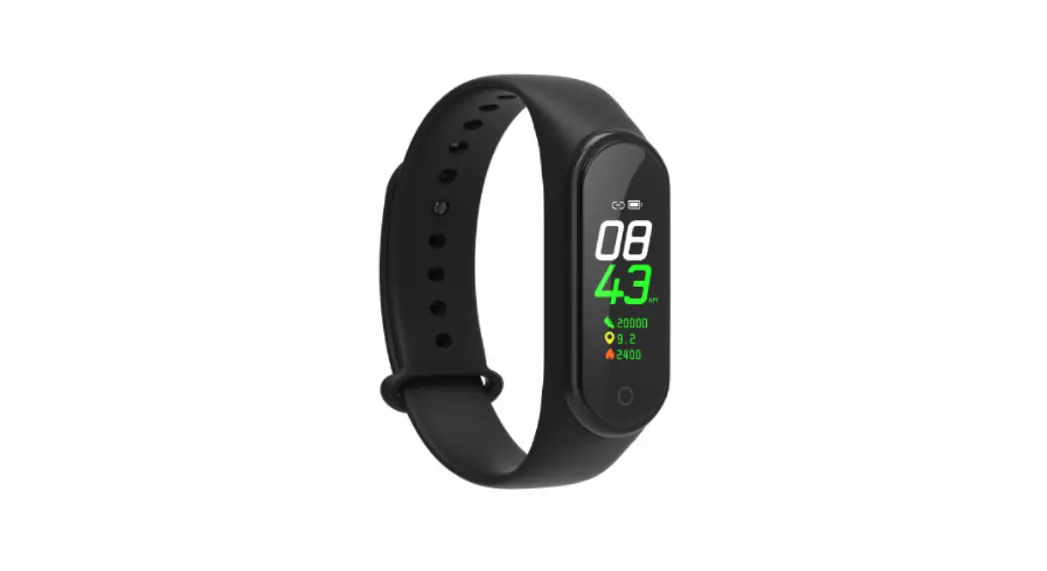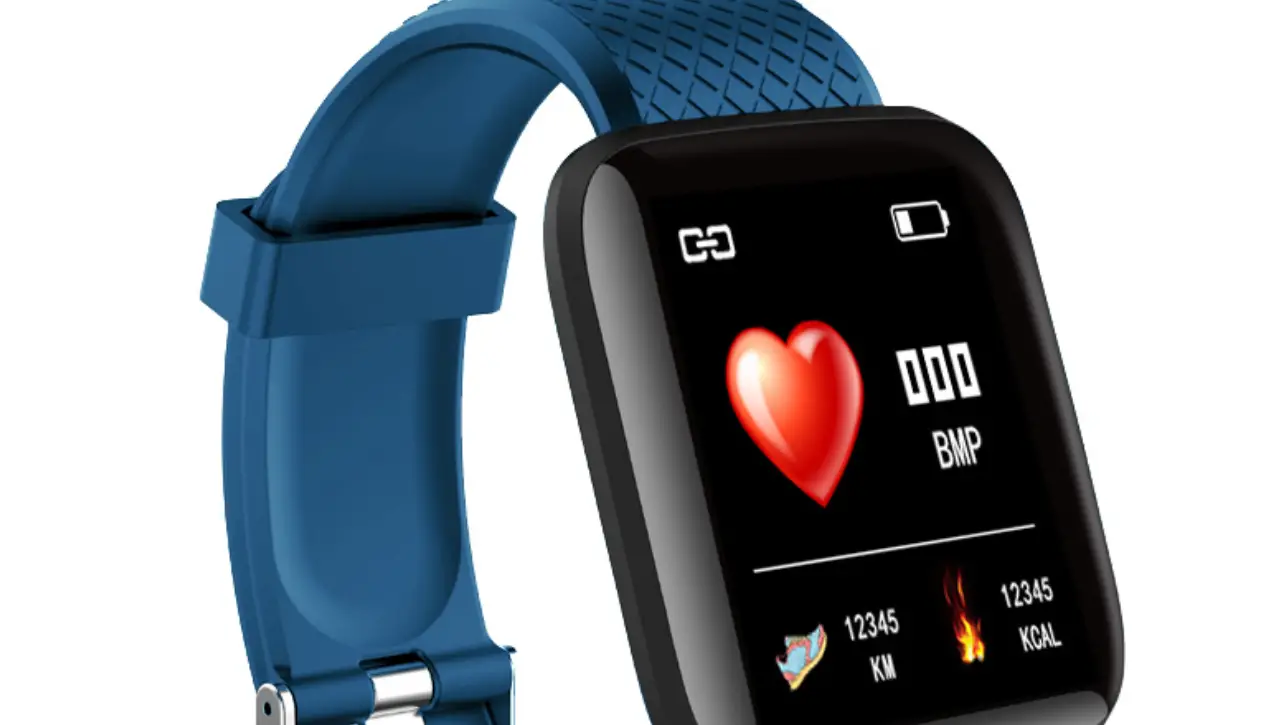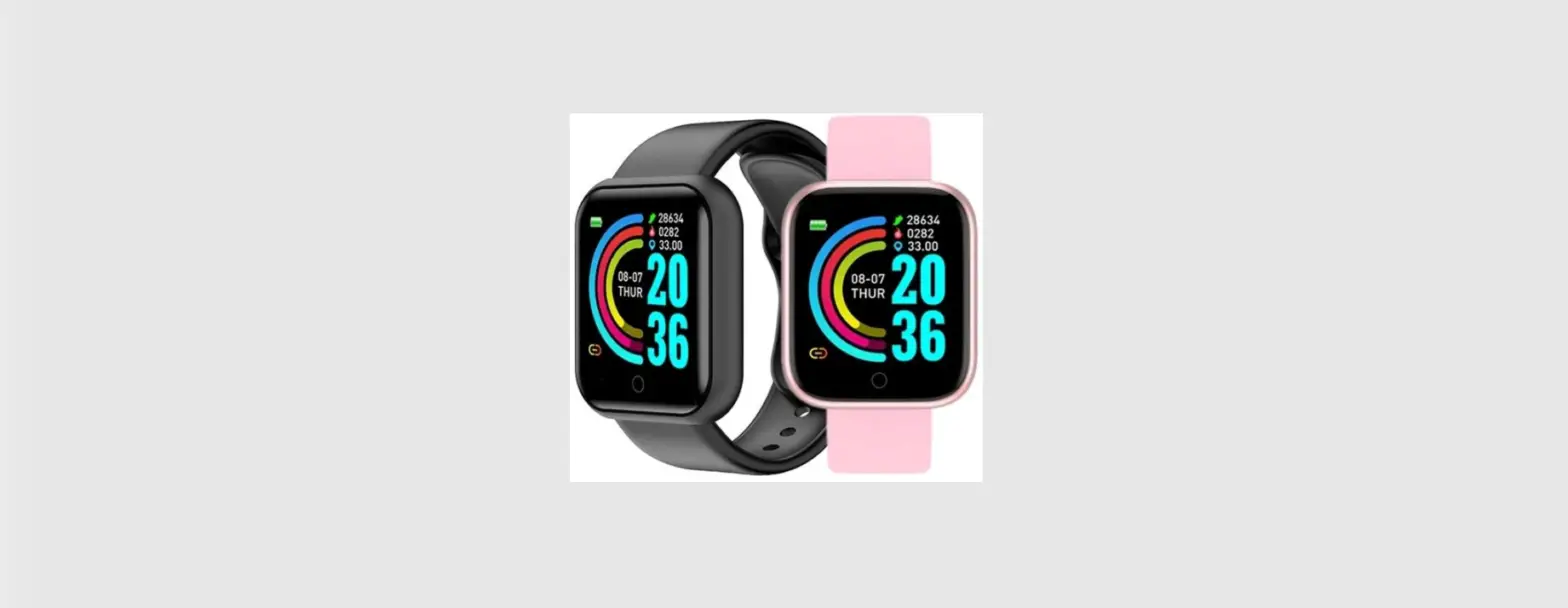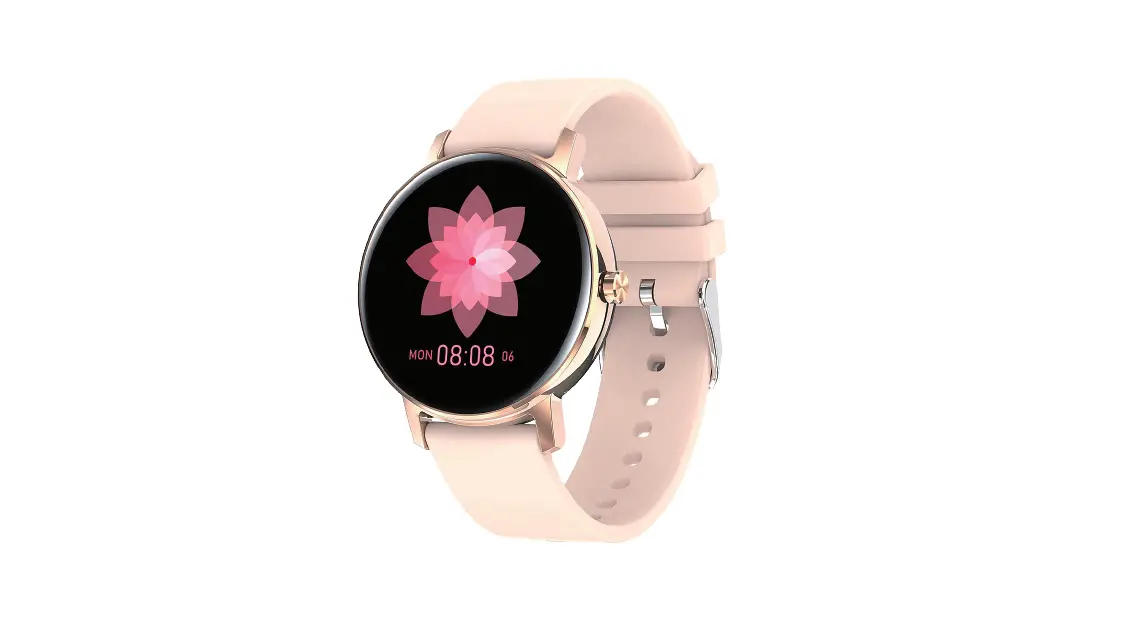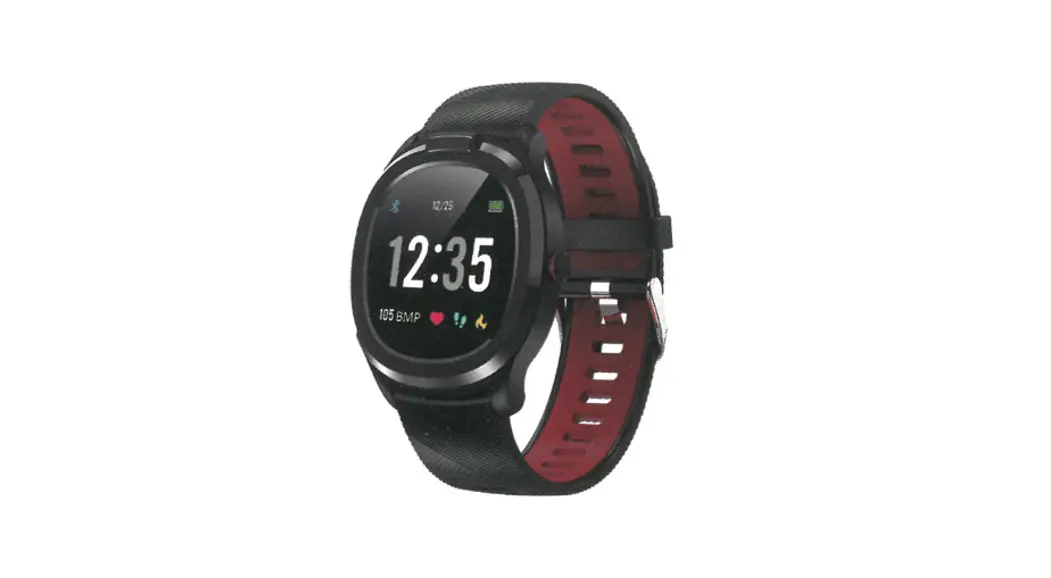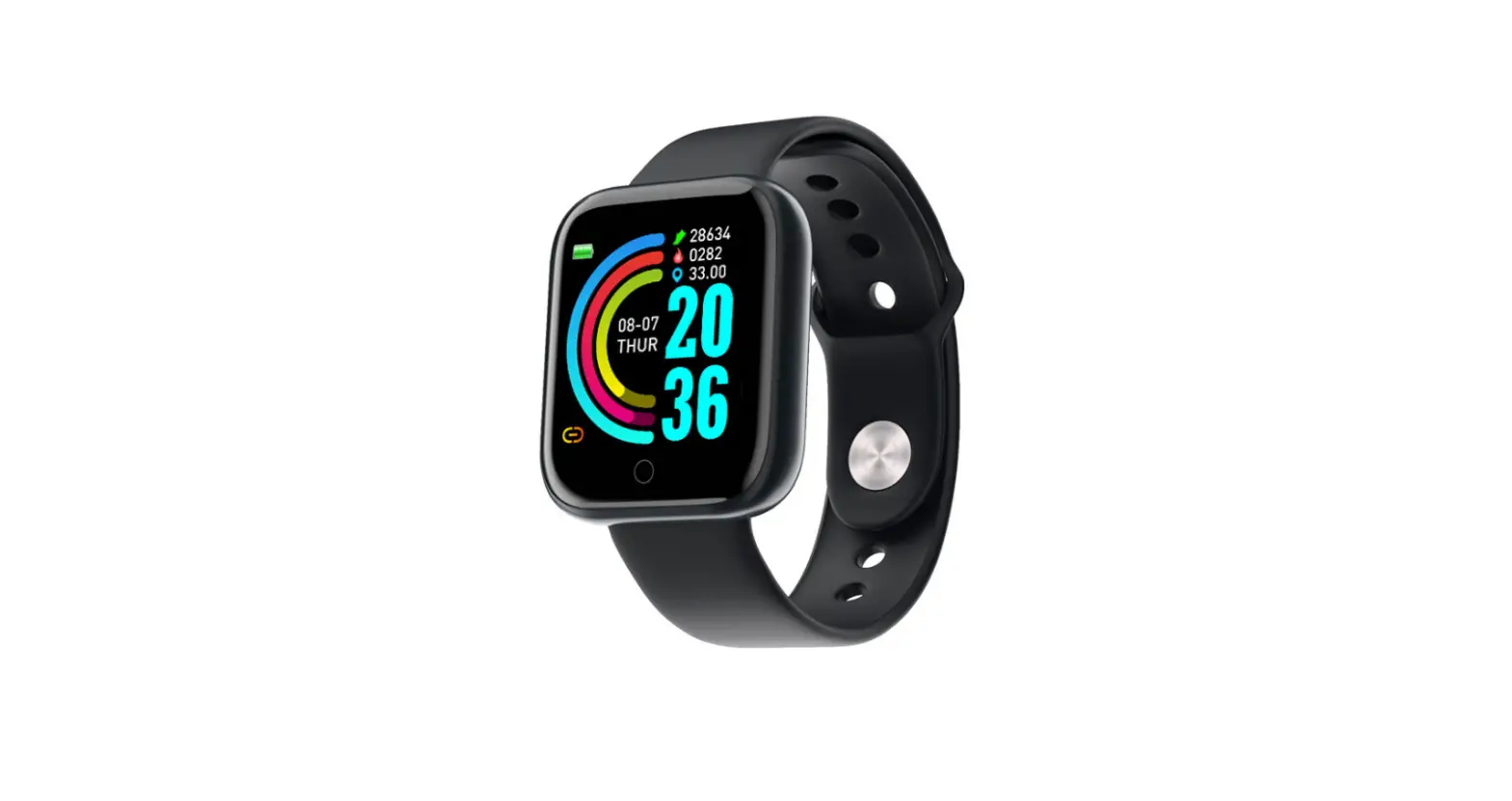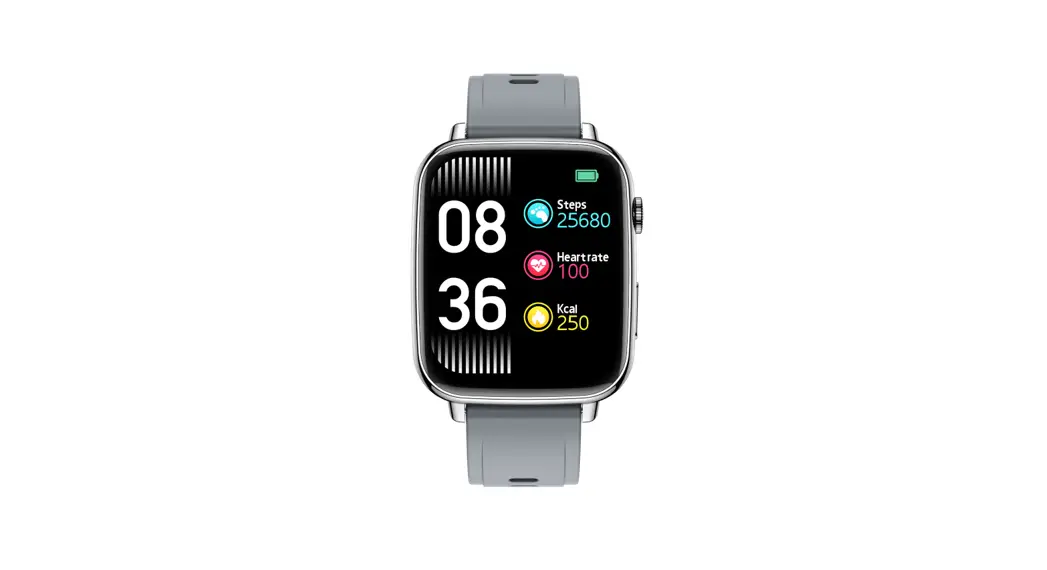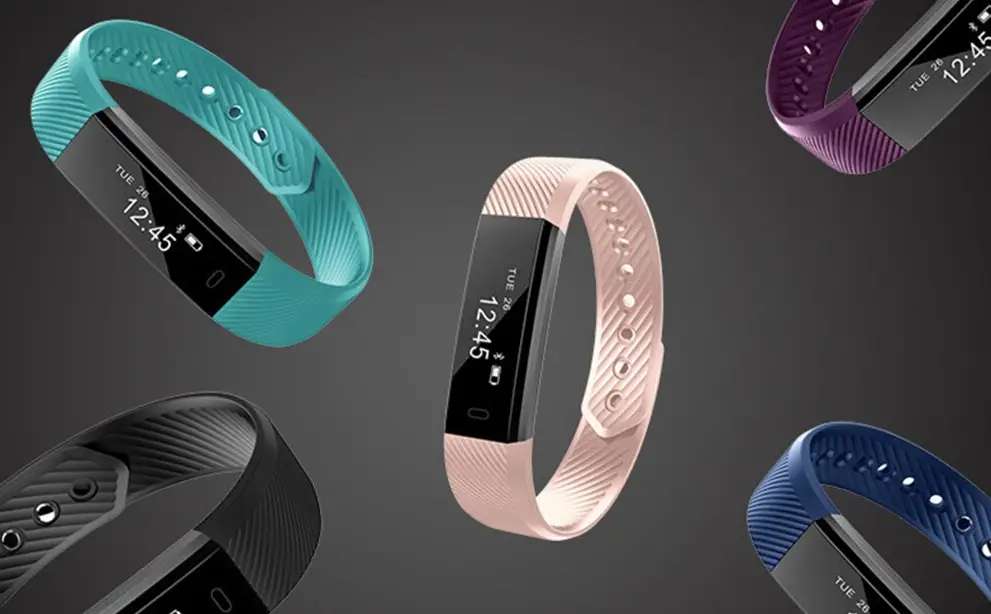

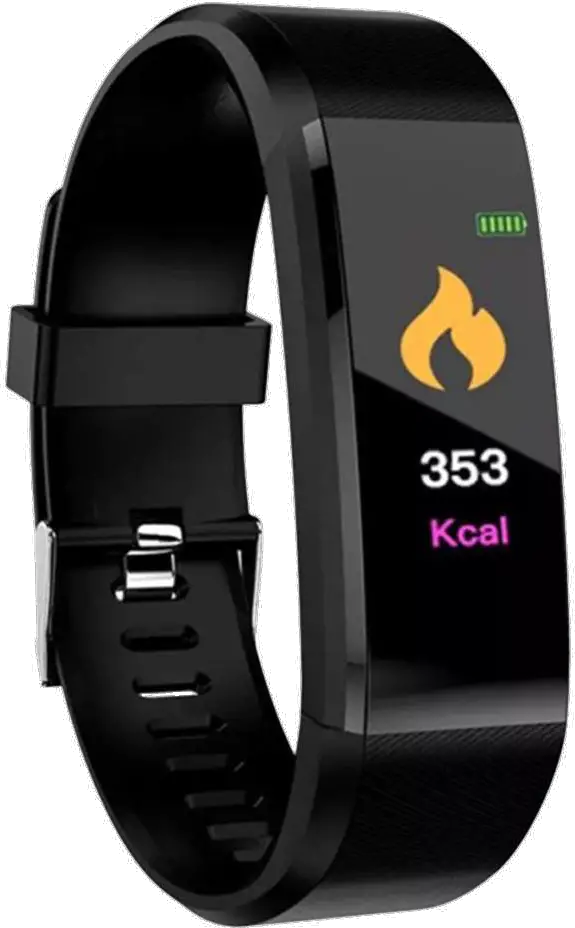
Shenzhen Do Intelligent Technology ID155 Smart Bracelet
Specifications
| Model | ID155 | Screen Type | TFT-LCD |
| Battery Capacity | 110mAh | Charging Voltage | 5V±0.2V |
| Charging Time | 2 Hours | Battery life | 7 Days |
| Waterproof Level | IP68 | Weight of Product | 25g |
| Operating Temperature | 0°C – 60°C | Bluetooth Version | BLE5.1 |
| Product Frequency | 2402-2480MHz | Max. Transmission Power Consumption | 4dBm |
Know the Device
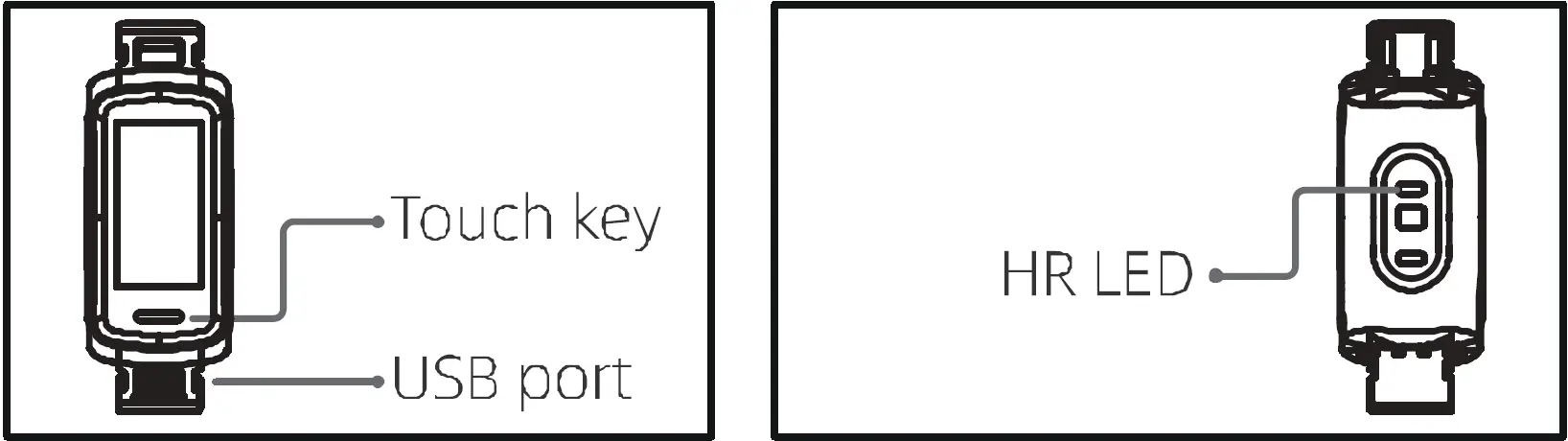
Functions of the Touch Key
Click the Touch key to:
- Return; or
- Turn on the screen
Power On/Off
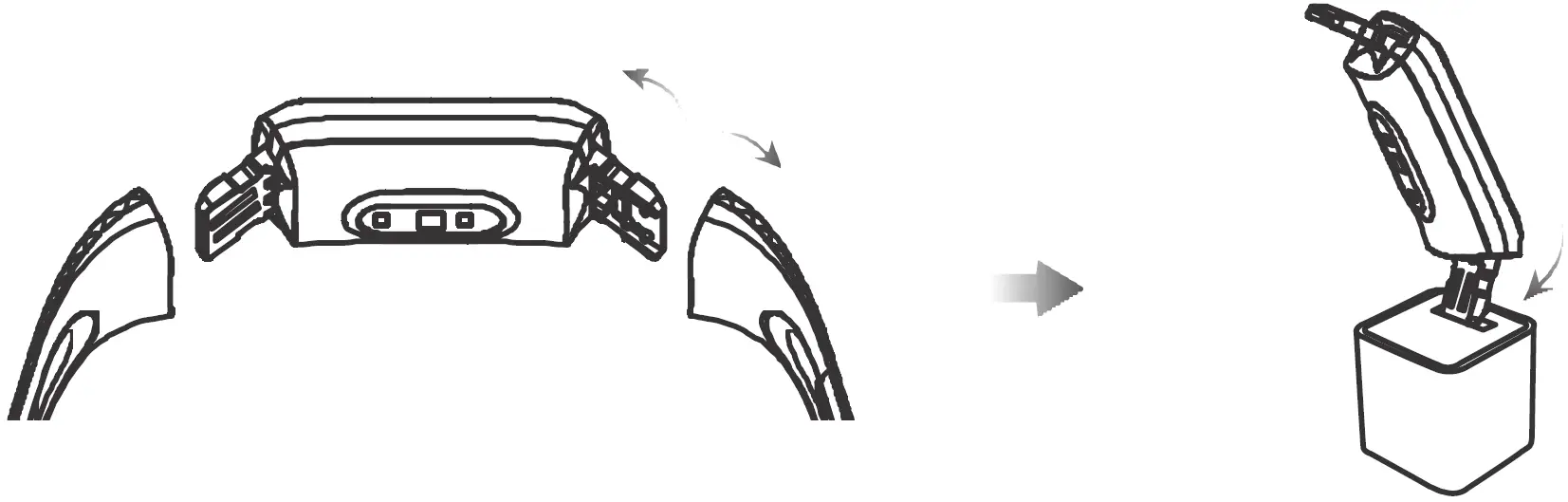
Note: The Bracelet must be activated through charging before the first use.
- Pull the strap and remove the main body of the Bracelet;
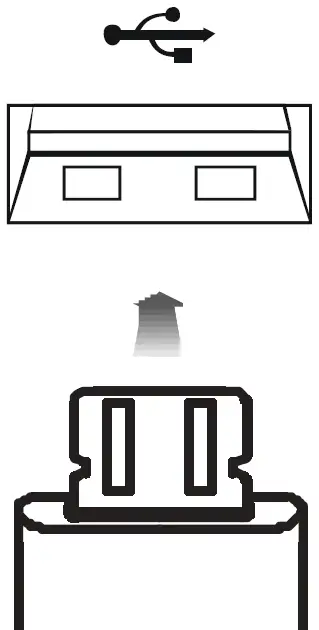
- Insert the metal charging terminal of the main body into the USS port to charge the Bracelet (please use the Specified voltage and current (5V/500mA), and be careful not to reverse the polarity)
Charging and Power-on Power Off
Shutdown path: [Setup]➔[Power Off].
Downloading and Pairing
- Download the APP
Scan the following QR code to download “VeryFit” or search for and download “VeryFit” in “APP Store” on your phone.
- Pairing
Turn on the APP and Bluetooth. Search and select the device in the APP.
Finally, bind the device in the APP.

Screen Operations
Swipe the screen up/down
- To switch among pages at the same level; or
- To view long text or details.
Swipe the Screen Left/Right
- To switch among pages at the same level.
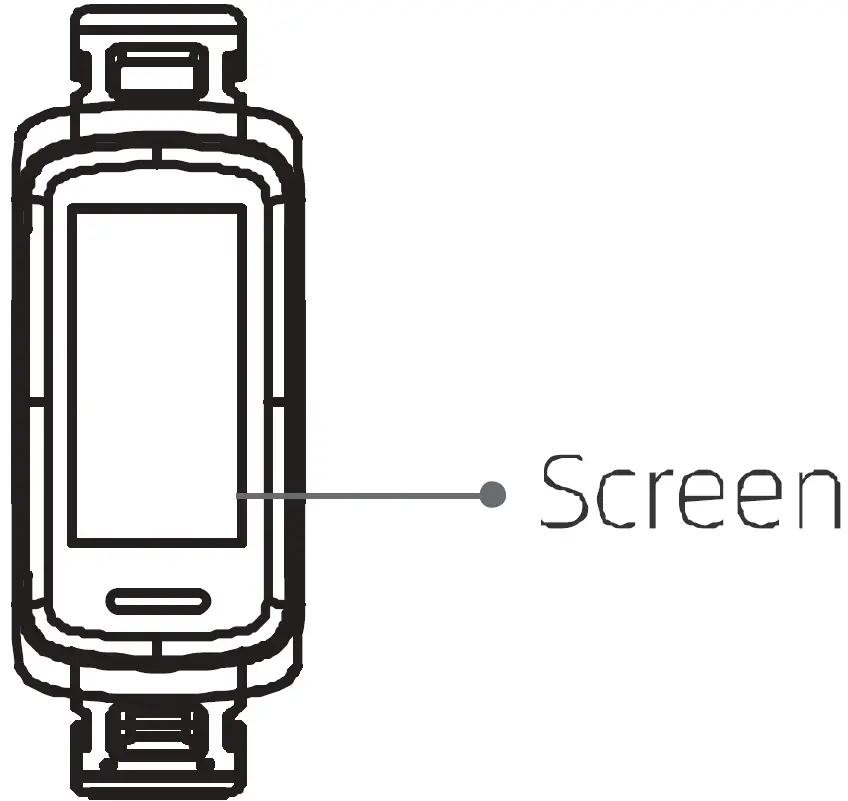
Click the Screen
- To go to the sub-page;
- To complete the corresponding action, depending on which on-screen button is clicked
Click and hold the screen
- To change the watch face wallpaper.
Functions
IDl55 supports IP68, full-screen touch, follow-hand operations, 14 sports modes, multiple dials in the cloud, and HR, Sp02, stress and sleep monitoring. For the operating instructions and FAQ, please start the APP and consult the User Guide.
Maintenance
Below are three recommendations on wearing and maintenance:
- Keep the device clean;
- Keep the device dry;
- Do not wear the device too tight.
- Do not use household cleaners to clean the device. Use soap-free cleaners instead.
- For stains that are difficult to remove, it is recommended to scrub with alcohol.
Safety
- To prevent device failure, fire and explosion, never place the device or its accessories in any extremely-high-temperature or extremely-low-temperature area.
- To prevent device damage, accessory damage and device failure, always protect the device against strong impactor shock.
- Do not disassemble or modify the device or its accessories without authorization. Any device failure should be referred to our after-sales service personnel.
This device was tested for operations. To comply with RF exposure requirements, a minimum separation distance of 0mm must be maintained between the user’s body and the handset, including the antenna. Third-party belt-clips, holsters, and similar accessories used by this device should not contain any metallic components. Body-worn accessories that do not meet these requirements may not comply with RF exposure requirements and should be avoided. Use only the supplied or an approved antenna.
This device in compliance with the essential requirements and other relevant provisions of UKCA. All essential radio test suites have been carried out.
- CAUTION: RISK OF EXPLOSION IF BATTERY IS REPLACED BY AN INCORRECT DISPOSE OF USED BATTERIES ACCORDING TO THE INSTRUCTIONS.
- The device complies with RF specifications when the device used at 0mm form your body.