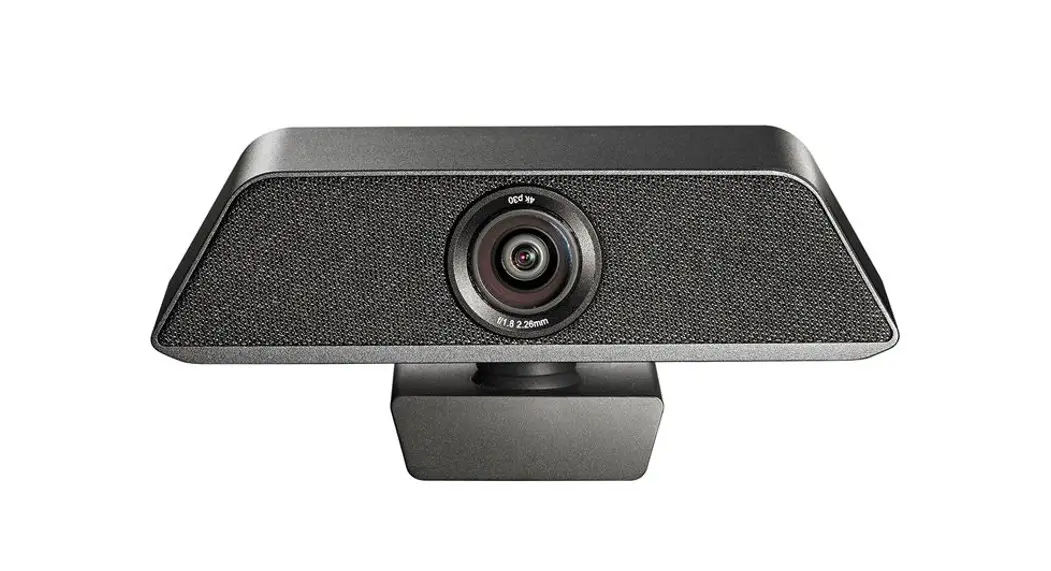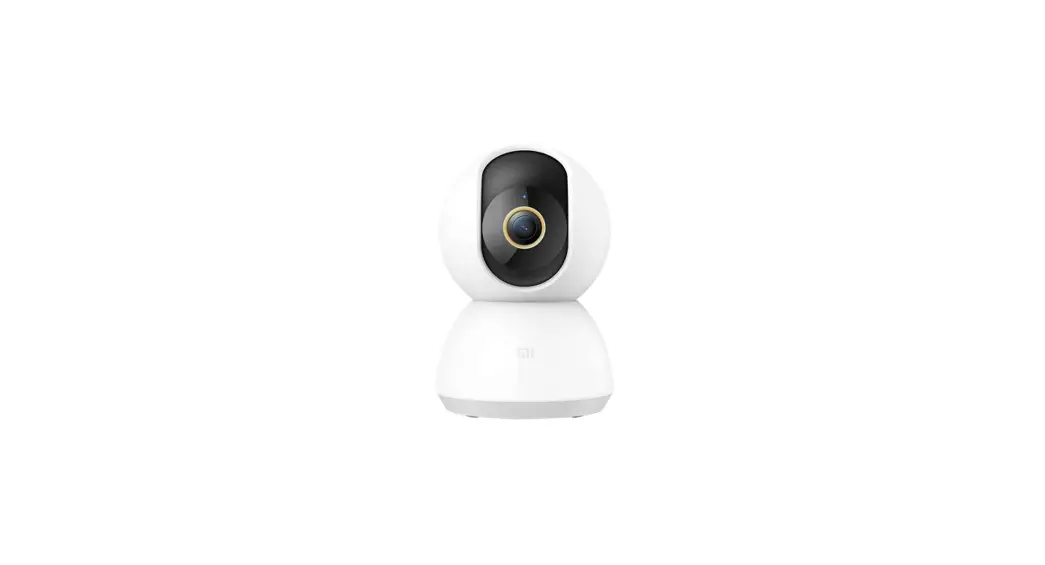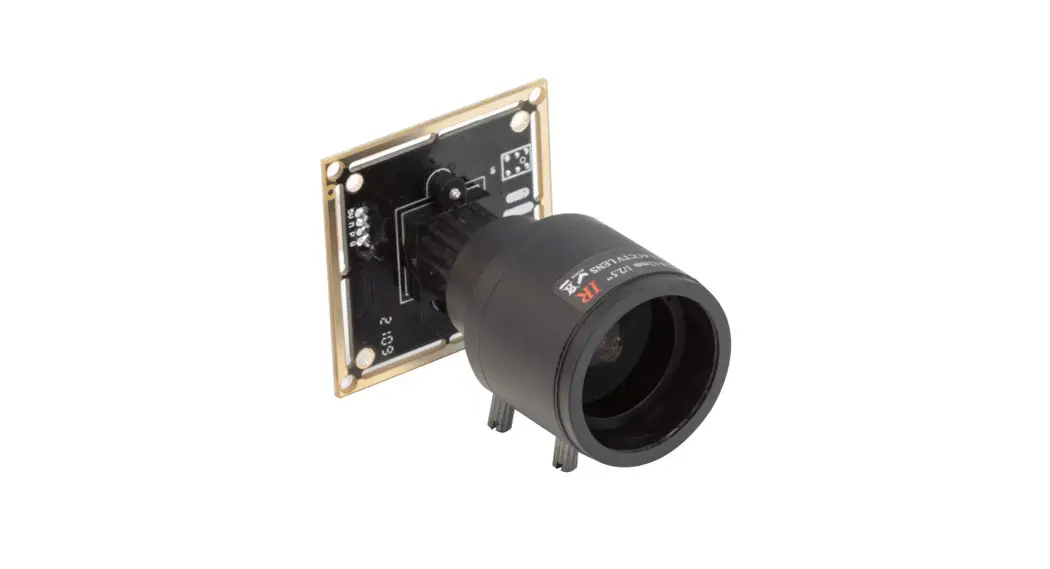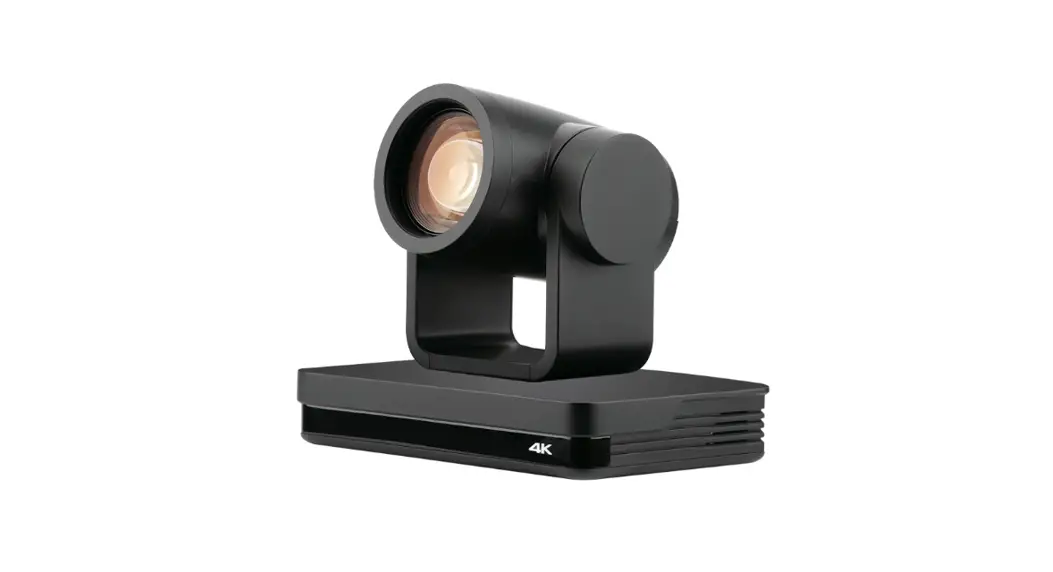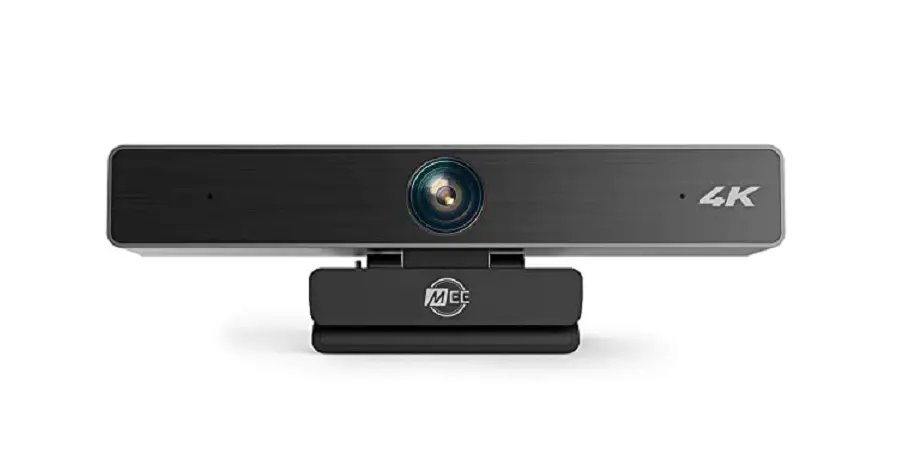
UC CAM75FS-1 USB Camera
Safety Instructions
Before using and operating this equipment, please read and observe the following precautions carefully to avoid dangerous or illegal operations.
Placement
DO NOT use the device in dusty and damp places to avoid causing internal circuit failures.
DO NOT place this equipment near heating objects such as electric heaters.
Normal operating temperature is 0- 40 , normal operating humidity is 10%- 90%RH.
Children’s Health
The product and accessories may contain some small- part. Please place them beyond the reach of children in avoidance of swallowing danger.
Power Supply
Please use the standard cable of this product. Please disconnect the power supply when there is no one in the room or when it is not used for a long time.
Water Precaution
This device is not waterproof, please keep it dry.
Maintenance
Please contact professional service personnel for maintenance services . When the equipment is damaged, please do not disassemble it for repair without permission, please call customer service to report for repair.
DO NOT insert any sharp or pointed object into the device.
DO NOT drop or hit the device to avoid damage to the device.
Statement
Intellectual property right statement: The hardware design and software of this product are covered by the patents.Anyone who reproduces this product or the content of the instruction without the authorization of the Company shall assume legal liabilities. This manual is for reference only, and the actual function of the final product is subject to the actual function of the product received by the customer.
The picture is for reference only, please refer to the actual product. The company reserves the right to improve and change the appearance and design of the product without notice.
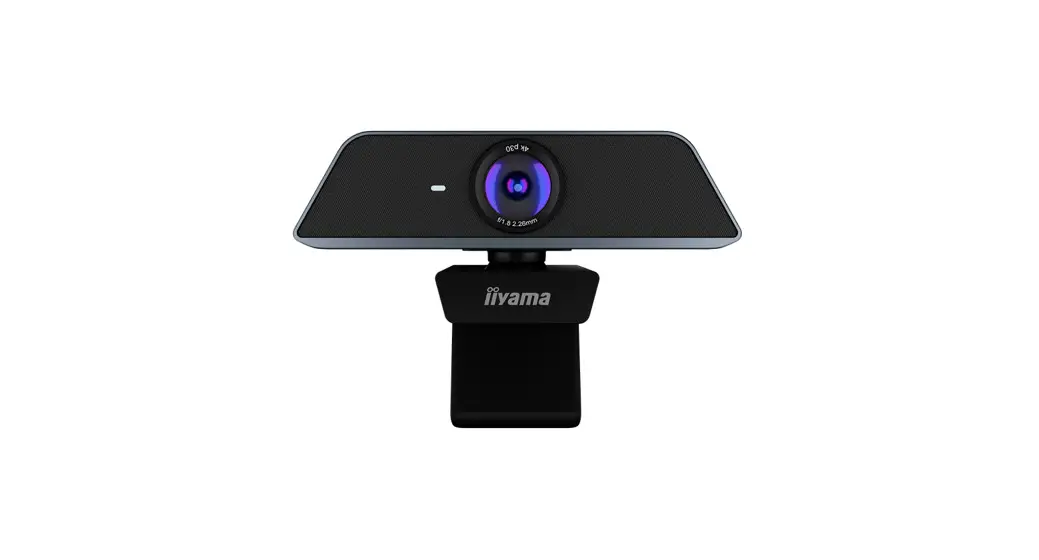
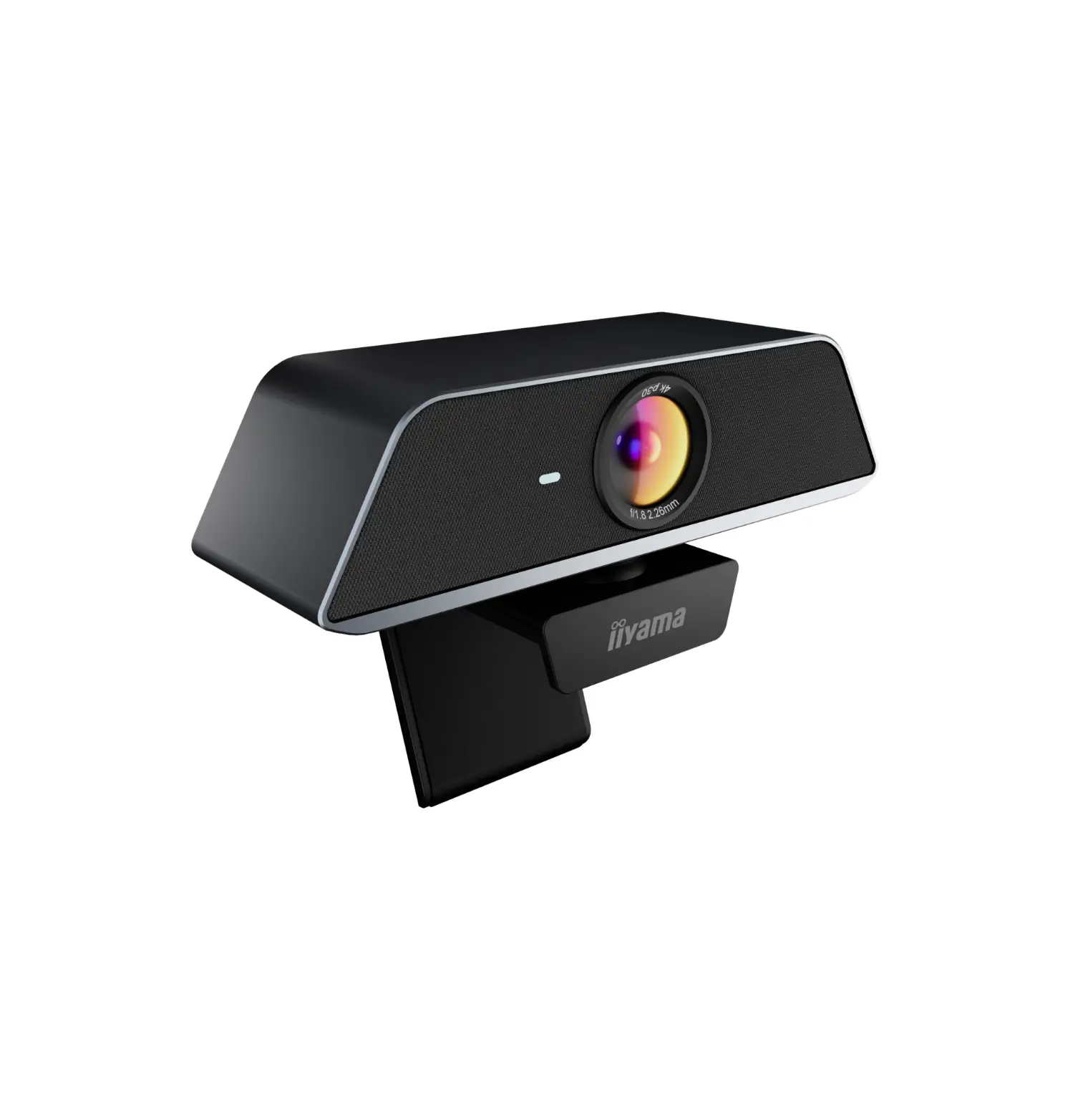
Appearance Introduction
Please be familiar with the device interface and keys before use.
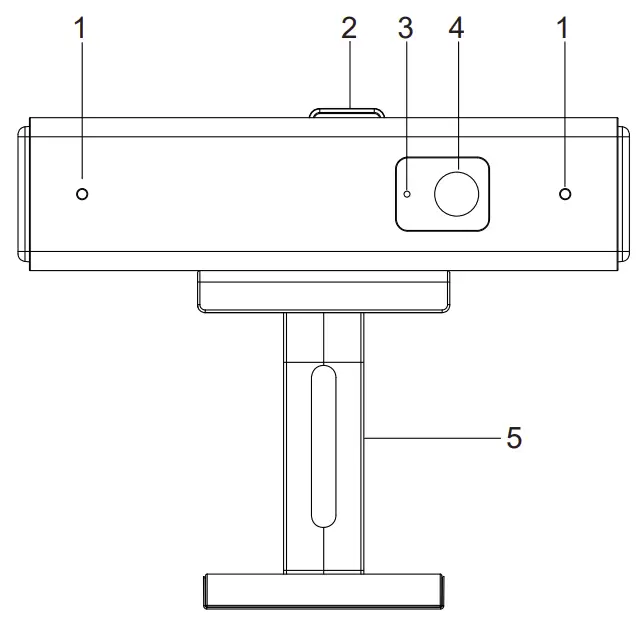
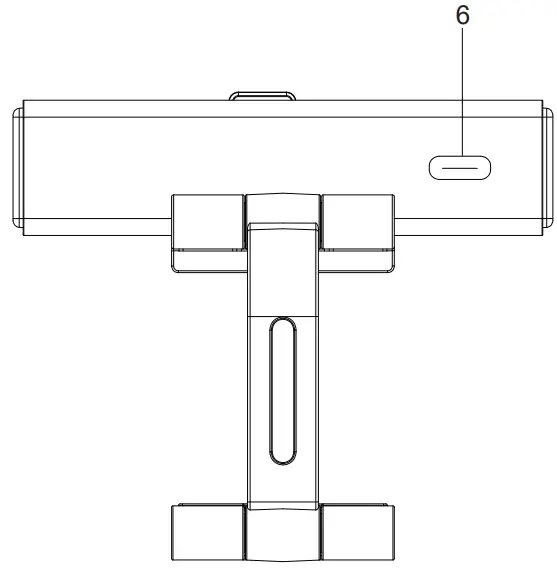
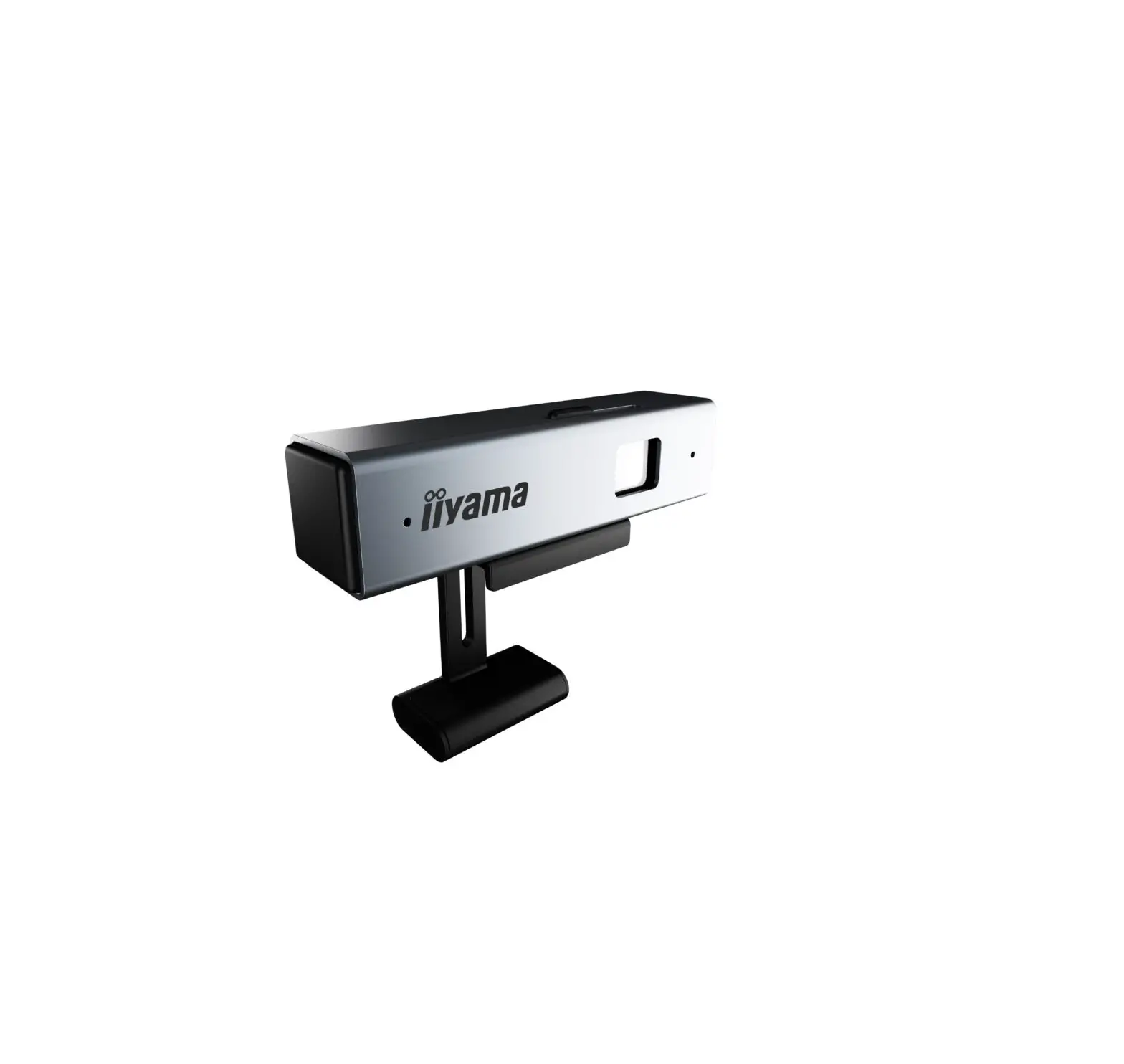
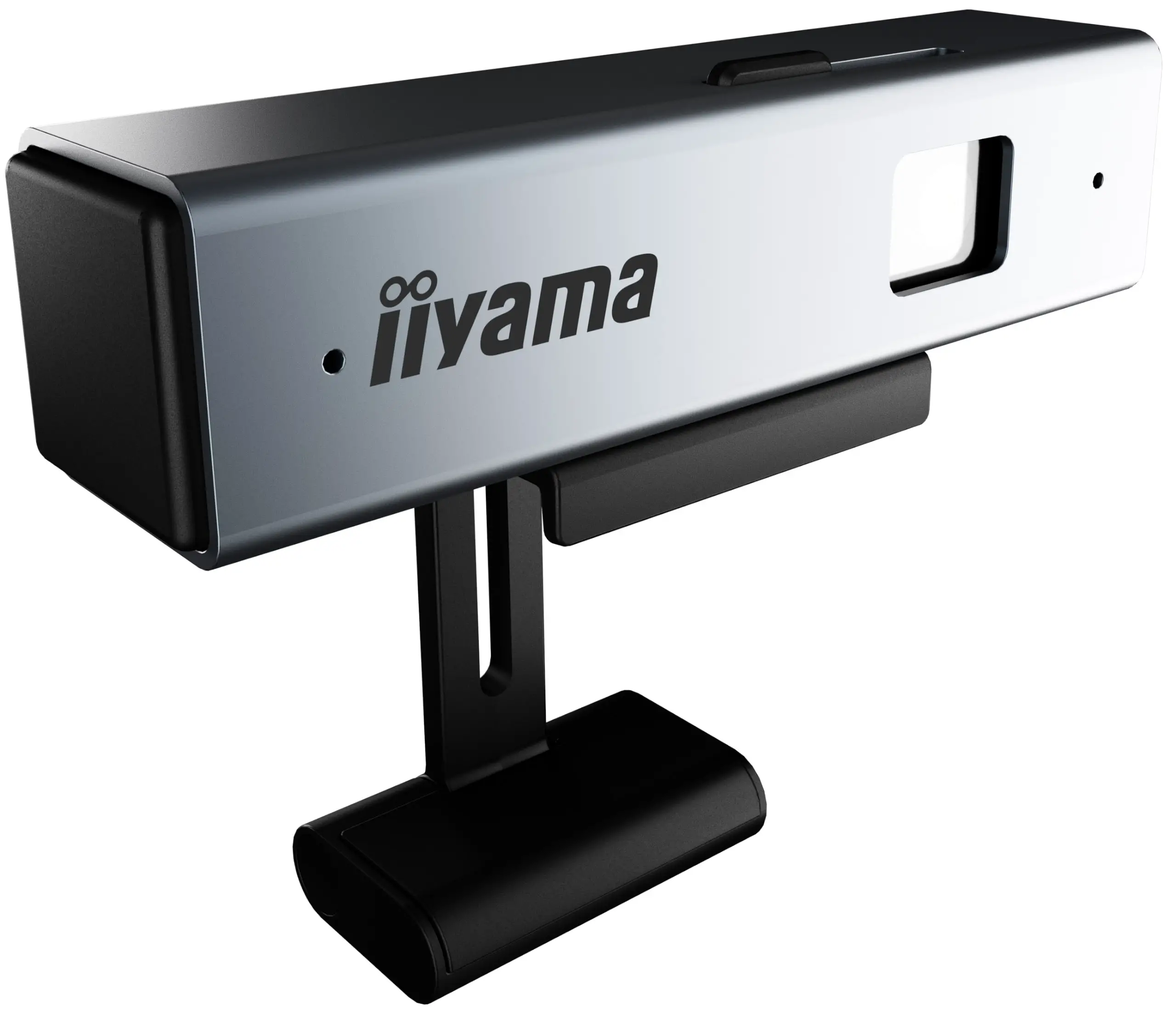
- Microphone
- Lens Cover
- Indicator Light
- Camera
- Camera Bracket
- USB Type- C port
Note: Slide the Lens Cover left and right to cover the camera
Connection
Step 1: When the product is made of iron back plate or rear shell, rotate the camera bracket to the corresponding position. The silica gel pad on the bracket is in contact with the top of the product, and the silica gel press on the bracket is in contact with the iron back plate. A magnet is placed inside the silica gel press to adsorb the iron back plate. As shown in figure 1
Step 2: When the product is a non- iron back plate or back shell, the silica gel pressing block on the bracket is in contact with the non- iron back plate, and the semicircular surface of the silicone pressing block is in contact with the top of the non- iron back plate. As shown in figure 2

Step 3 : Please use the dedicated USB cable to connect the product with the display. As shown in Figure 3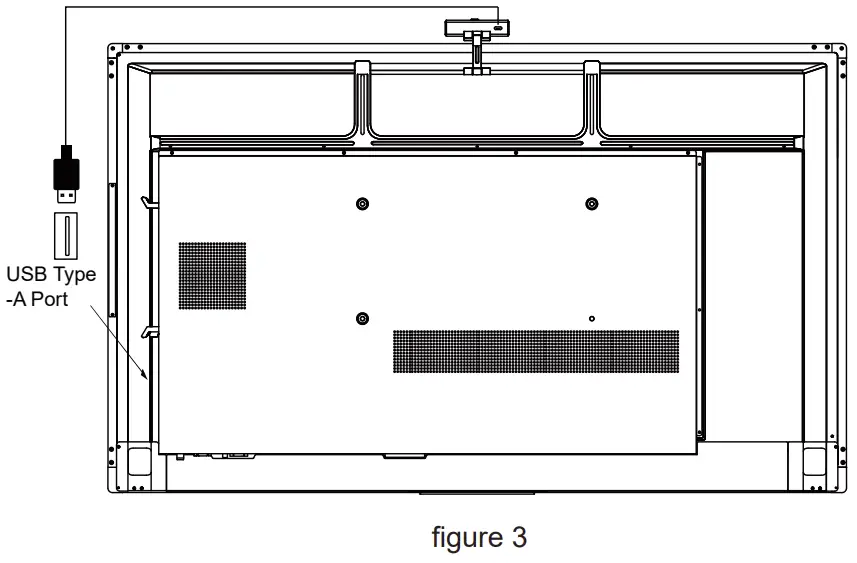
Accessories
Please check whether there are the following items in the product packing box:
- USB cable× 1
- User Manual (this document)
CE MARKING DECLARATION OF CONFORMITYThis USB Camera complies with the requirements of the EC/EU |
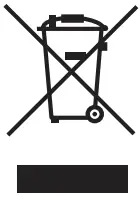 | We recommend recycling of used product. Please contact your dealer or iiyama service center. Recycle information is obtained via the Internet, using the address: http://www.iiyama.com You can access the Web page of different countries from there. |

 iiyama