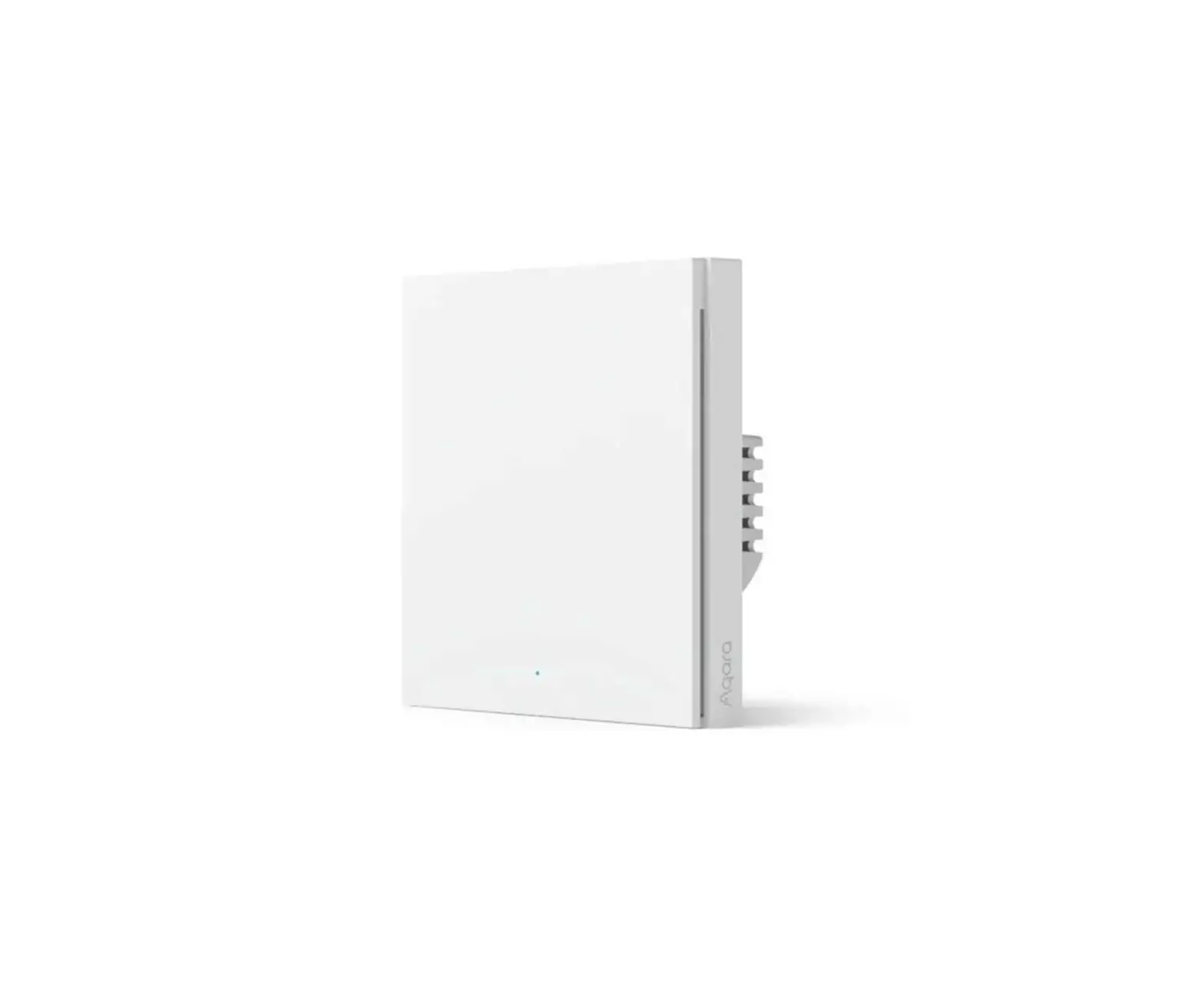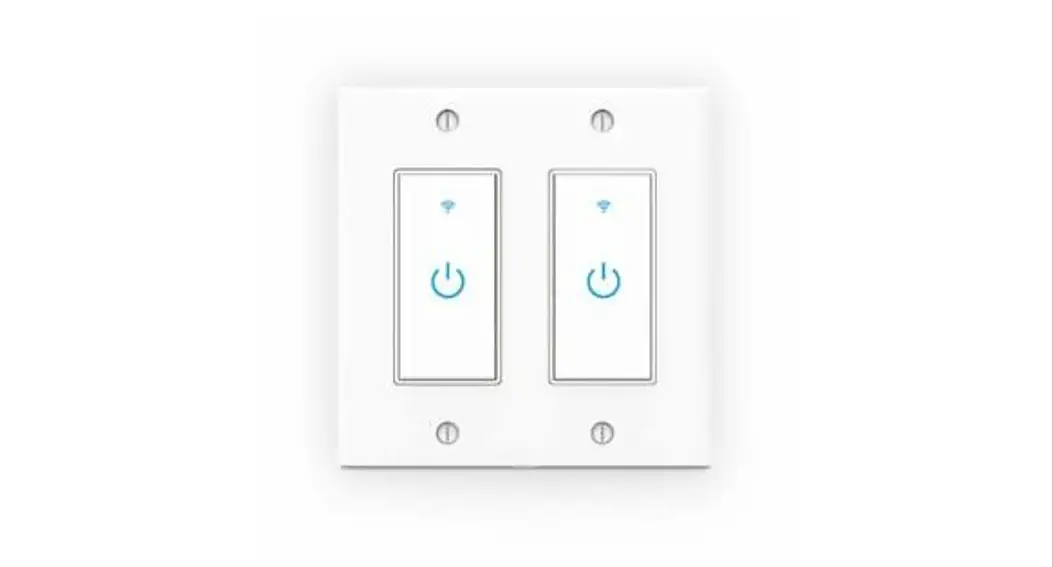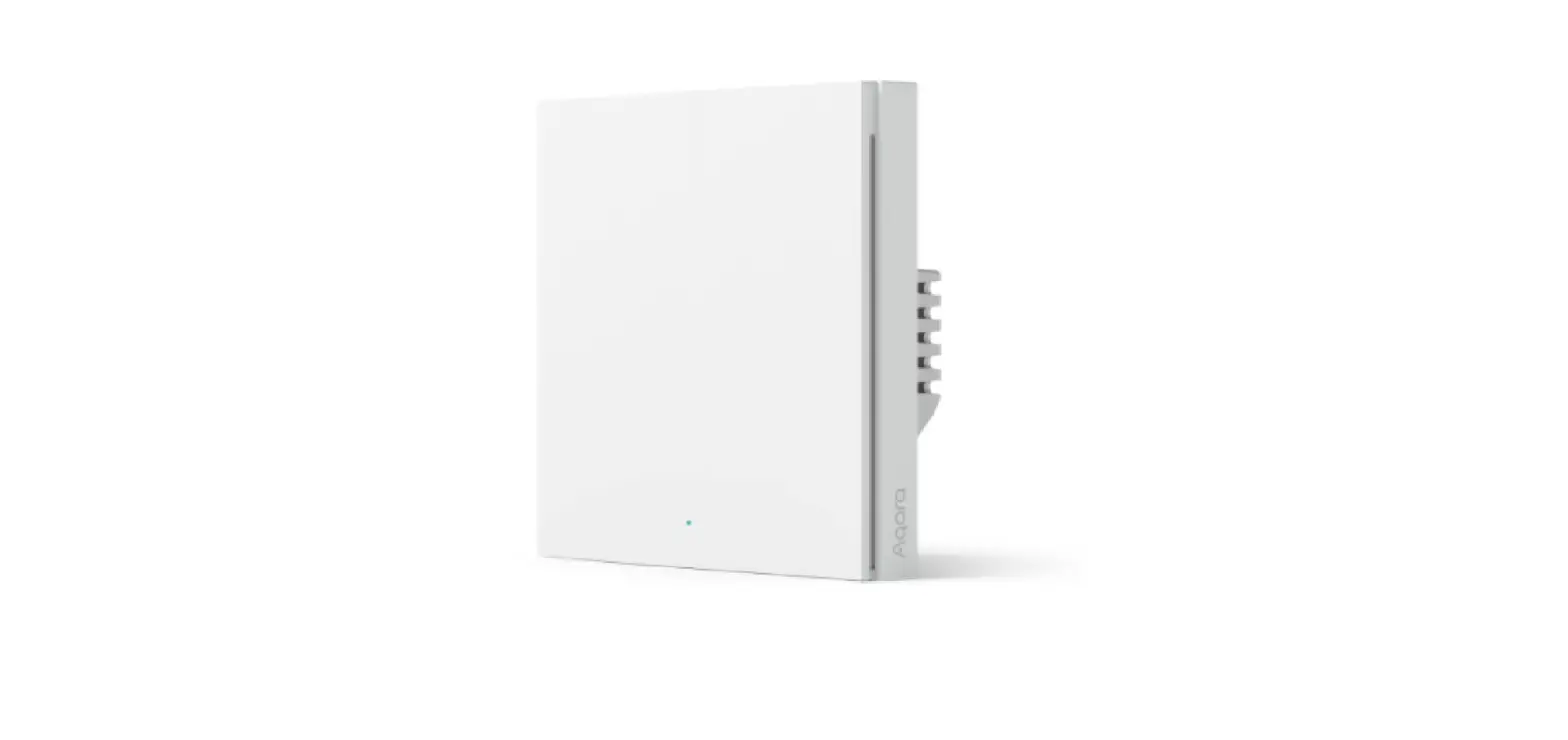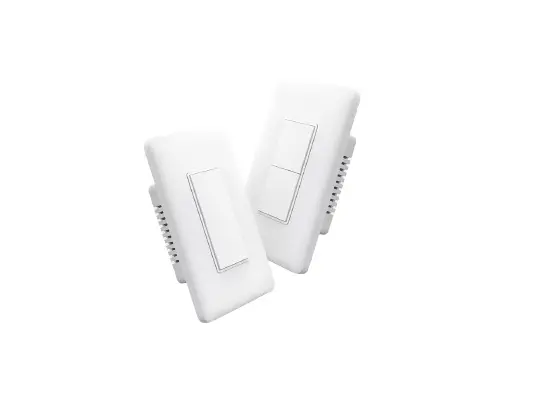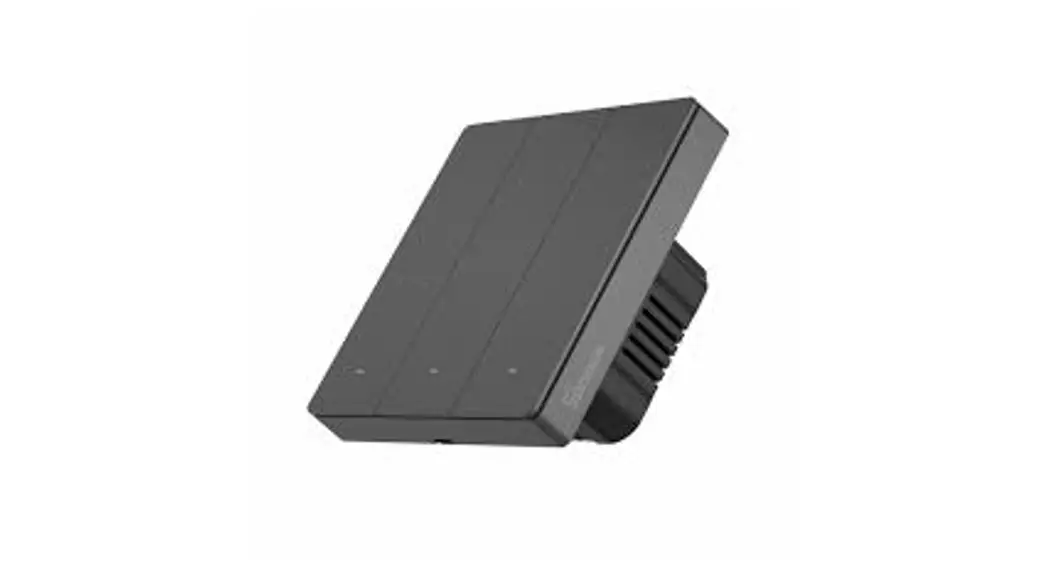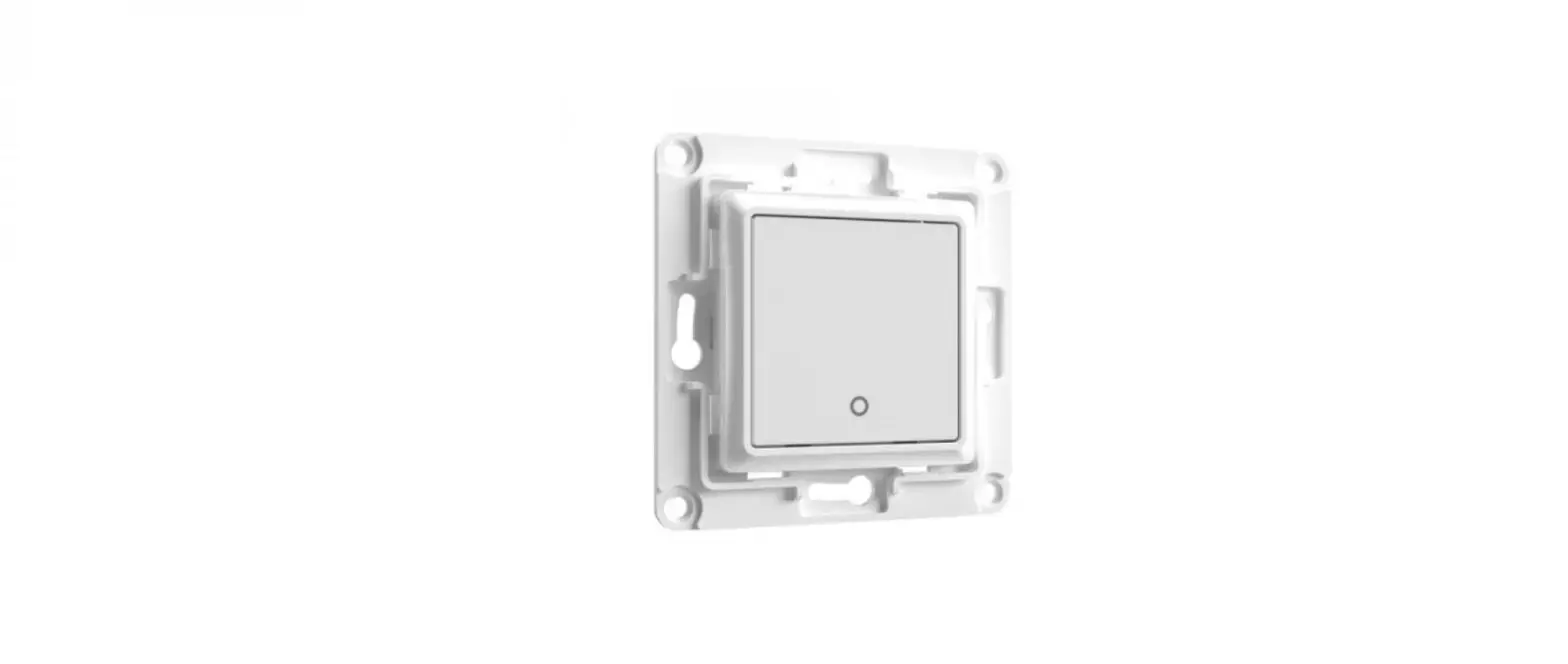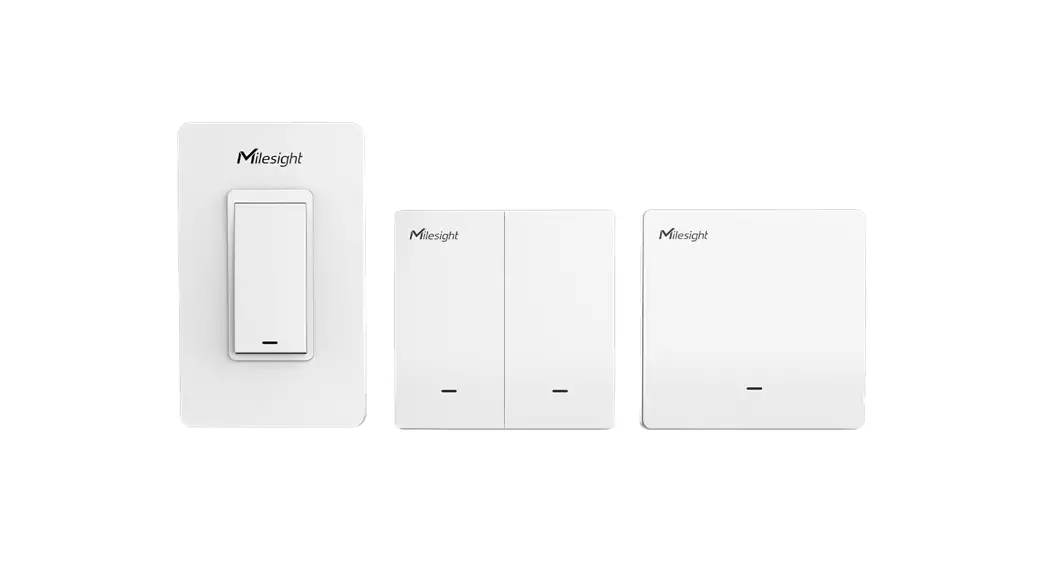
 WS50 Series Smart Wall Switch
User Guide
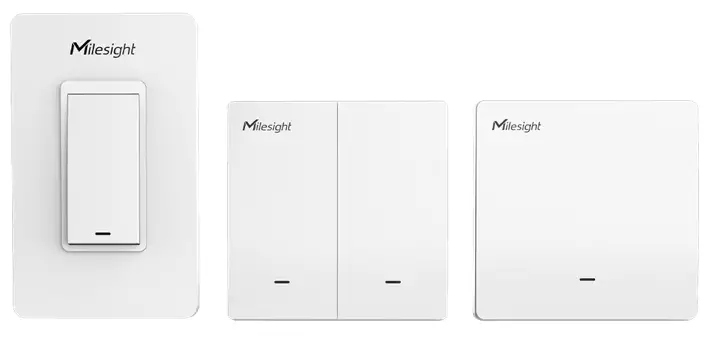
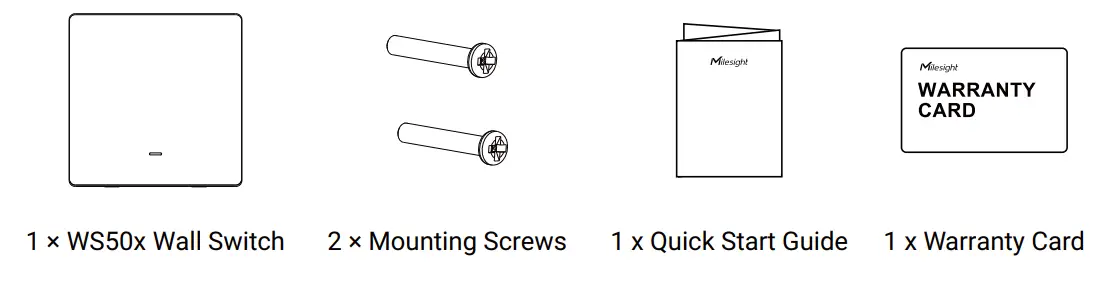
Packing List
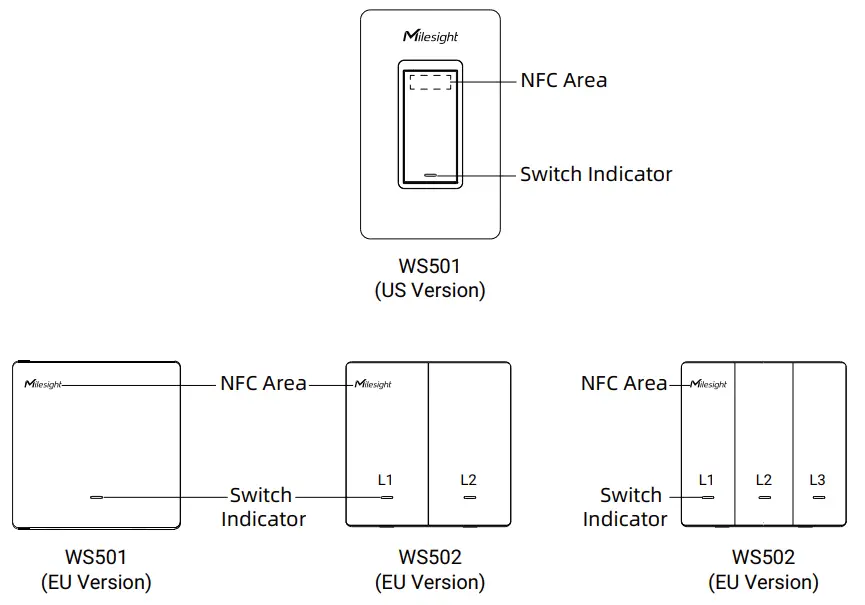
Hardware Introduction
Reset to Factory Default: hold on any switch for more than 10s until indicator quickly blinks.
Wirings (3-Wire Version)
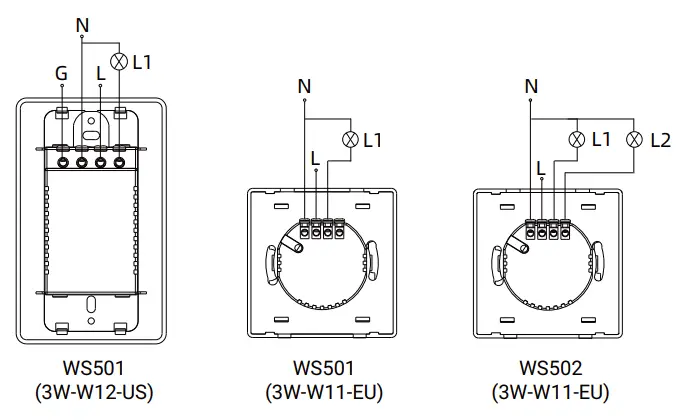
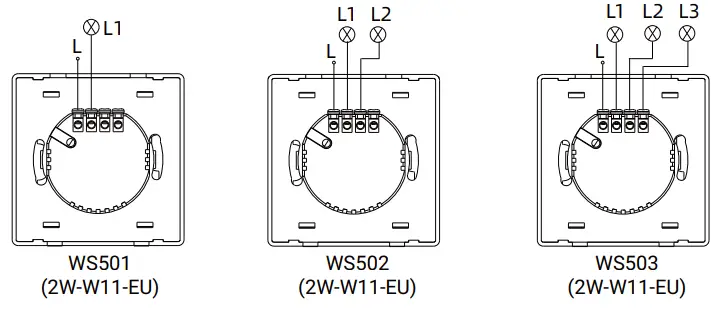
Wirings (2-Wire Version)
Installation
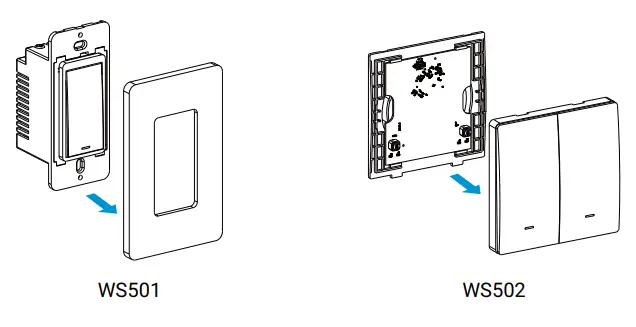
- Ensure the circuit is shuttled off and the old switch has been taken off.
- Open the front panel of WS50 x switch.

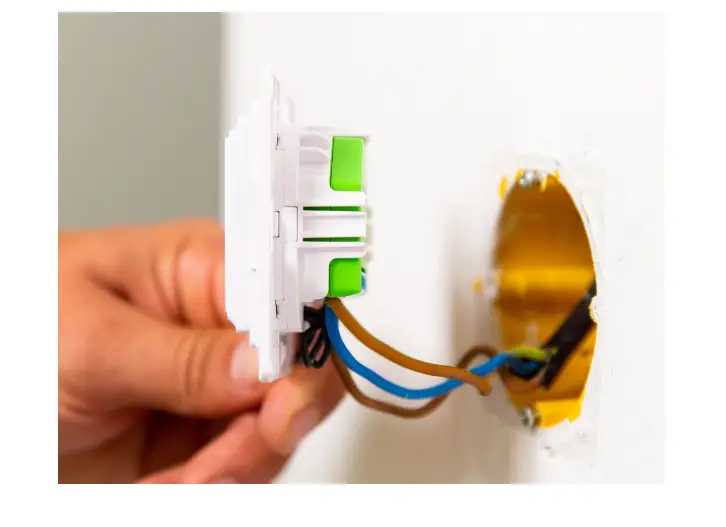
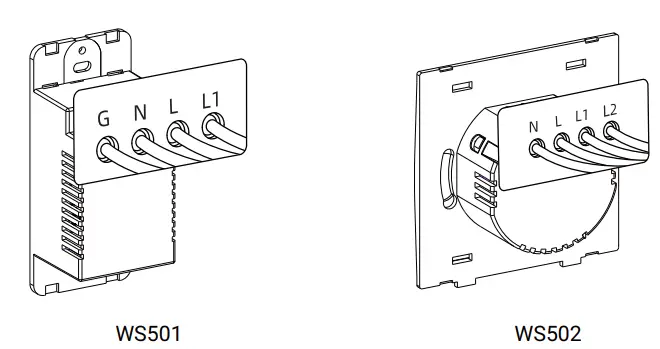
- Connect corresponding wires to the WS50 x switch.

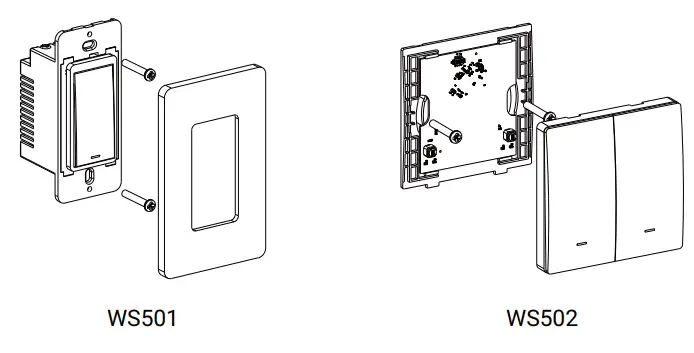
- Fix the WS50 x switch to the switch box with mounting screws, then fix the front panel back to the device.

Configuration Guide
- Download “Mile sight Tool Box” App on an NFC-supported smartphone.


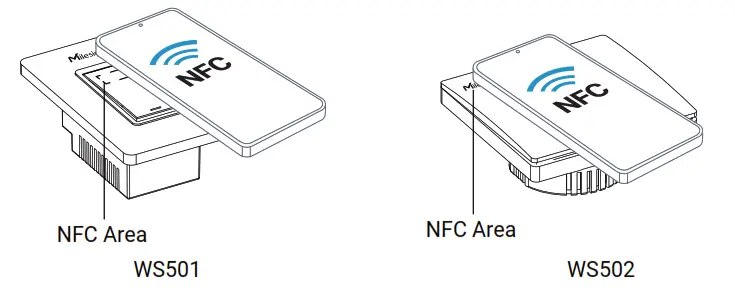
https://play.google.com/store/apps/details?id=com.ursalinknfc https://apps.apple.com/app/id1518748039 - Open “Mile sight Tool Box” App and attach the smartphone with NFC area to read/write the device until App shows a successful prompt. It’s suggested to configure a device password for security. (Default password: 123456)

Besides, it can be configured by dedicated NFC reader provided by Mile sight IoT.
Safety Precautions
- The installation must be conducted by qualified person and should strictly comply with the electrical safety regulations of the local region.
- Ensure the breaker is powered out during installing.
- Do not leave any object inside the switch box when installation.
- In order to get the best transmission, ensure the device is within the signal range of the LoRaWAN® gateway and avoid the obstacles or metal objects.
- Do not overload the maximum capacity in order to avoid the damage of the device.
- The device is intended only for indoor use. Do not place device outdoors where the temperature or humidity is below/above operating range.
- Do not place the device close to objects with naked flames, heat source (oven or sunlight), cold source, liquid and extreme temperature changes.
- Keep the device away from water to prevent electric shock.
- Use the device only in clean environments. Dusty or dirty environments may prevent the proper operation of this device.
- Do not drop the device or subject it to physical shocks and strong vibration.
 |  |
| https://www.milesight-iot.com/milesight-cloud-app-download/ | https://www.milesight-iot.com/quick-start-collection/ |
 All software & files can be downloaded from
https://www.milesight-iot.com/documents-download/
Better Inside, More in Sight
Milesight IoT Co., Ltd.
www.milesight-iot.com
 Milesight IoT - LoRaWAN, 5G & AIoT