 ST6
ST6
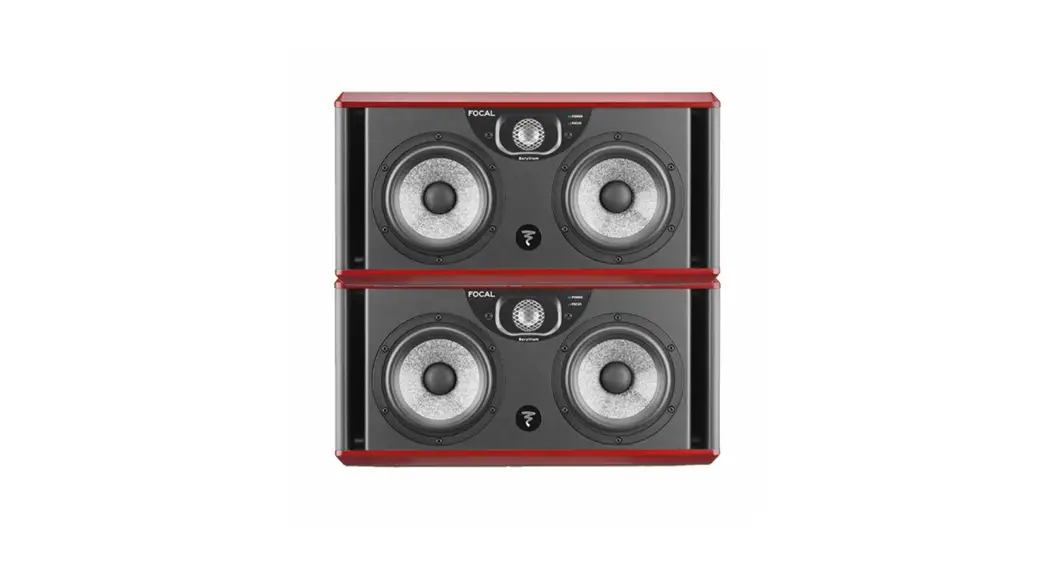
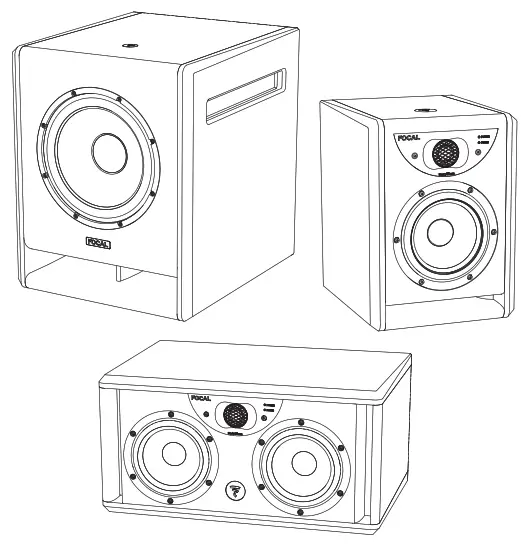
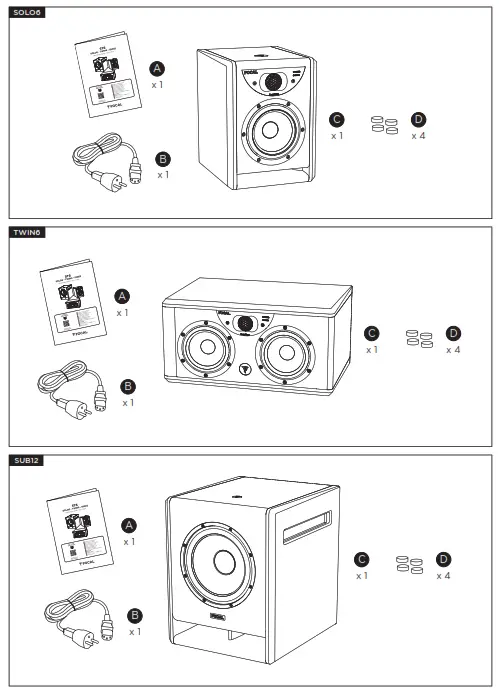
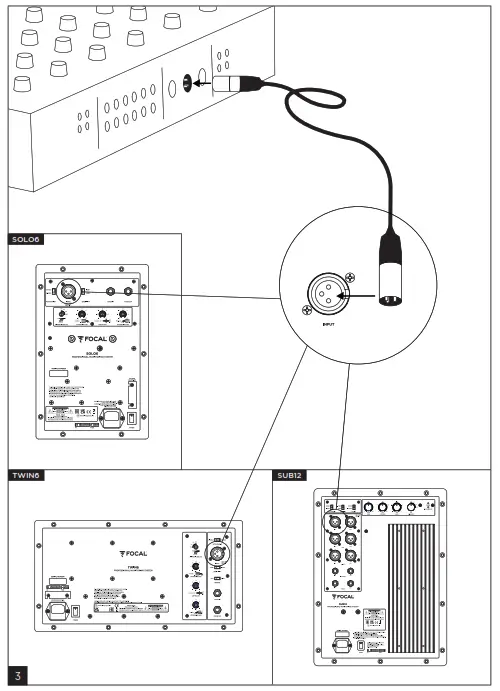
SOLO6 – TWIN6 – SUB12
Quick Start
GO TO THE
USER MANUAL

 https://www.focal.com/ST6/usermanual
 |  |
 |  |
IMPORTANT SAFETY INSTRUCTIONS!
 |  |  |
| The bolt of lightning in an equilateral triangle warns the user that the device has high voltage that could result in a risk of electric shock. | Warning: To prevent any risk of electric shock, do not remove the cover (or theback) from the device. There are no user-serviceable parts in this device. For maintenance or repairs, contact a qualified professional. | The exclamation mark in an equilateraltriangle warns the user that the manual contains important instructions on how to use and look after the device. |
- Read these instructions.
- Keep these instructions.
- Heed all warnings.
- Follow all instructions.
 Do not use this apparatus near water.
- Clean only with dry cloth.
 Do not block any ventilation openings. Install in accordance with the manufacturer’s instructions.
- Do not install near any heat sources such as radiators, heat registers, stoves, or other apparatus (including amplifiers) that produce heat.
- Do not defeat the safety purpose of the polarized plug. A polarized plug has two blades one wider than the other. The wide-bladed is provided for your safety. If the provided plug does not fit into your outlet, consult an electrician for the replacement of the obsolete outlet.
- Protect the power cord from being walked on or pinched particularly at plugs, convenience receptacles, and the point where they exit from the apparatus.
- Only use attachments/ accessories specified by the manufacturer.
 Use only with the cart, stand, tripod, bracket, or table specified by the manufacturer, or sold with the apparatus. When a cart is used, use caution when moving the cart/apparatus combination to avoid injury from tip-over.
- Unplug this apparatus during lightning storms or when unused for long periods of time.
- Refer all servicing to qualified service personnel. Servicing is required when the apparatus has been damaged in any way, such as power-supply cord or plug is damaged, liquid has been spilled or objects have fallen into the apparatus, the apparatus has been exposed to rain or moisture, does not operate normally, or has been dropped.
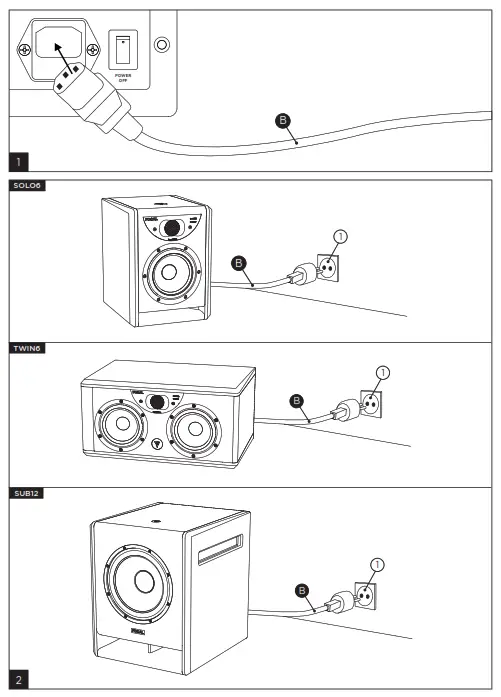
- This product is a device belonging to Class 1. Only plug in the device using the mains plug provided, which incorporates an earth connection. The device must be plugged into an earthed mains socket.
- When the On/Off switch or the mains plug or adapter connected to the product is used as a disconnect device, this device must remain readily accessible.
- WARNING: To reduce the risk of fire or electric shock, do not expose this apparatus to water, rain, or moisture. And the apparatus shall not be exposed to dripping or splashing and that no object filled with liquids, such as vases, shall be placed on the apparatus.
- Do not obstruct ventilation openings.
- Do not insert any objects into the device’s ventilation openings. They could come into contact with one of the high-voltage components or short-circuit them and cause a fire or electric shock. Do not spill liquid on the device.
- Do not attempt to repair this device yourself. Opening it may expose you to hazardous voltages or to other risks. Contact a qualified professional for all maintenance work.
- The equipment shall be used at a maximum of 45 degrees Celsius ambient temperature (113°F).
- Do not use this device in tropical climates.
- Do not use this device at altitudes of more than 2,000 m (6,500 ft).
- Do not overload wall sockets, extension leads, or multiple socket outlets as this could cause fire or electric shock.
- The device must not be mounted to a wall or ceiling unless intended by the manufacturer.
- If the product has been transported from a cold to a warm environment, make sure that no condensation has occurred before connecting the power cord.
- No naked flame sources, such as lit candles, should be placed on top of the device.
- The product should only be connected to the main power type shown on the label on the device. If you’re not sure what type of mains electrical supply you have, ask your retailer or your electricity supplier. For devices intended for use with a battery or another power source, see the user manual.
- Always leave a distance of at least 5cm (2″) around the product for proper ventilation.
- When replacement components are needed, make sure that the maintenance technician uses the components recommended by the manufacturer or components with the same technical features as the original product. Using non-compliant components could cause fires, electric shocks or other risks.
- After any maintenance or repair work on the device, ask the maintenance technician to test it to check that it works safely.
 To avoid damaging your hearing, do not listen to loudspeakers at high volumes for long periods of time. Listening to speakers at high volumes can cause damage to the user’s ears and may lead to hearing problems (temporary or permanent deafness, buzzing in the ears, tinnitus, hyperacusis). Exposure to excessive volumes(over 85 dB) for more than one hour can cause irreparable damage to your hearing.
 Use only with the cart, stand, tripod, bracket, or table specified by the manufacturer, or sold with the apparatus. When a cart is used, use caution when moving the cart/apparatus combination to avoid injury from tip-over.
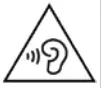 To avoid damaging your hearing, do not listen to loudspeakers at high volumes for long periods of time. Listening to speakers at high volumes can cause damage to the user’s ears and may lead to hearing problems (temporary or permanent deafness, buzzing in the ears, tinnitus, hyperacusis). Exposure to excessive volumes(over 85 dB) for more than one hour can cause irreparable damage to your hearing.
REGISTER YOUR
PRODUCT ONLINE

http://www.focal.com/warranty/
France – www.focal.com
Tel. (+33) 04 77 43 57 00 –
Fax (+33) 04 77 43 57 04 – SCCG – 28/04/2022 – v2 – CODO1725
 USA | Focal