
NOYAFA NF-825TMR Strong Electricity Cable Tracker
Safety Note
- To avoid weaken signal when tracking network cables, Pis make sure the plug of the device doesn’ t insert into the power socket.
- Pis do no long press the button (less than 30s) when checking the situation for earth line.
Overview
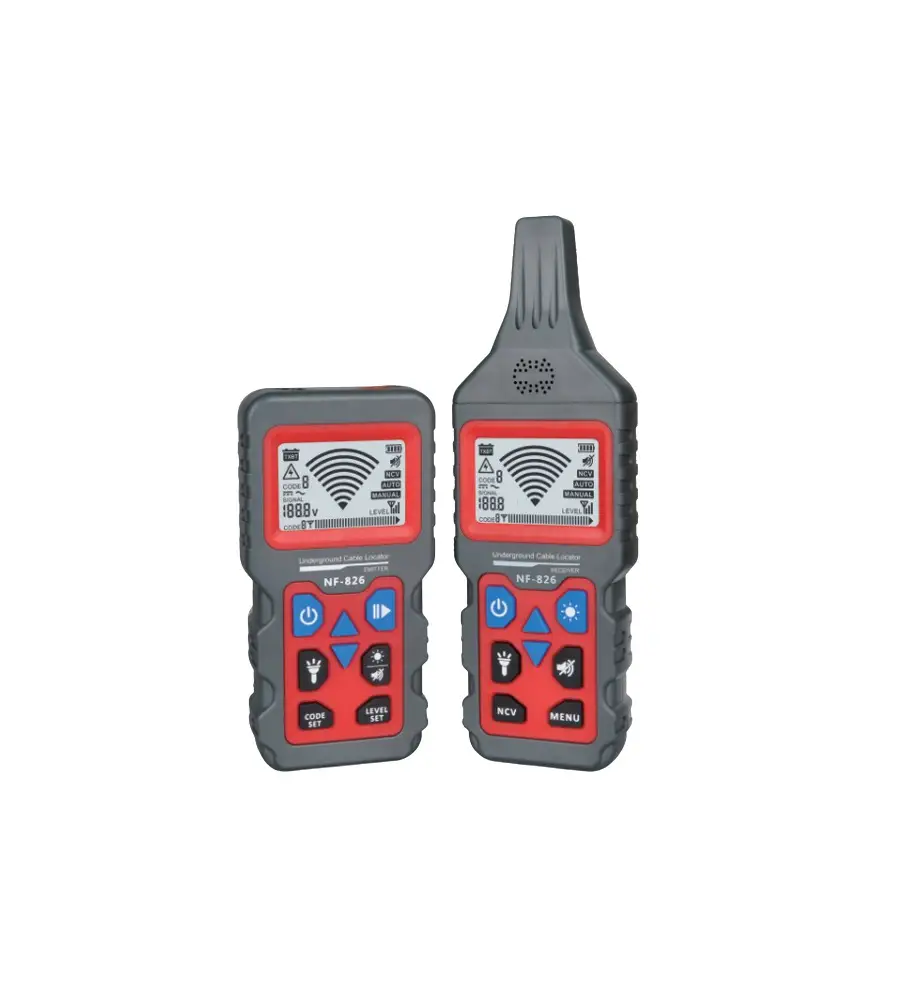
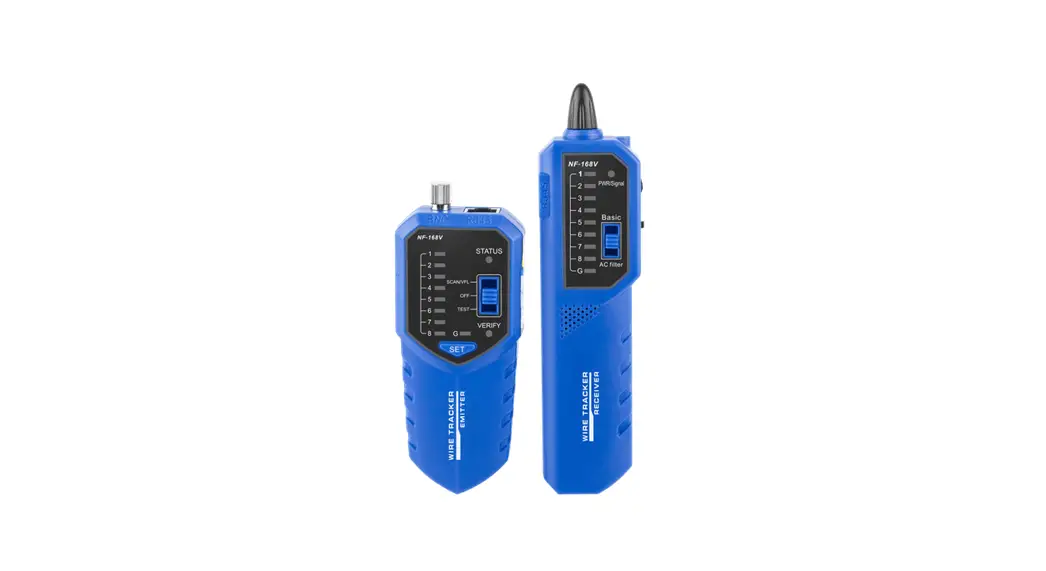
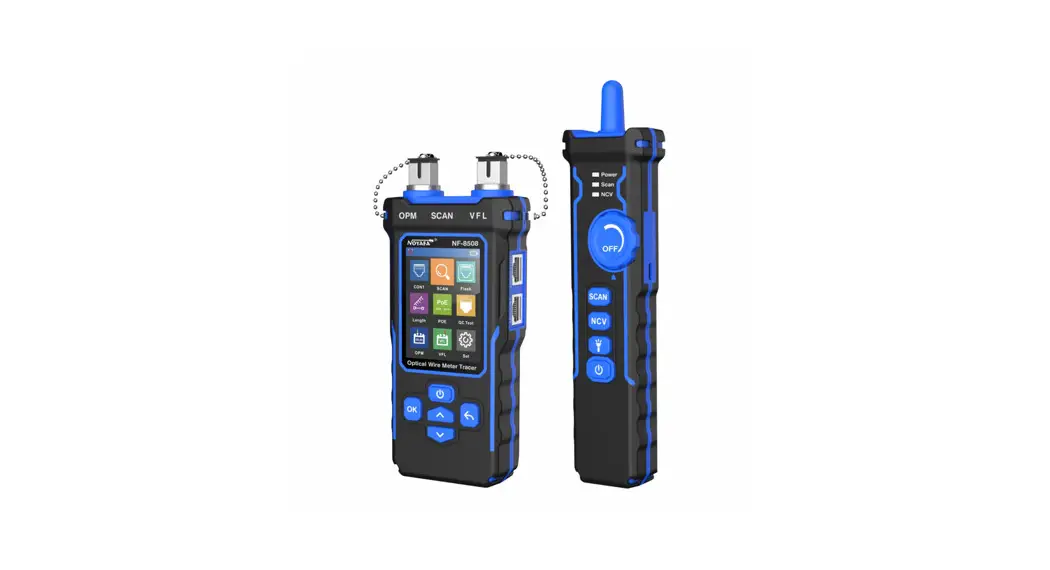
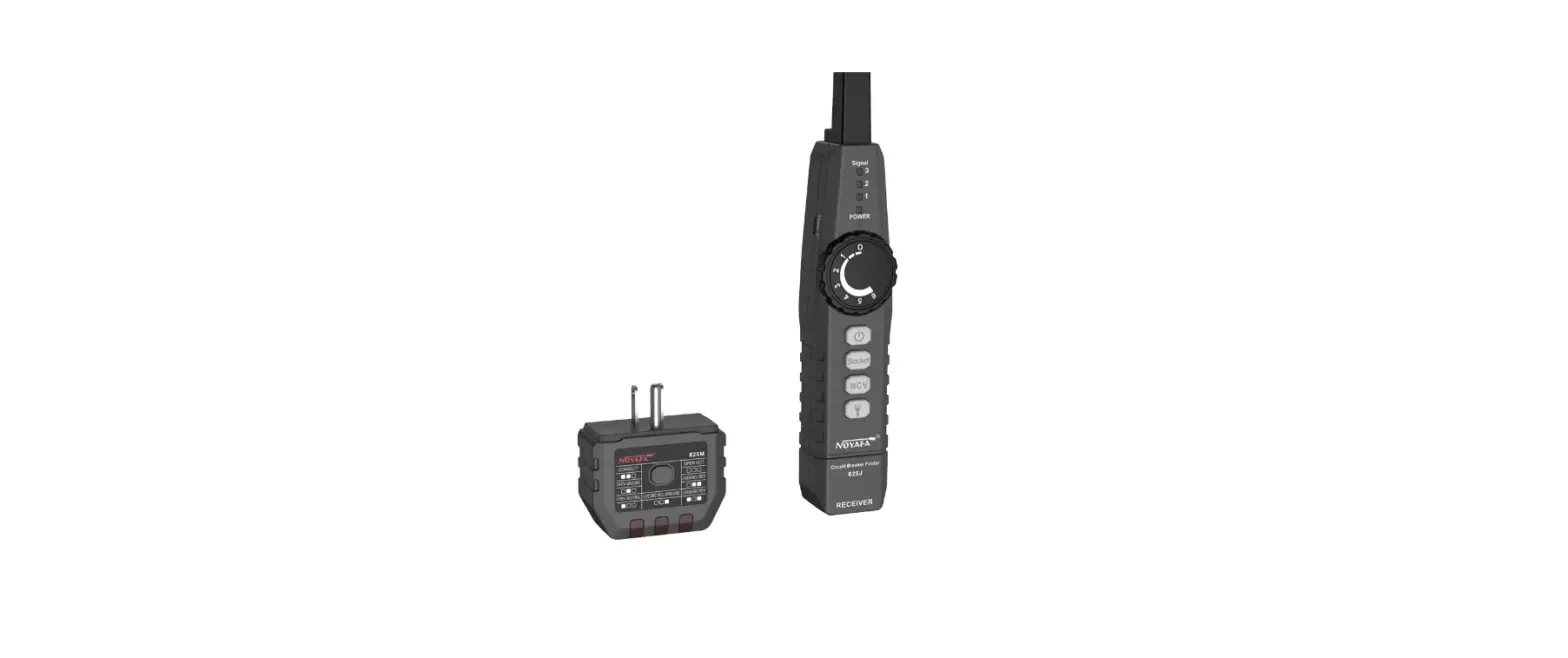
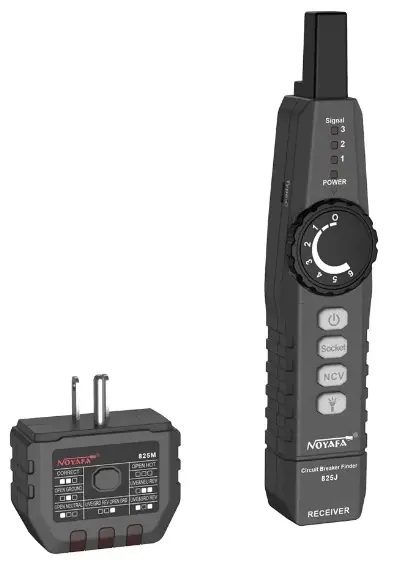
NF-825TMR is a multifunctional strong electric wire finder, which consists of transmitterQ), transmitter@and receiver. NF-825TMR supports live tracking of various PoE switches. The receiver was designed with high sensitivity and high anti-interference ability, and can be used to find the target wires such as networks cables and various of metal lines can accurately find the target line at the remote terminal by adjusting the sensitivity of the tracking sensor. The transmitter Q) can also be directly connected to live cables , live wires in the wall, etc. The NF-825TMR supports digital circuit breaker lookup for locating the correct breaker. The transmitter@ is connected to the power outlet in the circuit, and the receiver is used to scan the circuit breaker in the circuit breaker panel. NF-825TMR also supports socket test. Insert the transmitter@ into the power socket to test the wiring of the power socket.
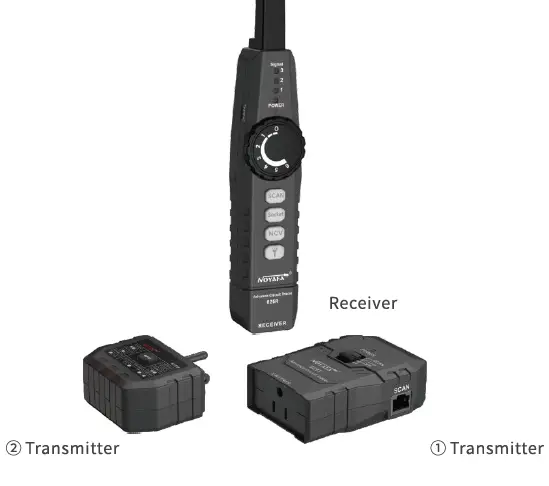
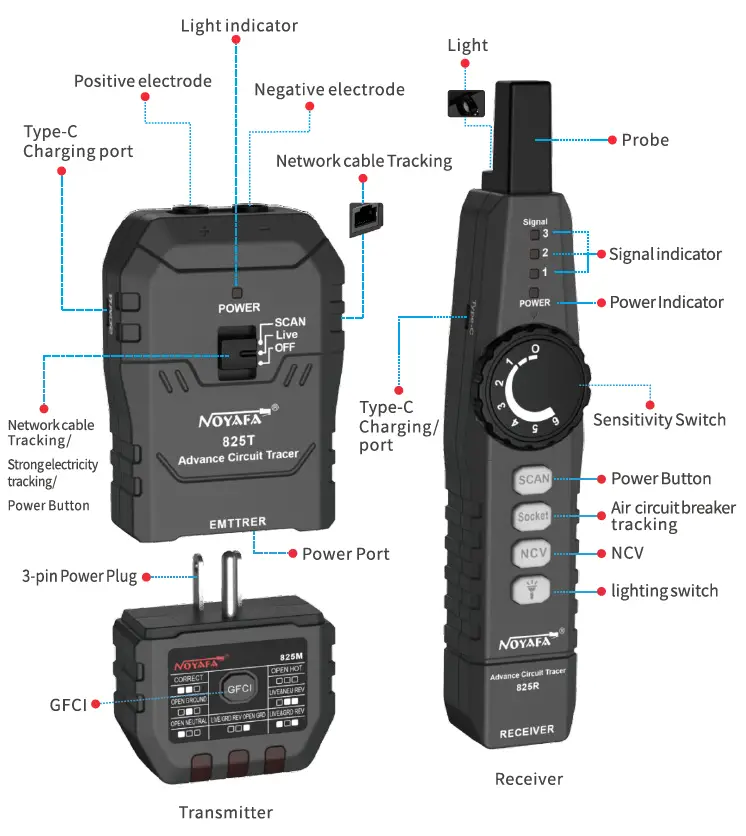
Illustration for light indicators
Illustration for Transmitter indicators
One indicator was designed on the Transmitter , it can be controlled by power button on the Transmitter and also the 3-P slide switch for tracing mode switching between strong electricity and network tracking. Top for network cable tracking, Middle for strong electricity cable tracking, and bottom for power control, green for all situations.
Illustration for receiver indicators
Tracking mode switch between strong electricity and network cable
- Red: In strong electricity tracking mode
- Green: In network cable tracking mode
- OFF: In other working modes or power off
Air circuit breaker tracking switch button
Green: In Air circuit breaker tracking mode
OFF: In other working modes or power off
NCV detecting function switch button
- Green: In NCV detecting mode
OFF: In other working modes or power off
Lighting power button
- Green: In lighting mode
- OFF: Off mode
Product User Manual
Turn on/off
Transmitter
Turn the slide switch to “Strong Electricity tracking” position to enter the “Strong electricitytracking” mode. Turn the slide switch to “Network cable tracking” position to enter the “Network cabletracking” mode. Turn off the device by turning to “OFF” position
Receiver
When the device is off, rotating the switch clockwise direction until the device turn on with a “Da” sound. When the device is on, rotating the switch anticlockwise direction until the device turn off with a “Da” sound.
Strong Electricity Tracking
Turn the slide switch to enter the strong electricity tracking mode, the power indicator turns green, use the 3 pin power plug or alligator clips to connect with neutral line and earth line. Turn on the device by rotating the switch clockwise direction, adjust the sensitivity to the max level, short press the “Tracking” button, the indicator will turn red, use the probe on the receiver to track the path of the power cable, the receiver will send a “bee” sound, the red lights indicate the strength of the signal, the brighter the lights are the stronger of the signal is, this way users can quickly find the rough position of the cable. After locating the position of the cable, users were suggested adjust the sensitivity of the receiver to a lower level to accurate locate the position of the cable.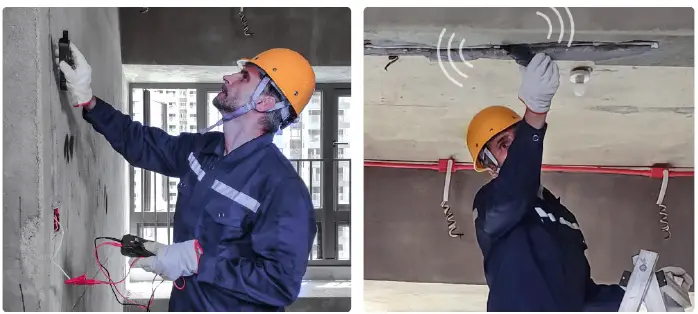
Note: Notate to adjust the sensitivity is only for strong electricity tracking.
Network cable tracking mode
Enter the “Network cable tracking” mode by turning the slide switch to “Network cable tracking” position, power indicator turns green, insert one end of the RJ45 network cable into the tracking port. Short press the “Tracking” button when in “Network cable tracking ” mode, the indicator will turn green when the probe approaching the cable, the receiver will give off.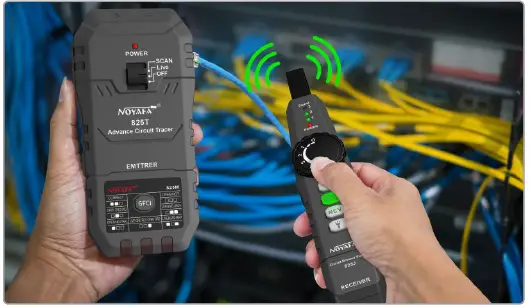
Air circuit breaker tracking mode
Insert the 3-pin plug of the Transmitter into the socket and turn on the power switch. Short press on the Air circuit breaker button to enter the” air circuit breaker tracking” mode, when the indicator turns green. Track the cable until the receiver gives off sound, Users can locate the target air circuit breaker easily according to the sound,short press the air circuit breaker button again to exit the mode when the indicator turn to green, then the device is in standby mode.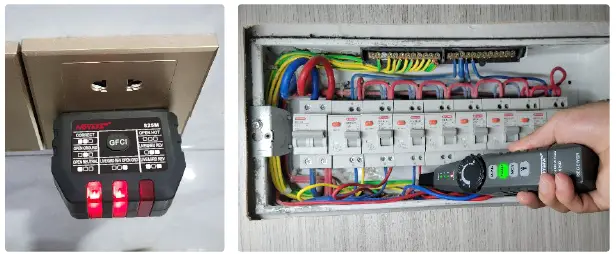
Socket testing
Insert the 3-pin plug tester into the socket, find the testing result according to the certain status for sequence of indicators as below: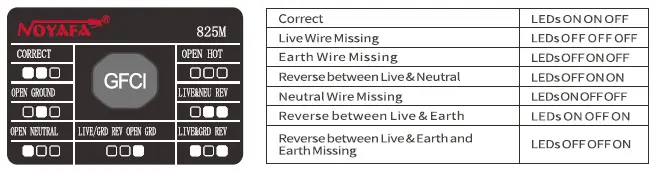
Leakage protection test: when the normal wiring is correct, press the GFCI button quickiy, I the power line trips, indicating that the protection circuit device works, If not, indicating that the power line is not installed with a leakage protection device or the leakage protection device does not work, and there is a safety risk.
NCV detector
Short press NCV button on the receiver when the indicator turns green it means users entered the NCV mode. Users can find whether the cable get power or not by the status whether the receiver will give off a “bee bee” sound when they getting close to the cable, Short press the NCV button again to turn off the indicator to exit the NCV mode, the device is in standby mode.
Light Mode
Short press “light” button on the receiver, the indicator will turn green, the LED light on the device will be turned on, re-short press the “light” button to turn off the light to turn off the LED light.
Low power indicator and auto-off
Low power indicator mode: when the battery power is lower than the capacity needed to operate the device, the power indicator will blink. Auto-off mode: The device will turn itself off, when the battery power is too low to turn on the device or without any operation after 30 minutes
Charging mode
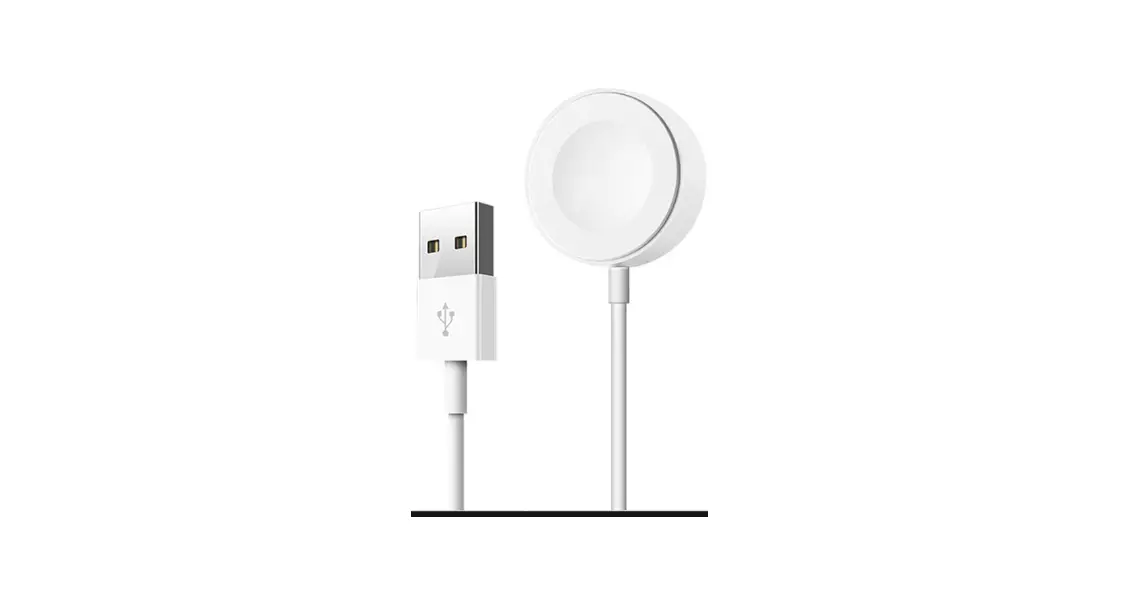
Designed with Type-C charging port for the device, the indicator will turn on red during charging, and turn off when fully charged.
Product Parameter
Multi Functional Strong Electricity Cable Tracer
| Multi Functional Strong Electricity Cable Tracer | ||
| Product model | NF-825TMR | |
|
Trace ACpower cable | Tracepowervoltage range | AC90V-250V |
| Interface type | Alligator clip | |
| Transmitter Distance | 200m | |
| Transmitter Frequency | 157KHz | |
| Detecting Depth | 0-0.5m | |
|
Network cable testing | Cable type | CAT5/CAT6 |
| Network Interface type | RJ45 | |
| Transmitter Frequency | 455KHz | |
| Transmitter Distance | 600m | |
| Air circuit breakertracking | Detecting Depth | 2-3cm |
| SocketCable Sequence test | Testing Voltage Range | AC90V-250V, 50/60Hz |
| NCV Detecting | AC90V-1OOOV, 50/60Hz | |
| LED Lamp | ✓ | |
| Power supply | 7.4V 700mA Lithium Battery | |
| Power adapter Spec | DC 5V/1 A Type-C | |
| Working Temperature | 0-122 °F (0-50°C) | |
| Working Humidity | S90% no condensation | |
| Storage Temperature | 14-122°F (-10-50°C) | |
| Transmitter Size | 72X34X148mm | |
| Receiver Size | 40X34X205mm | |
Product packing list
| Transmitter | 1 pc | Type-C charging cable | 1 pc |
| Receiver | 1 pc | User manual | 1 pc |
| Exclusive Accessory Cable | 1 pc | Quality certificate | 1 pc |
| Multimeter Adapter Cable | 1 pc | 825TMR Toolkit | 1 pc |
| C04 alligator clip | 1 pc | 825TMR box | 1 pc |