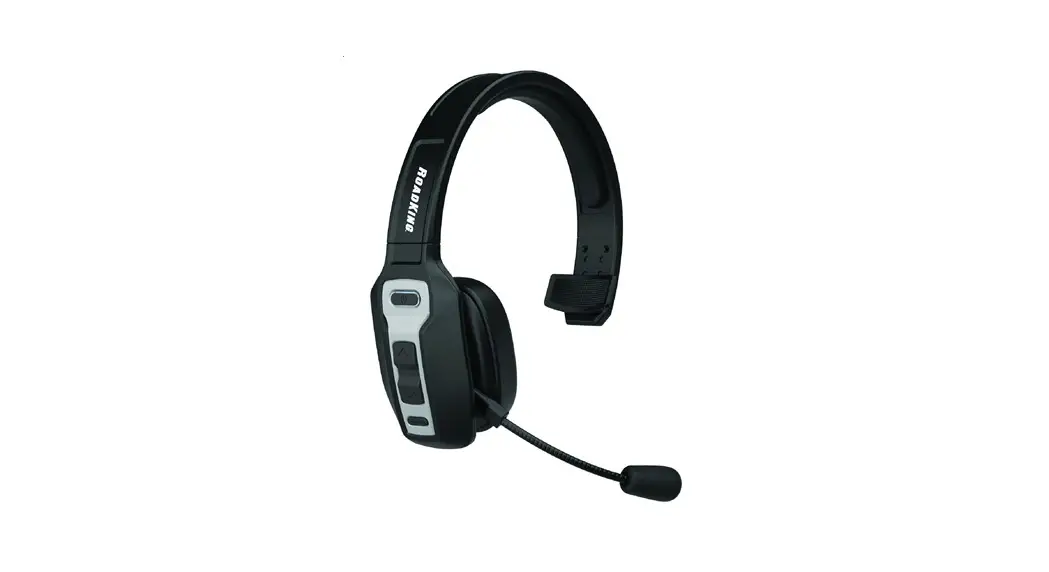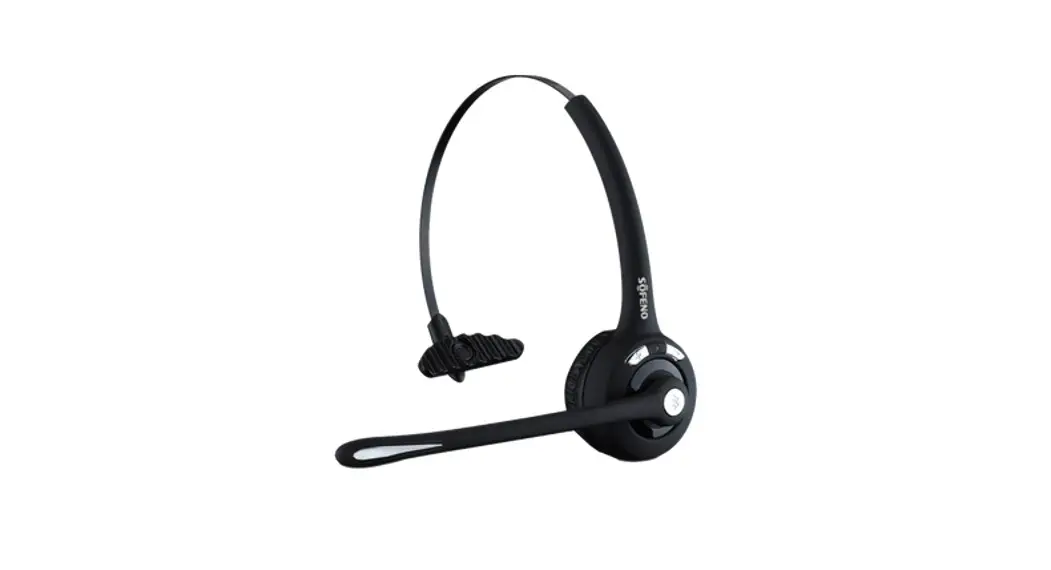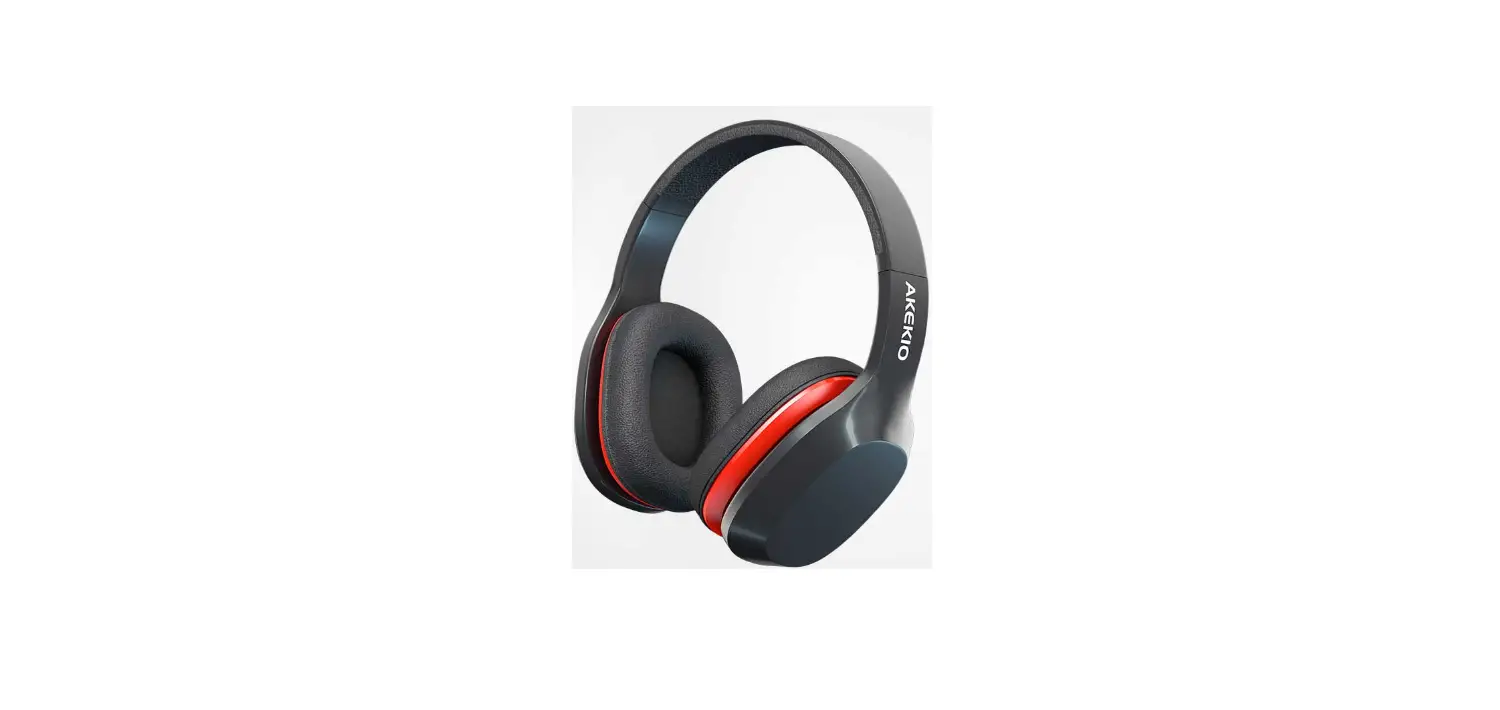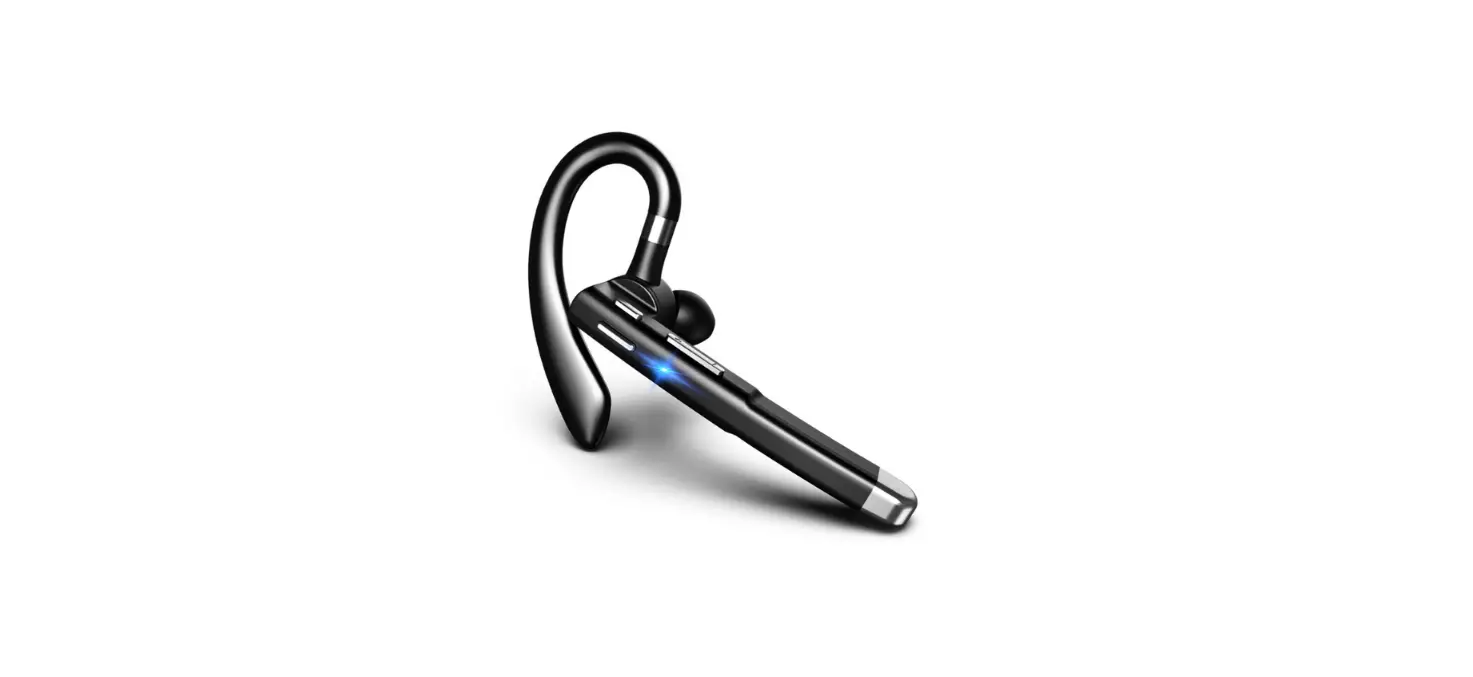

Headphones KH113M Mono Bluetooth Headset
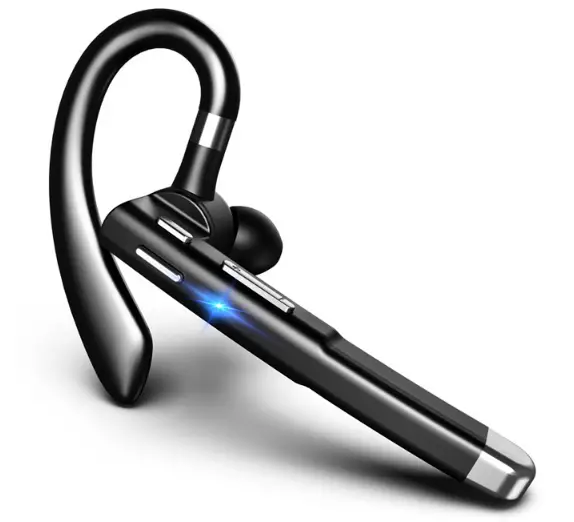
Product Overview
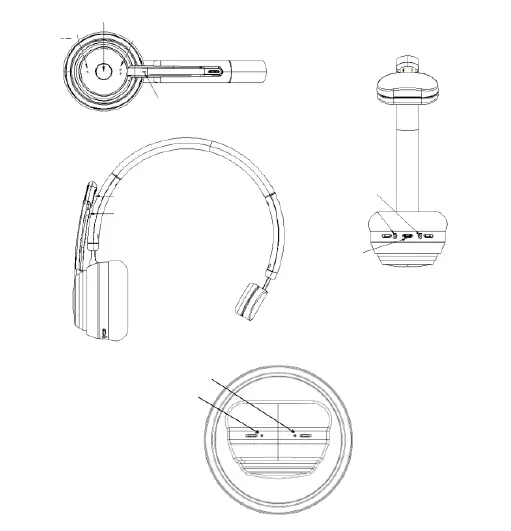
Packing list
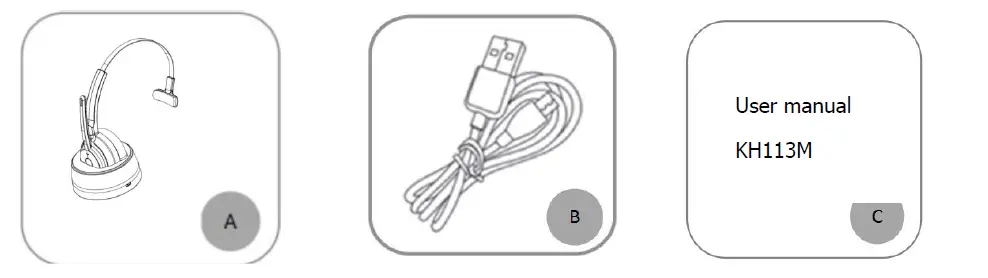
- A. Bluetooth Headset KH113M x 1
- B. Type-C USB charge cable x 1
- C. User manual x 1
Basic Function
| Button | Function | Operation Instruction |
|
MFB | Power On | In off status, press and hold the MFB for 5-6 seconds to power on |
| Power Off | 1. In on status, press and hold the MFB for 3 seconds to shut down. 2. After the headphone is put into the recharge stand, it will automatically shut down ( When the recharge stand is connected to the charger) | |
| Enter Pairing Mode | 1. In off state, press and hold the MFB for 5-6 seconds to enter the pairing mode 2. In standby state, double-click the MFB button to enter the pairing mode. | |
| Voice assistant | In standby state, press and hold the MFB for 1-2 seconds then release ( Your phone needs to support this feature) | |
| Audio Switch | During a call, press and hold the MFB for 1-2 seconds to switch between Bluetooth headset and your mobile phone | |
| Play / Pause | Single click the MFB to play/pause music | |
| Answer a call | When a call incoming, single click the MFB | |
| Hang up a call | When during a call, single click the MFB to hang up | |
| Reject a call | When a call comes in, press and hold the MFB for 2 seconds to reject the call | |
| Volume + | Next Song | Press and hold the volume + button for 1-2 seconds |
| Volume Up | Single click the volume + button | |
| Volume – | Previous Song | Press and hold the volume – button for 1-2 seconds |
| Volume Down | Single click the volume – button | |
| Microphone Mute Button | Microphone Mute | During a call, click the mute button to mute the call, and click again to unmute. |
Bluetooth Pairing and Connection
A. In the off state, press and hold MFB for 5-6 seconds to power on and enter pairing status, the LED flashes white and red alternately.
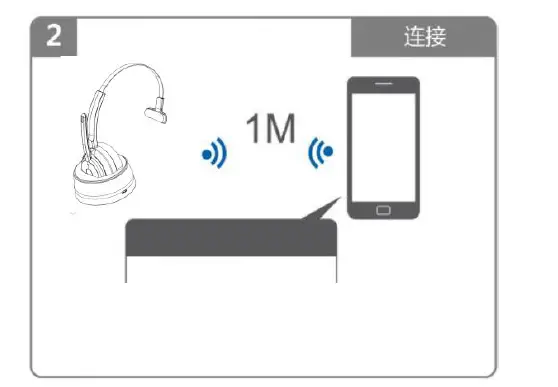
B. Search and click to connect ”KH113M” on your phone Bluetooth lists, after connected you can play music from phone to headphone.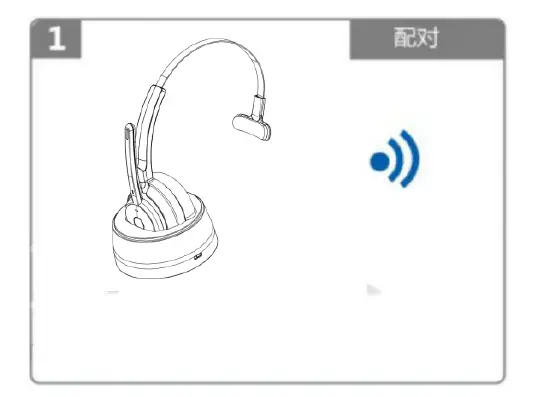
- In the off state, press and hold MFB for 5-6 seconds to power on and enter pairing status, the LED flashes white and red alternately.

- Search and click to connect ”KH113M” on your phone Bluetooth lists, after connected you can play music from phone to headphone.
Connection with Two devices
- A. In the off state, press and hold MFB for 5-6 seconds to power on and enter pairing status. Turn on the bluetooth of the first device, search KH113M and click to connect.
- B. After the connection is successful, double-click the MFB of KH113M to enter pairing status (the first mobile phone that has been connected successfully will not be affected and can work normally), the LED flashes white and red alternately.
- C. Turn on the Bluetooth on the second device, search KH113M and click to connect.
Music only can be played from one phone under two connections, when you want to play music from another phone, you need to pause or close the music of the previous phone. The same operation during talking status. 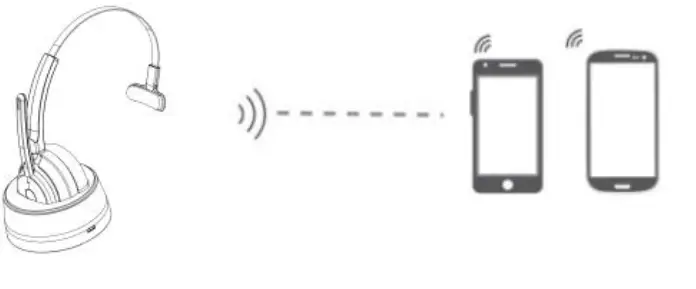
Connection with Dongle
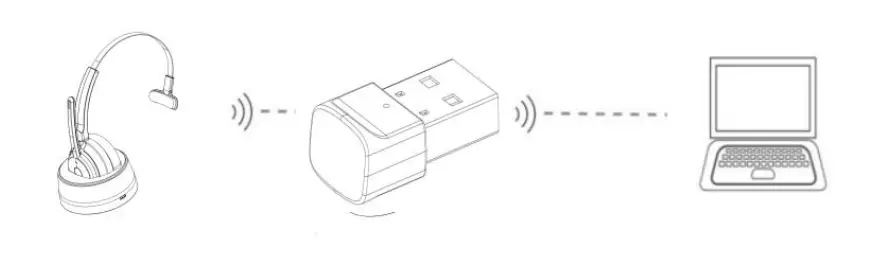
- After the USB interface is inserted into the computer equipment for power supply, it will turn on and enter the pairing status automatically. The blue light will be on for 1-2 seconds, and then the blue light will flicker.
- Press and hold MFB for 2-3 seconds to power on the Bluetooth headset and enter pairing status, the white LED flashes slowly.
- Please put the Bluetooth headset close to the dongle. After connected, the LED of the dongle will be solid blue. Now you can listen to music or answer the call through
Bluetooth headset. (The dongle can only be paired with KH113M Bluetooth. The Bluetooth connection will be locked after the first paired, and other headphones cannot be paired, including other KH113M headphones. )
LED Indicator with KH113M
| Mode | LED Indicator |
| Power on | White LED is on for 1 second |
| Power off | Red LED is on for 1 second |
| Pairing mode | Red & White LED flash alternately |
| Microphone mute | Solid Red LED |
| Calling | White LED flashes quickly |
| Hang up a call | White LED flashes one time |
| Reject a call | White LED flashes 3 times quickly |
| Talking | Solid White LED |
| Restore factory settings | Red & White LED flash 3 times quickly at the same time |
| Connected mode | White LED flashes once per 5 seconds |
| Charging | Solid White LED |
| Full charged | White LED is off |
| Reconnect | White LED flashes slowly (once per second) |
| Low battery | Red LED flashes 3 times per 3 minutes |
LED Indicator with Dongle
| Mode | LED Indicator |
| Power on | Blue LED is on for 1-2 second then flashes |
| Power off | Blue LED is off |
| Pairing mode | LED flashes blue |
| Connected standby mode | Solid Blue LED |
Charging
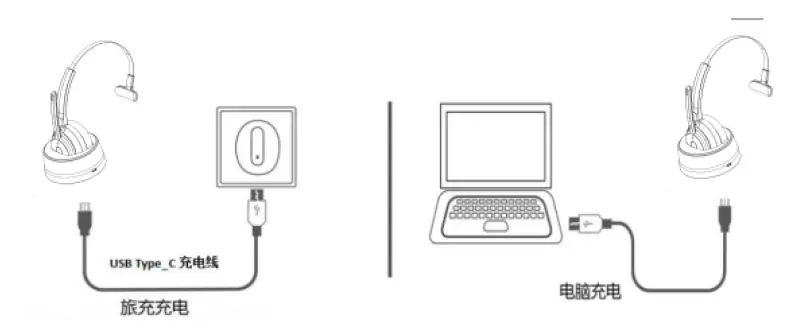
Please charge KH113M at once when the Red LED flashes(Red LED flashes 3 times per 3 minutes). Charging time is about 1.5 hours. Solid White LED when charging, and White LED turns off when full charged.
Charge Connections
Please connect to the KH113M charging port through the Type-C end of Type-C charging cable.
Note
Please charge KH113M at least once every 2 months when don’t use it.
| Power on | Power on |
| Power off | Power off |
| Enter paring mode | Pairing |
| Connect successfully | Your headset is connected |
| Disconnect | Your headset is disconnected |
| Low battery | Battery Low |
| Calling | Incoming call ( or“DuDu”) |
| Reject a call | Call Reject |
| Microphone mute on | Mute On |
| Microphone mute off | Mute Off |
Product Specification
| Bluetooth Version | Bluetooth V5.0 |
| Bluetooth Chipset | QCC3020 |
| Operation Range | 10 meters |
| Bluetooth Protocols | A2DP\HFP\HSP\AVRCP |
| Charging Time | About 1.5 hours |
| Working Time | About 35 hours(70% volume) |
| Talking Time | About 35 hours(70% volume) |
| Headset Net Weight | About 107g |
| Headset Dimension | 171.8*64.4*165.6mm |
The above data are all from SKY WING laboratory, and the actual use time, environment and music will be different.
Attention and Q & A
How to reconnect and operation when failed to reconnect?
- When KH113M connects with your mobile phone successfully at the first time, it will search and reconnect the paired device automatically when power on. If failed,
- please pair it manually: Press and hold MFB for 5-6 seconds to power on and enter pairing status. Turn on the Bluetooth of the mobile phone, search KH113M and click to connect.
How to delete paired records?
In a power-on state, press and hold the MFB and the volume- at the same time for 5 seconds to clear the pairing record. (the dongle cannot be deleted)
What’s the password for pairing?
Some connection devices require password for pairing, please try 0000 or 8888 or 1111 or 1234.
What devices could charge for the headphone?
Any car charger, power bank, PC etc. which meets DC 5V, charging current more than 1000ma could be charged for KH113M.
How to do if have connected issue or dead?
Please try charging reset: plug in the charging cable to charge, this will reset the headset to power off, and it can be used normally after power on. If you still cannot use it normally, please contact customer service or the manufacturer for technical support. Support email: [email protected]
Power off automatically?
KH113M will power off if does not connect any devices for over 10 minutes, or battery voltage is less than 3.1V.