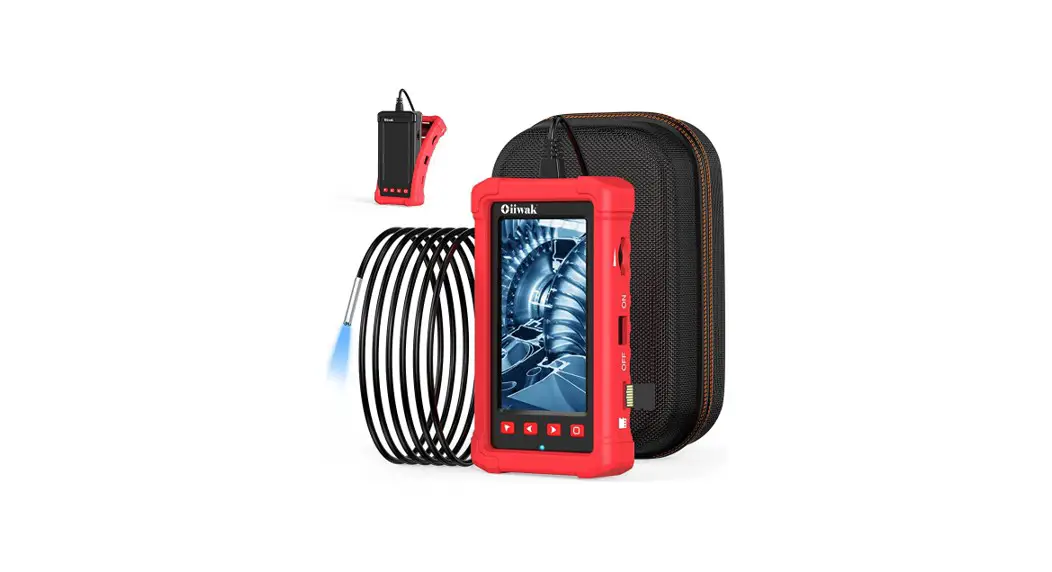

W400 Intelligent Visual Industrial Endoscope
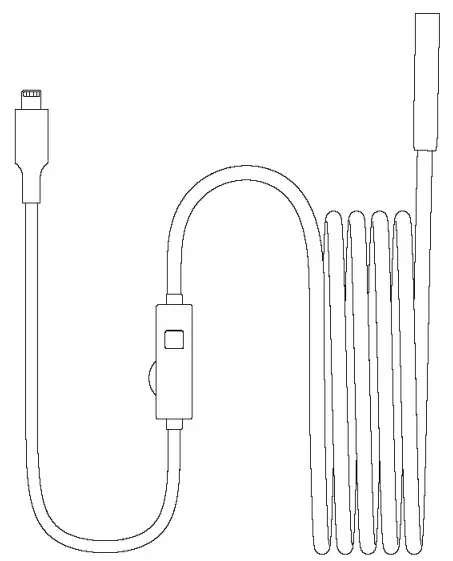
User Manual
Product Description
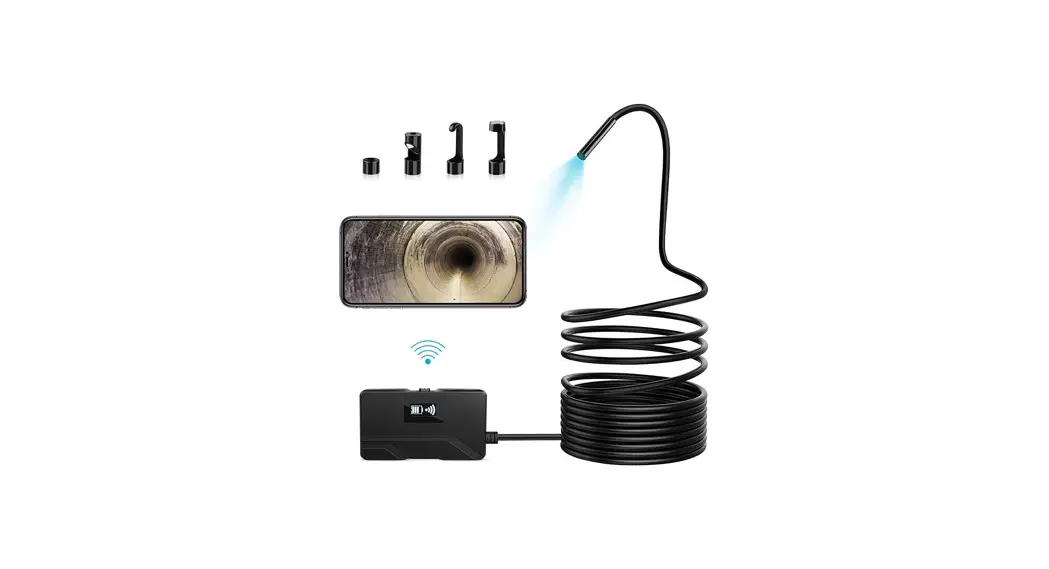
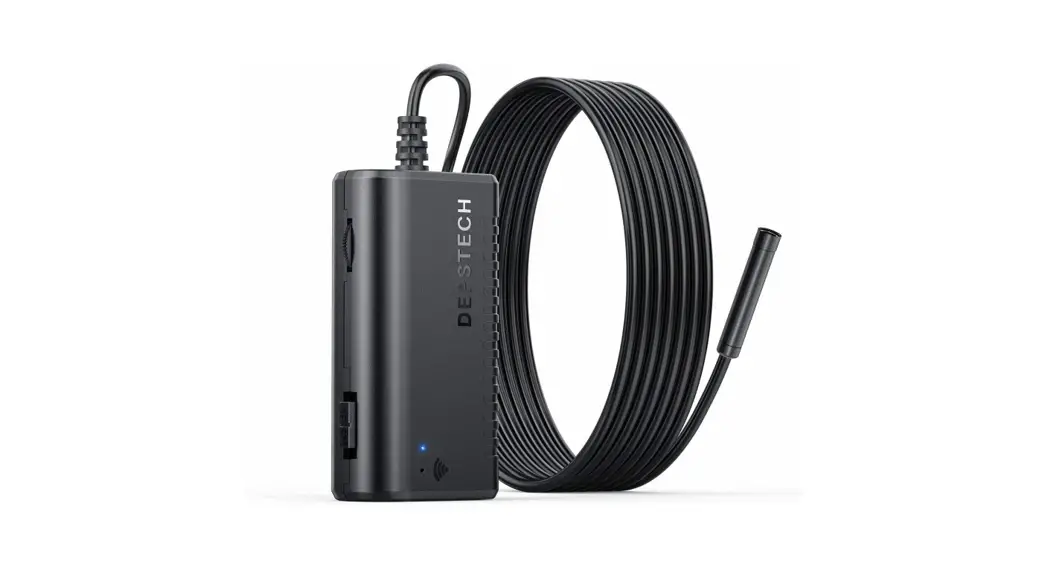
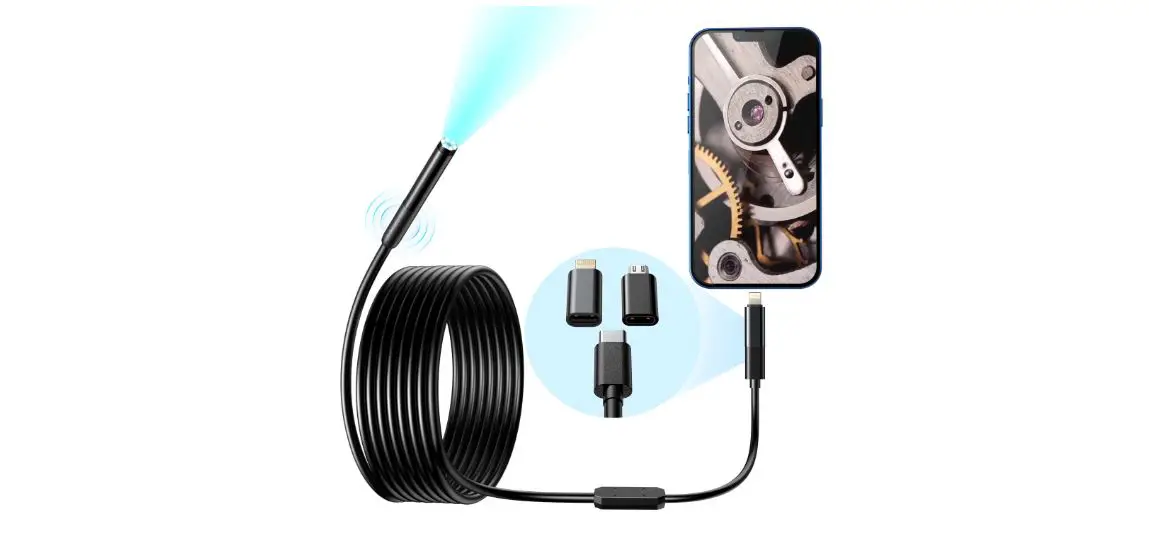
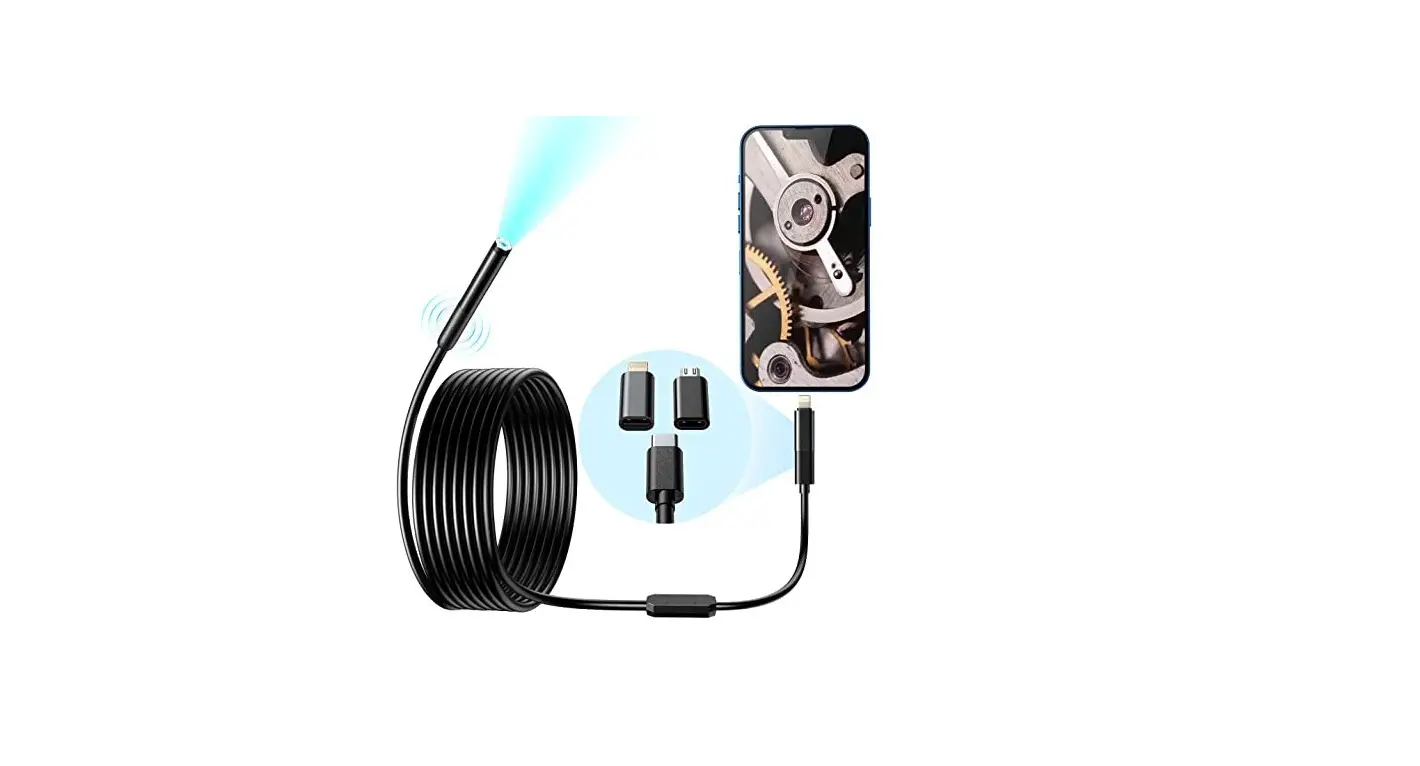
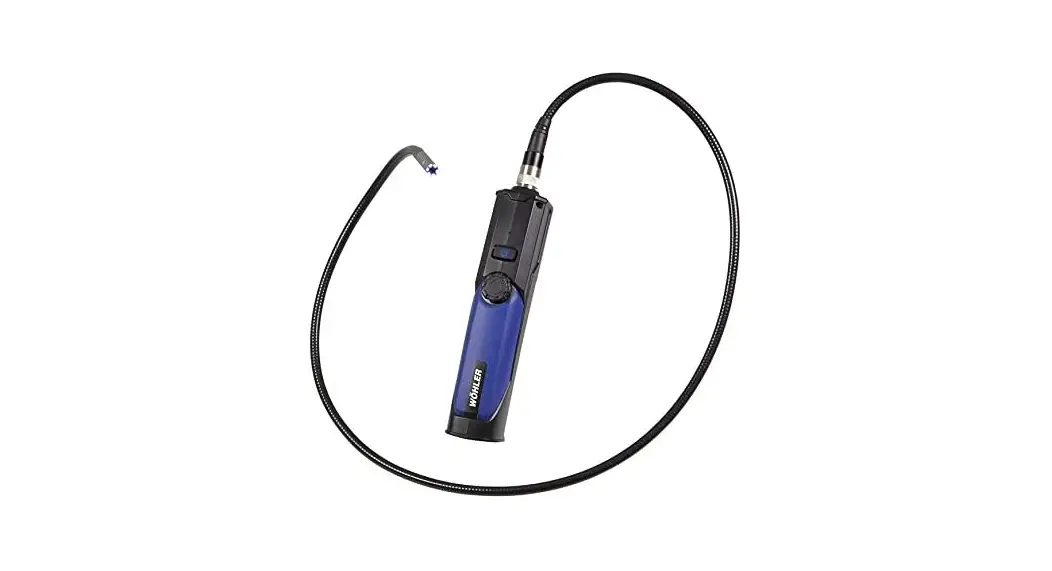
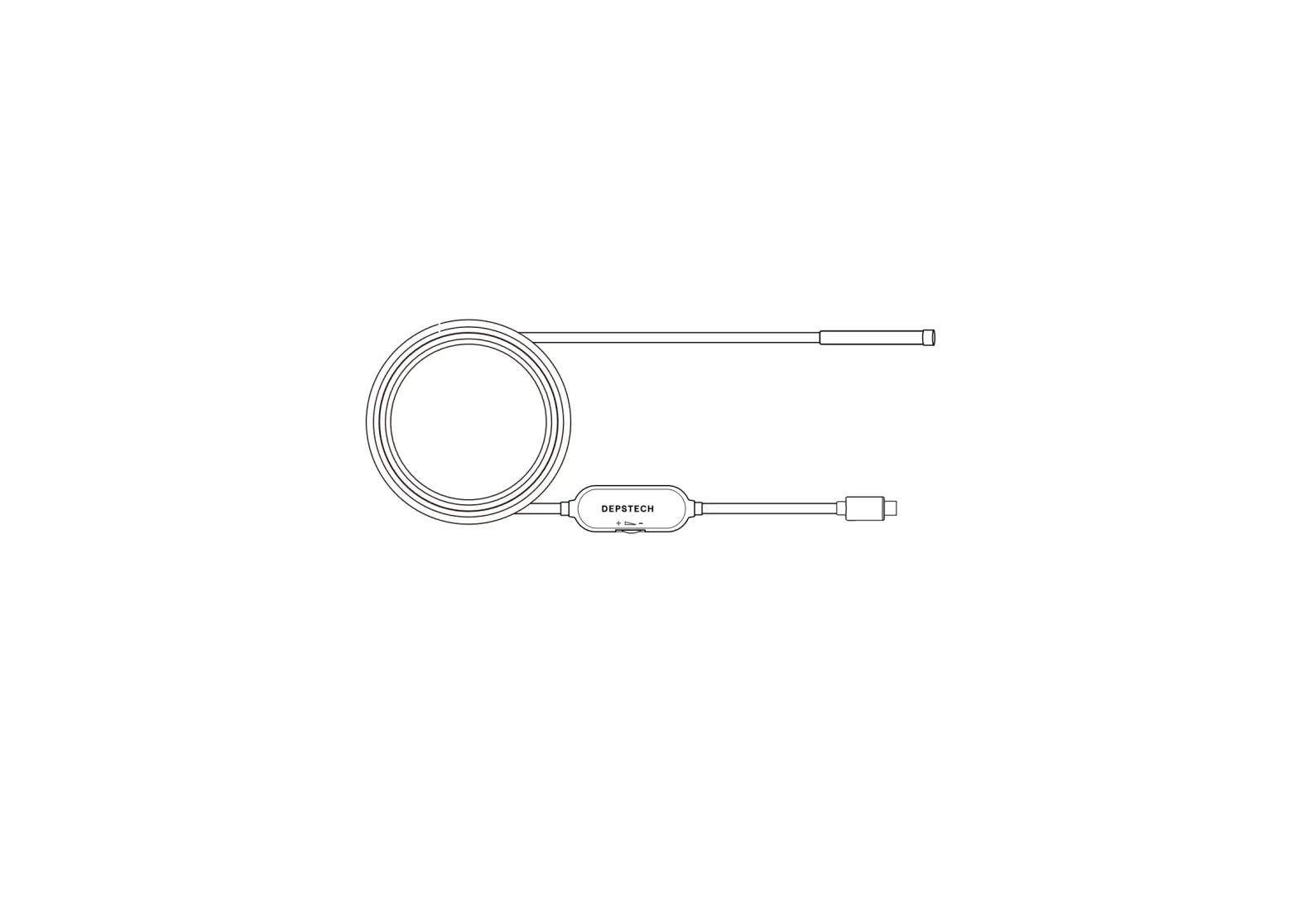
W400 is an endoscope directly connected to an industrial mobile phone with a high-definition camera. When in use, the product is directly connected to the mobile phone interface, and the picture can be displayed on the APP, and it supports the functions of taking pictures and recording. This product is equipped with a high-definition camera with a small diameter of LED auxiliary lighting. The camera adopts a high-sensitivity chip, which can be used normally even in a dark working environment.
Safety and Maintenance
- Do not hit the camera violently, and do not pull the cable hard.
- When using in an environment with sharp protrusions, please use it with care to prevent the waterproof protective layer of the probe from being scratched.
- The camera probe is not made of heat-resistant and high-tempera- true materials. When checking the automobile engine, please ensure that the temperature in the engine drops to the normal temperature.
- When you stop using it, please make sure the lens and main unit are clean and dry, and avoid contact with oil or other corrosive dangerous items.
- This product is not suitable for people with limited physical, sensory or mental abilities.
- Do not allow children to touch and operate this equipment.
- lf the equipment is damaged, please do not disassemble it by yourself, and contact the place of purchase or the agent to obtain repair services.
- The product is an industrial endoscope camera and is not intended for medical use or human examination.
Instructions
Install APP
Method 1: For IOS users, please search “SUP-ANESOK” in App store, downlow and install it. System support (IOS 9+ and above)
Method 2:
Scan the QR code, choose to download the APP. System support (IOS 9.0+ and above)

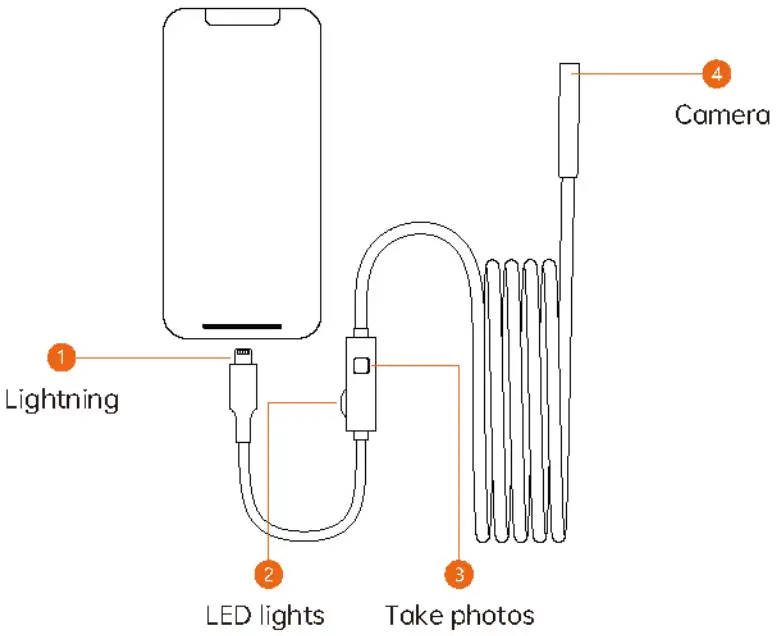
Plug in phone
APP Introduction
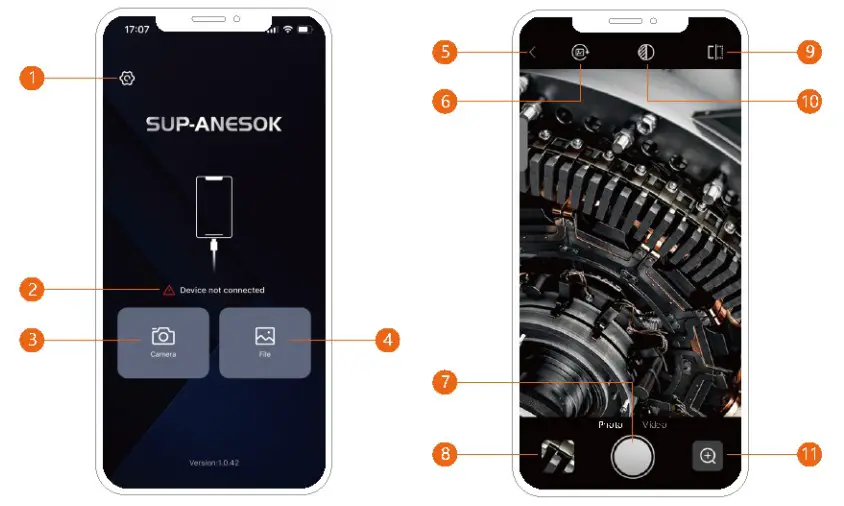
- Setting
- Connection status
- Camera
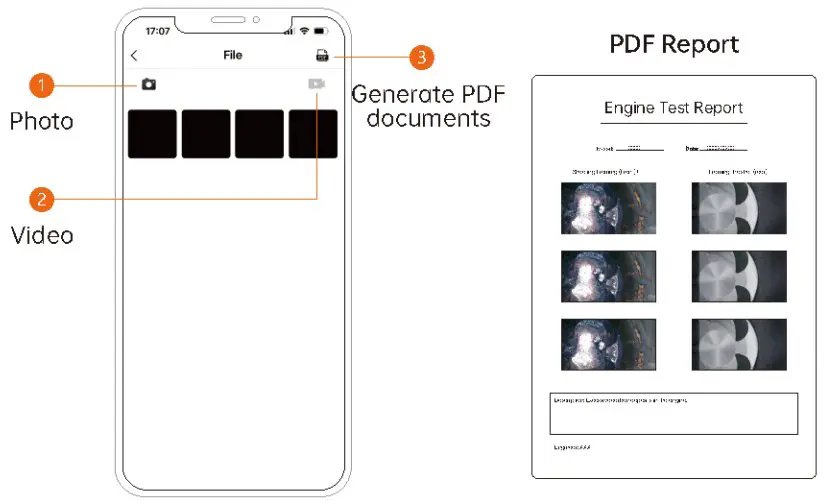
- File
- Return
- Screen rotation
- Take photos / Record video
- File
- Image comparison
- Color / Black and white
- Zoom in and out
FAQ
– Check whether the camera light is on, if the light is off, the interface is not in good contact, please re-plug it.
– When the product is stuck, please keep the battery of the mobile phone above 20%.
– The best imaging focal length of the product is: 2cm-10cm, please calibrate the distance with the object you are looking at, or clean the front of the camera with a clean alcohol cloth.
– It is normal for the camera to hoot up, especially when the camera
– LED light is on at the highest brightness. But it does not affect normal use or service life.
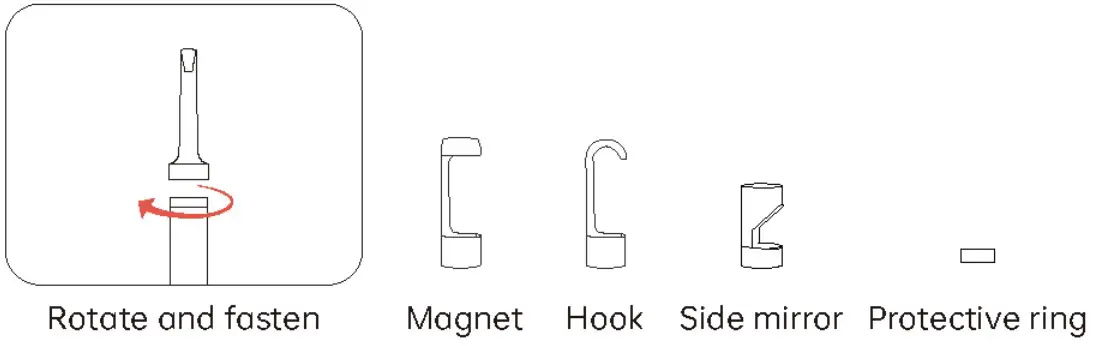
Accessories installation Guide
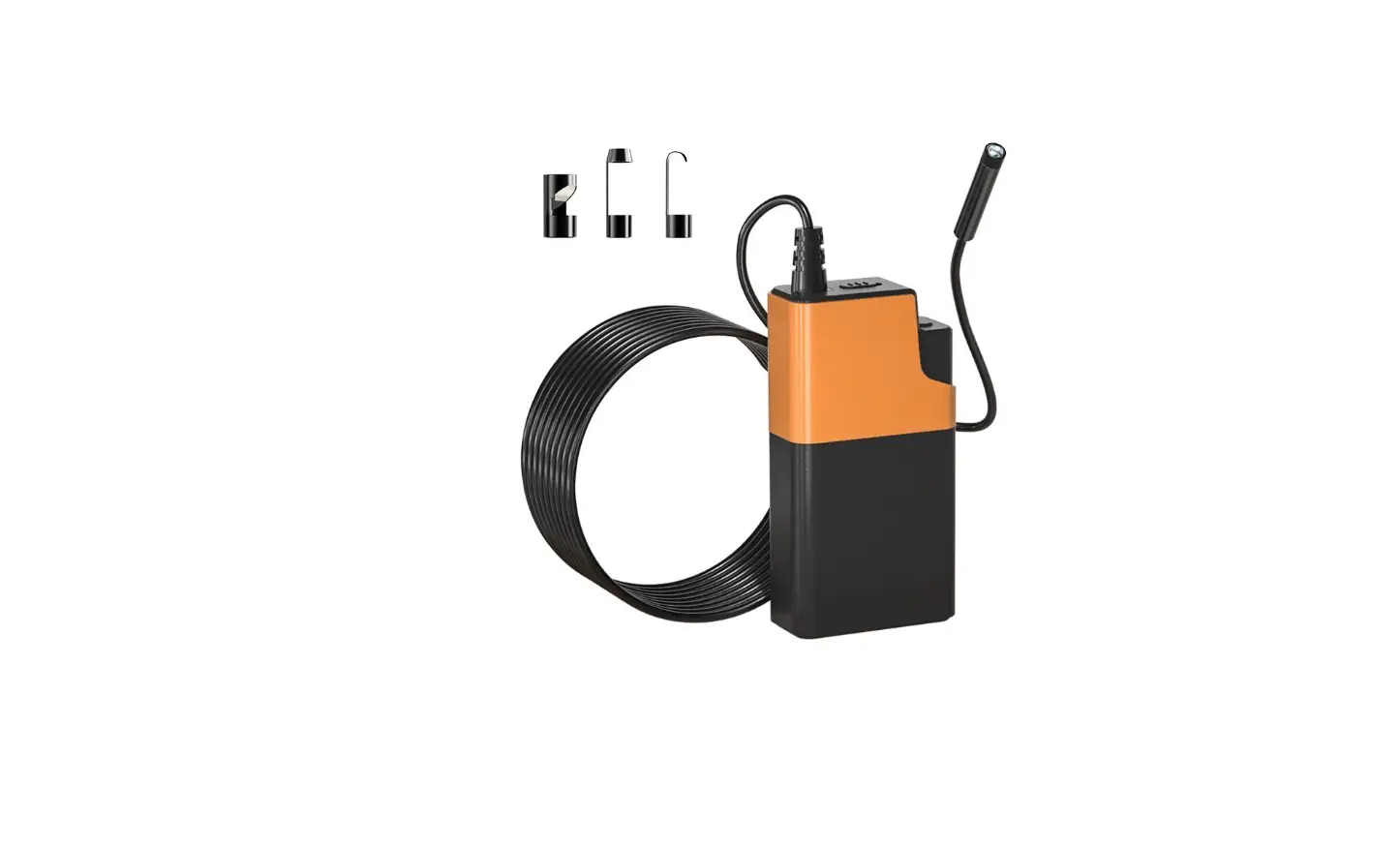
Accessories: Protective ring*1, Magnet *1, Hook*1, Side mirror*1
Specifications
| Camera diameter: 7.9mm | Camera resolution: 2 MP |
| Viewing angle: 70° | Focusing range: 2cm-10cm |
| Photo resolution: 1920×1440 | Video resolution: 1920×1440 |
| Operating temperature: 32°F-113°F | Camera temperature: 14°F-176°F |