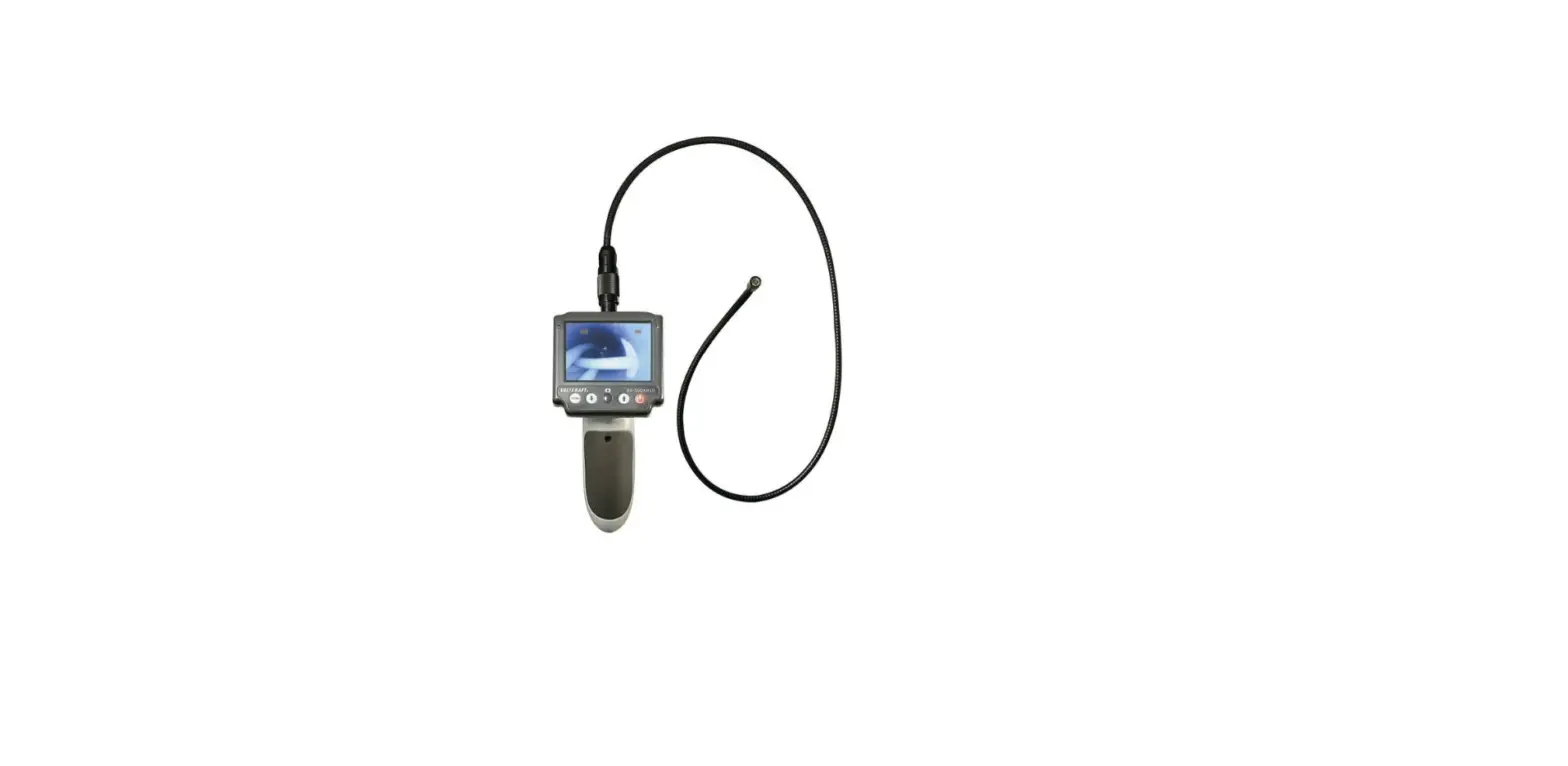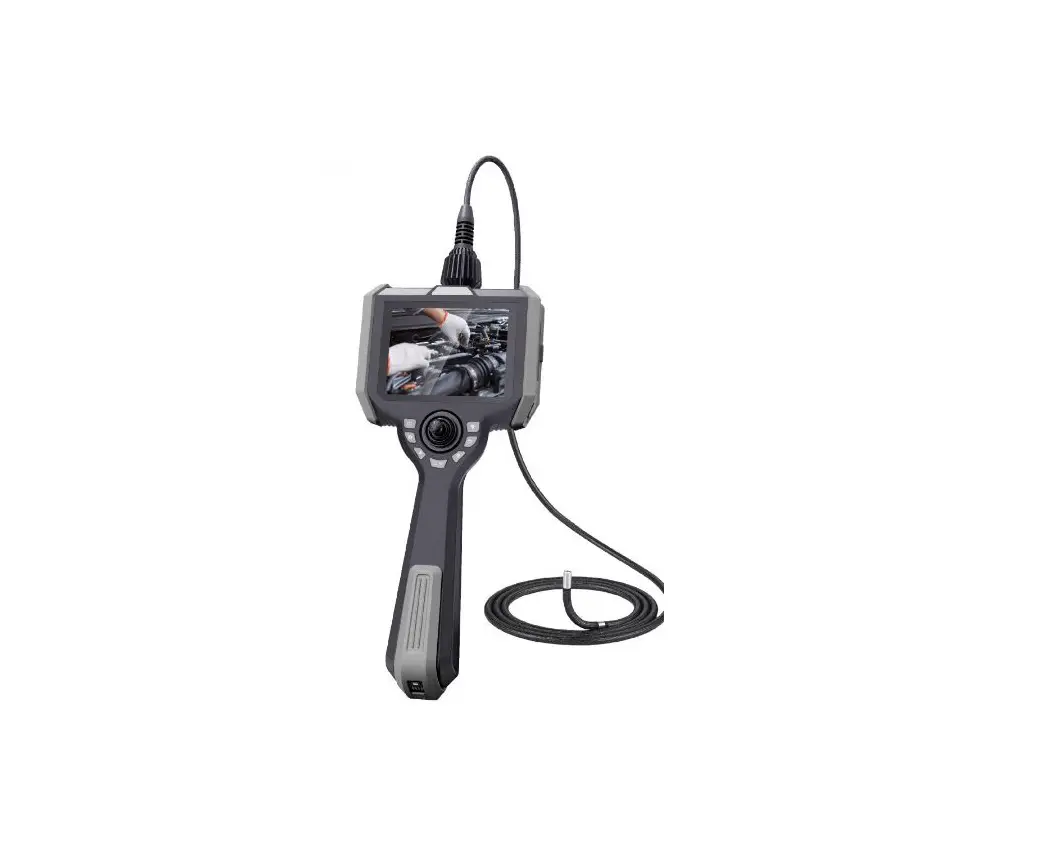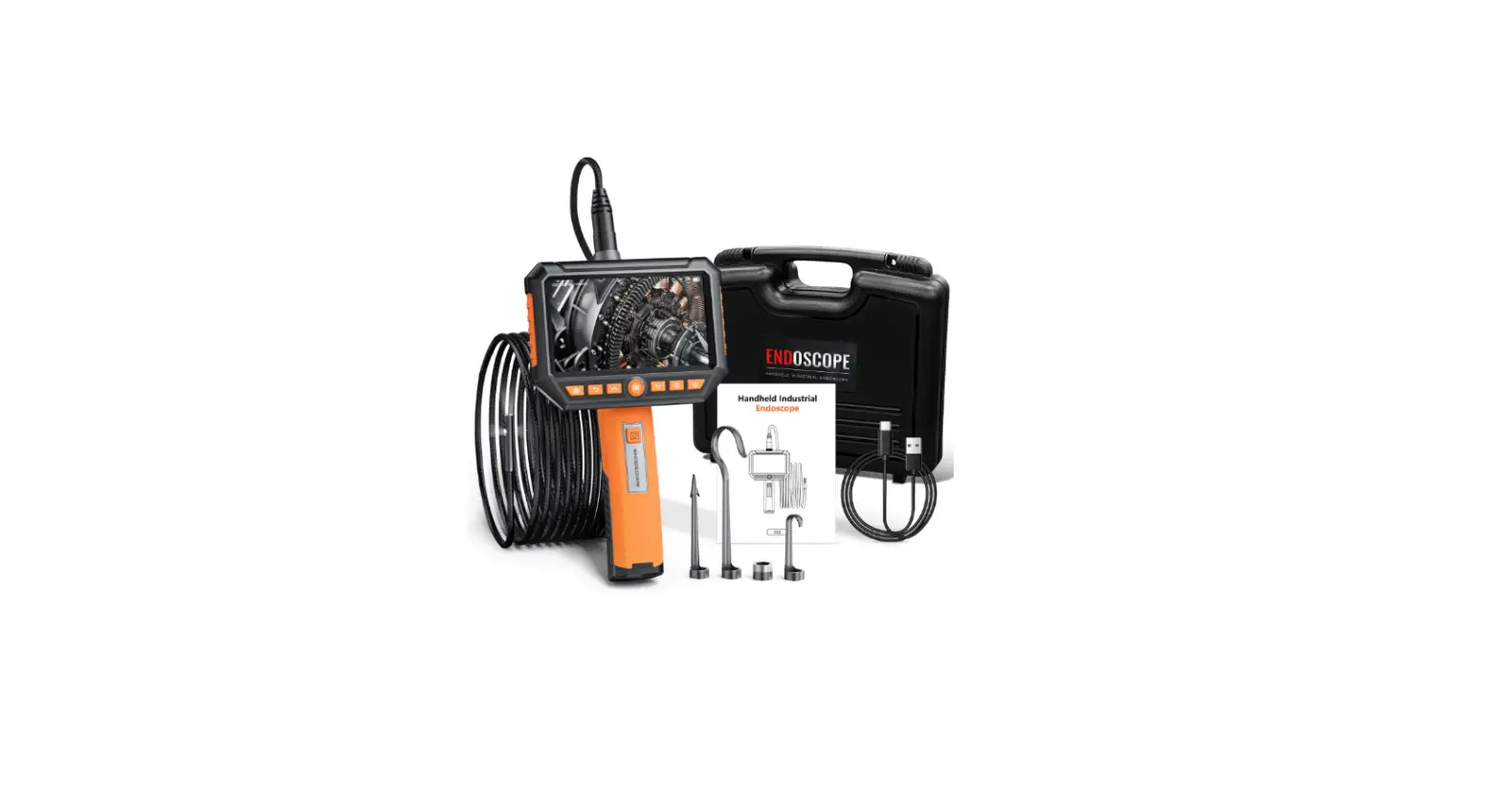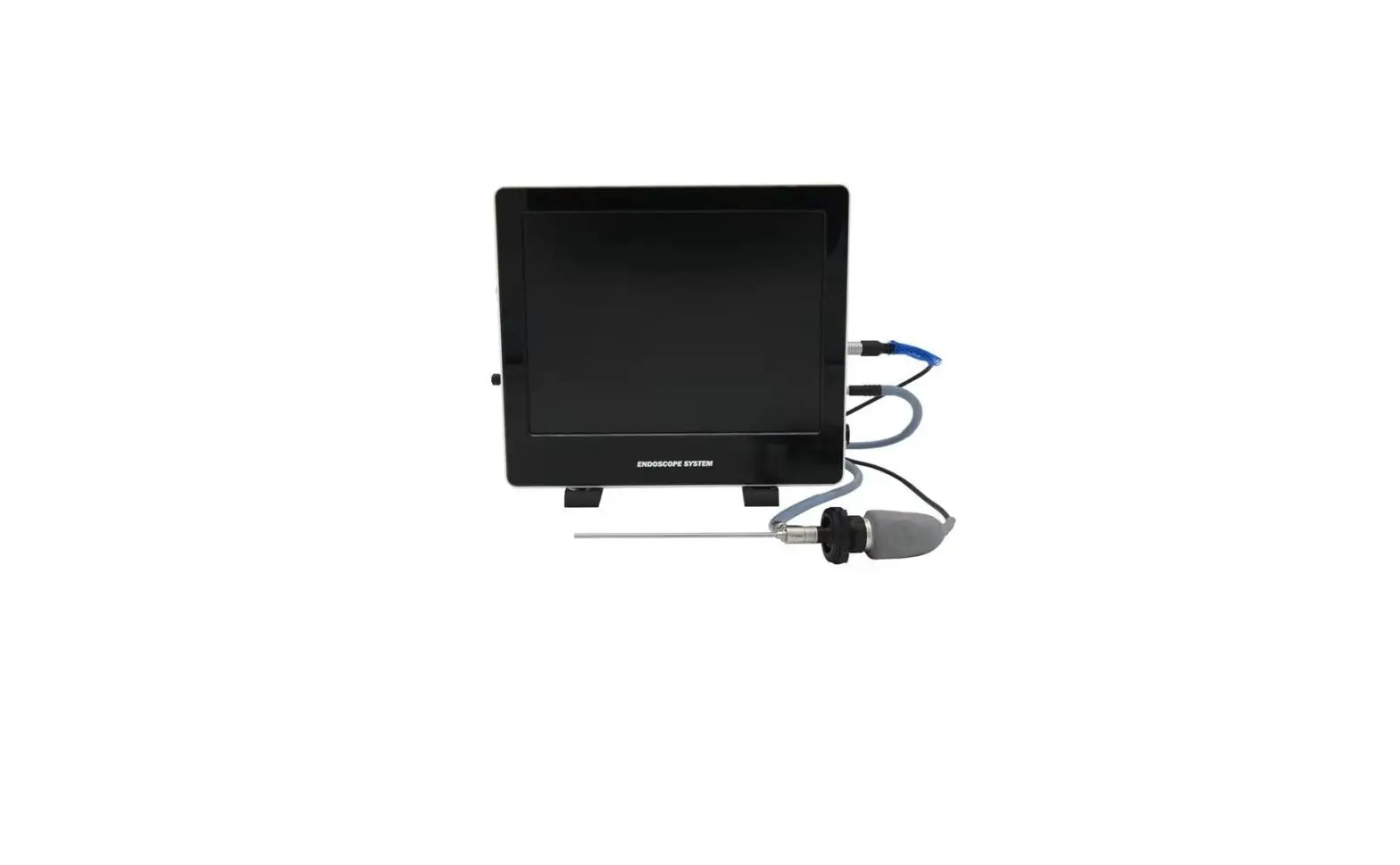
Vividia
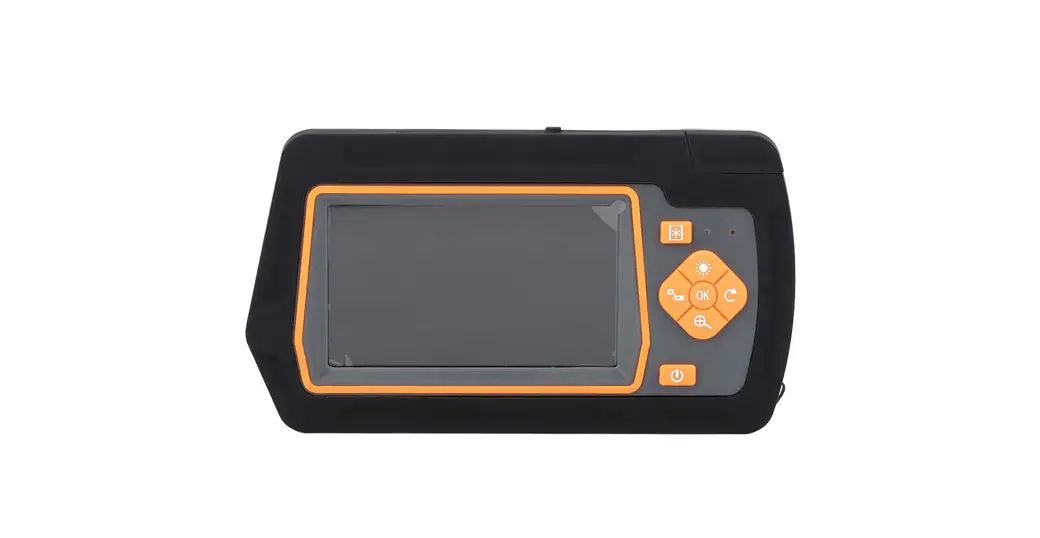
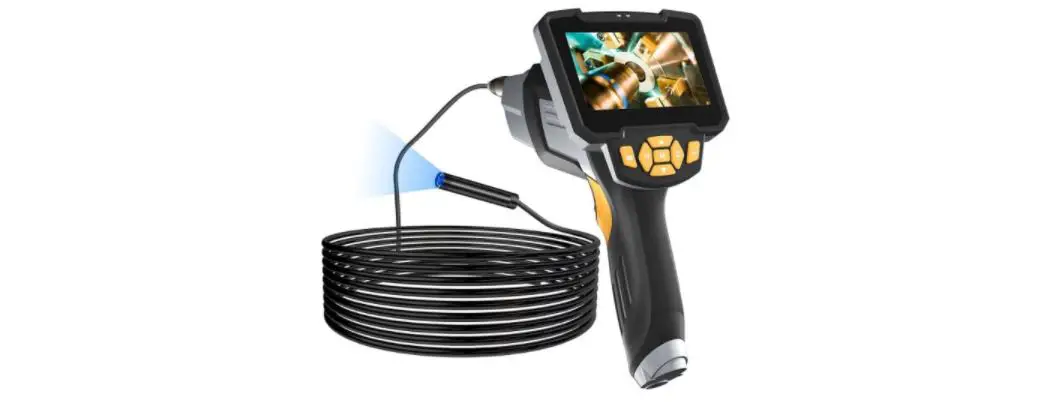
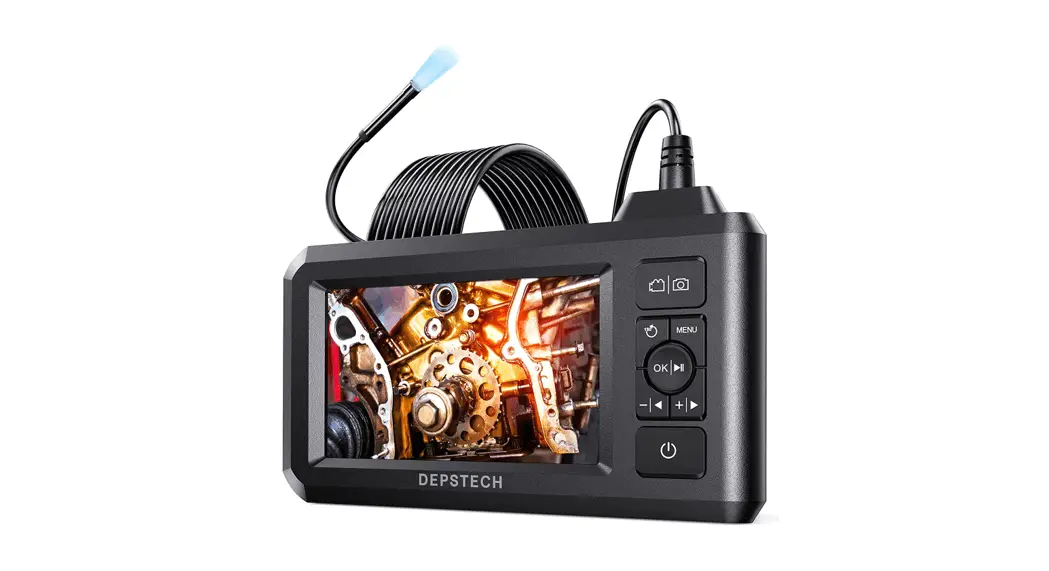
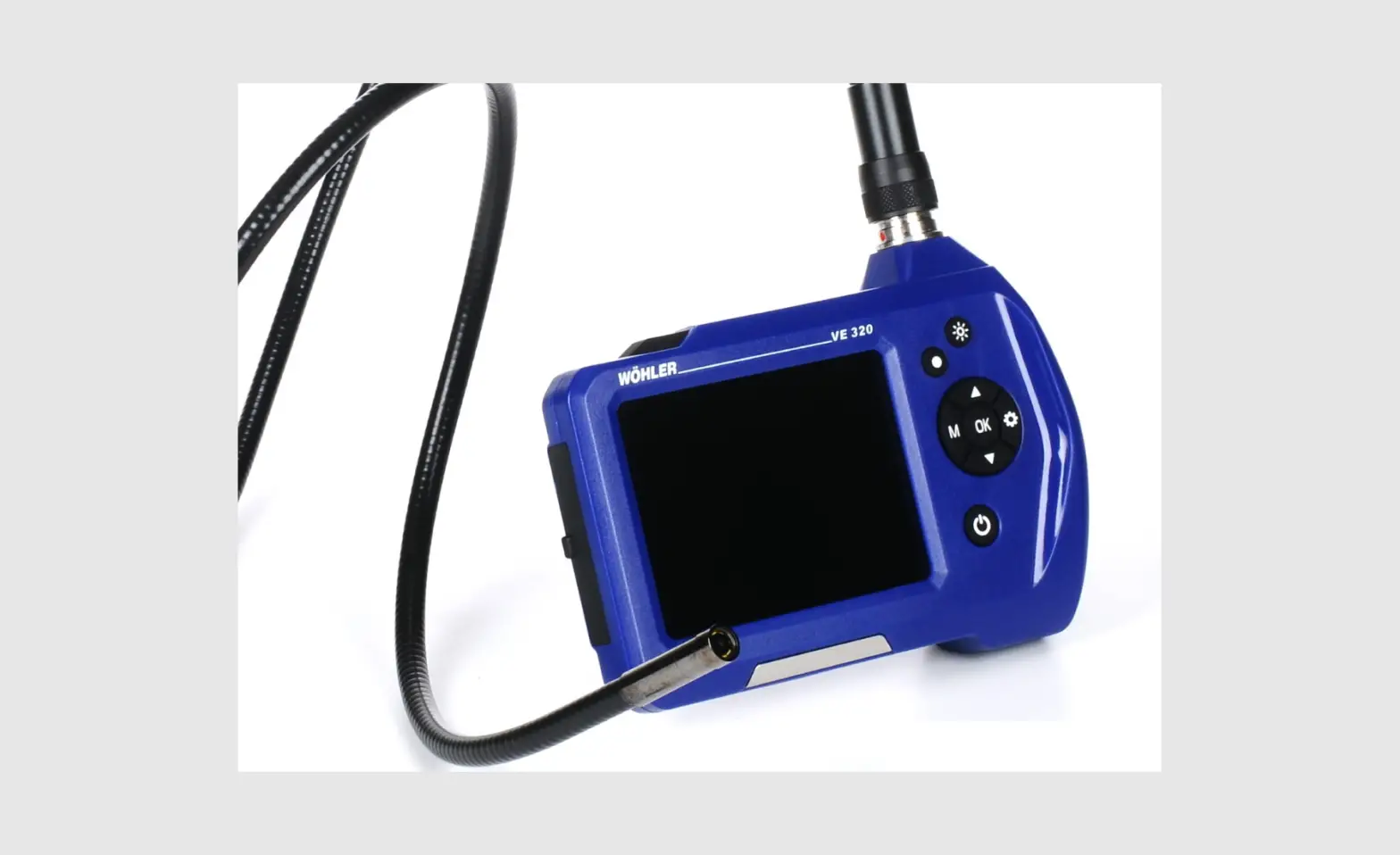
YE-4-8015 Veterinary Endoscope
Model: YE-4-8015
User Simplified manual  Vividia Technologies
www.vividia-tech.com
Safety recommendations
 Danger
- This device must not be used for medical or veterinary purposes.
- Do not use this item in explosive atmospheres.
- Do not modify or disassemble the unit.
- Do not subject the insertion tube ( camera cable) or other cables to strong pulling.
- Do not move the display unit around by holding the cables. Otherwise, the insertion tube or cables may be damaged.
- Do not subject the distal end and the angulation section to severe impact, pulling, or bending. Otherwise, the precision components that make up the distal end and the angulation section may be damaged.
- Do not allow any other liquids than water, salt water, machine, or diesel oil to come into contact with the insertion tube. Otherwise, the insertion tube may be damaged.
- Do not allow water to come into contact with other parts than the insertion tube. Water creates the risk of electric shock. All parts of the device, except the camera cable and camera head are not waterproof.
That’s why the main unit should not be submerged into liquids or used or stored in a wet environment. Don’t use or store the device at temperatures higher than 60°C or lower than -20° C and store it in a dry and adequately ventilated environment.
Button | Preview mode | Playback mode | Indication mode | Menu mode |
 | no function | switch to the next photo or video | adjust optional functions or options | select the previous function or option |
 | no function | go to the previous photo or video | adjust optional functions or options | select the next function or option |
 | enter menu mode | enter into menu mode | enter menu mode | no function |
 | choose indication mode | combined with to confirming deleting of files to confirming deleting of files | choose next function | confirm selection option |
 | enter into playback mode | return to preview mode | enter into playback mode | no function |
| freeze image | delete this file | freeze image | return to the preview mode/indication mode |
 | power off | power off | power off | power off |
 | illumination brightness | no function | illumination/brightness | no function |
 | cart ‘step video recording Press this button to start ‘the video recording. REC appears in the top left corner to indicate recording status. Press it again to stop recording. REC will disappear accordingly. | select. recorded videos | start /stop video recording Press this button to start the video recording. REC appears in the top left corner to indicate recording status. Press it again to stop recording. REC will disappear accordingly. | no function |
 | Snapshot – press this button to take a picture. After that system automatically returns to preview mode. | select recorded photos | Snapshot – press this button to take a picture. After that system automatically returns to preview mode. | no function |
 | brightness | no function | brightness | no function |
Operation modes
There are 4 basic modes for easier usage:
| preview mode | live images, snapshots, video recording |
| playback mode | view photos or videos on the memory card or delete them |
| indication mode | optional functions as: illumination, brightness, exposure, zoom, freeze, rotation, image colors, screen fo1mat, white balance |
| menu mode | system settings |
Buttons of indication mode and their functions
| Button | Function |
 | brightness (5 levels) |
 | exposure (0.0, +1,0,+2,0, -2.0, -1,0) |
 | zoom (original = 1x, 2x, 4x, 8x) |
 | freeze image |
 | 90° image rotation (up, down, left, .tight) |
 | adjusting image colors: original, negative, black & white |
 | change between full screen and 16:9 |
 | scale for measurements — cm-ready without function |
 | white balance (AUTO, cloudy) |
System setting in menu mode
Press the MENU button in preview or indication mode to display options as follows:
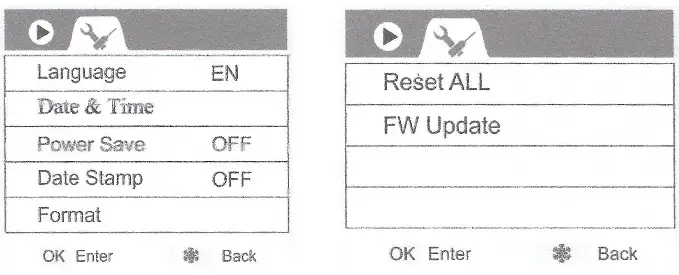
All options of the system setting apply:
Choose the respective options by moving with the arrow keysand confirm your selection with OK. You can leave the menu mode and return to preview mode by pressing the ‘freeze’ button (except under the ‘Date & Time option. Under ‘Date & Time’ you can leave by pressing OK.)
Language
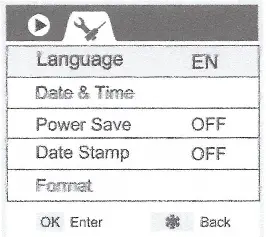
You can choose between 10 languages. Use the arrow keys to move up and down and confirm your selected language with OK.
Date & Time
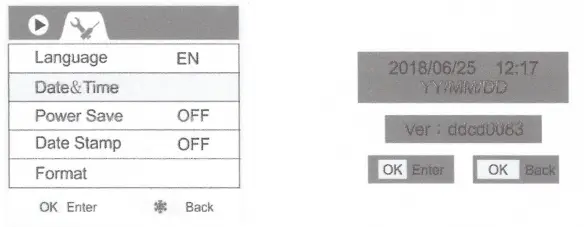
Confirms your selection of ‘Date & Time’ with OK. A new submenu will open. A red cursor shows you the adjustable values like a year, month, date (YY/MM/DD), hours, and minutes. Increase the value by pressing the up arrow and reduce it by pressing the down arrow.
You can move the red cursor to the next value by pressing the ‘freeze’ button.
Power Save
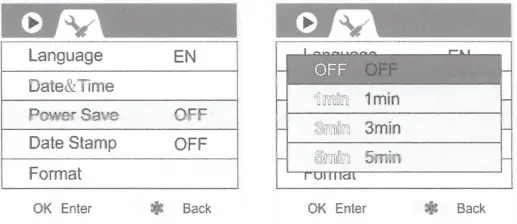
Adjust the time limit for automatic shut-off. You can choose between OFF (without automatically shutting off), I min., 3 min., and 5 minutes.
Date Stamp
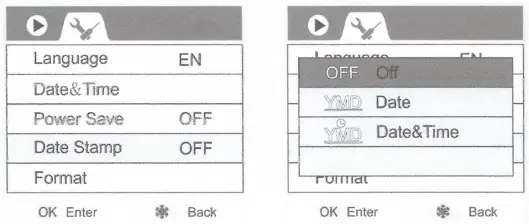
The ‘Date Stamp’ function allows you to add the recorded date and time to your photos or videos.
You 3 options:
OFF: Photos and videos are shown WITHOUT date and time.
Date: The date of the recording appears on the photos and videos.
Date&Time: The date and time of the recording appear on the photos and videos.
Format
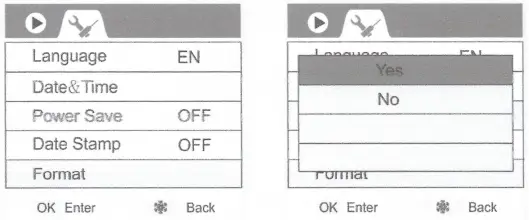
`Format’ means to erase all data stored on the memory card. But please note that all data are deleted irrevocably. If you choose ‘Forma( a submenu will open where you can choose ‘Yes’ or ‘No’. Yes deletes all photos and videos. If you select ‘No’ nothing will happen and you will return to all system settings in menu mode.
Reset All
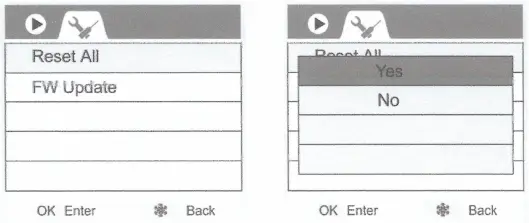
When you want to delete all your settings, you can reset the system to default settings.
After confirming ‘Reset All’, a submenu with ‘Yes’ or ‘No’ will open. Yes means that all your settings will be deleted and reset to factory settings. ‘No’ means that nothing will happen and your settings will be retained.
FW Update
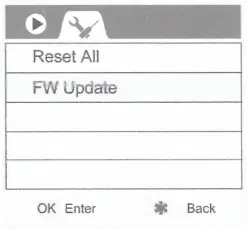
That option has normally no function. An automatic ‘FW Update’ (firmware update) by the user is not possible. Only in case of problems and when you contact us, we can possibly help you with a firmware update. For the firmware update, you need a special memory card that includes that update.
Caution when pulling out the camera cable
When pulling out the camera cable please hold it as straight as possible otherwise it could be damaged.
Cleaning
Cleaning insertion tube
- Clean the insertion tube immediately after withdrawing. Because leaving it dirty could cause corrosion.
- Wipe thoroughly with a piece of gauze or a cloth moistened with a neutral detergent. As a second step moist gauze or cloth with clear water and use it to clean the camera cable. Finally use a dry cloth to wipe off all moisture.
Cleaning distal end
Hold the: rigid portion of the distal end and use a clean soft piece of gauze, cloth, or a cotton swab to wipe off dirt and liquids. The best results may obtain by using commercially available absolute ethanol.
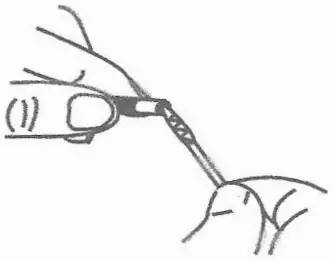
Cleaning the main unit.
Moisten a soft, clean cloth with clean water and wipe it for cleaning the main unit. Finally, dry it with a clean dry cloth.
- Store the instrument at normal room temperature and air humidity
- Straighten the angulation section when you place it into the carry case
- Store the equipment in a clean, dry, and frost-protected place.
Problems & solutions
P: No image on the screen after turning the power on
S: Battery is exhausted. Connect the main unit to the power adapter and recharge or replace the battery.
P: Unable to take photos or record video
S: No TF card inserted, wrongly inserted, full or faulty.
P: How to shut down the system
S: When all functions freeze or fail, insert an insulated needle into the hole (“Reset”) at the side of the main unit will be reset and restarts automatically.
Display
| LCD panel | 5′ 16:9 TIT LCD |
| USB connector | Micro USB |
| video output | HDMI port |
| recording media | TY card (4 GB included) |
| photo | 1280×720 JPEG (4DIIN400 JPEG for Iginm aril 3,Drpina) |
| video | 1280×720 MOV (400×400 MOV for 2.8mm and 3.0mm) |
| power source | Lithium battery 4200 mAh AC adapter: input 100-240 VAC 50/60I-12, output 5V DC |
Working environment
| operating temperatures | the distal end and insertion tube: 0-60° C | |
| other parts excepted of above: 0-40° C | ||
| operating humidity | 15-90% RH | |
| waterproof | insertion tube | IP67 |
| other parts | no waterproof construction | |
 Vividia Technologies: Borescopes, Videoscopes, Microscopes, Inspection Cameras - Vividia