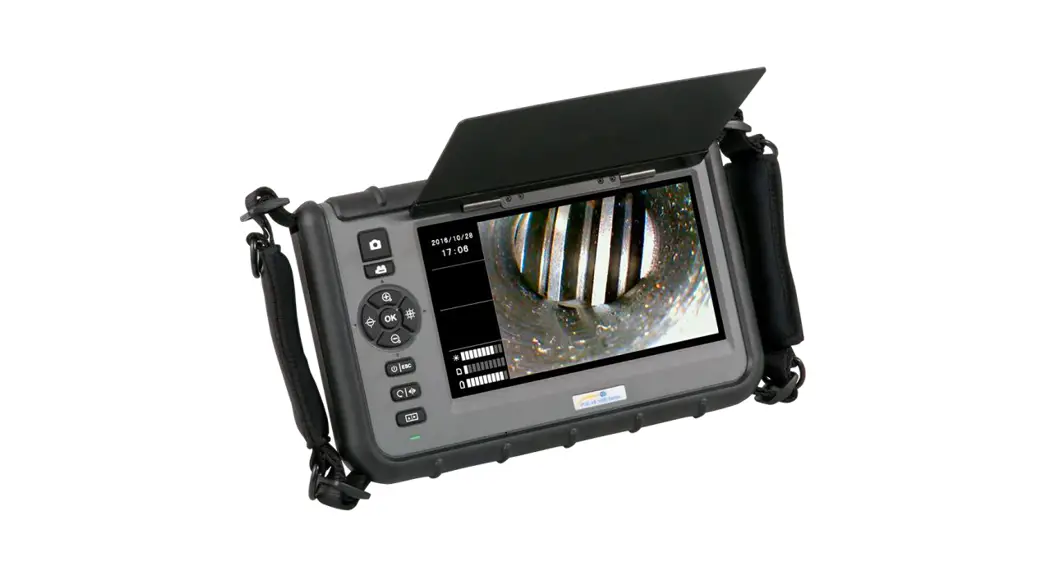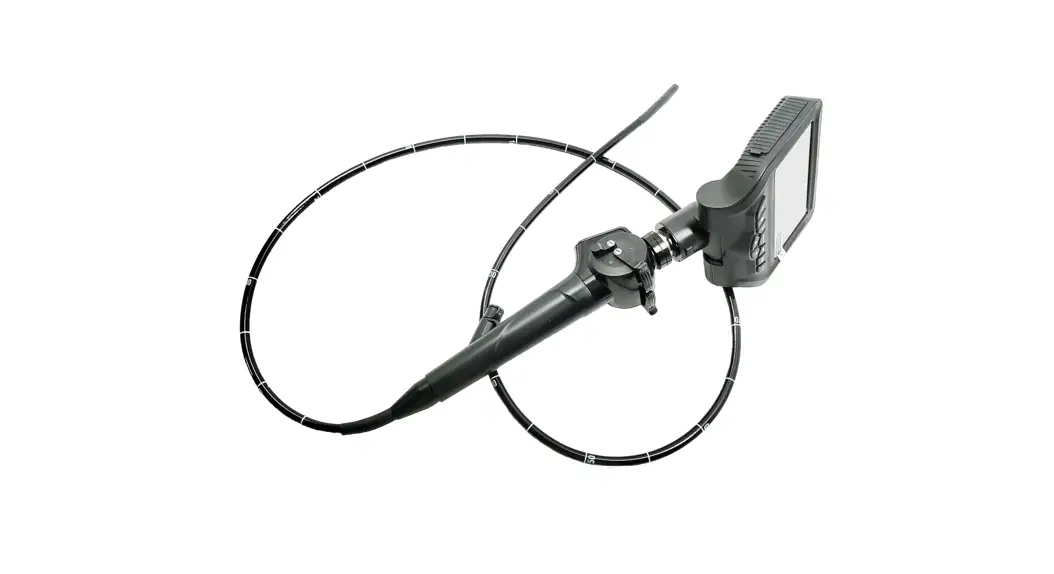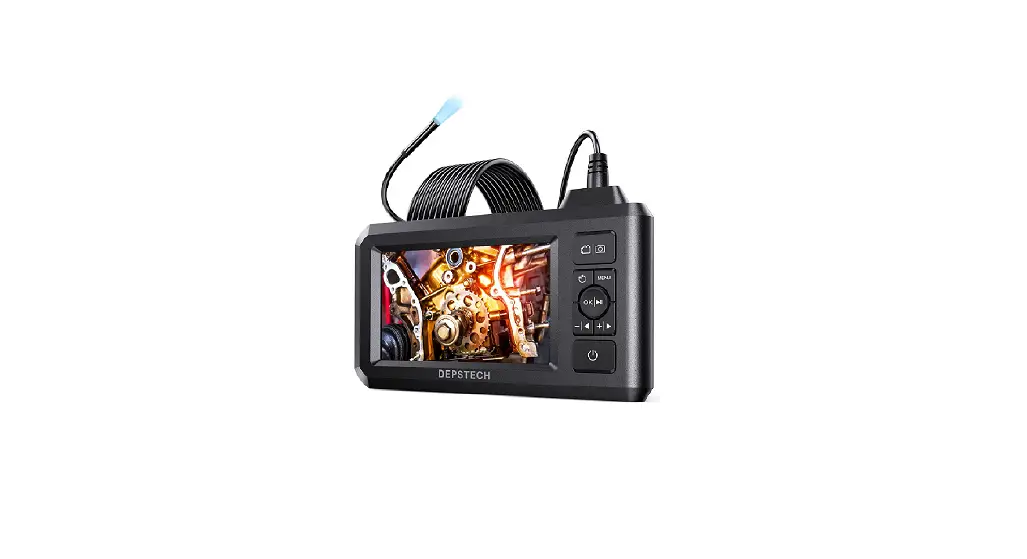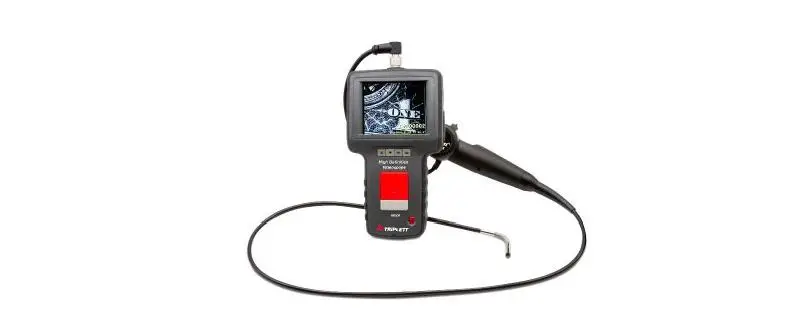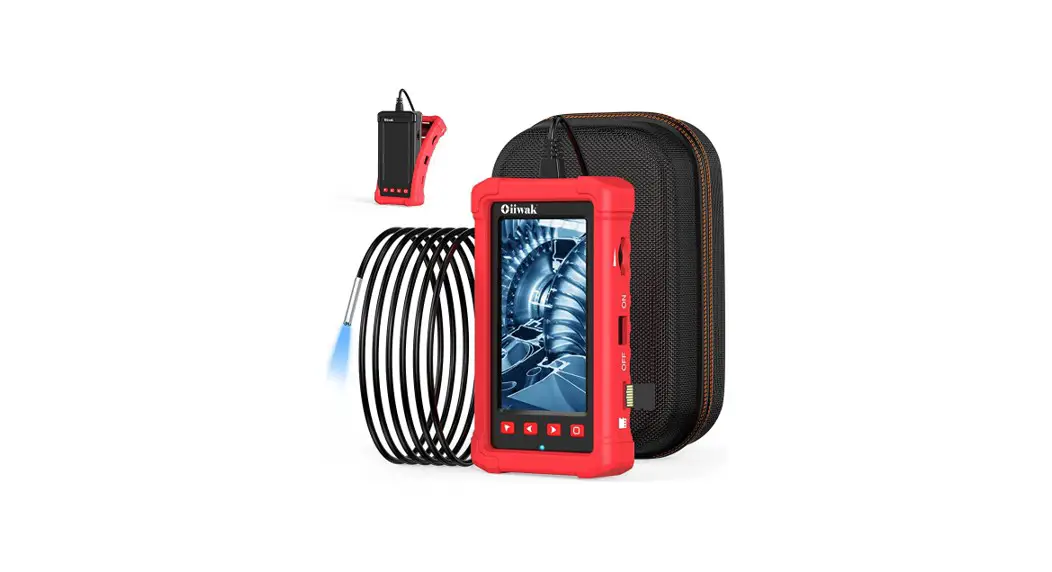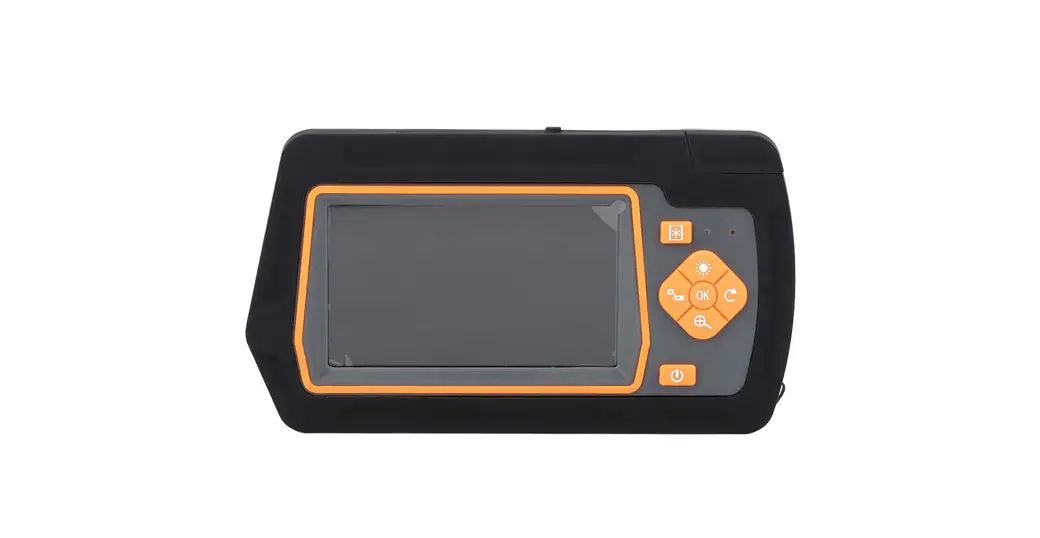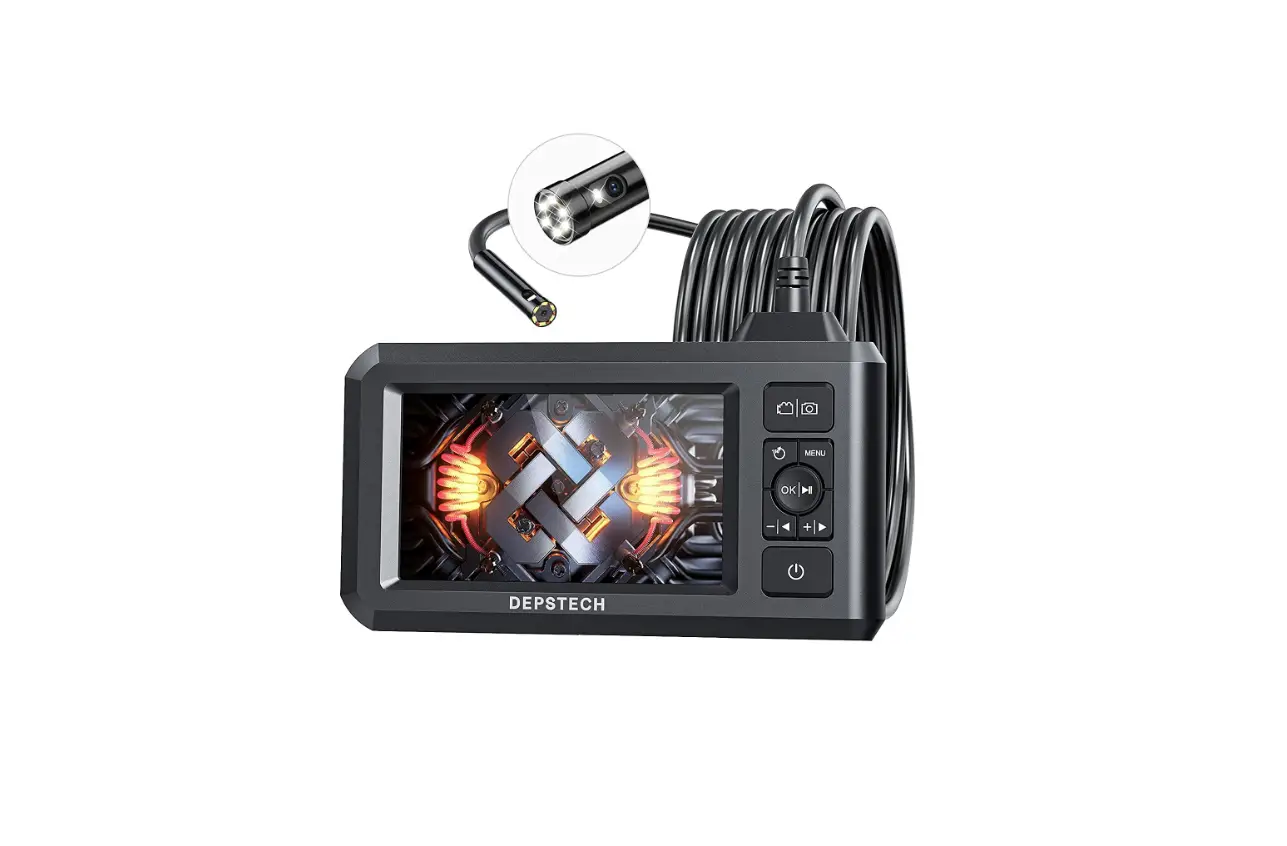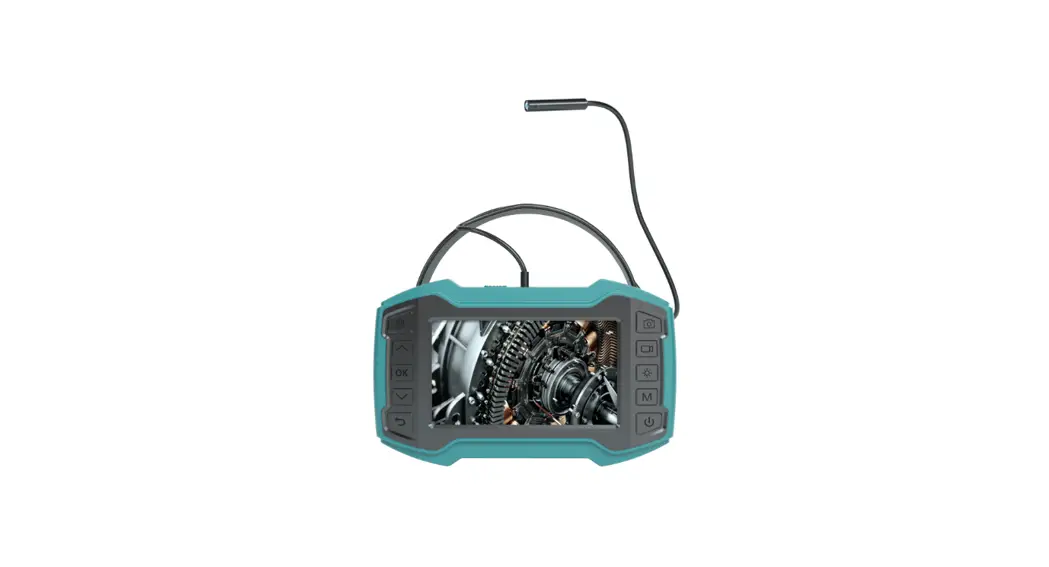

woehler VE 320 Video Endoscope
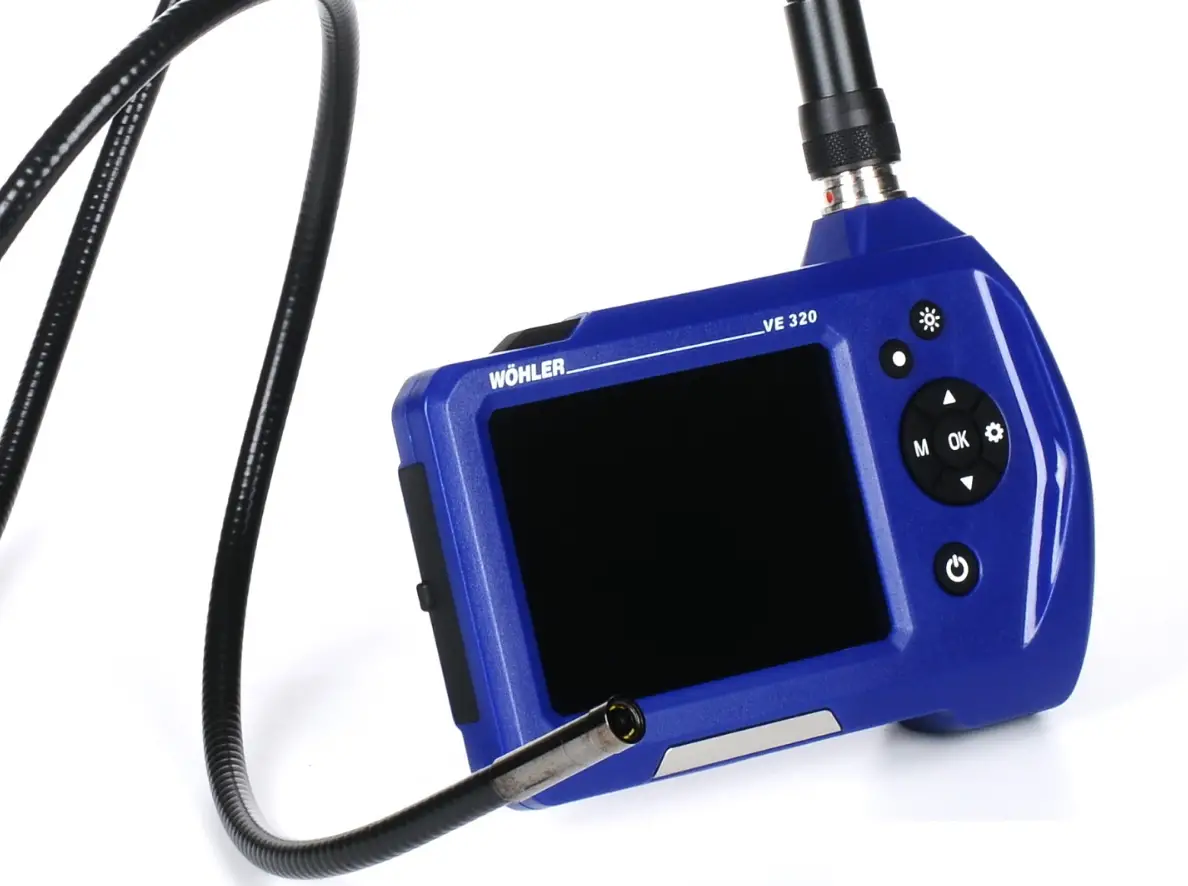
General information
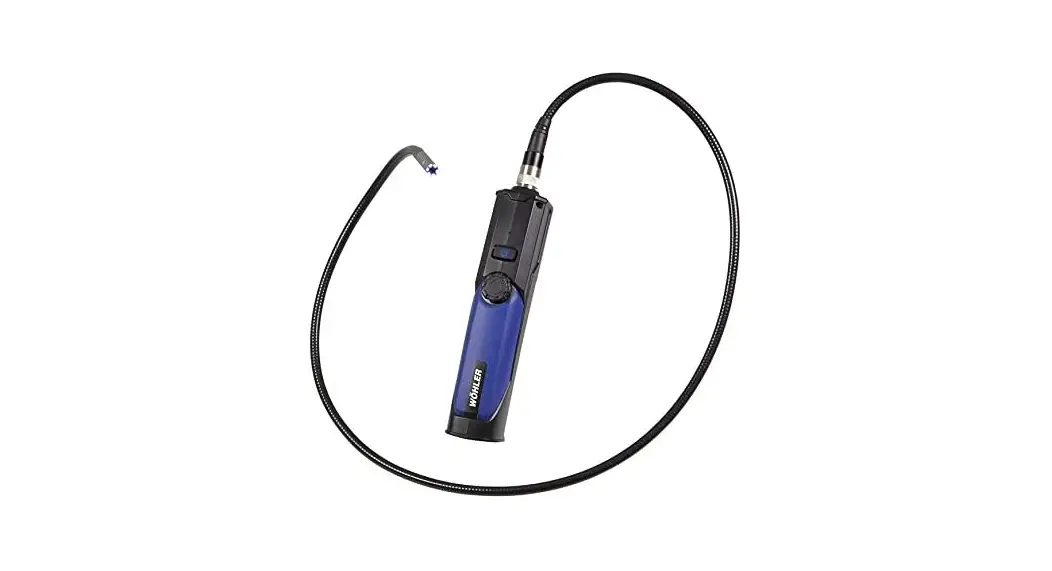
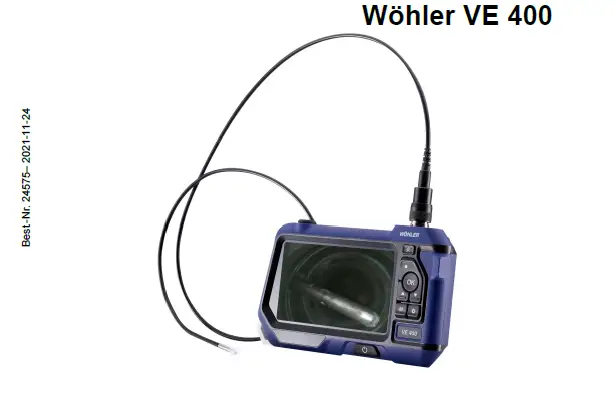
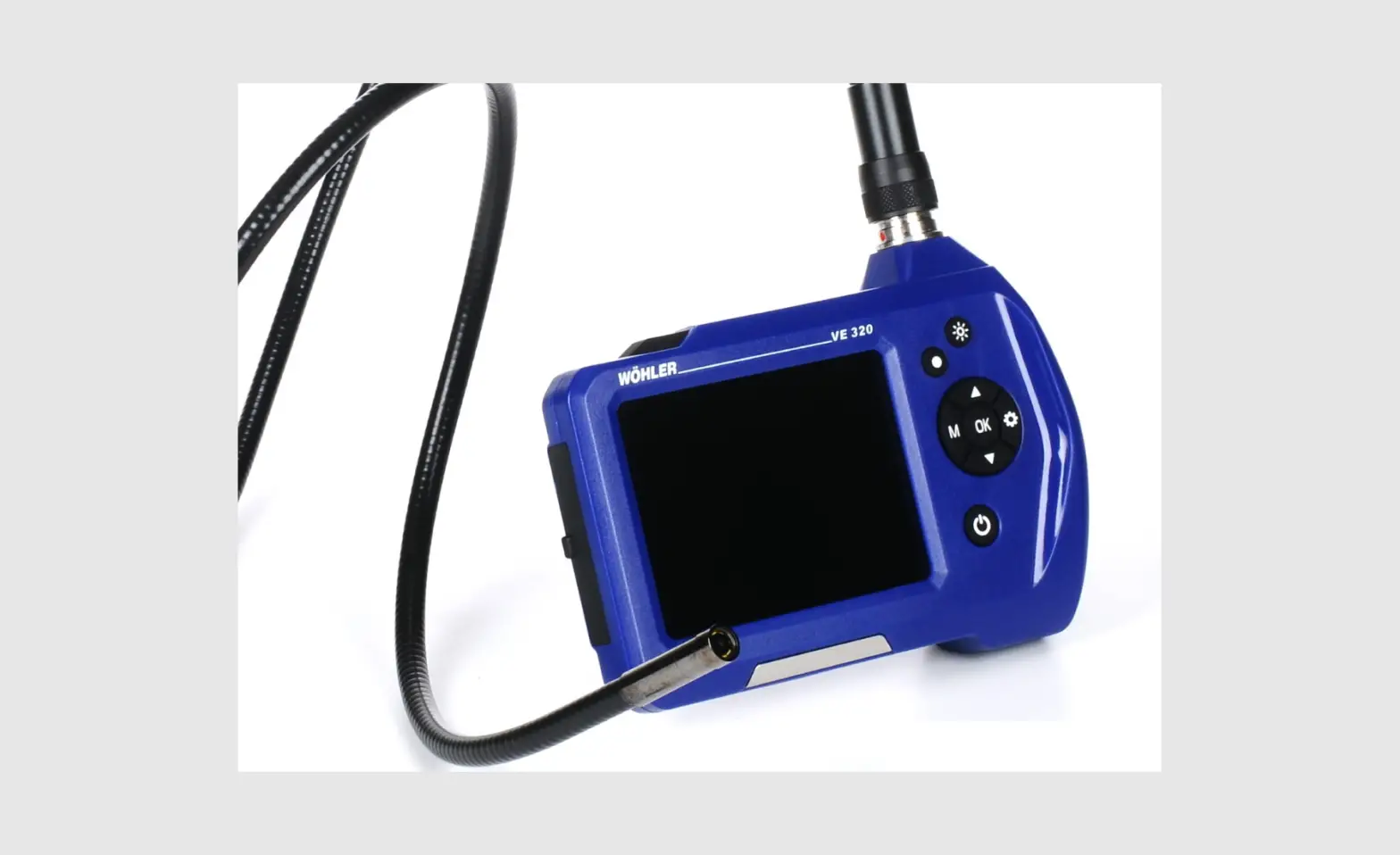
Scope of supply
| Device | Scope of supply |
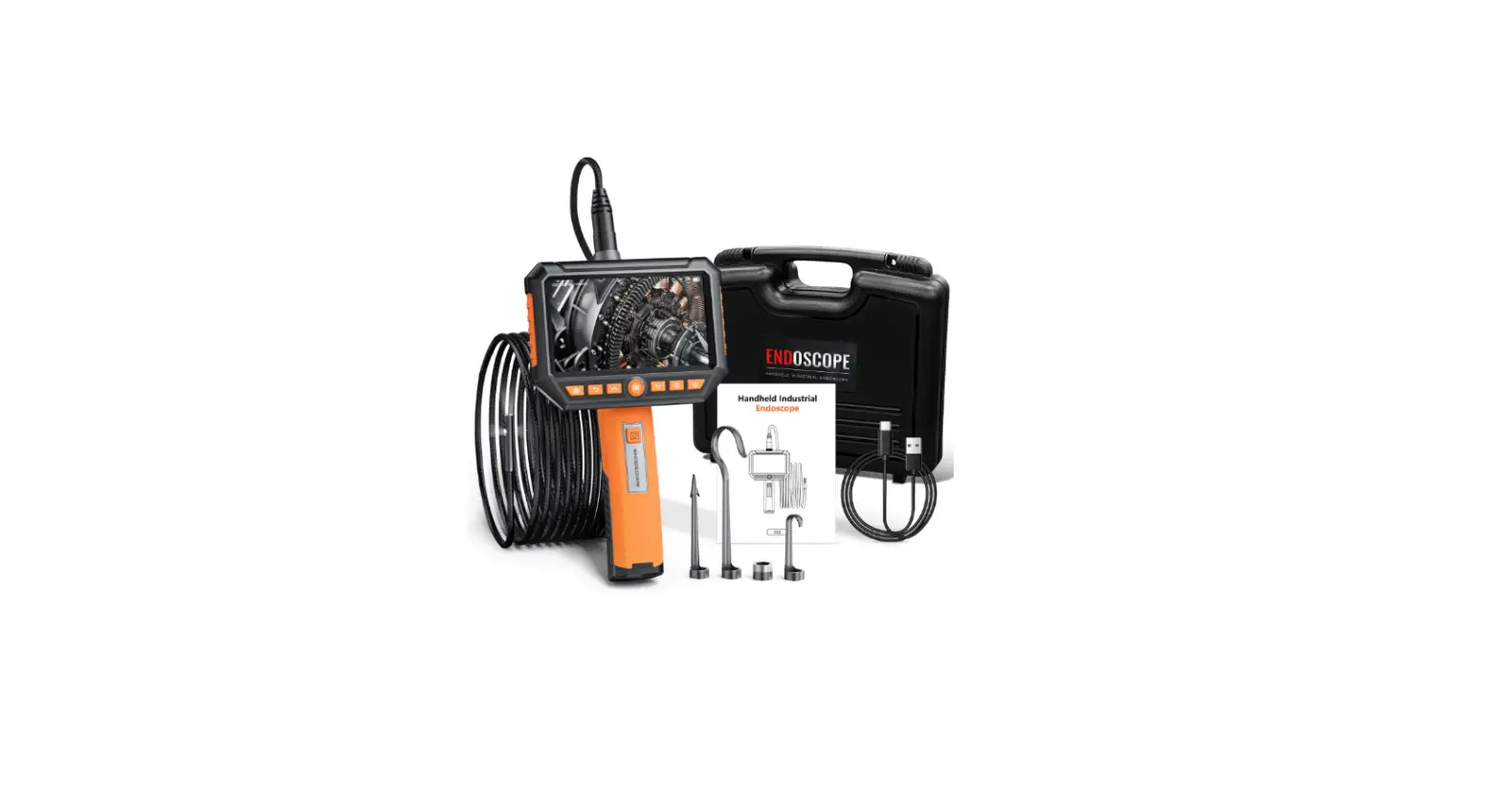
| Wöhler VE 320 Video Endoscope | Video Endoscope |
| Probe (1m) with mini camera head Ø 7,6 mm | |
| Micro SD memory card, 32 GB | |
| Micro-USB-cable with mains adapter | |
| Transport case | |
| 3 probe accessories: hook, mirror, magnet | |
| ATTENTION! Improper transport can harm the instrument. | |
Storage and transport
Always transport the Video Endoscope in the provided carrying case in order to prevent damage.
ATTENTION!
Do not roll the probe to a diameter that is smaller than the diameter of the probe section in the case
Information on disposal
Electronic equipment does not belong to domestic waste, but must be disposed of in accordance with the applicable statutory provisions. You may hand in any defective batteries taken out of the unit to our company as well as to recycling places of public disposal systems or to selling points of new batteries or storage batteries.
Direction
Wöhler Technik GmbH Wöhler-Platz 1 33181 Bad Wünnenberg Tel: +49 2953 73-100 www.woehler.com
Technical Data
| Description | Data |
| Monitor | 3,5 inch Color LCD |
| Monitor Resolution | 320 x 240 pixel |
| Video Resolution | 960 x 720 pixel |
| Image Resolution | 1440 x 1080 pixel |
| Menu languages | English, German, Spanish, French, Russian, Italian, Dutch |
| Ports | Micro-USB, TF Card Slot |
| Encapsulation | IP 67 |
| Video files | AVI |
| Image files | JPG |
| Aditional Light | 4 LEDs |
| Operating Temperature | 0° to 45 °C |
| Power Source | 2600mAh, Lithium Battery |
| Max. battery life | 5 -6 hours |
| Probes | |
| Camera Head Ø 7,6 mm | |
| Resolution | 1 Megapixel (HD ready) |
| View | 0° straight ahead |
| Focal length | Approx. 30 mm – 60 mm |
| Viewing angle | 90° |
| Lighting | 6 adjustable LEDs |
| Protection–camera head | IP 67 |
| Probe length | 100 cm |
| Camera Head Ø 3,9mm | option |
| Resolution | 1280 x 720 Pixel |
| View | 0° straight ahead |
| Focal length | approx. 30 mm to 100 mm |
| Viewing angle | 60° |
| Lighting | 6 ajustable LEDs |
| Protection–camera head | IP 67 |
| Probe length | 100 cm |
Notes
ATTENTION!
Not following this note can cause permanent damage to the device.
NOTE! Useful information
Safety information
Attention!
- Do not expose the optics to sudden temperature changes. If the lens have heated while working, there is the danger of bursting when it comes into contact with cold water.
- Keep the Video Endoscope dry and clean.
- Do not disassemble your device. Do not replace parts of the device or the battery by yourself.
- Only use 5 V indoor home use USB charger to charge the device. Recharge the battery after 3 months at the latest
Component explanation
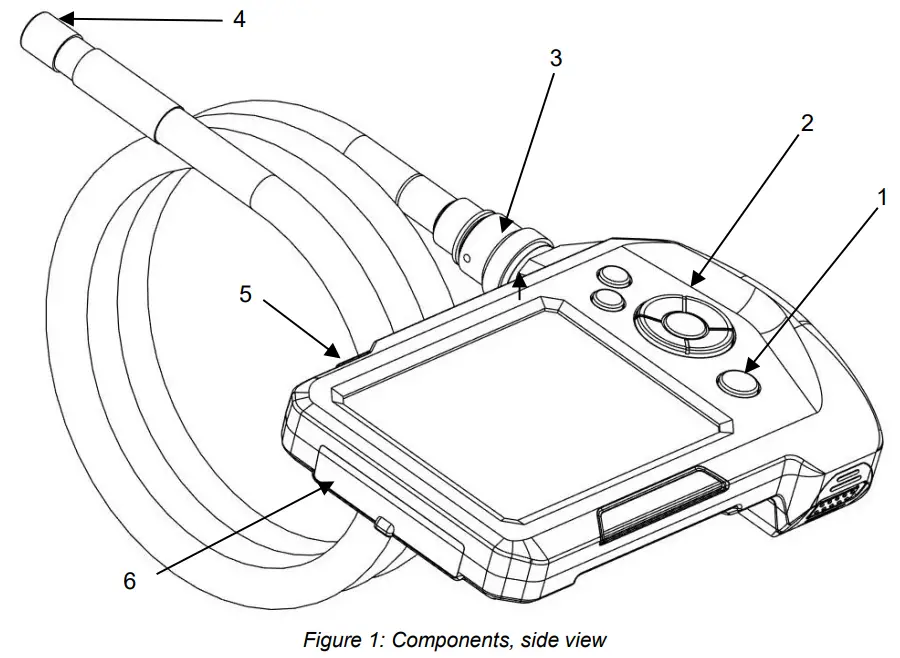
Explanation
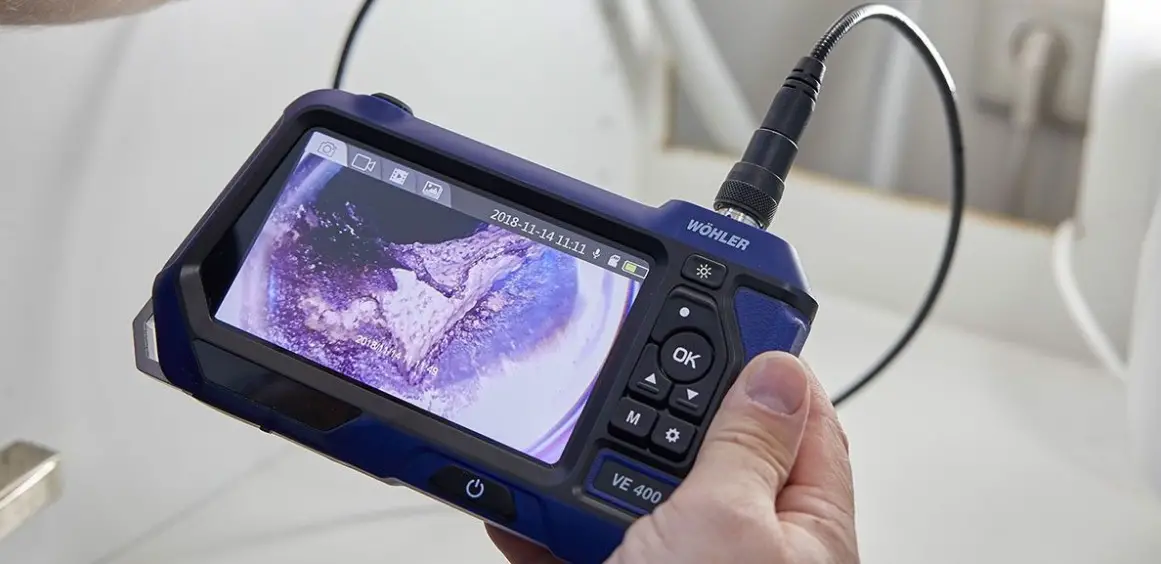
- Power button with battery status
- Button board
- Probe connector
- Camera head
- Flash Light
- Port compartment
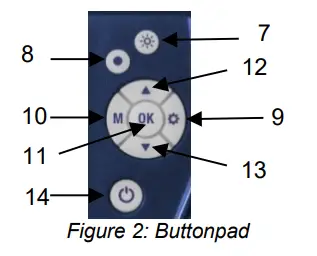
- Illumination-button
- Snap-button
- Settings-button
- M-button (Mode)
- OK-button
- UP/Zoom-button
- Down/Rotate-button
- Power button with battery status
M-button: Change between picture-, video, and playback mode
- Press the M-button to change between picture mode , video mode, and playback mode
Snap-button
- Press the Snap button to take a picture or start a video recording.
OK-button
- Press the OK button to freeze a picture.
Before the inspection
Connecting the Probe
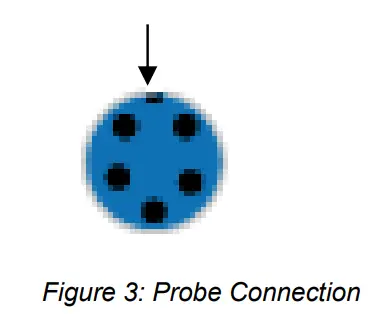
- Loosen the union nut of the probe connection and remove the probe (see fig. 1 part 3)
- To assemble the probe again, proceed as follows:
ATTENTION! The probe connection has a small notch. Take care to plug the notch on the small nose piece of the plug connector
- After that tighten the union nut.
Switch on and off
- To switch on/off the Wöhler VE 320, briefly press and hold the ON/OFF button.
NOTE! Make sure that the probe is connected correctly. Otherwise, a “noise” will appear in the image.
NOTE! A “noise” in the image may also indicate that the battery needs to be charged.
Charging the battery
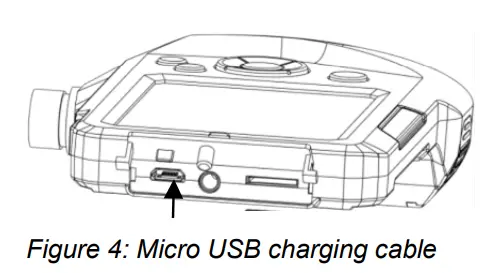
If the Wöhler VE 320 is switched on and the battery voltage is sufficient, the ON/OFF button will shine blue. If the battery voltage is low, the ON/OFF button will shine red.
- To charge the device, connect the USB charging cable to the charging port, see fig. 1, part Connect the other end of the charging cable to the mains adapter.
During charging, the ON/OFF button flashes red. When the device is switched on, the battery icon in the display will be colored when charging is in process.
Inserting the SD memory card
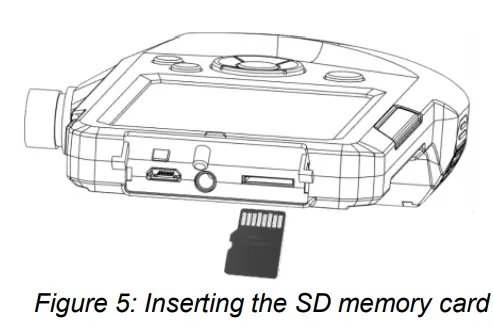
ATTENTION! Make sure the device is powered off before operating the SD memory card.
- Power off the device, open the cover on the backside of the monitor and insert the SD memory card, see fig. 1, part 6.
ATTENTION! Please make sure the card is inserted correctly
Settings
NOTE! It will only be possible to make settings if the SD memory card is inserted. The Settings button and the M-button will only be active if the SD memory card is inserted.
Adjusting the presets in picture and video mode
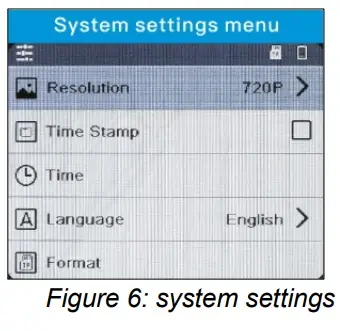
- In picture or video mode, press the settings button to change the system settings.
- Resolution 960 x 720 pixel or 1440 x 1080 pixel (interpolated)
- Time Stamp: Show or hide the date and time
NOTE! If this option is unchecked, the date and time will not be displayed in the saved image. They are still visible in the display of the endoscope.
- Adjusting date and time
- Language
- Format SD card (yes or no)
- Use the arrow keys to move to the parameter to be changed. Select it with the OK button and save your setting with the OK button.
Adjusting the presets in playback mode/delete files
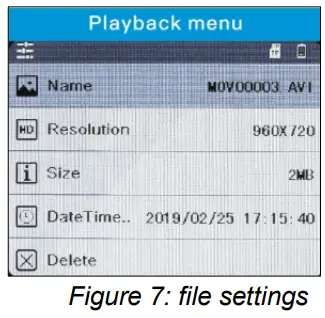
- In playback mode press the settings button to display the properties of the image files or to delete the image files…
- Name, resolution, size and date of the image file
- Delete selected file
- delete alle files
- lock selected file
- unlock the locked image file for deletion
- unlock all image files for deletion
- Use the arrow keys to move to the parameter to be changed. Select it with the OK button and save your setting with the OK button.
Flashlight
Switching on the Flashlight
For an inspection in a dark environment, the Flashlight should be switched on.
- Switch the Flashlight on and off by pressing the Flash Light Button, see fig. 1, part 5.
Switching on the LEDs
- Click the LED button (fig 2, part 8), to switch the LEDs of the camera head-on and off. Click three times to set the LEDs lighter in three stages.
Display
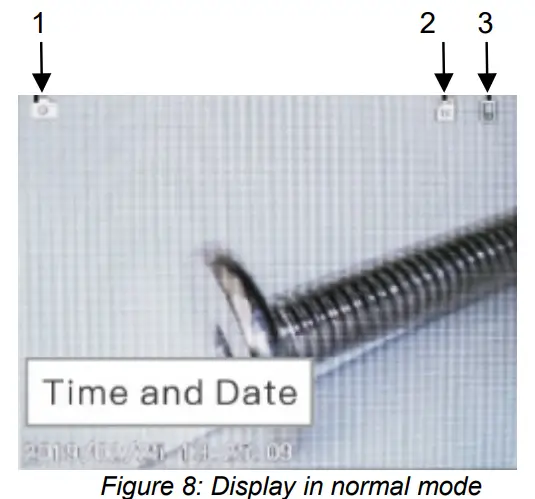
- Mode
- Photo,
- Video
- Playback
- Micro SD memory card plugged in / No Card
- Battery condition
Freeze image
- Click OK to freeze an image.
- Click OK again to return to normal mode.
Zoom an image in or out
- Click up button to zoom the image out
Rotate image
- Click the down button to rotate the screen image 180 degrees.
Snap photos
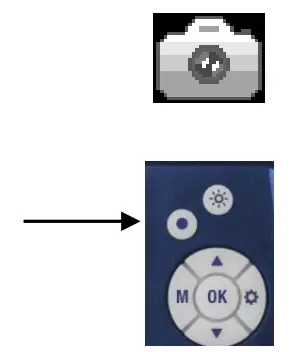
- Click the M-Button until the photo icon appears on the screen.
- Click the snap button to snap a photo.
Record video
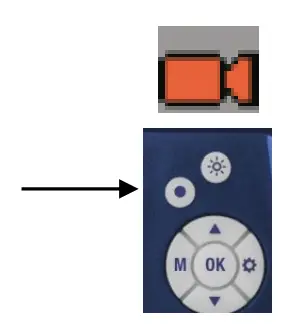
- Click the M- Button until the video icon appears on the screen.
- Click the snap button to record a video.
- Click the snap button again to stop the recording.
NOTE! The endoscope will automatically stop recording a video after 10 minutes. If you want to keep on recording, start the video recording again after 10 minutes.
Playback

- Click the Mode-Button until the playback icon appears on the screen. On-screen the file type (photo or video), the file number, and the total number of saved files will appear.
- Click the up or down button to switch between the files.
- If the video icon is shown, press OK to play the video.
- Click OK again to pause the video.
- Press the M-button, to return to the playback mode.
Delete photos and videos
In Playback mode, click the Settings button.
- Select “Lock”, to lock the selected file or all files. Locked files cannot be deleted.
- Select “Delete”, to delete the selected file or all files.
Reading the files on the PC
- Switch off the Video-Endoscope.
- Connect the Video-Endoscope to the PC with the USB cable.
- You can read and save the files on the PC now. Photos are saved as jpg files and videos as AVI files.
Warranty and Service
Warranty
Each Wöhler VE 320 Video Endoscope will be tested in all functions and will leave our factory only after extensive quality control testing. If used properly, the warranty period for the Wöhler VE 320 will be twelve months from the date of sale. The battery is not covered by this warranty. This warranty does not cover the freight and packing costs when the device is sent to the factory for repair. Service by non-authorized personnel or making modifications to the analyzer voids any warranty
Service
Wöhler has built our reputation on excellence in customer service. Therefore, of course, we are readily available to assist you after the warranty period ends.
- Send us the device and we will repair it and return it to you with our package service.
- Immediate help is provided by our technical staff over the telephone.
Declaration of conformity
The product Wöhler VE 320
Video Endoscope complies with the button safety requirements set down in the guidelines of the Council for the Harmonization of the Legal Requirements of the Member States in relation to the electromagnetic compatibility. The following standards were availed of to evaluate the product in respect of the electromagnetic compatibility (2014/30/EU):
- EN 55032: 2015
- EN 61000-3-2:2014
- EN 61000-3-3:2013
- EN 55024: 2010+A1:2015
 Startseite der Wöhler Unternehmensgruppe - Auswahl der Wöhler Unternehmensbereiche
 Wöhler Technik GmbH
 Wöhler France SARL
 Wöhler Italia SRL
 Wöhler Nederland B.V.
 Wohler USA Inc.