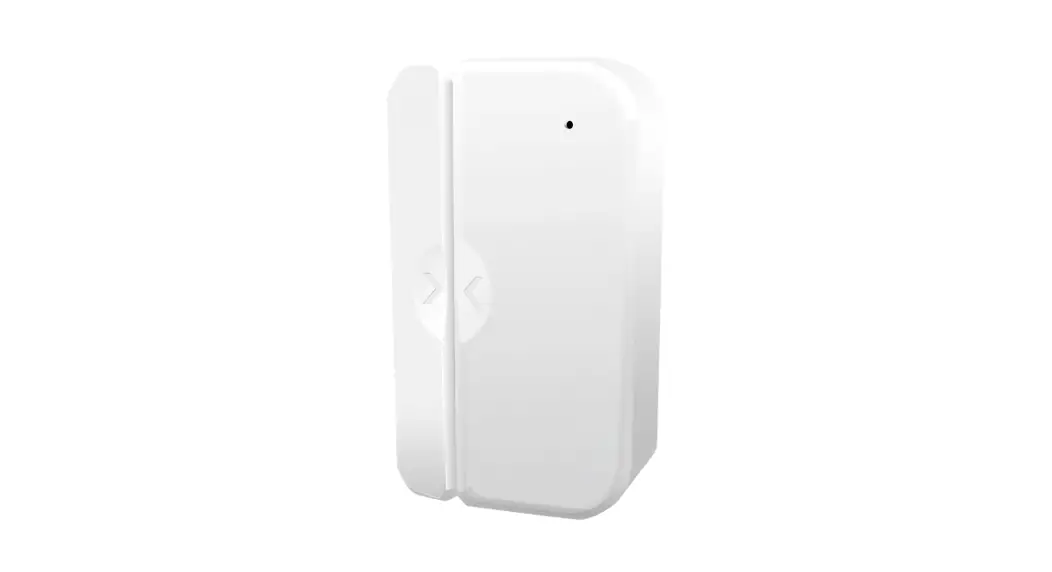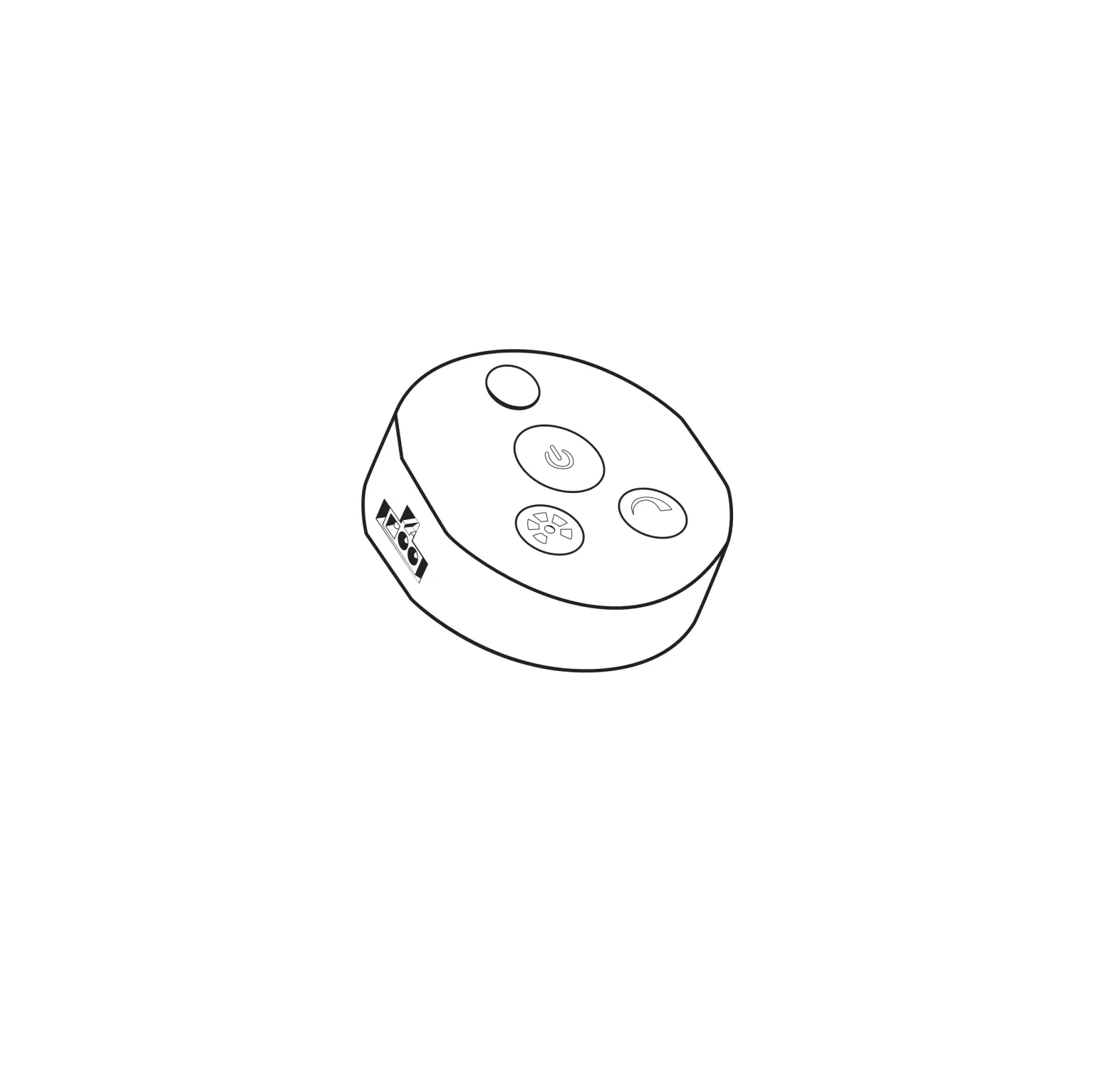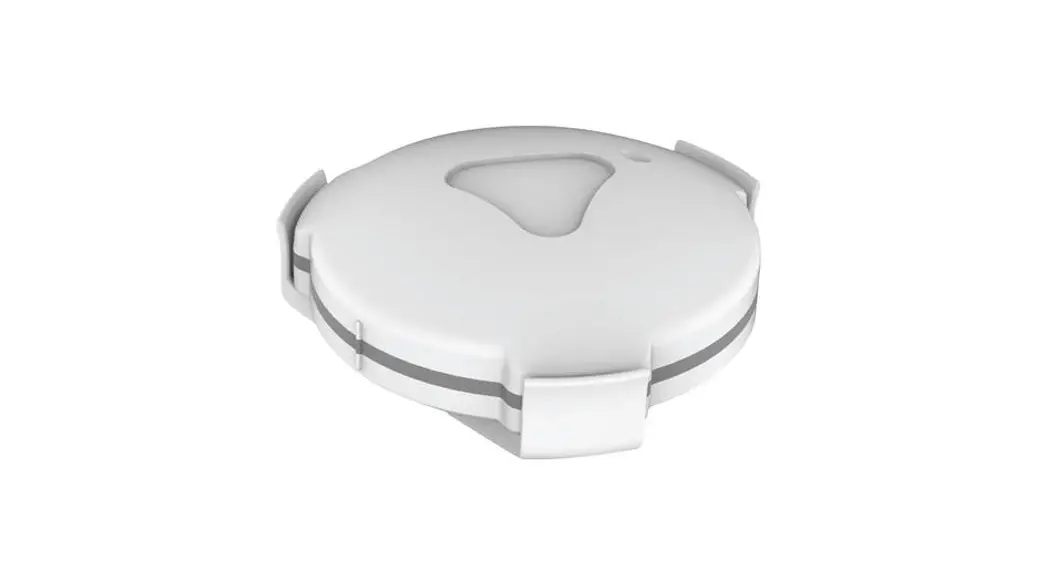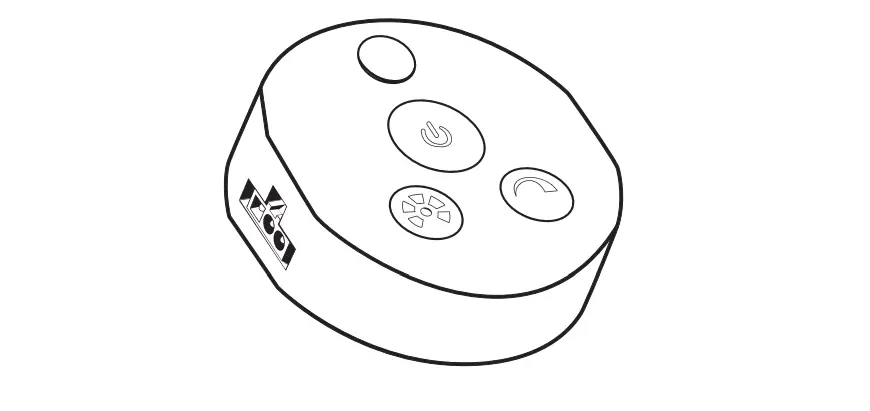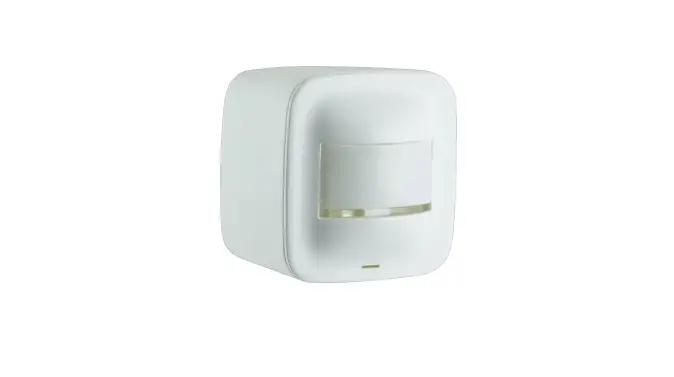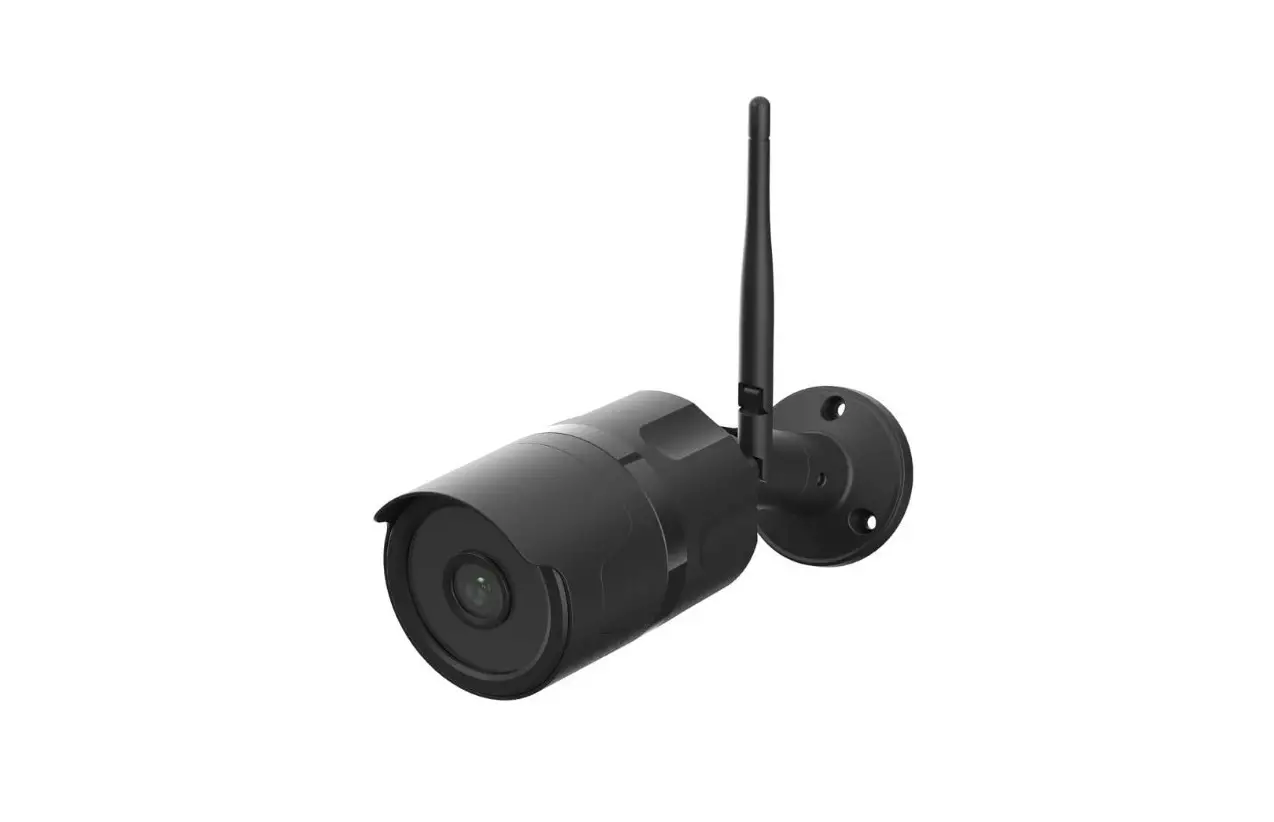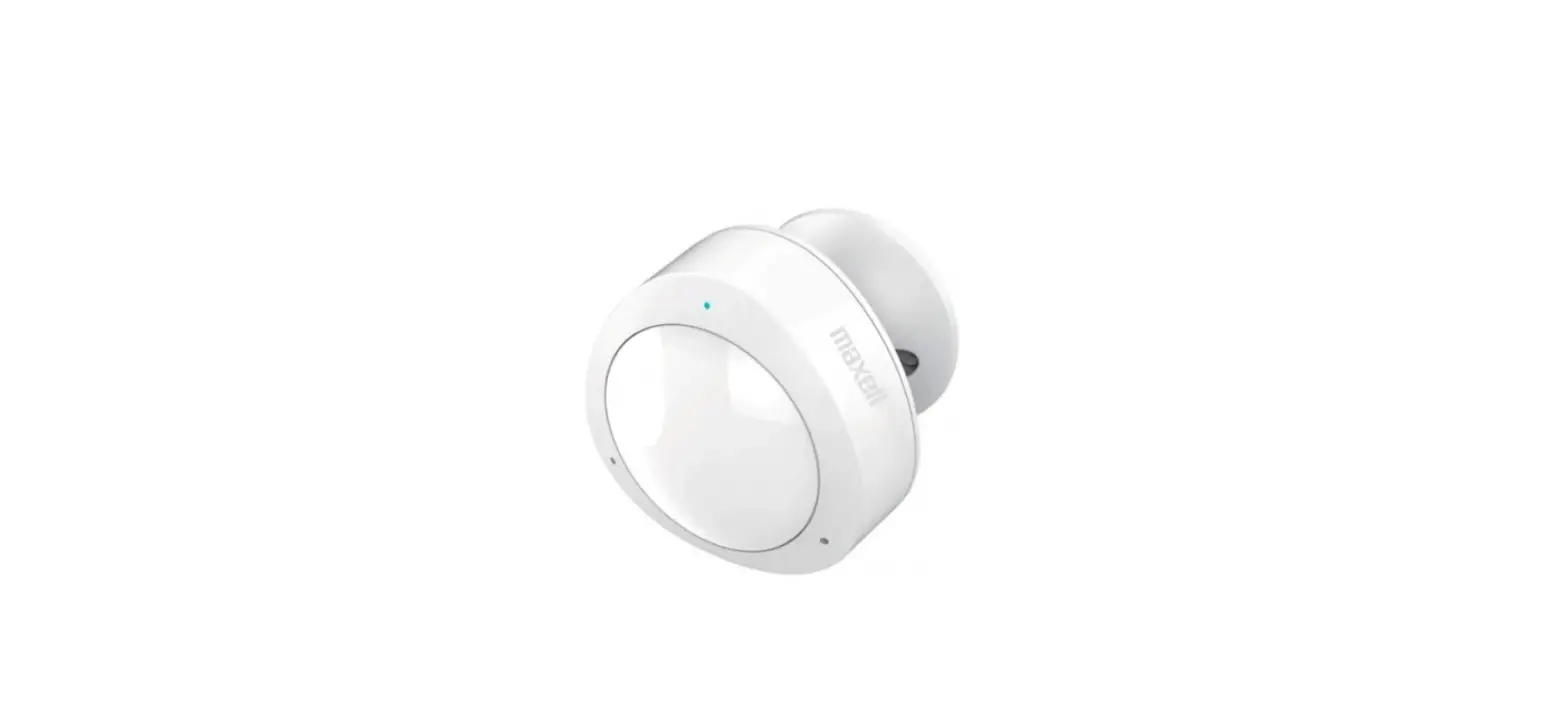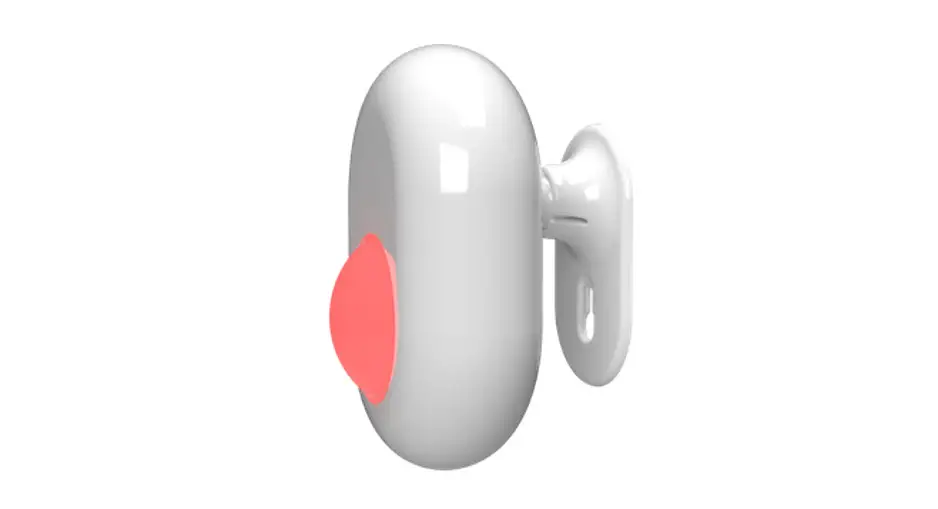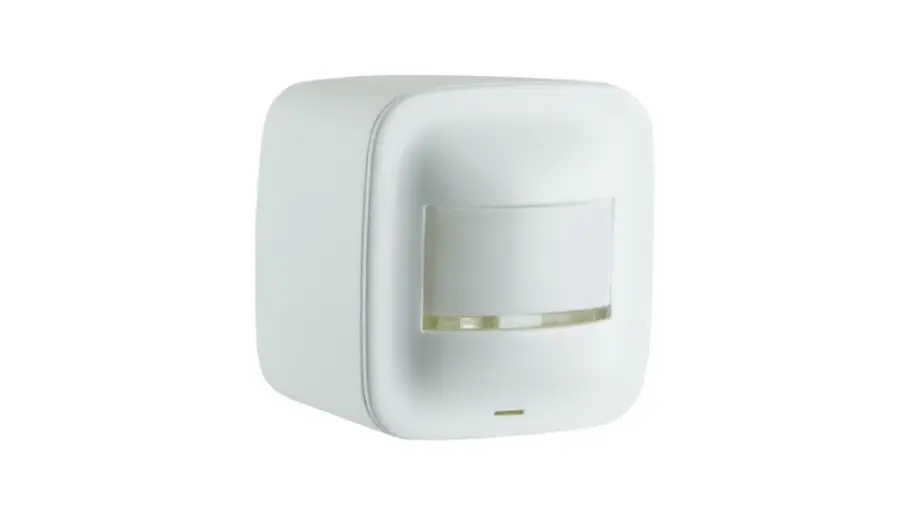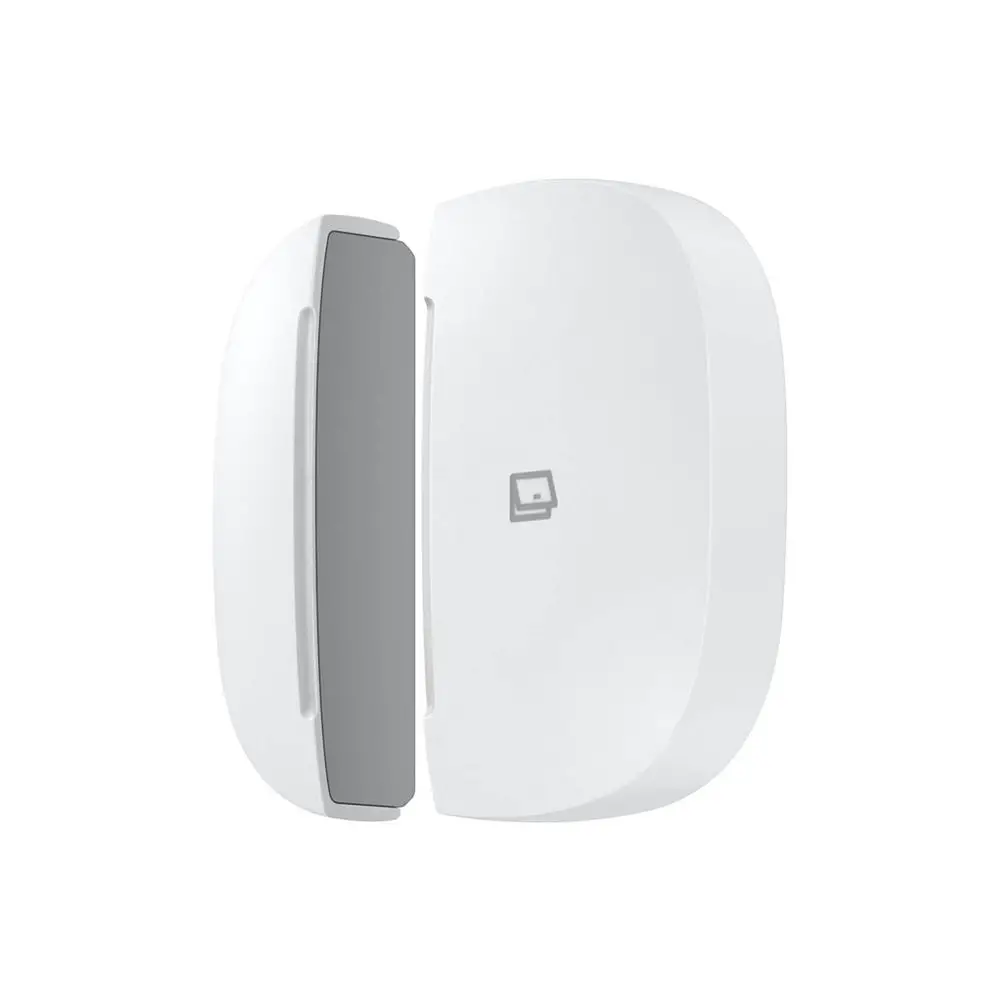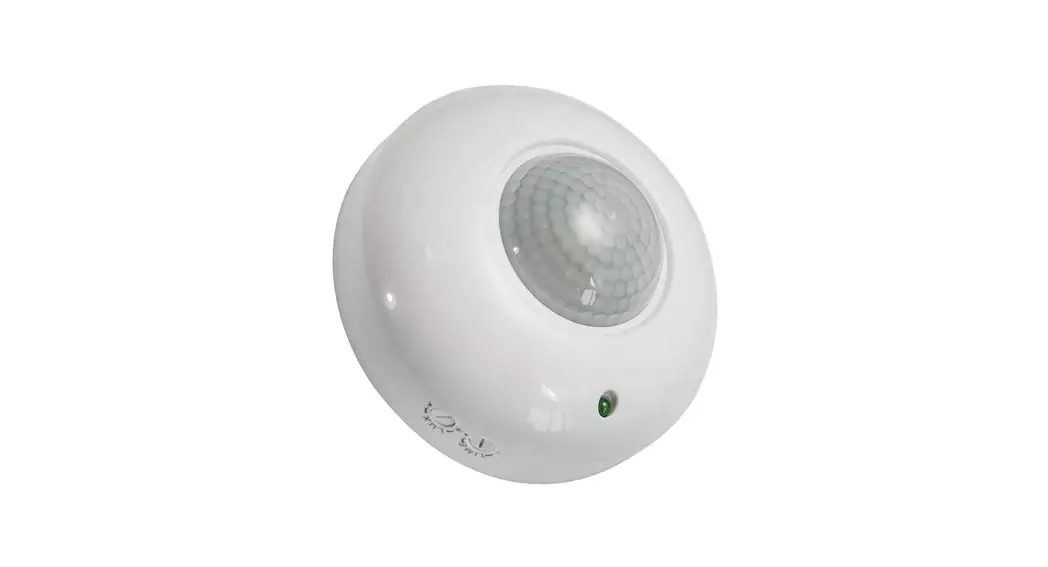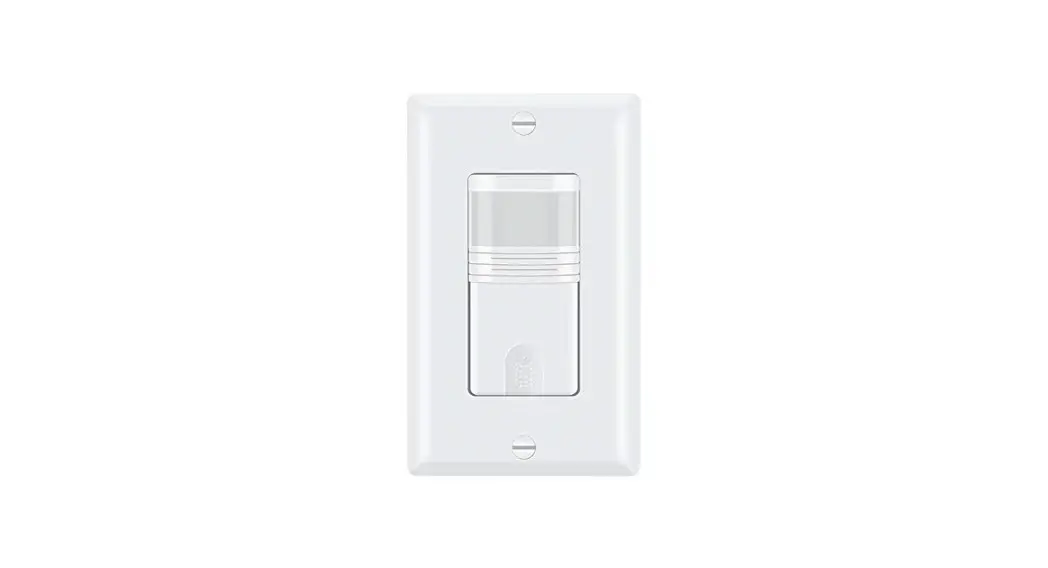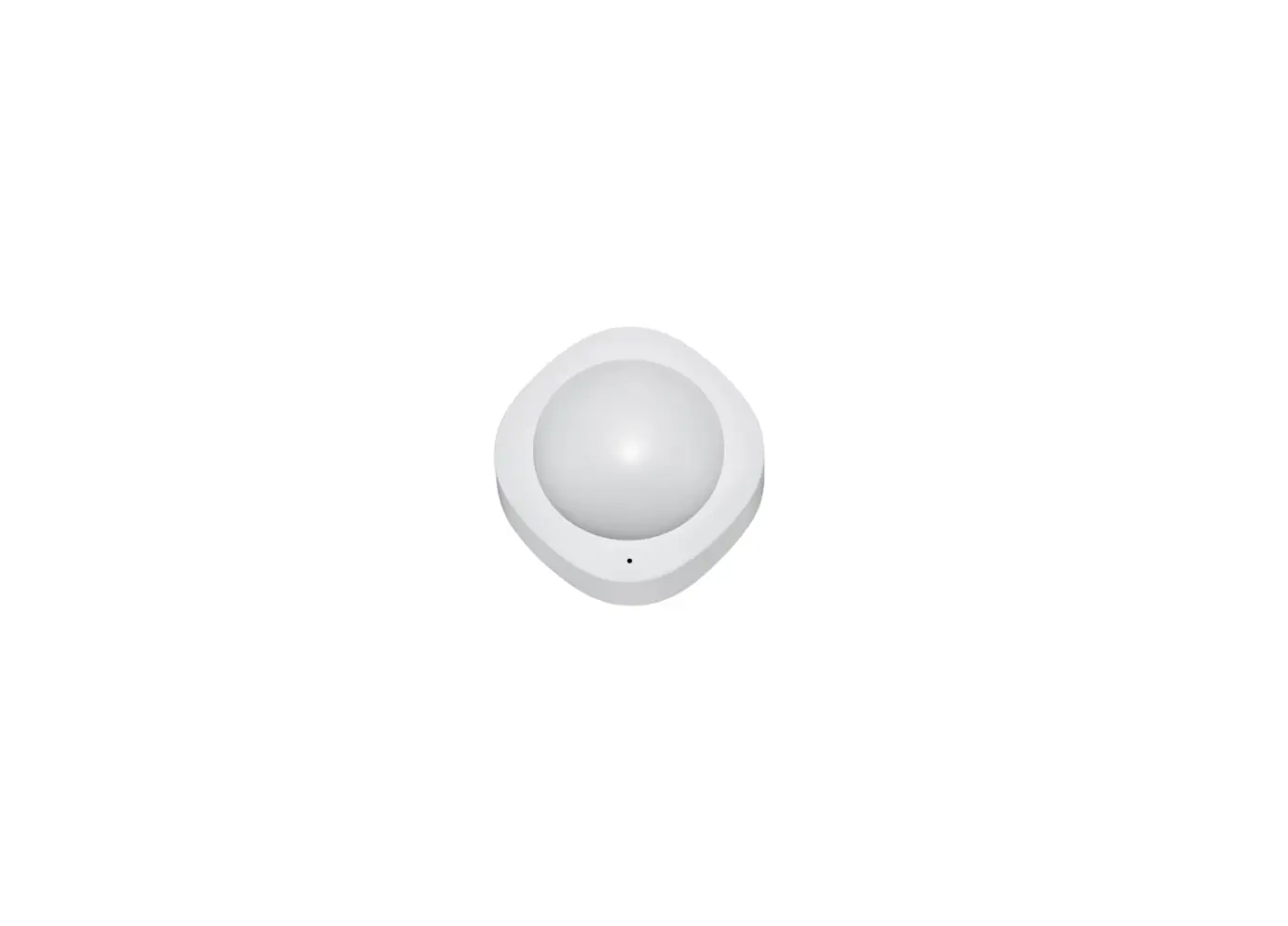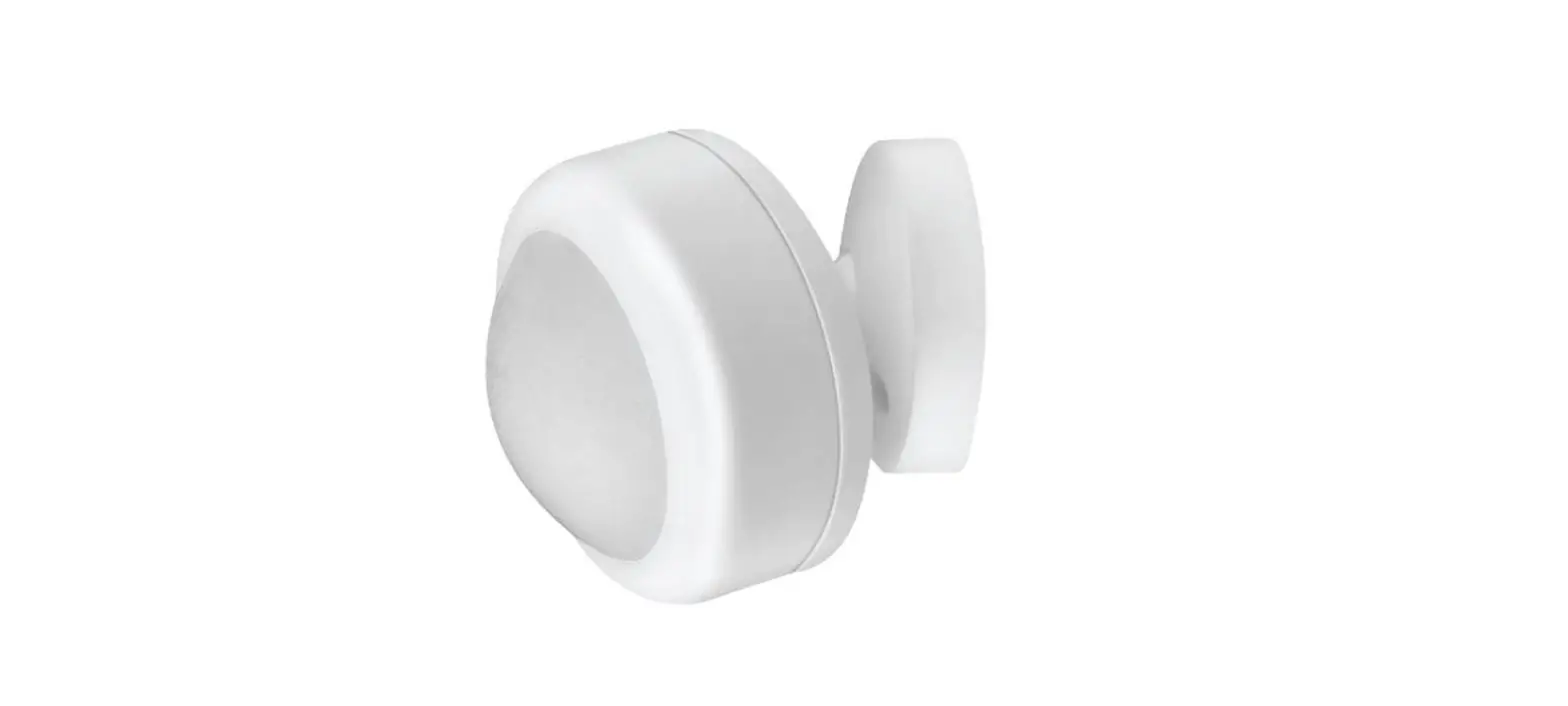

FEIT Electric MOT Smart Motion Sensor
Limited Warranty
This product is warranted to be free from defects in workmanship and materials for up to 1 year from the date of purchase. H the product fails within the warranty period, please contact Feit Electric at [email protected], visit film/contact-us or call 1 -866,-.326-BULB (2852) for instructions on replacement or refund. RE Pl.ACE ME NT OR REFUND IS YOUR SOLE REMEDY. EXCEPT for TD THE EXTENT PROHIBITED BY APPLICABLE LAW, Alff IMPLIED WARRANTIES ARE LIMITED IN DURATION TD THE DURATION OF THIS WARRANTY. LIABILITY FDR INCIDENTAL DR CONSEQUENTIAL DAMAGES IS HEREBY EXPRESSLY EXCLUDED. Some states and provinces do not allow the exclusion of incidental or consequential damages, so the above limitation or exclusion may not apply to you. This warranty gives you specific legal rights, and you may also have other rights which vary from state to state or province to province.
FCC STATEMENT
This device complies With part 15 of the FCC Rules. Operation is subject to the following two conditions: (1) This device may not cause harmful interference, and (2) this device must accept any interference received, including interference that may cause undesired operation. Note: This equipment has been tested and found to comply with the limits for a Class B digital device, pursuant to part 15 of the FCC Rules., These limits are designed to provide reasonable protection against harmful interference in a residential installation. This equipment generates, uses, and can radiate radio frequency energy and, if not installed and used in accordance with the instructions, may cause harmful interference to radio communications. However, there is no guarantee that interference will not occur in a particular installation. If this equipment does cause harmful interference to radio or television reception, which can be determined by turning the equipment off and on, the user is encouraged to try to correct the interference by one or more of the following measures: Reorient or relocate the receiving antenna, Increase the separation between the equipment and receiver. Connect the equipment into an outlet on a circuit different from that to which the receiver is connected. Consult the dealer or an experienced radio/TV technician for help. Any changes or modifications not expressly approved by the manufacturer could void the user’s authority to operate the equipment.
Warning: Changes or modifications to this unit not expressly approved by the party responsible for compliance could void the user’s authority to operate the equipment. The device has been evaluated to meet general RF exposure requirement The device can be used in mobile (min 7.87 in.) exposure conditions without restriction.
supplier’s Declaration of Confonnlty: 47 CFR § 2.1077 Compliance Information Responsible Party:
- Feit Electric Company 4901 Gregg Road, Pico Rivera, CA 90660, USA
- 562-463-2852
- Unique Identifier: H20/WIFI
Pre-Installation
TOOLS REQUIRED TO MOUNT SENSOR 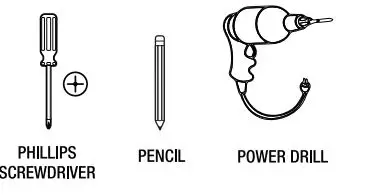
HARDWARE INCLUDED
| Part | Description | Quantity |
| AA | Water Sensor | 1 |
| BB | Leak Sensor | 1 |
| cc | Mounting Bracket | 1 |
| DD | Double-Sided Tape | 1 |
| EE | 3.0V CR2 Lithium Battery | 1 |
| FF | Mounting Screw | 1 |
| GG | Mounting Anchor | 1 |
NOTE: Hardware not shown to actual size.
Description
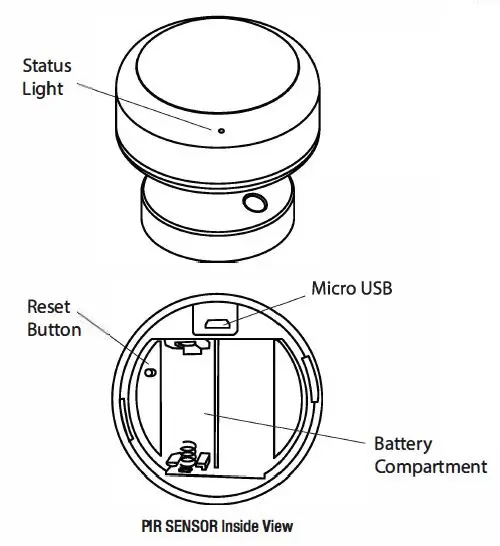
| ITEM DESCRIPTION | |
| MlcroUSB | SVDC, Max. 1 A |
|
Status Light | • Blinking BLUE: Pairing Mode • Blinking BLUE 3 Times: Motion Detected • Blinking RED 3 Times: Low Battery |
| Reset Button | Press and hold for 5 seconds to reset the sensor. |
| Vibration Sensor | Sends a notification in-app when vibration is detected. |
| Maximum Detection Range: | 20FT |
| Maximum Detection Angle: | 120° |
Screw Installation
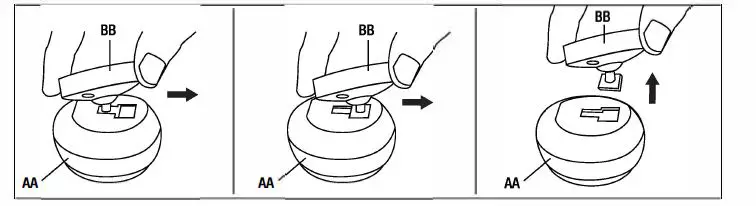
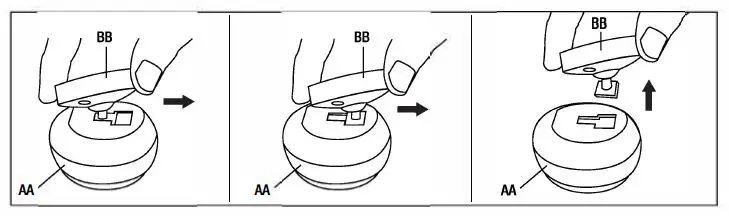
- Remove Mounting Base
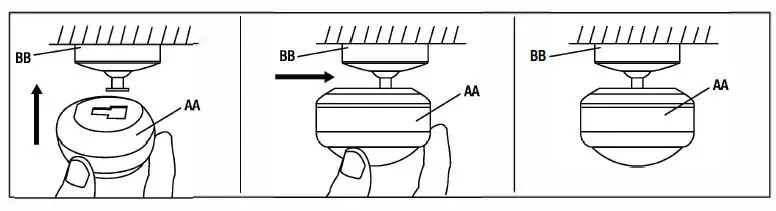
- Flip the PIR Sensor (AA) upside down and remove the Mounting Base (BB) by sliding it until it releases from the PIR Sensor (AA).

- Flip the PIR Sensor (AA) upside down and remove the Mounting Base (BB) by sliding it until it releases from the PIR Sensor (AA).
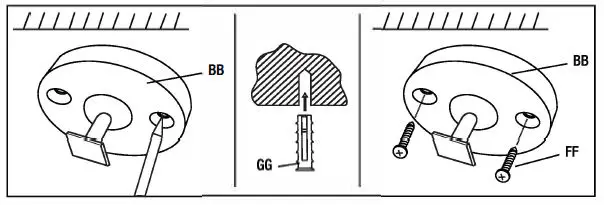
- Install Mounting Base with Screws
- Mark screw positions using the Mounting Base (BB) on your wall.
- NOTE: You can skip this next step if
- installing on wood or siding.
- Drill a hole at the marked point if installing on surface such as concrete, brick or drywall. Insert Mounting Anchor (GG) into hole.
- Use the Mounting Screws (FF) to attach the Mounting Base (BB) to the wall.

- Insert Battery or Remove Tag
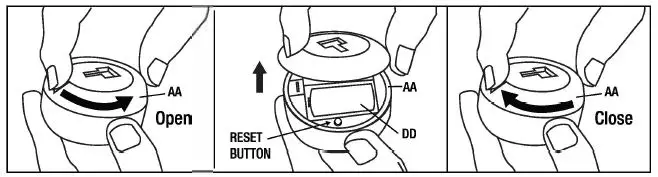
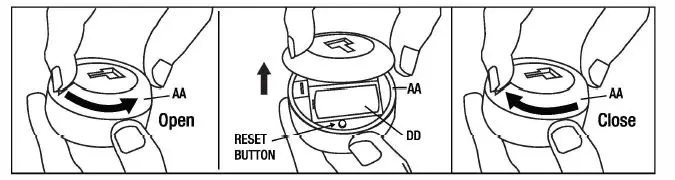
- Remove the PIR Sensor (AA) lid by turning it counterclockwise until you hear a click.
- Lift lid open to access battery compartment
- Insert 3. 7V 700mAh Lithium-ion Battery (DD) or remove tag if 3. 7V 700mAh Lithium-ion Battery (DD) is already present
- Tum on the PIR Sensor (f!,A) by pushing on the RESET button. Follow the steps in the APP Setup on page 6.
- Place the lid back on the PIR Sensor (AA) and aligning the Micro USB indented. Close lid by turning it clockwise until you hear a click.

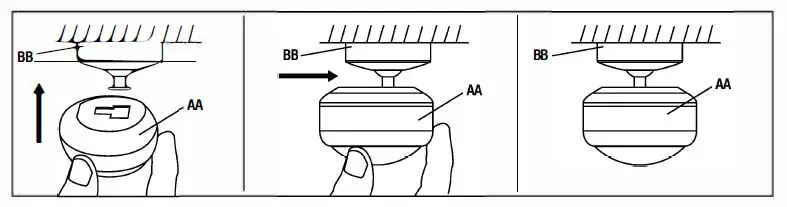
- Attach PIR Sensor to Mounting Base
- Attach the PIR Sensor (AA) to the Mounting Base (BB) then slide it to lock in place.

- Attach the PIR Sensor (AA) to the Mounting Base (BB) then slide it to lock in place.
Adhesive Installation
- Remove Mounting Base
- Flip the PIR Sensor (AA) upside down and remove the Mounting Base (BB) by sliding it until it releases from the PIR Sensor (AA).

- Flip the PIR Sensor (AA) upside down and remove the Mounting Base (BB) by sliding it until it releases from the PIR Sensor (AA).
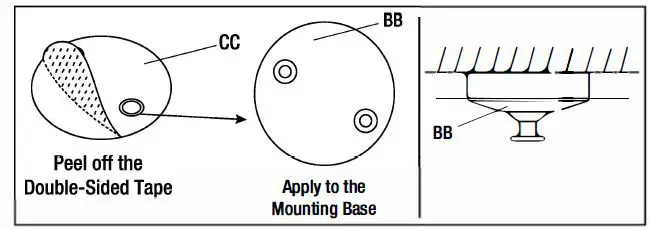
- Install Mounting Base with Double-Sided Tape
- Clean the mounting area thoroughly (surface must be free of dust, dirt or grease).
- Stick Double-Sided Tape (CC) at the bottom of the Mounting Base (BB).
- Peel the Double-Sided Tape (CC) and place the Mounting Base (AA) on a flat surface.

- Insert Battery or Remove Tag
- Remove the PIR Sensor (AA) lid by turning it counterclockwise until you hear a click.
- Lift lid open to access battery compartment.
- Insert 3.7V 700mAh Lithium-ion Battery (DD) or remove the tag if 3.7V 700mAh Lithium-ion Battery (DD) is already present.
- Tum on the PIR Sensor (AA) by pushing on the RESET button. Follow the steps in the APP Setup on page 6.
- Place the lid back on the PIR Sensor (AA) and align the Micro USB indented. Close lid by turning it clockwise until you hear a click.

- Lock PIR Sensor in place
- Attach the PIR Sensor (AA) to the Mounting Base (BB) then slide it to lock in place.

- Attach the PIR Sensor (AA) to the Mounting Base (BB) then slide it to lock in place.
APP Setup
Download and install the Feit Electric app
- Search for the Feit Electric app in the App Store or Google Play Store.
- Download and install the Feit Electric app on your smart device.
Set up the smart motion sensor using the Feit Electric app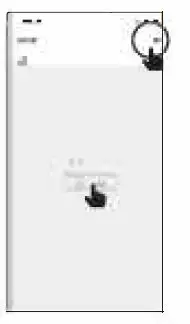
Check to be sure the Sensor is in pairing mode. The BLUE indicator light must be blinking rapidly lo connect. If not already blinking, press and hold the Reset button for five seconds. Use the Felt Electric app to complete the setup.
- Tap Add Device or the + sign, then select Sensor and confine. You will be prompted to enter your WI-Fl network and password.
Be sure to connect to a 2.4 GHz WI-Fi network that covers your installation location.
Need Help?
FAQs and the latest versions of user guides can be found at feft.com/help and felt.com/smart. To reach customer support please visit feit.com/contact-us
Troubleshooting Tips
If you are having difficulty connecting
- Make sure the Wi-Fi network is a 2.4 GHz network. Smart Motion Sensor will not connect to a 5 GHz network.
- Test your Wi-Fi network with other devices such as your phone to make sure it is operating properly.
- The Wi-Fi connection may not have good coverage during set up. Try moving the Smart Motion Sensor closer to your Wi-Fi router.
- Your Wi-Fi network password is case sensitive, make sure you are entering it correctly.
Please also check the App User Guide for more information.
WWW.FEIT.COM