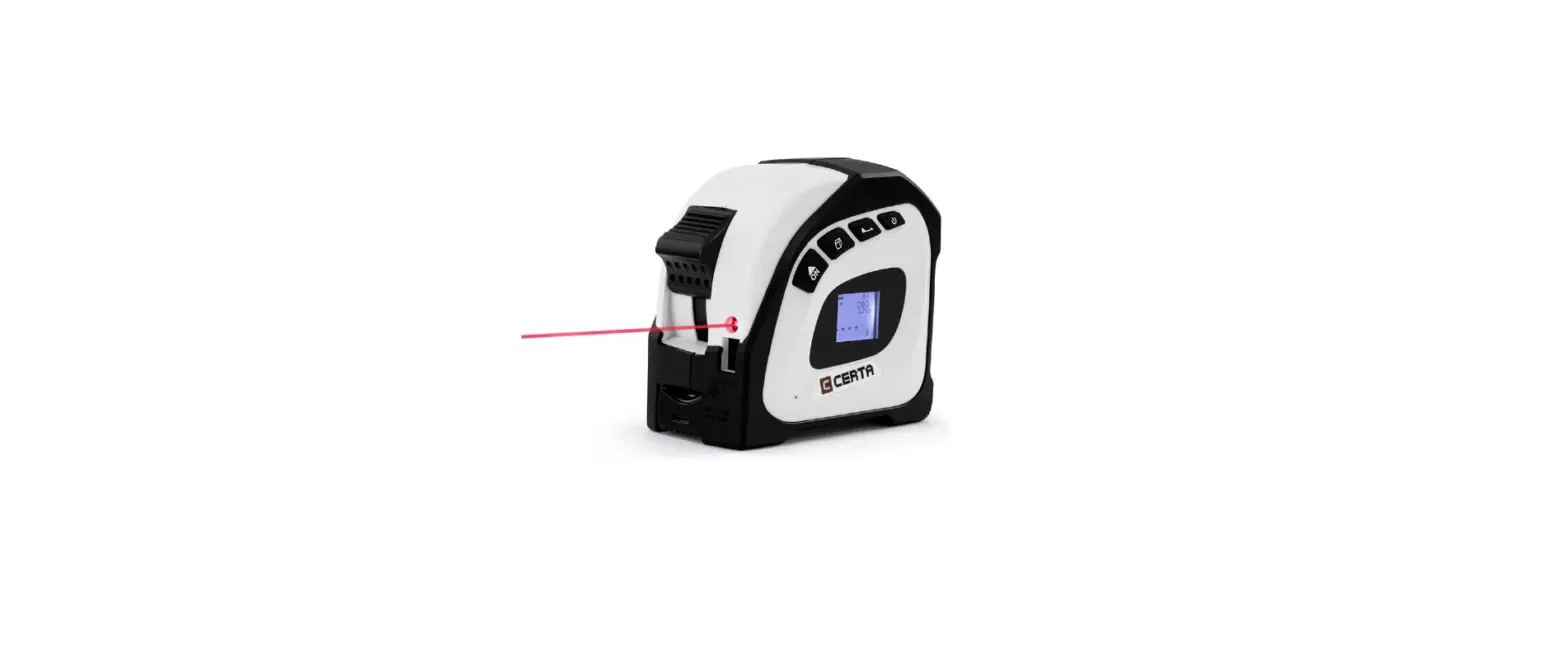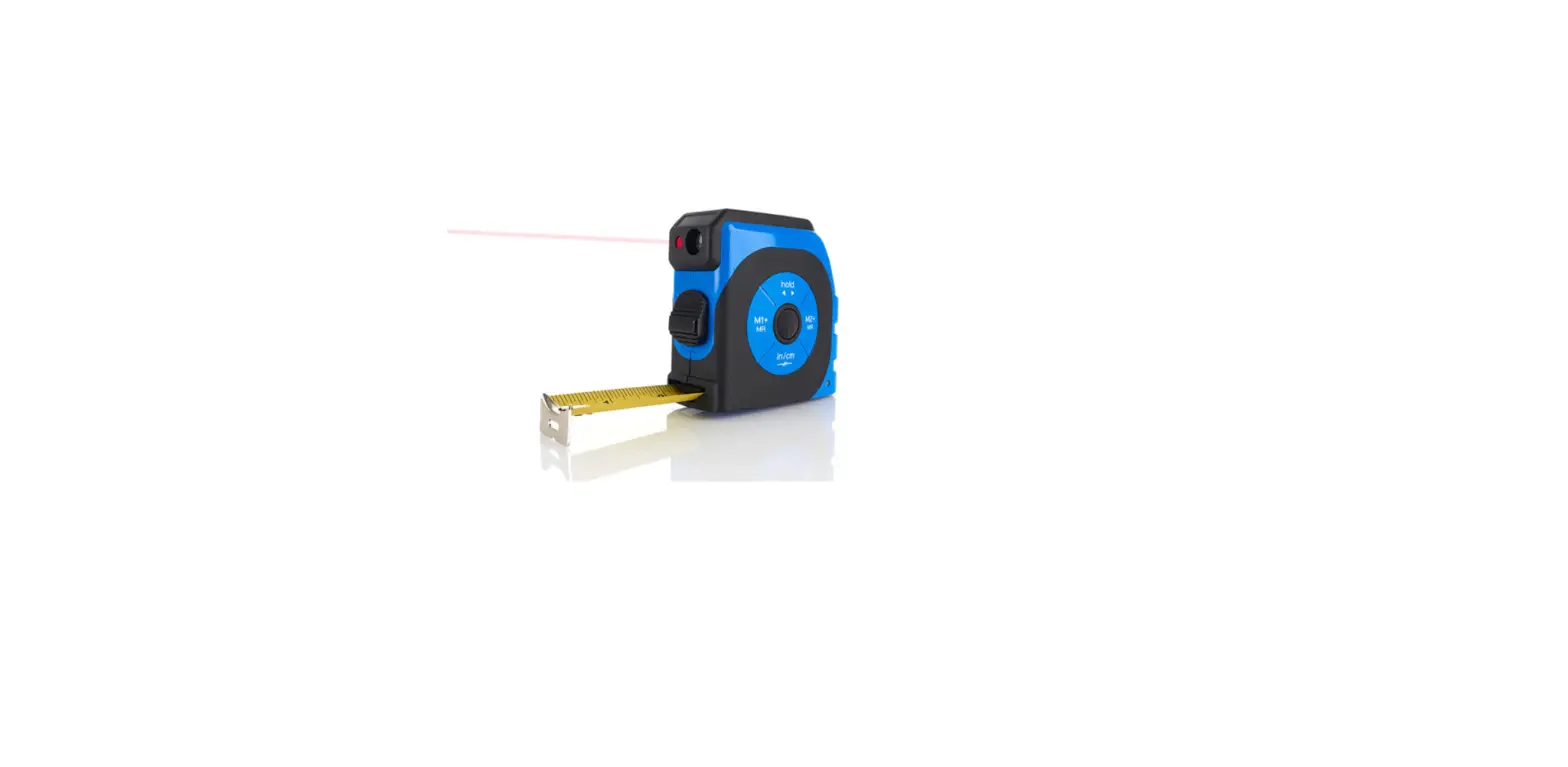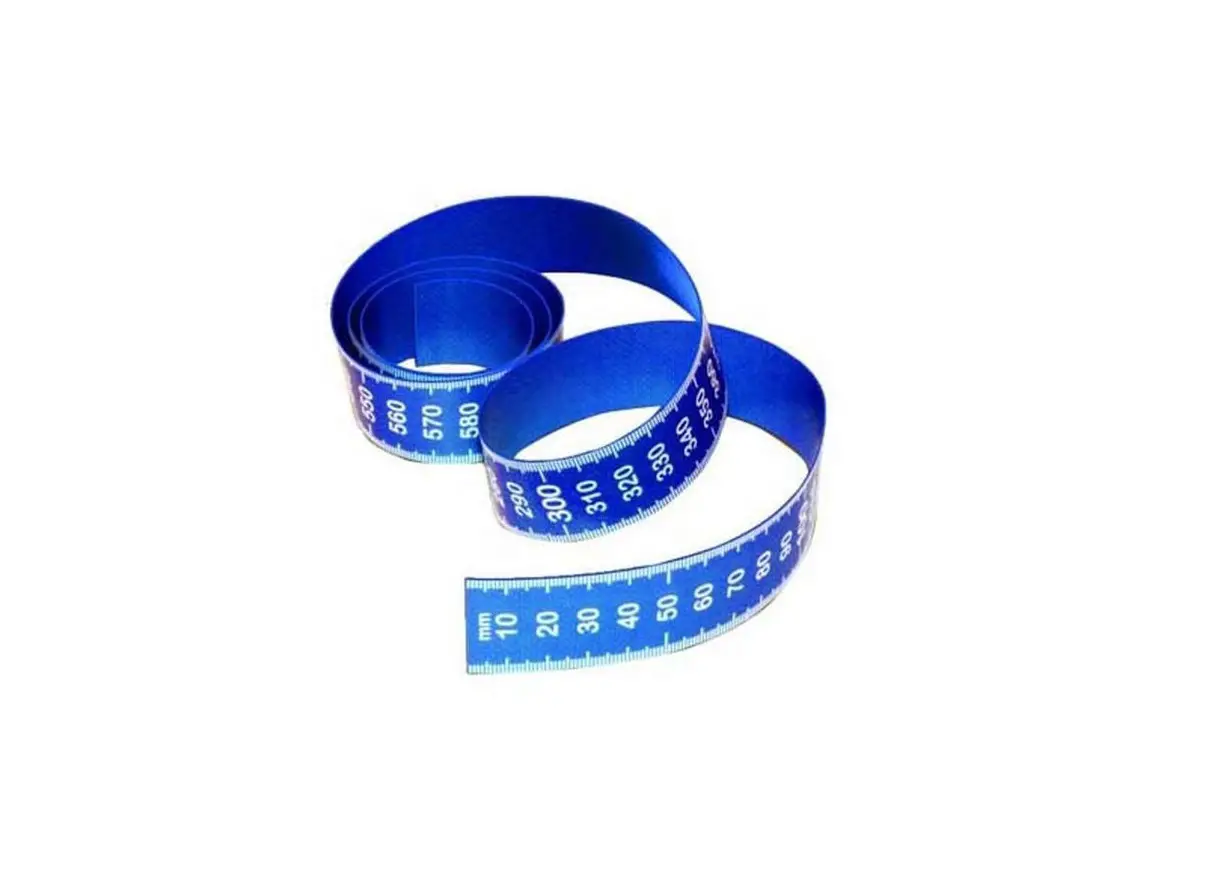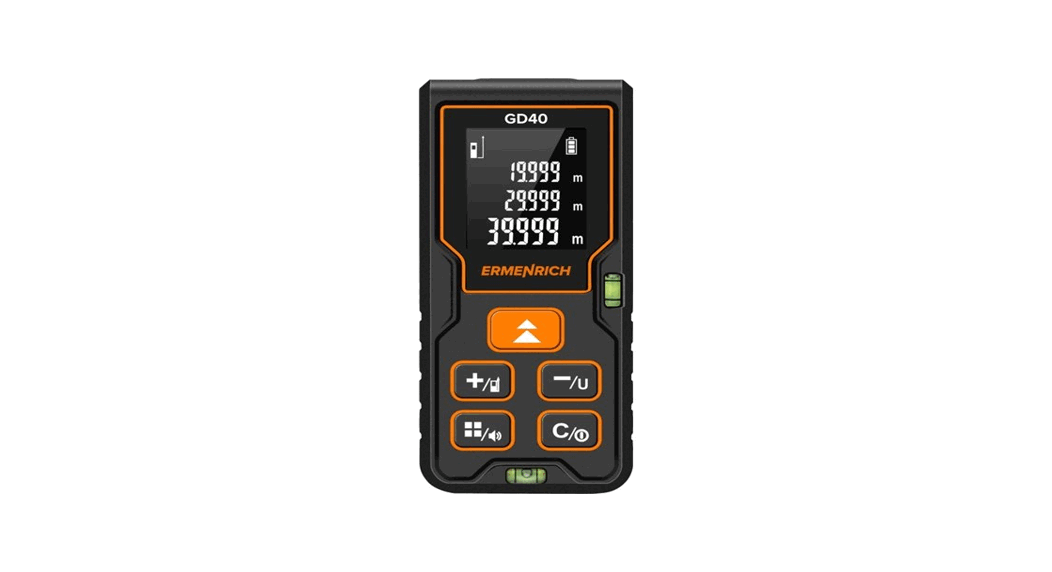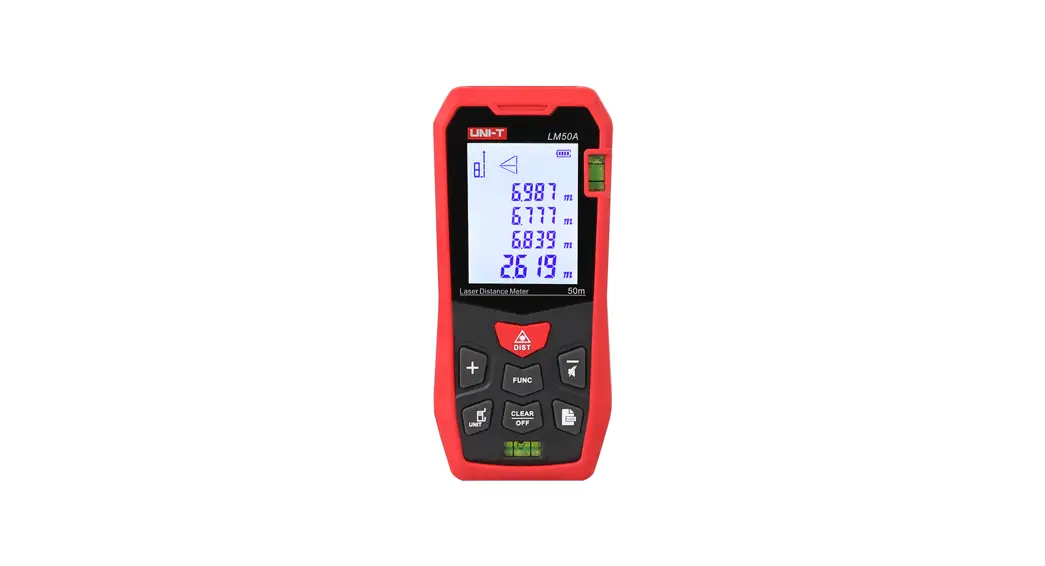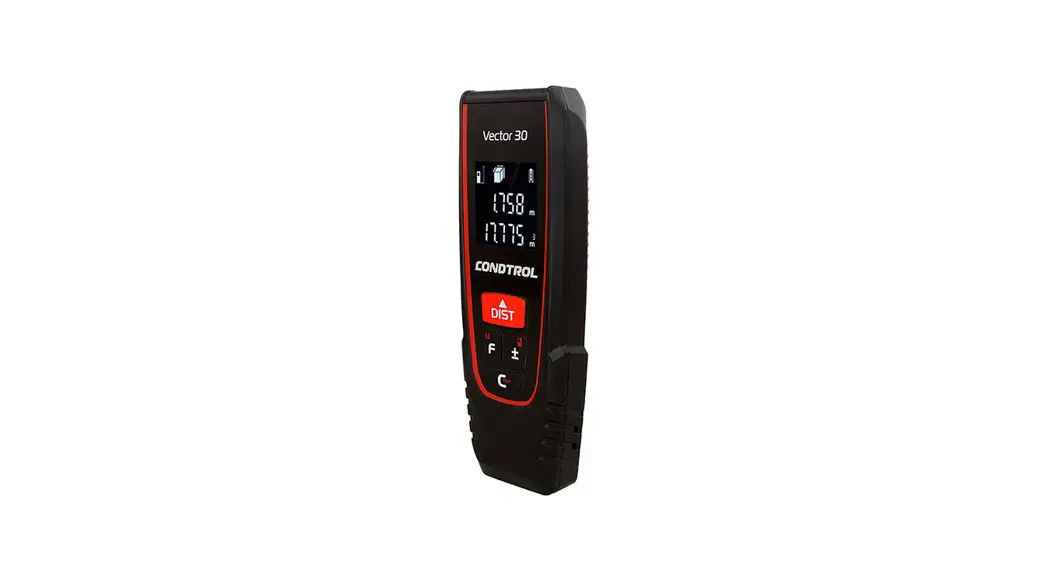

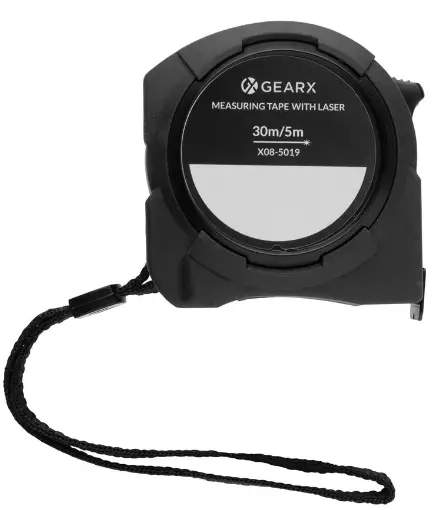
XINDAO GEAR X Measuring 5M Tape with 30M Laser
Basic Functions
In the Off state
Press and hold the button for 2 seconds to turn it on.
Single Measurement
Short press the button to start a single measurement.
Continuous Measurement
Press and hold the button for 2 seconds to start continuous measurement.
Multi function Measurement
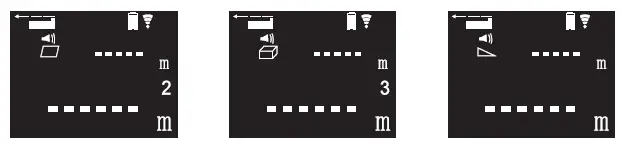
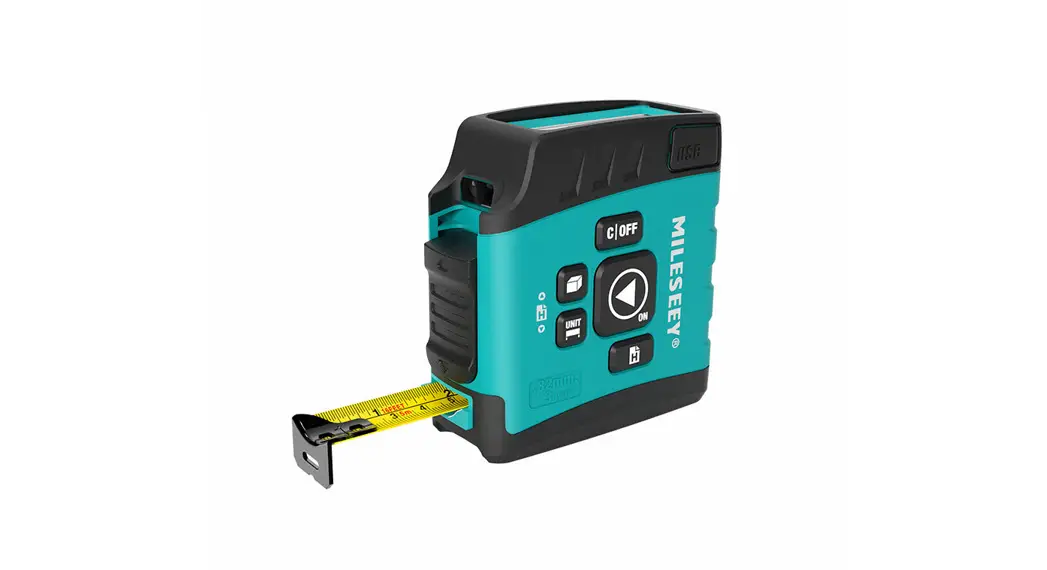
Just press the button, you can switch distance, area, volume, and V Pythagorean measurements.
Benchmark Setting
Short press the button to enter the front and rear reference setting mode.
Set the machine back end as the starting reference
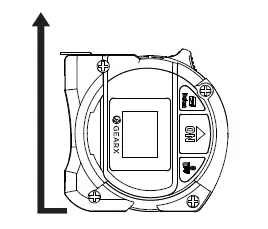
Set the machine front end as the starting reference
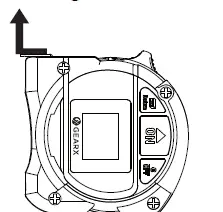
Notice
In the future reference measurement, the measured data displayed includes 8cm of the body size.
Shutdown
Press and hold for 2 seconds tot turn off.
Clear Data
Short press the buton to clear the date.
Correction Function Setting
Step 1
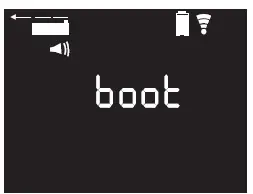
When the product is in the off state, if press and hold the ‘ON’ button for 5 seconds, the calibration mode can be performed and the screen displays (boot) at this moment.
Step 2
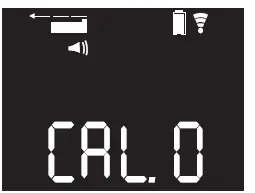
Precision adjustment setting: In calibration mode, again press and hold the ‘ON’ button for 2 seconds to enter the precision adjustment setting. The screen will display the present precision setting such as CAL.0 The precision for the machine can be adjusted from -7 to +7mm, and you just short-press the button to get it.
Step 3
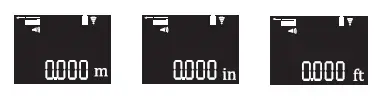
Press and hold the ‘ON’ button for 1 seconds to switch to another unit of measure.
Step 4
Mute button setting
In the previous mode, press and hold the ON button for 2 seconds to enter the button mute setting mode. Then turn on/off the button sound by short pressing the ON button.
Product Specifications
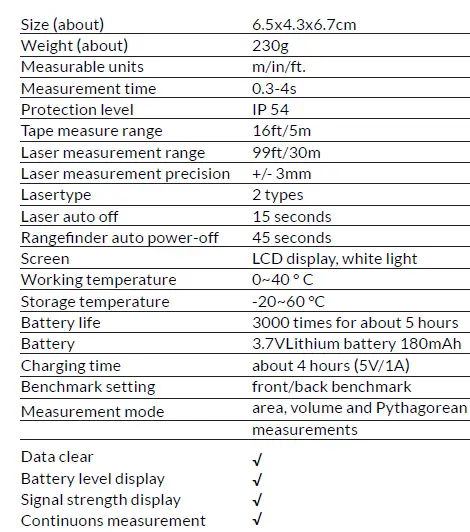
Safety Instructions
- Unauthorized changes to laser device performance are prohibited.
- Keep this product out of the reach of children.
- Please do not emit laser beams in dark places or deliberately to people’s eyes.
- Please do not disassemble the machine by yourself.
- Do not use this product in a highly flammable or explosive environment.