Bosch Thermotechnology BCC100 Connected Control Smart Phone
Introduction
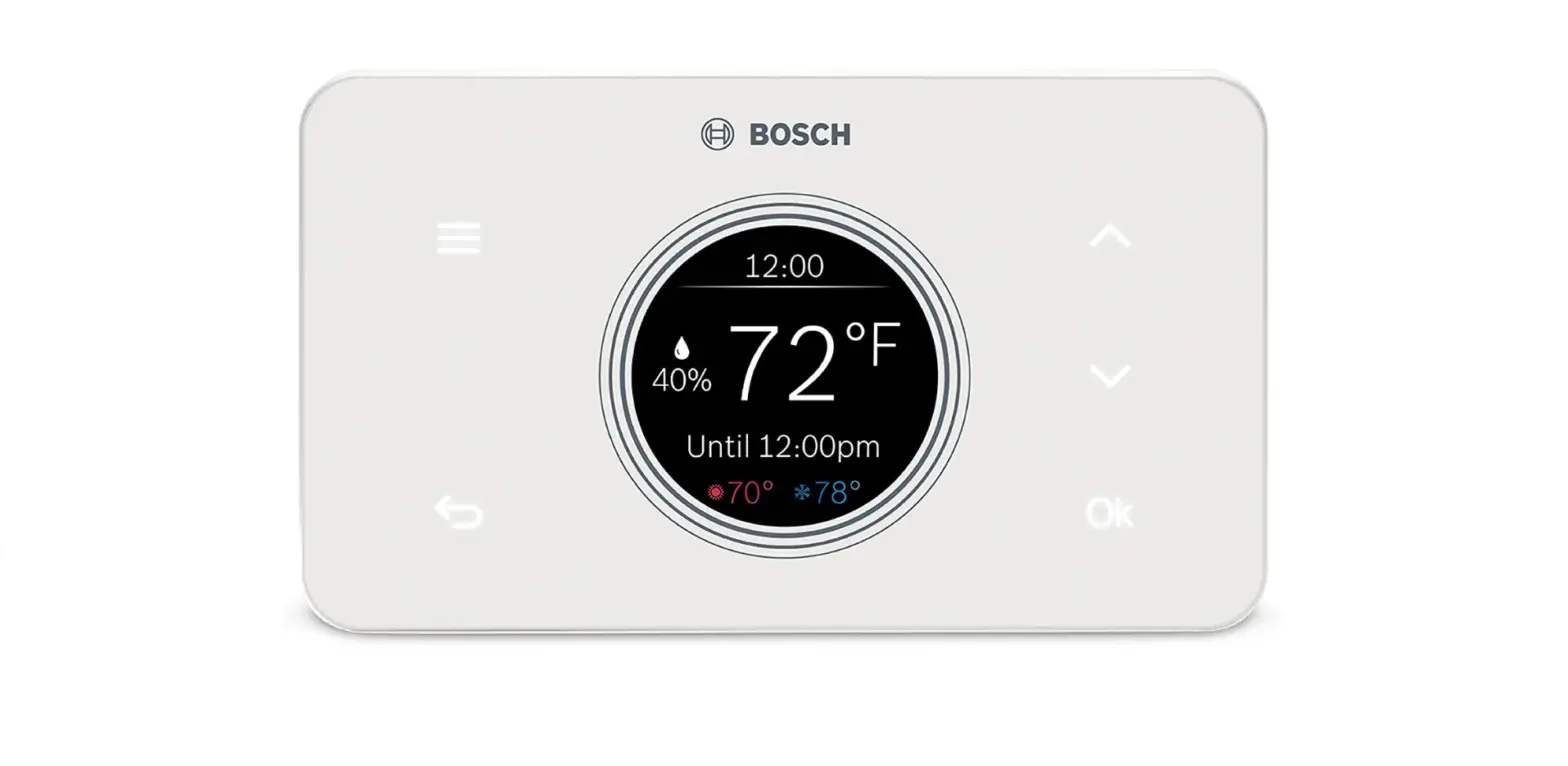
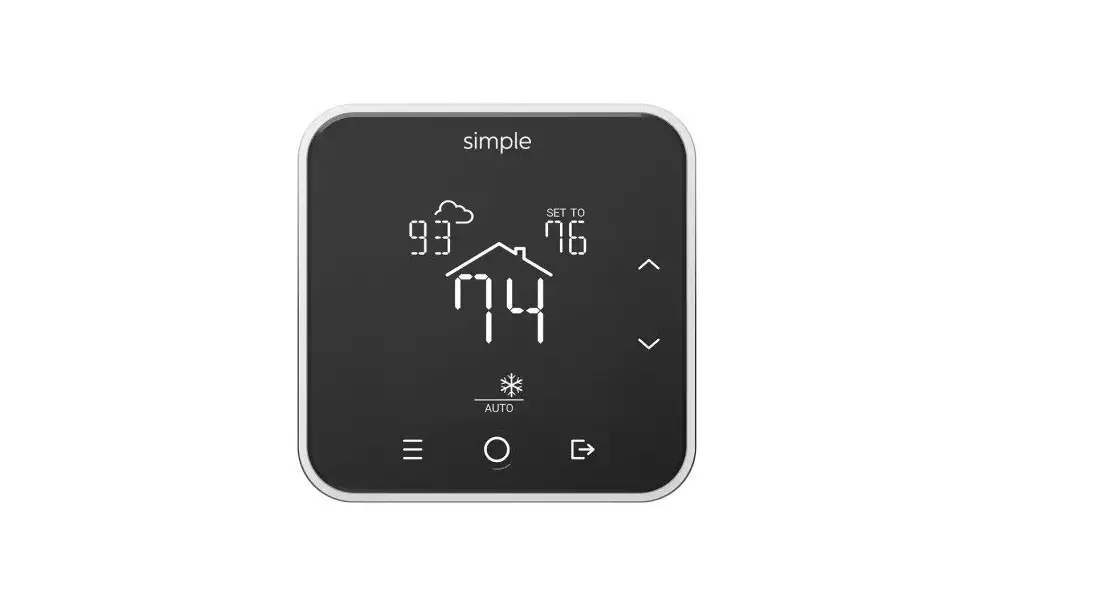
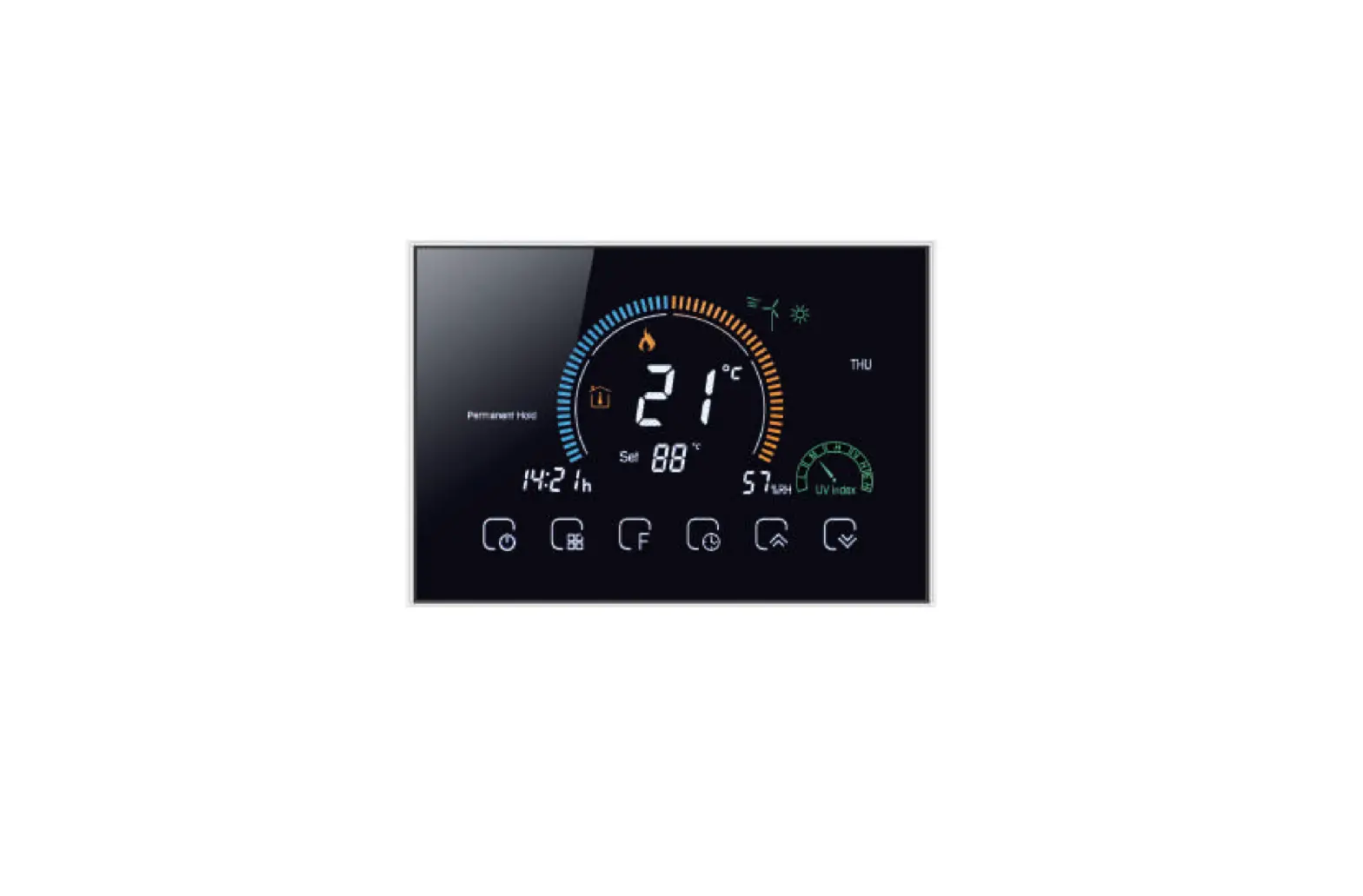
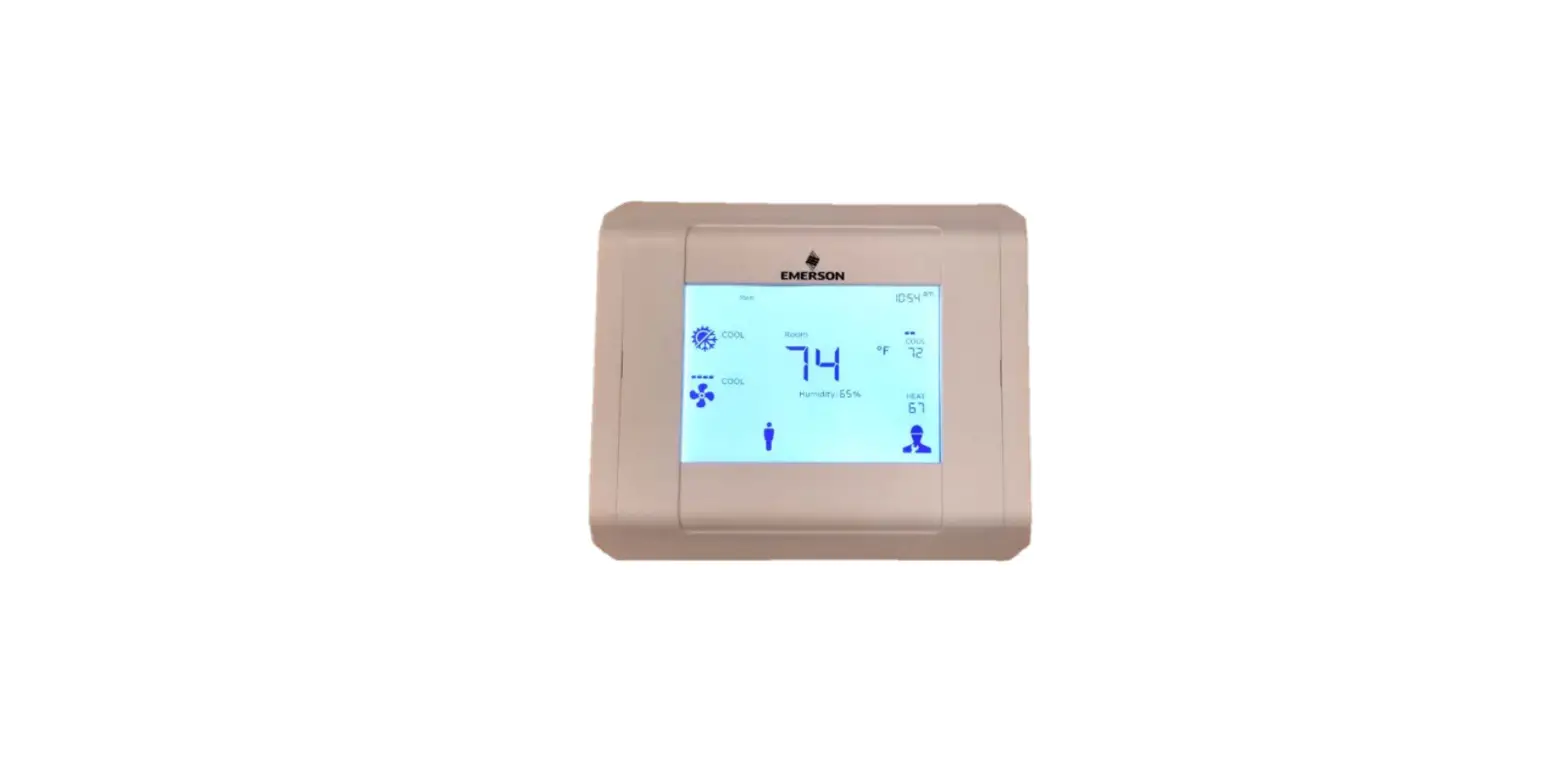
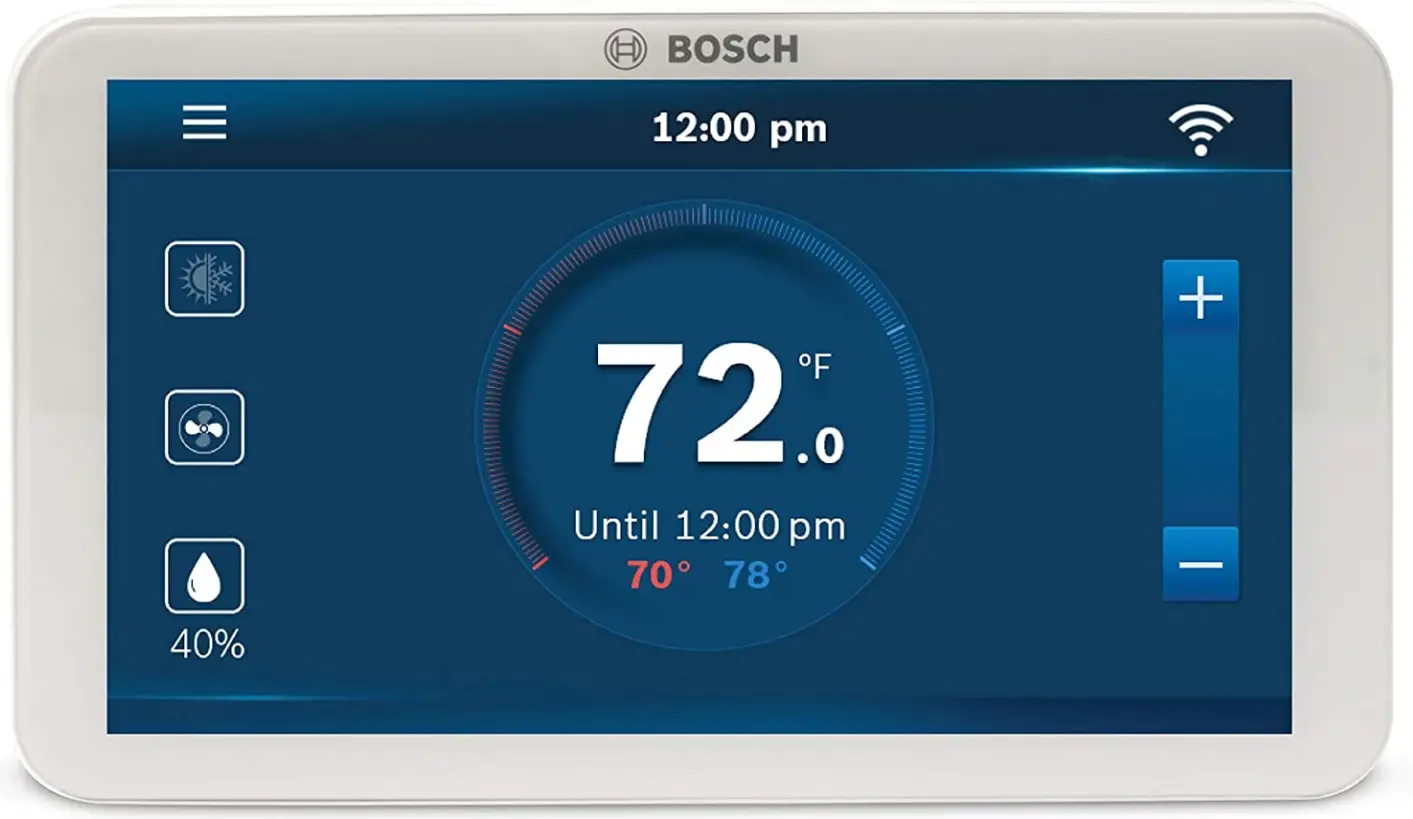
The Bosch Alexa and Google Home Connected Control Wi-Fi Thermostat can help you save money and energy. By speaking to the Alexa smart device, you may easily change the temperature of your house. While you’re gone from home, the touchscreen thermostat with a 5-inch full-color display automatically switches on and off. You can choose a temperature for various times of the day using comfort setting and intelligent scheduling without having to worry about your home being too hot or cold while you are away. It is Easily connect to Wi-Fi and check the outside temperature to monitor your home’s temperature all day long. Date, time, temperature control, humidity management, fan operation, and general mode are all available on the touch screen’s main menu.
Any smart phone or tablet can be used to view the main interface and configure the thermostat. The Bosch Thermostat works with any 24 VAC HVAC system, as well as any humidifier or dehumidifier, that is available on the market. The unit must have a C-wire (common wire) to be powered. The C-wire is present on the majority of HVAC systems today that have three or more wires and is used to power the thermostat. If a C-wire is absent, third-party aftermarket items can be used to add powering alternatives. has a 5-year manufacturer warranty. The thermostat can control both evaporative and steam-type external humidifier accessories thanks to the humidifier algorithm update.
When linked to devices with a Hot Gas Reheat coil, such as a Bosch Water Source Heat Pump, the Dehumidifier Algorithm update incorporates Hot Gas Reheat compatibility that enables the thermostat to achieve the humidity set point. When employing Bosch Water Source Heat Pumps with an ECM Motor, this feature also enables the thermostat to achieve the humidity set point by passive dehumidification. When connected to an external dehumidifier accessory, the new Cool to Dehumidify feature enables the thermostat to reach the humidity set point during cooling operation. The thermostat can operate as a humidistat in either configuration to achieve the desired humidity level.
OVERVIEW
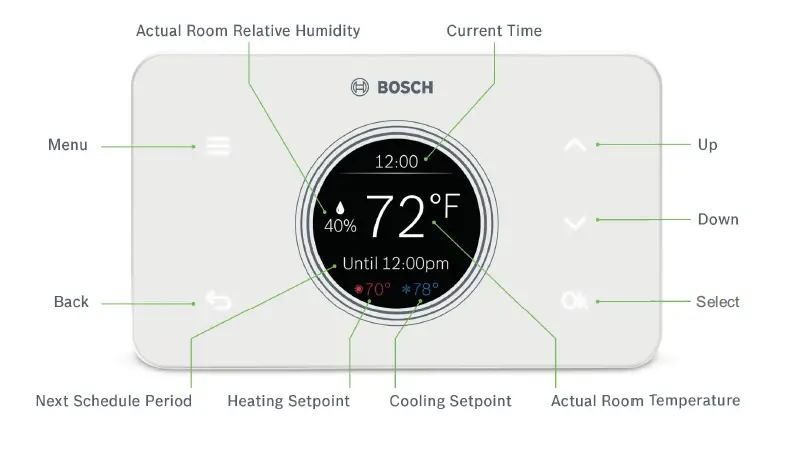
PRODUCT SPECIFICATIONS
- 8″ Non-Touch LCD Screen (240 x 320)
- 5 Back-lit Touch Buttons
- 6 Relay Terminals: G, Y, Y2, W/E/AUX, O/B/W2, H/DH
- Wi-Fi 802.11b/g/n @ 2.4GHz
- FCC and IC Certification
- 3 Year Limited Warranty
(see website: www.bosch-climate.us/bcc50 for details)
PRODUCT COMPATIBILITY
- Conventional (Gas, Oil, Electric): Up to 2 Heat / 2 Cool
- Heat Pump (O/B/W2 to energize reversing valve in cool/heat): Up to 3 Heat / 2 Cool
- Supports up to 1 Accessory Unit: Humidifier or Dehumidifer (not provided by Bosch)
- Unit Modes: Heat, Cool, Auto, Em Heat (Heat Pump & Dual Fuel only), Off
- Fan Modes: Auto, On, Circulate
- Supports 2 Transformer Systems (Rh and Rc)
- C-Wire Required for Installation
Supports Active and Passive Dehumidification without the need for external relays, such as Bosch Water Source Heat Pump products equipped with a Hot Gas Reheat Coil and/or ECM motor
| Models and Part Numbers | ||||
| Description | Part Number | Heat | Cool | Humidify / Dehumidify* |
| Bosch Connected Control BCC50 Wi-Fi Thermostat | 8-733-952-994 | 3 | 2 | Yes |
| Physical Data | |
| Description | Value |
| Electrical Rating: | 24 VAC (18-30 VAC), 1 amp maximum per output terminal, 6 amp maximum total load |
| DC Power: | 5 VDC (USB) |
| AC Power: | 18 – 30 VAC |
| Temperature Control Range: | 45°F to 99°F (7°C to 37°C) Accuracy: ±1°F (±0.5°C) |
| Anti-short Cycle | 1 min – 5 min (3 min default) |
|
Backlight Operations: | Brightness: Low, Medium, High(default) Screen Timeout: 20 sec, 60 sec (default), 180 sec Enable Idle Mode to leave the screen on at all times |
| Humidity Control Display Range: | 0% – 100% RH +/- 5% |
| Humidity Control Setpoint Range: | 30% – 90% RH |
Humidifier and dehumidifier accessories are not provided by Bosch.
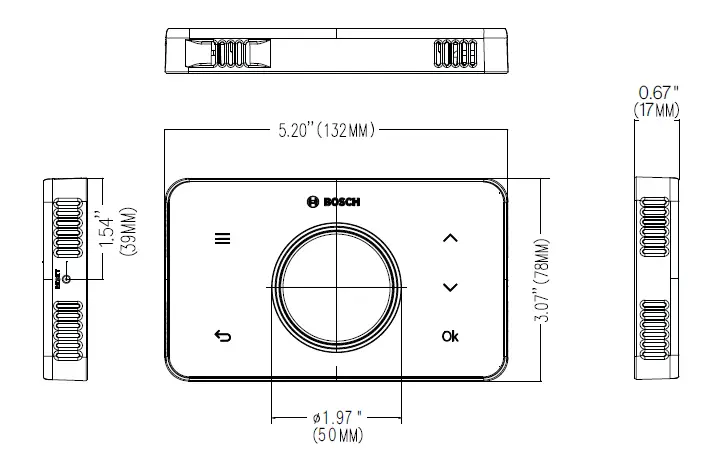
THERMOSTAT DIMENSIONS
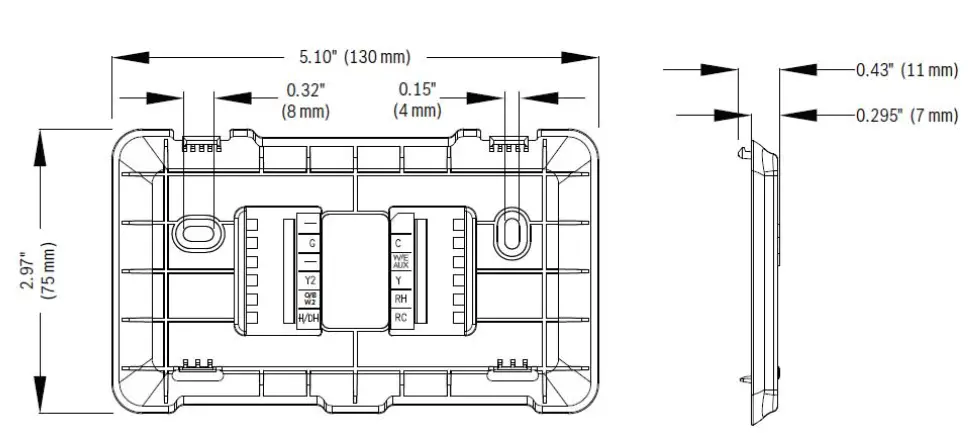
WALL PLATE DIMENSIONS & TERMINAL DESIGNATIONS
Frequently Asked Questions
Almost every Wi-Fi and entry-level thermostat on the market today, from Honeywell to Robert-Shaw, is compatible with the Bosch heat pump. The NEST is the only thermostat that is contraindicated for use with Bosch heat pumps.
For homeowners looking to upgrade their HVAC system, the Bosch Connected Control BCC100 Thermostat is a solid option. Whether you use its sizable color touch screen or its carefully crafted mobile app, it’s simple to install and simple to configure, and it tested flawlessly.
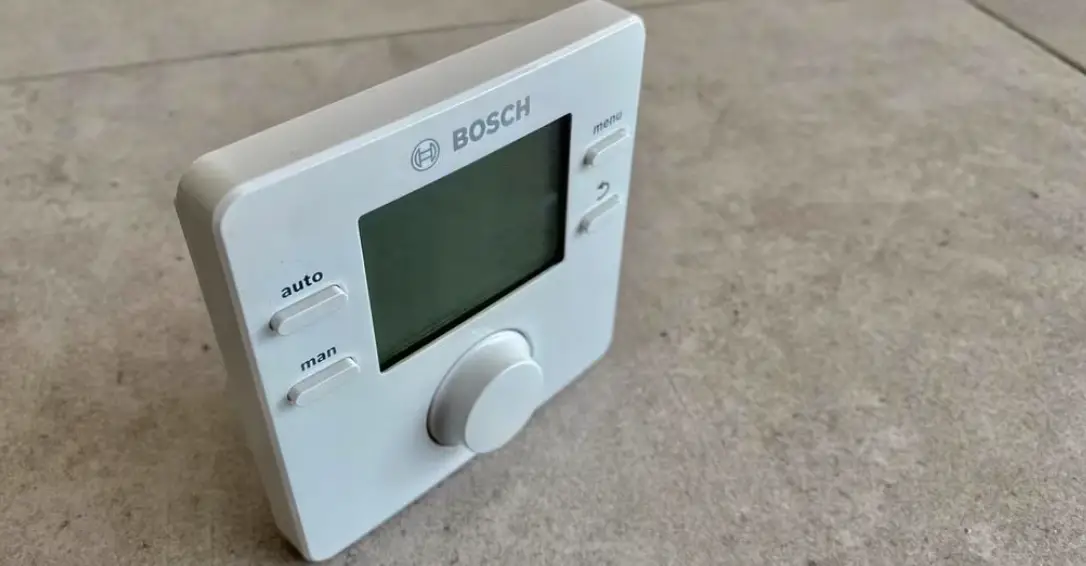
Perform a soft reset by taking EasyControl out of the black plate, waiting ten seconds, and then replacing it.
Without your intervention, EasyControl detects when you are home and automatically modifies the heating to suit your daily routine. In this manner, the heating is only activated when it is actually required. Energy conservation is really rather easy!
Thermostat and receiver communications have been broken, and pairing is required. This is indicated by a red flashing light on the receiver. Your boiler won’t be controlled by your thermostat, and your heating system won’t operate. To fix this problem, please adhere to the steps below.
A heat pump requires a specific thermostat because, when switching from heating to cooling, it needs to be able to communicate with the reversing valve. Electricity and outside air are required by heat pumps. Typically, heat pump thermostats will include a fifth wire designated specifically for the reversing valve.
The second stage of your heating system, known as Emergency Heat or Auxiliary Heat, is activated when the outside temperature is below 35 degrees Fahrenheit and the heat pump is unable to remove heat from the environment.
The majority of smart thermostats work with heat pump systems. It’s important to note that the installation process is a little more difficult due to the additional wires that must be managed. The various wiring variations and specialized characteristics to look for in a heat pump thermostat are covered here.
On a Bosch, the reversing valve is powered by heat, not cooling!
The email address linked to your Bosch online account must be entered. If you want to proceed, we will send you an email with a temporary password that you can use to log into your account and create a new one.
The blue mains indication light will flash if there is a failure in the case of one. Turn the central heating temperature knob counterclockwise to the “RESET” position, hold for about five seconds, and then return to the original temperature setting to reset the boiler.
The Bosch EasyControl can be installed remotely thanks to the industry’s first RF key, which functions as a wireless receiver between the control and boiler.
A 2-core cable can be used to link the appliance to the boiler. The EasyControl software is used to complete the straightforward setup once online. To be the first person to contact when the heating system requires service, you can also put your contact information to your customer’s device.
Switch for High Pressure or High Temperature is On. Switch for Low Pressure or Low Temperature is On. Discharge Temperature Is Low. Failure of Liquid Line Sensor.
Modern boilers typically display a problem code or start to flash a red or green light when they need to be reset. These signs show that there is an issue with your boiler, which is why it has stopped working and demands a reset.