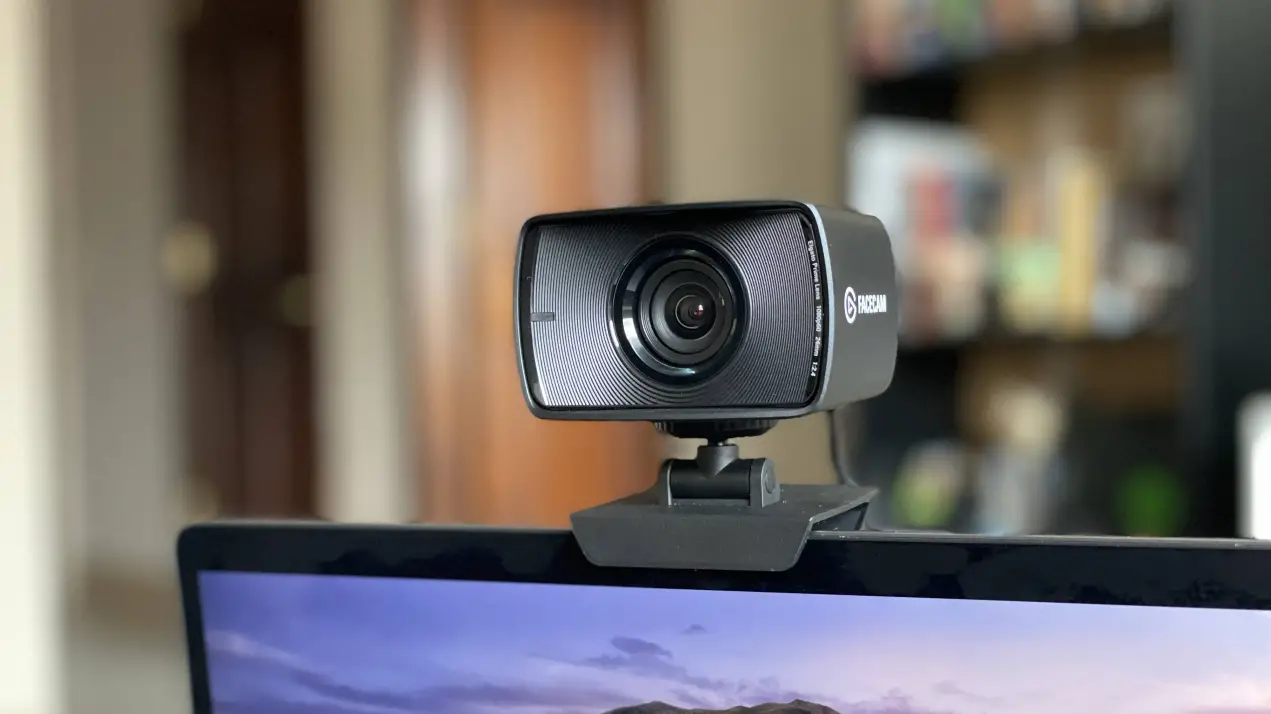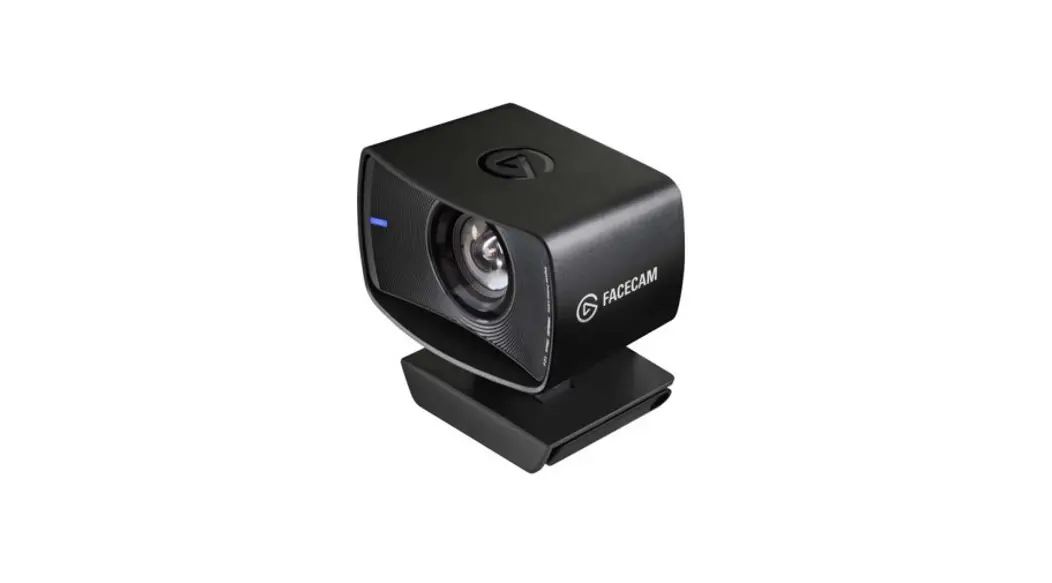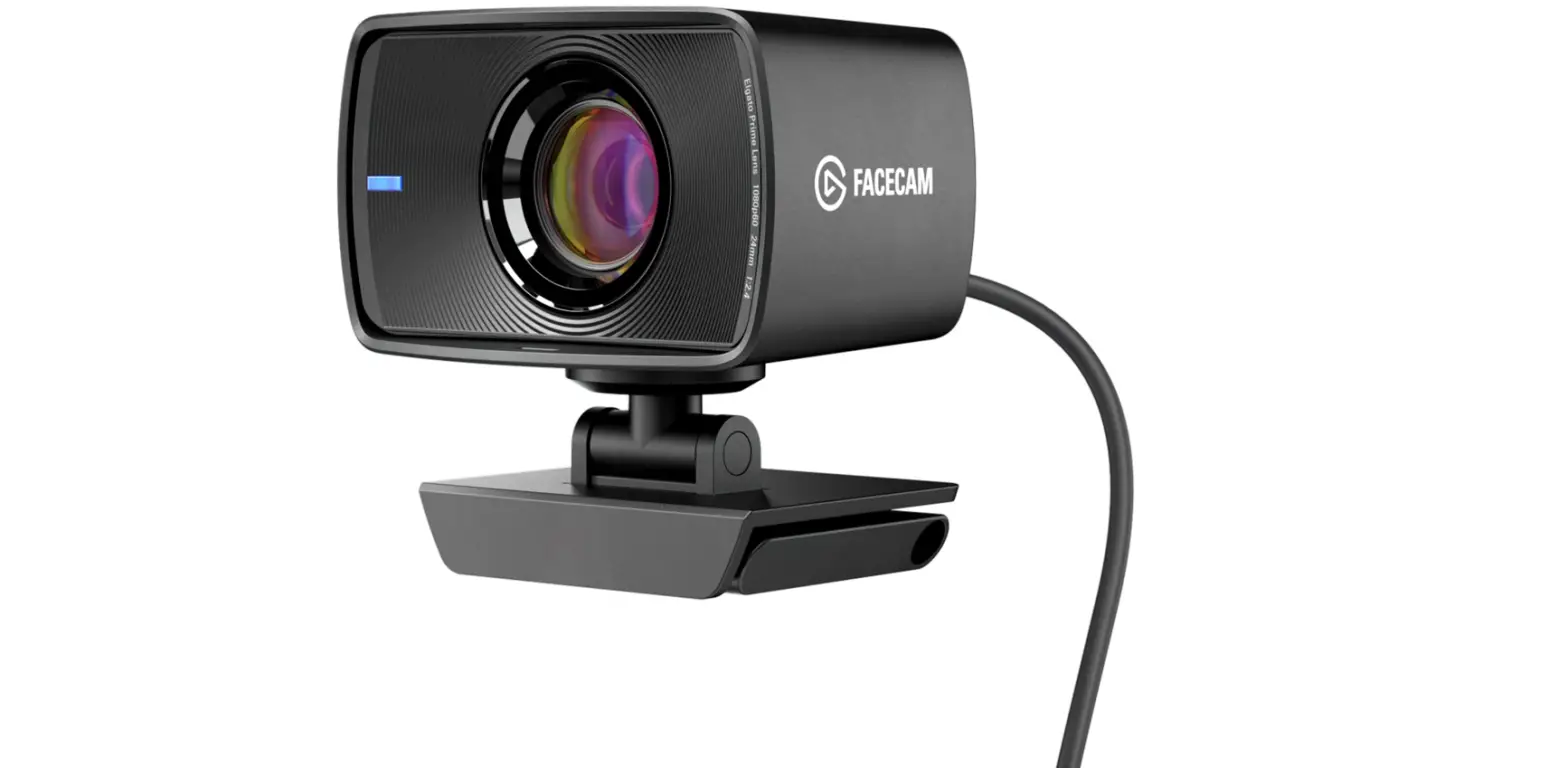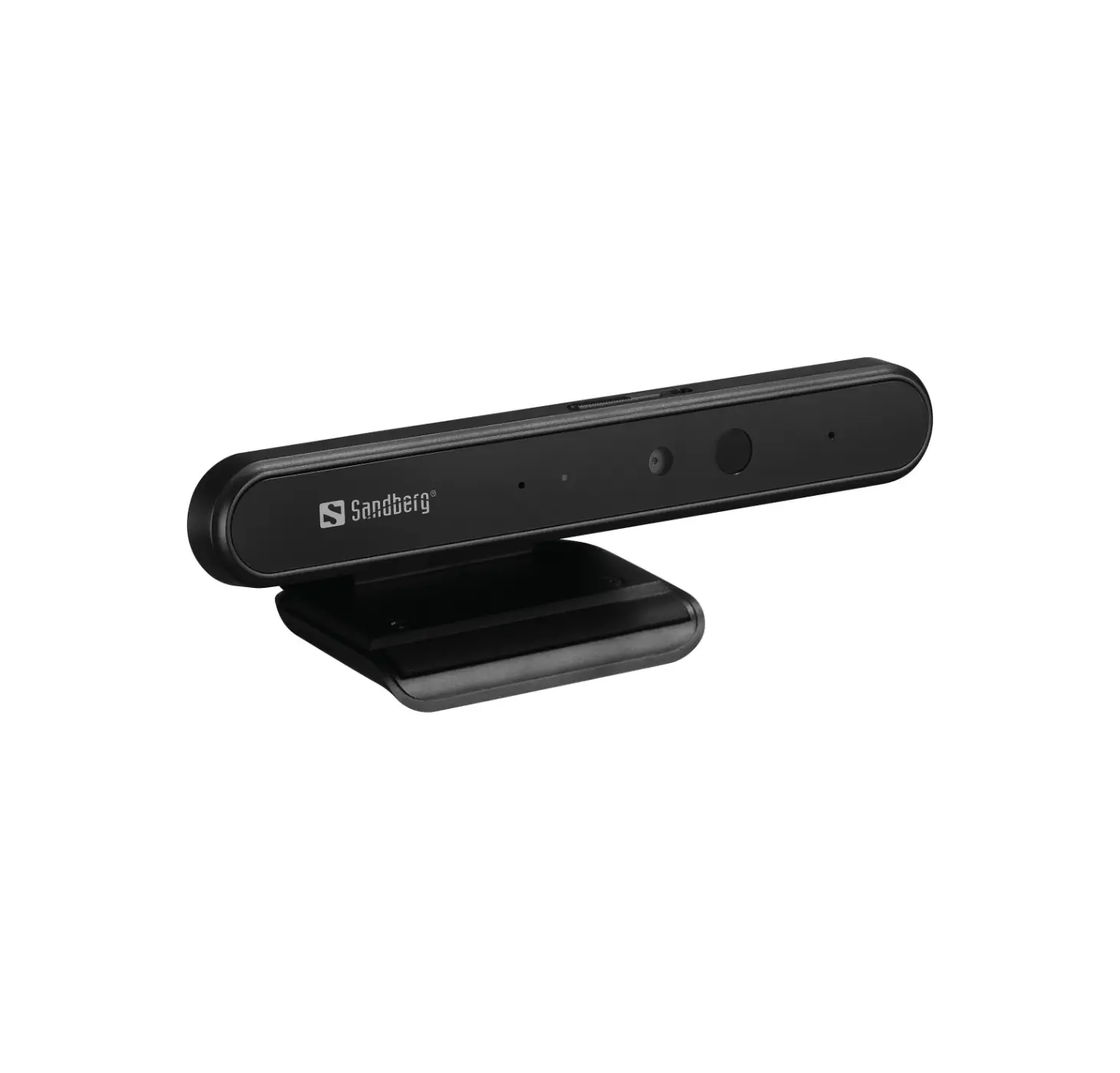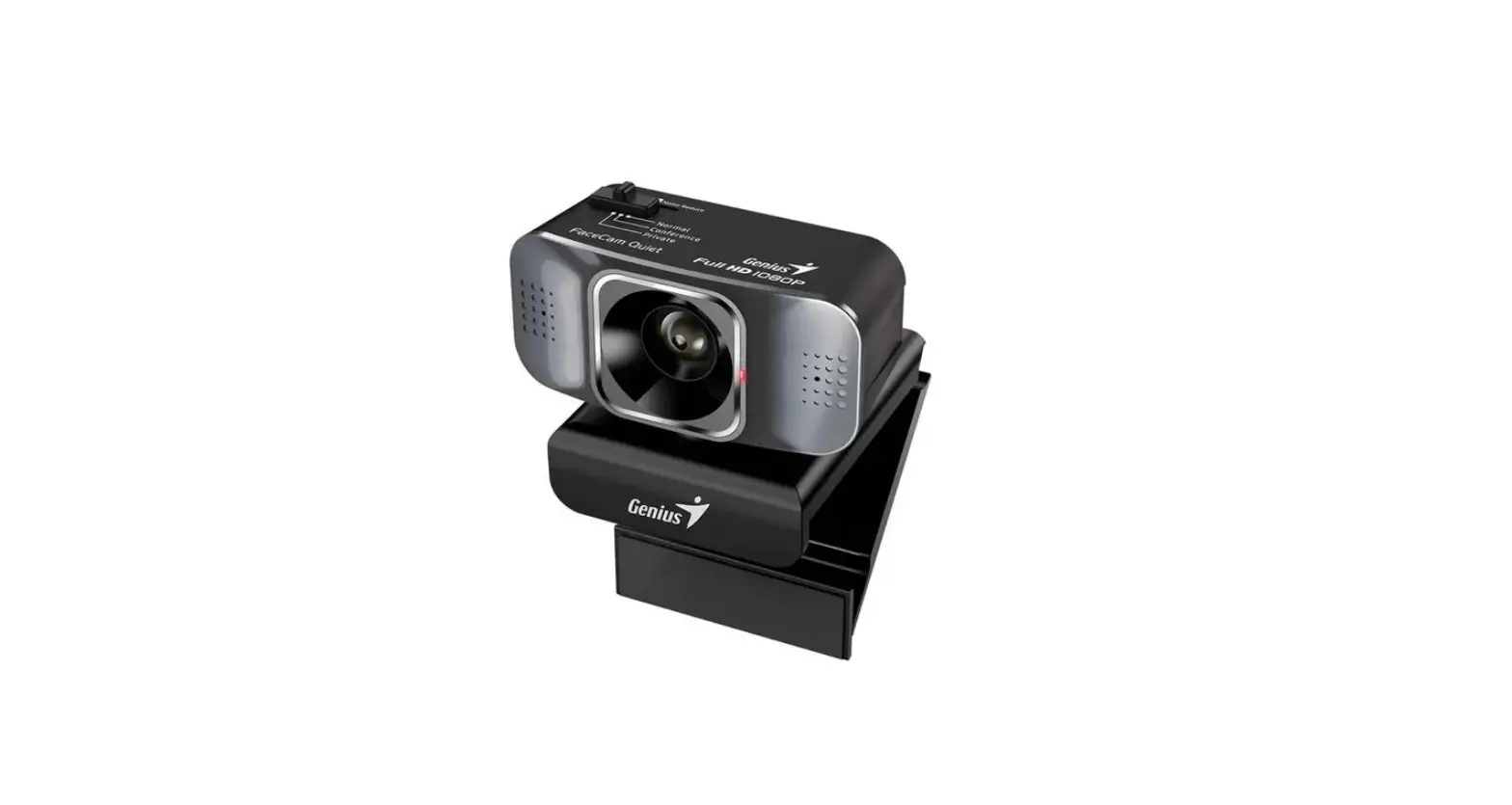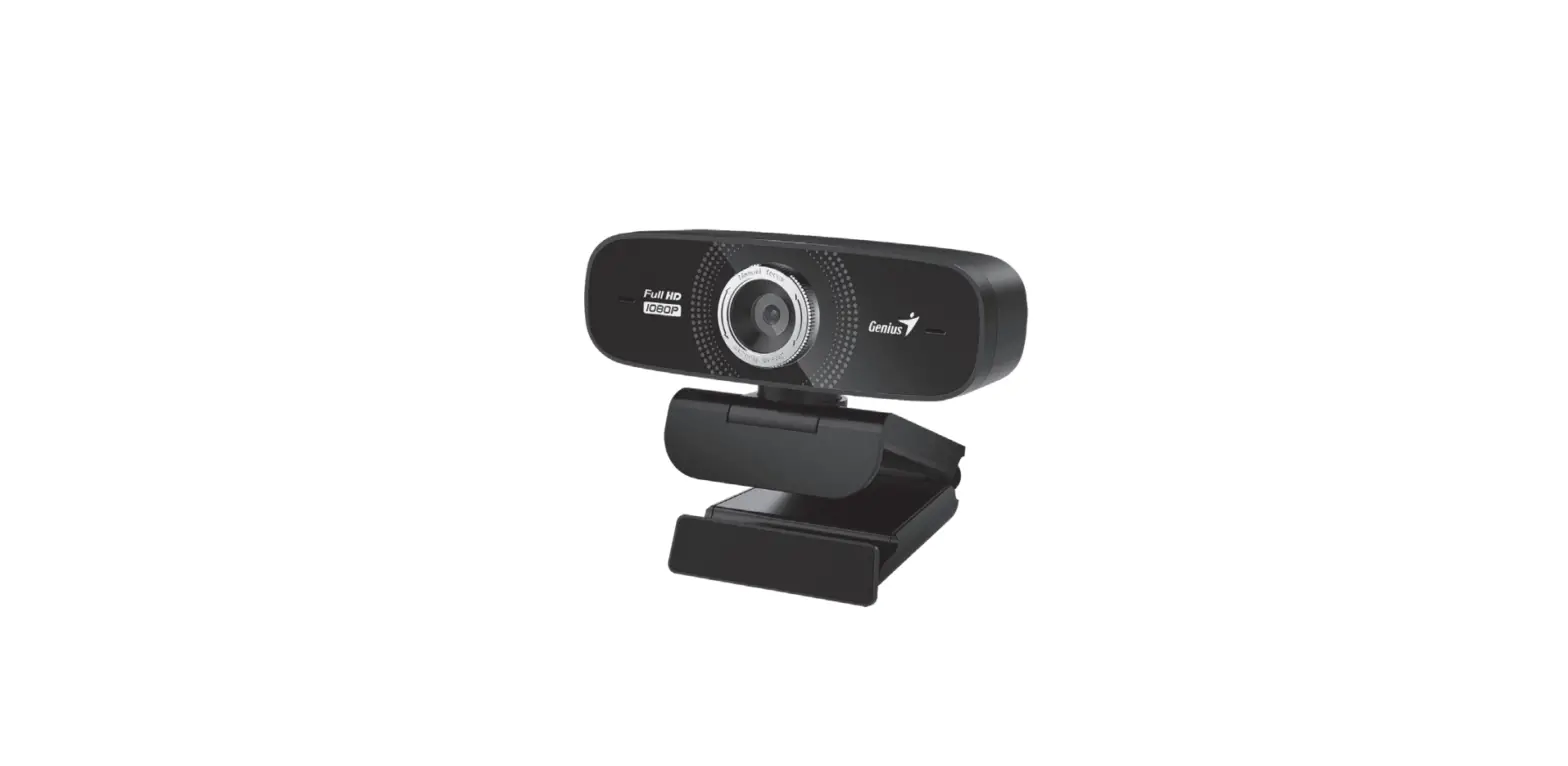

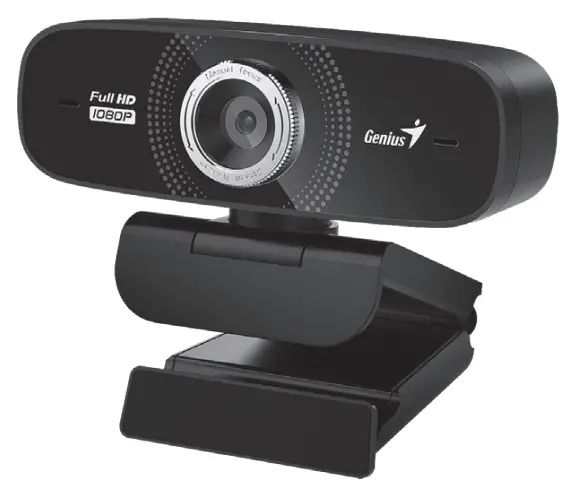
Genius FaceCam 2000X 1080p Camera
Camera Features
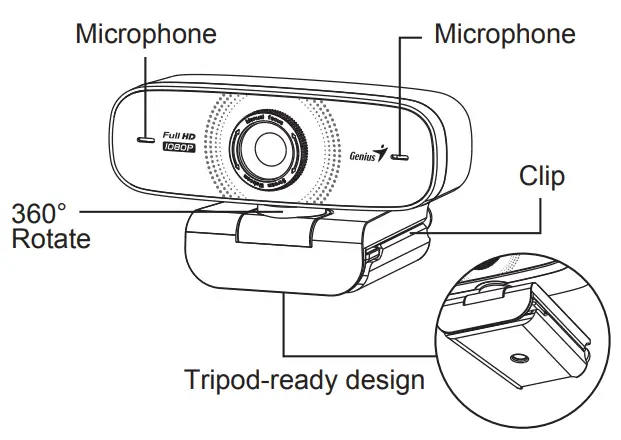
Position the Camera
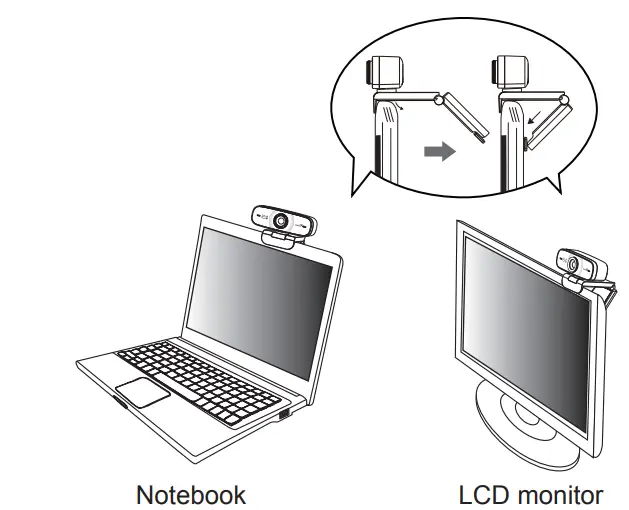
Connect the Camera
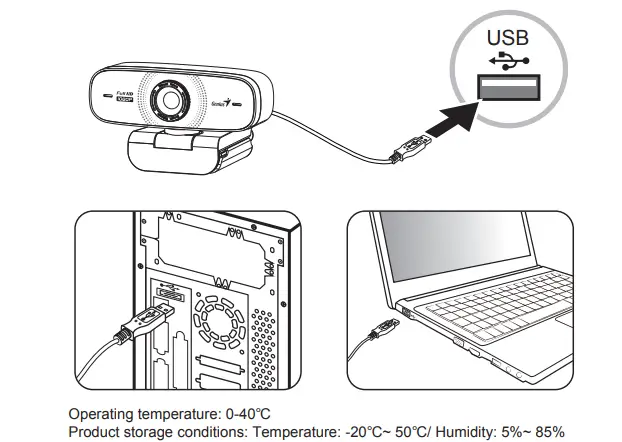
Set up the Camera
FaceCam 2000X supports UVC (USB Video Class) which can plug and play in Windows 8, 10, 11 or later without using a device driver.
- Make sure your PC OS system is Windows 8, 10, 11 or later.
- Csatlakoztassa a FaceCam 2000X kamerát egy USB-porthoz.
- FaceCam 2000X is now ready for use with any application. It can work properly with any video chat software that supports a video feature.
Symbol for Separate Collection in European Countries
This symbol indicates that this product is to be collected separately. The following apply only to users in European countries:
- This product is designated for a separate collection at an appropriate collection point. Do not dispose of as household waste.
- For more information, contact the retailer or the local authorities in charge of waste management.
 Genius US Website – Genius designs personal peripheral devices with a target to provide a better experience in everyone's lives. Visit Genius to find your devices with high quality, easy usage and effective cost.
 The domain name kyecom.com is for sale