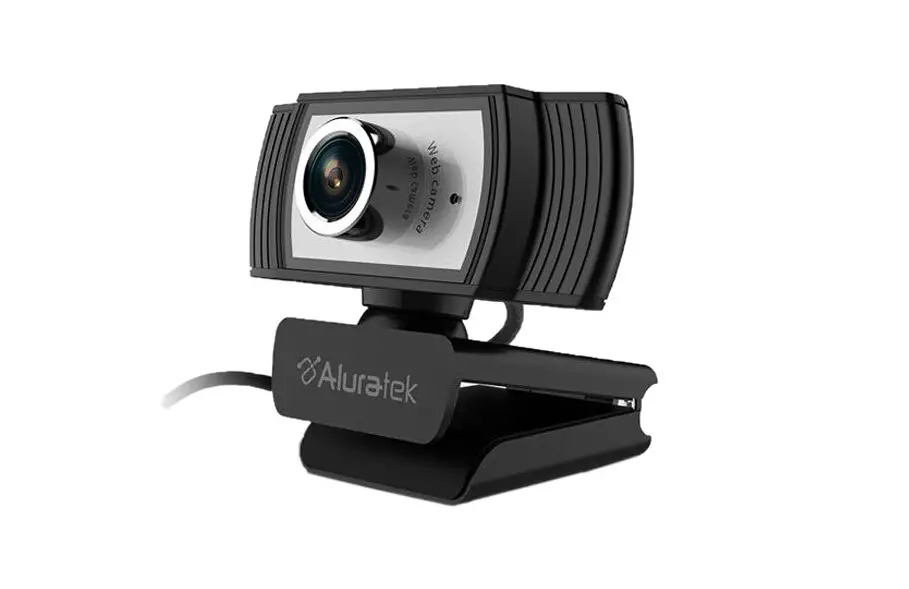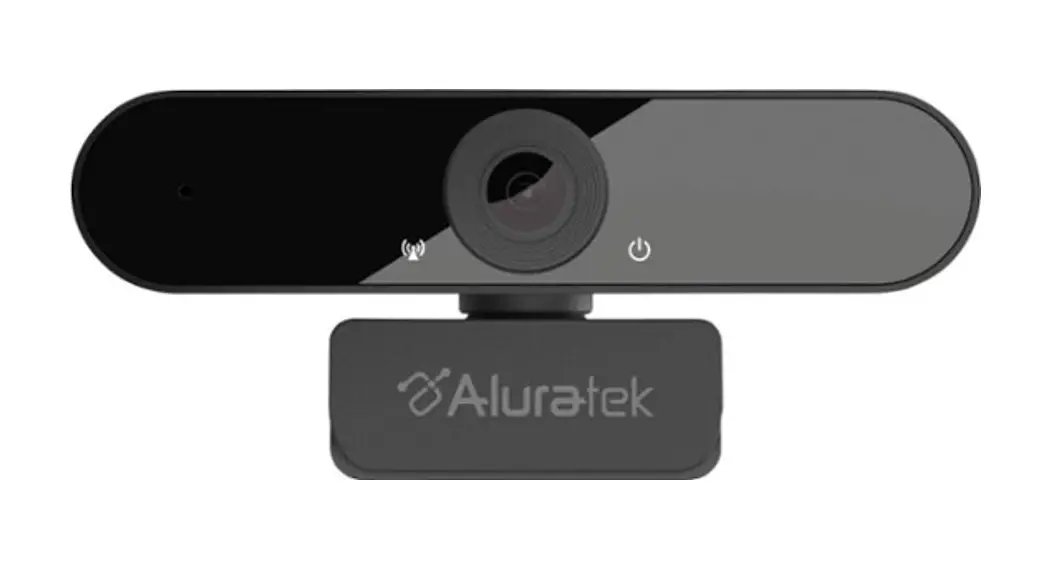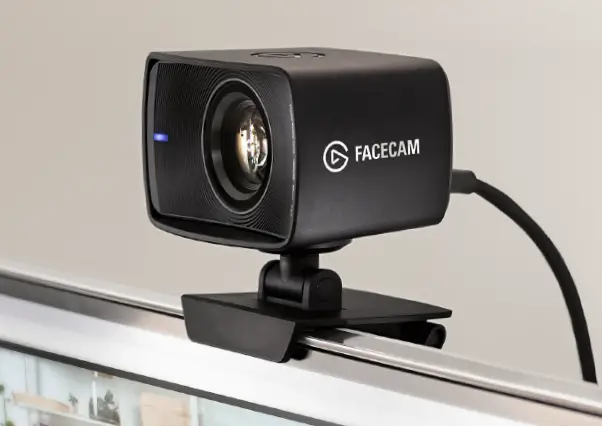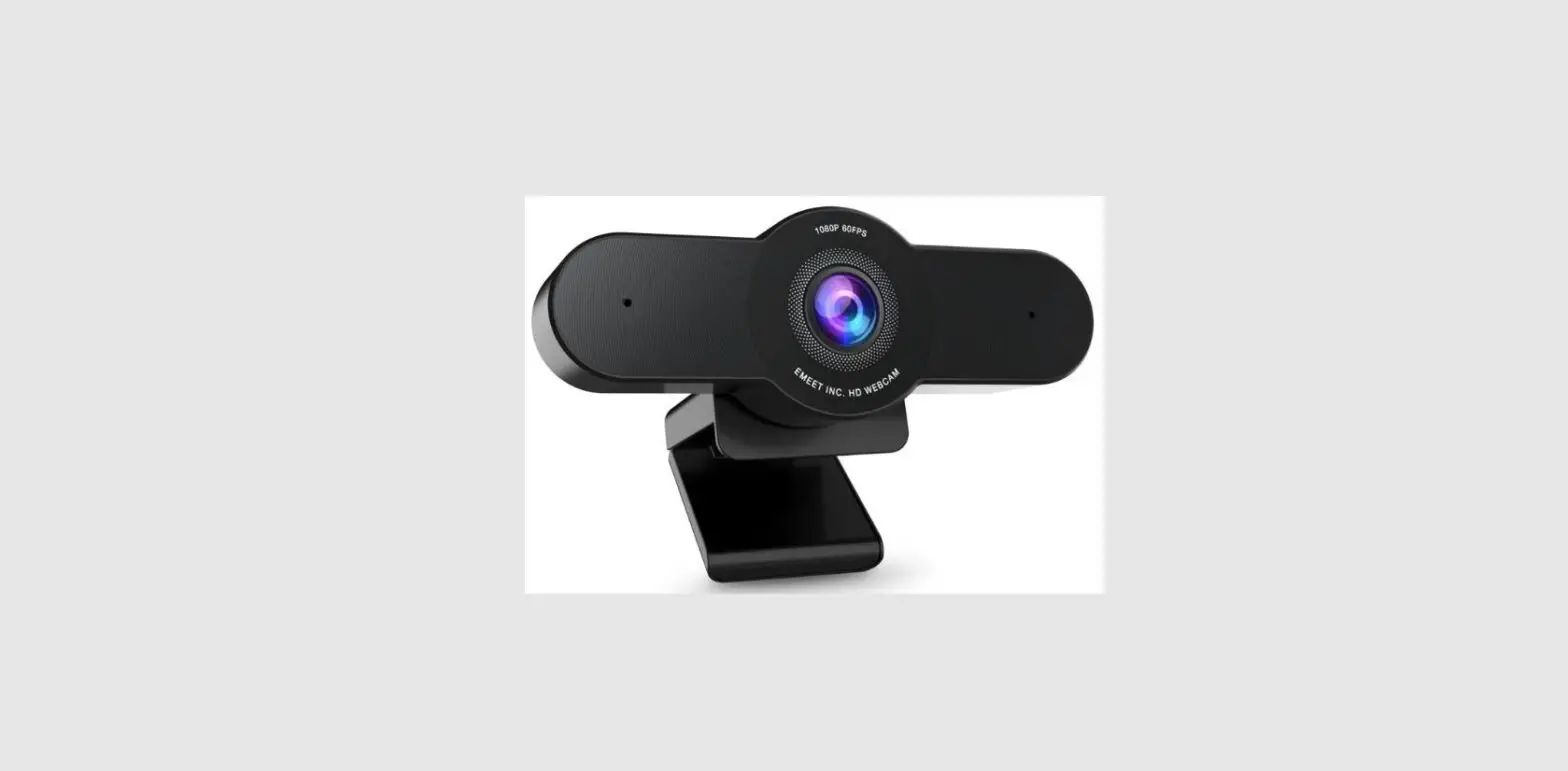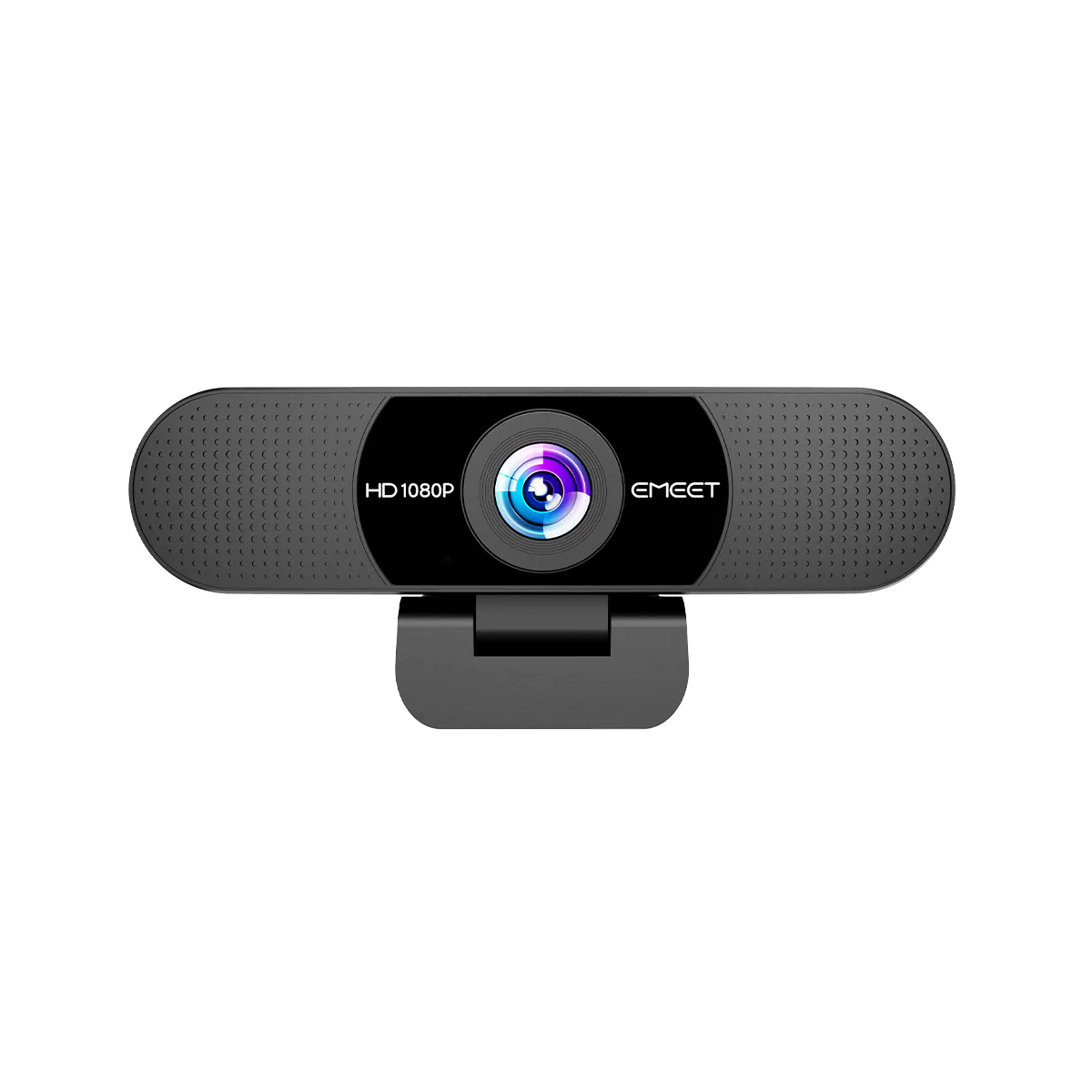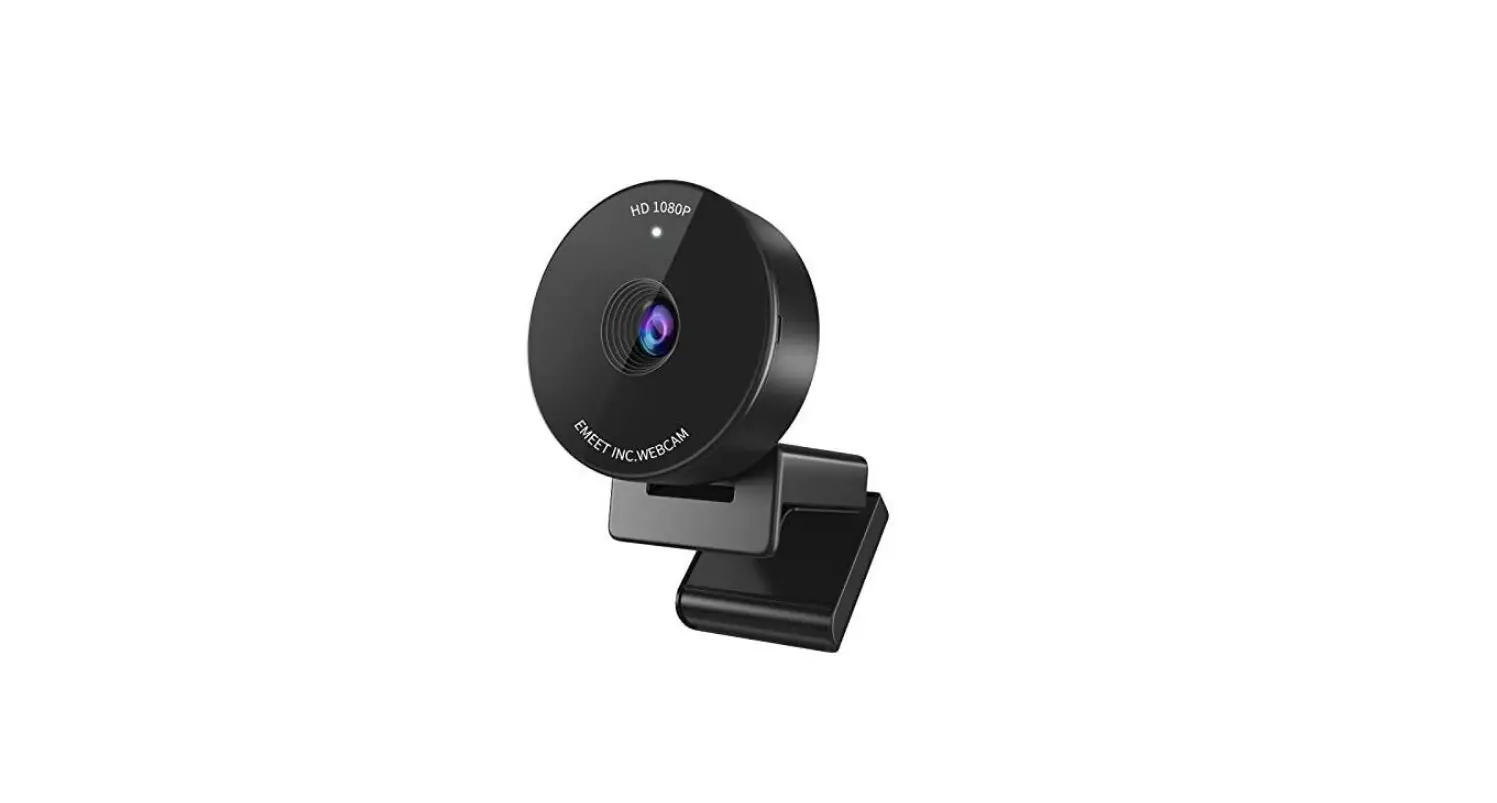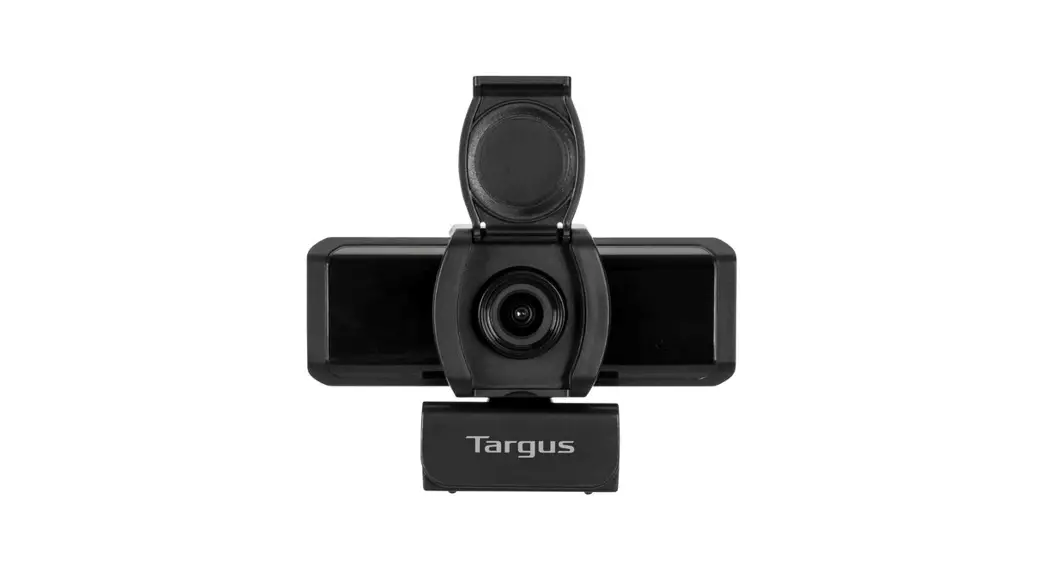
AVC041 WEBCAM PRO 1080P HD Camera

WEBCAM PRO
1080P HD CAMERA
CAMÉRA HD 1080P
User Guide
Product Name: 1080P HD Camera
Model: AVC041
SKU: AVC041GL
(UG) AVC041GL-50_410-4229-001B
Targus 1080P HD Camera
Functional Introduction
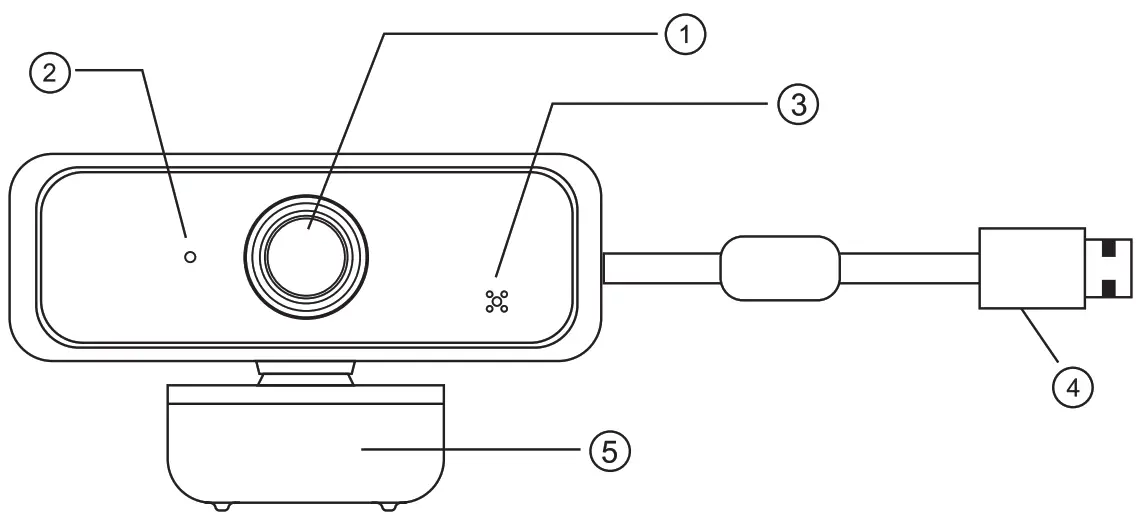
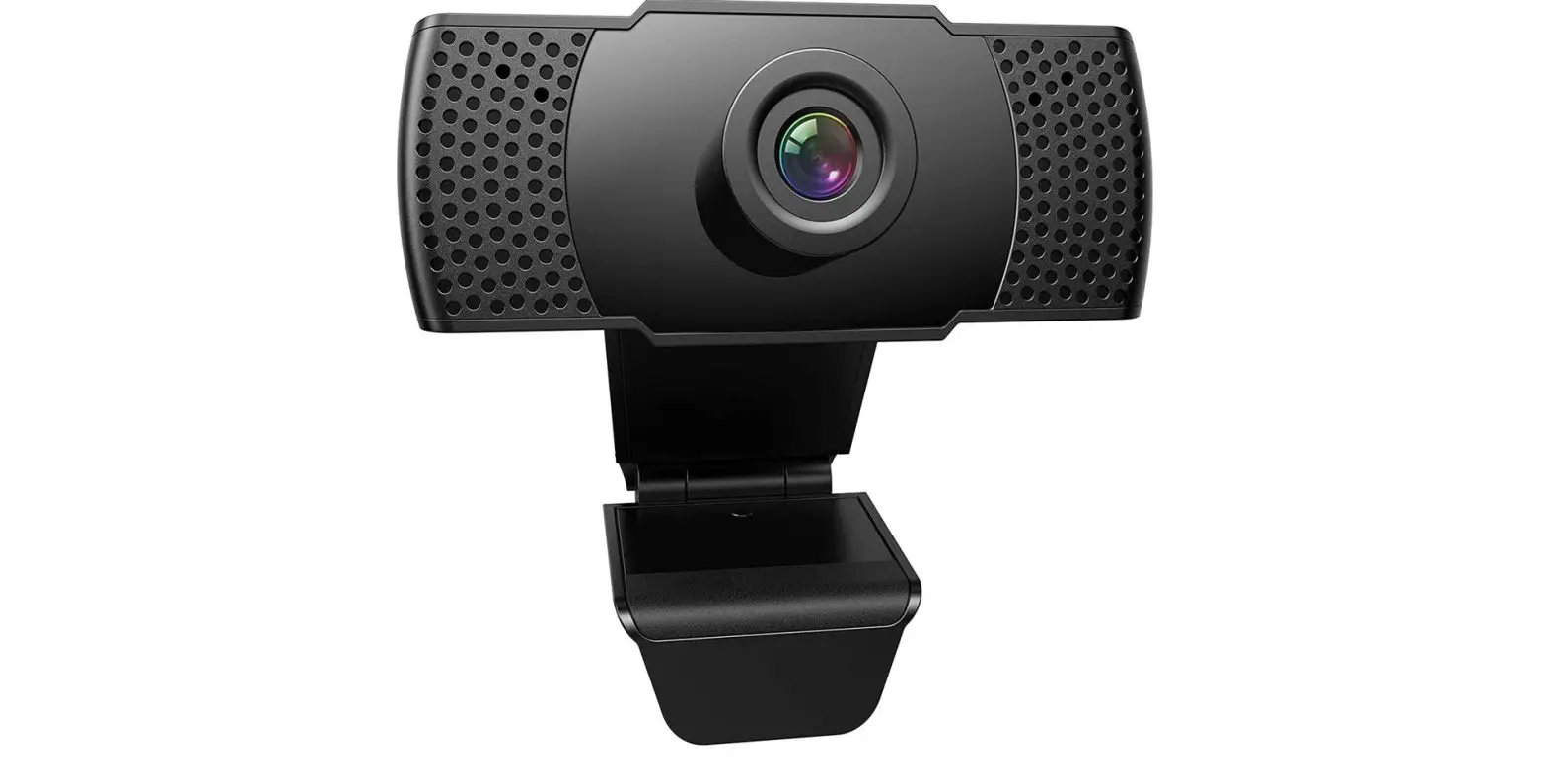
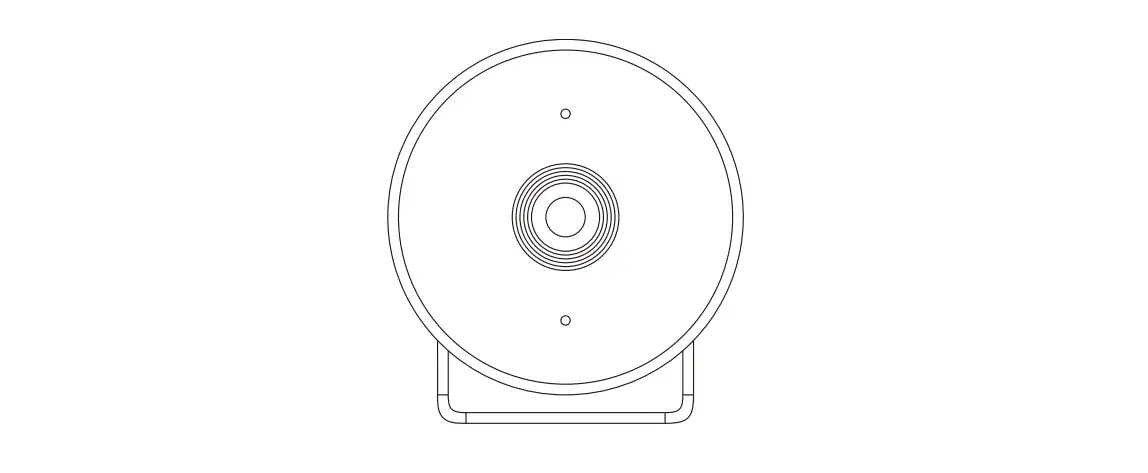
- FULL HD1080P lens
- Indicator light
- Microphone
- USB Port
- Bracket
Product accessories:
 | ||
| Webcam * 1 | Spyguard Protection Flip Cover * 1 | User guide * 1 |
Targus 1080P HD Camera
Installation steps

- Turn on the Camera Mount and point the camera toward the front of the display.

- Press down on the Camera Mount and snap the rear end of the screen mount to the back of the screen.

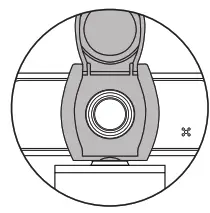
- Apply the Spyguard Protection Flip cover (if desired) over the camera lens as shown.

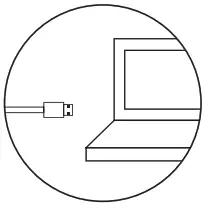
- Connect the USB cable to the computer.
Detail Specification
| Webcam Specification | |||
| Driver type | driver-free (plug and play) | USB cable length | 150cm |
| Refresh Rate | 50Hz, 60Hz | Resolution | 1920*1080 |
| Photo format | Bmp, Jpg | Interface type | USB2.0 |
| Sensor type | 1/3″ 2MP sensor | Built-in | Sound-absorbing and noise-reducing microphone |
| Contrast optimization engine | Contrast balance | Lens | f/2.2, Viewing angle 73° |
| Applicable | Support various chat tools and video conferencing software. Such as: QQ / WeChat / Dingding / Skype / Facebook / Zoom / YouTube / Face Time / TEAMs, etc. | ||
| Processor | 2MP image processing chip, supporting various ISP processing algorithms. And support MJPEG / H.264 / H.265 compression | ||
| Supporting Devices | Supports Win 11 / Win 10 / Win8 / Win7 / WinXP 2 / MAC OS 10.6 | ||
Technical Support
For technical questions, please visit:
US
Internet: http://targus.com/us/support
Canada
Internet: http://www.targus.com/ca/support
Australia
Internet: http://www.targus.com/au/support
Email: [email protected]
Telephone: 1800-641-645
New Zealand
Telephone: 0800-633-222
Latin America
Email: [email protected]
Product Registration
Targus recommends that you register your Targus accessory shortly after purchasing it. Go to: http://targus.com/us/product_registration
You will need to provide your full name, email address, country of residence, and product information.
EMEA CUSTOMERS: 2 YEARS LIMITED WARRANTY
OTHER REGIONS: 1 YEAR LIMITED WARRANTY
We pride ourselves on the quality of our products. For complete warranty details and a list of our Worldwide offices, please visit www.Targus.Com. Targus product warranty does not cover any device or product that is not manufactured by Targus (including, but not limited to, laptops, smartphones, devices, or any other product that may be used in connection with the Targus product). Targus and DefenseGuard are trademarks or registered trademarks of Targus International LLC in the U.S. and in certain other countries. All logos and registered trademarks are the property of their respective owners. © 2021 Targus International LLC, 1211 North Miller St., Anaheim, CA 92806. All rights reserved.
Australian And New Zealand Consumers Only
Thank you for your purchase. Targus warrants to the original purchaser that its products are free from defects in materials and workmanship and, during the specified warranty period, and lasts as long as the original purchaser owns the product. The warranty period is stated on the packaging or in the documentation provided with this Targus product. Targus’ Limited Product Warranty excludes damage caused by accident, neglect, abuse, misuse, improper care, normal wear and tear, ownership transfer, or alteration. The limited warranty also excludes any product that is not manufactured by Targus (including, without limitation, laptops, smartphones, devices, tablets, or any other non-Targus item) that is used in connection with the Targus product. In the event that the Targus product has a defect in materials or workmanship Targus will, after receiving a warranty claim and inspecting the product, at its discretion, do one of the following: repair, replace, or refund with the same or a similar product (or part) of no lesser quality and ship it to the original purchaser at Targus’ expense. As part of this inspection, proof of purchase will be required. There is no charge for inspection. To make a warranty claim, please contact Targus Australia or New Zealand (see details below), or return the product to the place of purchase. The original purchaser must bear the cost of the delivery to Targus.
Under Australian and/or New Zealand Consumer Laws, in addition to any warranty Targus gives, our products come with guarantees that cannot be excluded. You are entitled to a replacement or refund for a major failure and compensation for any other reasonably foreseeable loss or damage. You are entitled to have the products repaired or replaced if they fail to be of acceptable quality and the failure does not amount to a major failure.
For any warranty questions, contact Targus Australia Pty. Ltd.
(i) by mail at Suite 2, Level 8, 5 Rider Boulevard, Rhodes NSW 2138, by phone at AUS 1800 641 645 or NZ 0800 633 222, or by
Email: [email protected].
For additional information, check out our website at targus.com/au/warranty.
Regulatory Compliance
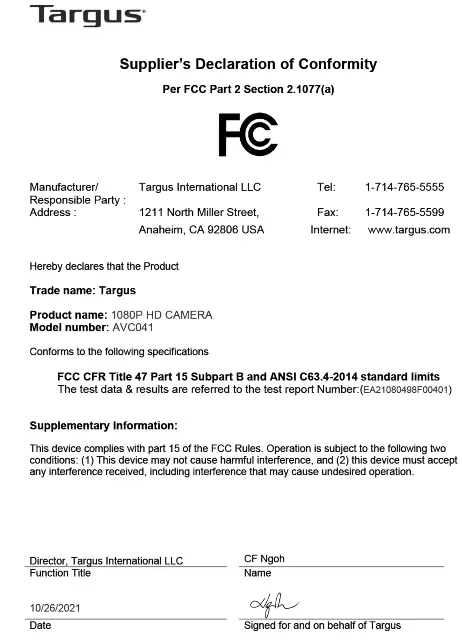
This device complies with Part 15 of the FCC Rules. Operation is subject to the following two conditions:
(1) This device may not cause harmful interference, and (2) This device must accept any interference received, including interference that may cause undesired operation.
Technical Support
For technical questions, please visit:
Internet
| English | https://uk.targus.com/pages/support |
| French | https://fr.targus.com/pages/support |
| German | https://de.targus.com/pages/support |
| Spanish | https://es.targus.com/pages/support |
Phone (language answered in):
| Austria: | 01 795 676 42 (German) |
| Belgium: | 02-717-2451 (French) |
| Denmark: | +45 35 25 87 51 (English) |
| Finland: | +358 922948016 (English) |
| France: | 01-6453-9151 (French) |
| Germany: | 0211-6579-1151 (German) |
| Netherlands: | 02 0504 0671 (English) |
| Norway: | +4722577729 (English) |
| Portugal: | +351 21 415 4123 (English) |
| South Africa: | +27 211 003 270 (English) – Calls answered 10am-6pm South African time |
| Spain: | 91 745 6221 (Spanish) |
| Sweden: | 08-751-4058 (English) |
| Switzerland: | +41 (0) 44 212 0007 (French or German) |
| UK: | 020-7744-0330 (English) |
Eastern Europe and others not listed above: +44 (0) 207 744 0330 (English)
Regulatory Compliance
This device complies with Part 15 of the FCC Rules. Operation is subject to the following two conditions: (1)
This device may not cause harmful interference, and (2) this device must accept any interference received, including interference that may cause undesired operation.
Declaration of Conformity
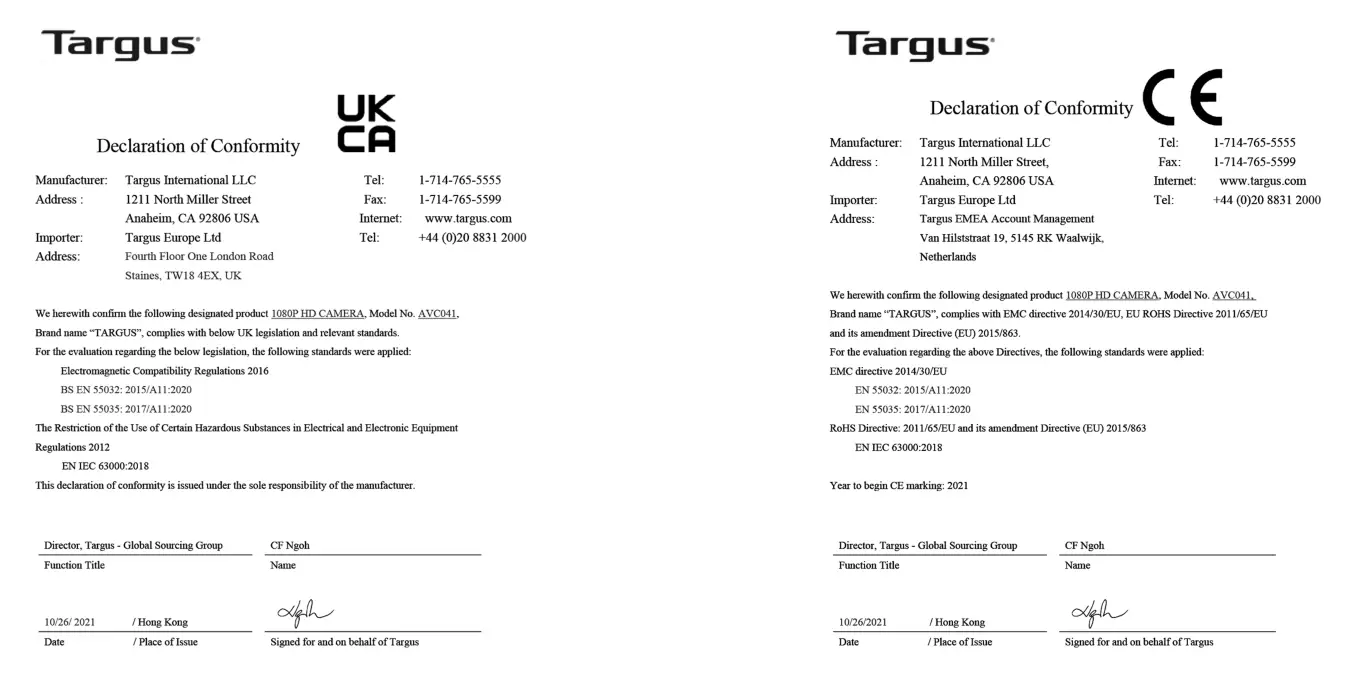
Targus hereby declares that this device is in compliance with the essential requirements and other relevant provisions of Directive 2014/30/EU.
Federal Communication Commission
Interference Statement
This equipment has been tested and found to comply with the limits for a Class B digital device, pursuant to Part 15 of the FCC Rules. These limits are designed to provide reasonable protection against harmful interference in a residential installation. This equipment generates, uses and can radiate radio frequency energy and, if not installed and used in accordance with the instructions, may cause harmful interference to radio communications. However, there is no guarantee that interference will not occur in a particular
installation. If this equipment does cause harmful interference to radio or television reception, which can be determined by turning the equipment off and on, the user is encouraged to try to correct the interference by one of the following measures:
– Reorient or relocate the receiving antenna.
– Increase the separation between the equipment and receiver.
– Connect the equipment into an outlet on a circuit different from that to which the receiver is connected.
– Consult the dealer or an experienced radio/TV technician for help.
FCC Caution: Any changes or modifications not expressly approved by the party responsible for compliance could void the user’s authority to operate this equipment.
This device complies with Part 15 of the FCC Rules. Operation is subject to the following two conditions: (1) This device may not cause harmful interference, and (2) this device must accept any interference received, including interference that may cause undesired operation.
Industry Canada statement
This device contains license-exempt transmitter(s)/receiver(s) that comply with Innovation, Science, and Economic Development Canada’s license-exempt RSS(s). Operation is subject to the following two conditions:
- This device may not cause interference.
- This device must accept any interference, including interference that may cause undesired operation of the device.

References
 Computer Accessories, Backpacks, and More | Targus US
-
Warranty | Targus – Targus Australia
-
Product Registration | Targus – Targus US
-
Customer Support | Targus – Targus US
-
Computer Accessories, Backpacks, and More | Targus US
-
Customer Support – Targus Australia
-
Customer Support | Targus – Targus CA
-
Kundensupport | Beantworten Sie Ihre Fragen online | Bestellen Sie noch heute! - Targus Europa
-
Atención al cliente | Responda a sus preguntas en lÃnea | Haga su pedido hoy mismo - Targus Europa
-
Support clientèle | Répondez à vos questions en ligne | Commandez dès aujourd'hui ! - Targus Europe
-
Customer Support | Answer Your Questions Online | Targus – Targus UK
 Computer Accessories, Backpacks, and More | Targus US
 Computer Accessories, Backpacks, and More | Targus US
 Kundensupport | Beantworten Sie Ihre Fragen online | Bestellen Sie noch heute! - Targus Europa
 Atención al cliente | Responda a sus preguntas en lÃnea | Haga su pedido hoy mismo - Targus Europa
 Support clientèle | Répondez à vos questions en ligne | Commandez dès aujourd'hui ! - Targus Europe
 Customer Support | Answer Your Questions Online | Targus – Targus UK