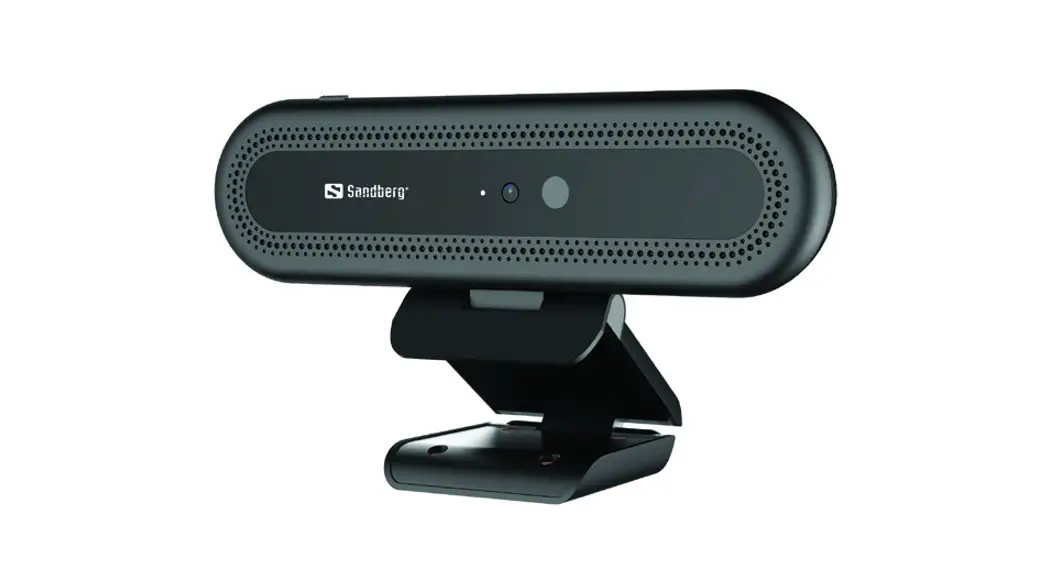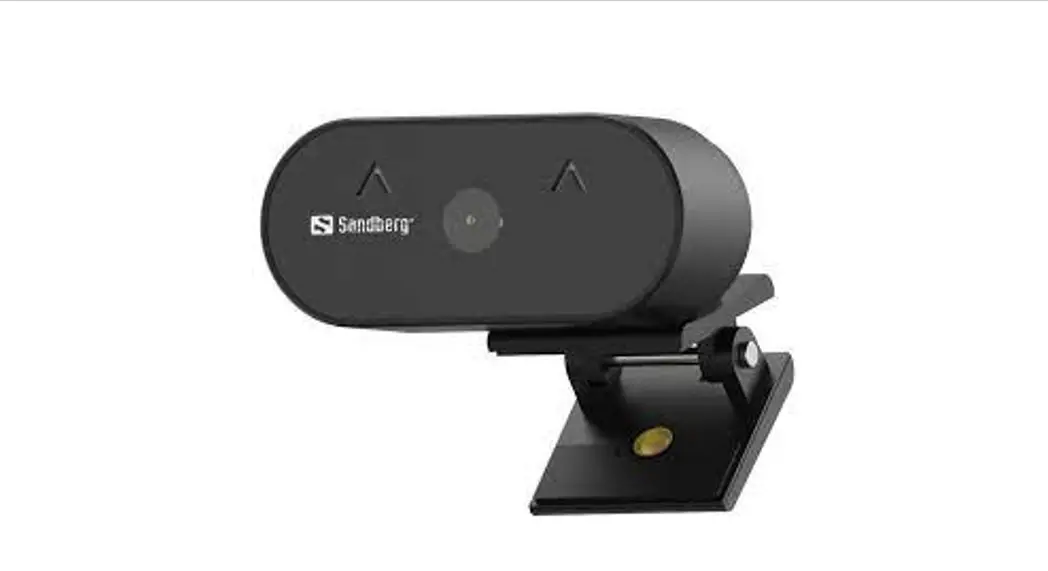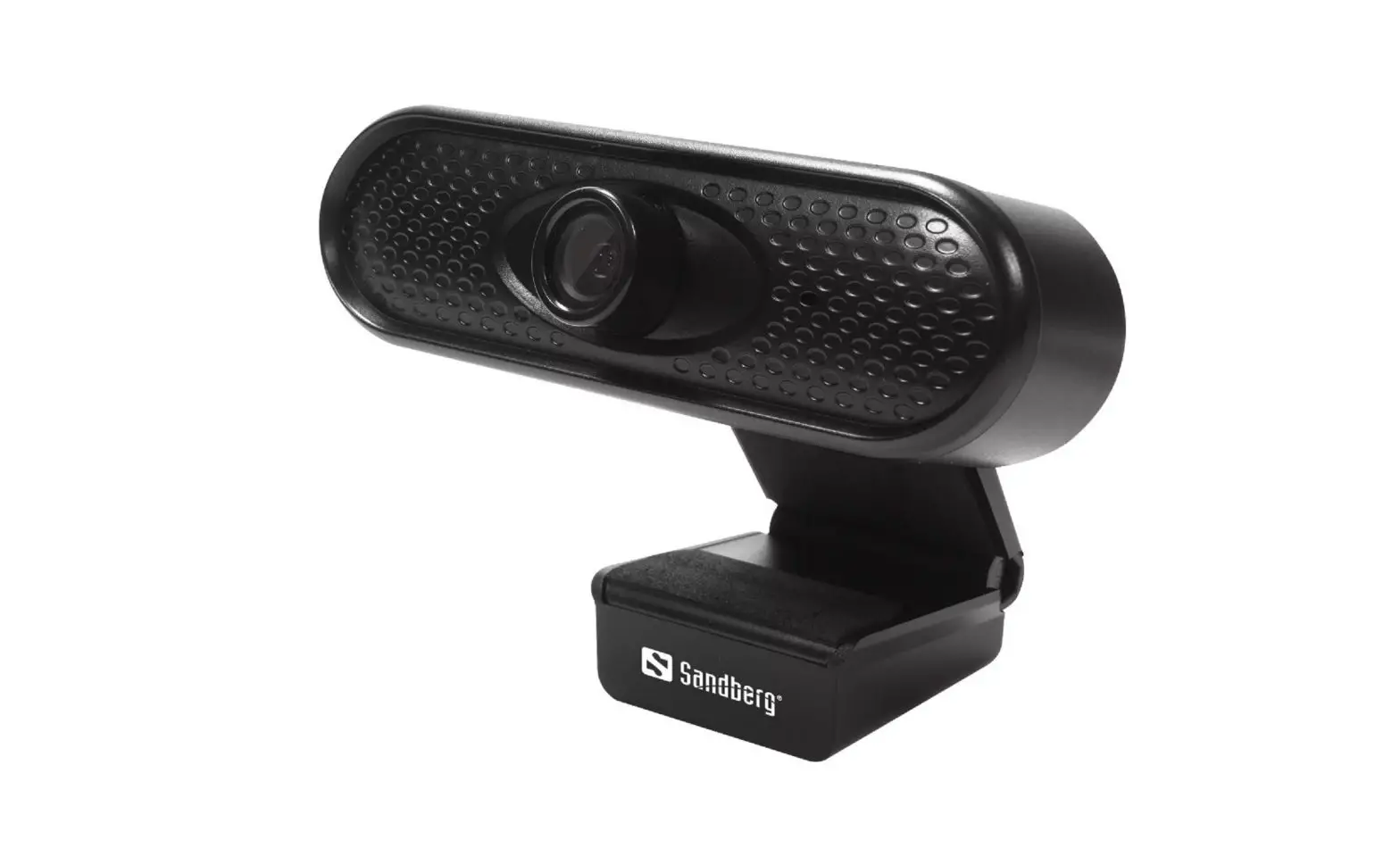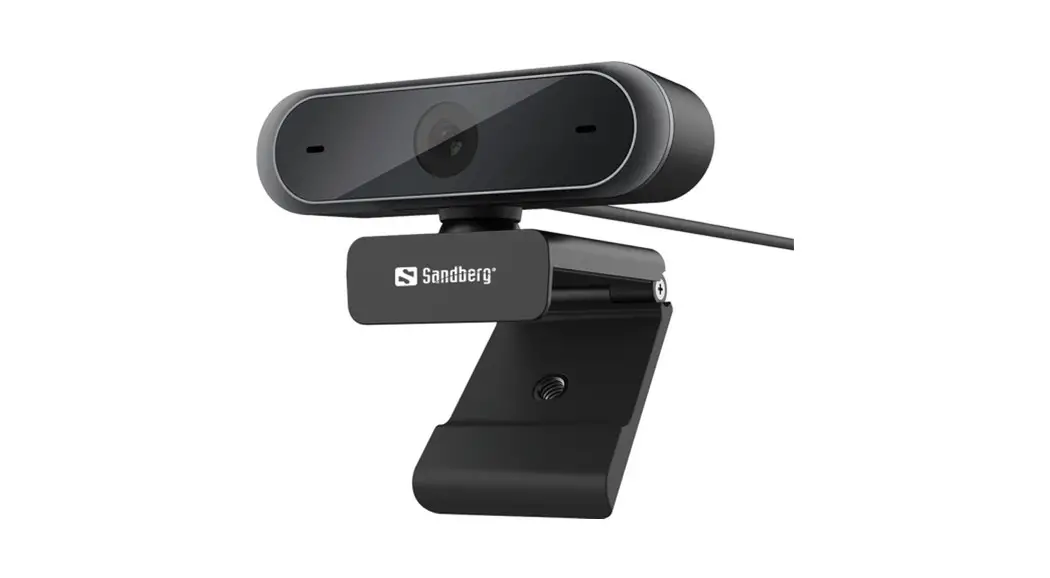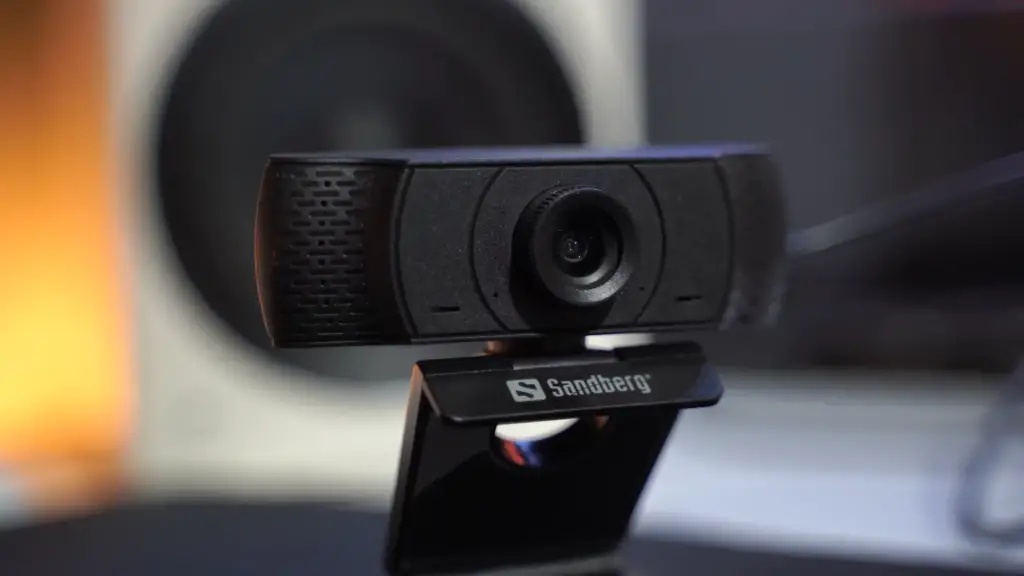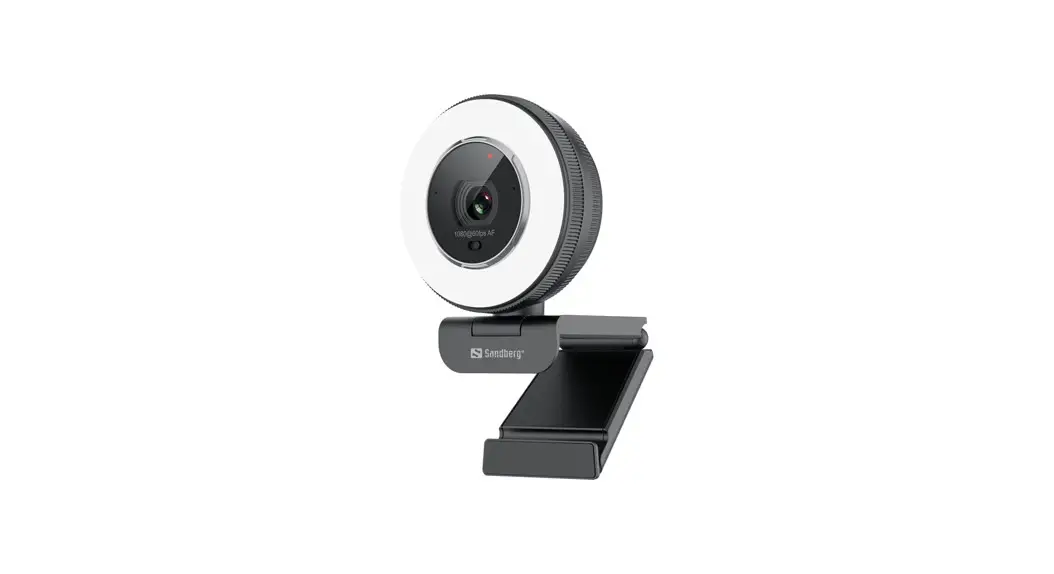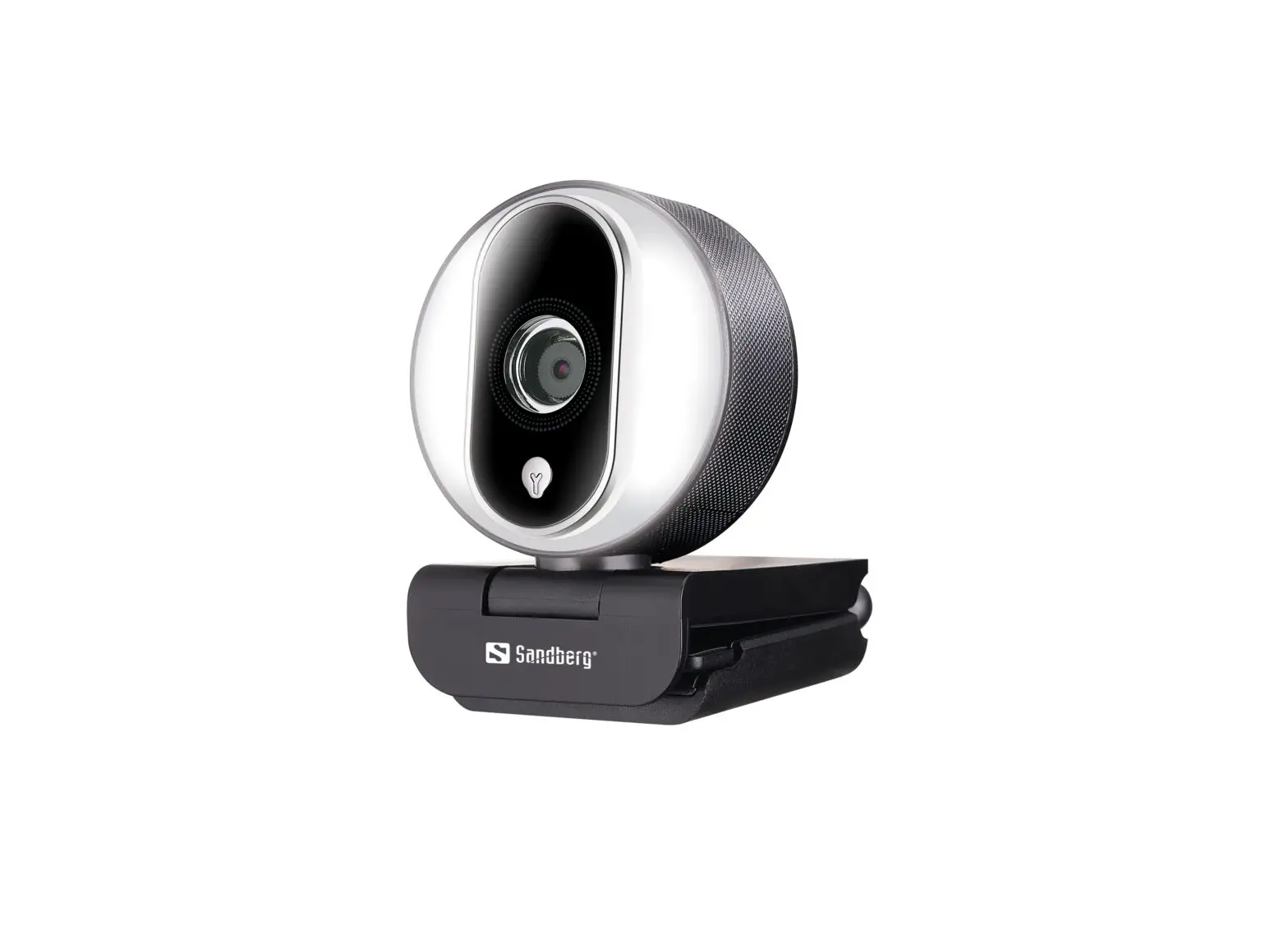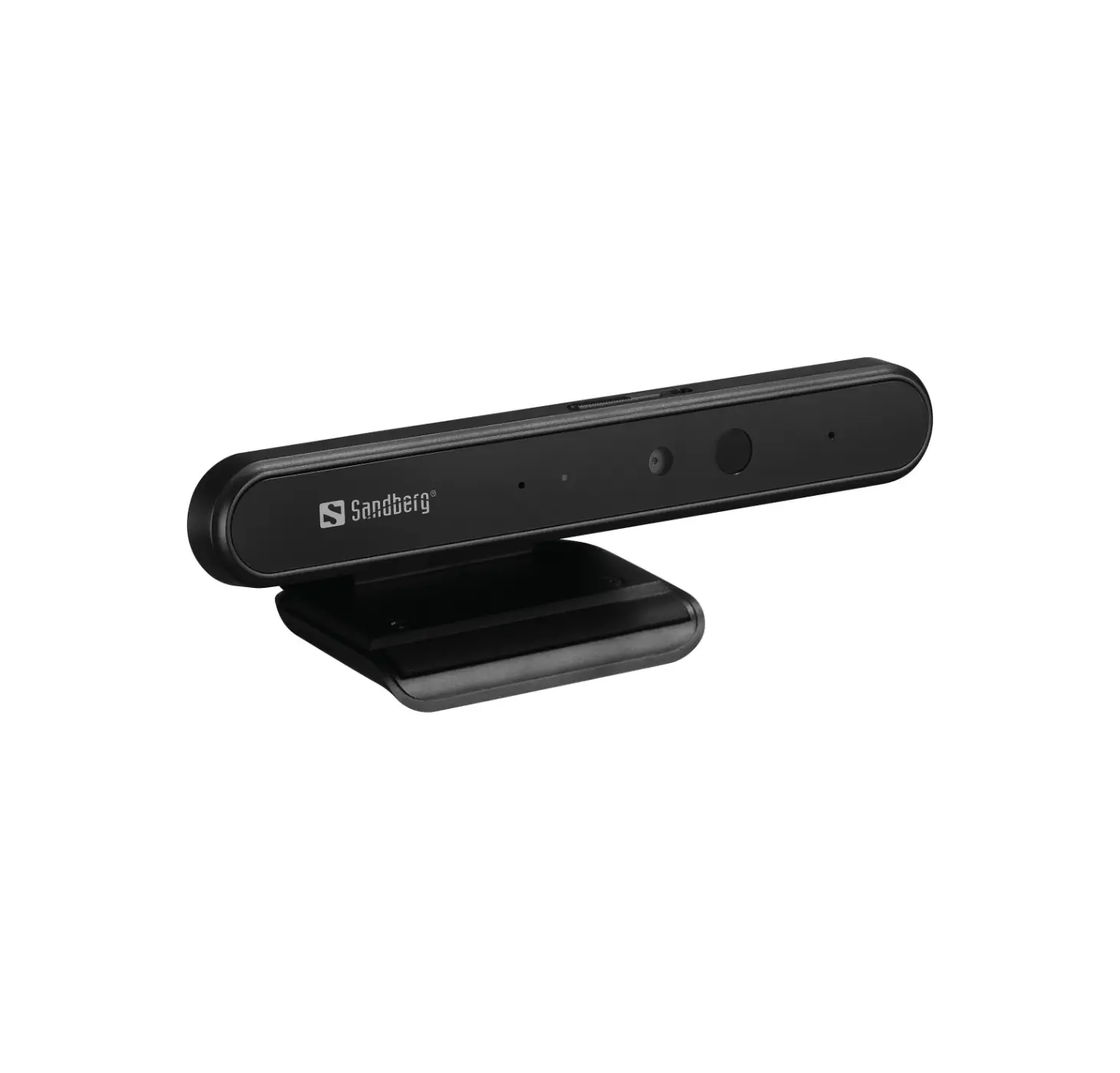
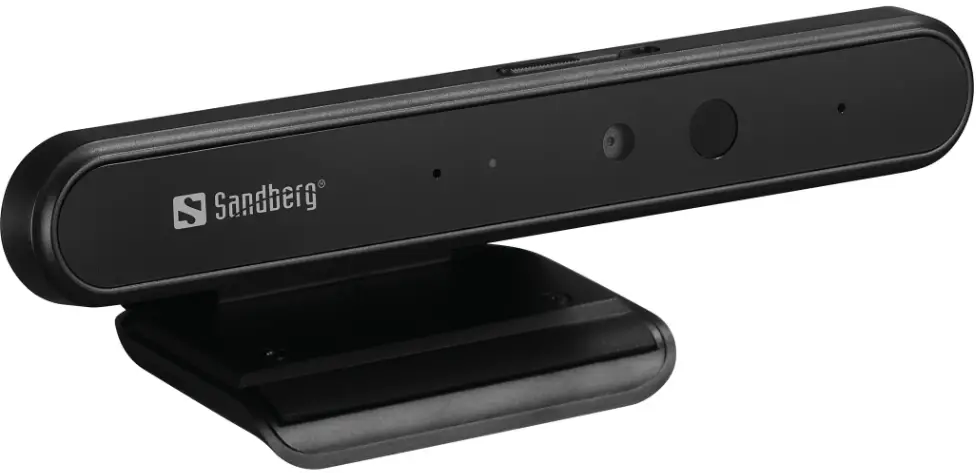
Sandberg 134-36 Face-ID 1080p Webcam
Overview
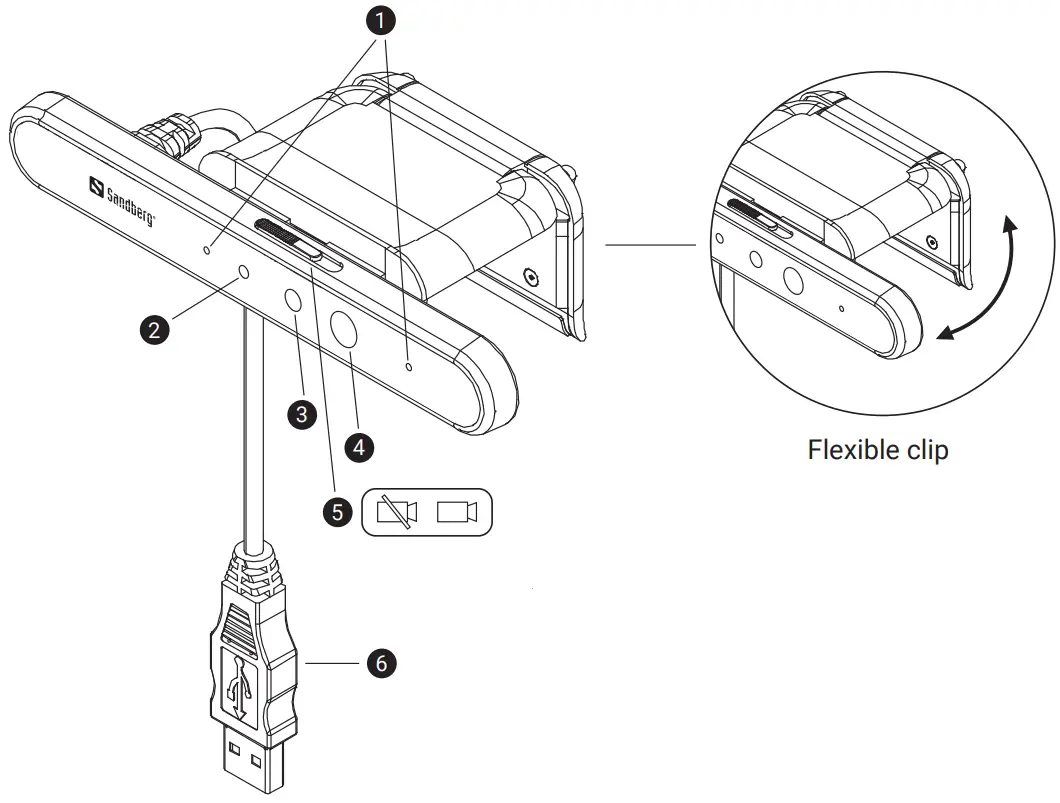
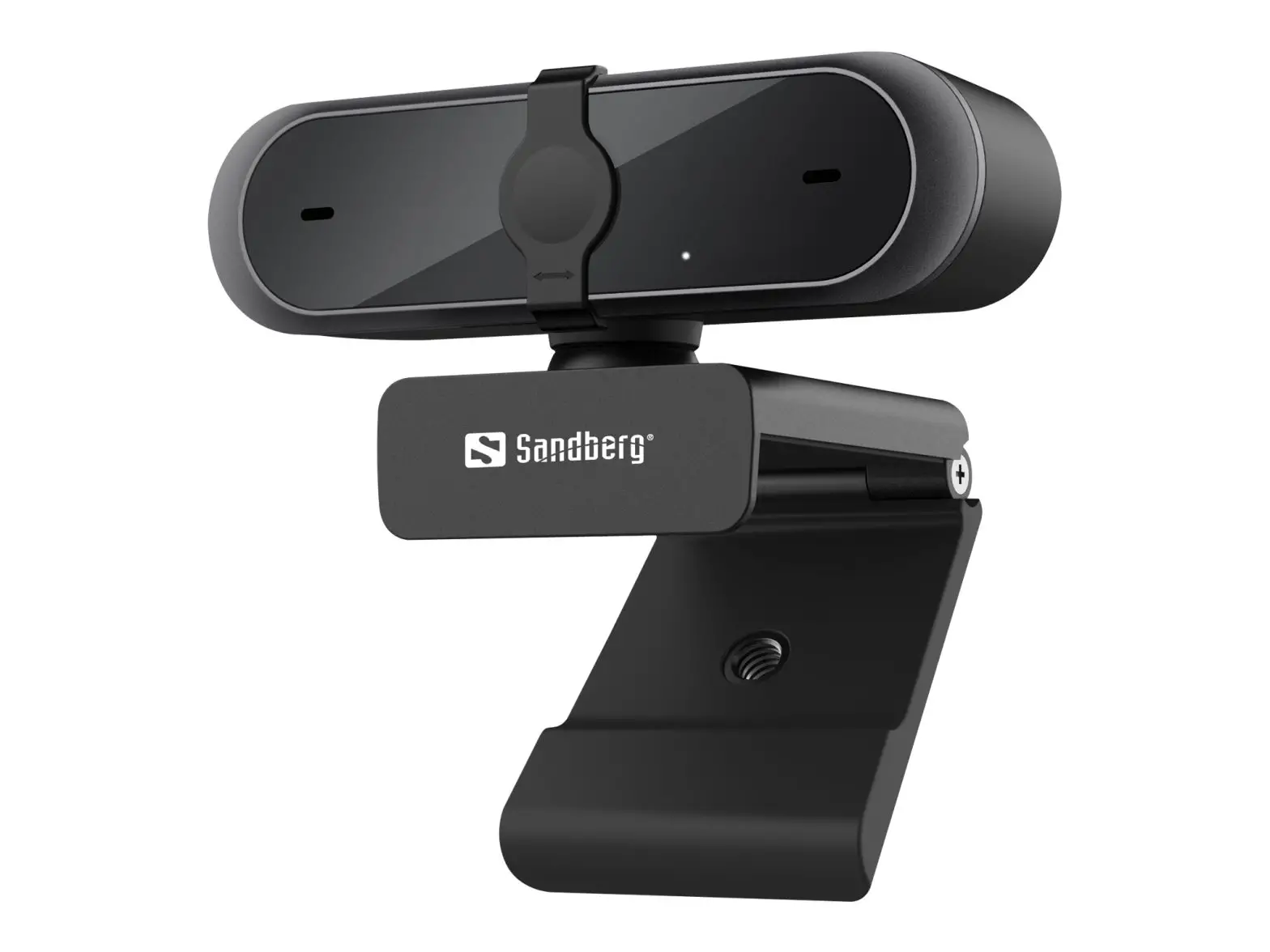
- Microphone
- Camera indicator
- IR/Video combined camera
- IR LED
- Privacy switch
- USB connector
Connection
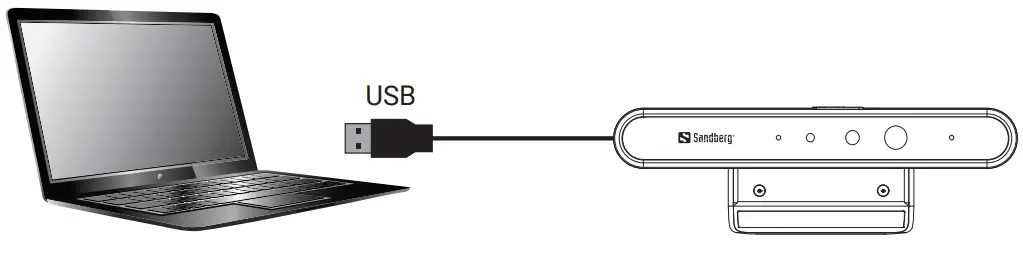
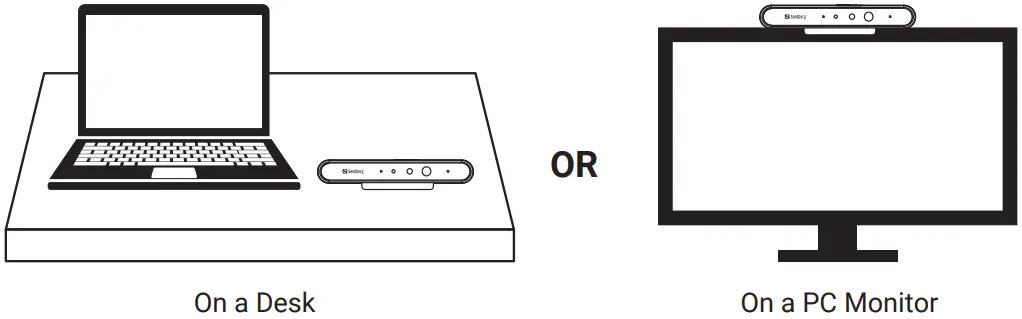
Mounting
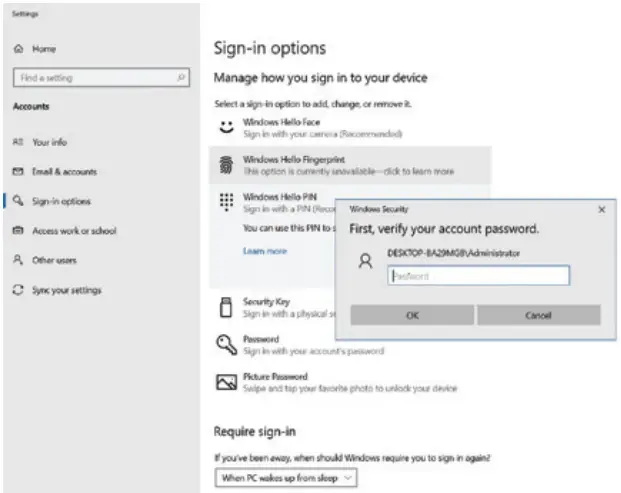
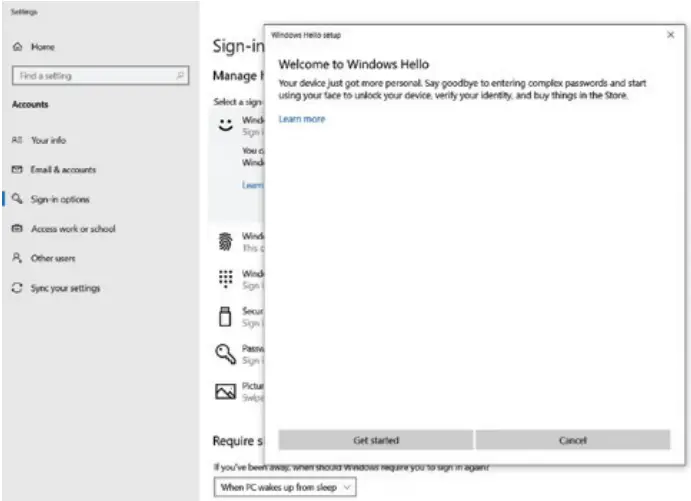
- Open “Settings” and click on “Accounts”, then “Sign-in options”.

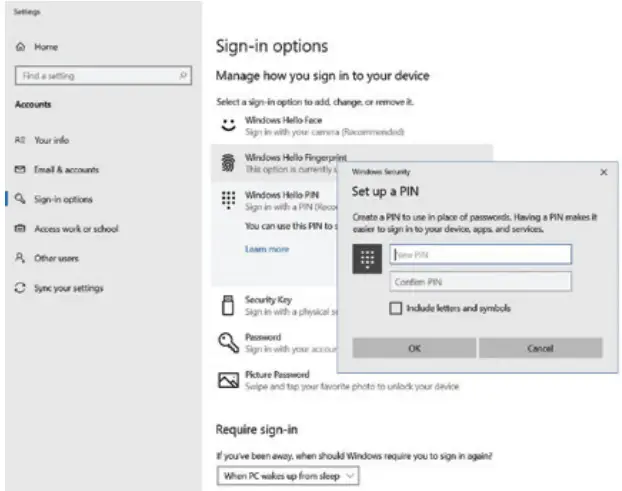
- Set up a PIN code.

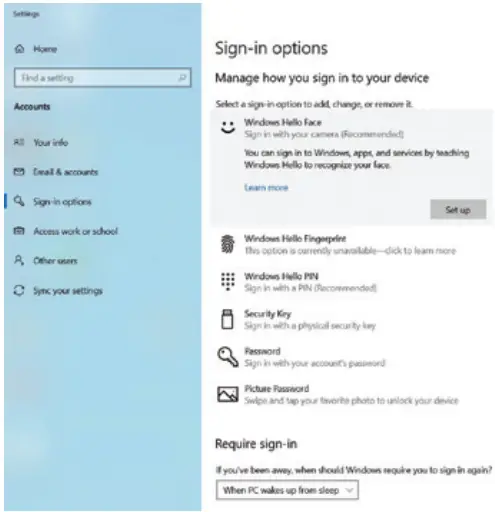
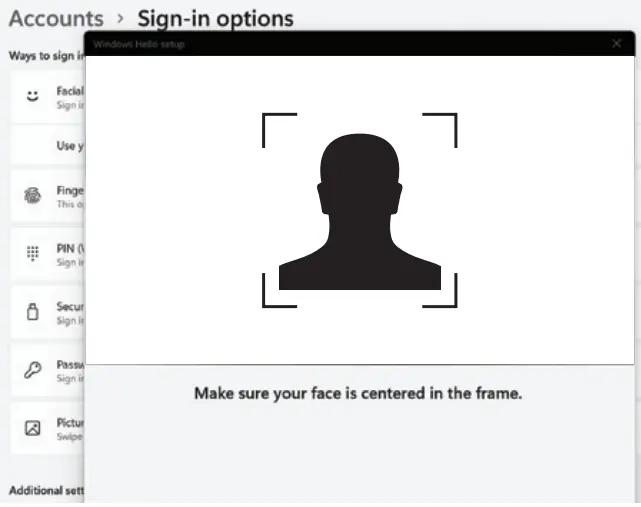
- You will now see which options are available. Face option and set up.

- Click on “Get started”.

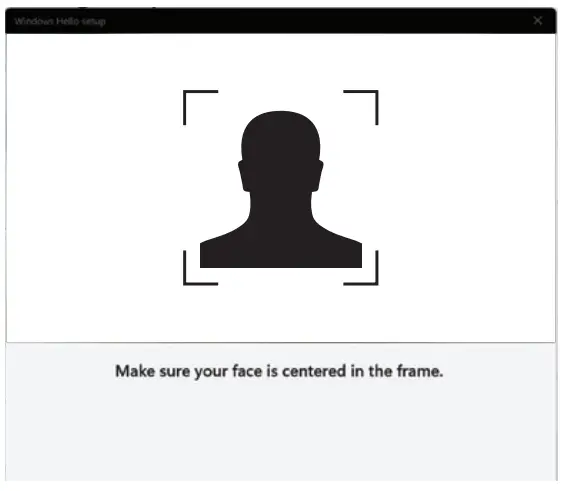
- Position yourself in the center, and the camera will register your face.

- Optional you can improve recognition if for example you wear glasses.

The camera works driver-less and is compatible with most chat-applications.
If you want to get further options for video-effects and image adjustments, please follow this link: www.sandberg.world/webcamguide
Support
http://helpdesk.sandberg.world
Warranty
There is a five-year warranty on your Sandberg product. Please read the warranty terms and register your new Sandberg product at www.sandberg.world/warranty
For information on handling electronic waste, see www.sandberg.world/weee

 Helpdesk - Sandberg A/S