

 m1 Quick Reference
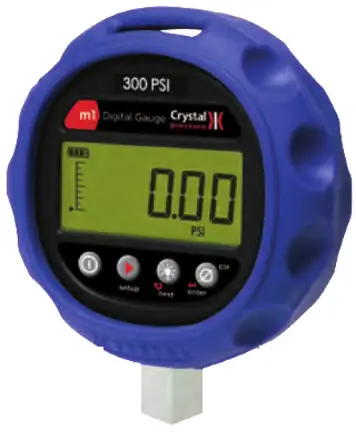
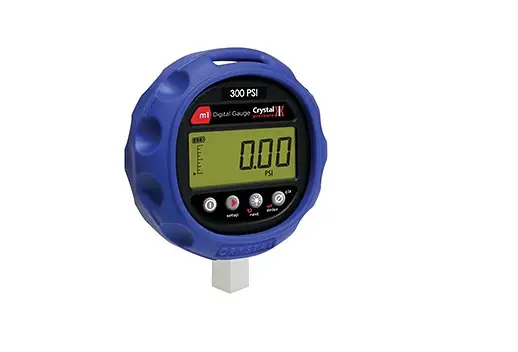
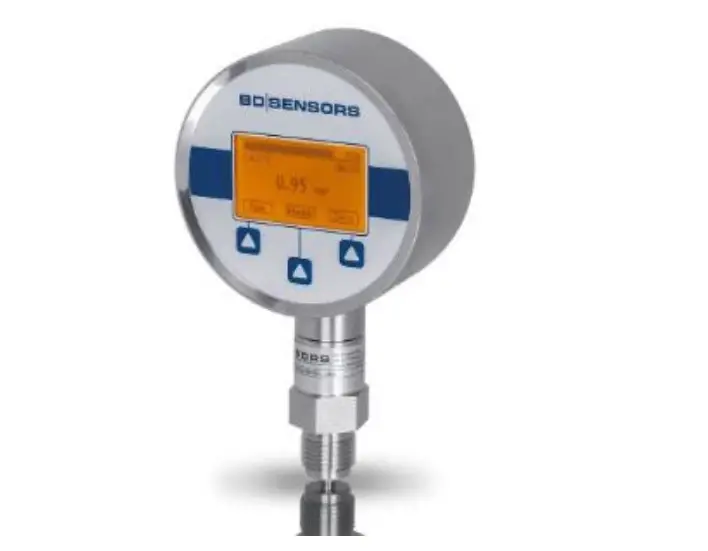
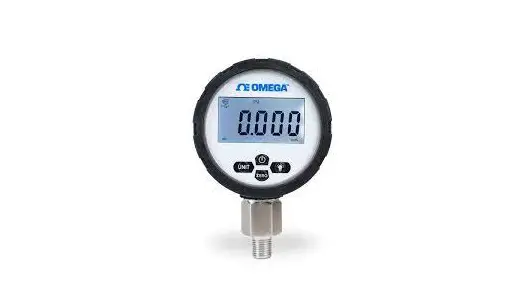
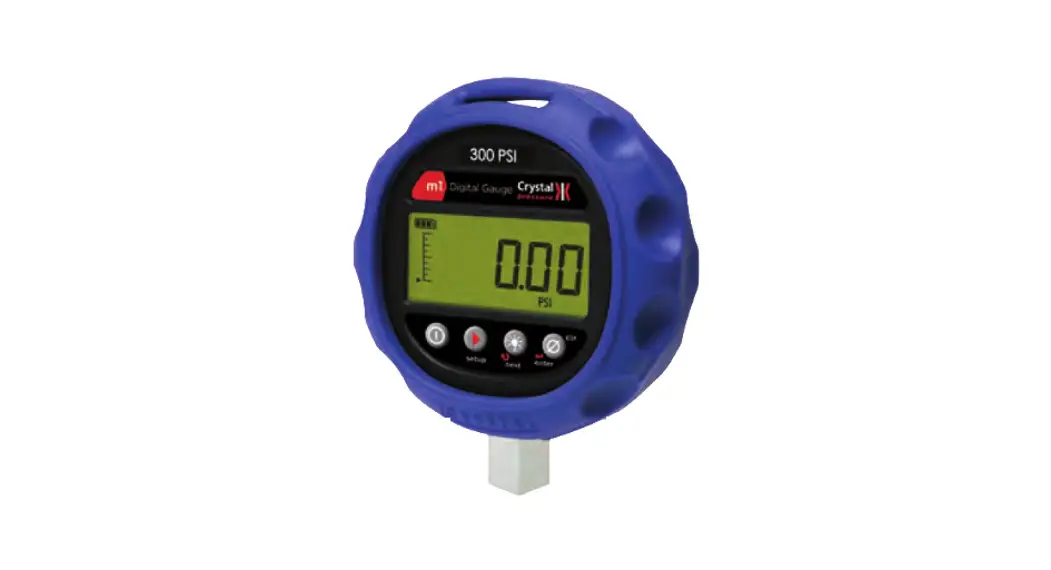
M1 Series Digital Pressure Gauge
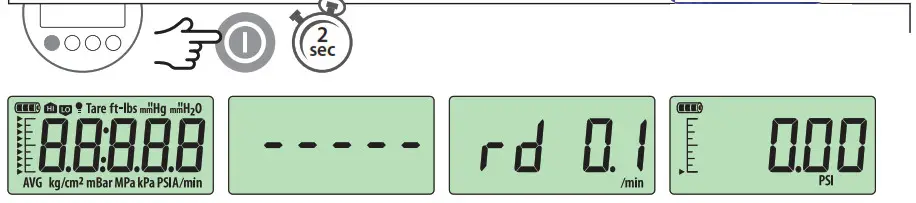
Power On
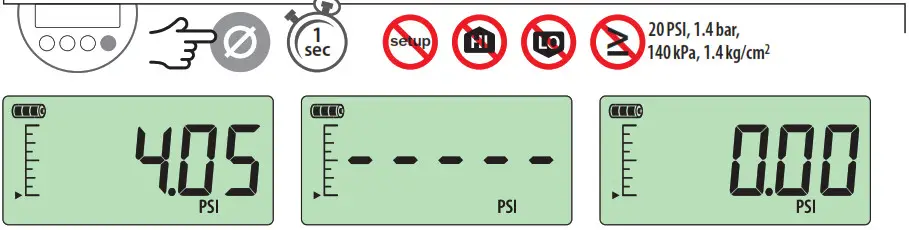
Zero
Backlight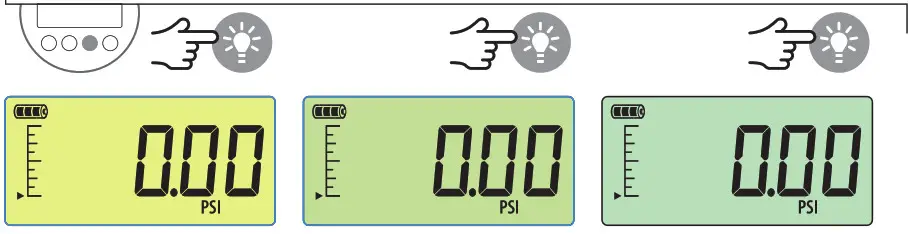 Power Off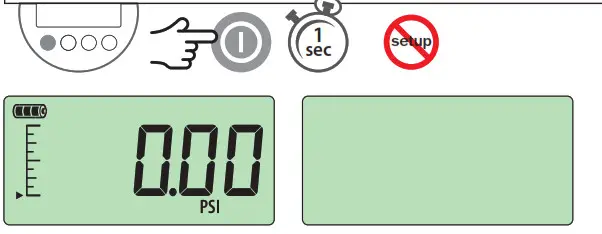
Note: Pressing the enter button always returns the gauge to operating mode. If you want to set multiple Display Functions, press the setup button to navigate from one Display Function to the next, then press the enter button when you are done.
Gauge Setup Basics
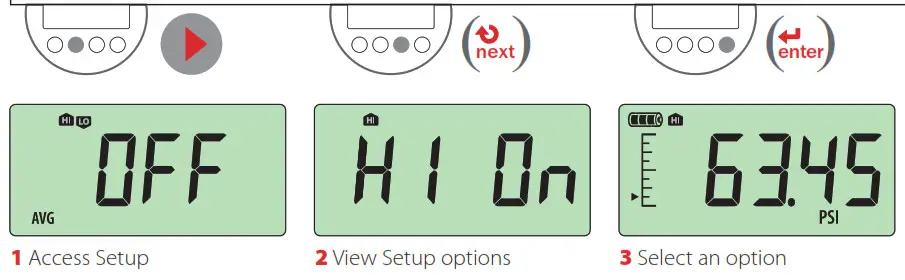 Gauge Setup Map
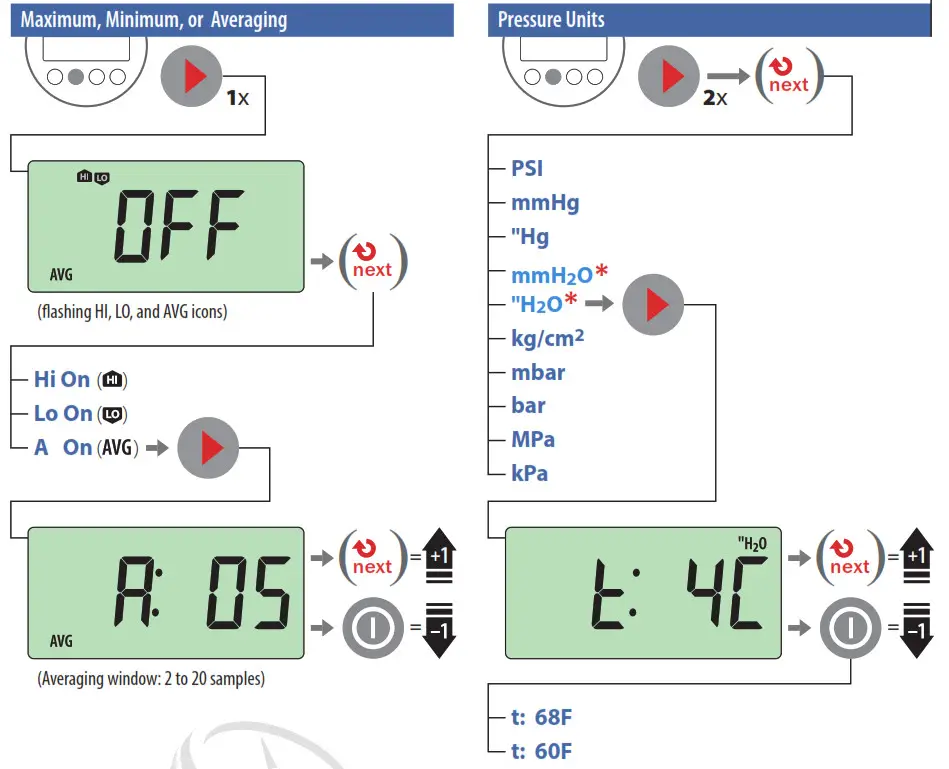
All units are not available with every pressure range.
* H20 icons and temperature settings will only display on H20-enabled units.
Gauge Setup Map
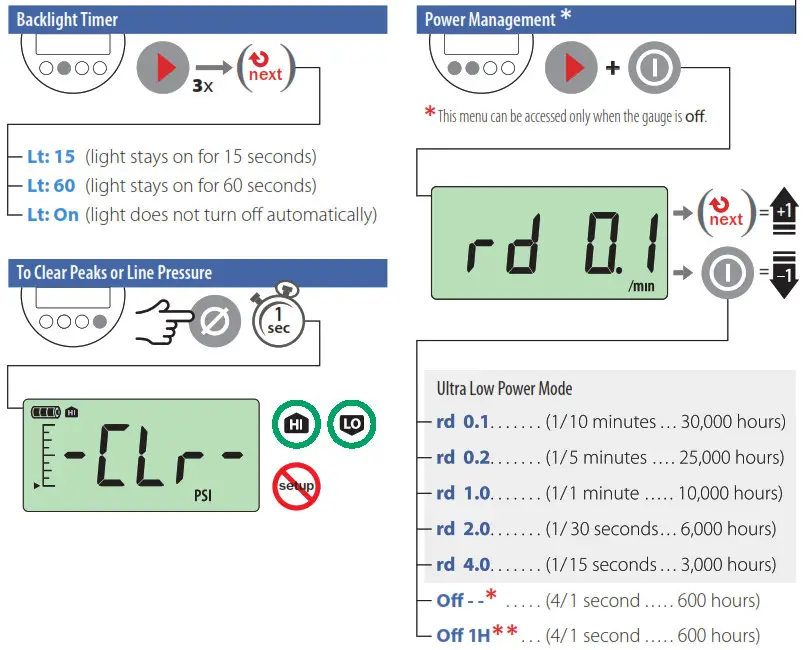
Note: Whenever one of the rd settings is selected, the battery icon will change indicating that the M1 is in Ultra Low Power Mode.
Troubleshooting
Err 1 displayed:
The M1 checks the internal calibration every time it’s turned on. Contact the factory for further instructions.
Err 2 displayed:
The M1 has tried to display a number too large for the display due to an electrical malfunction or numerical error. Contact the factory for further instructions.
Err 5 or Err 6 displayed:
The M1 pressure sensor is exhibiting behavior out of normal operating conditions. Contact the factory for sensor replacement.
Note: If there is no gauge activity for 10 seconds, the gauge will return to operating mode. Any Setup options that you have selected will be enabled.
crystalengineering.net
www.itm.com
[email protected]
1.800.561.8187