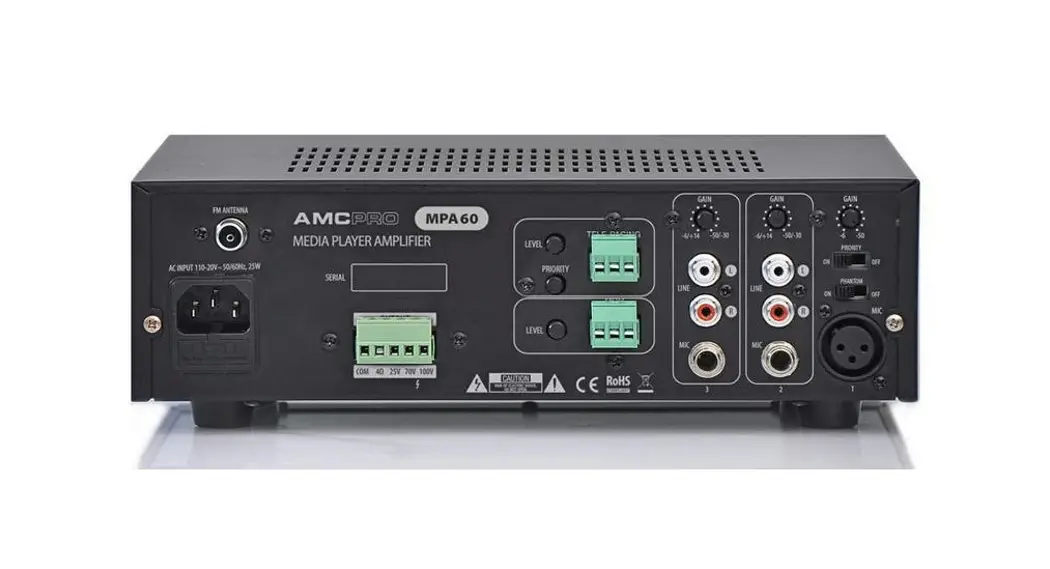
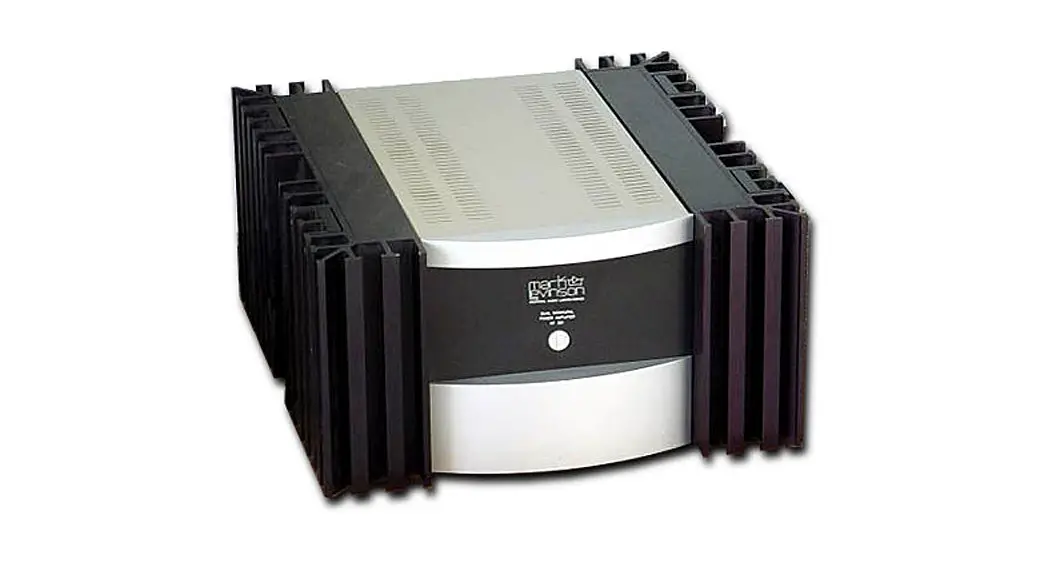
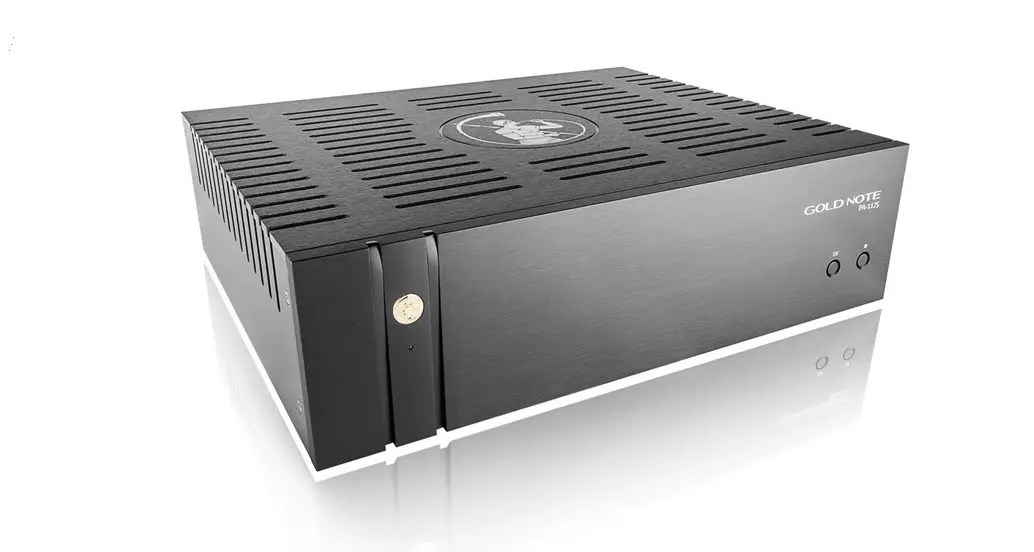
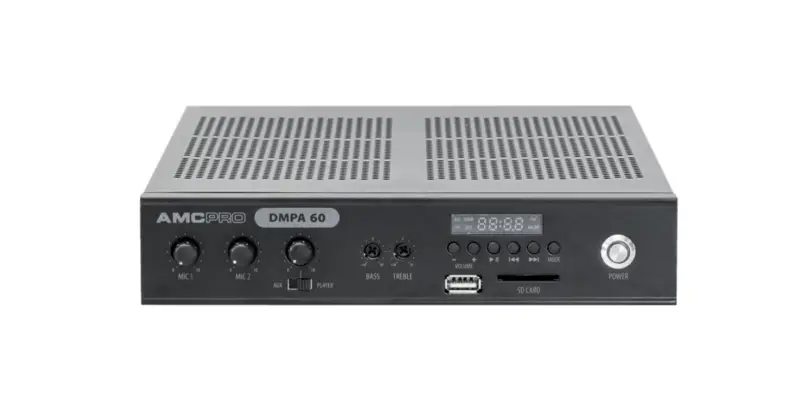
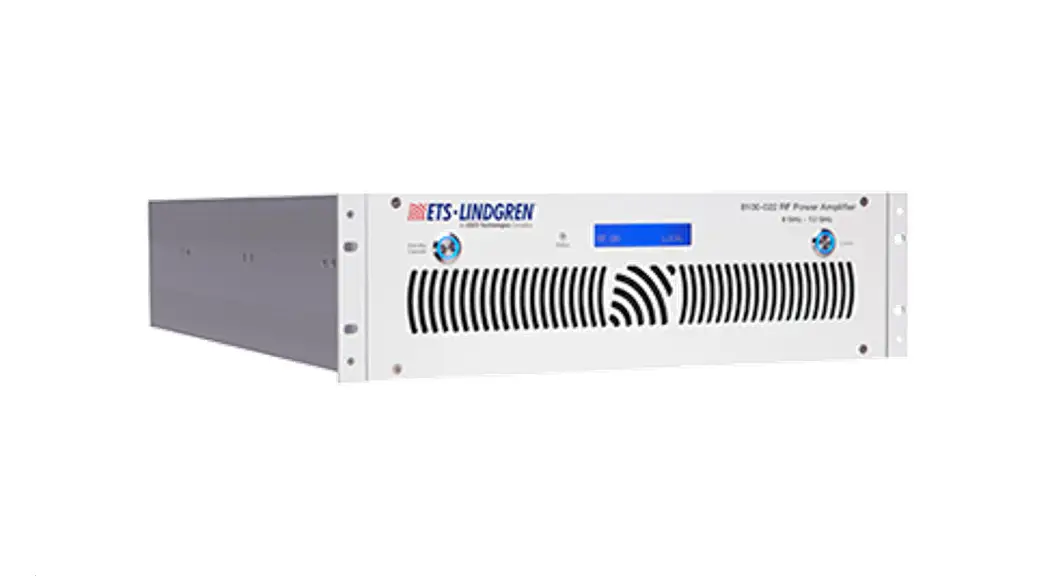
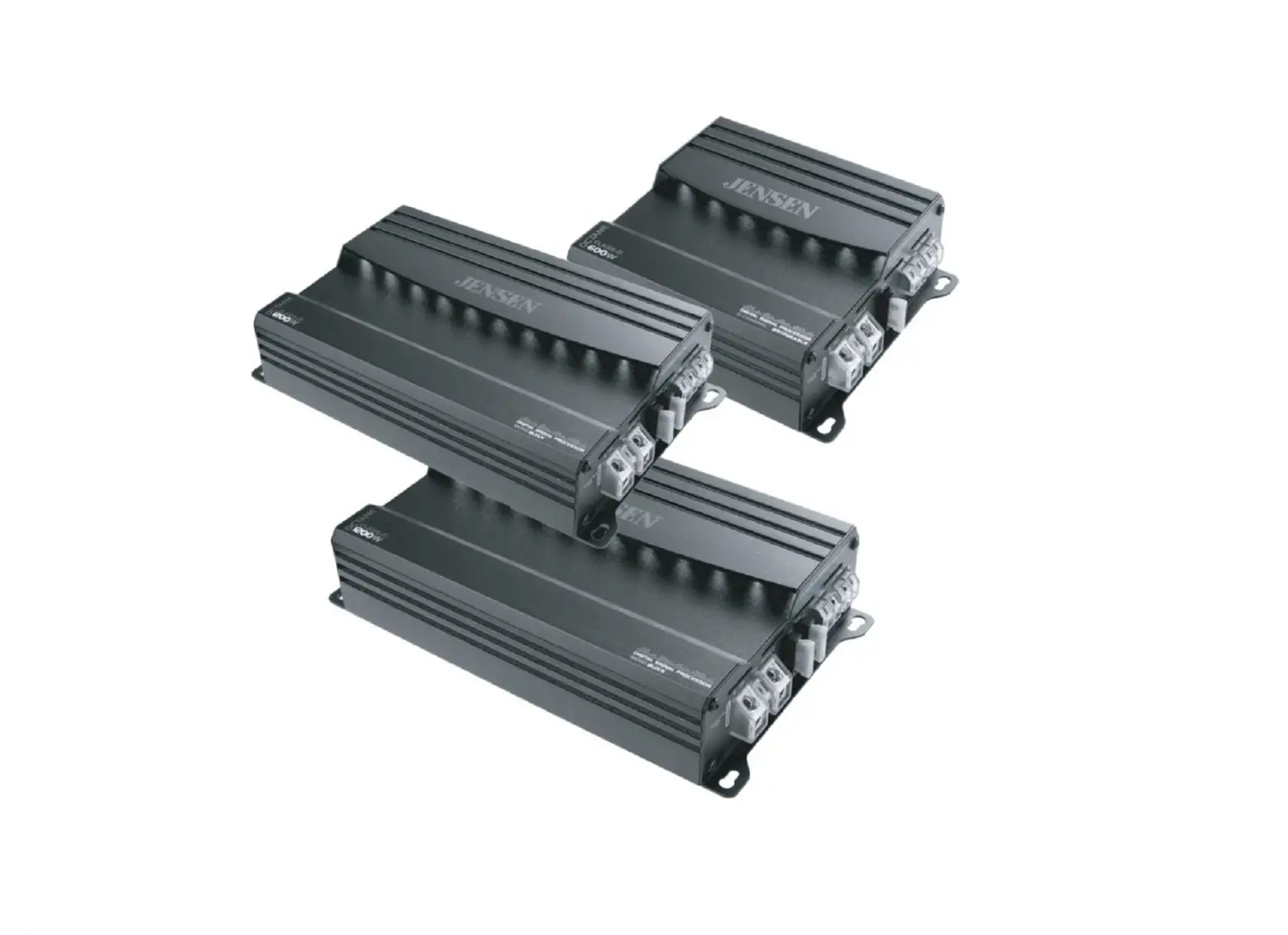
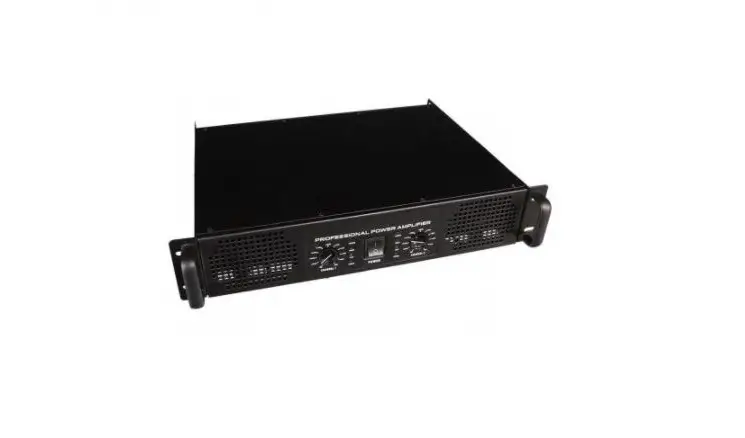
AMP Power Amplifier
User AMP Manual Power Amplifier
Safety Instructions
When using this electronic device, basic precautions should
always be taken, including the following:
- Read all instructions before using the product.
- Do not use this product near water (e.g., near a bathtub,
washbowl, kitchen sink, in a wet basement or near a swimming pool
etc). - Use this device when you are sure that amplifier has a stable
base and it is fixed securely. - This product, in combination with loudspeakers and amplifier
may be capable of producing sound levels that could cause permanent
hearing loss. Do not operate for a long period of time at a high
volume level or at a level that is uncomfortable. If you experience
any hearing loss or ringing in the ears, you should consult with
otorhinolaryngologists. - The product should be located away from heat sources such as
radiators, heat vents, or other devices that produce heat. - The product should be connected to a power supply that is
described in the operating instructions or are marked on the
product. - The power supply should be undamaged and never share an outlet
or extension cord with other devices. Never leave device plugged
into the outlet when it is not being used for a long period of
time. - Care should be taken that objects do not fall into liquids and
liquids would not be spilled on the device. - The product should be serviced by qualified service personnel
if:
- If the power supply cord or the plug has been damaged.
- If the product has been exposed to rain or water.
- If the product does not operate normally when following the
operating instructions. - If the product has been dropped or damaged in any way.
- If the product exhibits a distinct change in performance.
risk of electric shock do not remove cover of the microphone
receiver or power supply. The cover should be removed by the
qualified personnel only.
Features
The AMP Power Amplifier has the following features:
- High-quality sound output.
- Stable base for secure placement.
- Front and rear panel controls for easy operation.
- General specifications for optimum performance.
Operation
Front Panel
The front panel of the AMP Power Amplifier has the following
controls:
- Power button: Turns the amplifier on and off.
- Volume knob: Adjusts the volume of the sound output.
- Treble knob: Adjusts the high-frequency sounds.
- Bass knob: Adjusts the low-frequency sounds.
Rear Panel
The rear panel of the AMP Power Amplifier has the following
controls:
- Input ports: Connects to audio sources such as a CD player or
mixer. - Output ports: Connects to loudspeakers for sound output.
- Power supply port: Connects to a power supply for
operation.
Front Panel Functions
- Press the power button to turn the amplifier on or off.
- Adjust the volume using the volume knob.
- Adjust treble and bass levels using the respective knobs.
Rear Panel Functions
- Connect audio sources to the input ports.
- Connect loudspeakers to the output ports.
- Connect the power supply to the power supply port.
Specifications
General Specifications
- Power output: 200W per channel.
- Frequency response: 20Hz – 20kHz.
- Input sensitivity: 0.775V.
- Signal-to-noise ratio: >90dB.
- Dimensions: 17″ x 5.25″ x 14.5″.
- Weight: 25 lbs.
Follow these instructions carefully to ensure optimum
performance and safety when using the AMP Power Amplifier. If you
have any questions or concerns, please refer to the user manual or
contact our customer support team for assistance.
User AMP Manual Power Amplifier
Safety instructions
When using this electronic device, basic precautions should always be taken, including the following:
1 Read all instructions before using the product.
2 Do not use this product near water (e.g., near a bathtub, washbowl, kitchen sink, in a wet basement or near a swimming pool etc).
3 Use this device when you are sure that amplifier has a stable base and it is fixed securely.
4 This product, in combination with loudspeakers and amplifier may be capable of producing sound levels that could cause permanent hearing loss. Do not operate for a long period of time at a high volume level or at a level that is uncomfortable. If you experience any hearing loss or ringing in the ears, you should consult with otorhinolaryngologists.
5 The product should be located away from heat sources such as radiators, heat vents, or other devices that produce heat.
6 The product should be connected to a power supply that is described in the operating instructions or are marked on the product.
7 The power supply should be undamaged and never share an outlet or extension cord with other devices. Never leave device plugged into the outlet when it is not being used for a long period of time.
8 Care should be taken that objects do not fall into liquids and liquids would not be spilled on the device.
9 The product should be serviced by qualified service personnel if:
The power supply or the plug has been damaged.
Objects have fallen into or liquid has been spilled on the product.
The product has been exposed tor ain.
The product has been dropped or the enclosure damaged.
10 There are some areas with high voltage inside, to reduce the risk of electric shock do not remove cover of the microphone receiver or power supply. The cover should be removed by the qualified personnel only.
CAUTION
RISK OF ELECTRIC SHOCK DO NOT OPEN
To reduce the risk of electric shock, do not remove screws. No user-serviceable parts inside. Refer servicing to qualified service personnel. To reduce the risk of fire, electric shock or product damage, do not expose this apparatus to rain, moisture, dripping or splashing and that no objects filled with liquids, such as vases, shall be placed on the apparatus.
02
USER MANUAL AMP Power Amplifier
Table of contents
Before you start
Introduction ……………………………………………………………………………………………………………………………………4 Features …………………………………………………………………………………………………………………………………………….4
Operation
Front panel ……………………………………………………………………………………………………………………………………..5
Rear panel…………………………………………………………………………..2….5…o……………………………………………………..6
Front panel functions…………………………………………………………………………………………………………………7 Rear panel functions…………………………………………………………………………………………………………………..7
Specifications
General specifications………………………………………………………………………………………………………………..8
x
y
x
y
USER MANUAL
AMP PoUwesraAmgpelifi1er8m5mm03m
Before you start
Highly efficient Class D amplifier designed in a slim 1 rack unit gives a choice to drive 8 , 4 , and 2 speakers also ensures increased power density and better audio performance. Amplifiers are customized to use in live sound systems, great for night clubs and discos.
FEATURES · D class power amplifier · Switching power supply · Designed to drive 2 speakers · Soft start · 1 rack unit size · Variable speed cooling FAN
· Balanced XLR inputs · LINK outputs · Powercon for connecting mains power · Signal clipping indicator · Overload protection
04
USER MANUAL AMP Power Amplifier
Operation
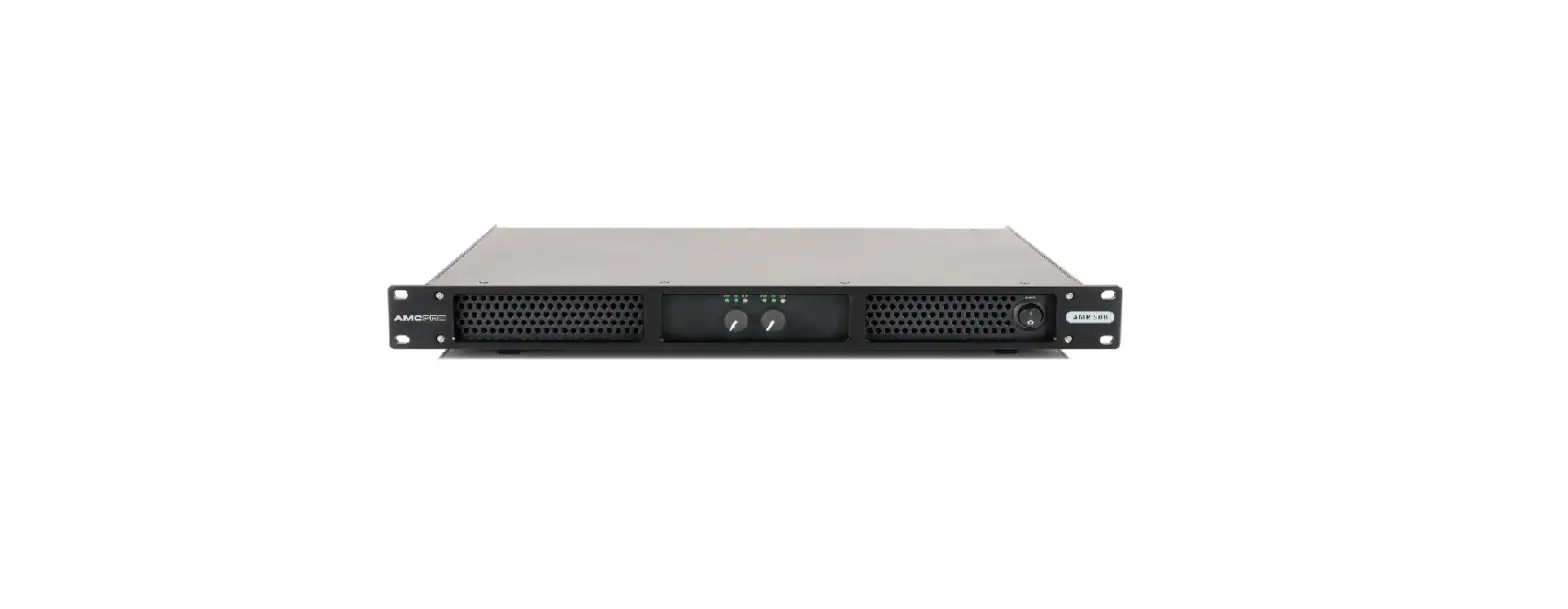
Front Panel | AMP 4X500
1
2
1. Volume controls | 2. LED indicators | 3. Power switch
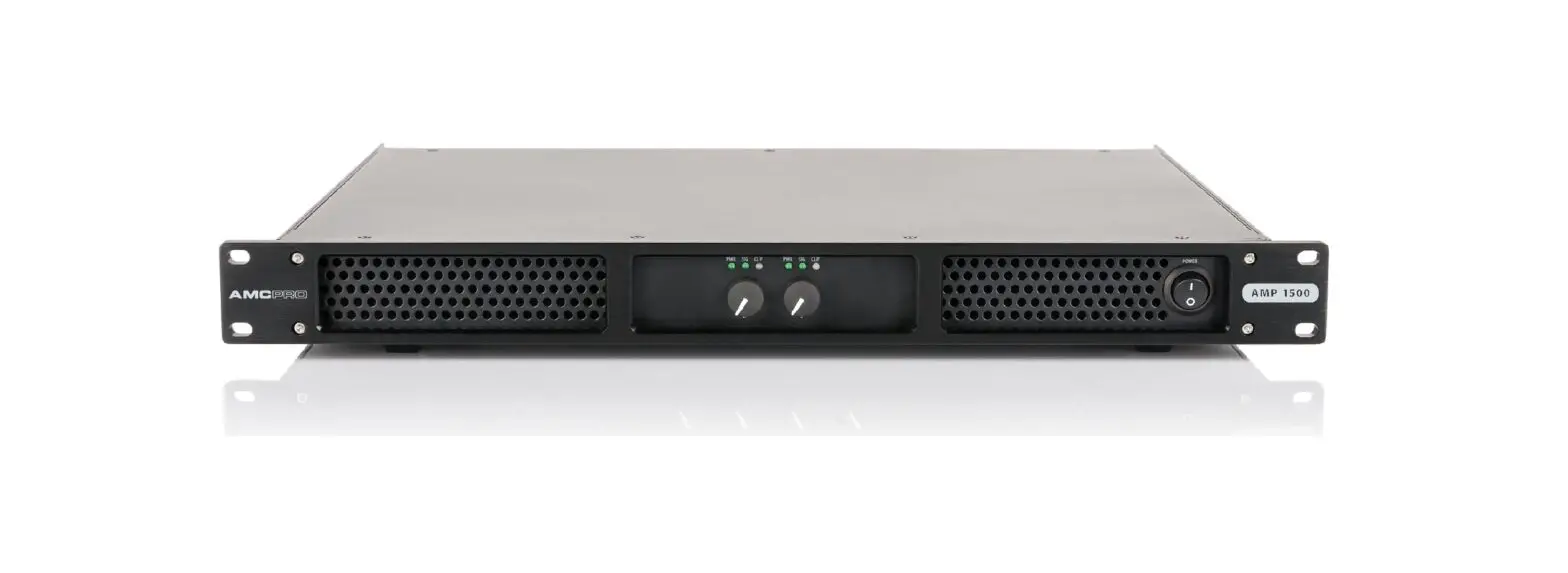
Front Panel | AMP 500, AMP 1500
1
2
1. Volume controls | 2. LED indicators | 3. Power switch
3 3 USER MANUAL AMP Power Amplifier 05
Operation
Rear Panel | AMP 4X500
1
2
1. Mains power connector | 2. Output connectors | 3. Operation modes | 4. Inputconnectors
Rear Panel | AMP 1500 ,
3
4
3
1
2
3
4
354
1. Mains power connector | 2. Output connectors | 3. Link connectors | 4. Input connectors | 5. Operation modes
Rear Panel |AMP 500
AM
1
2
3
4
354
1. Mains power connector | 2. Output connectors | 3. Link connectors | 4. Input connectors | 5. Operation modes
Operation
Front panel functions
VOLUME CONTROLS Rotary knobs for adjusting the volume level of the selected channel.
LED INDICATORS The power LED indicator illuminates when the power is turned “ON”. The signal LED indicator illuminates when the input signal is greater than -14 dBu is present. The clip LED indicator when the input signal is greater than +3 dBu is present. Occasional blinking is acceptable, but if LED lights on more than intermittently, turn down either the power amplifier level or reduce the output level of the preceding component to avoid audible distortion.
POWER SWITCH Switch amplifier power ON or OFF.
Rear panel functions
MAINS POWER CONNECTOR Power connector for mains power.
AMPLIFIER OUTPUT CONNECTORS Audio outputs designed to connect speakers by using Speakon type connector.
AMPLIFIER INPUT CONNECTORS Input connector designed to connect external audio signals.
AMPLIFIER LINK CONNECTORS Connect outgoing audio signal from input connectors to additional amplifier. Input and link connectors are connected with each other directly.
OPERATION MODES
There are 3 available modes of operation: stereo, bridge, and parallel. Turn off the amplifier before switching these modes.
Stereo mode: This is a general mode. In this mode all amplifier channels are separate from each other and can be used individually. All inputs require an audio signal and all volume controls are active. The minimum loudspeaker impedance is specified in the general specification table on the user manual’s last page.
Bridge mode: This mode combines power from two channels to drive a single loudspeaker. If bridge mode is activated the audio signal to AMP 500 amplifier should be connected to Input1. Connect audio to Input3 to bridge 2 and 3 AMP 4X500 amplifiers’ outputs. The minimum loudspeaker impedance should be 4 for AMP 500 model and 8 for AMP 4X500 model. Before enabling Bridge mode pay attention to the wiring diagram on the rear panel of the amplifier. Bridge mode requires specific wiring.
Parallel mode: This mode allows to operation of two amplifier channels in parallel with the same audio signal. Two inputs are internally connected, so only Input1 and Input3 require an audio signal for the AMP4X500 amplifier. Use Input1 only for two-channel amplifiers AMP 500 and AMP 1500. In parallel mode all volume controls are active. Do not use parallel mode then feed the amplifier with separate audio signals. Please note that only amplifier inputs are connected in parallel. Do not connect output connectors in parallel! This is not an output parallel mode.
06
USER MANUAL AMP Power Amplifier
USER MANUAL AMP Power Amplifier 07
General Specifications
AMP 500, AMP 1500, AMP 4X500 Power Amplifiers
Power supply Channels Output power 8 Output power 4 Output power 2 Bridge mode 4 Output connectors Input/Link
AMP 500
2 2×350 W 2×500 W 2×600 W 700 W
AMP 1500 AC 220-240 V, 50/60 Hz
2 2×800 W 2×1500 W 2×1800 W
N.A. Speakon Balanced XLR
Input Impedance
20 k
Input gain
2dBu
Frequency Response
20 Hz 20 kHz
THD+N
< 0.1%
S/N ratio
> 105 dB
Crosstalk
> 75 dB
Cooling
Forced air cooling
Dimensions (H x W x D)
44 x 483 x 375 mm
Weight
5,6 kg
7 kg
AMP 4X500 4
4×350 W 4×500 W 4×600 W 2x700W
7,2 kg
08
USER MANUAL AMP Power Amplifier
The specifications are correct at the time of printing this manual. For improvement purposes, all specifications for this unit, including design and appearance, are subject to change without prior notice.
Rev. 2023-04-20