
D-link Basic Setup Guide For Qos Dsl-g2562dg Installation Guide

D-link Basic Setup Guide For Qos Dsl-g2562dg Installation Guide

D-Link Basic setup guide for QoS DSL G2562DG - logoBasic setup guide for QoS
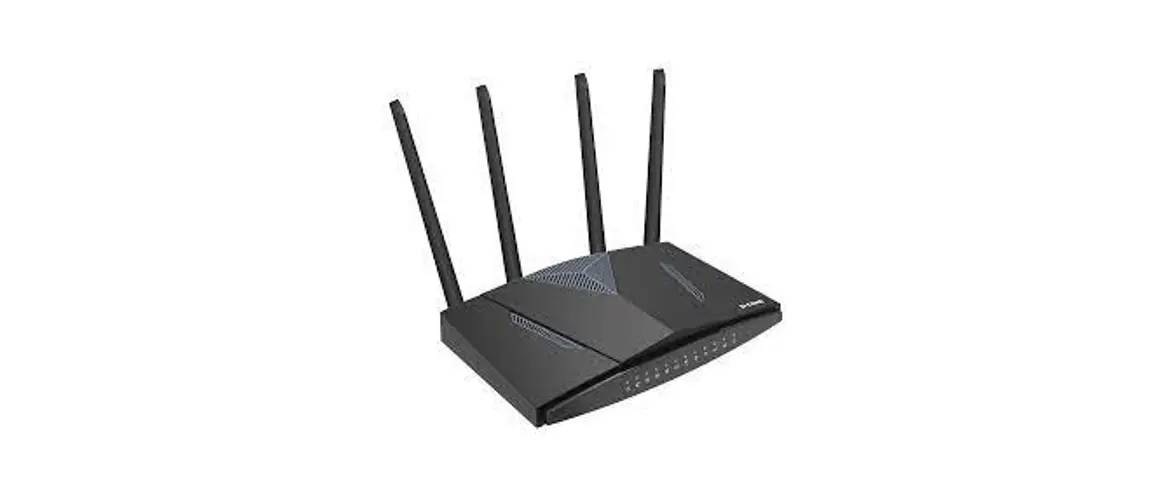
(Can be used with DSL-G2562DG and the DWR-956M)

Quality of service (QoS) is the description or measurement of the overall performance of a service, such as a telephony or a computer network or a cloud computing service,  particularly the performance seen by the users of the network.

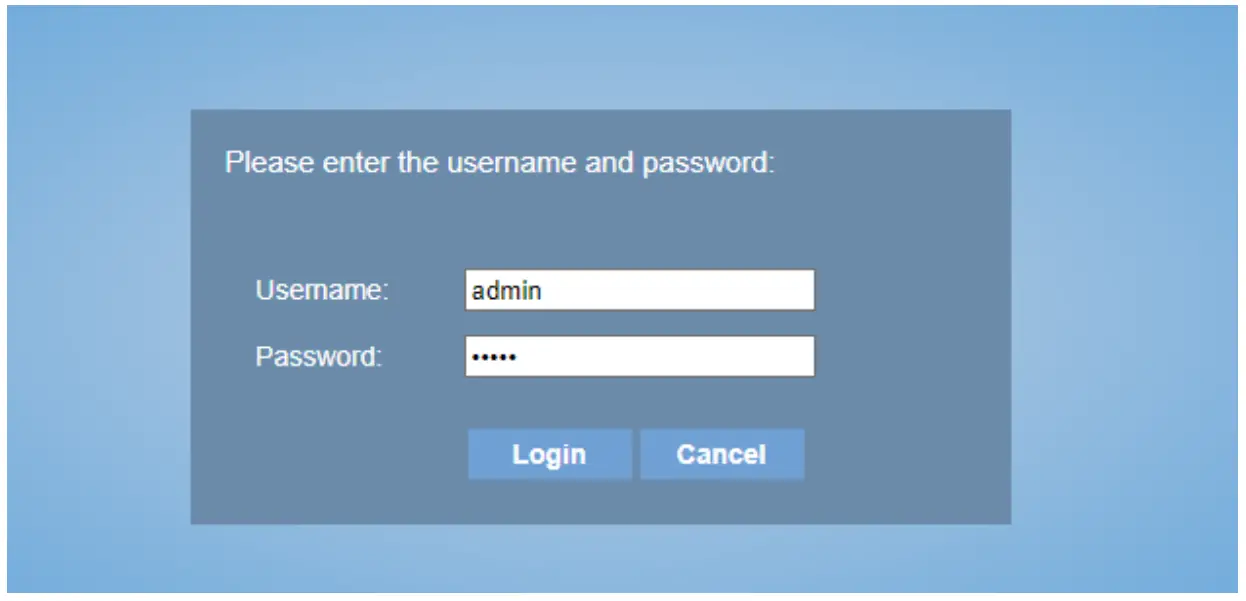
Login to the router. Default IP address is http://10.0.0.2
D-Link Basic setup guide for QoS DSL G2562DG - figure 1

The default login username and password is “admin”.

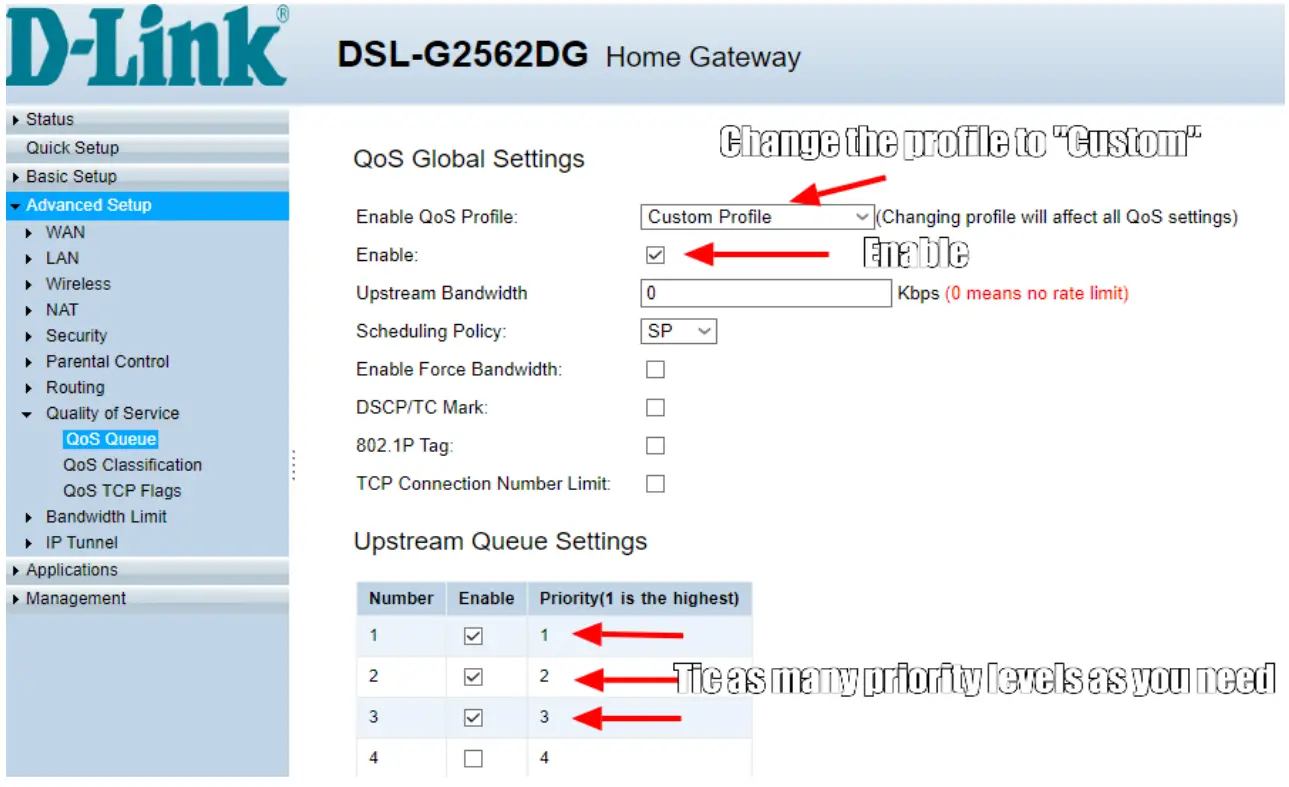
  1. Go to Advanced setup → Quality of Service → QoS Queue.
    D-Link Basic setup guide for QoS DSL G2562DG - figure 2
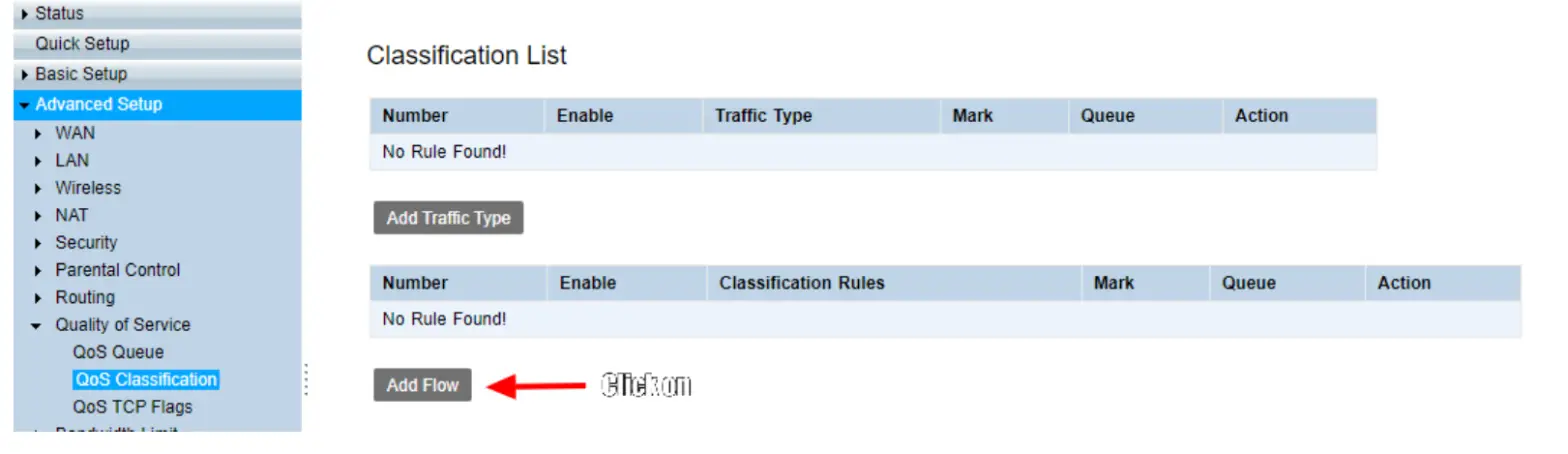
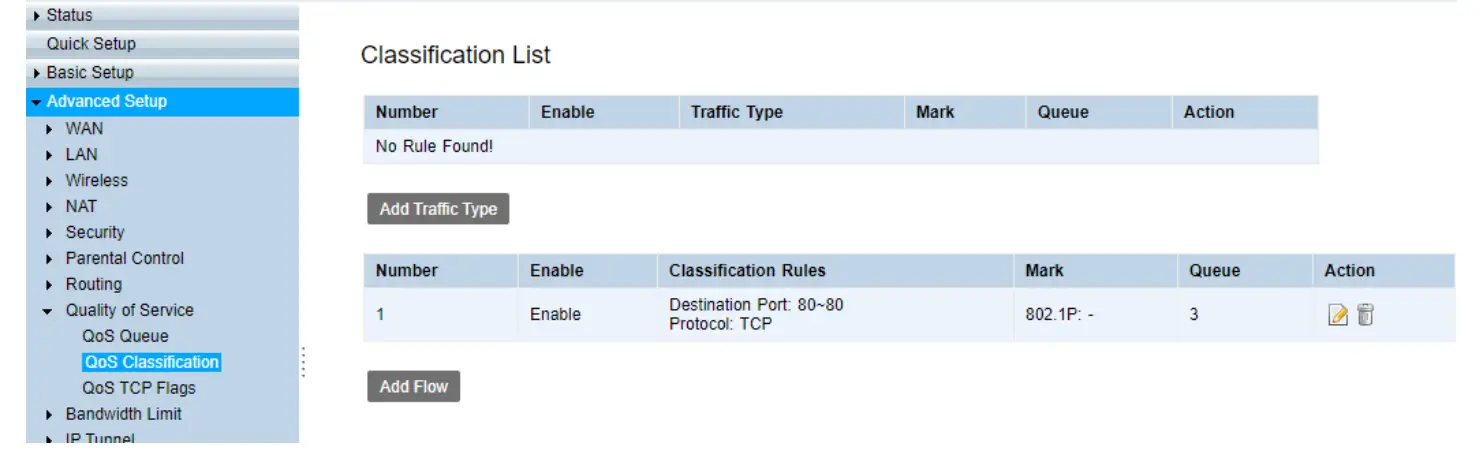
  2. Go to Advanced setup → Quality of Service → QoS Classification.
    D-Link Basic setup guide for QoS DSL G2562DG - figure 3

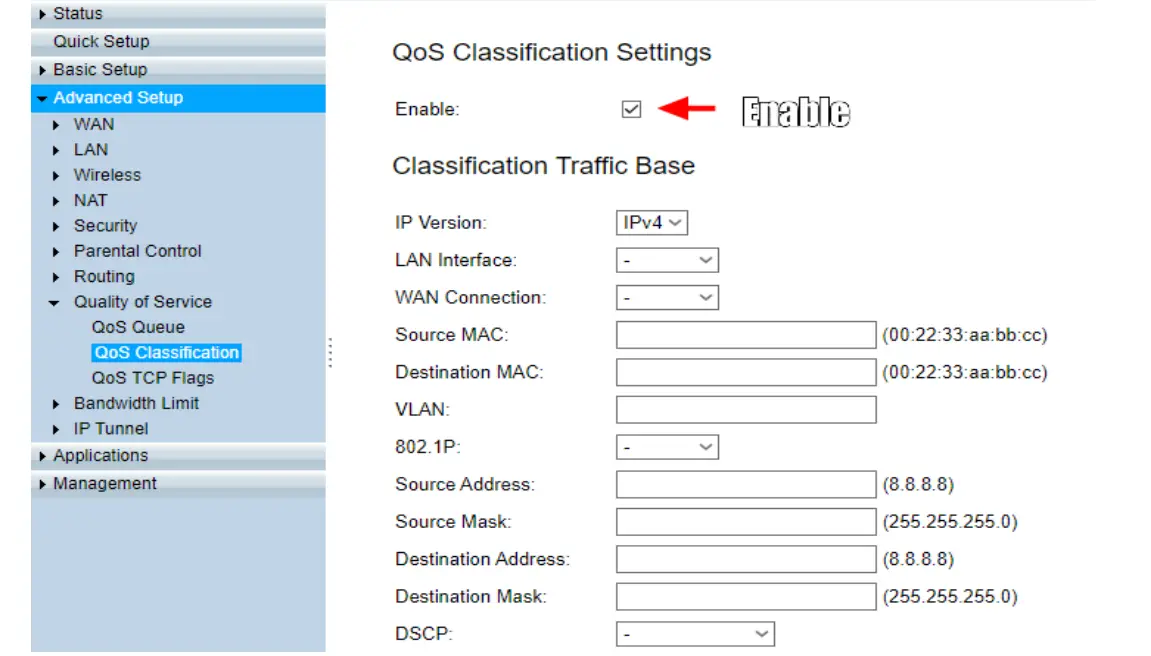
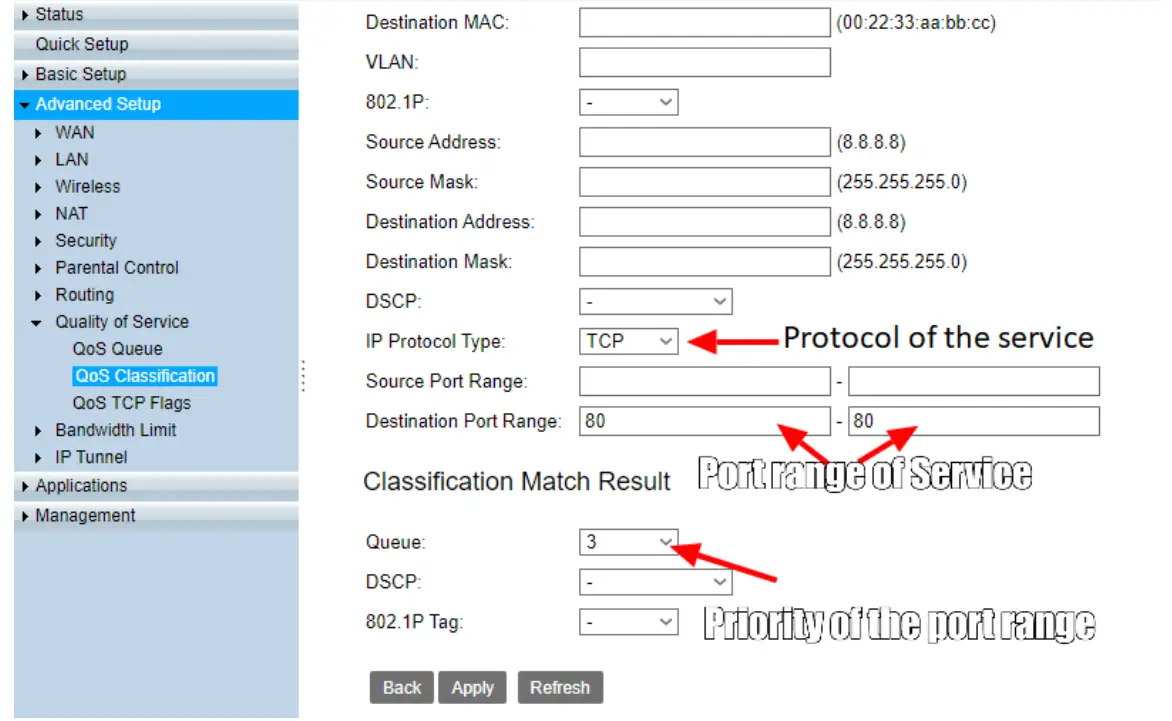
Add a Flow rule.
D-Link Basic setup guide for QoS DSL G2562DG - figure 4

D-Link Basic setup guide for QoS DSL G2562DG - figure 5

D-Link Basic setup guide for QoS DSL G2562DG - figure 6

Documents / Resouces

Download manual
Here you can download full pdf version of manual, it may contain additional safety instructions, warranty information, FCC rules, etc.


Related Manuals