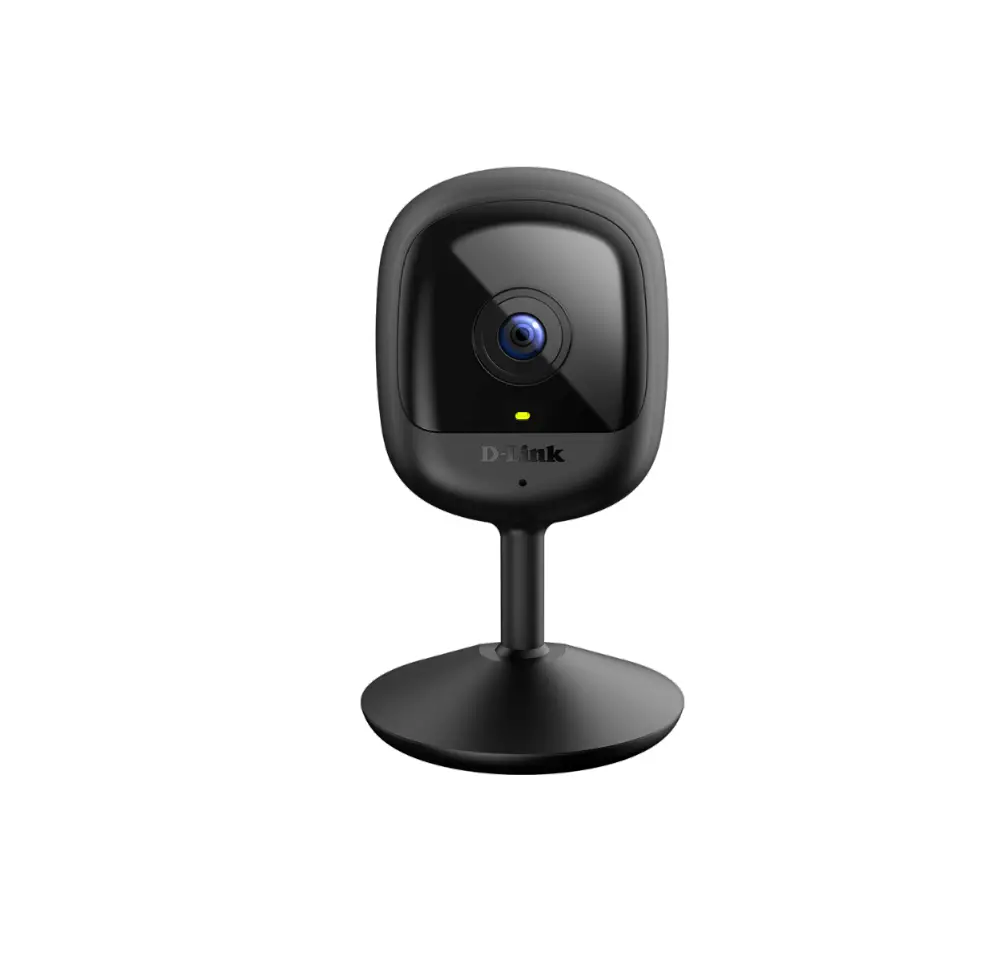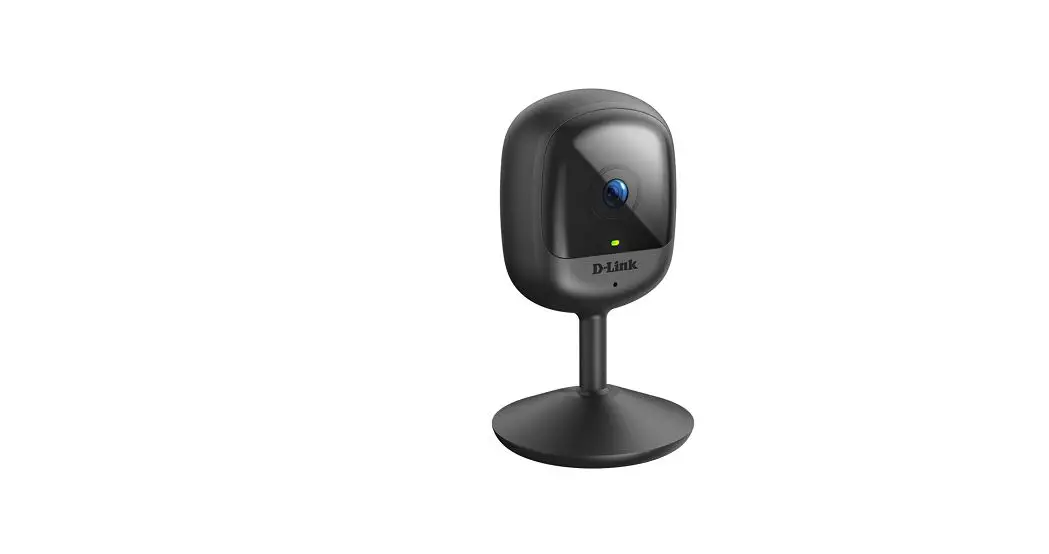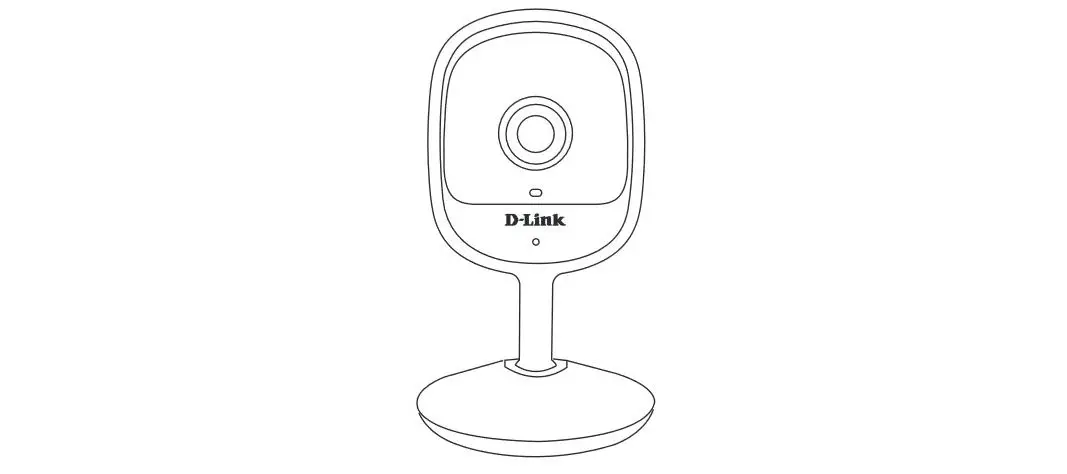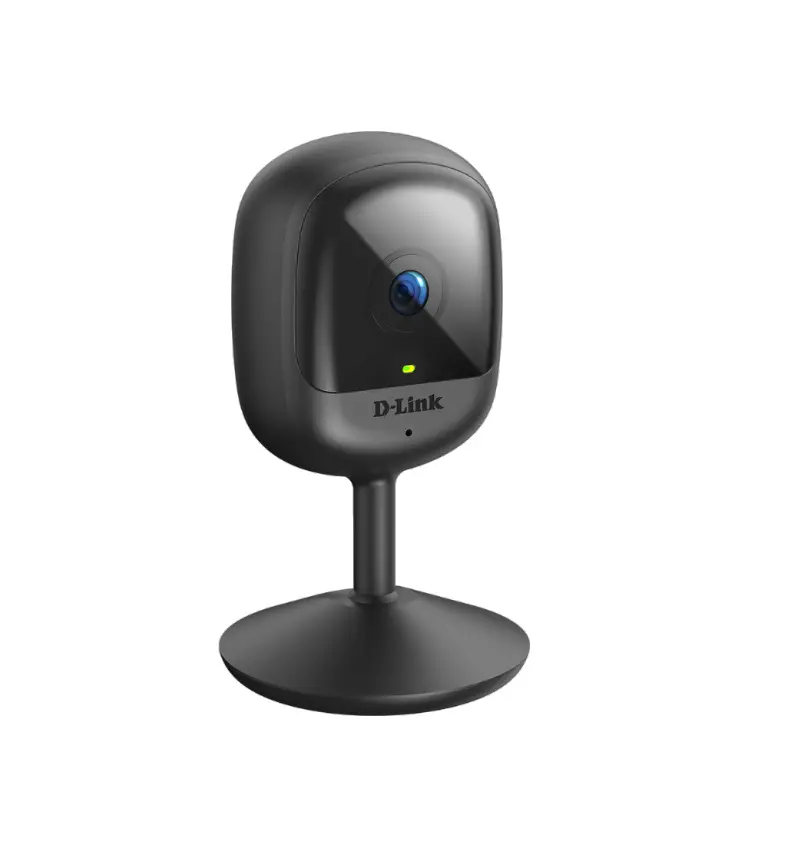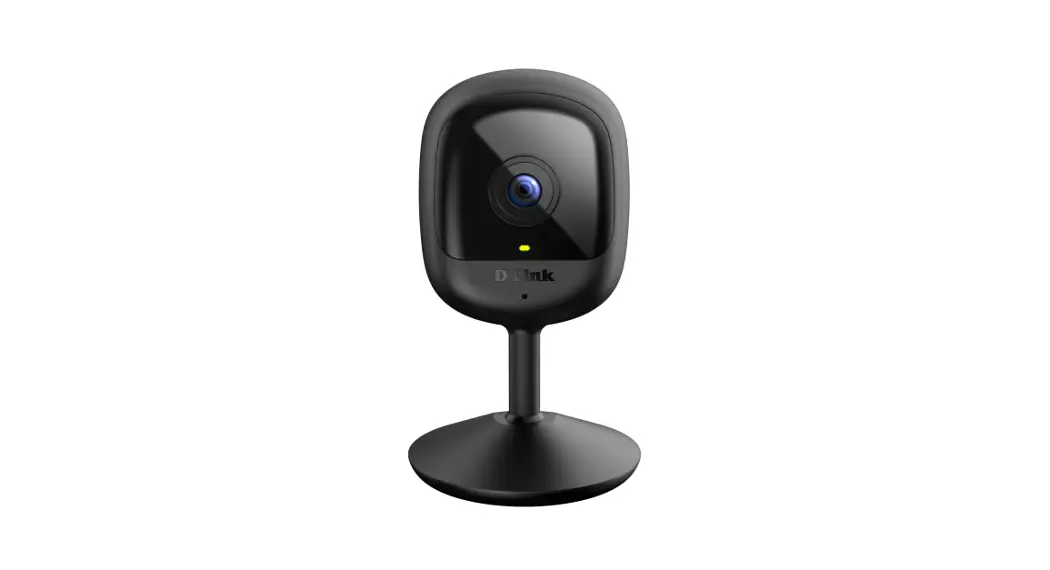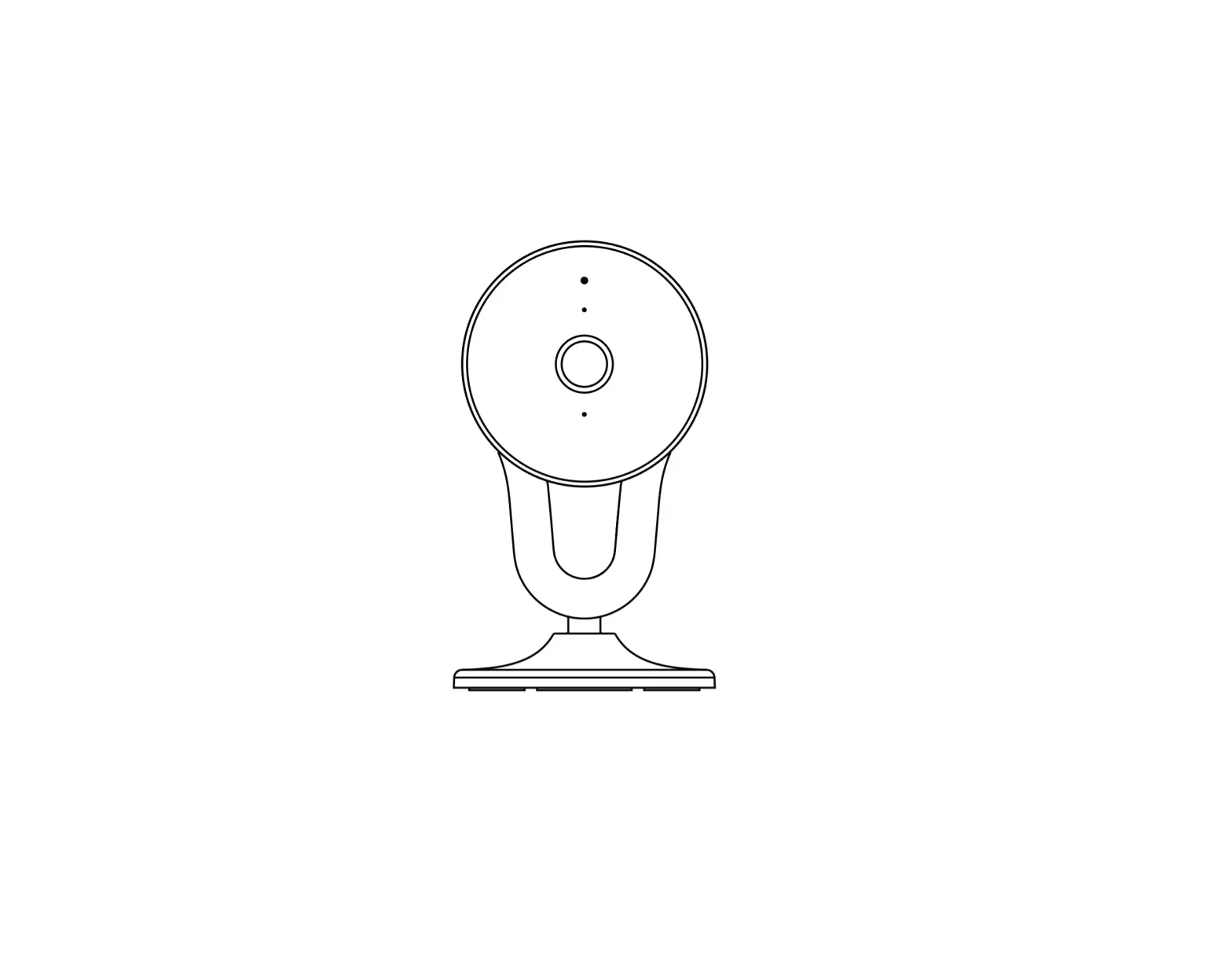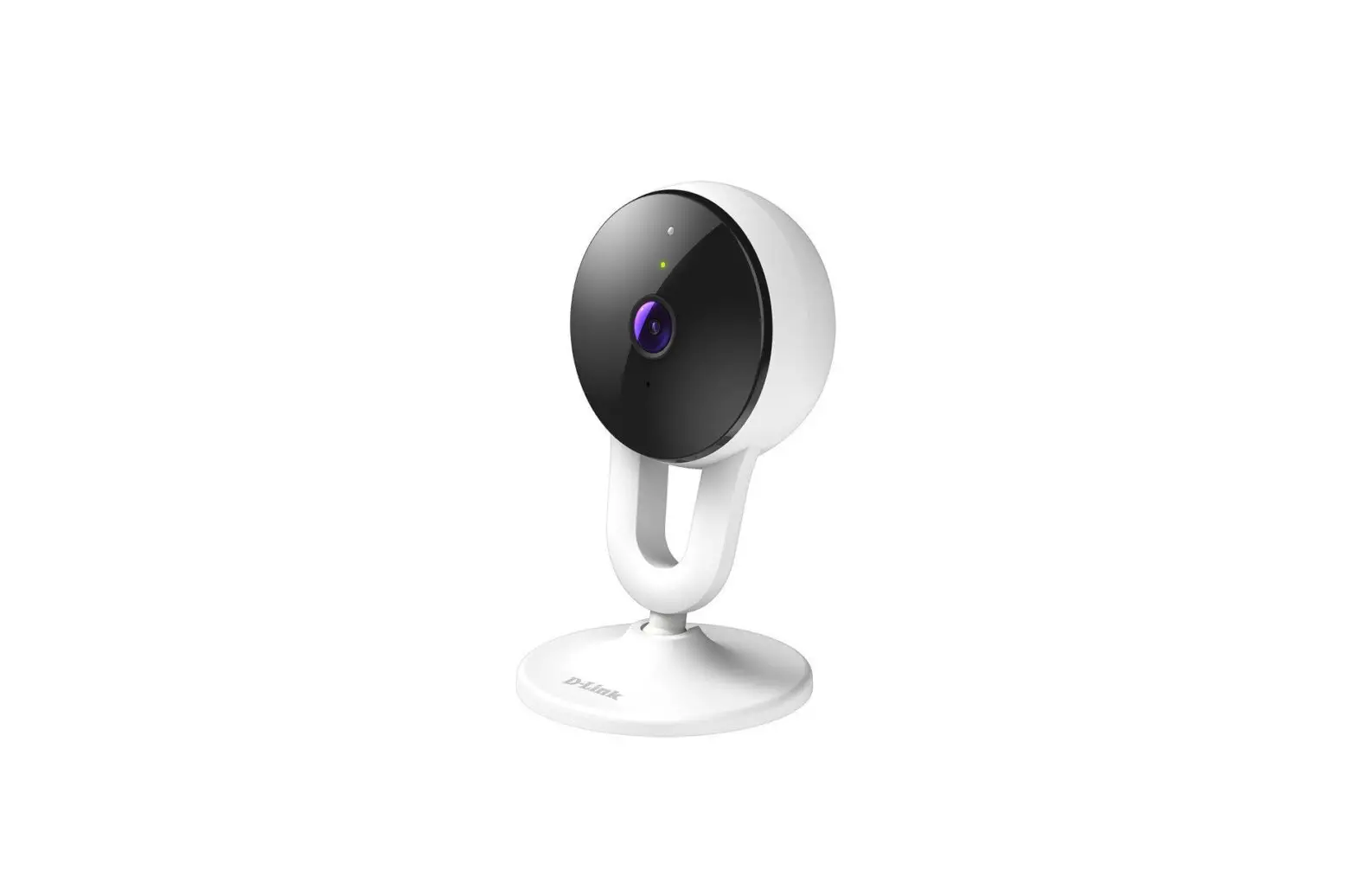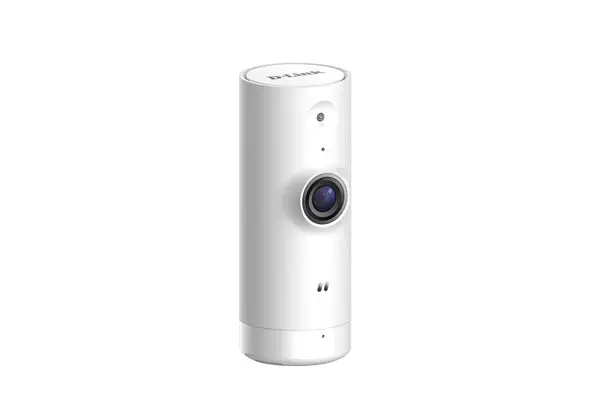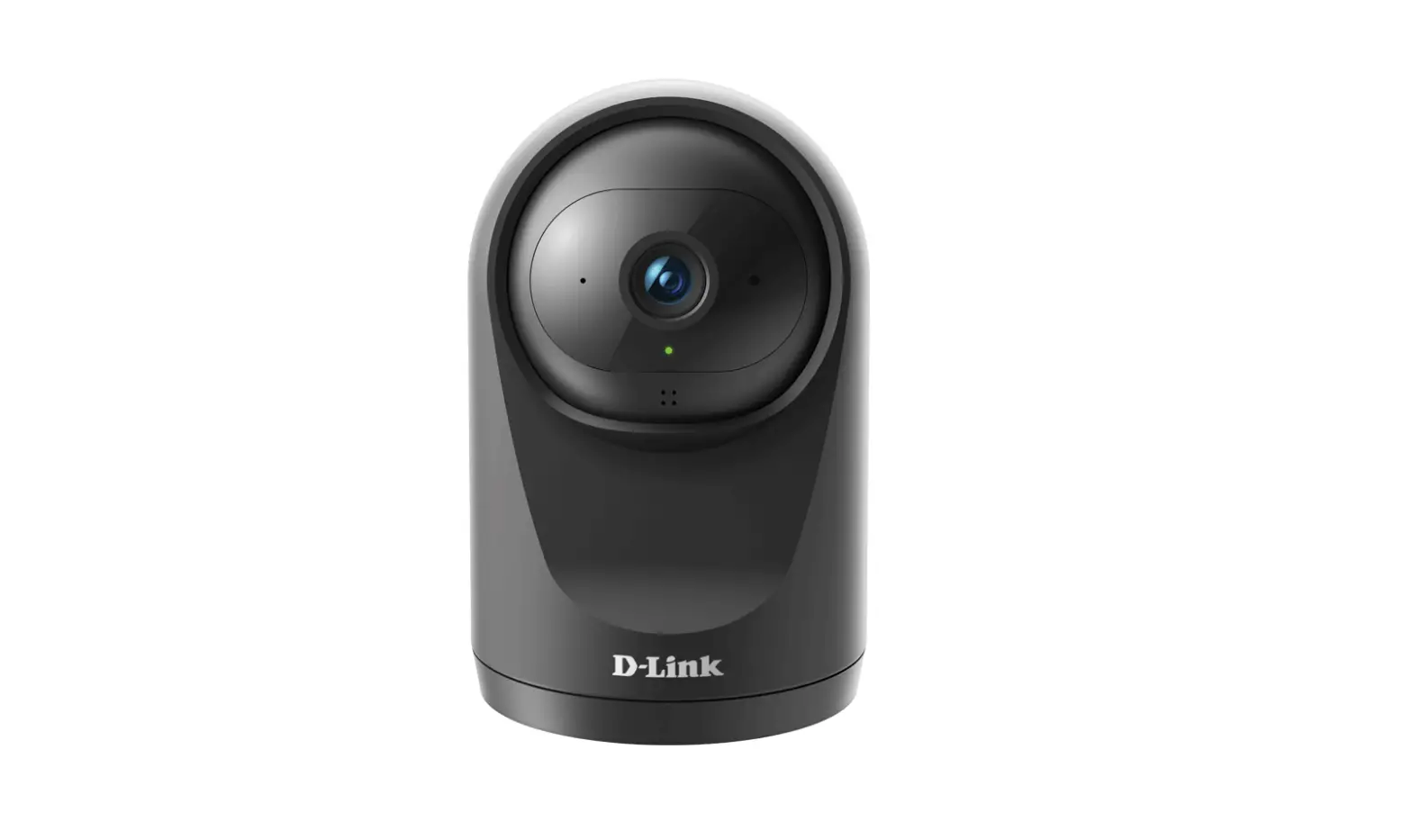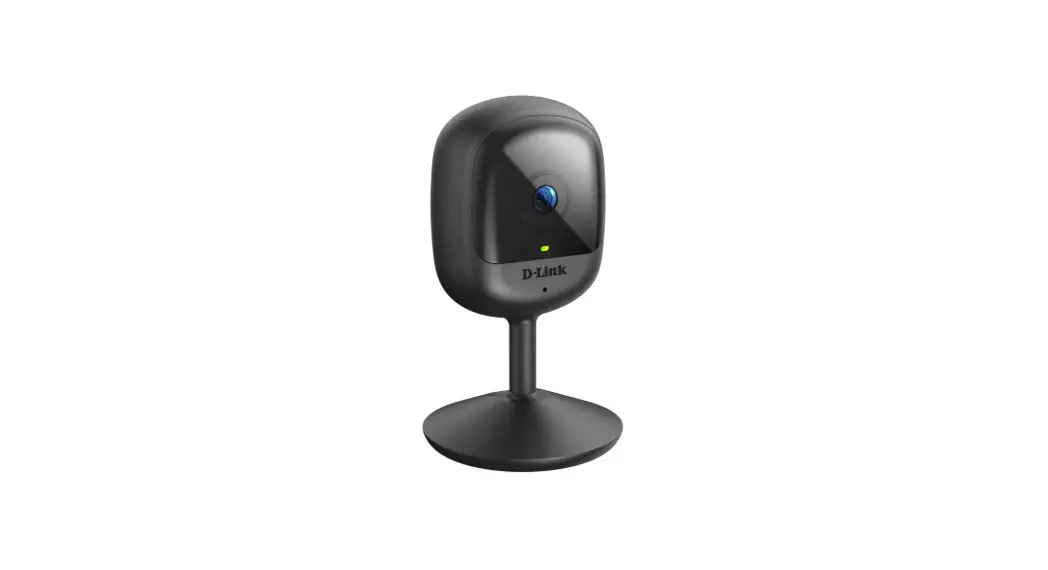

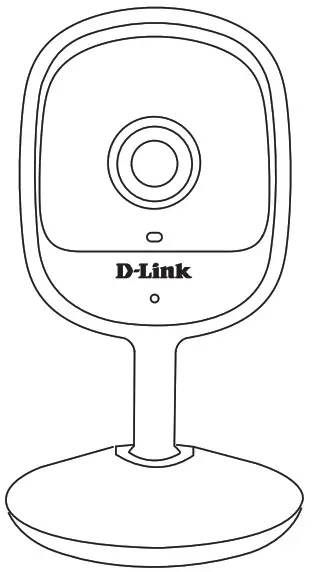
DCS-6100LHV2
Compact Full HD Wi-Fi Camera
Quick Installation Guide
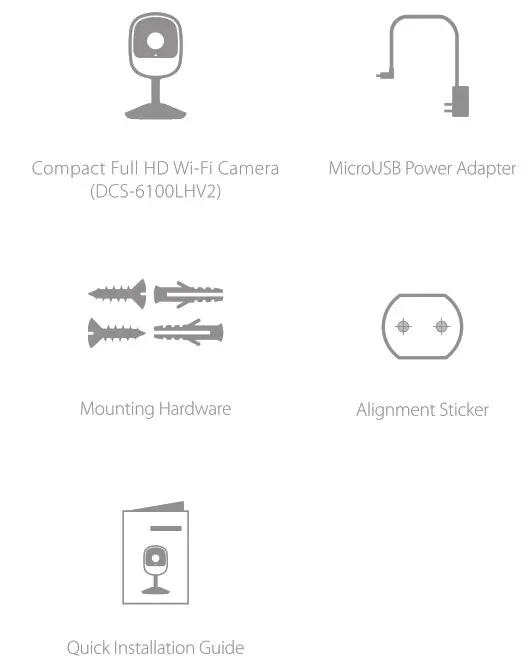
What’s in the Box
 Simple Setup
 Simple Setup
Note: Please set up your device before mounting it.
- Get my dlink app on the App Store or on Google Play. Launch the app, then Sign In or Create a New Account.

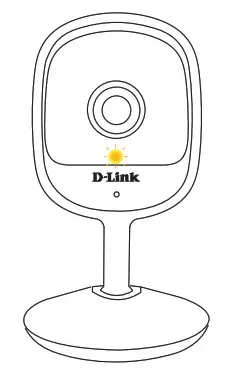
- Power on the device and wait for the Status LED to flash orange.

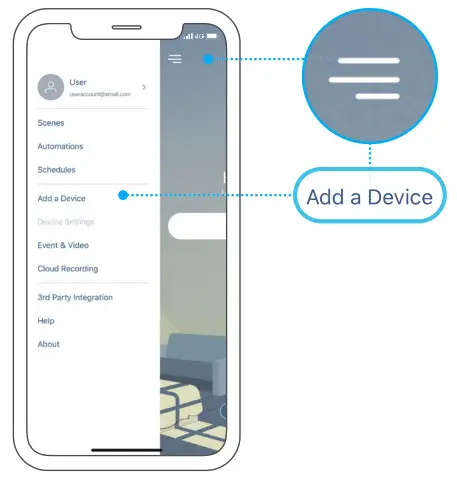
- Tap then tap Add Device Follow the app instruction to set up your device.
LED Behavior
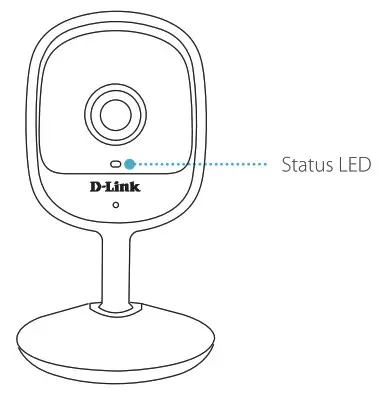
 | Connected to the network and my dlink |
 | Booting up |
 | Wi-Fi connection lost |
 | Ready for setup |
 | Firmware being updated – do not power off |
Setup Code
 This is a backup of your device’s Setup Code. please keep it as a future reference for your device.
Wall Mounting
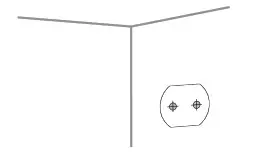
Stick the alignment sticker where you would like to place the camera.
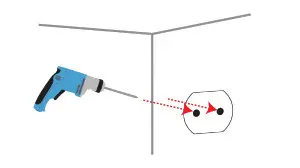
Use a 8 mm drill bit to drill two 25 mm deep holes as indicated on the alignment sticker.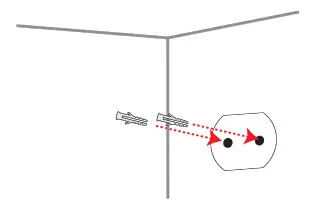 Hammer in the plastic wall anchors to support the screws.
Twist the screws into the anchors, leaving the top exposed. Do not over-tighten the screws.
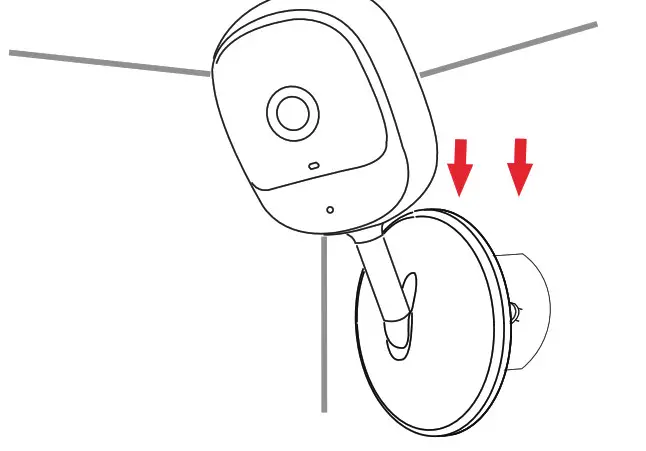
Align the mounting holes on the bottom of the camera with the screws. Slide the camera down to lock it into place.
FAQ
What do I do if my device is not working properly?
Reset and reinstall your device. Use a paper clip to press the recessed Reset button and the LED will turn solid red. During installation, ensure that
- Your router is connected to the Internet and Wi-Fi is enabled
- Your mobile device is connected to your router’s Wi-Fi
- Your my dlink device is in range of your Wi-Fi network
How can I use voice commands to control my device?
The device will work with both Amazon Alexa and Google Assistant. For setup instructions on these services, visit the following websites:
Amazon Alexa: dlink.com/en/alexa
The Google Assistant: dlink.com/en/google-assistant
Why is my microSD card not working/not supported?
The microSD card must be formatted into the correct file system (FAT32) before it can be used with this product. This can be done in my dlink app by selecting the Format function in the storage menu under the device settings.
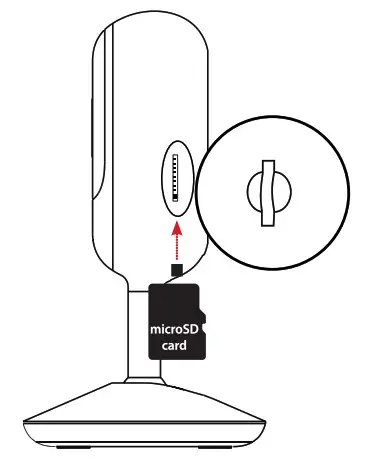
How do I access the device’s microSD card slot?
The microSD card slot can be found on the side of the camera.
Need Help?
Having trouble installing your new product? D-Link’s website contains the latest user documentation and software updates for D-Link products. Customers can contact D-Link Technical Support through our website.
Canada Website: http://support.dlink.ca
FCC Warning
This device complies with part 15 of the FCC Rules. Operation is subject to the following two conditions:
(1) This device may not cause harmful interference, and (2) this device must accept any interference received, including interference that may cause undesired operation.
Any changes or modifications not expressly approved by the party responsible for compliance could void the user’s authority to operate the equipment.
Note: This equipment has been tested and found to comply with the limits for a Class B digital device, pursuant to part 15 of the FCC Rules. These limits are designed to provide reasonable protection against harmful interference in a residential installation. This equipment generates uses and can radiate radio frequency energy and, if not installed and used in accordance with the instructions, may cause harmful interference to radio communications. However, there is no guarantee that interference will not occur in a particular installation. If this equipment does cause harmful interference to radio or television reception, which can be determined by turning the equipment off and on, the user is encouraged to try to correct the interference by one or more of the following measures:
-Reorient or relocate the receiving antenna.
-Increase the separation between the equipment and receiver.
-Connect the equipment into an outlet on a circuit different from that to which the receiver is connected.
-Consult the dealer or an experienced radio/TV technician for help.
This equipment complies with FCC radiation exposure limits set forth for an uncontrolled environment. This equipment should be installed and operated with a minimum distance of 20cm between the radiator & your body.
IC Warning
This device complies with Industry Canada’s license-exempt RSS. Operation is subject to the following two conditions:
(1) This device may not cause interference; and
(2) This device must accept any interference, including interference that may cause undesired operation of the device.
This equipment complies with IC radiation exposure limits set forth for an uncontrolled environment. This equipment should be installed and operated with a minimum distance of 20cm between the radiator & your body.