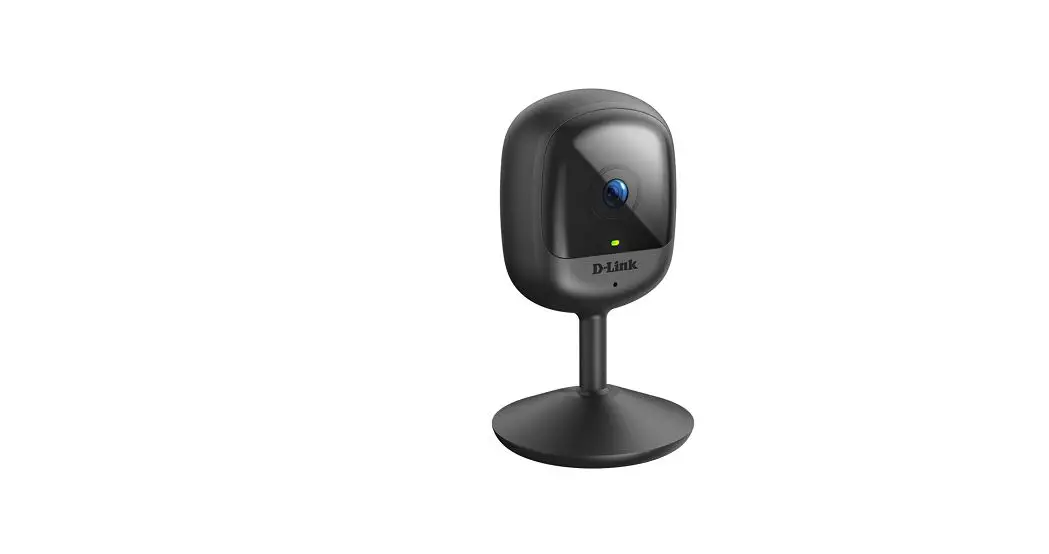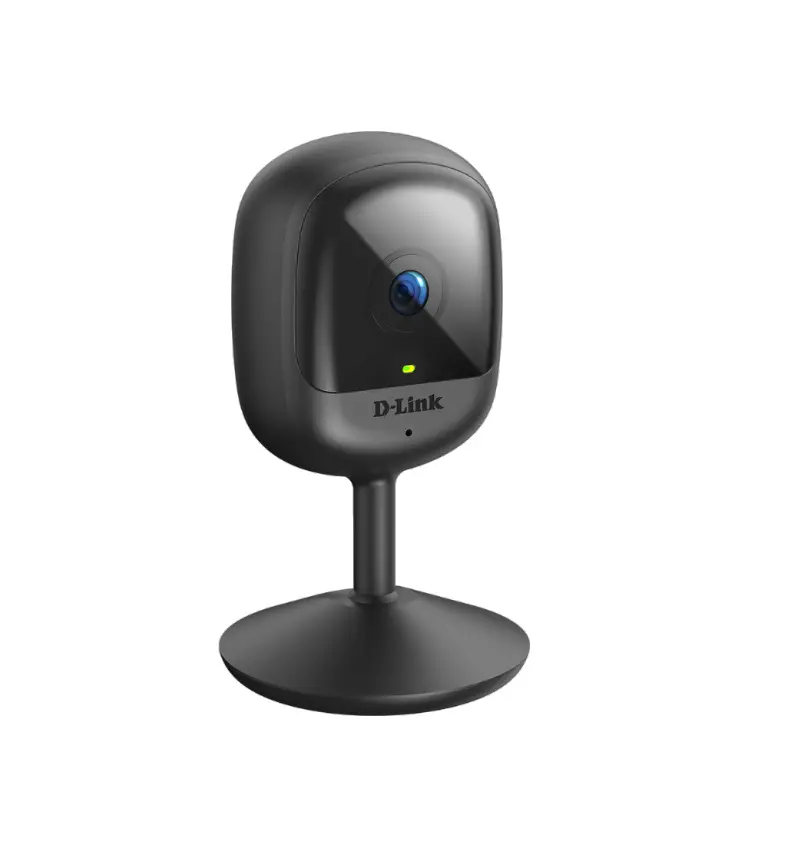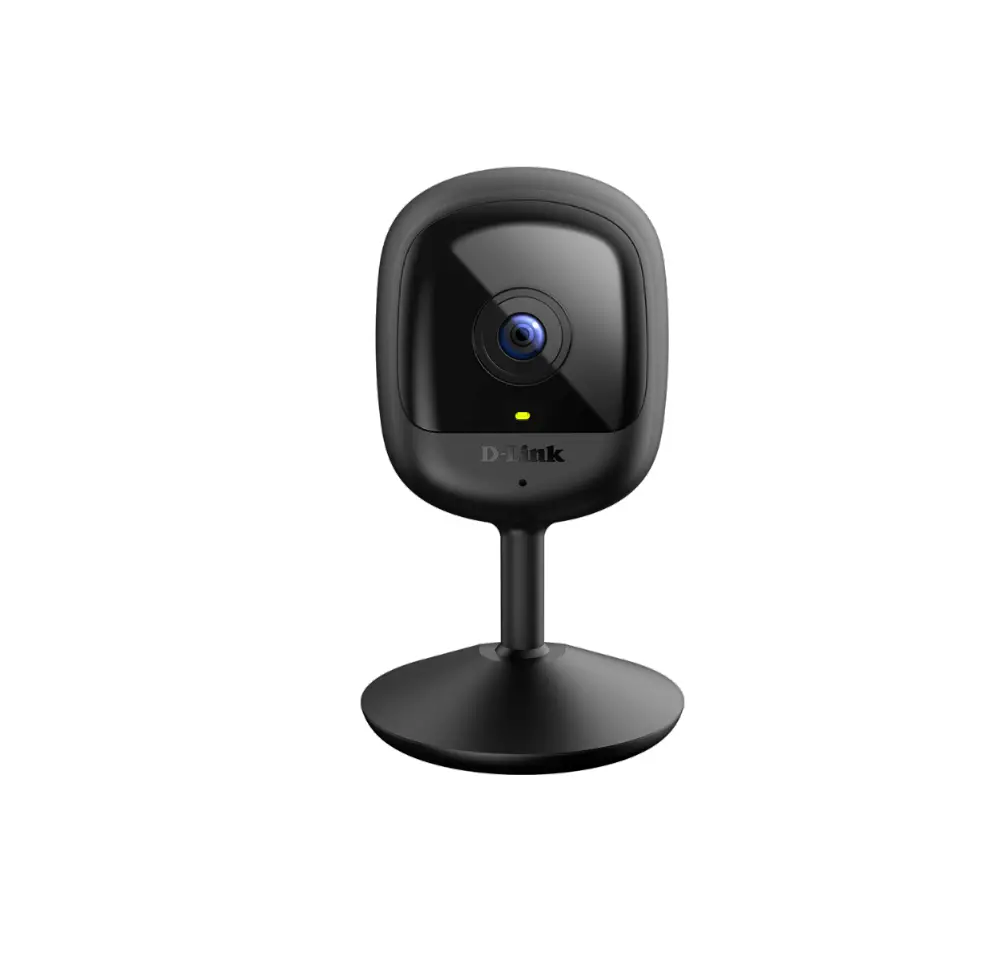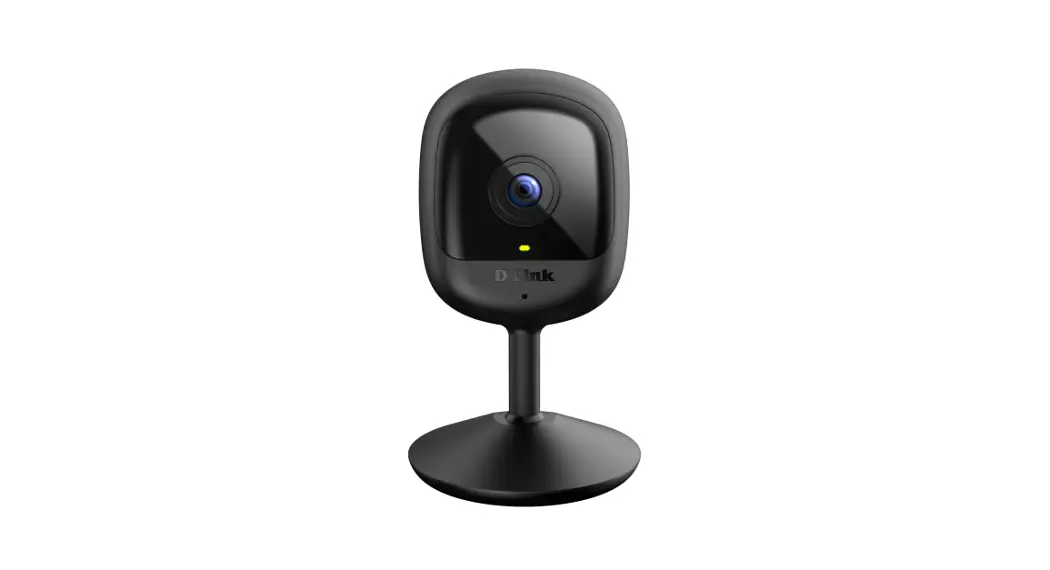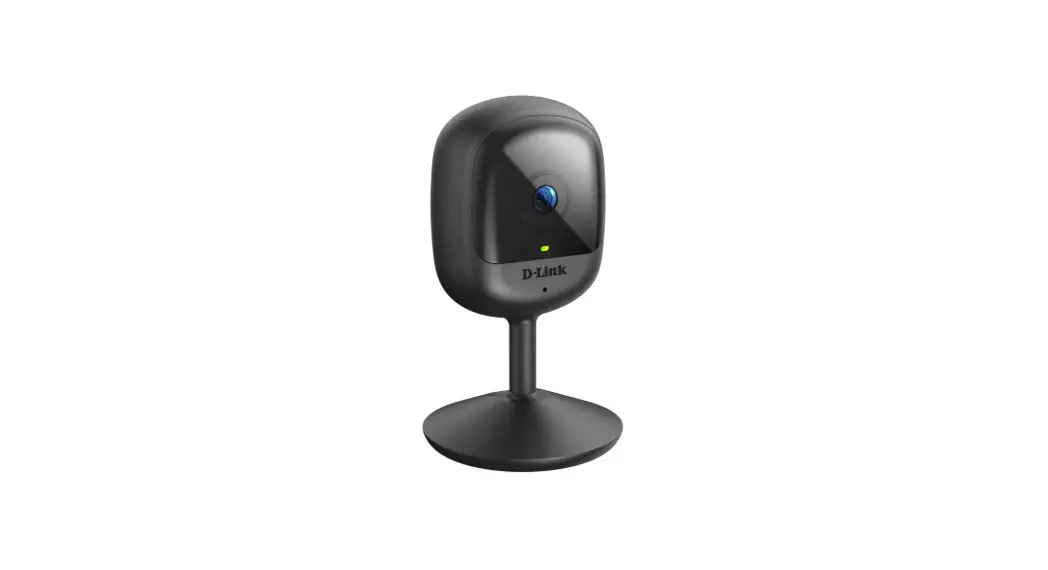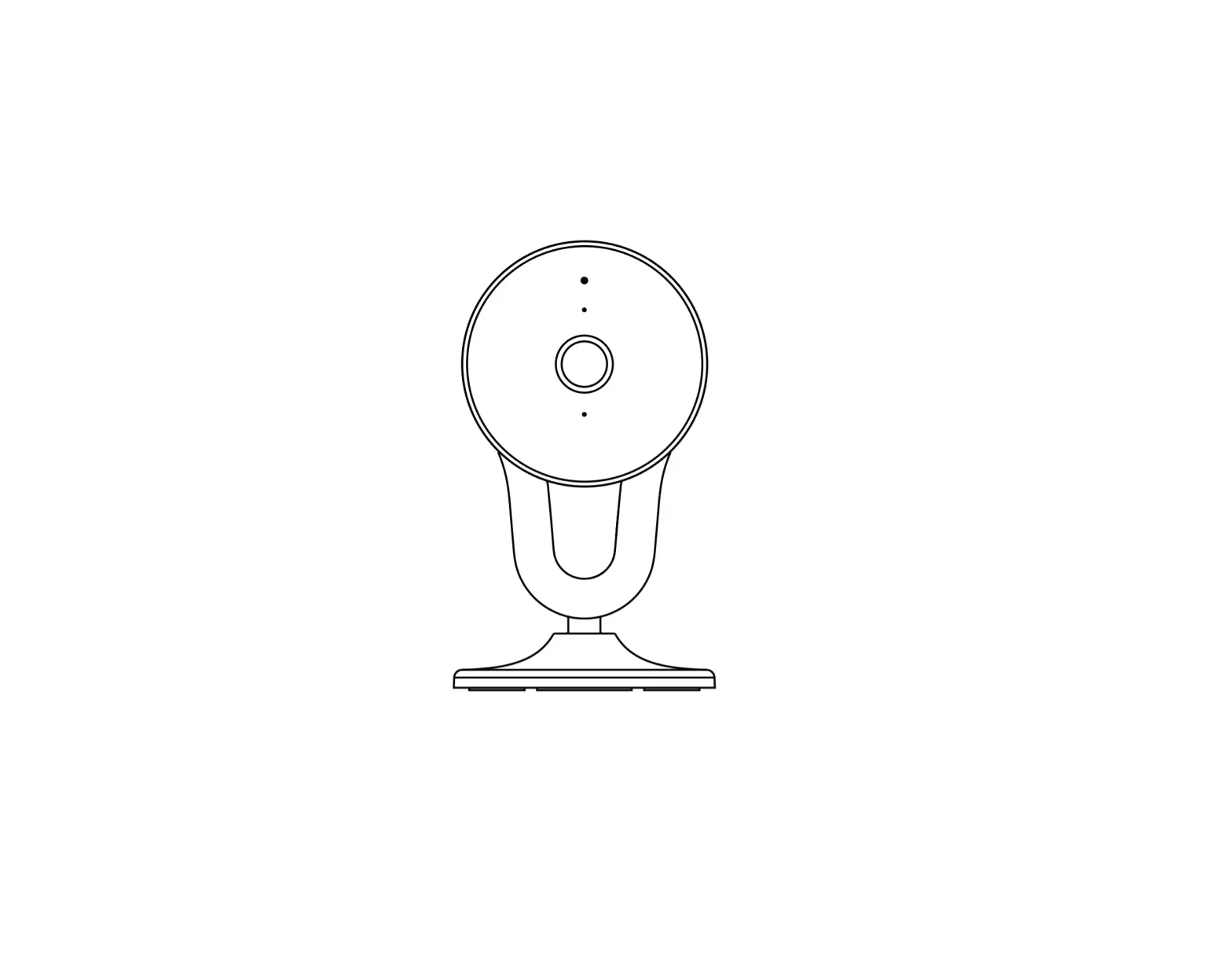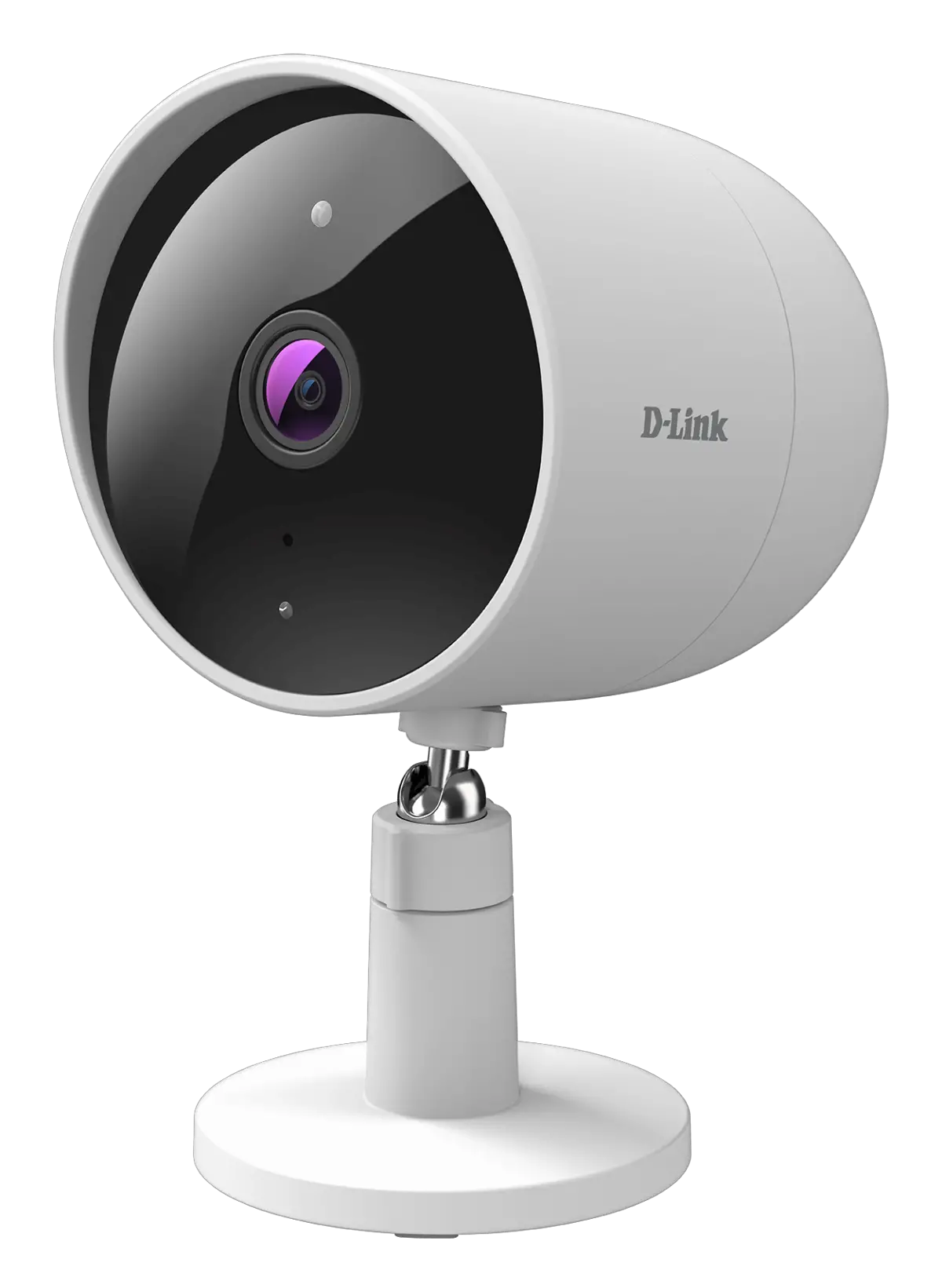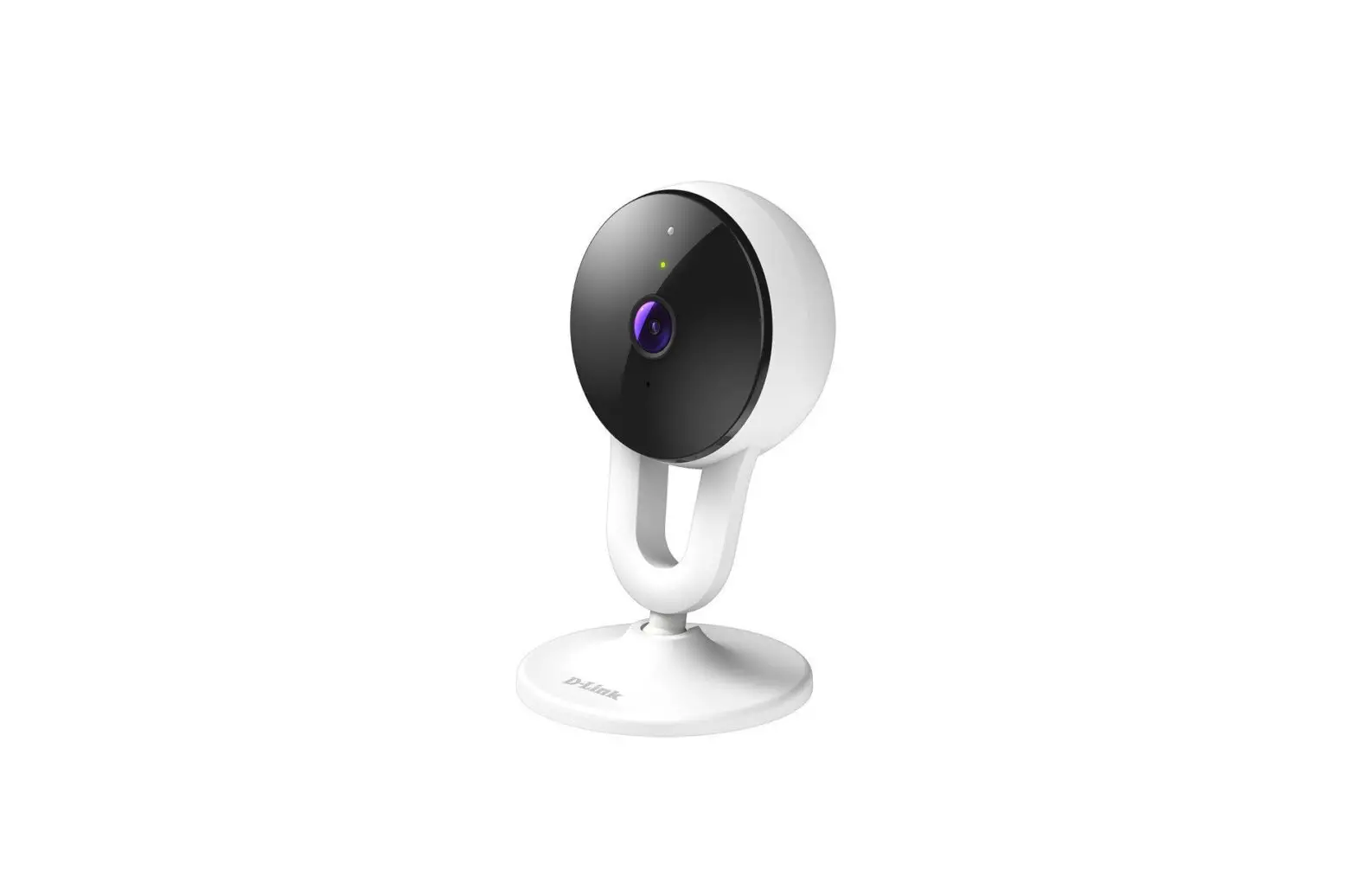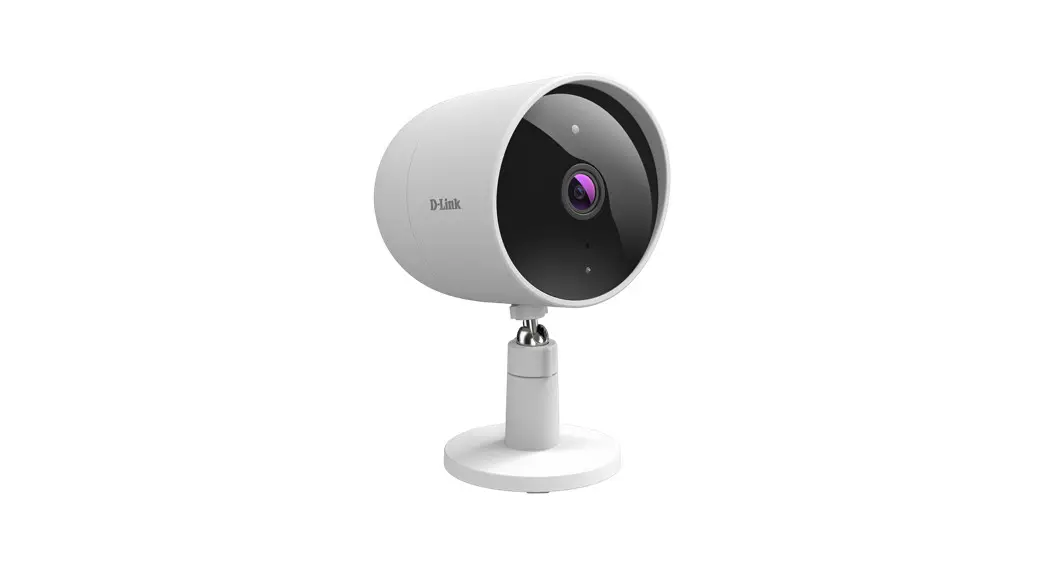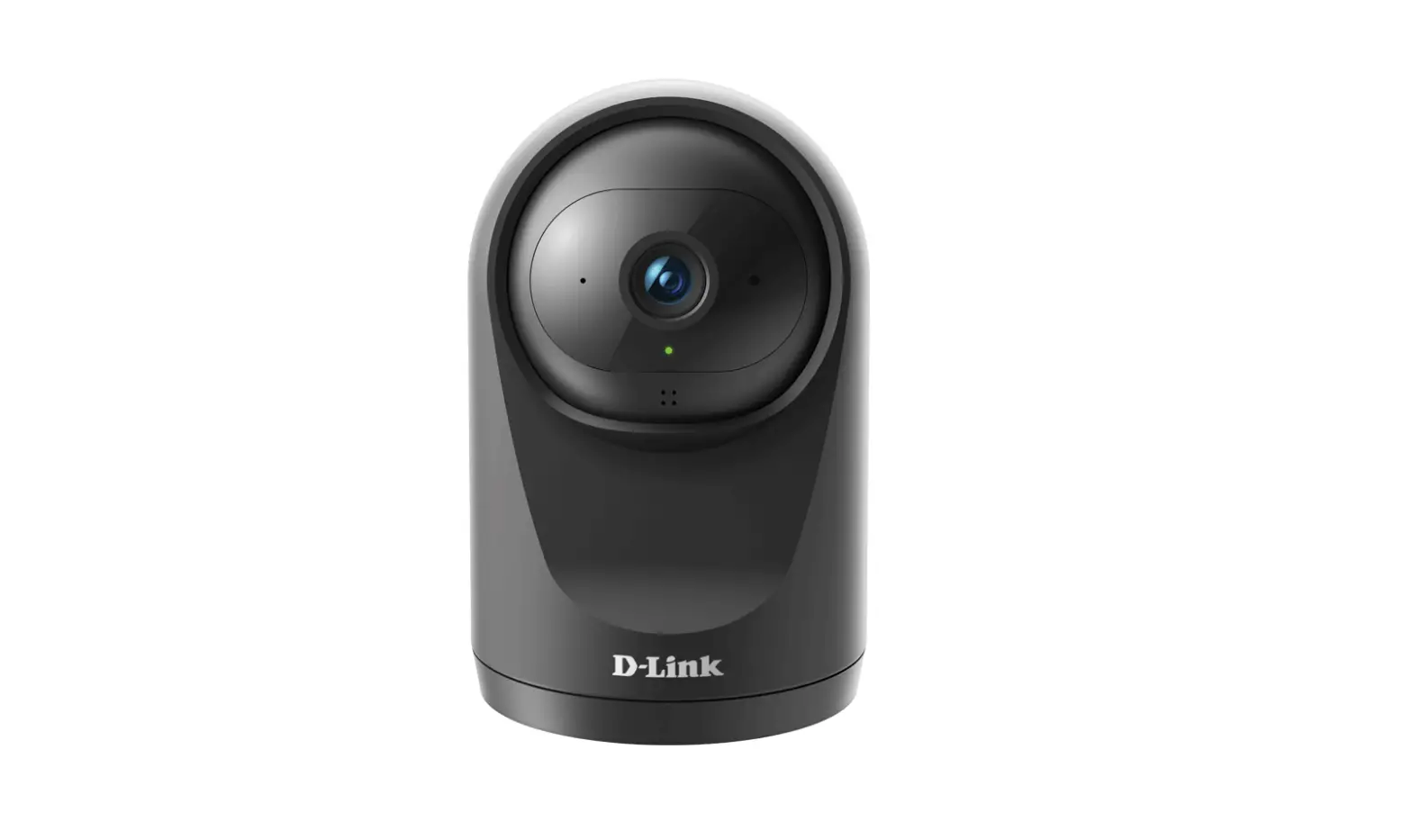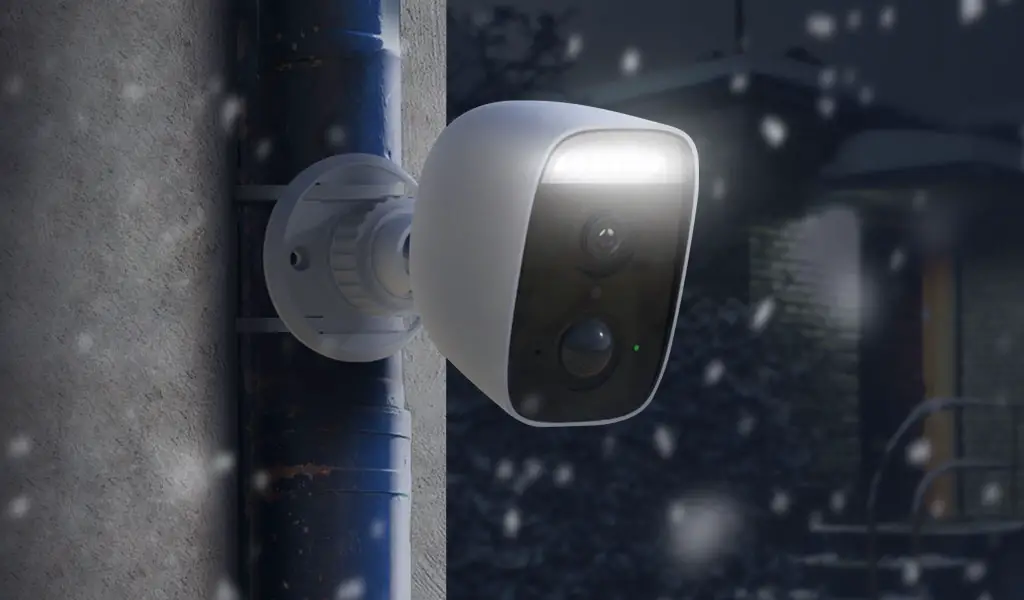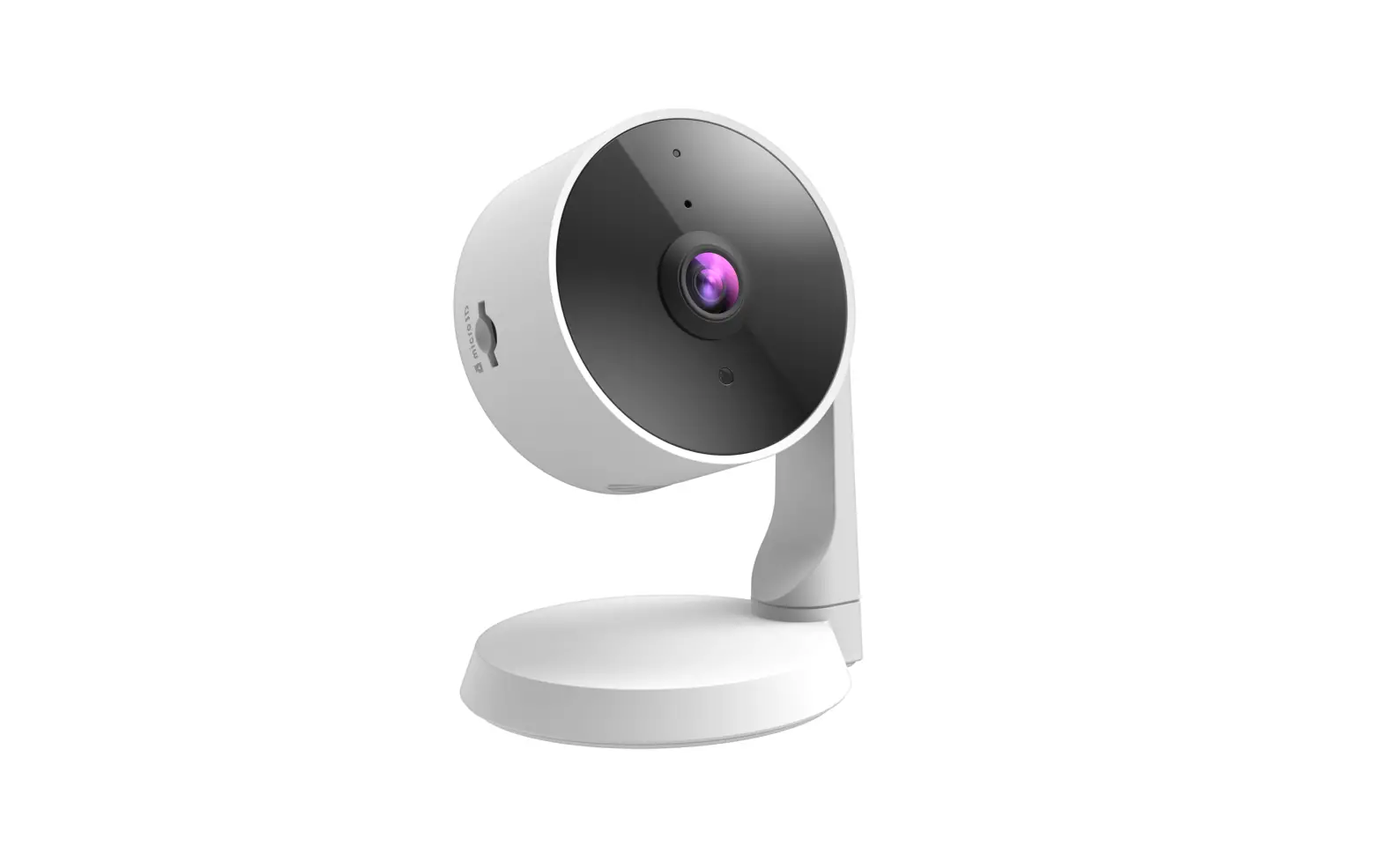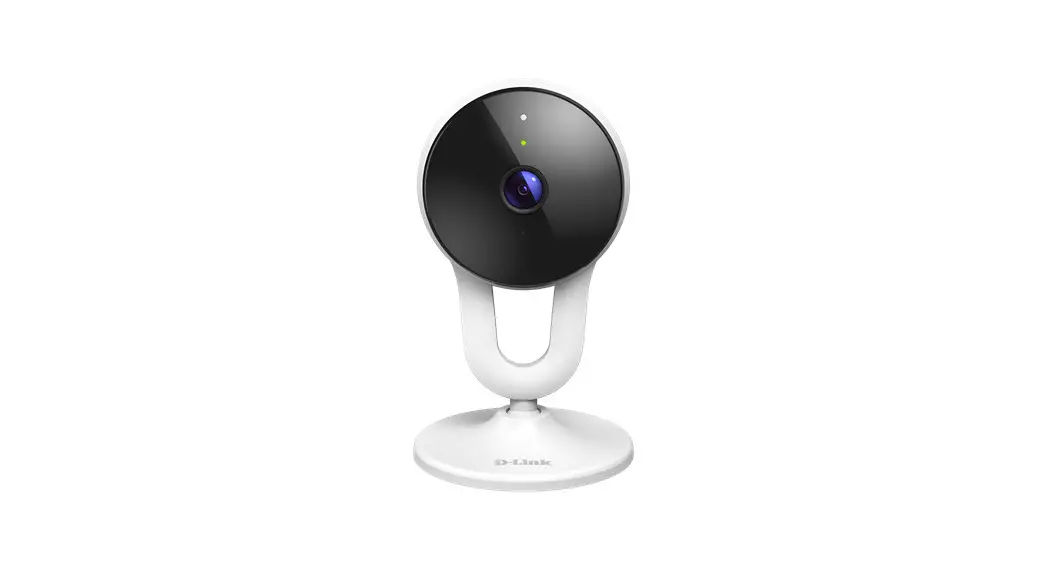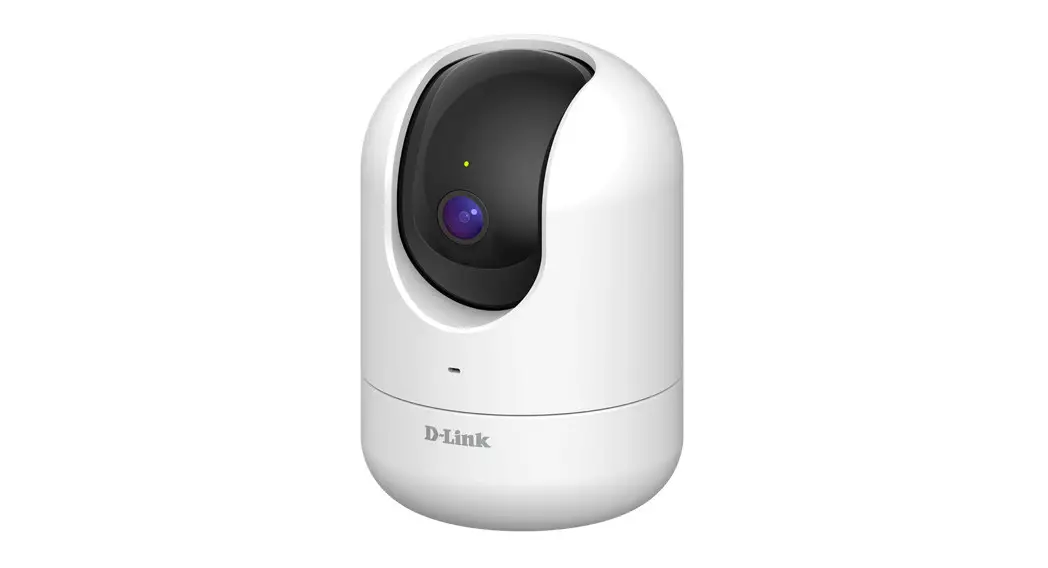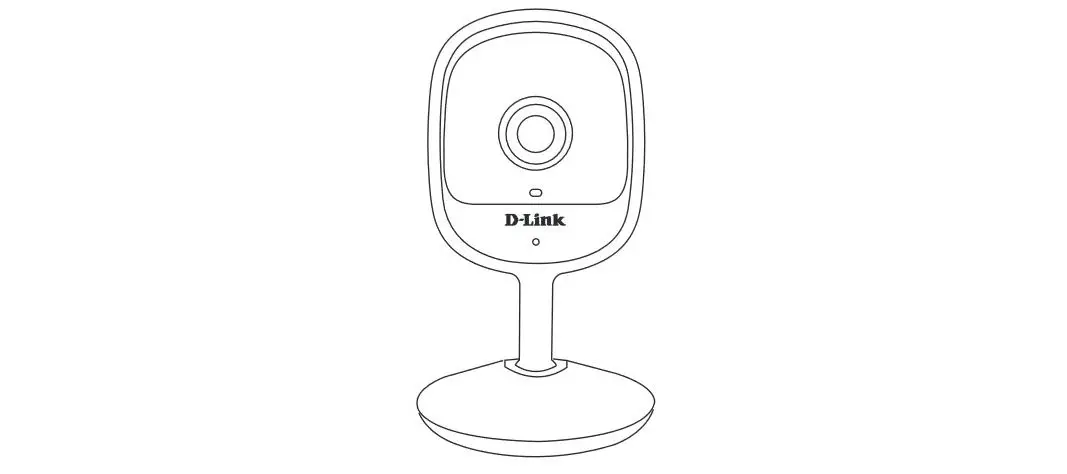
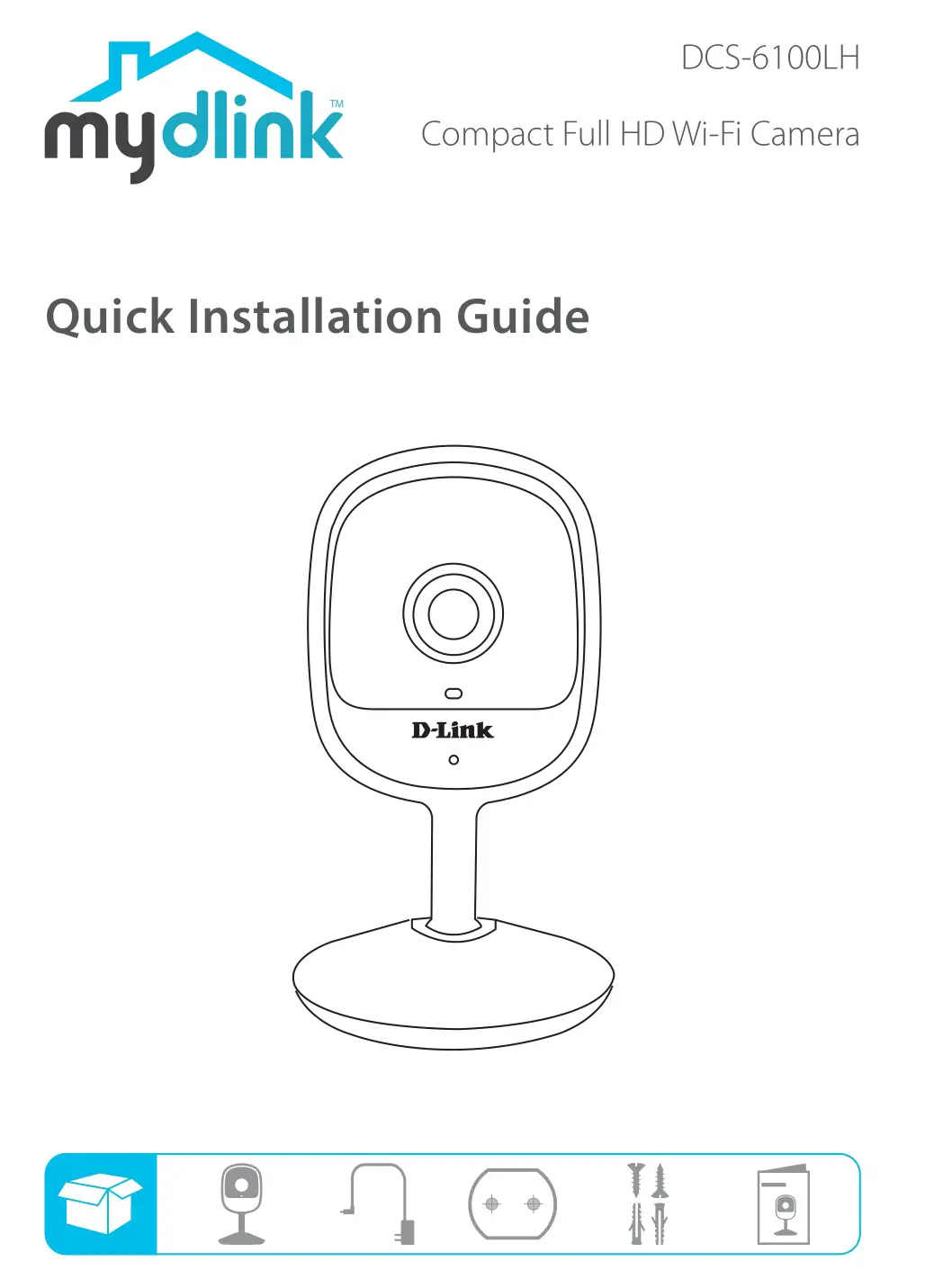
dlink DCS-6100LH Compact Full HD Wi-Fi
Camera Installation Guide
Simple Setup
Note: Please set up your device before mounting it.
- Get the mydlink app on the App Store or on Google Play.


2. Launch the app, then Sign In or Sign Up for a mydlink account. mydlink Lite users may sign in with the same account.
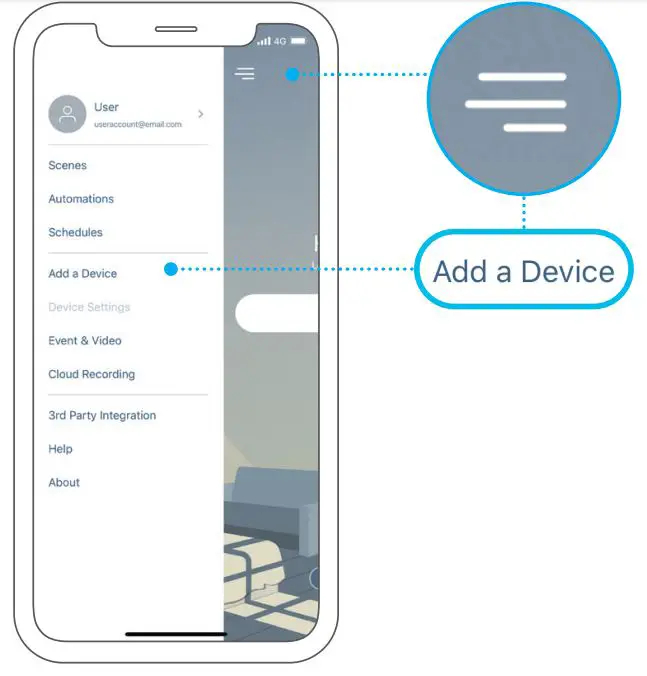
3. Tap  then tap Add a Device. Follow the app instructions to set up your device.
Setup Code
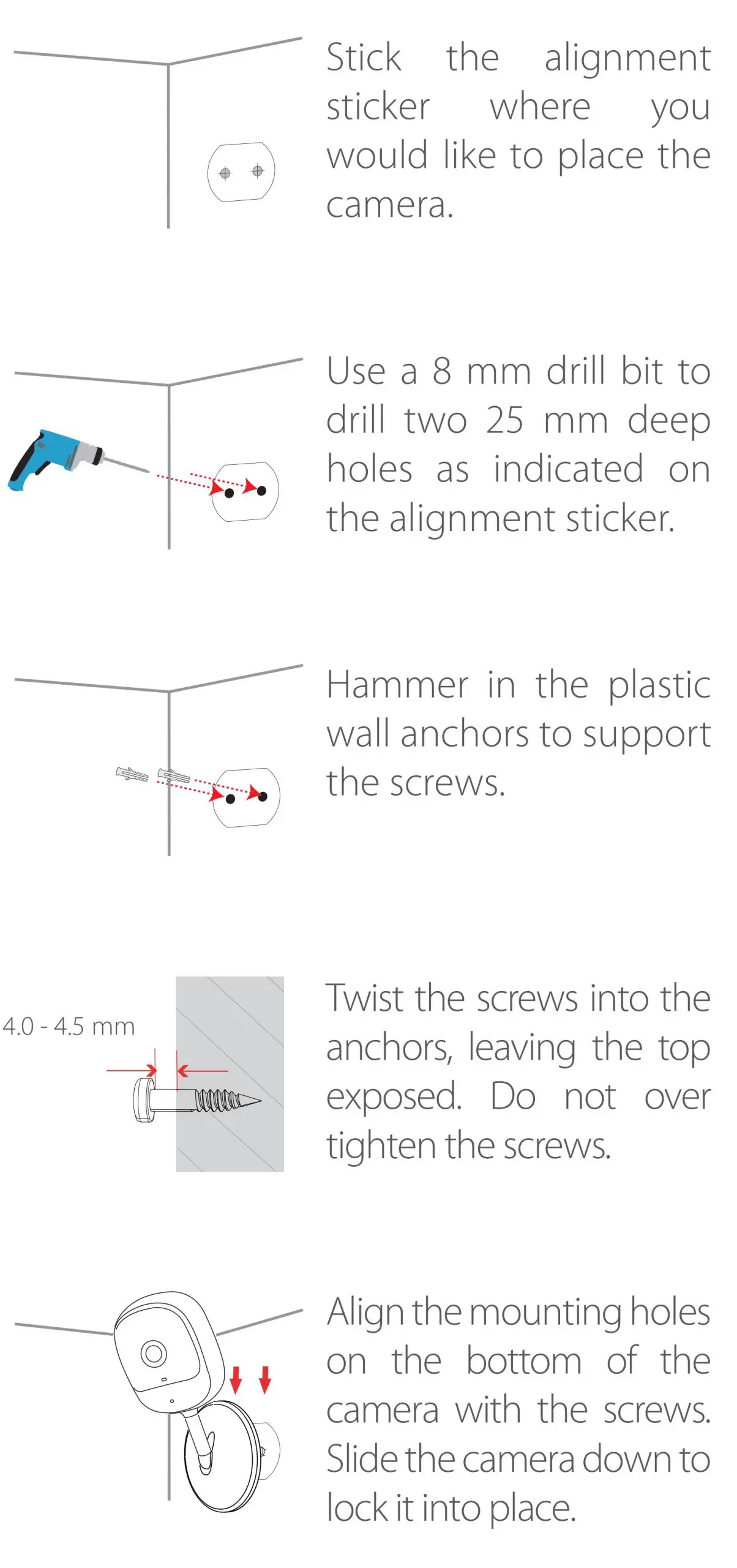
Mounting
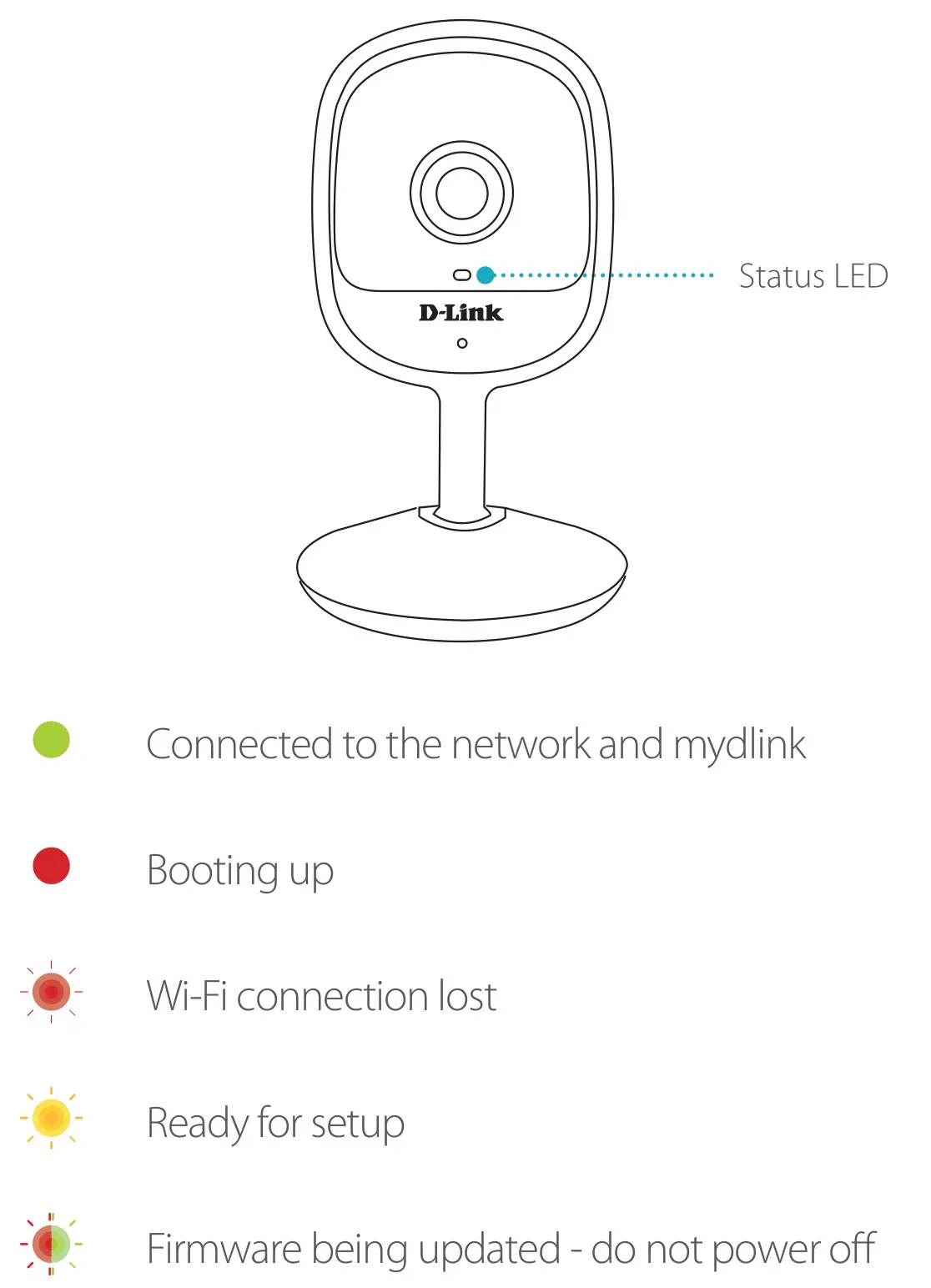
LED Behavior
FAQ
What do I do if my device is not working properly?
Reset and reinstall your device. Use a paper clip to press the recessed Reset button and the LED will turn solid red. During
installation, ensure that:
- Your router is connected to the Internet and Wi-Fi is enabled
- Your mobile device is connected to your router’s Wi-Fi
- Your mydlink device is in range of your Wi-Fi network
How can I use voice commands to control my device?
The device will work with both Amazon Alexa and the Google Assistant. For setup instructions on these services, visit the
following websites:
Amazon Alexa
dlink.com/en/alexa
The Google Assistant:
dlink.com/en/google-assistant
Need Help?
Having trouble installing your new product?
D-Link’s website contains the latest user documentation and software updates for D-Link products. Customers can contact D-Link Technical Support through our website by choosing the relevant region.
Contact Us
http://www.dlink.com/en/contact-us
 Amazon Alexa | D-Link
 Contact Us | D-Link