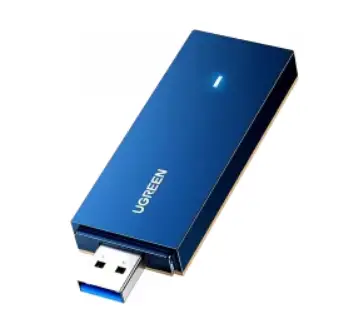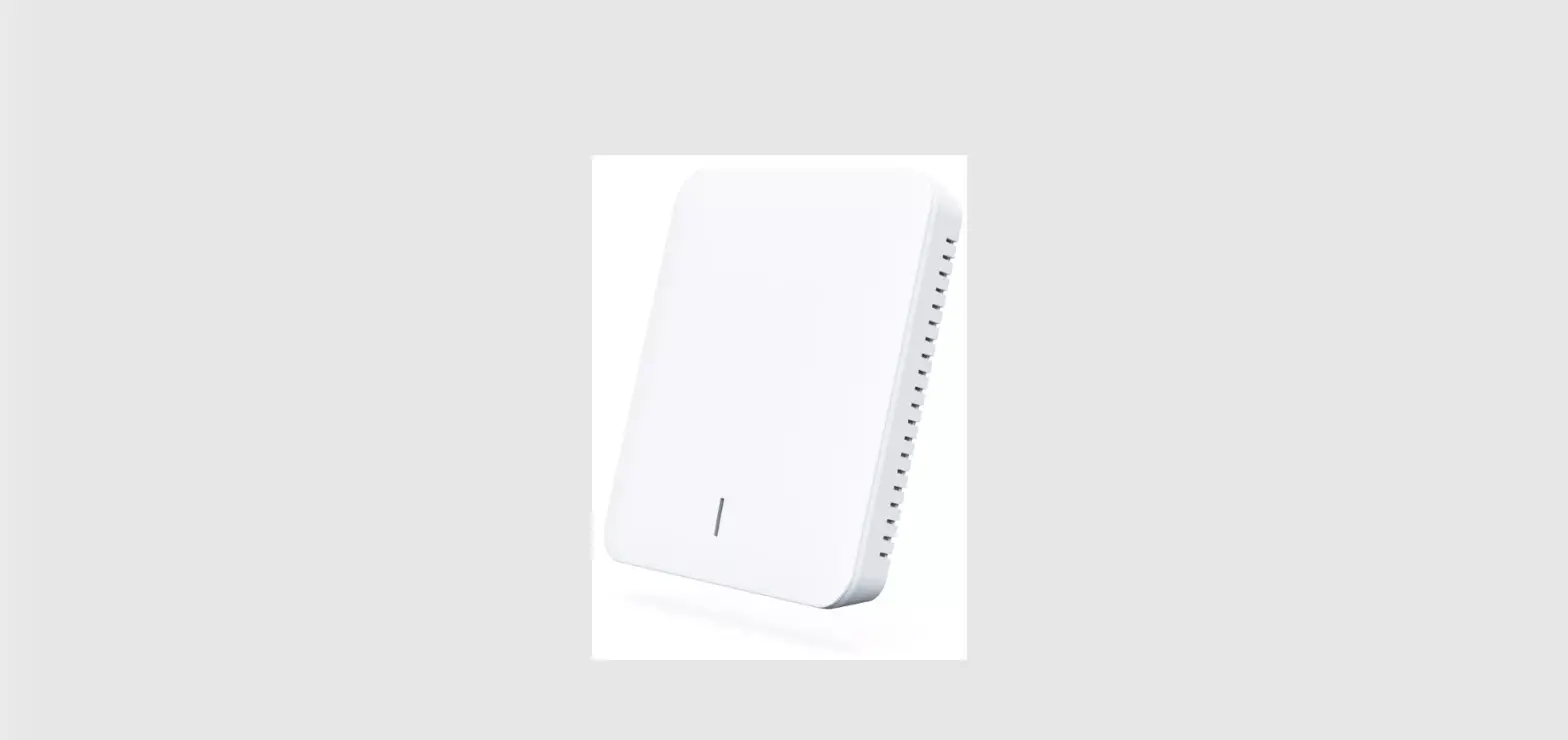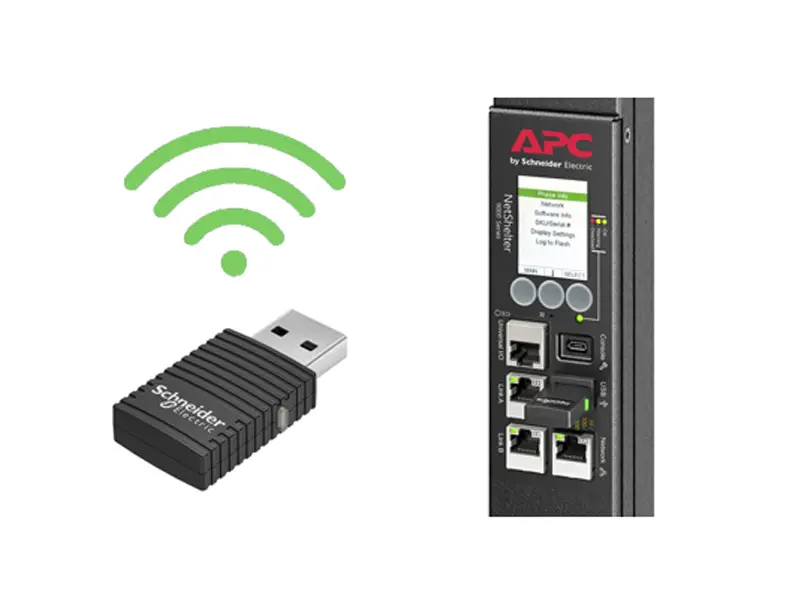
APC USB Wi-Fi Device AP9834
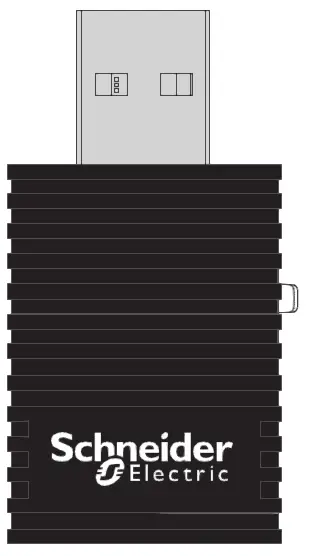
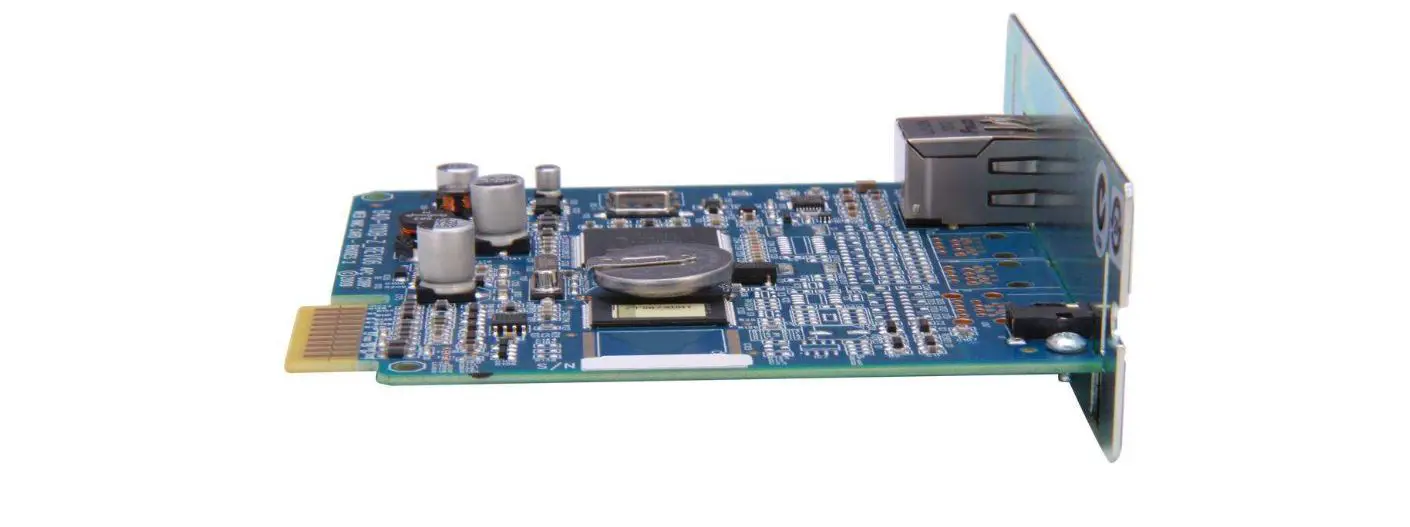
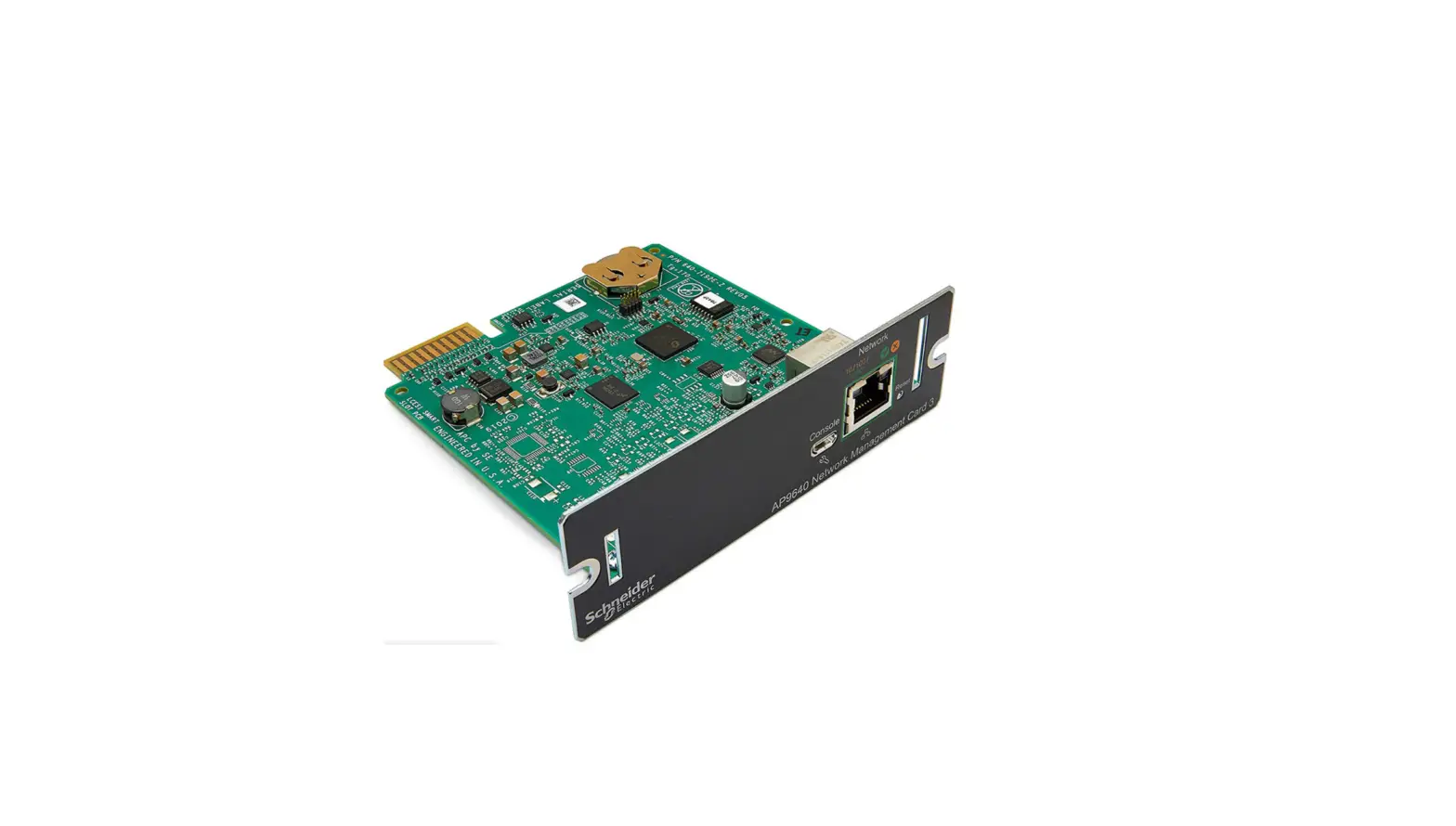
NOTE: A supported Network Management Card 3 (AP9641/AP9643) with valid TCP/IP settings running firmware version 1.4 or higher is required to use and configure the APC USB Wi-Fi Device.
Insert the APC USB Wi-Fi Device into an available USB port.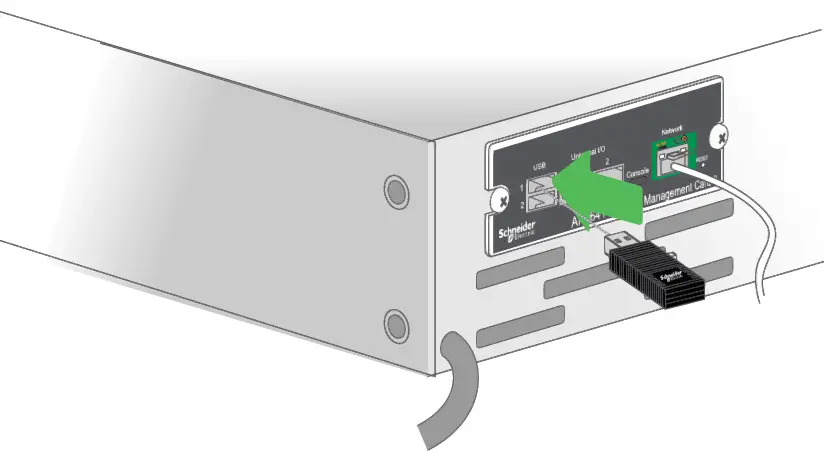
Enable and configure wi-fi via the NMC Web UI
(Configuration > Network > Wi-Fi navigation path), or Command Line Interface (wifi command). For more information, consult the NMC 3 User Guide and CLI Guide on the APC website – apc.com/upsnmc
NOTE: The APC USB Wi-Fi Device’s LED will flash green when wi-fi has successfully been configured and connected to the wi-fi network.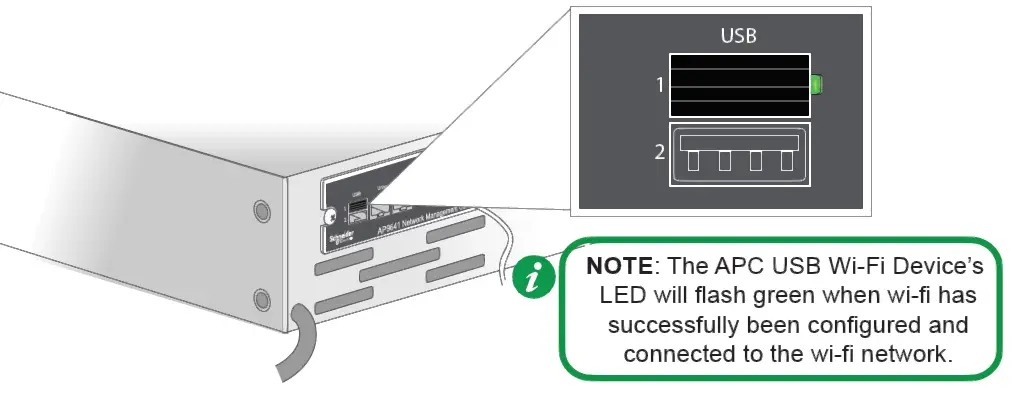
For more information and troubleshooting, refer to the NMC 3 User Guide on the APC website – apc.com/us/en/download/document/SPD_CCON-AYCEFJ_EN
© 2020 Schneider Electric. All Rights Reserved. Schneider Electric and APC are trademarks and the property of Schneider Electric SE, its subsidiaries and affiliated companies.

 apc.com/upsnmc