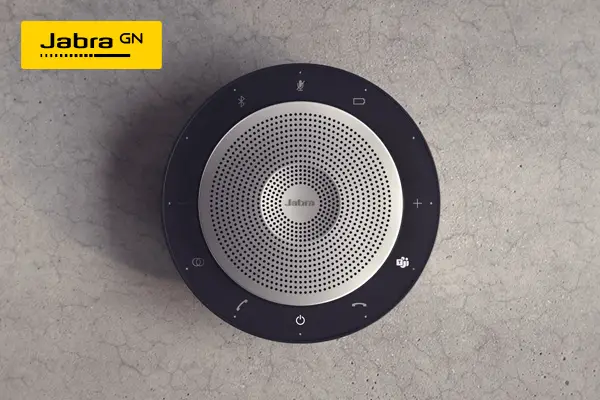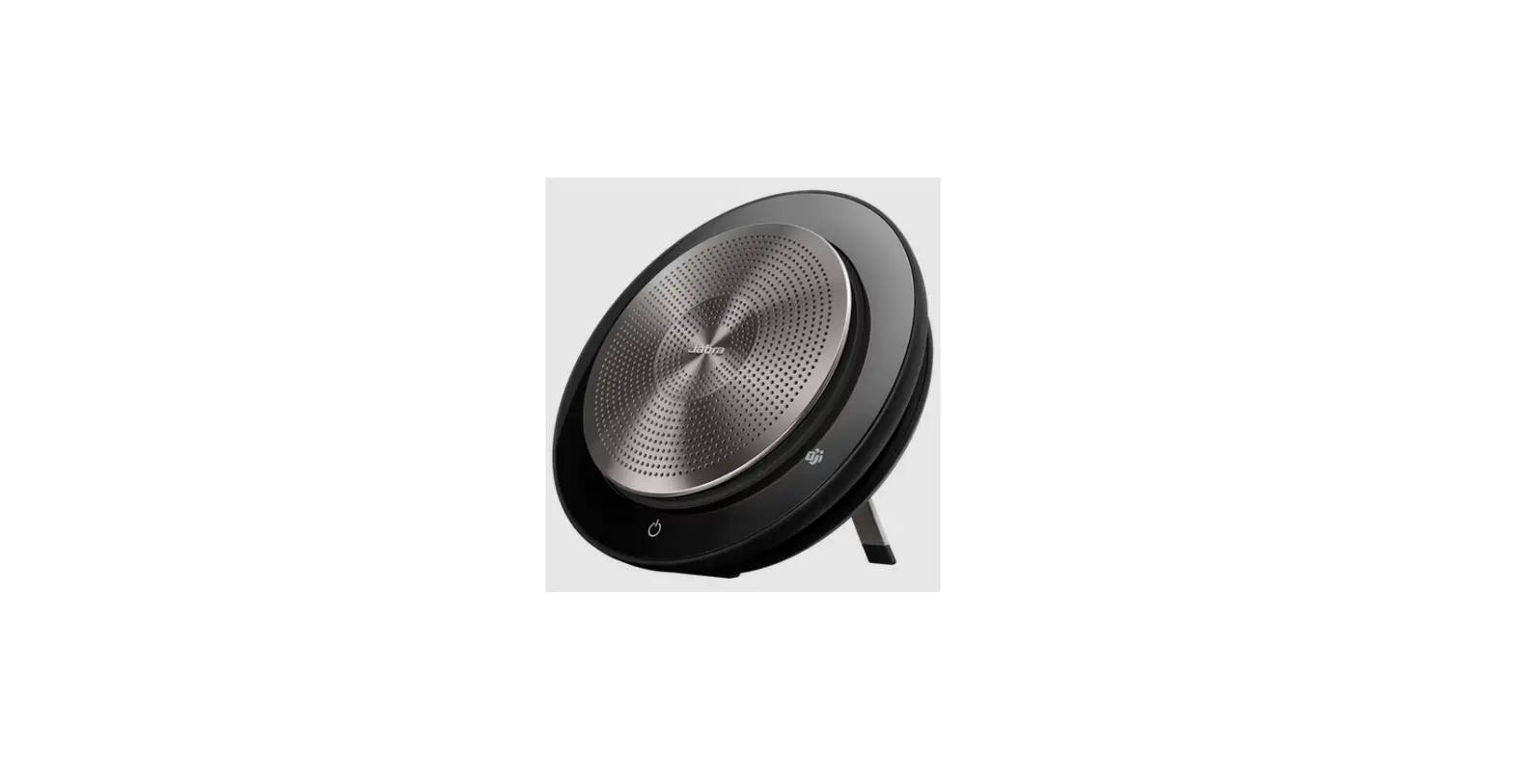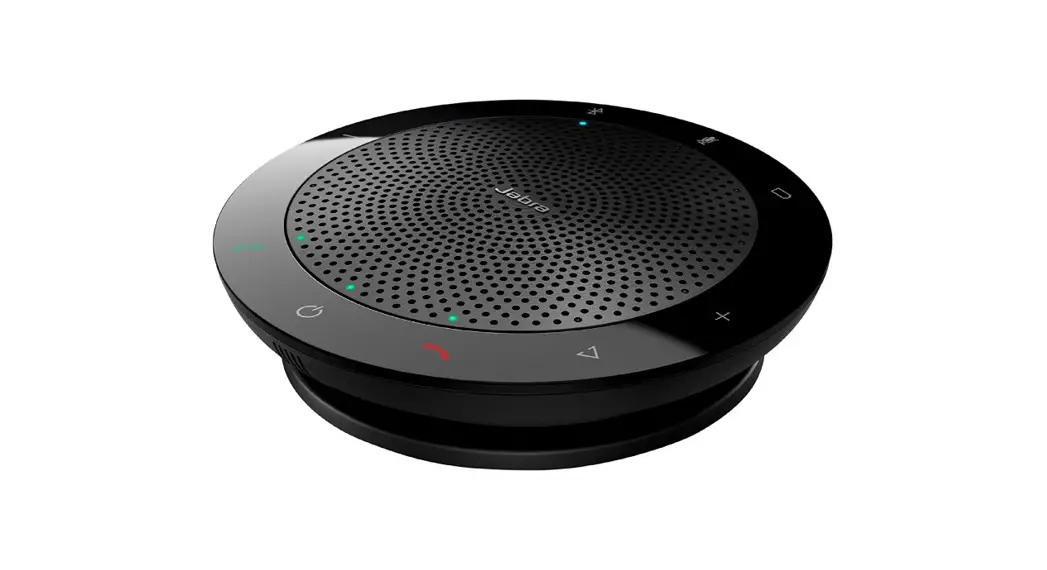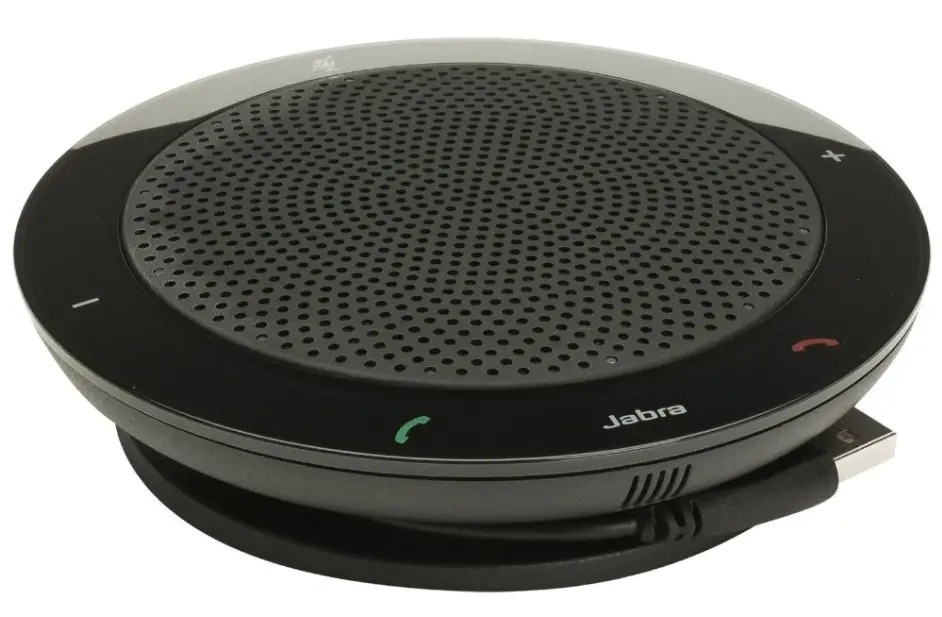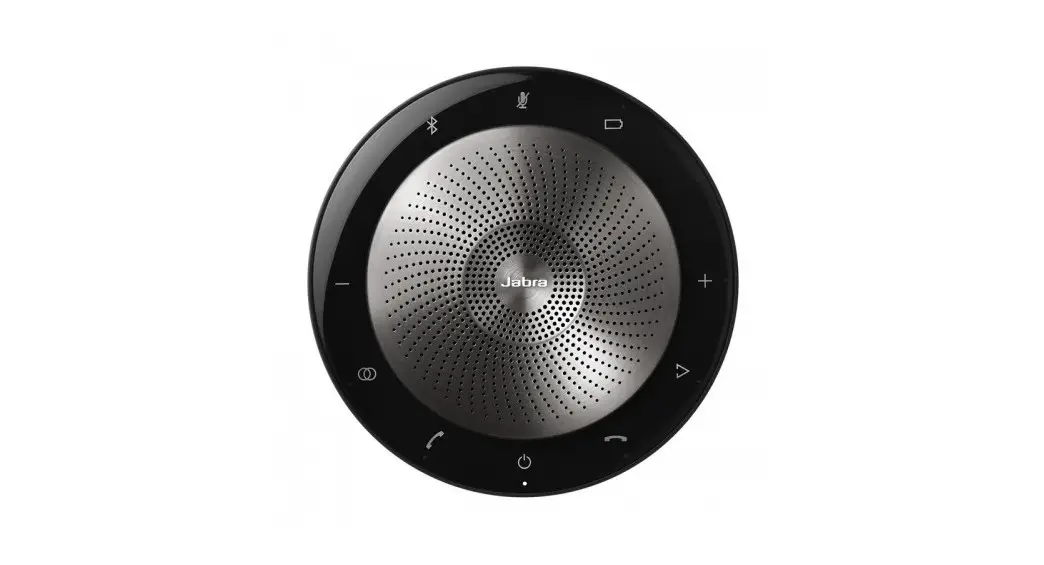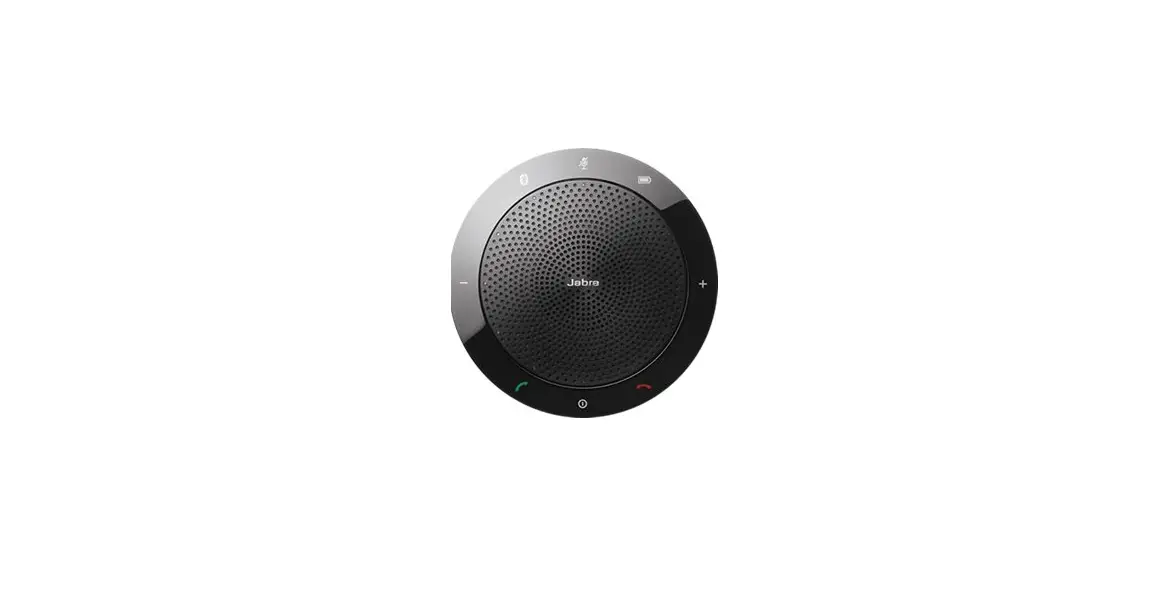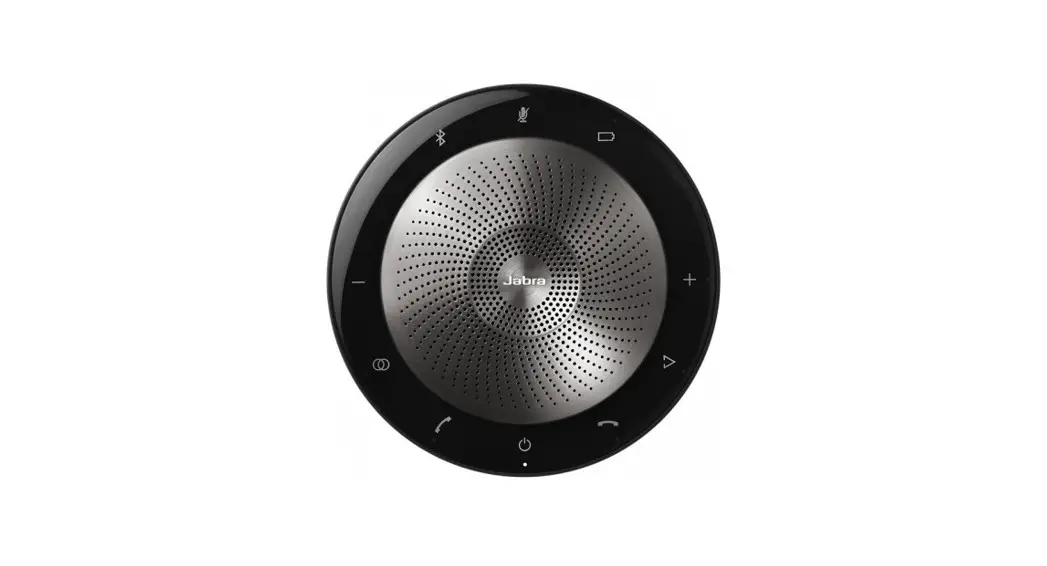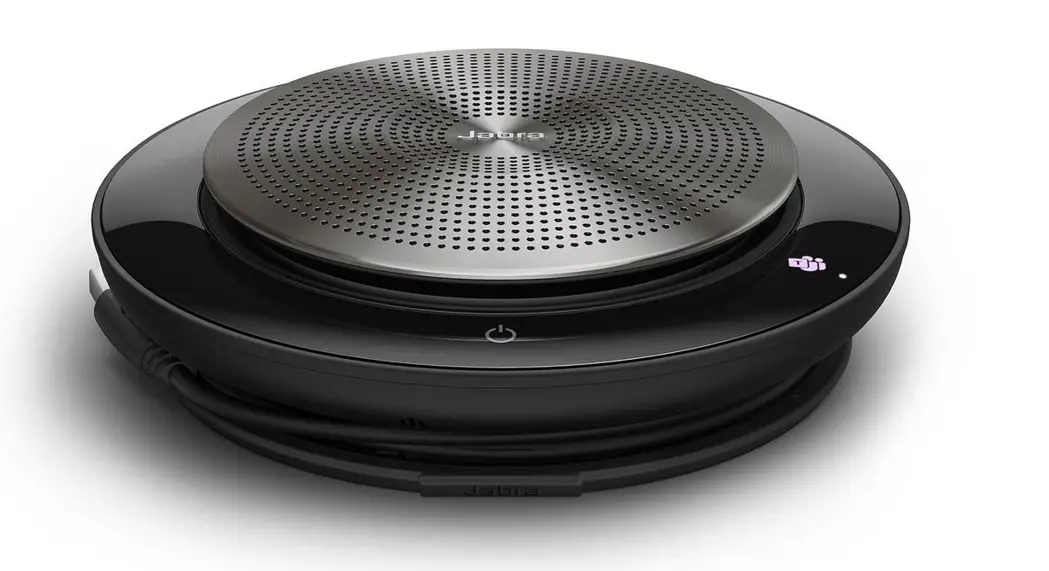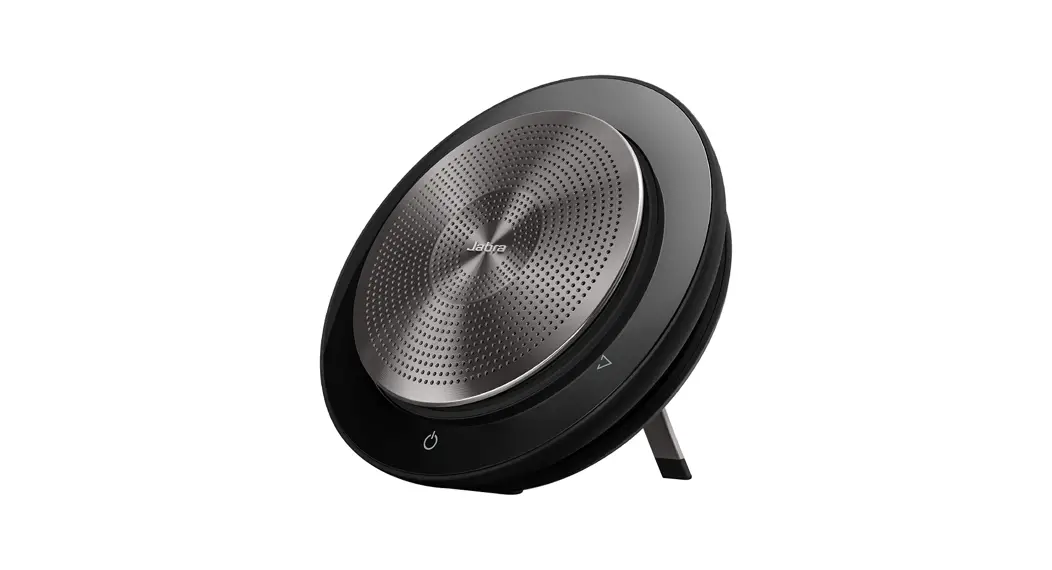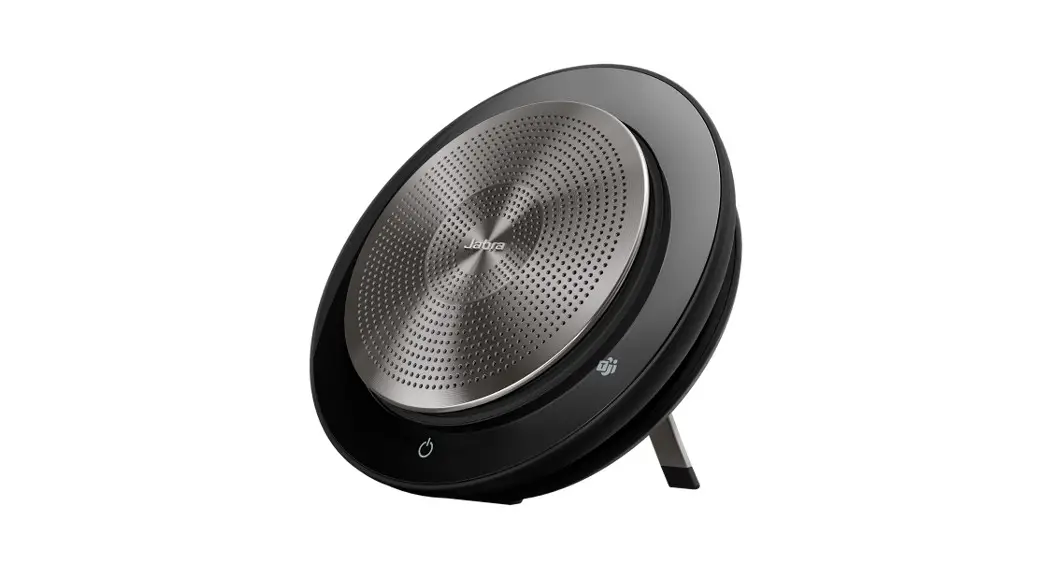


SPEAK 750 for Unified Communications
User Guide
Engineered to power your meetings with seamless, premium audio
Hear and be heard when it matters
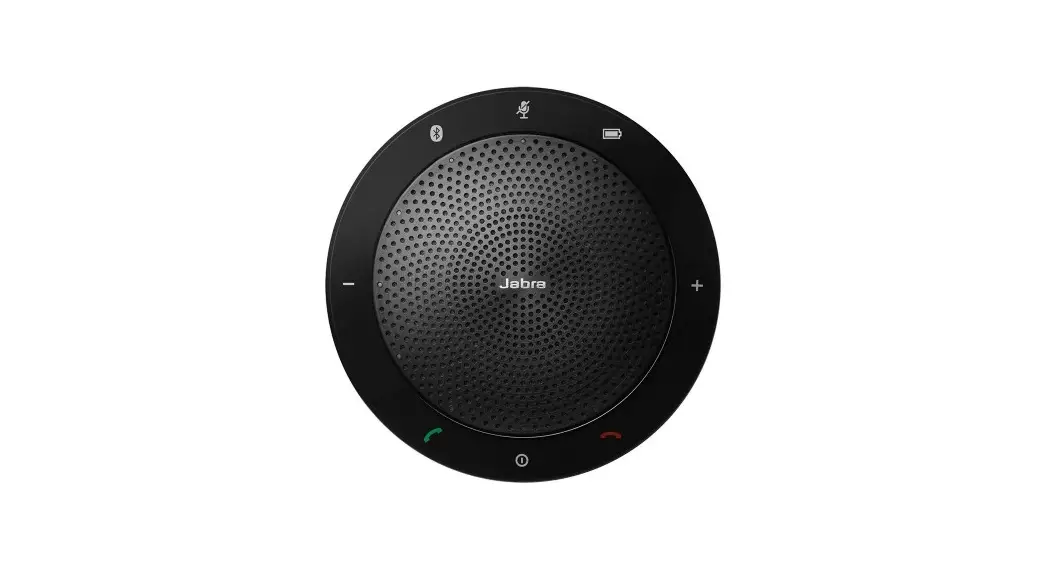
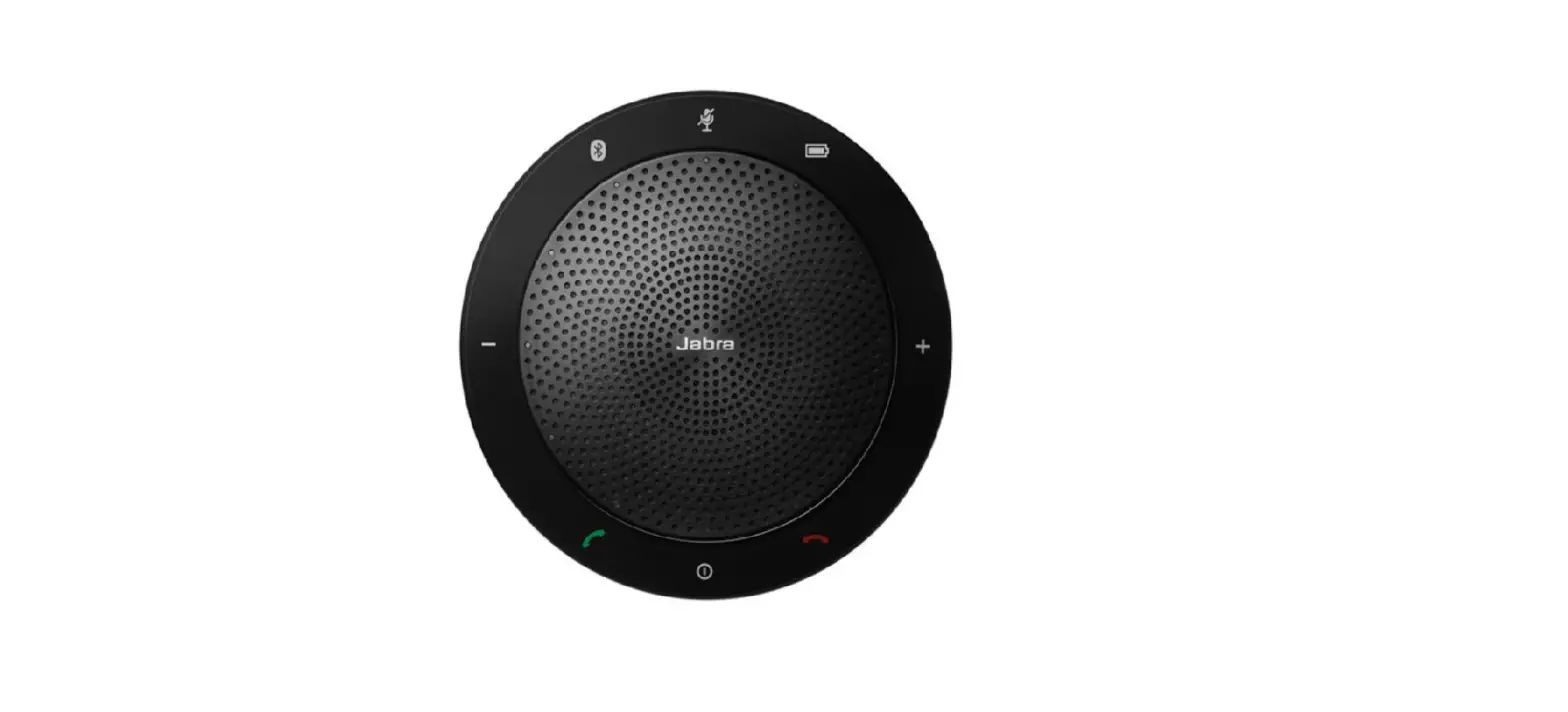
Jabra Speak 750 comes with full duplex audio, allowing you to hold completely natural conversations via speakerphone. With full duplex audio, both sides of the conversation are transmitted at the same time, allowing your conversations to flow just as they do in person. So, you can get on with what’s important, without worrying about whether you’re being heard.
Works with all leading UC platforms
Versatile and easy to use, and compatible with all leading Unified Communications platforms. Certified for use with UC, for an accessible, seamless connection experience, and maximum flexibility when connecting with colleagues around the world. Enjoy a seamless meeting experience, whatever platform you’re using.
Plug-and-play for instant collaboration
Connect instantly with plug-and-play capability. With 10% of the average meeting being wasted on technical difficulties, simply being able to plug-and-play to your laptop, smartphone or tablet, using either USB or Bluetooth®, makes collaboration so much easier. Meetings are much more effective when your technology works first time.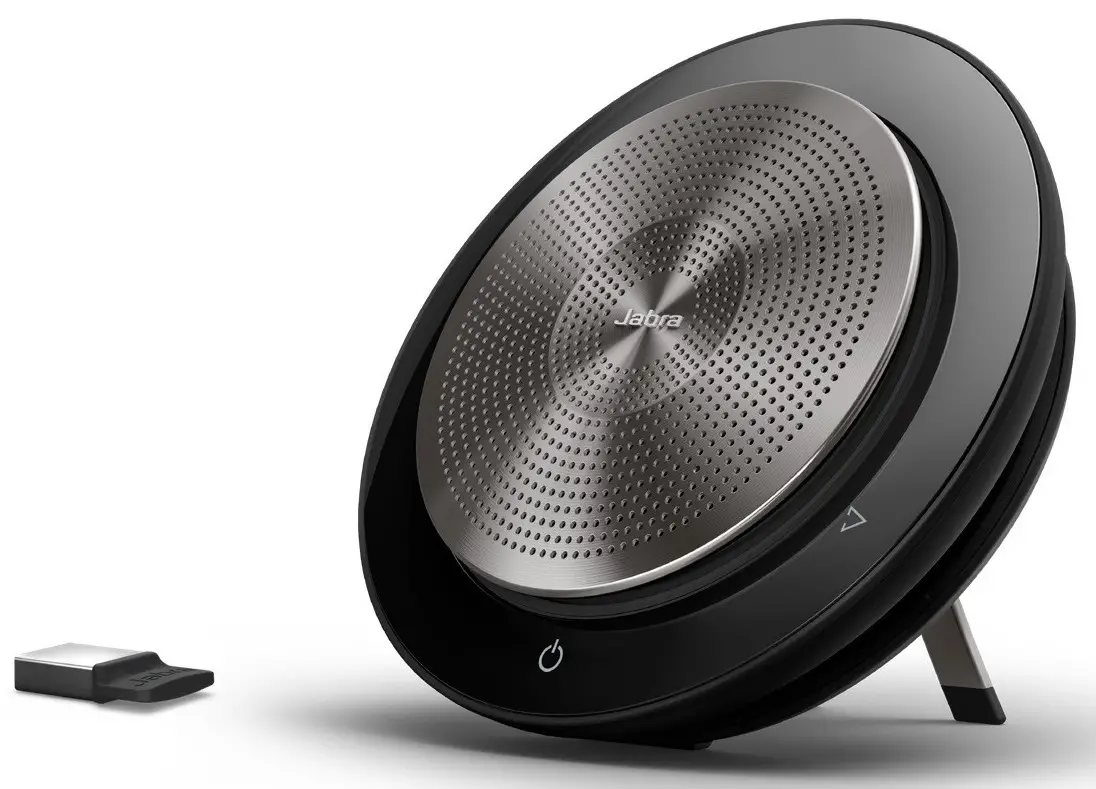 Connects to:
HOW TO CONNECT
to PC or softphone using Jabra Link 370 USB Bluetooth Adapter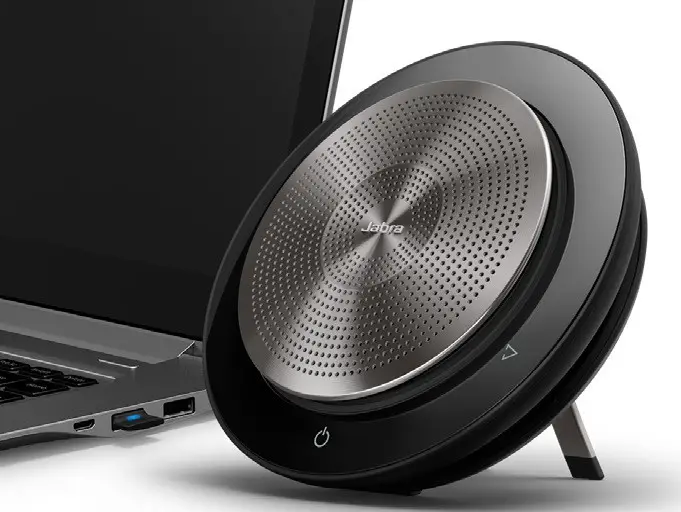 Plug the Link 370 Bluetooth Adapter into a USB port on your PC. Speak 750 and Link 370 are already pre-connected.
HOW TO PAIR
with Bluetooth enabled devices
- Tap power to switch on
- Hold (2 sec) the Bluetooth button
- Follow the voice instructions to pair to your device or laptop

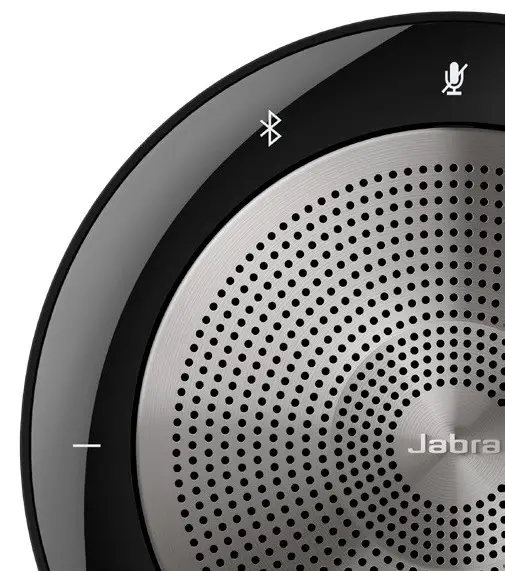
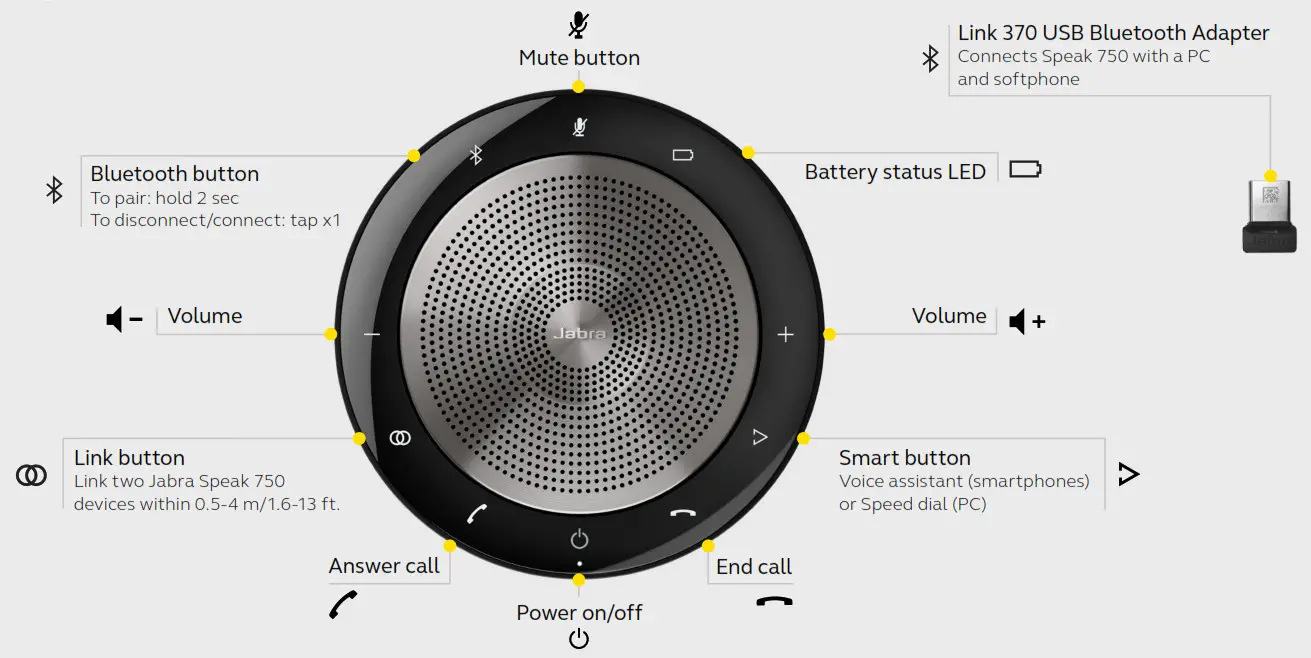
HOW TO USE
| FEATURES | BENEFITS | |
| Connectivity | USB cable | Plug-and-play connectivity to PC Softphone/UC systems |
| Bluetooth | Easy Bluetooth connectivity to smartphones and tablets | |
| Jabra Link 370 USB Bluetooth Adapter (Unified Communications version) | Wireless range of up to 100 feet/30 meters | |
| Audio | Full compatibility with UC systems & VoIP clients | Seamless integration and call control with leading UC systems/PC softphones. |
| High performing Omnidirectional microphone | A 360° sound pick-up allowing attendees to be heard from all angles | |
| HiFi grade speaker | Ideal for outstanding voice, music and multimedia experience with more speaker power and output | |
| Digital Signal Processing (DSP) technology | Crystal clear sound without echoes or distorted sounds even at maximum volume level | |
| Wideband audio/HD Voice | High quality audio for best possible voice collaboration | |
| Ease of use | Talk time | Up to 10 hours battery life |
| LED indicators | Intuitive user interface | |
| Folding stand | Fold out the stand to be upright for optimized music experience or fold it down flat to the table, for enhanced group conference calls and collaboration | |
| Link button | One touch button to pair two Speak 750 devices together for full stereo and true immersive sound for calls and music | |
| Smart button | Integrate your smartphone digital assistant using MS Cortana, Siri® or Google Assistant™, or customize your Speak 750 for speed dial using Jabra Direct software | |
| Accessories | Jabra Link 370, USB Bluetooth Adapter(Unified Communications version) | Easy Bluetooth connection to your PC |
| Kensington Lock Adapter | Optimized theft protection | |
| Jabra Speak 710/750 Secure Mount | Secure to tables | |
| Jabra Soft Travel Pouch | Travel pouch included protecting your speakerphone on the go |
GN Making Life Sound Better
FOR 150 YEARS
Jabra Speak 750 Unified Communications datasheet A4 220120
© 2019 GN Audio A/S. All rights reserved.
® Jabra is a registered trademark of GN Audio A/S. The Bluetooth® word mark and logos are registered trademarks owned by the Bluetooth SIG, Inc. and any use of such marks by GN Audio A/S is under license.