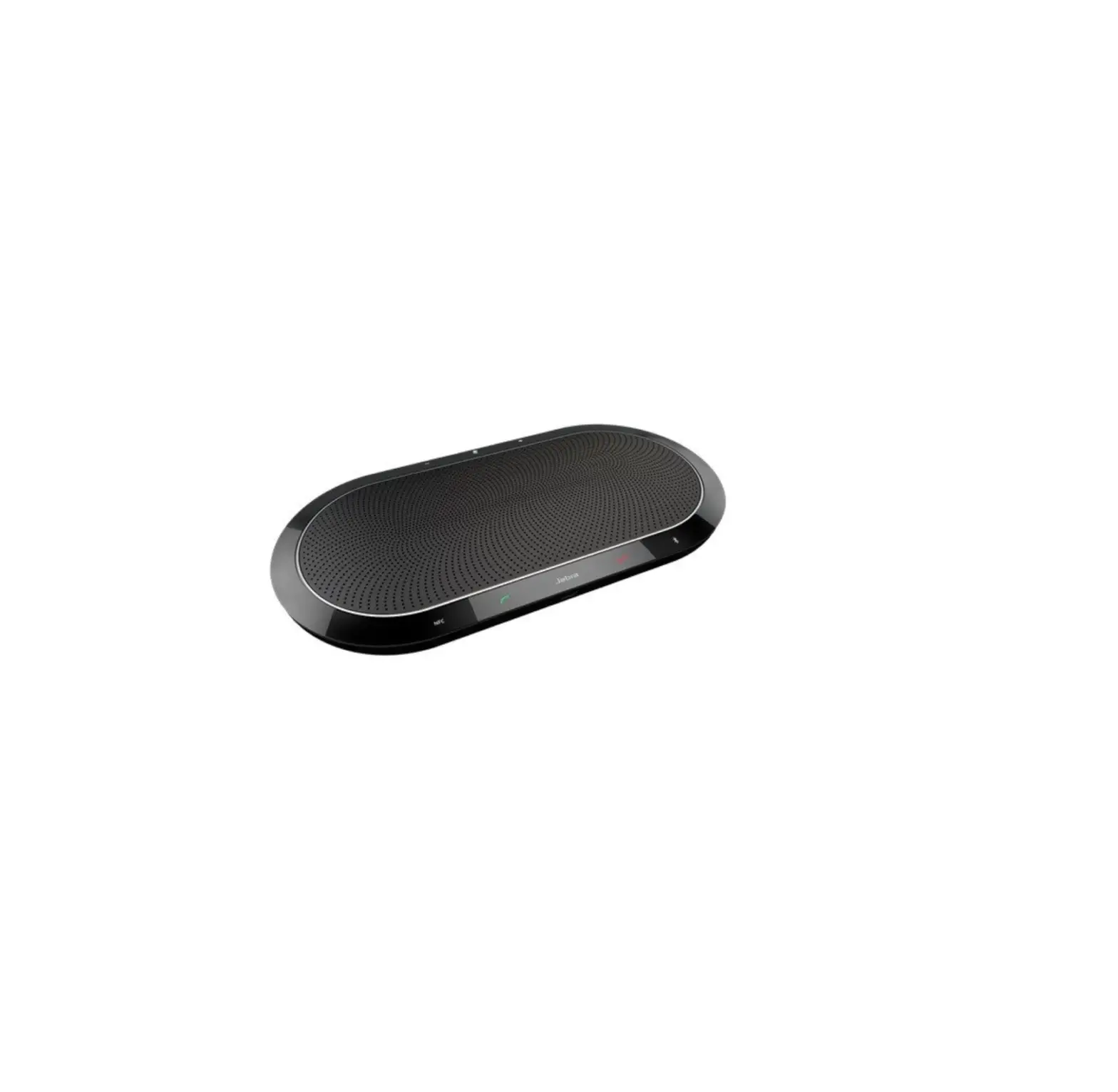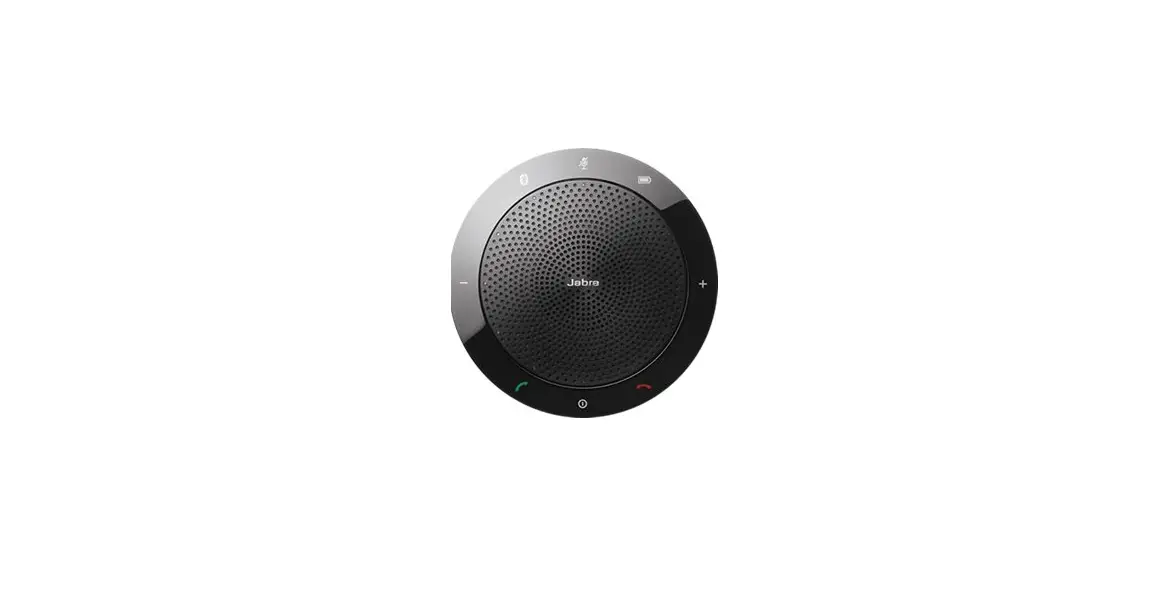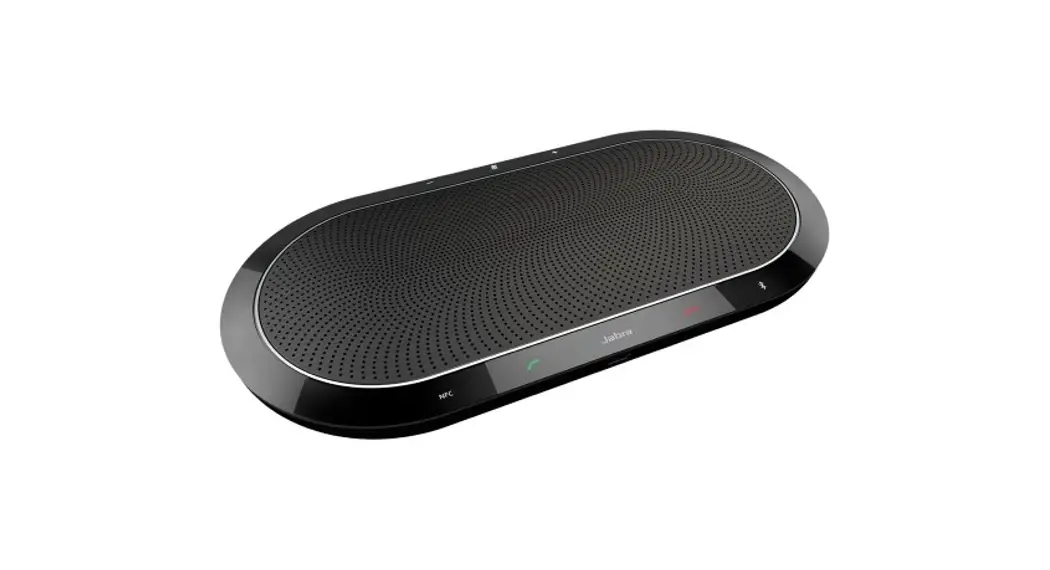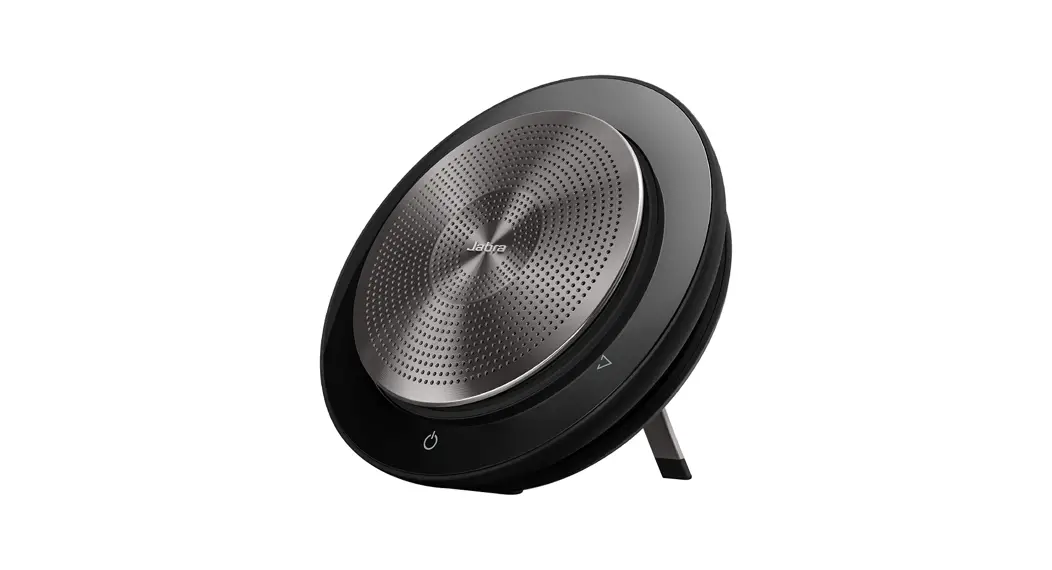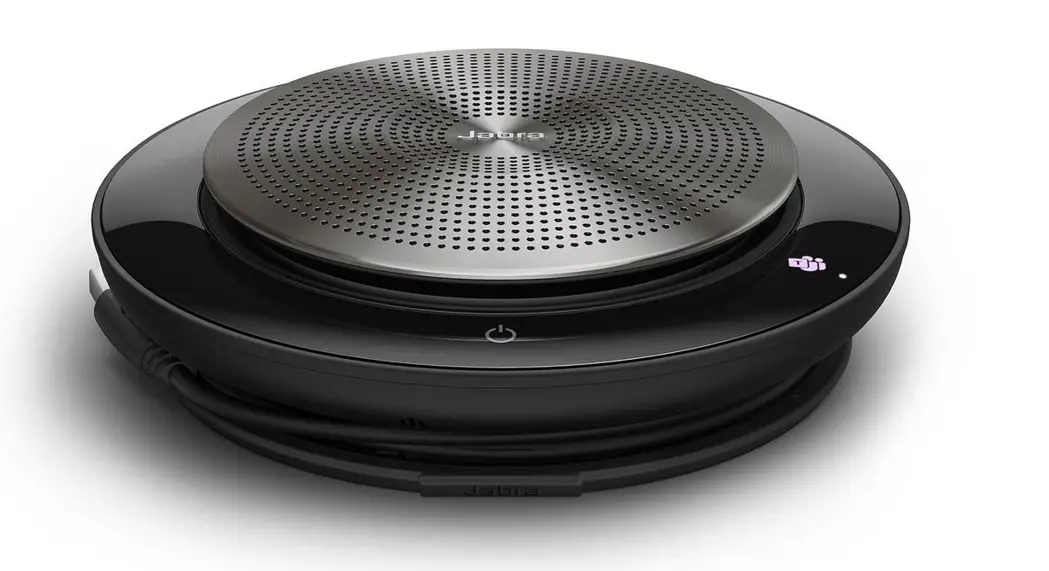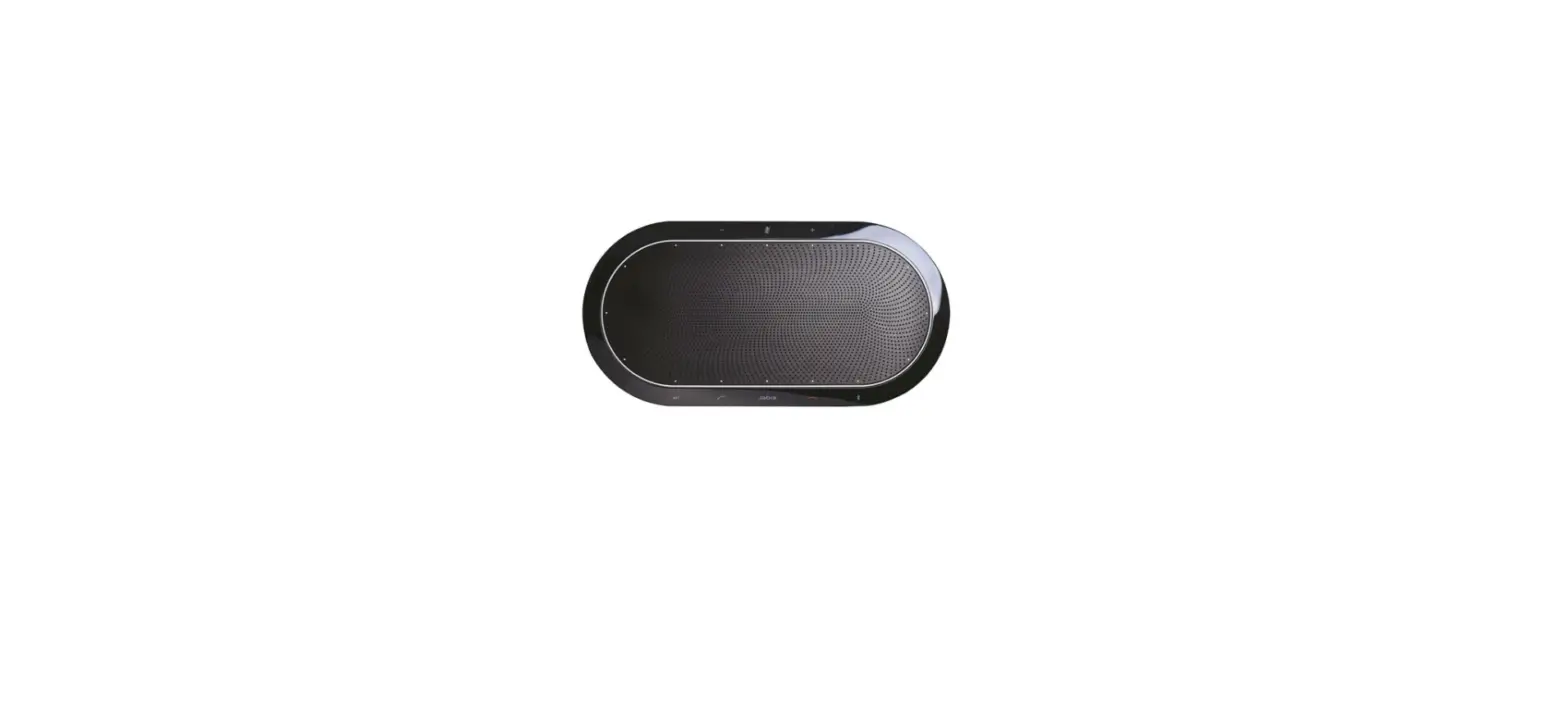

Jabra Speak 810 MS Wireless HD Conference Speakerphone
Why does call control not work with my ShoreTel softphone even though I followed the post-installation steps of Jabra Direct?
Compatible Mitel/Shoretel softphones
- Mitel/Shoretel Communicator v.14, 15
- Mitel/Shoretel Connect Onsite
Confirm successful installation
- Call control may not work because the ShoreTel Telephony Interface is not installed properly, or the Mitel/ShoreTel softphone failed to configure properly. Use the following steps to check the installation and configuration.
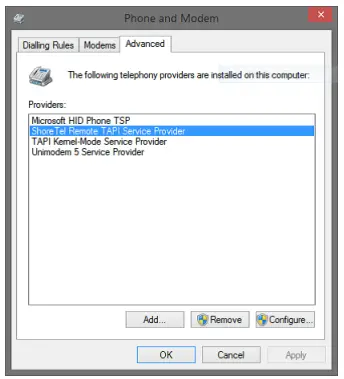
- In the Control Panel, click Phone and Modem.
- On the Advanced tab, verify that ShoreTel Remote TAPI Service Provider is listed as shown in the following screenshot.

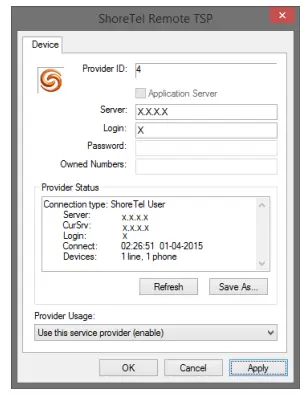
- Click Configure. The ShoreTel Remote TSP dialogue opens.

- In the Provider Usage section, verify that Use this service provider (enable) is selected.
- If you cannot verify these steps, the ShoreTel Remote TAPI Service Provider is not installed properly. Reinstall it, and then reboot your computer.
- Verify that the ShoreTel integration displays the Ready status on the Jabra Direct home screen.
https://www.jabra.in/supportpages/jabra-speak-810/7810-109/faq/07dfc668-2241-48c8-a7f6-9a778e76c96f
 [FAQTitle] | Jabra Speak 810 MS | FAQ | Jabra Support