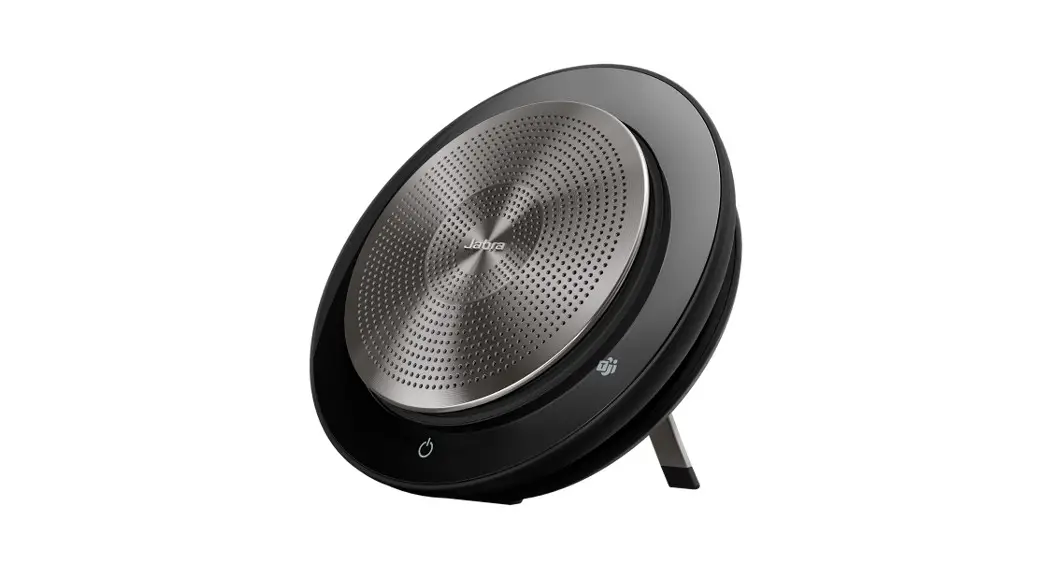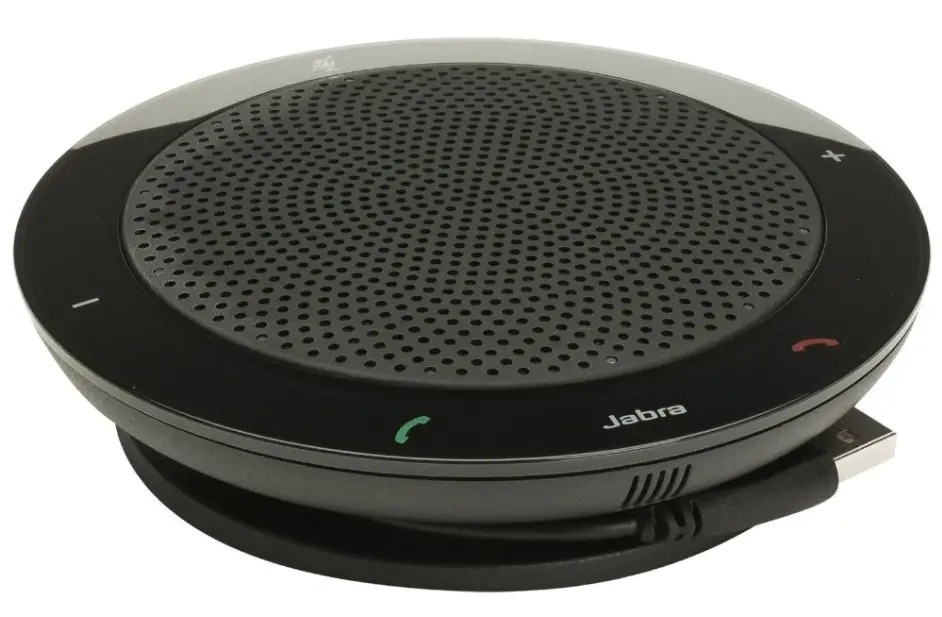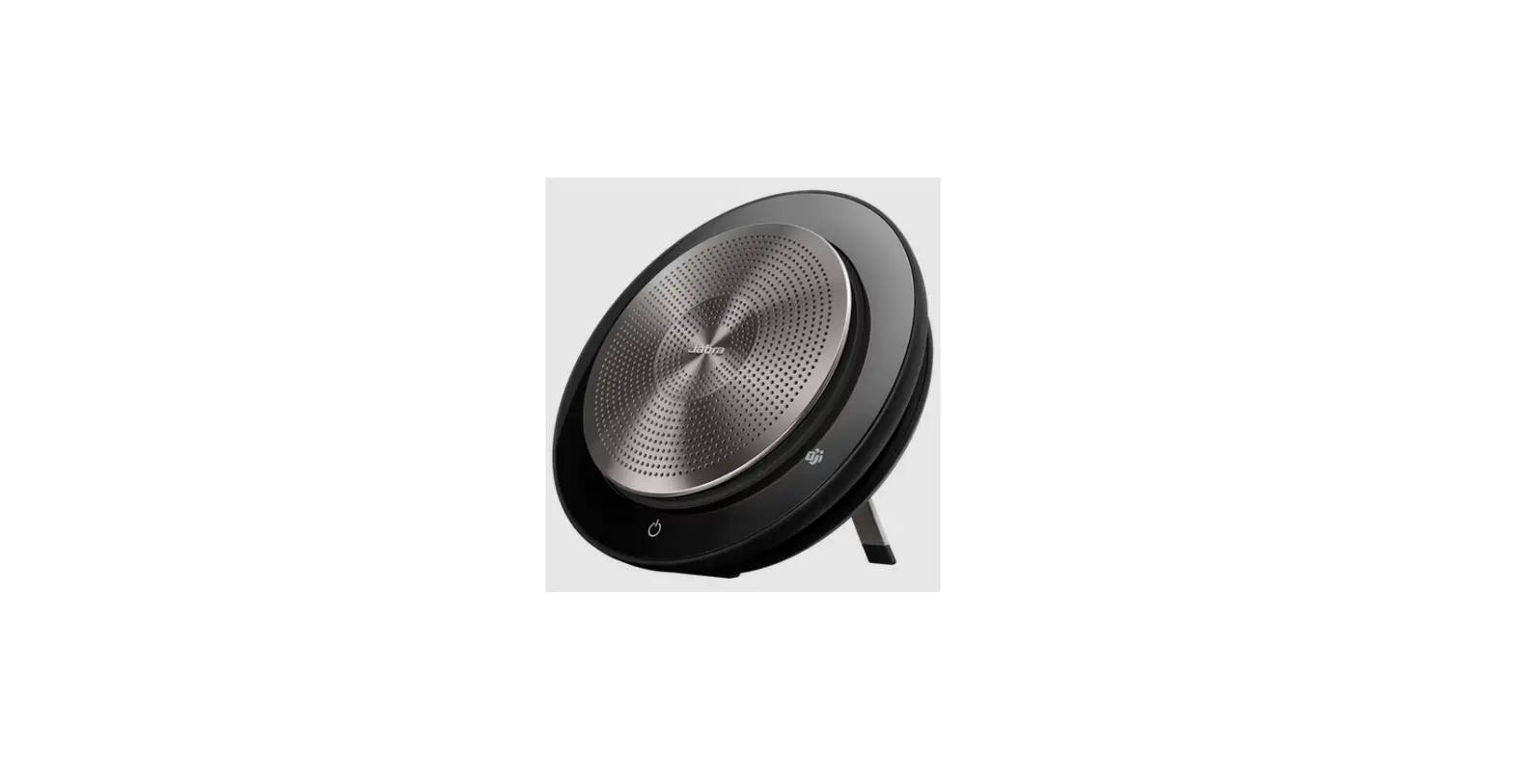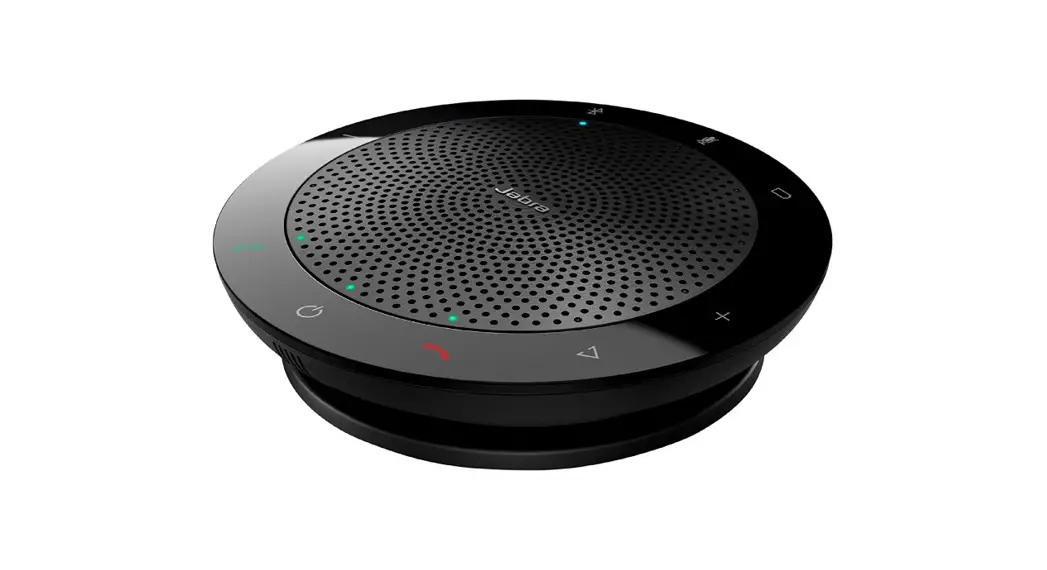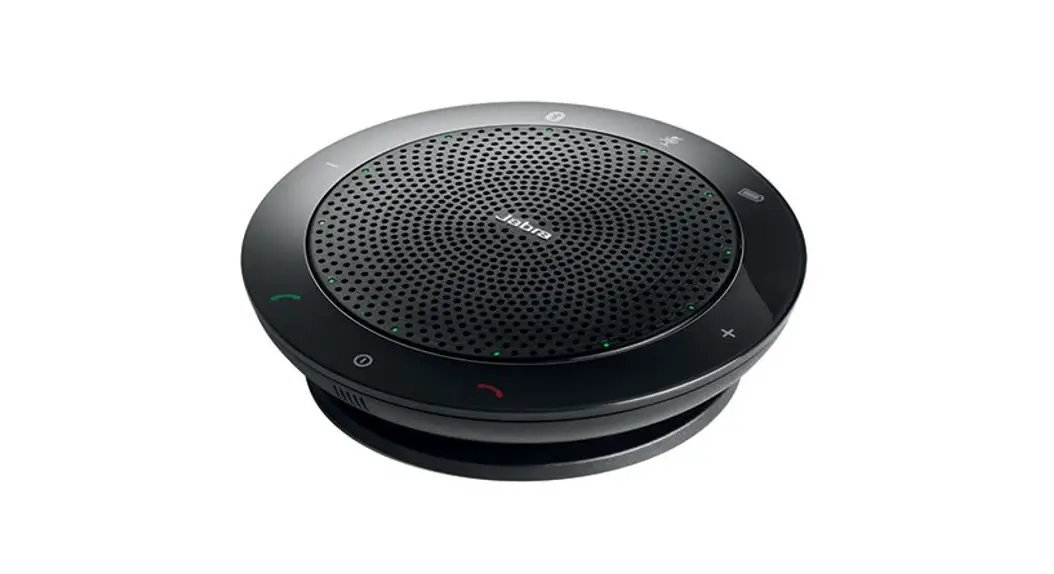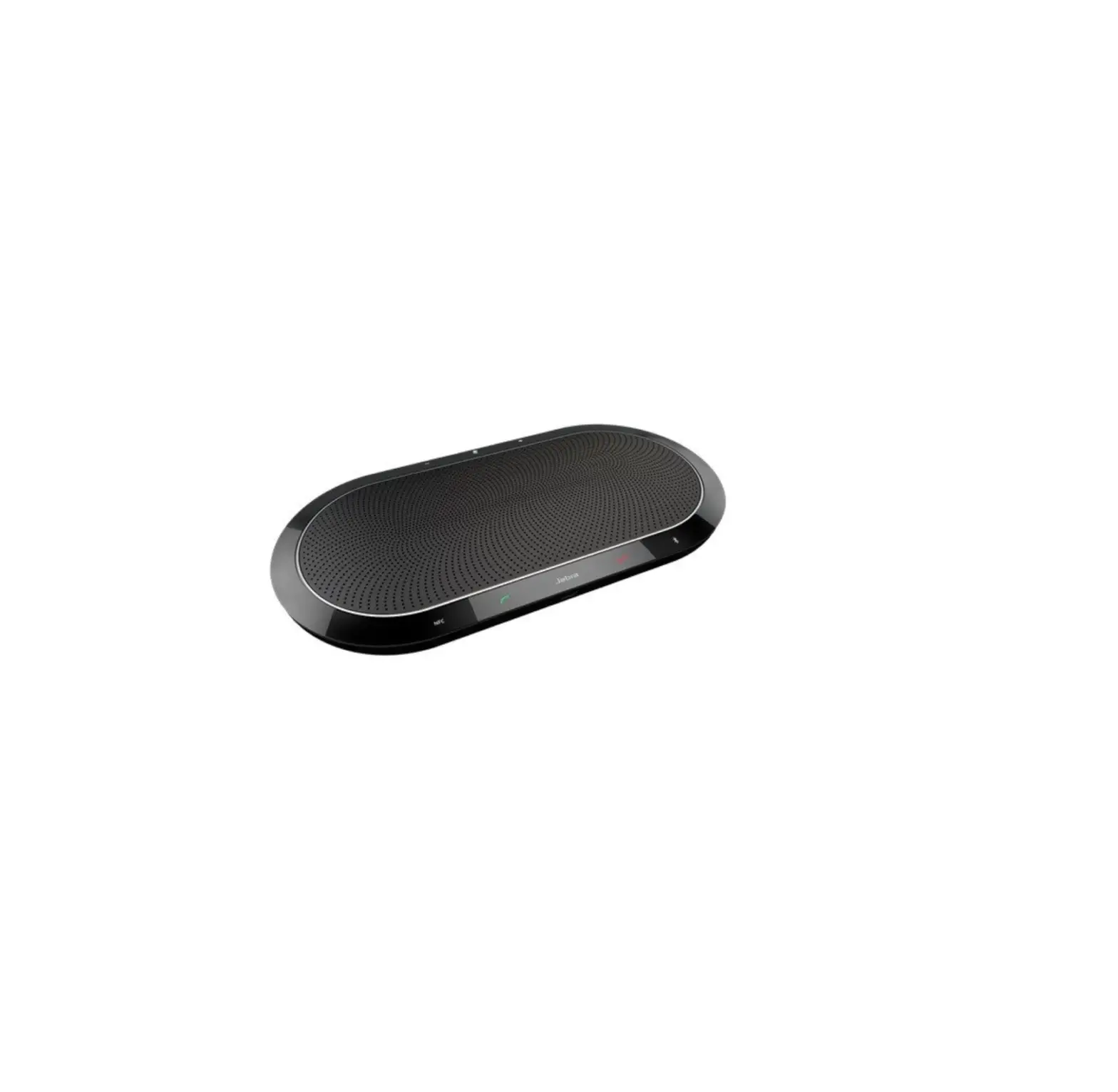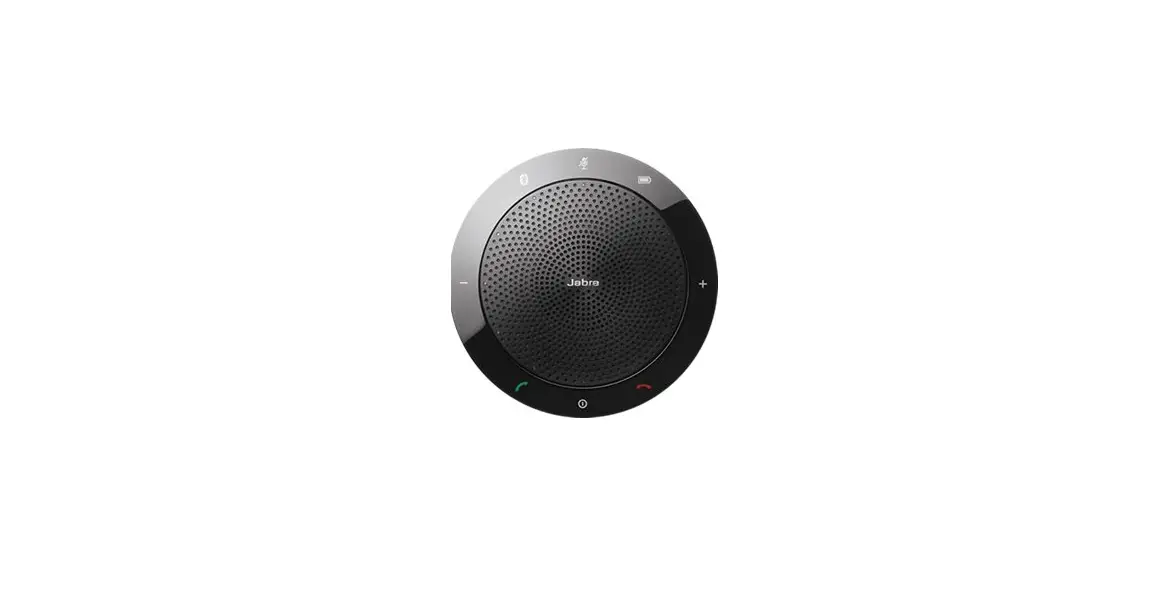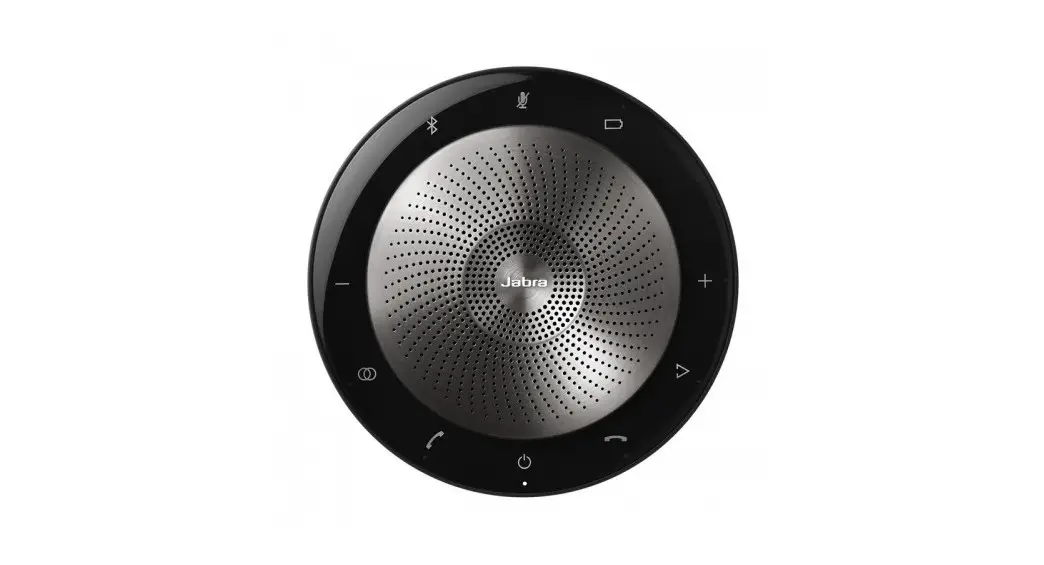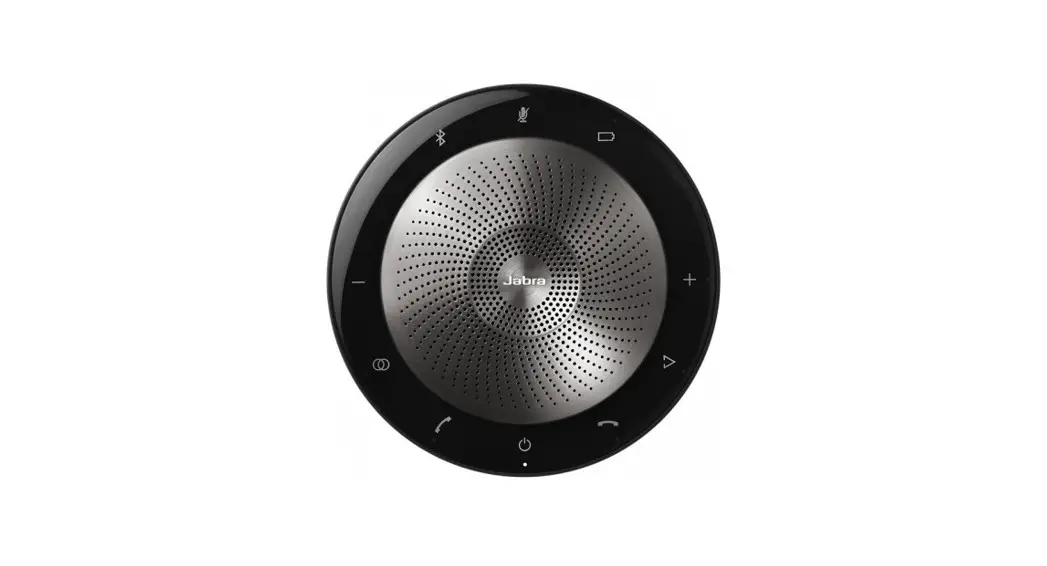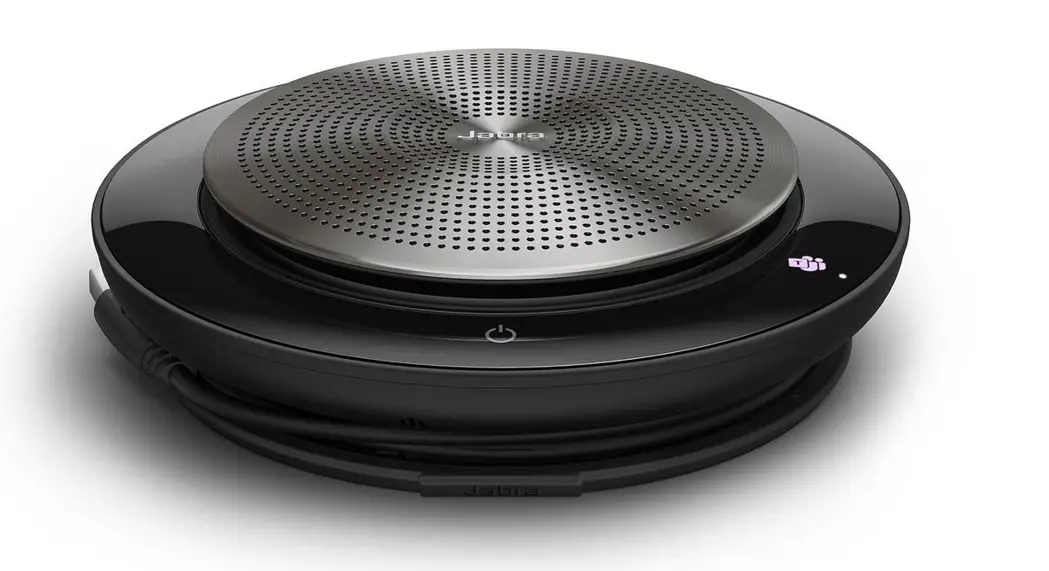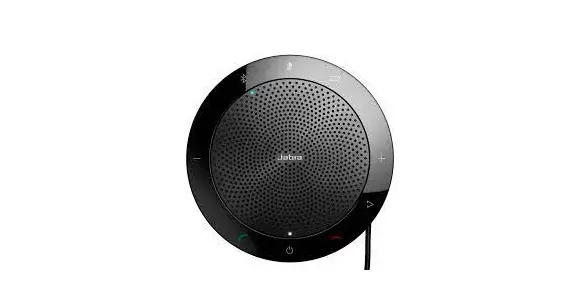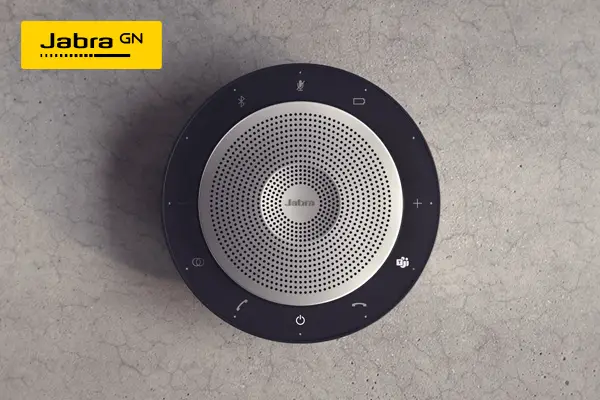

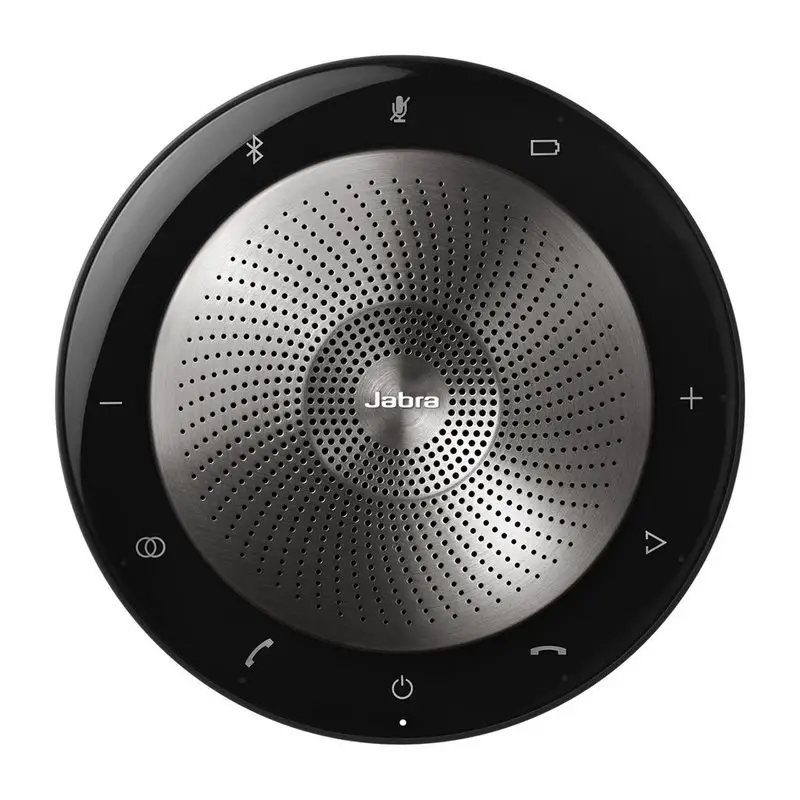
Jabra Speak 750
How to connect
using Bluetooth or Bluetooth adapter
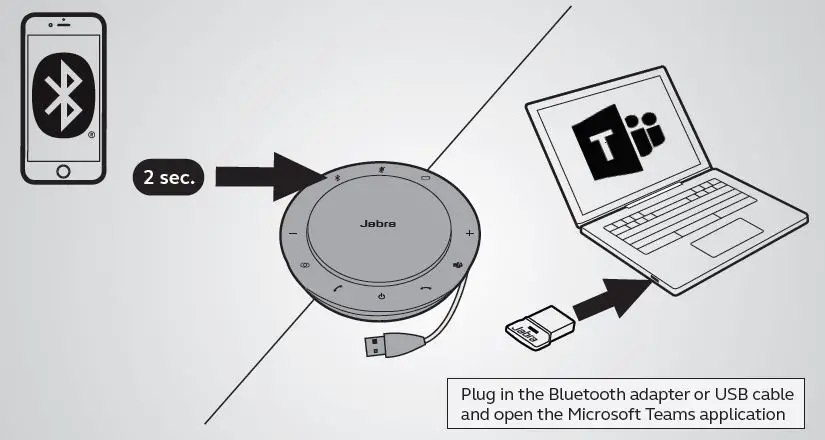
Before first time use, plug the USB cable into your computer.
How to use
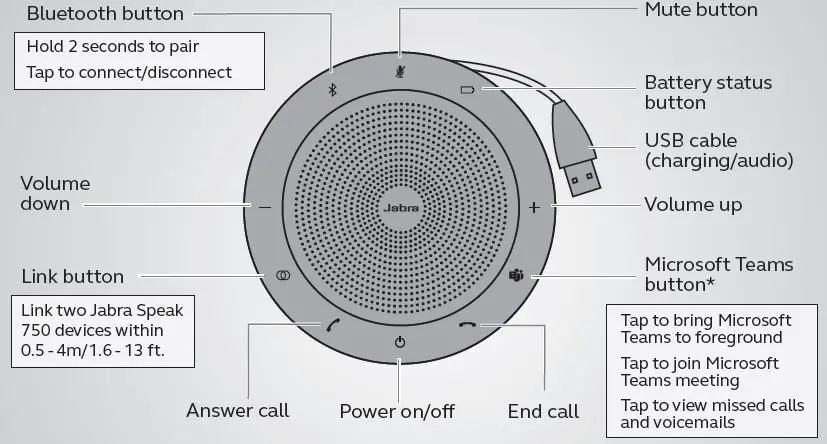
Personalize your Jabra Speak 750 using the Jabra Direct software. Download for free at jabra.com/direct.
Where to position
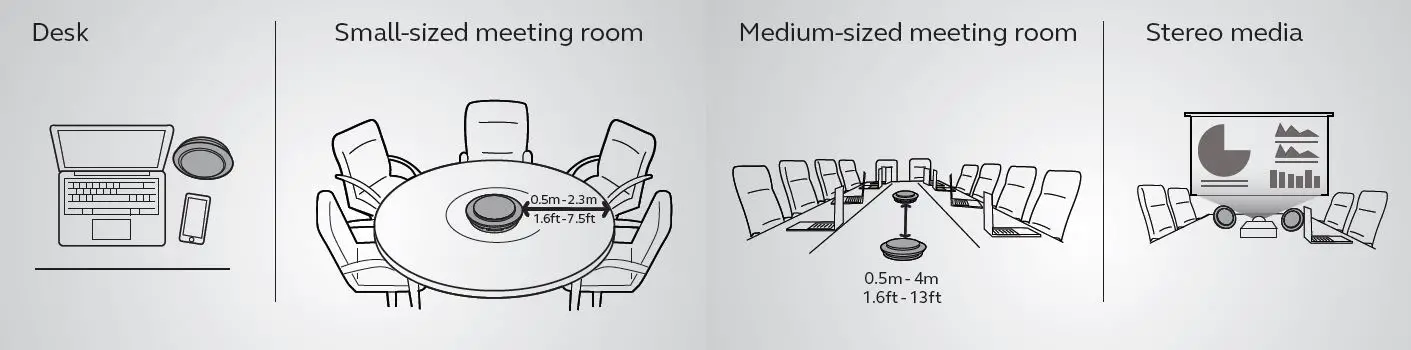
- When playing music or watching a video use the stand to direct the audio towards you.
- Tap to link two Jabra Speak 750 devices within 0.5m – 4m or 1.6ft – 13ft.

 Jabra Direct - Engineered to optimize and personalize your headset
 Anatel — Agência Nacional de Telecomunicações