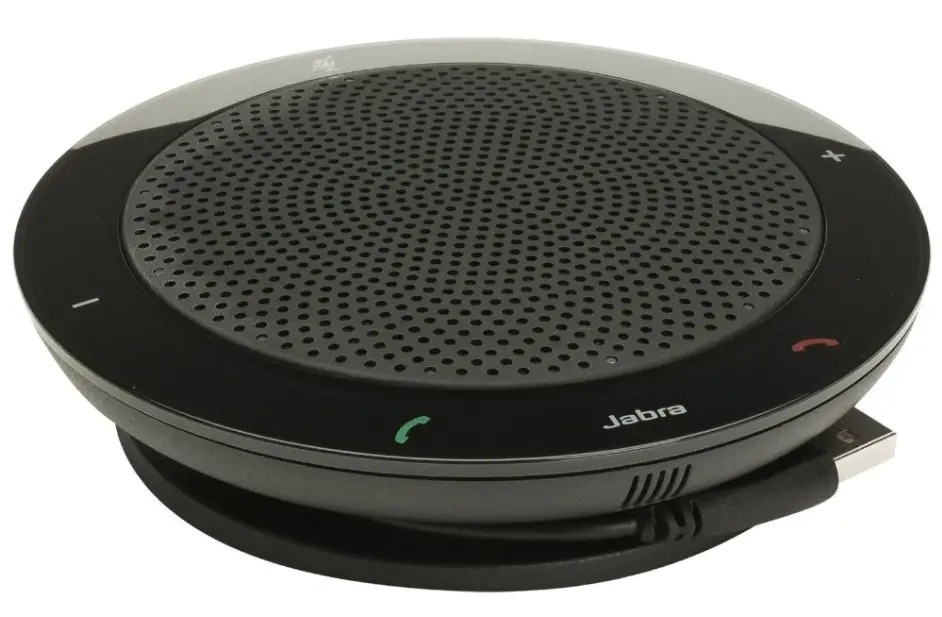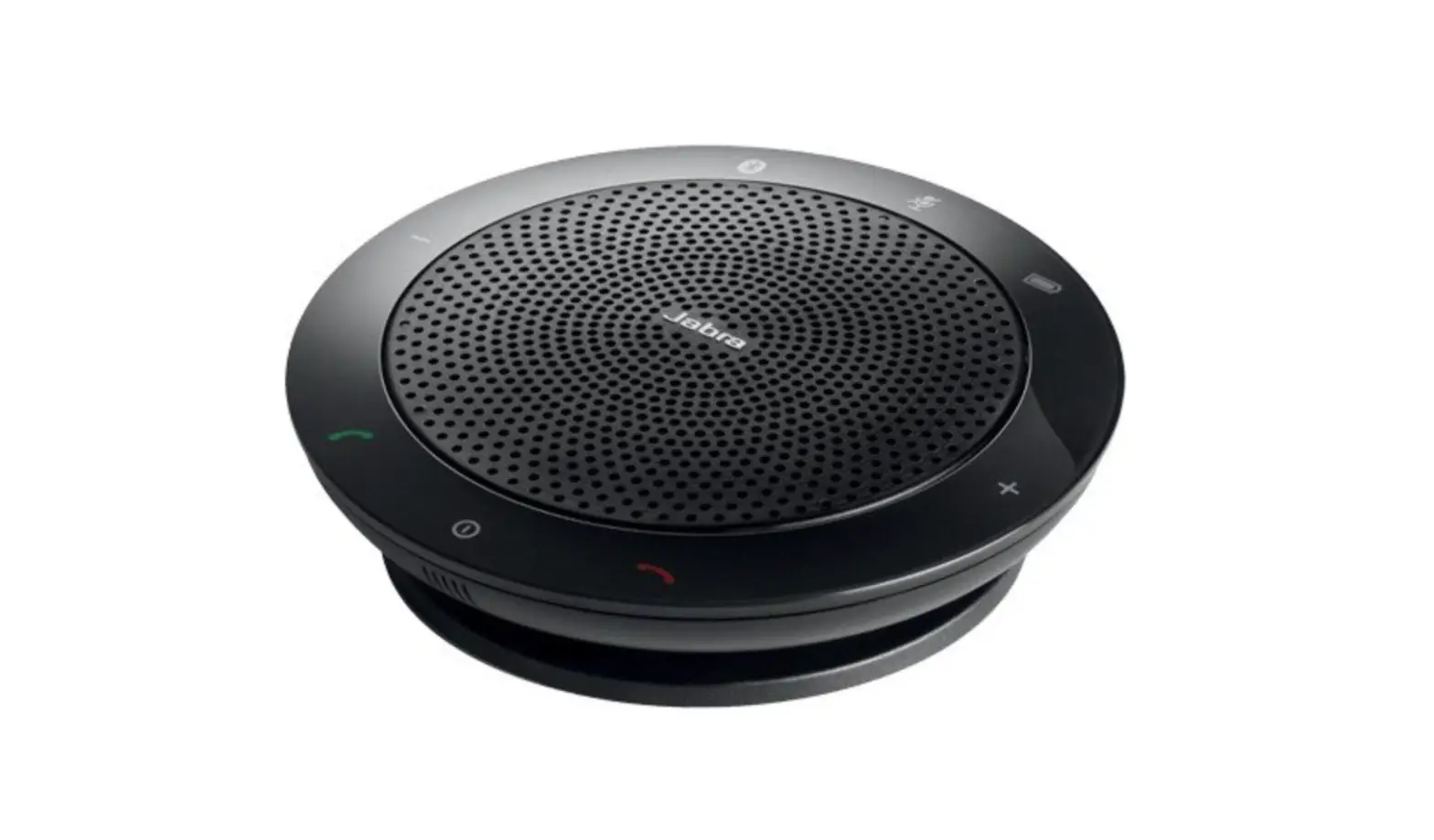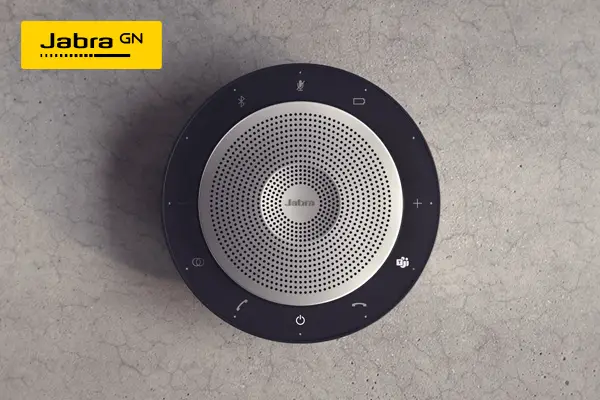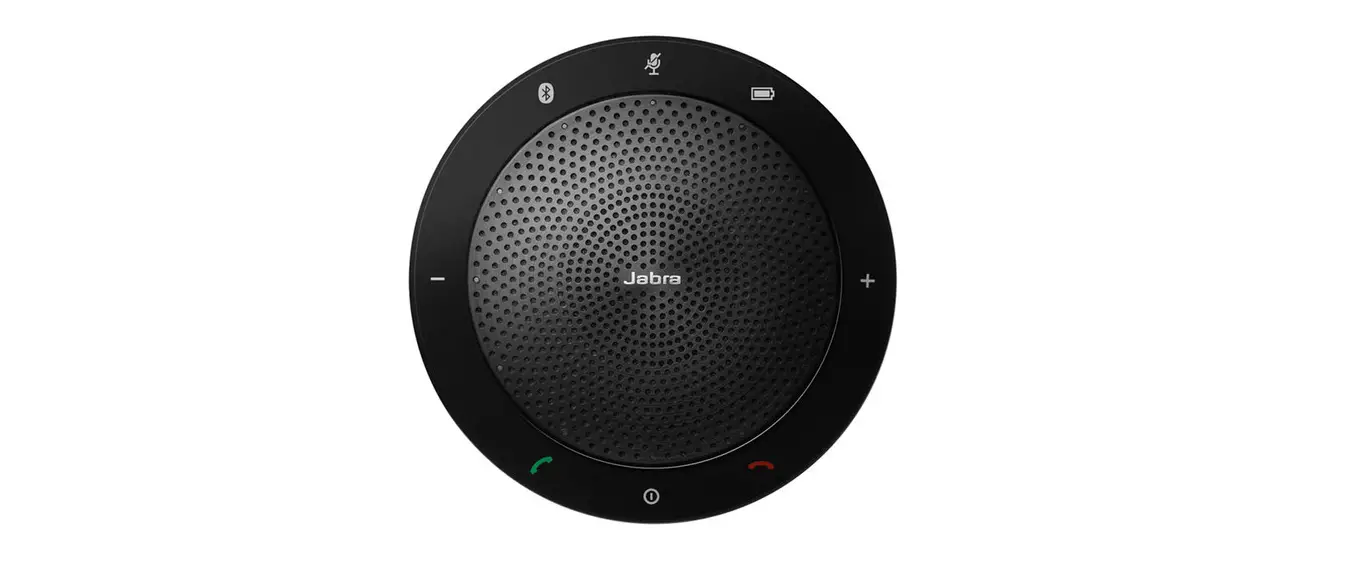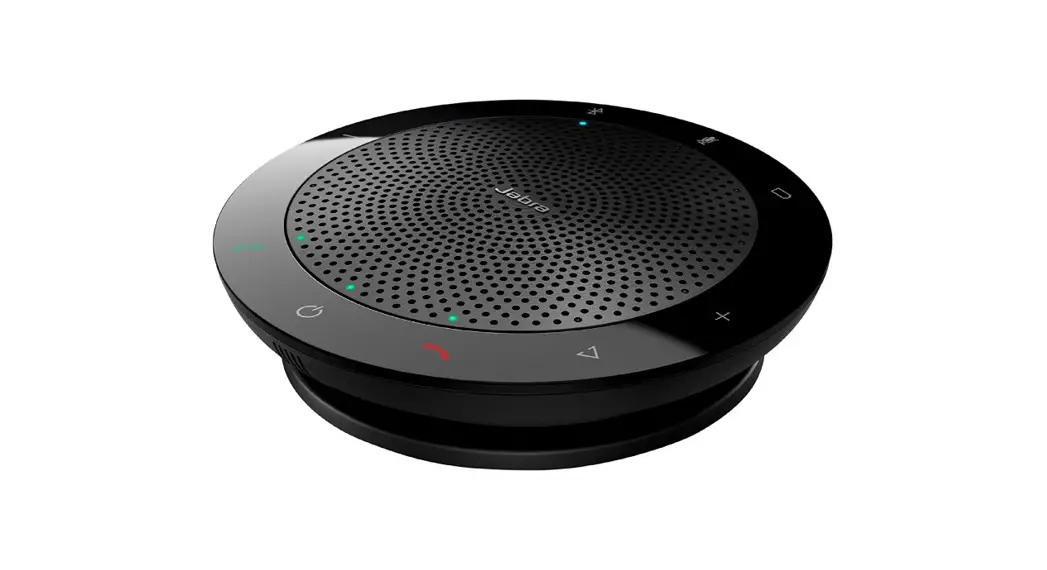
 Jabra Speak 510 UC
User Manual
Speak 510 UC
How do I pair the Jabra Speak 510 with a Bluetooth headset?
To pair the Jabra Speak 510 with a Bluetooth headset, follow these steps.
- Plug the Jabra Speak 510 into an available USB port on your computer.
- Put the Bluetooth headset into pairing mode (refer to the headset manual for instructions).
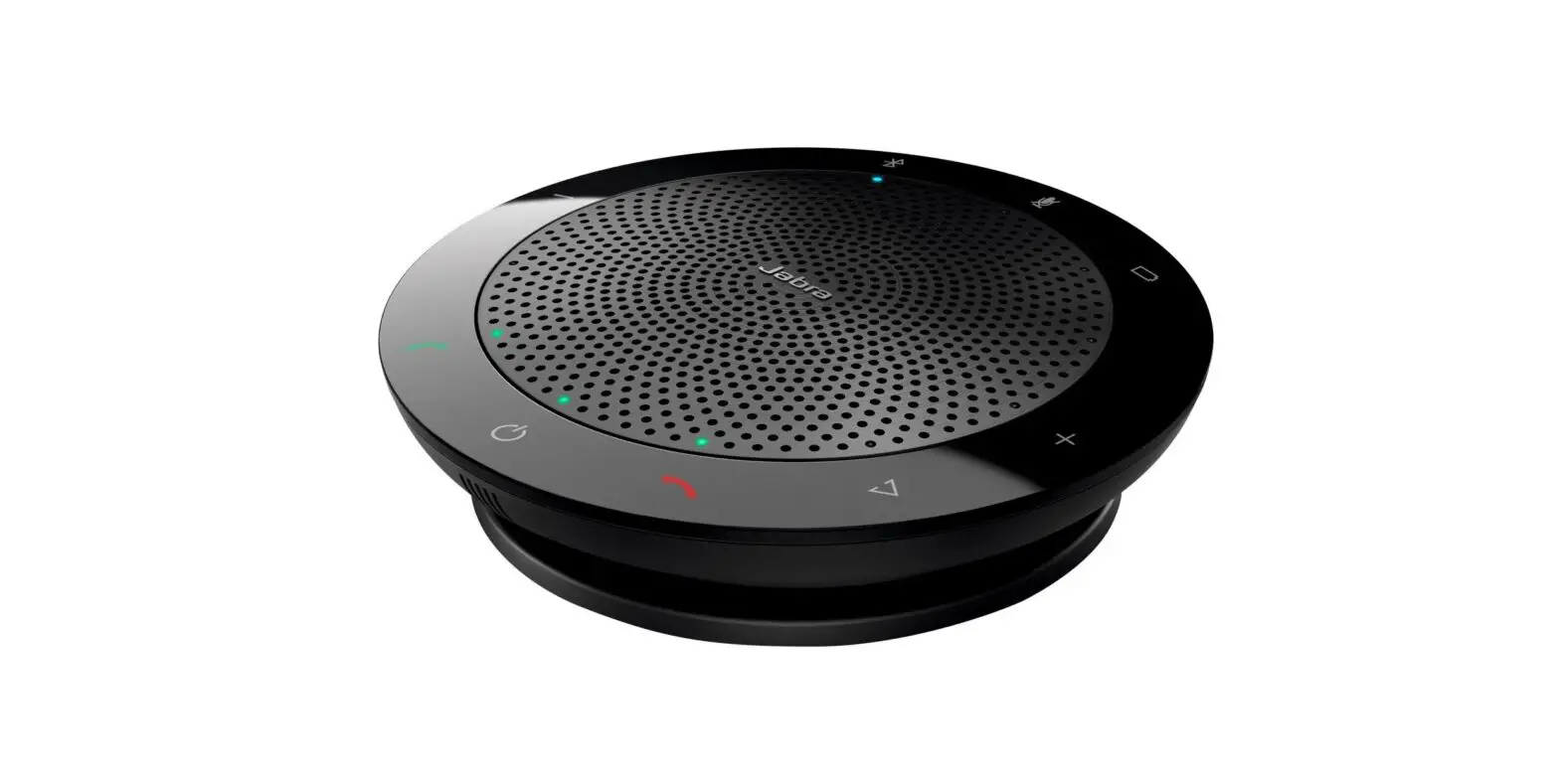
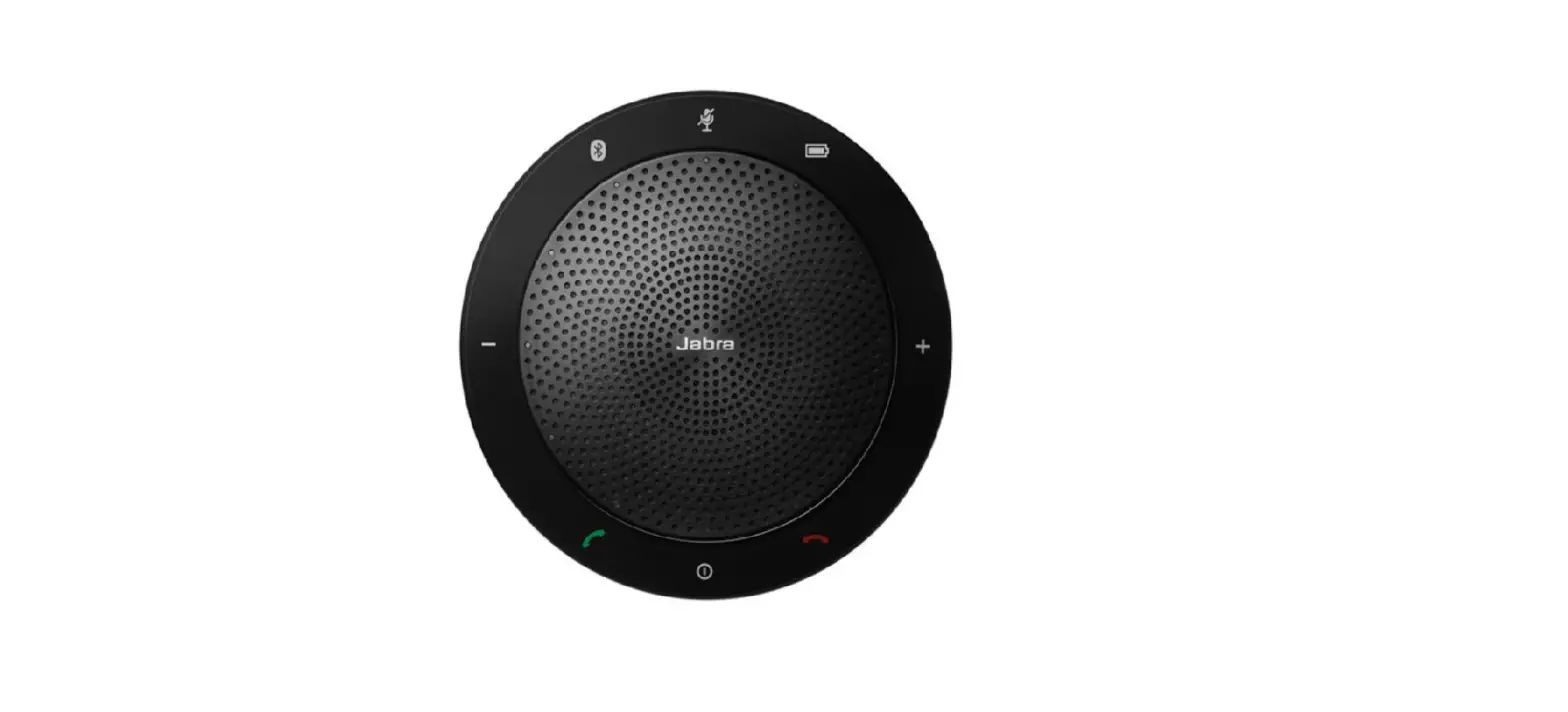
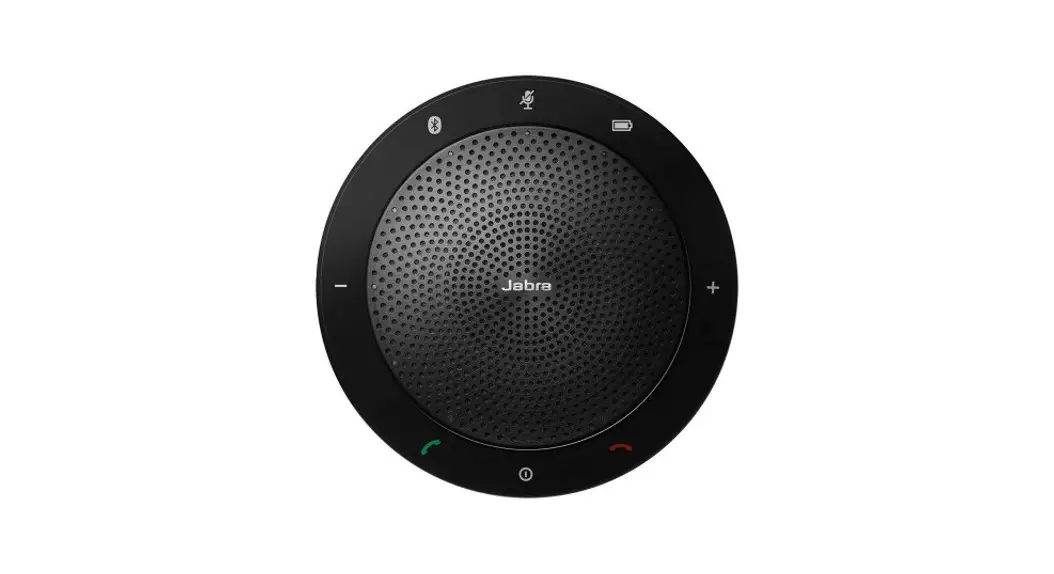
- Press and hold (8 seconds) the Bluetooth button on the Jabra Speak 510 until the Bluetooth light flashes blue and then flashes green.
- Release the button when the speakerphone announces “Connect to headset”.
- When the LED turns solid blue, pairing is complete.
 [FAQTitle] | Jabra Speak 510 UC | FAQ | Jabra Support