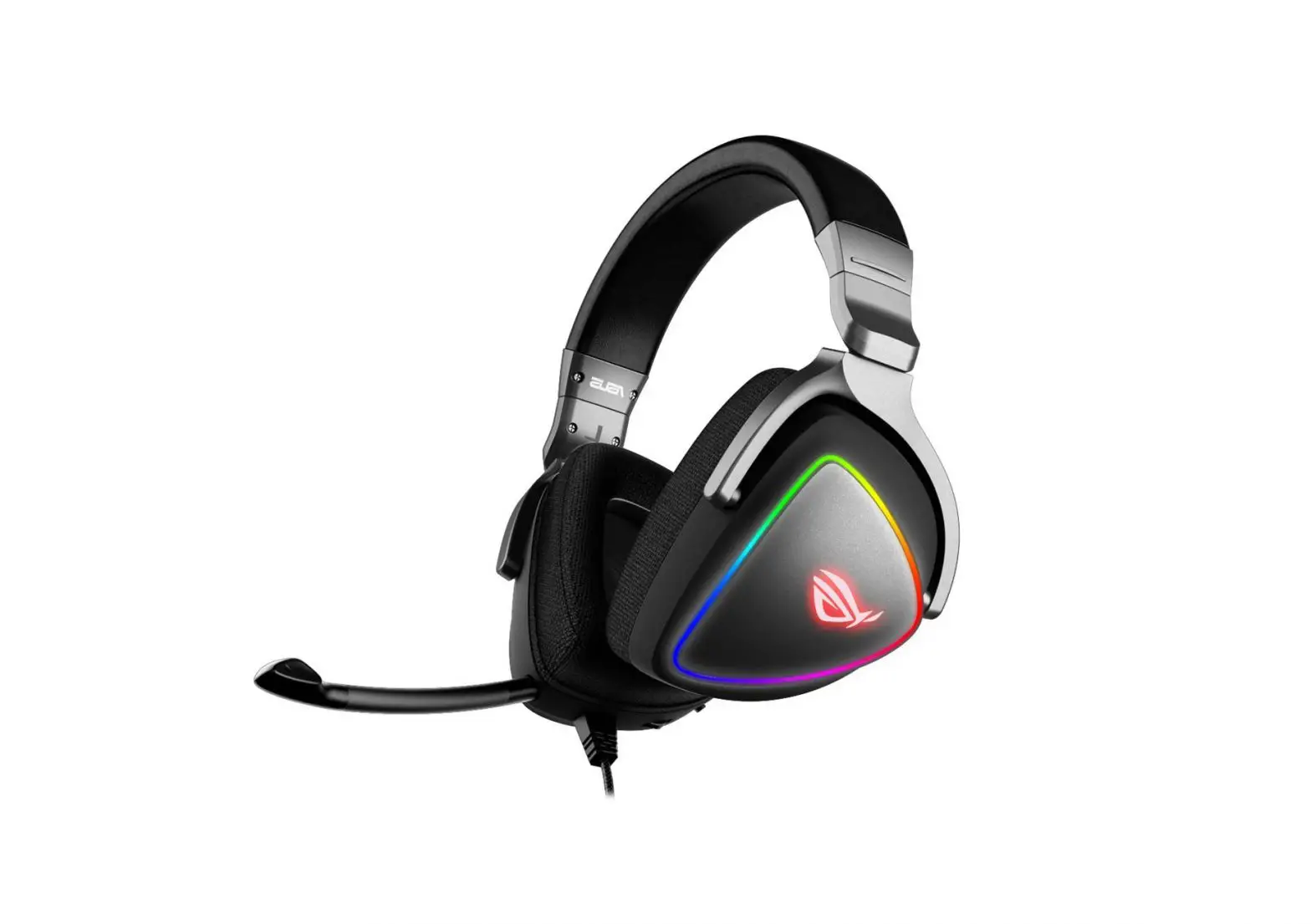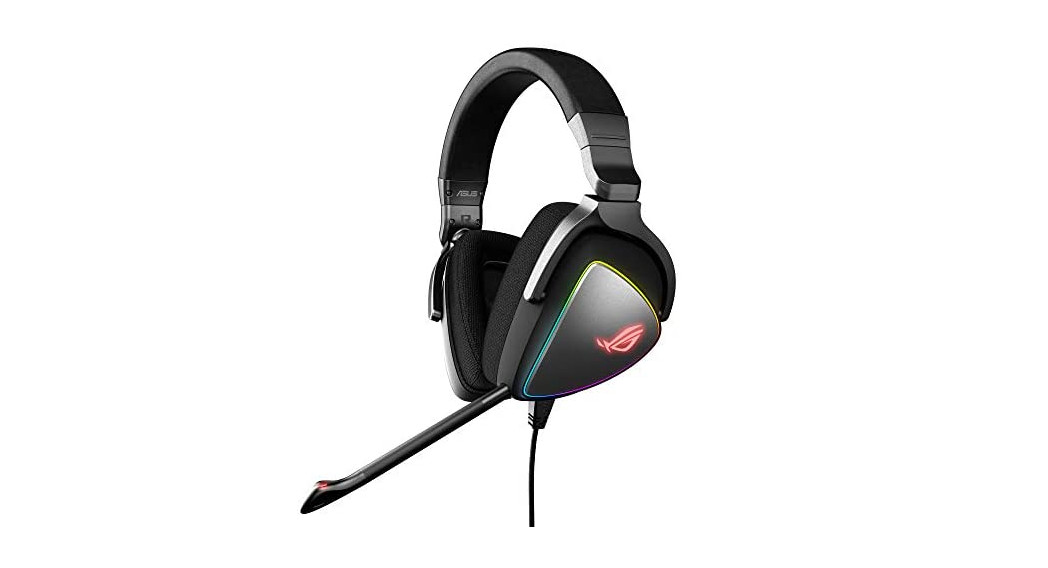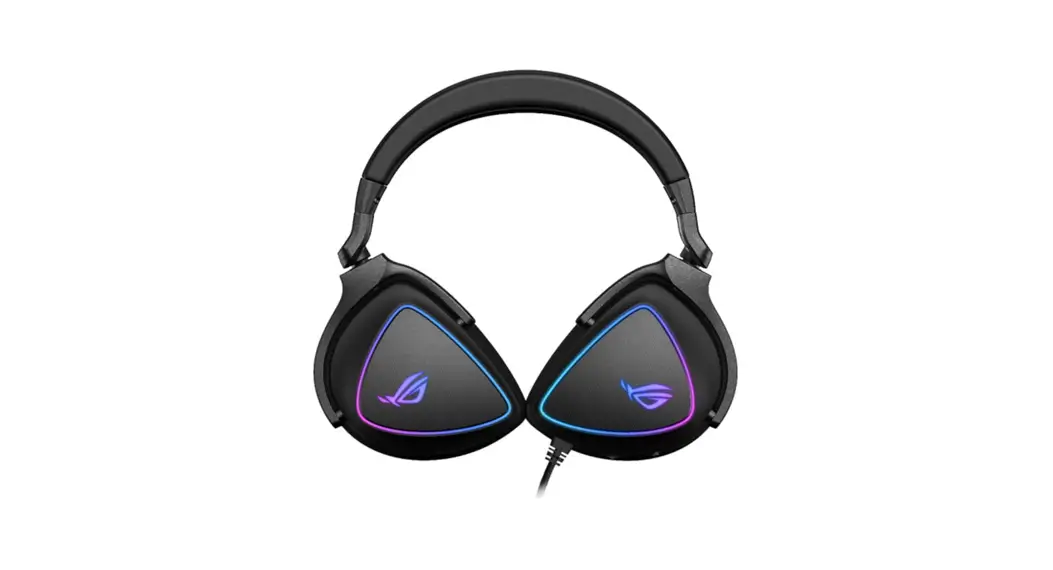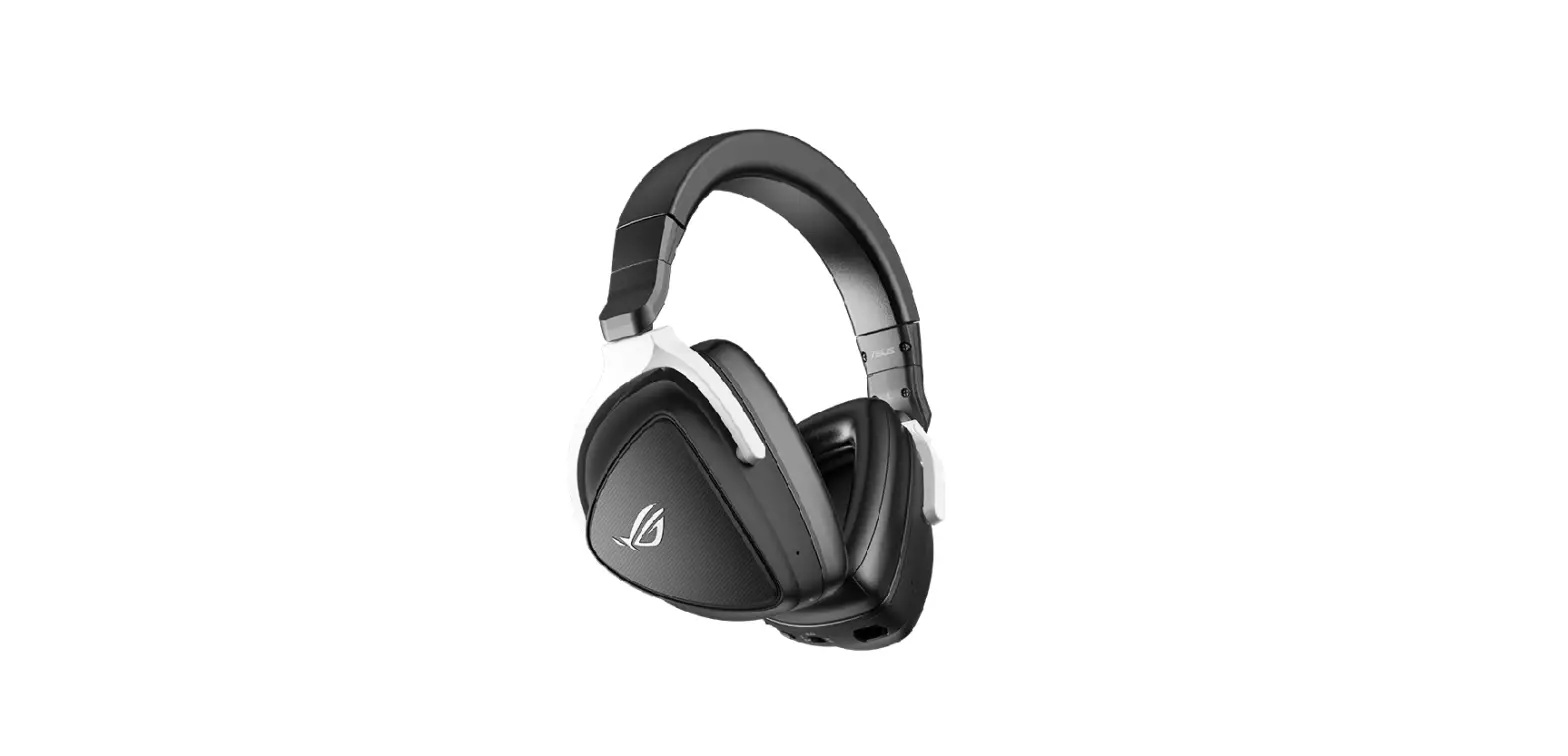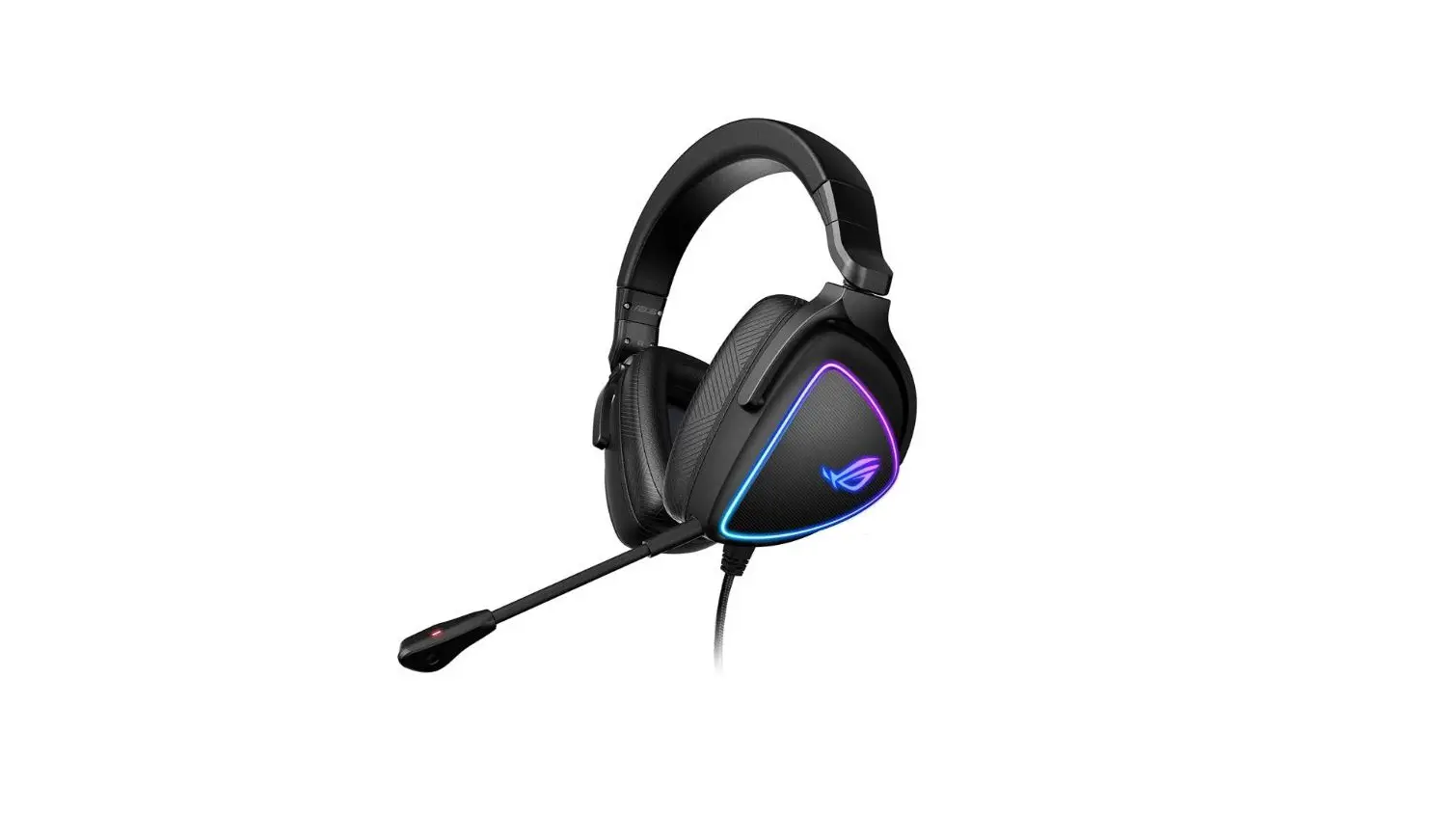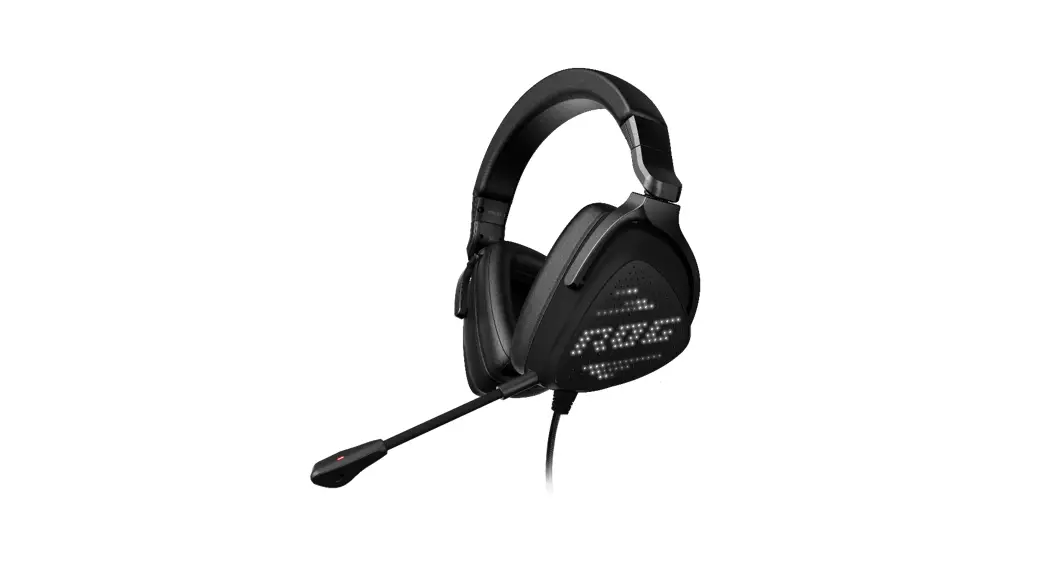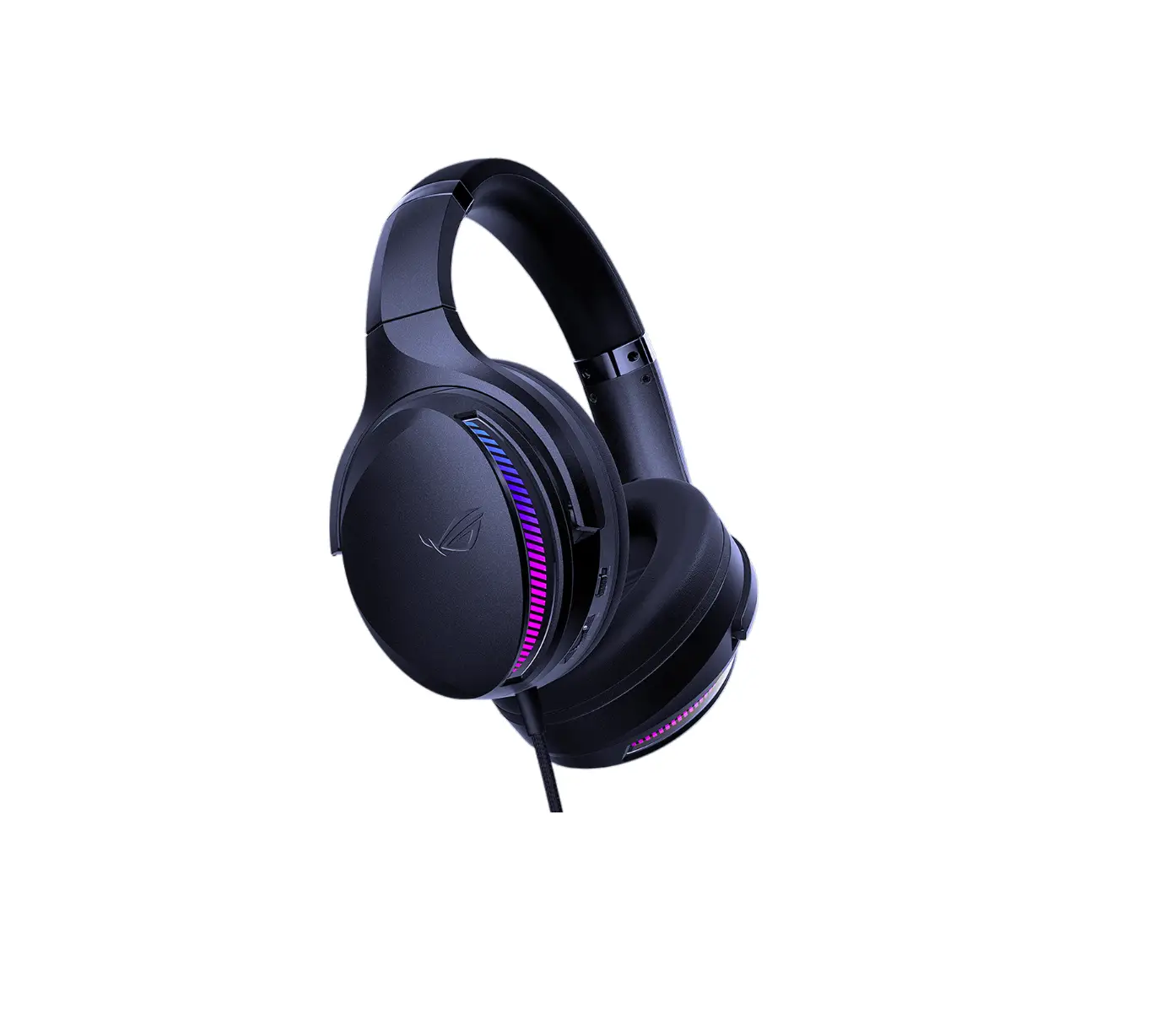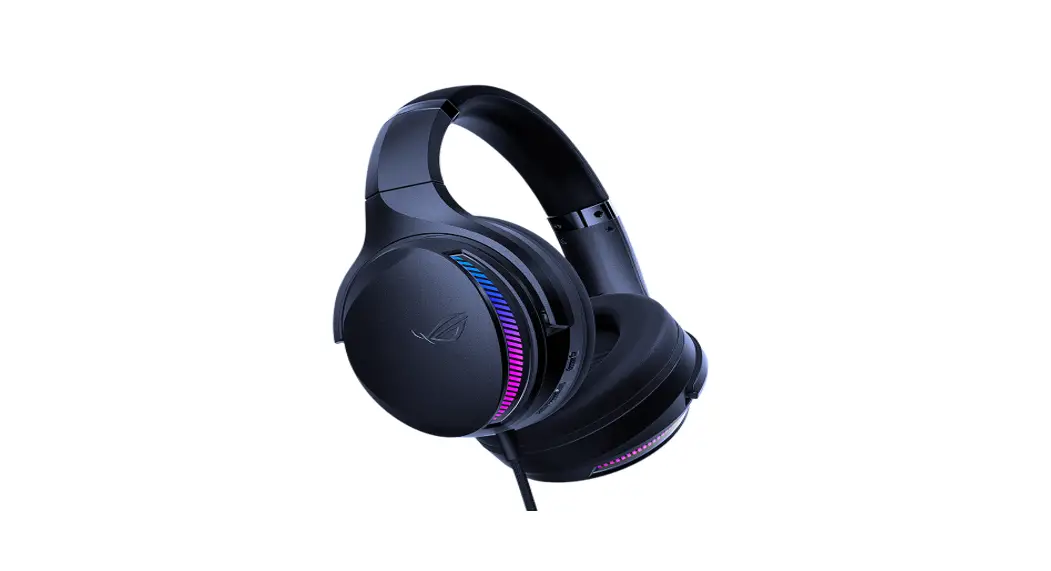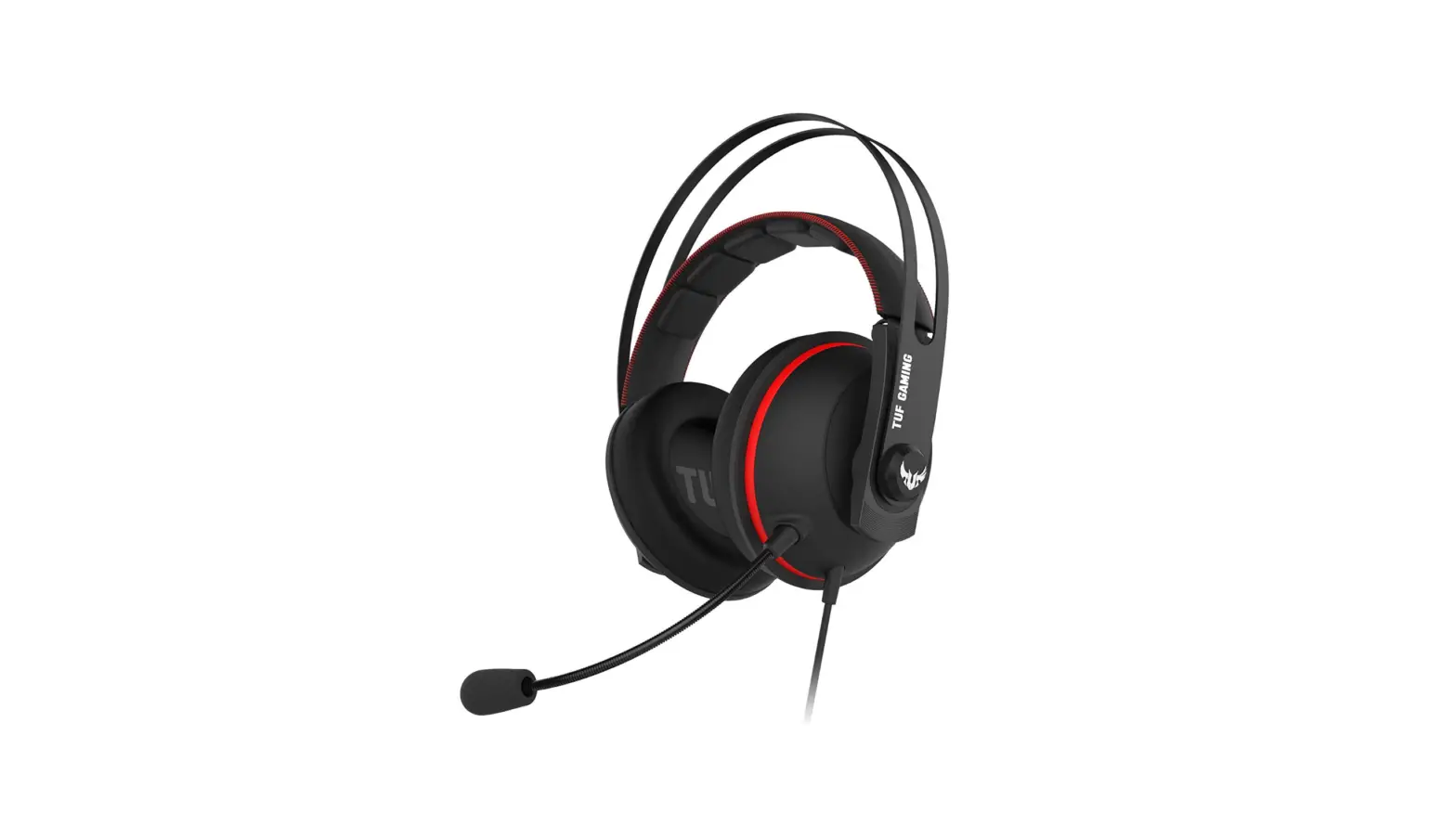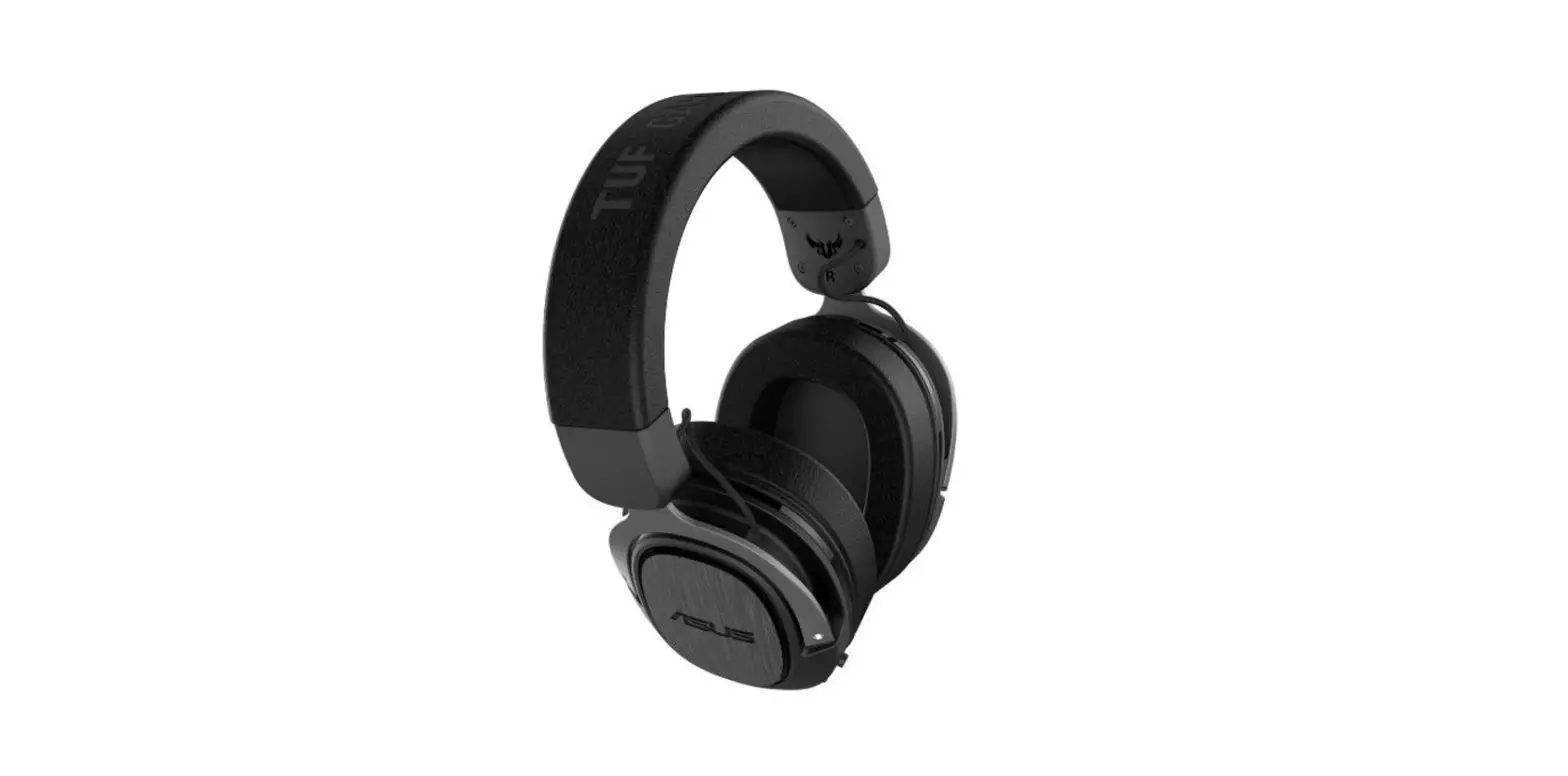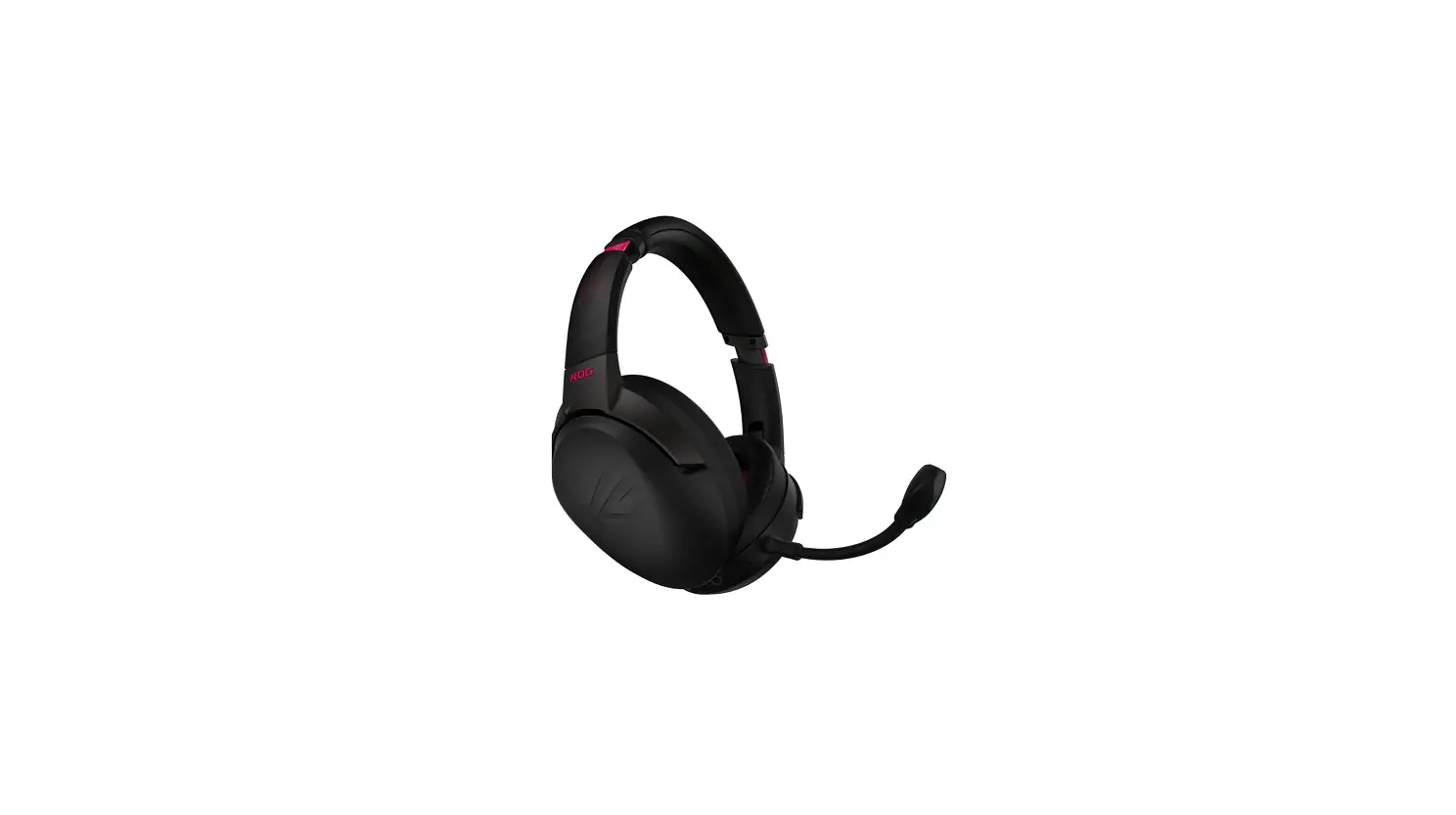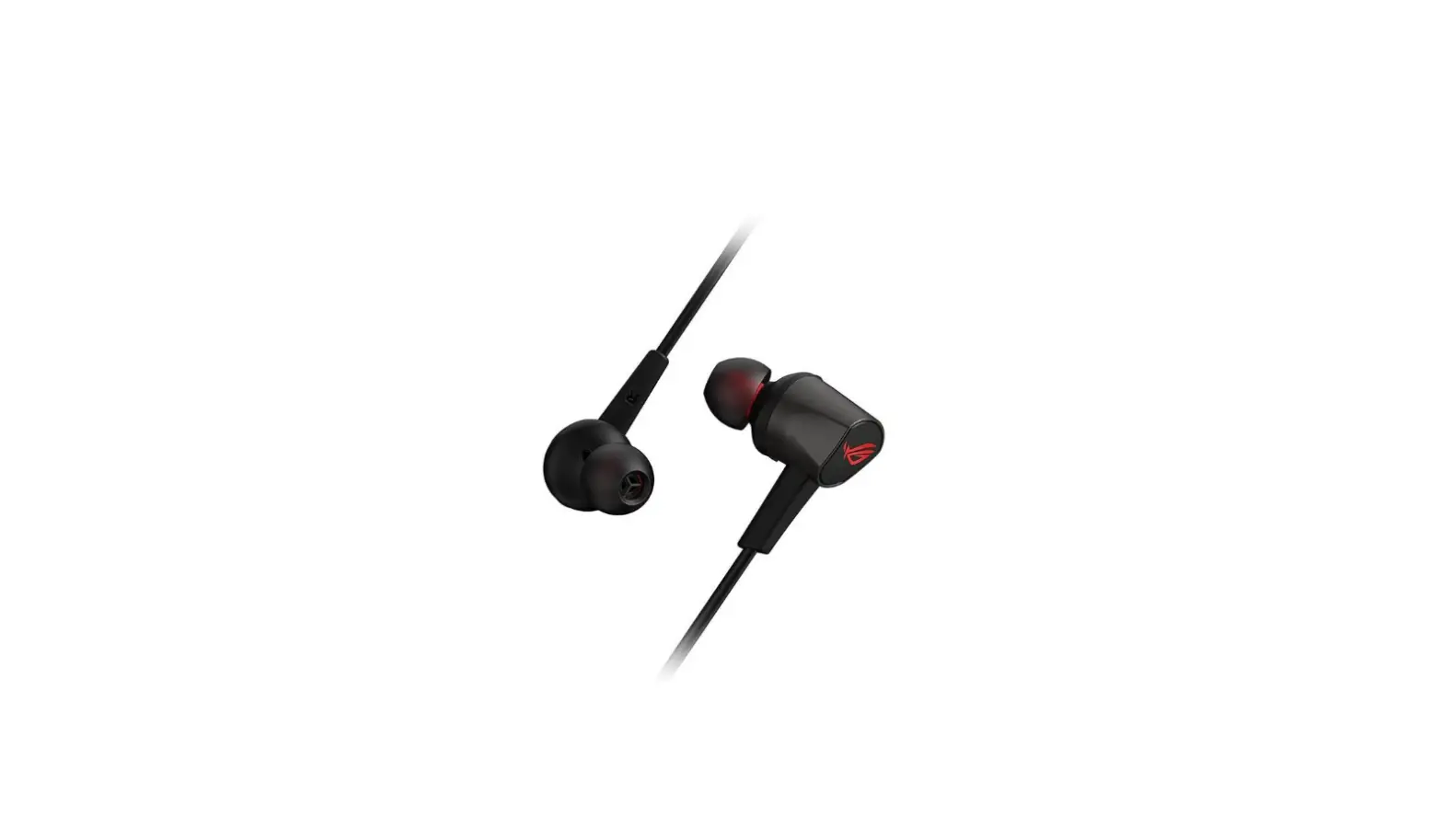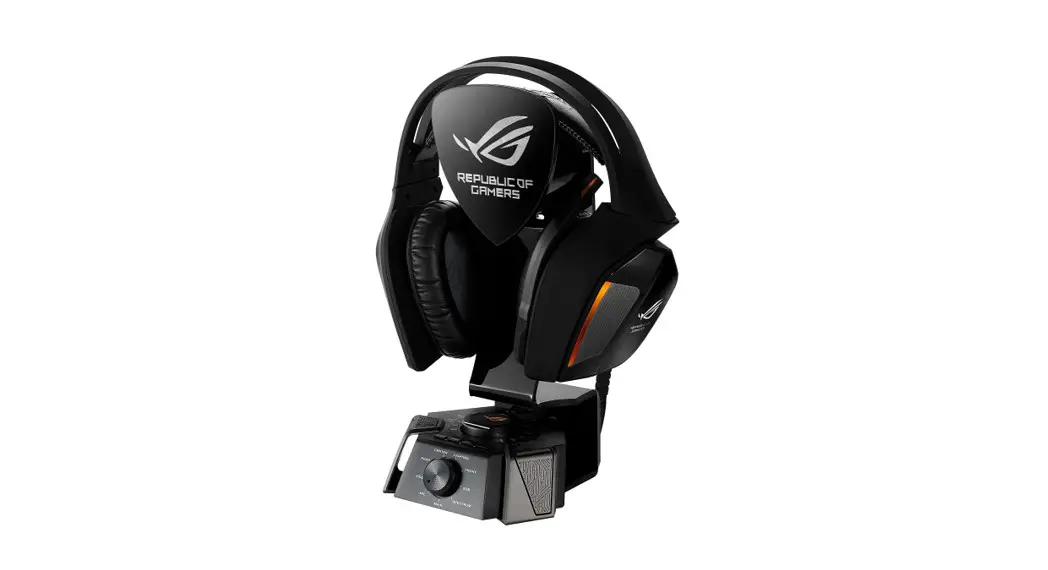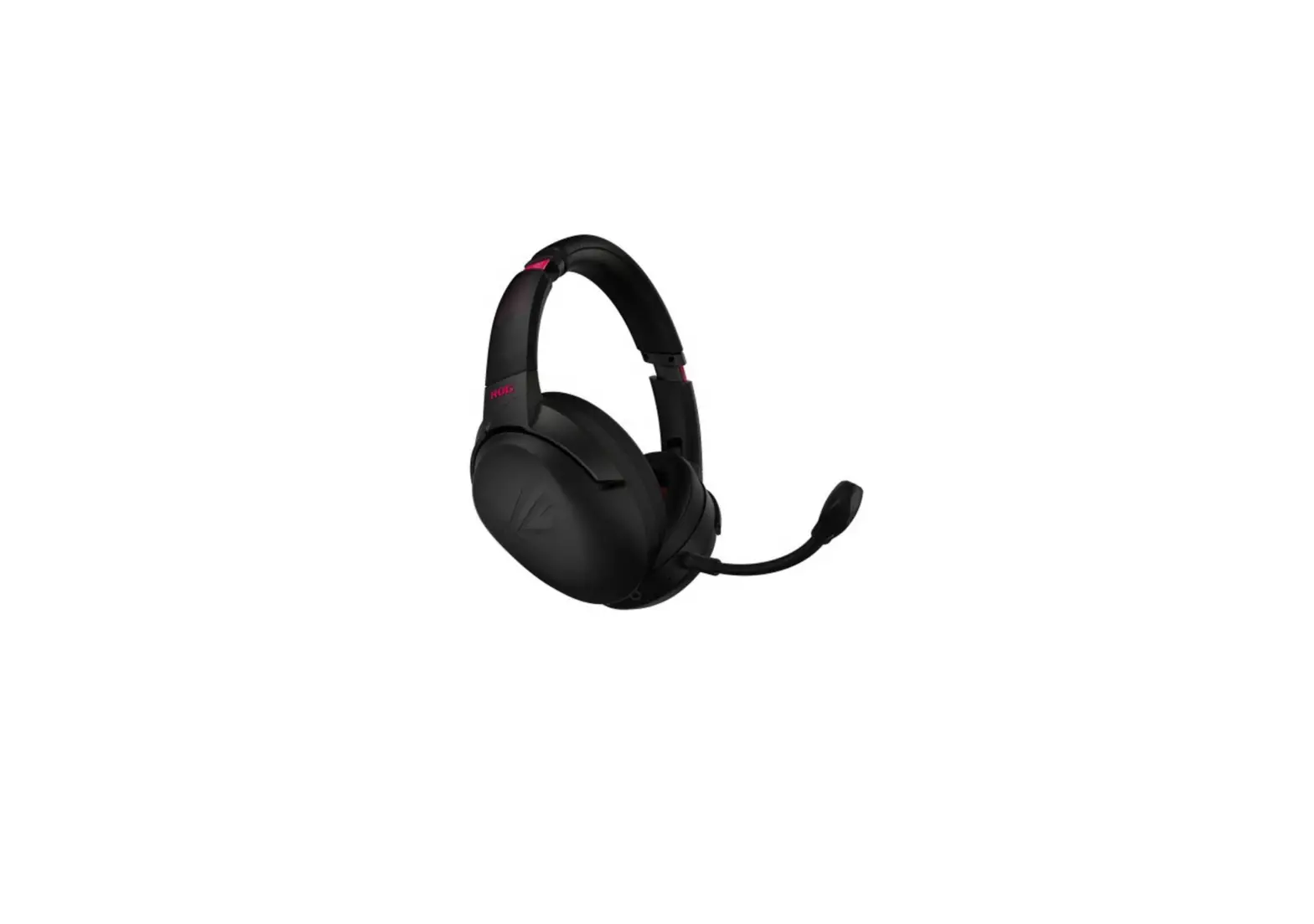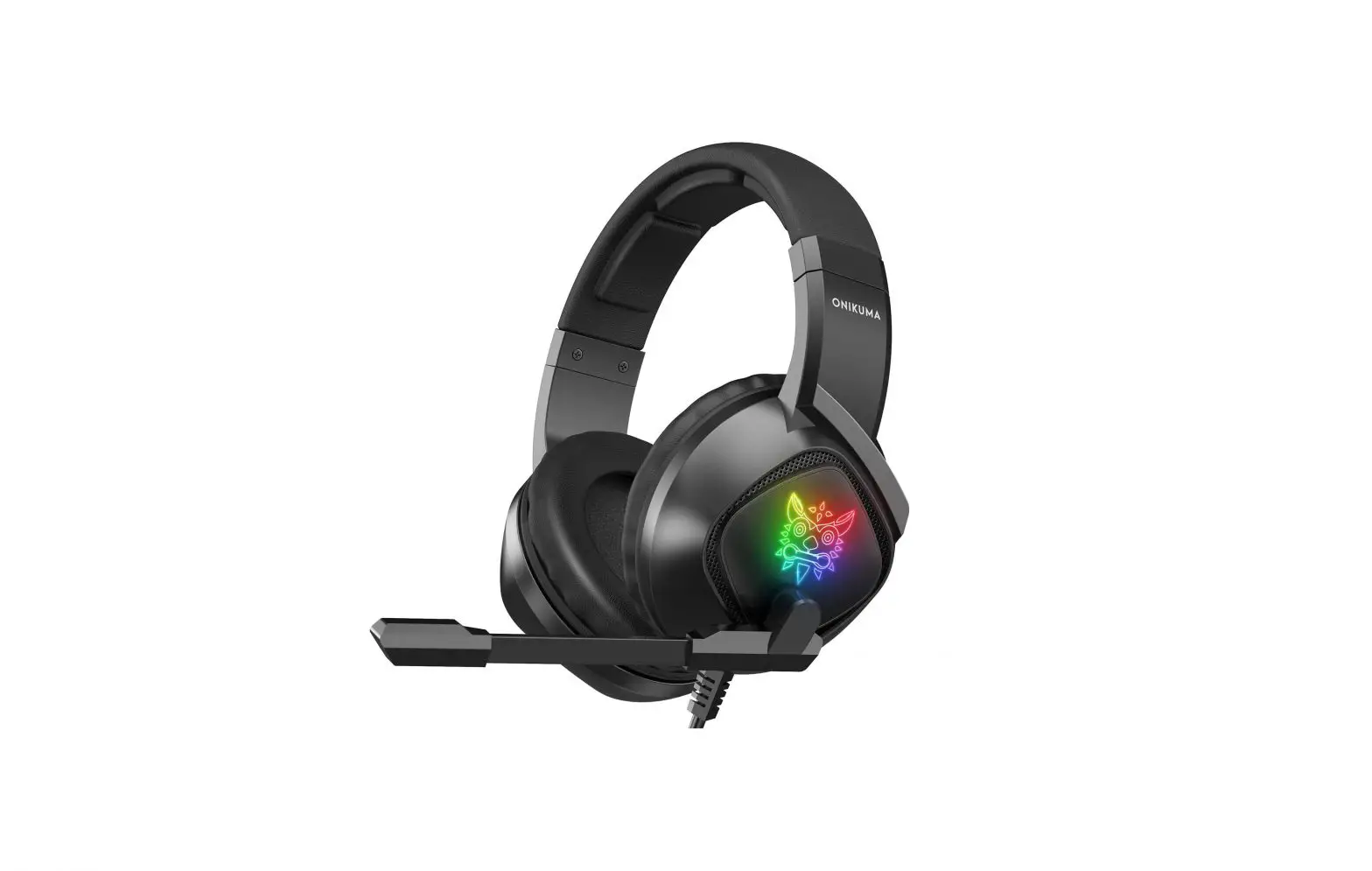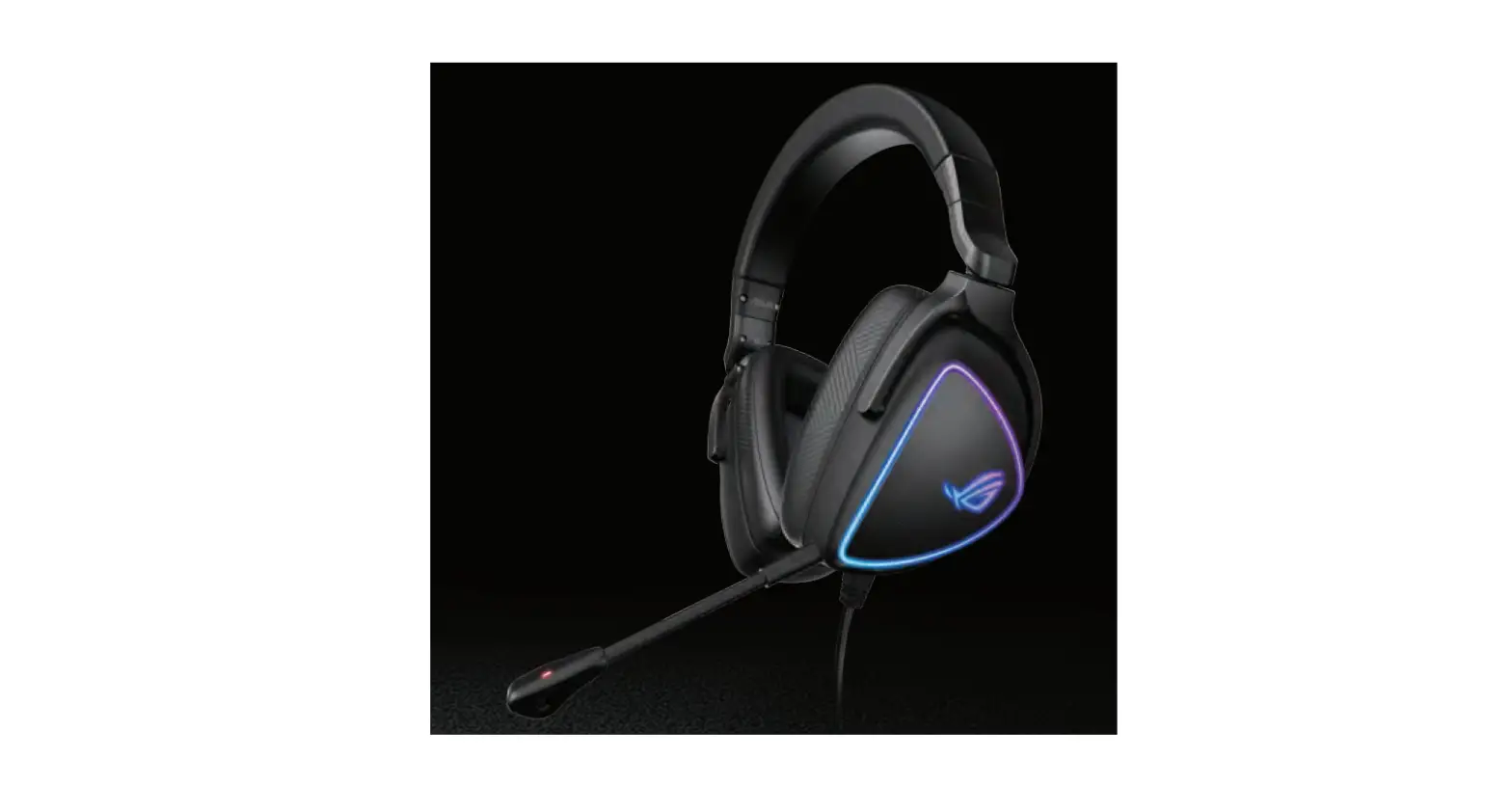

ASUS ROG Delta -S Gaming Headset
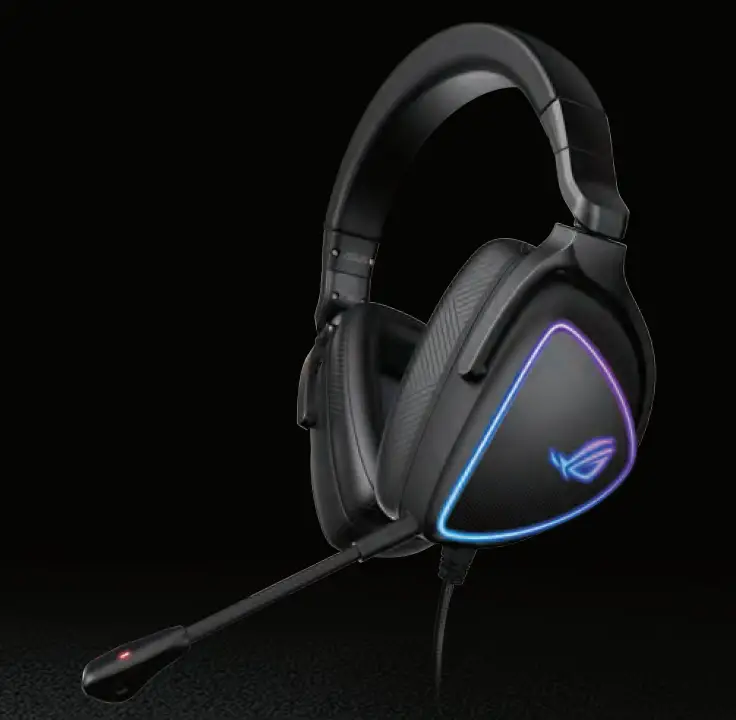
Package contents
- 1 x ROG Delta S gaming headset
- 1 x Type-C to USB adapter
- 1 x Detachable Microphone
- 1 x A set of ROG Hybrid ear-cushions
- x Quick Start Guide
- 1 x Warranty Notice
System requirements
- Windows® 10 / Windows® 8.1 / Windows® 7
- Internet connection (for downloading optional software)
- USB 2.0 or Type-C port
Product Overview
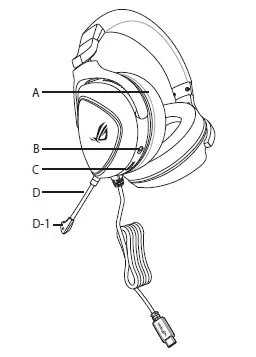
- Changable ear cushion
- Light control switch Three modes (Soundwave/On/Off)
- Audio control wheel Roll to control the volume Press to mute the microphone
- Detachable microphone
- 1: LED indicator The LED indicator turns solid red when the microphone is muted.
Getting started
To set up your ROG Delta S gaming headset:
- Connect the headset to your device through the Type-C connector or Type-C to USB adapter.
- Download the Armoury software from http://www.asus.com and then install it on your computer.
 ASUS Global
 ASUS Global
 ASUS Deutschland
 ASUS в СÐГ
 华硕商城ASUS_华硕官网_华硕电脑官方直营商城,购笔记本电脑、轻薄本、游戏本、享一年意外险