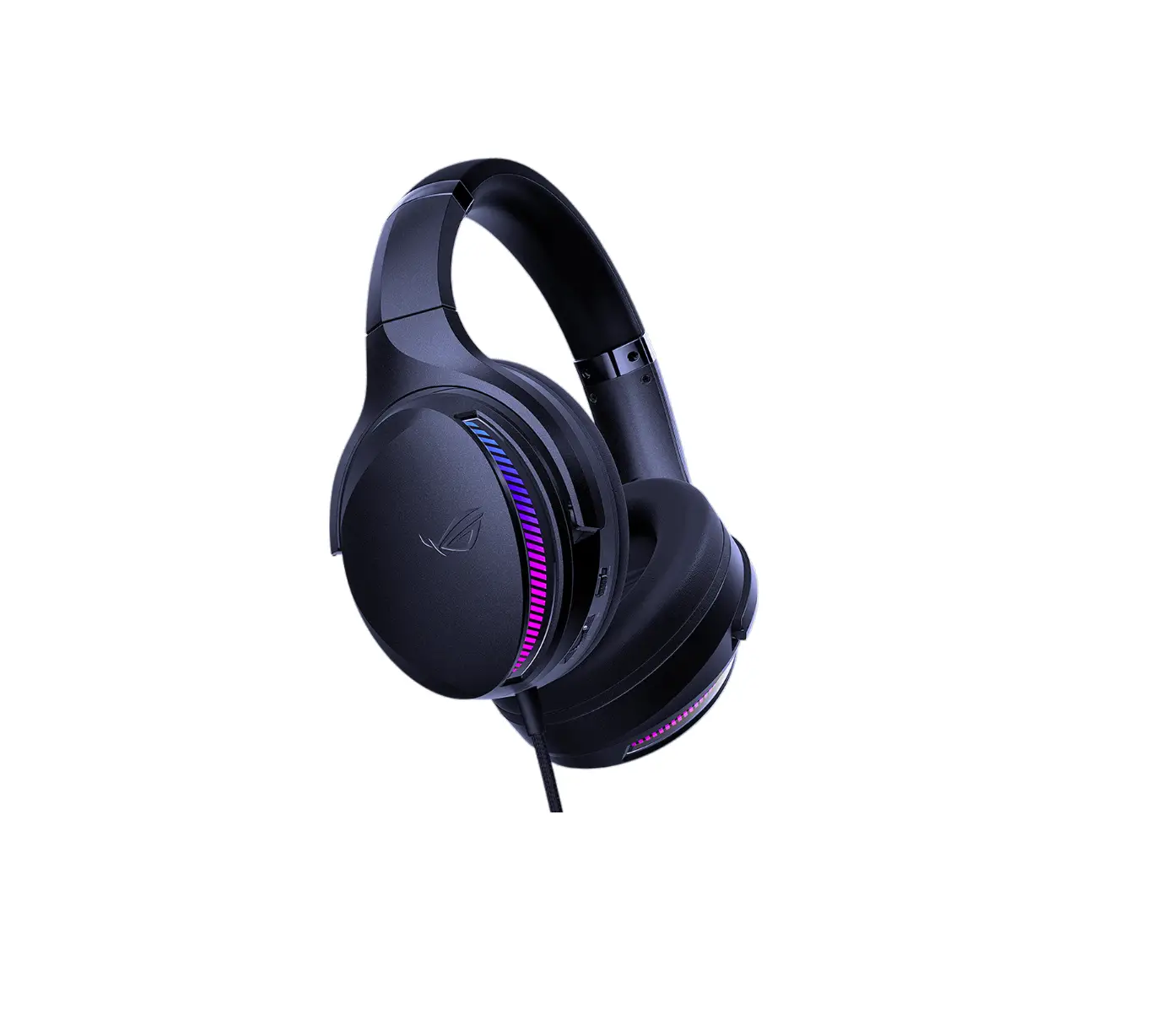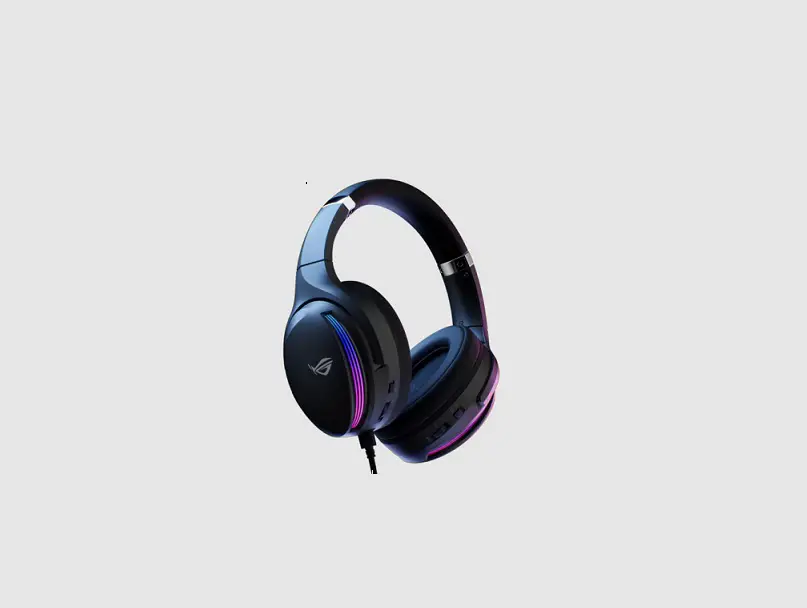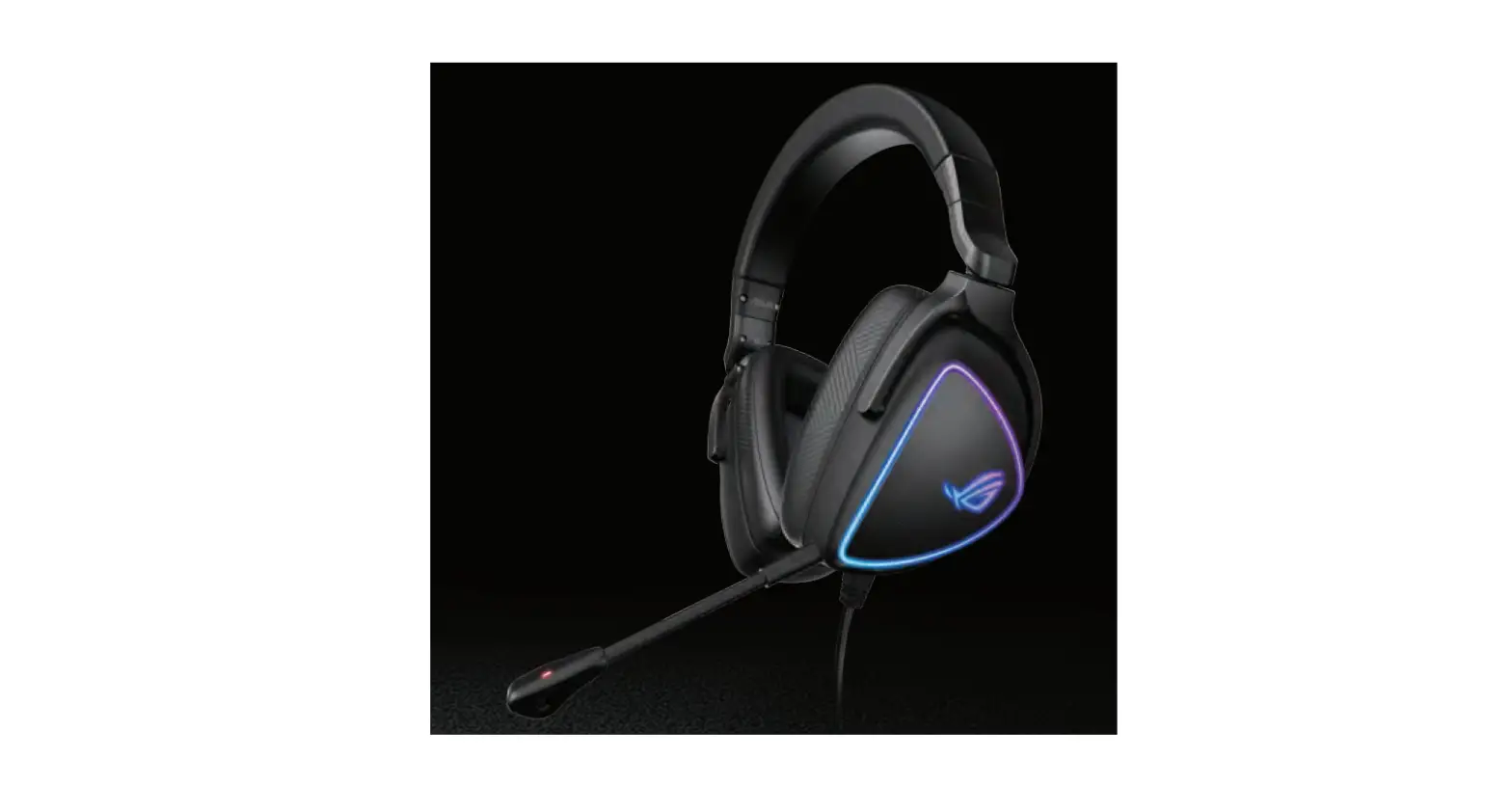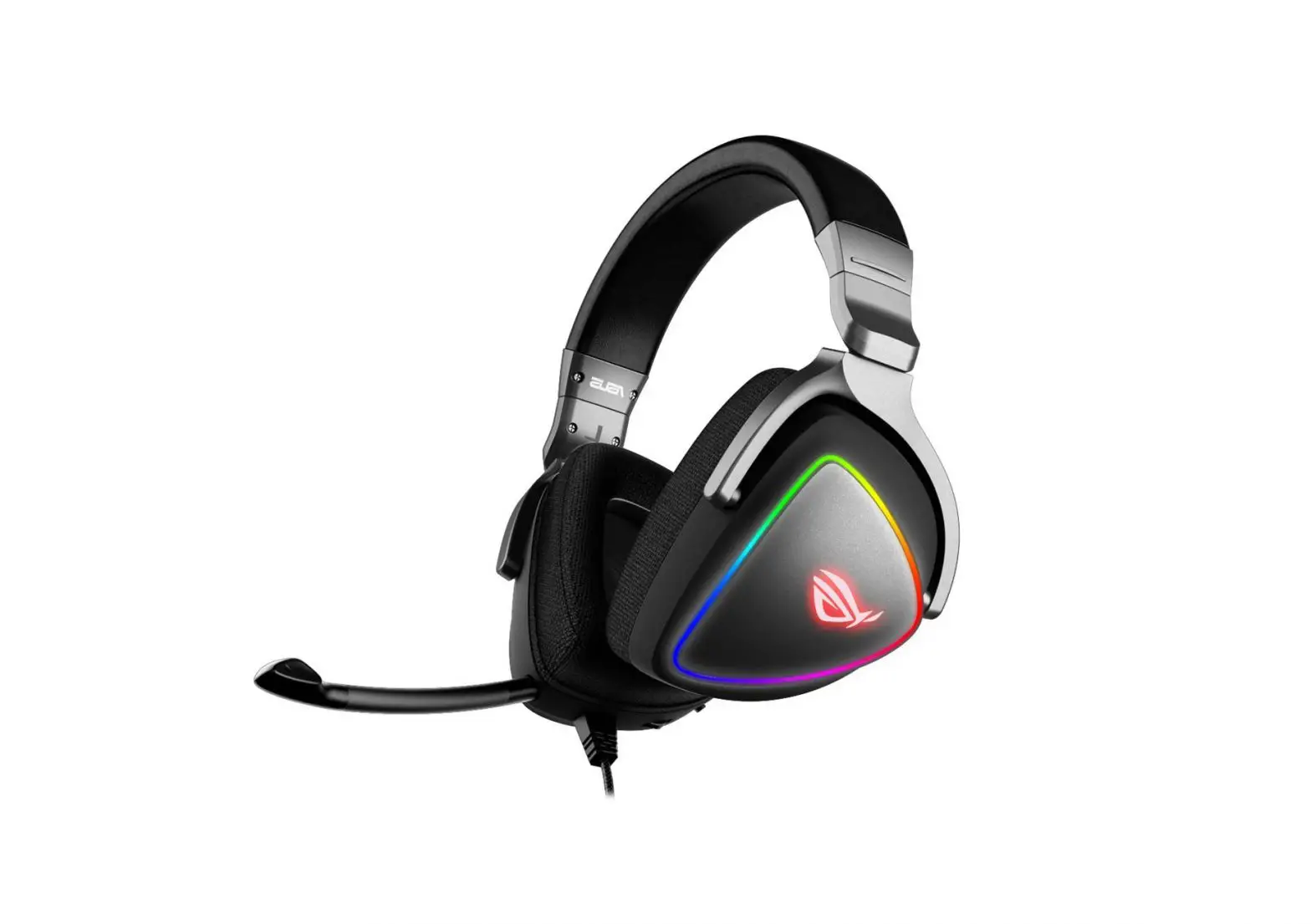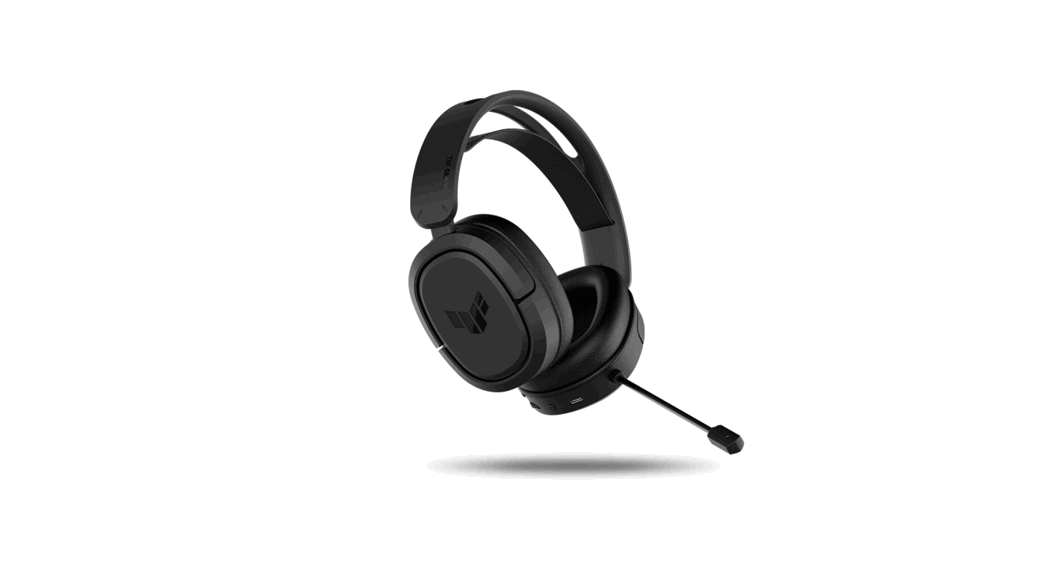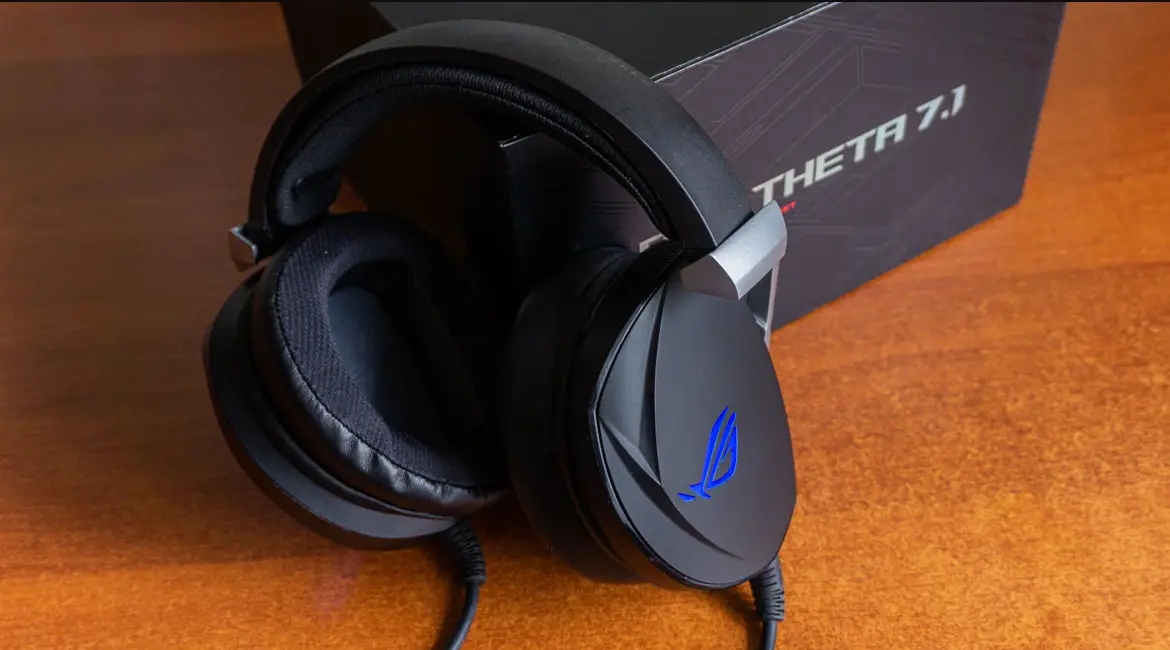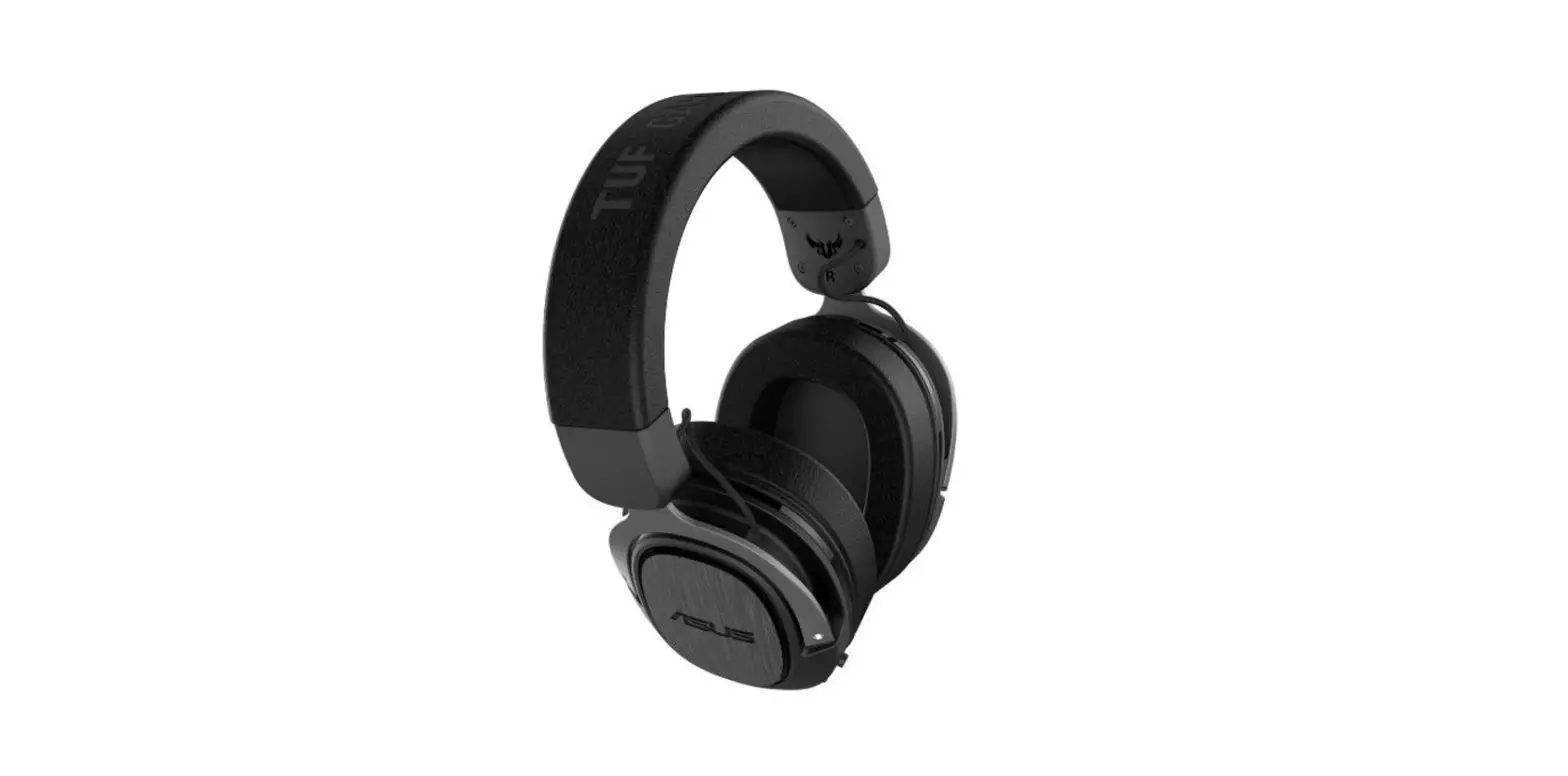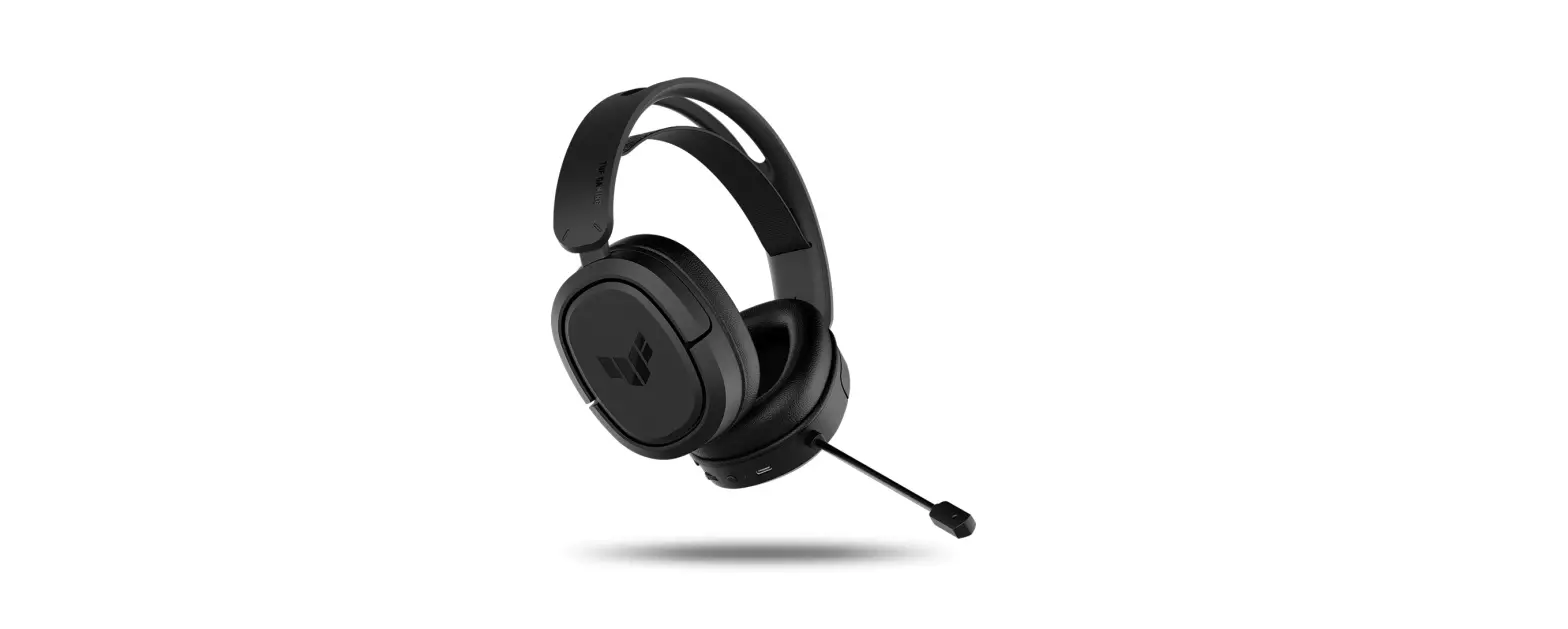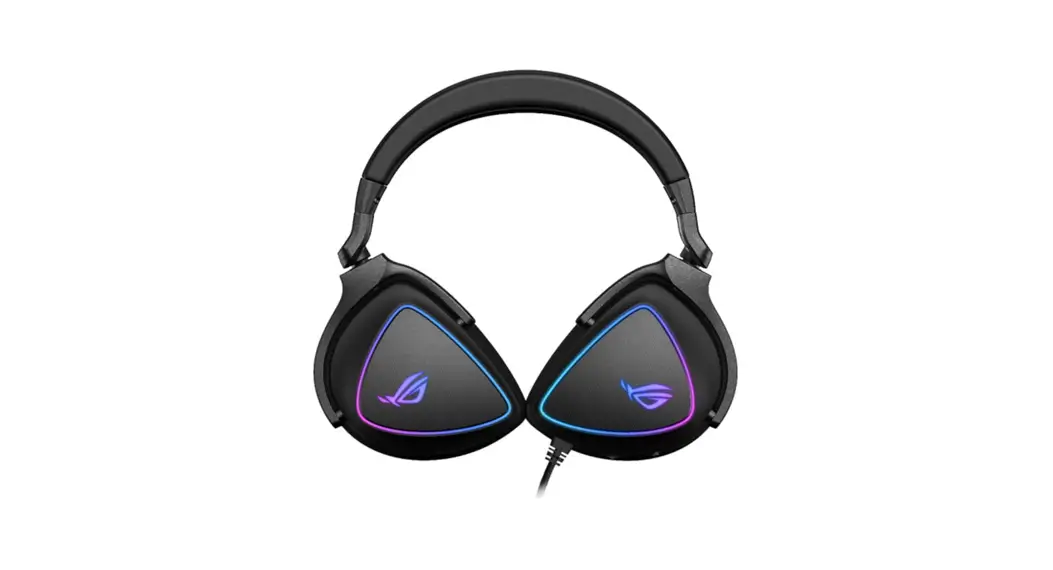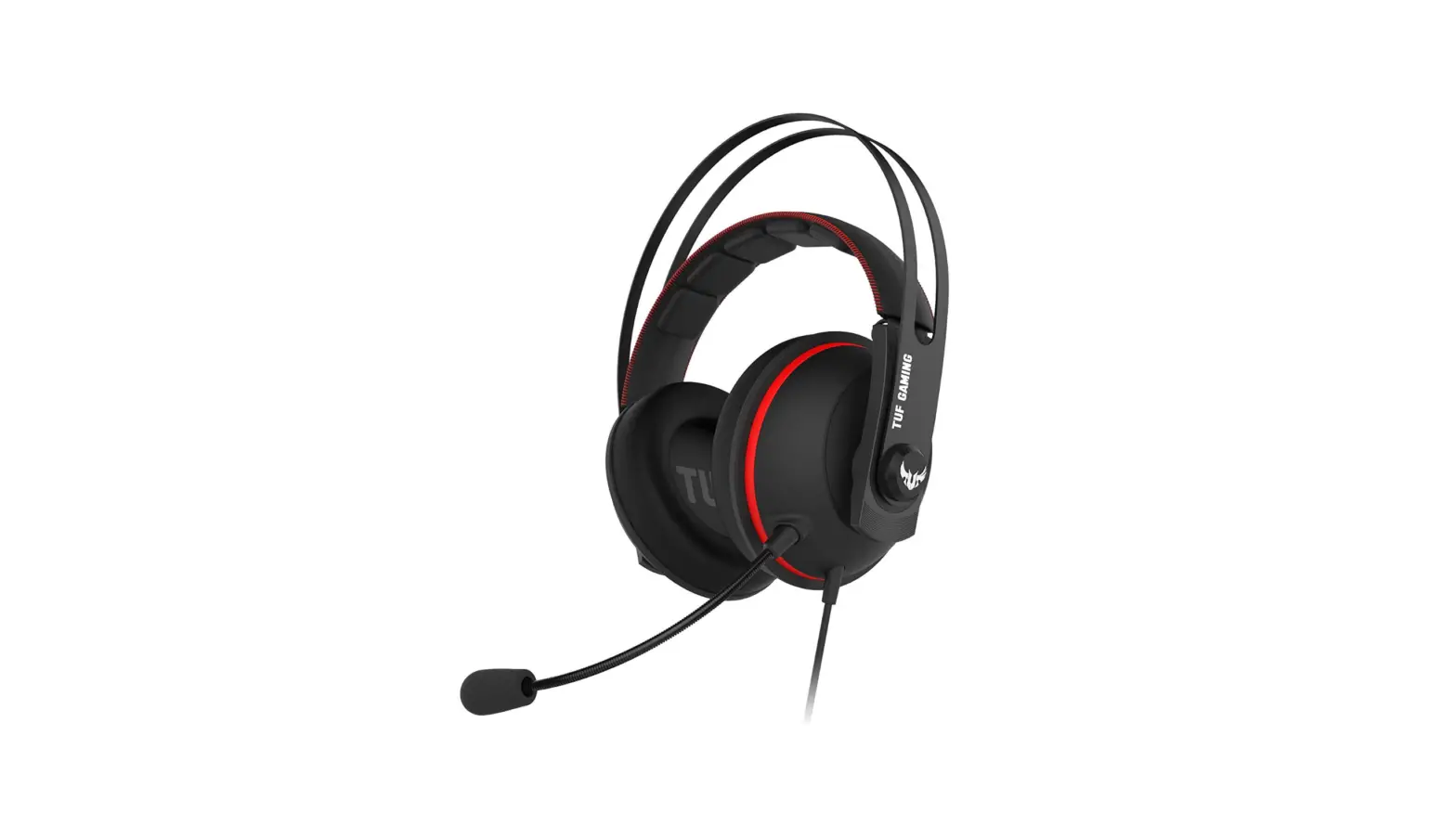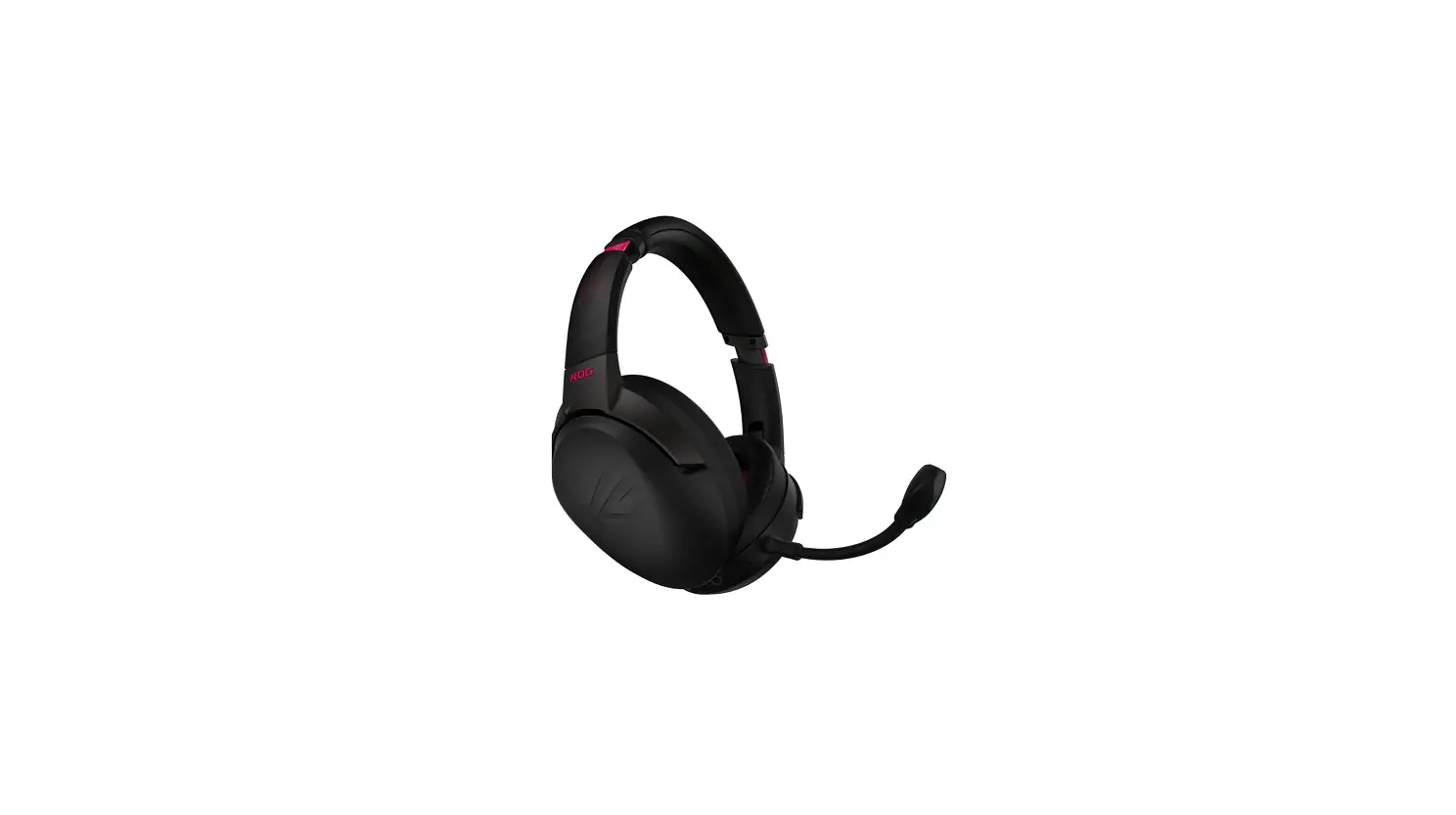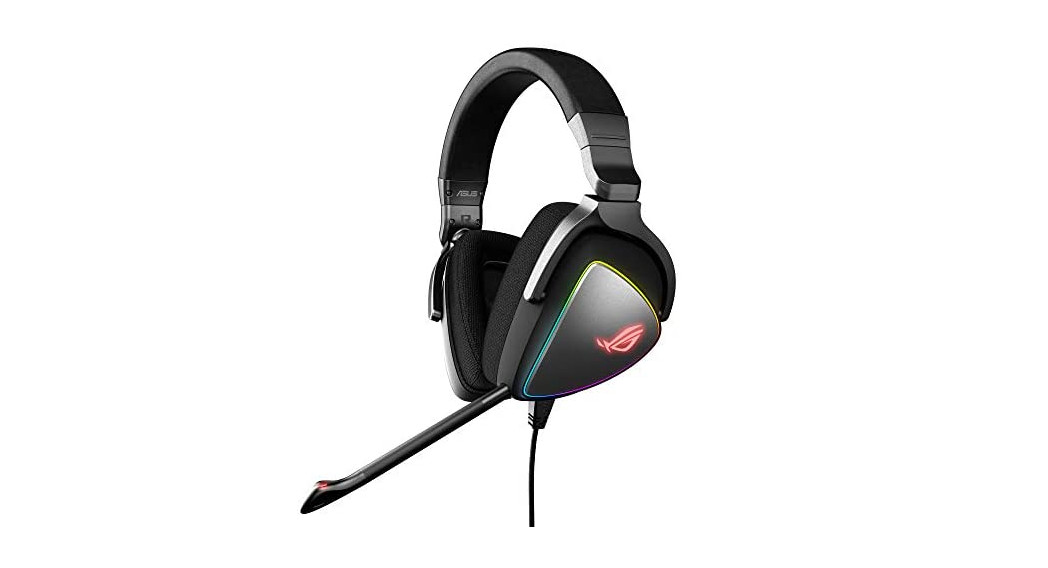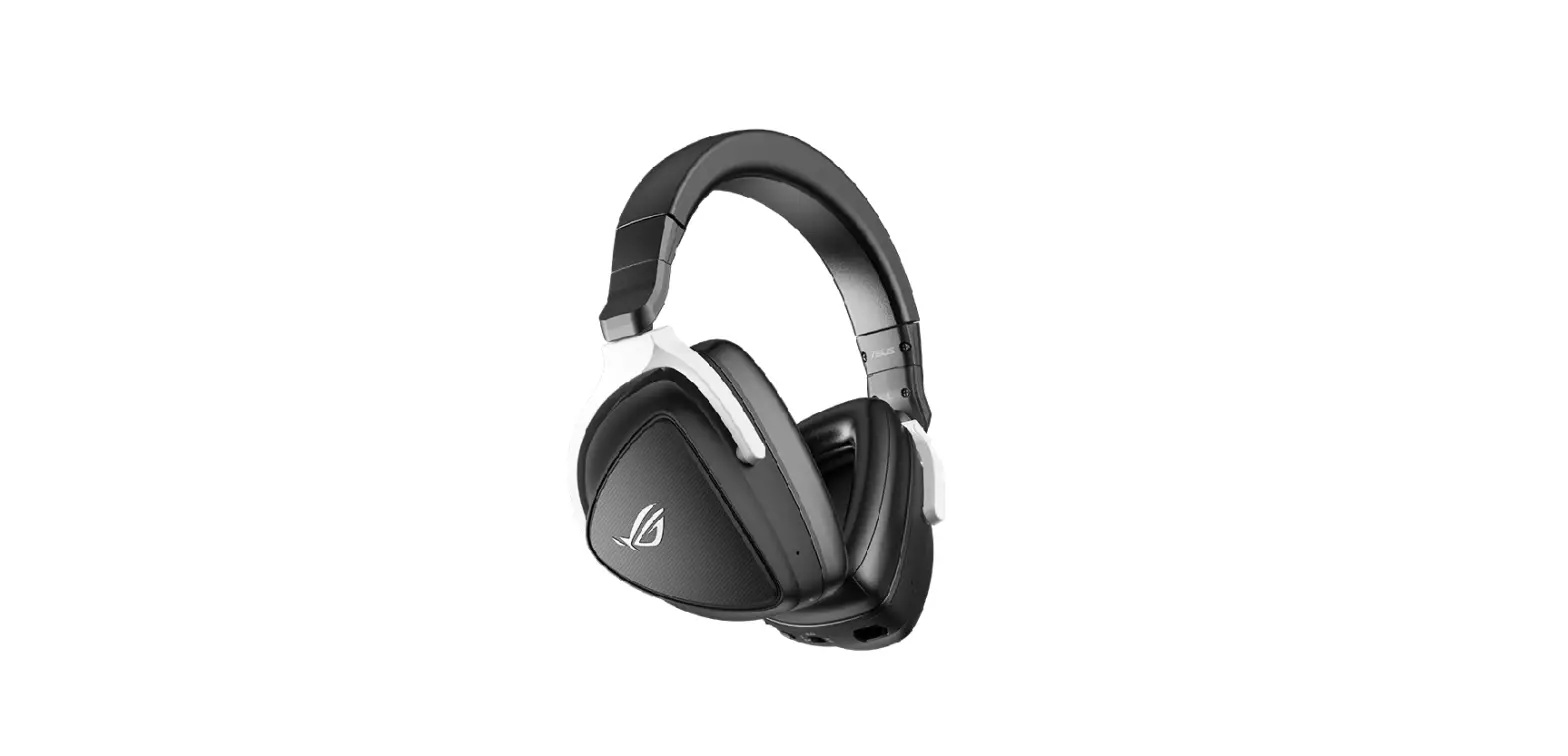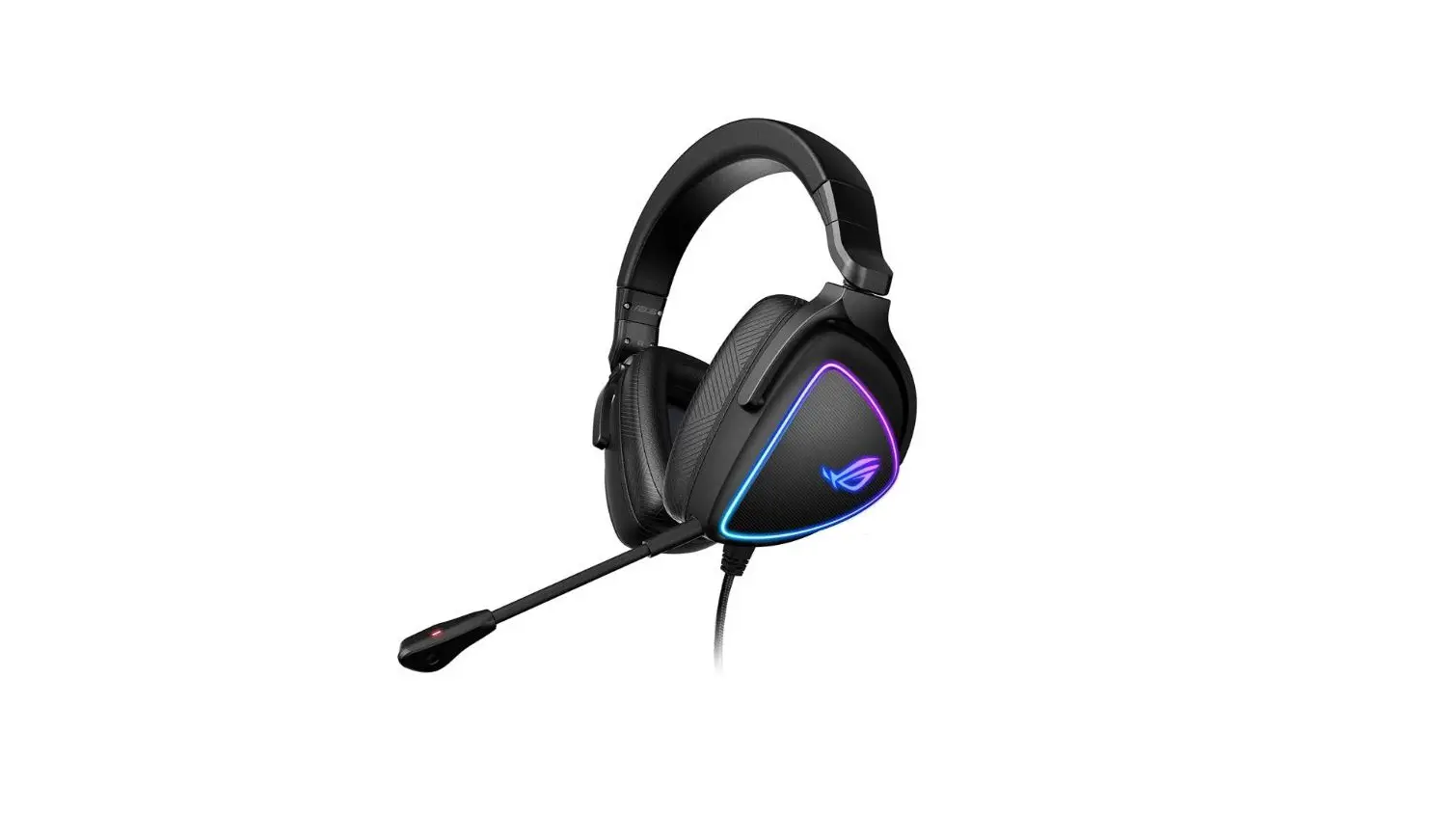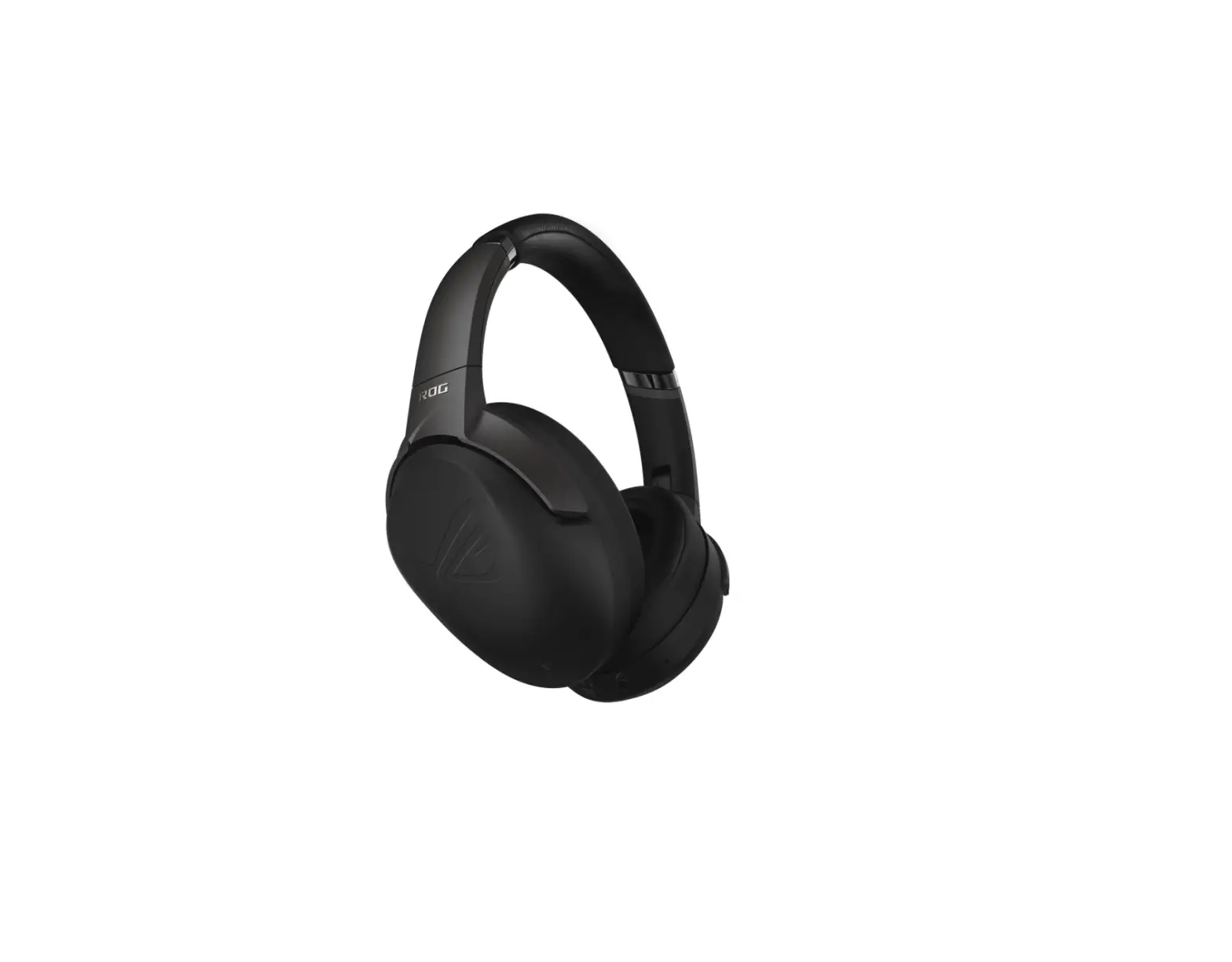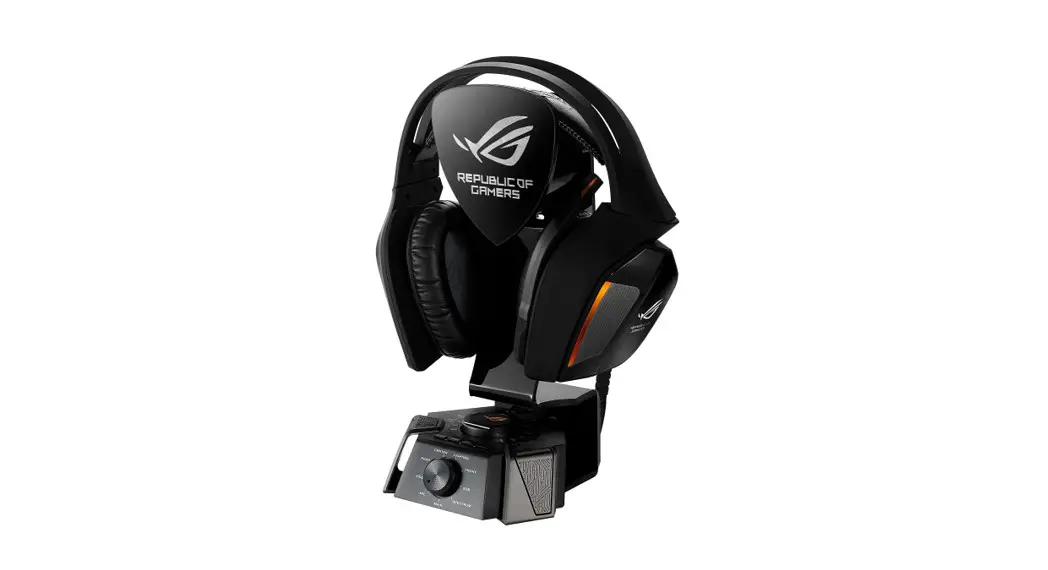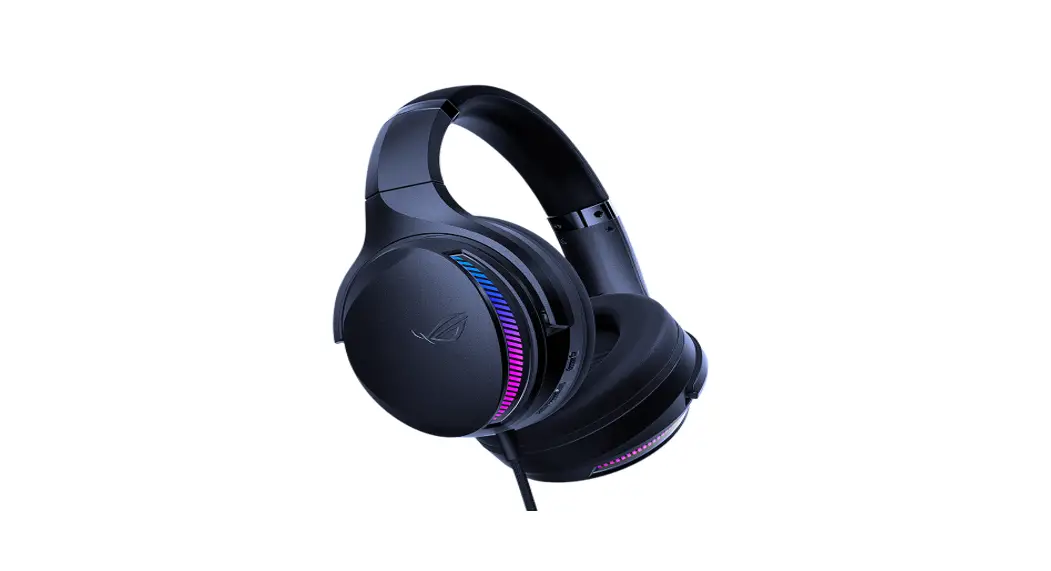

GAMING HEADSET ROG FLISION11300
GAMING HEADSET
Quick Start Guide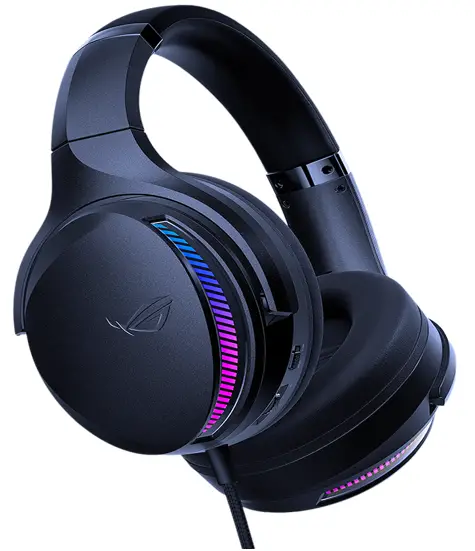
Package contents
- 1 x ROG Fusion II 300 gaming headset
- 1 x Pair of ROG Hybrid ear cushions
- 1 x USB-C° to USB-A adapter dongle
- 1 x Quick Start Guide
- 1 x Warranty Notice
System requirements
- Windows 10 / Windows 8.1 / Windows 7
- Internet connection (for downloading optional software)
- USB-A or USB-Cm port
Product Overview
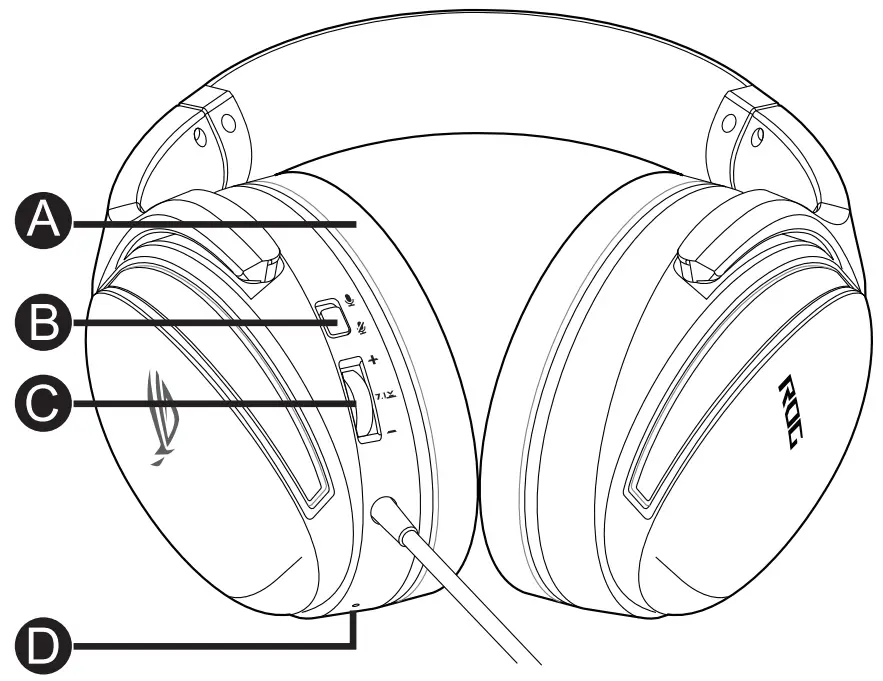
A. Changeable ear cushion
B. Microphone on/off
C. Audio control wheel Roll to control the volume Press to turn on/off the virtual 7.1 surround sound
D. Virtual 7.1 surround sound LED indicator The LED indicator turns solid red when the 7.1 virtual surround sound is on
Getting started
To set up your ROG Fusion II 300 gaming headset:
- Connect the headset to your device through the USB-Cm connector or the USB-C° to USB-A adapter.
- Download the Armoury software from https://rog.asils.com/ and then install it on your computer.
FCC COMPLIANCE INFORMATION
Per FCC Part 2 Section 2.1077
Responsible Party: Asus Computer International
Address: 48720 Kato Rd., Fremont, CA 94538, USA
Phone/Fax No: (510)739-3777/(510)608-4555
hereby declares that the product
Product Name: ROG Fusion II 300
Model Number: ROG Fusion II 300
compliance statement:
This device complies with part 15 of the FCC Rules. Operation is subject to the following two conditions:
(I) This device may not cause harmful interference, and
(2) this device must accept any interference received, including interference that may cause undesired operation. 
Service and Support
Visit our multi-language website at https://www.asus.com/support.

References
 ASUS Corporate Social Responsibility
-
ASUS Corporate Social Responsibility
 ROG - Republic of Gamers|Global | For Those Who Dare
 ÐžÑ„Ð¸Ñ†Ð¸Ð°Ð»ÑŒÐ½Ð°Ñ Ñлужба поддержки | ASUS РоÑÑии
-
ASUS в СÐГ
-
ROG - Republic of Gamers|Global | For Those Who Dare
-
ROG - 玩家国度|ASUS中国 | 只为超越
-
ROG - Republic of Gamers|Global | For Those Who Dare
-
ASUS Global
-
Official Support | ASUS Global
 ASUS Corporate Social Responsibility
 ROG - Republic of Gamers|Global | For Those Who Dare
 ÐžÑ„Ð¸Ñ†Ð¸Ð°Ð»ÑŒÐ½Ð°Ñ Ñлужба поддержки | ASUS РоÑÑии
 ASUS в СÐГ
 ROG - 玩家国度|ASUS中国 | 只为超越