
Quick Installation Guide
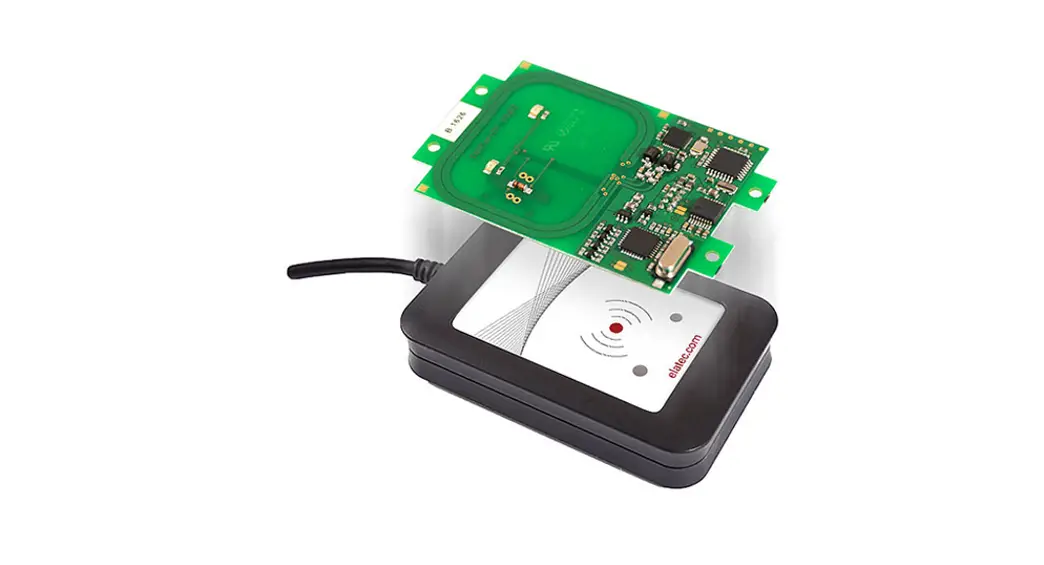
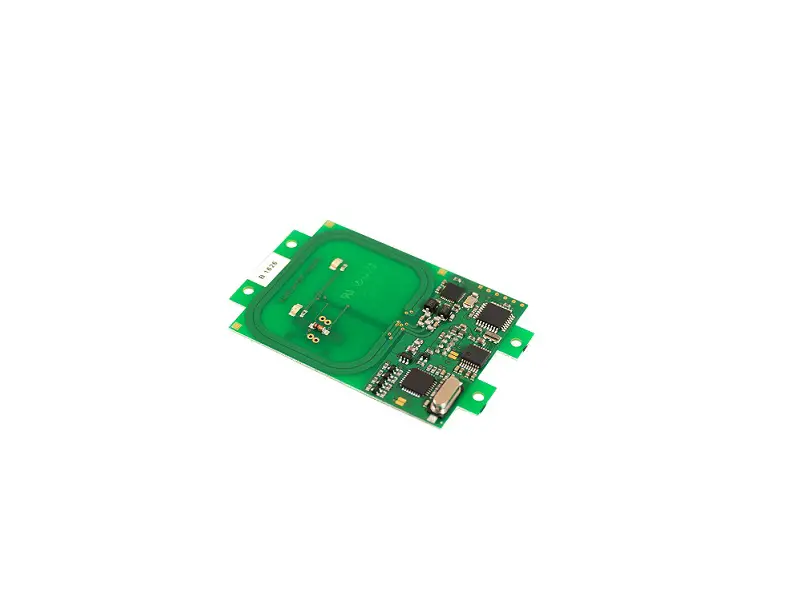
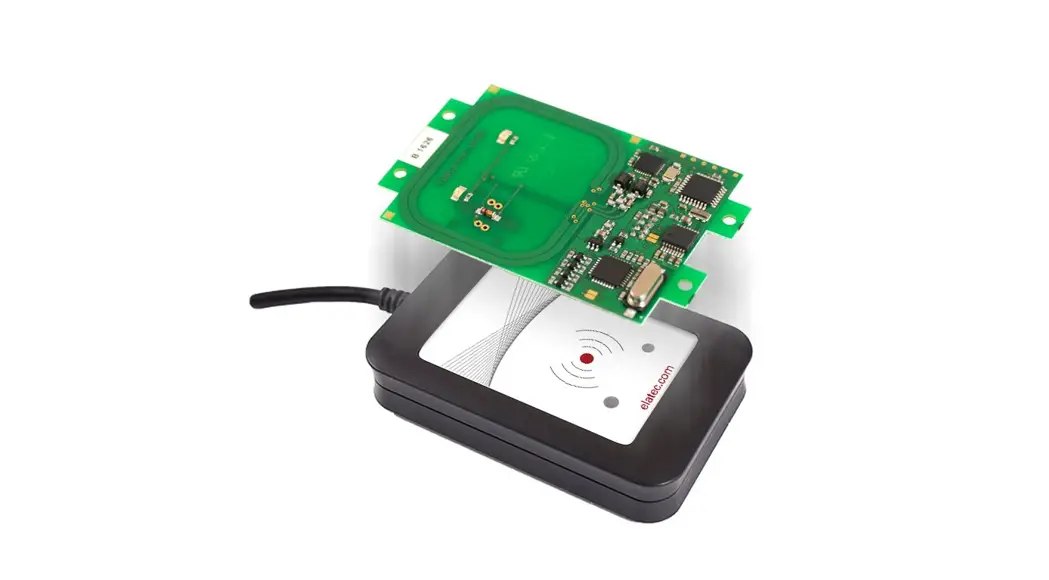
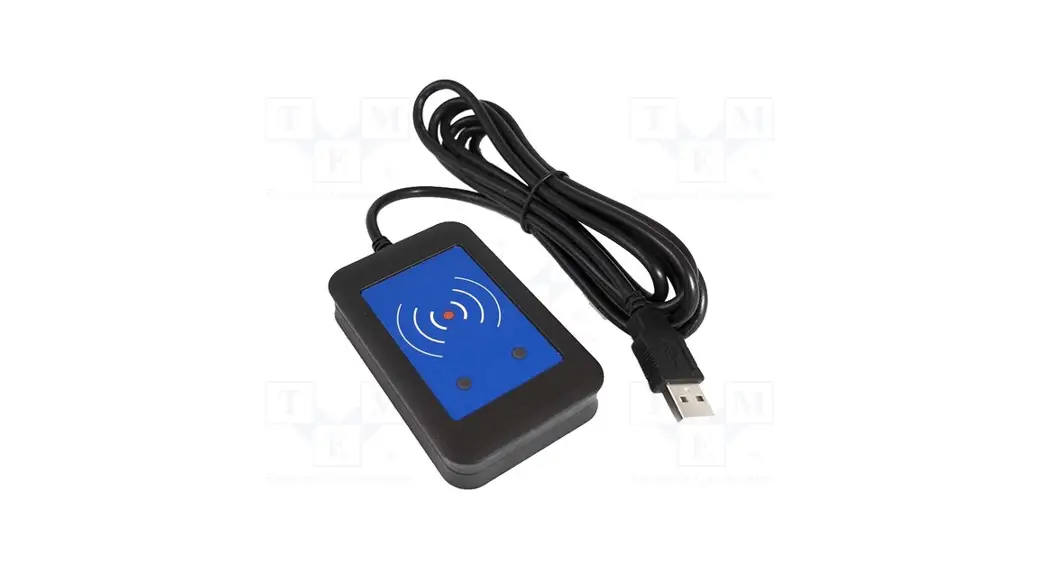
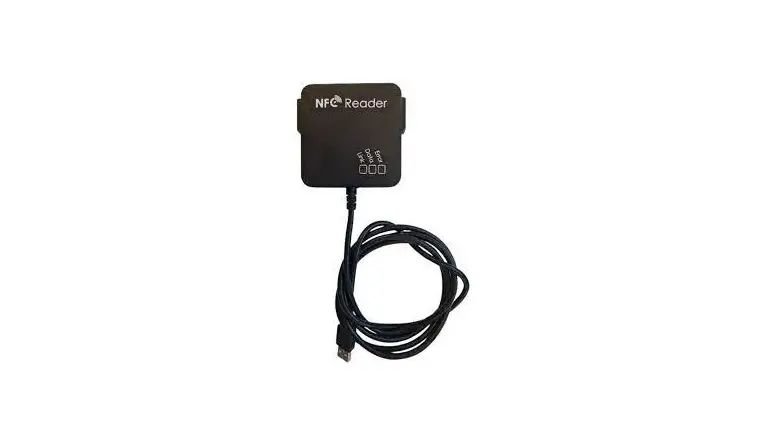
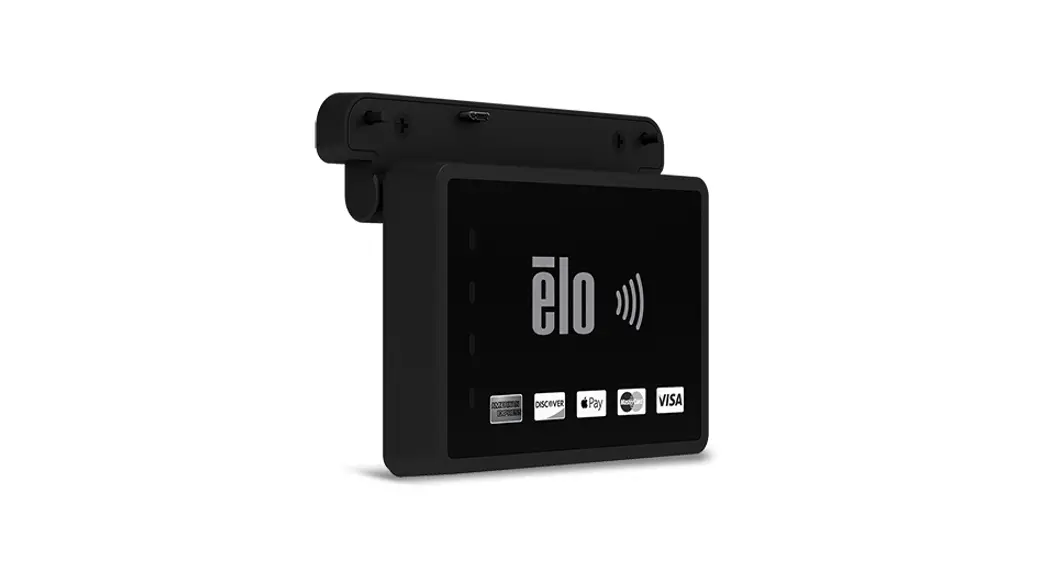
Elo NFC Reader
Revision A P/N E157519
www.elotouch.com
Installation
Please go to www.elotouch.com/support to verify you have the latest drivers before installing this device.
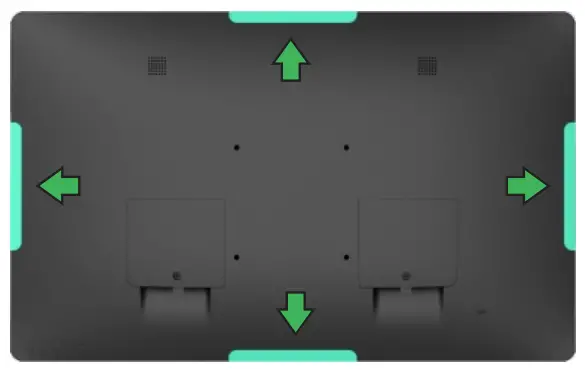
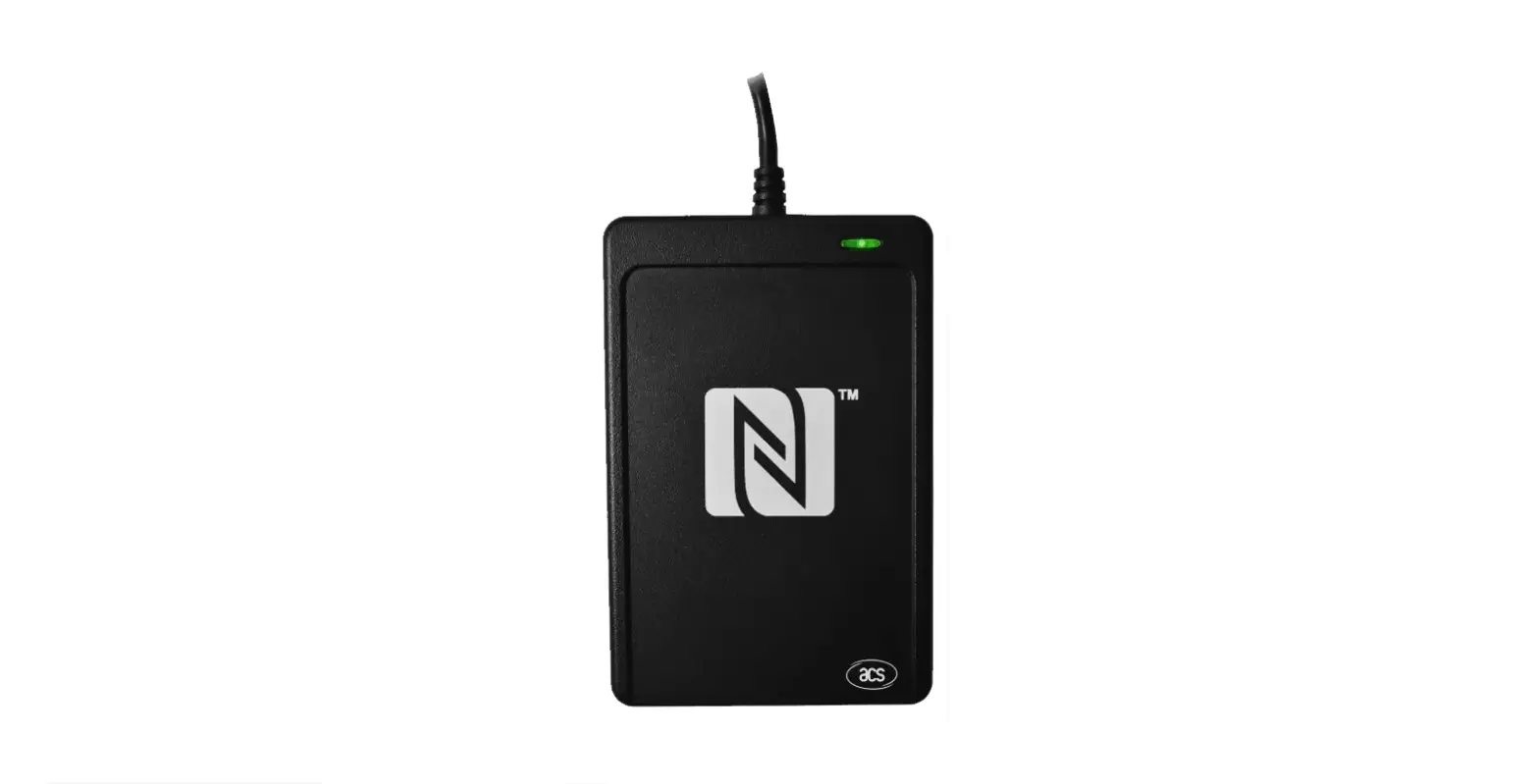
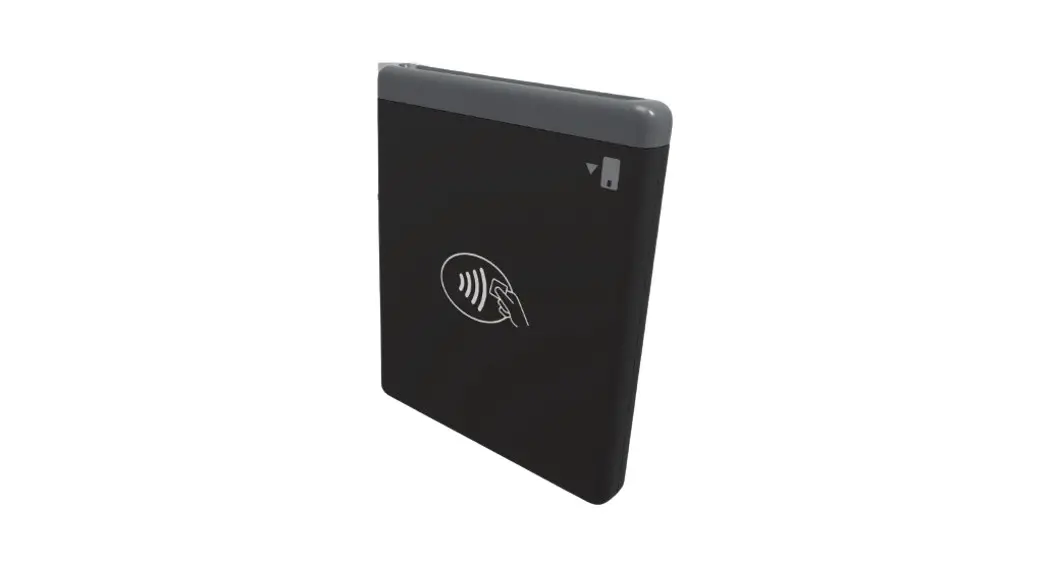
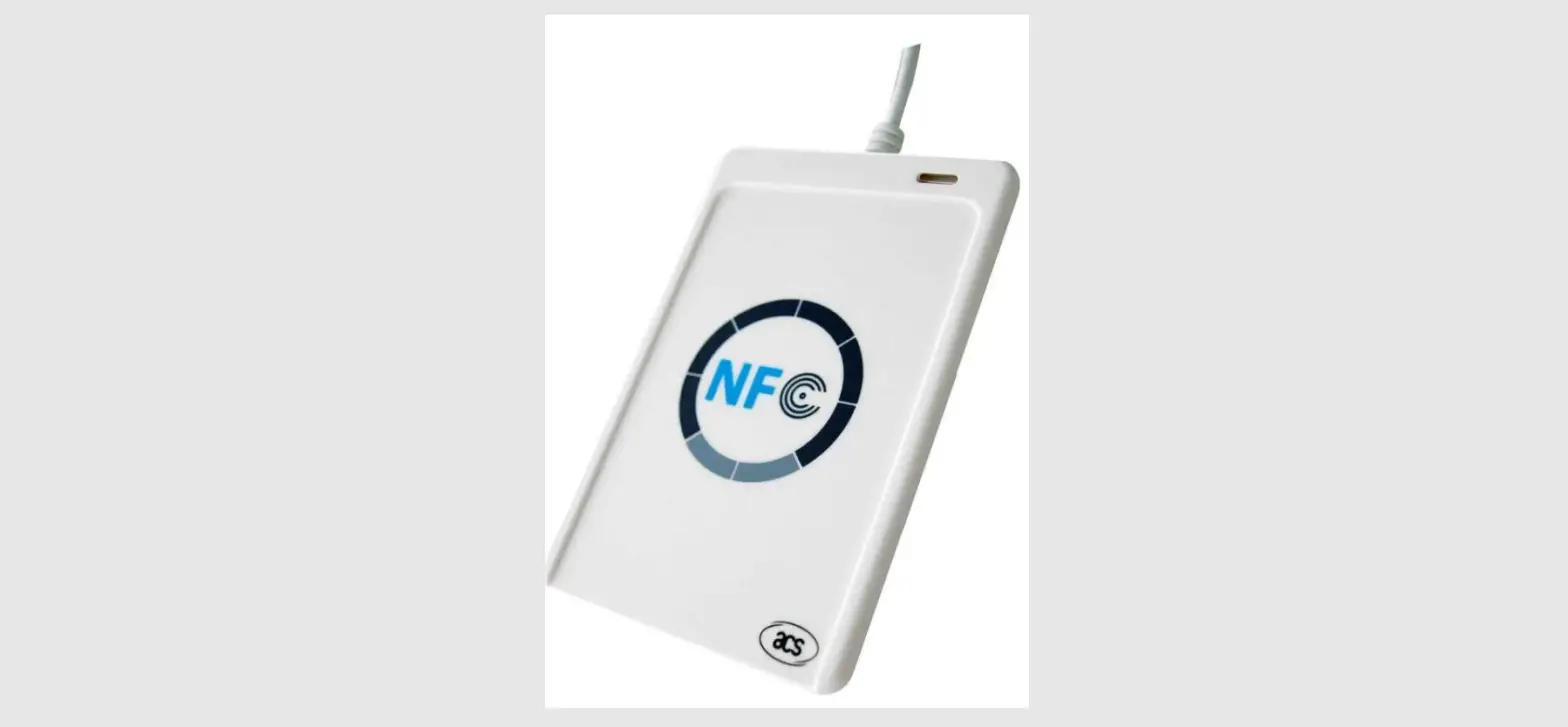
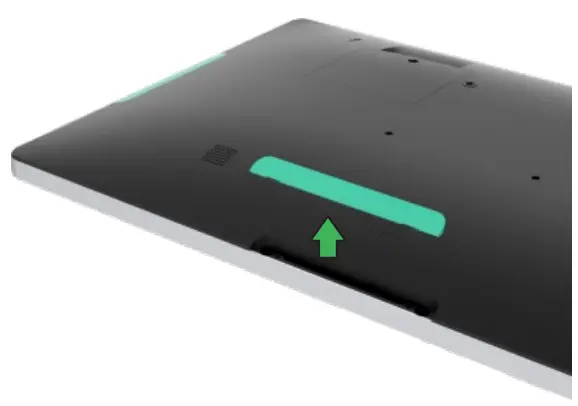
- Select location to mount the RFID Reader.
Elo recommends the left/right location in either portrait or landscape orientation.
- Remove the selected peripheral cover from the touchmonitor.

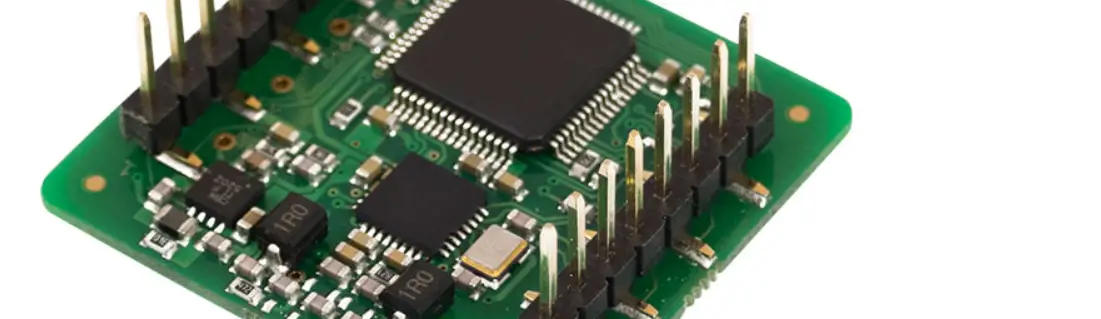
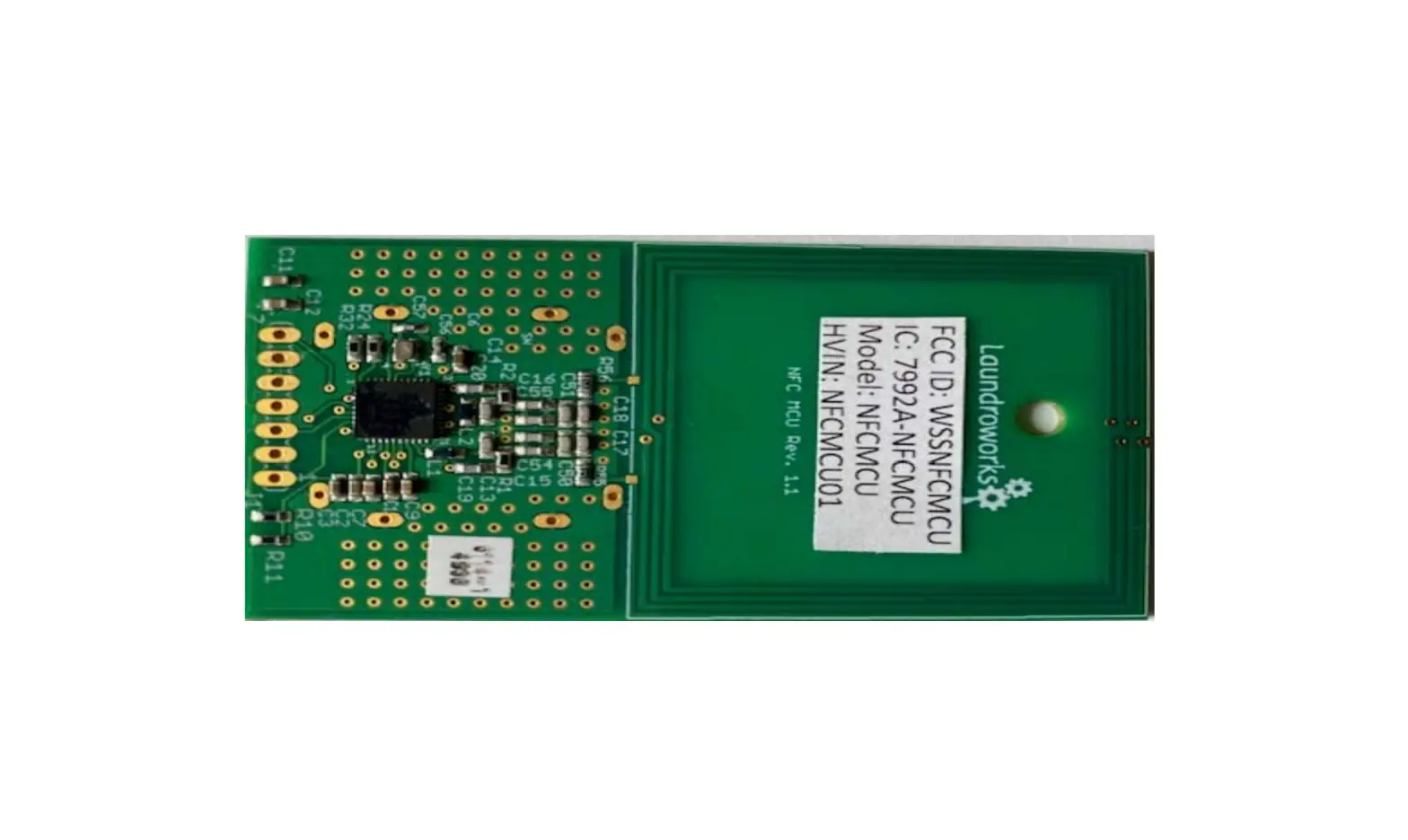
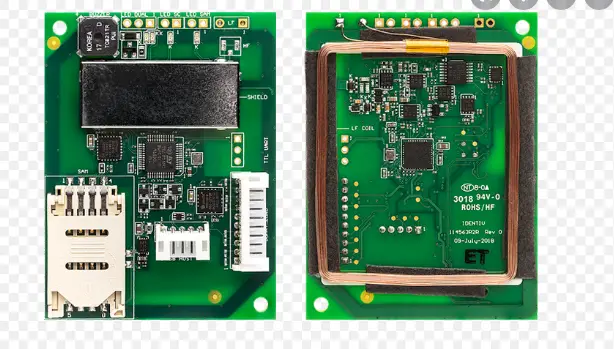
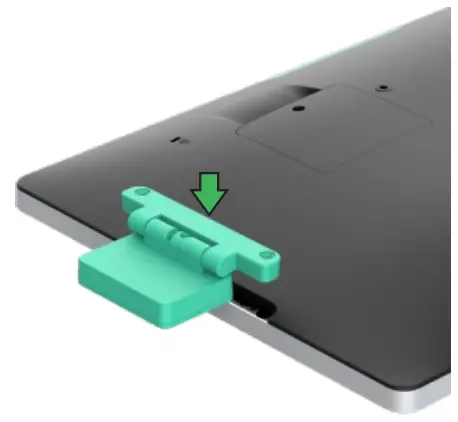
- Gently insert the RFID Reader into the peripheral bay taking care to ensure the connector mates properly.

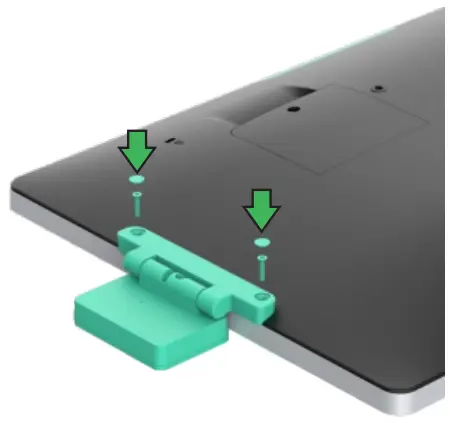
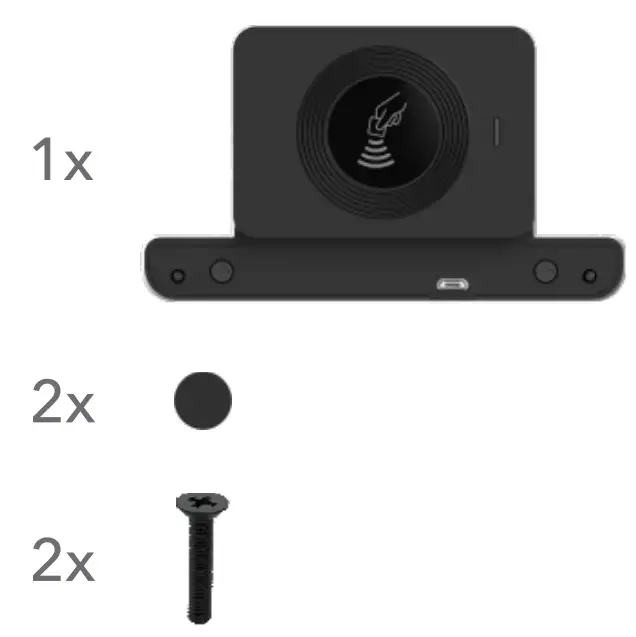
- Install the 2 flat head screws included with the kit and cover the screws with the adhesive mylar covers if desired.
Elo Technical Support
Online self-help:www.elotouch.com/support
| America 800-ELO-TOUCH Tel +1 408 597 8000 [email protected] | Asia-Pacific Tel +86 (21) 3329 1385 [email protected] | Europe(EMEA) Tel +32 (0)16 930 136 [email protected] |
The information in this document is subject to change without notice. Elo Touch Solutions, Inc.
and its Affiliates (collectively “Elo”) makes no representations or warranties with respect to the contents herein, and specifically disclaims any implied warranties of erchantability or fitness for a particular purpose. Elo reserves the right to revise this publication and to make changes from time to time in the content hereof without obligation of Elo to notify any person of such revisions or changes.
No part of this publication may be reproduced, transmitted, transcribed, stored in a retrieval system, or translated into any language or computer language, in any form or by any means, including, but not limited to, electronic, magnetic, optical, chemical, manual, or otherwise without prior written permission of Elo Touch Solutions, Inc.
Elo and the Elo logo are either trademarks or registered trademarks of Elo Touch Solutions, Inc.
© 2021 Elo Touch Solutions, Inc. All rights reserved.
 Touchscreens for Retail, Self-Order & POS | Elo® Official Website