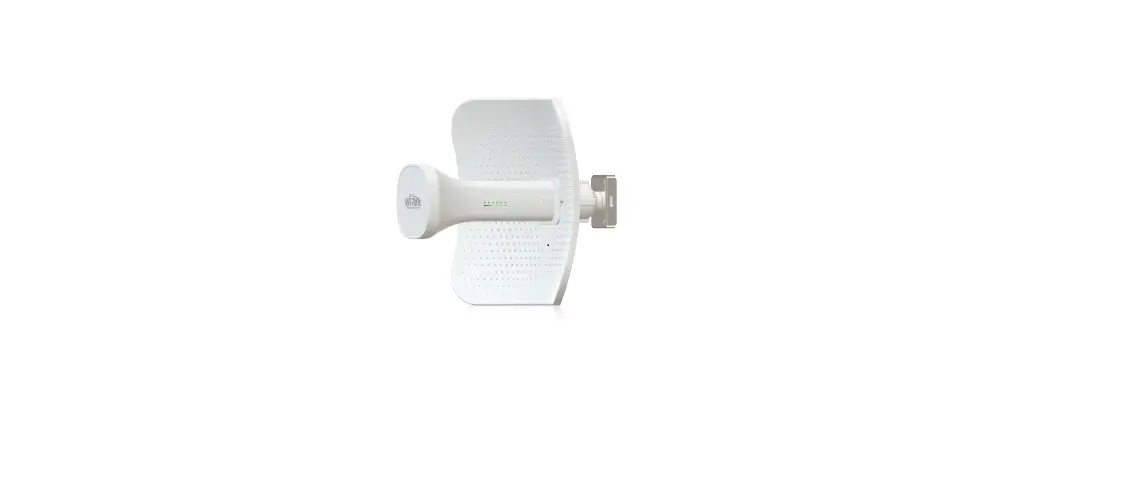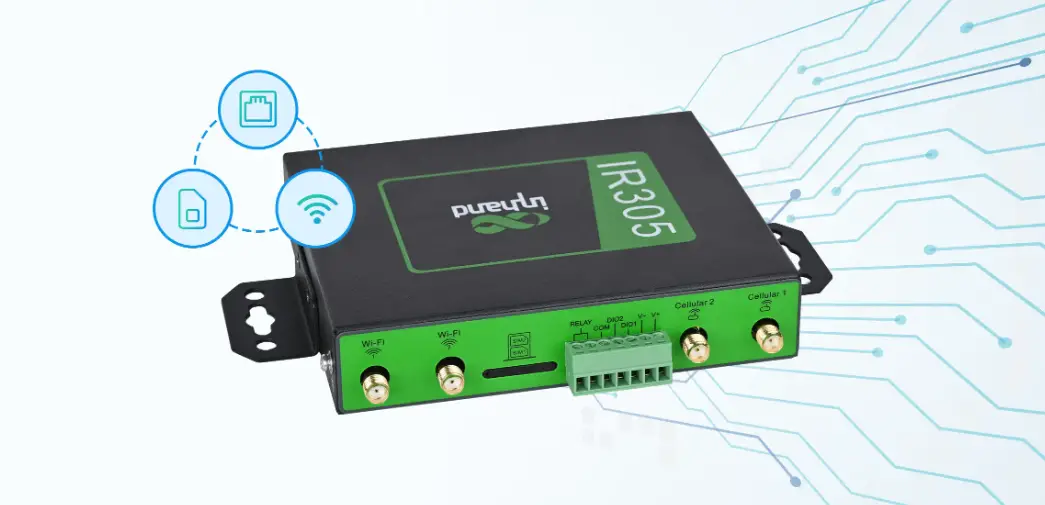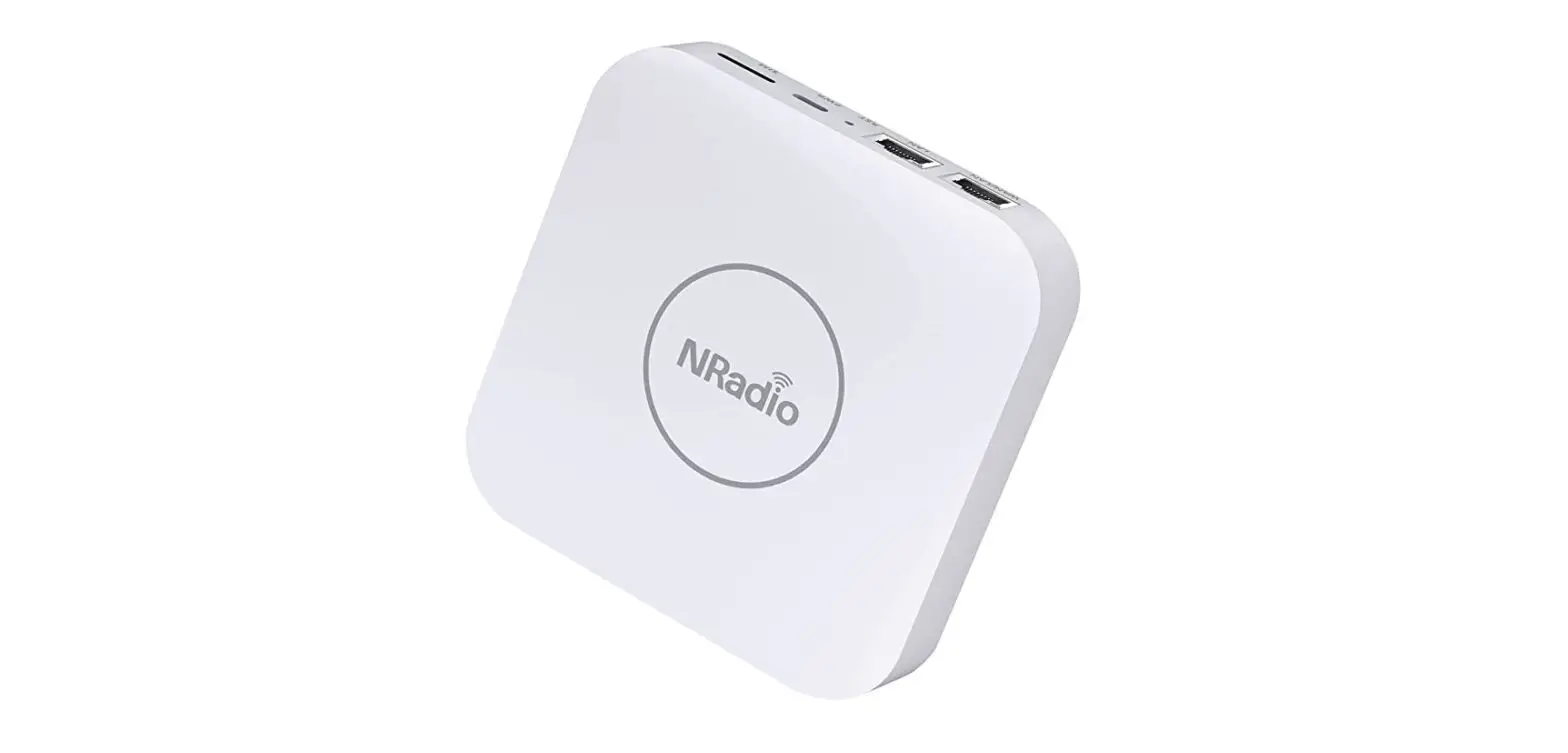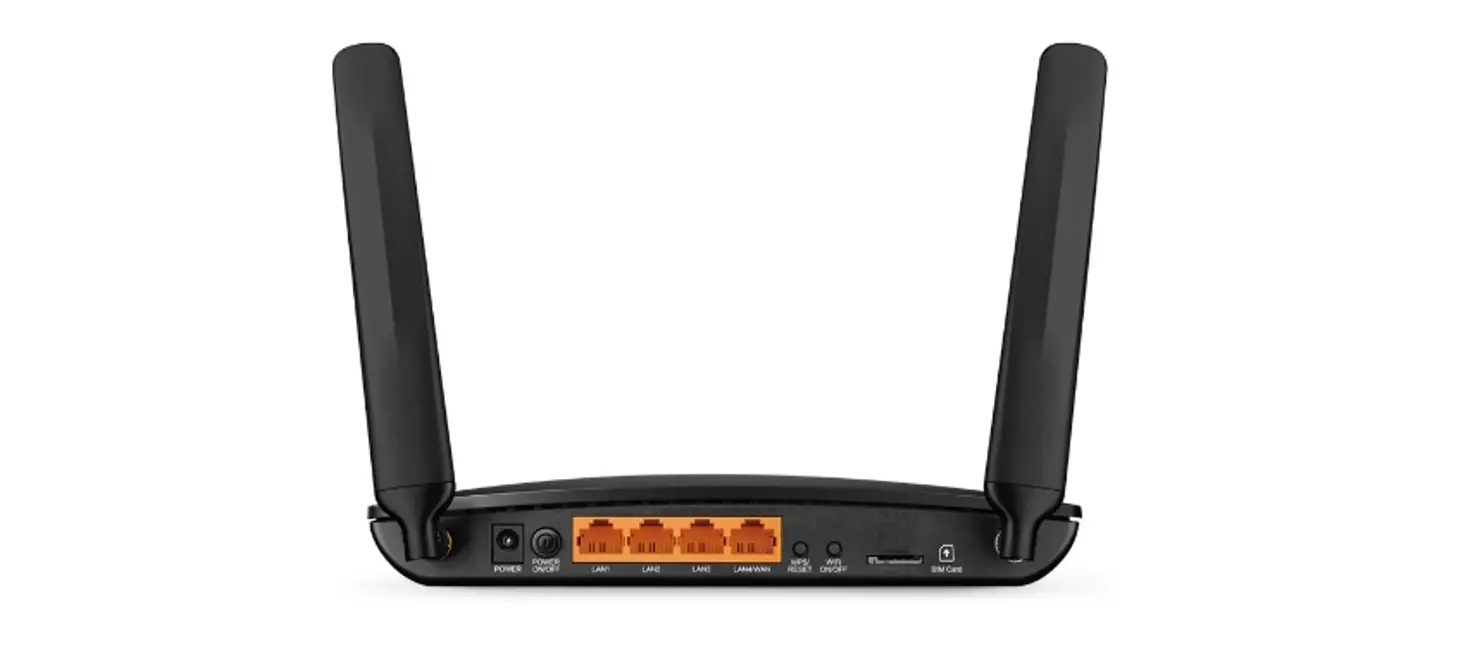

Installation Guide for EZR33L-A4
Document Information
| Info | Content |
| Keywords | Installation |
| Abstract | This document describes how to install and use EZR33L-A4 |
Preface
EZR33L-A4 is a kind of wireless device access equipment to receive WiFi signals, which can replace wireless client terminals such as wireless network cards. It can receive wireless signals from the wireless routers, wireless AP, radio base stations,s and so on. It is a new type of wireless terminal access equipment.
This document targets to help the installer to install the gateway in the field easily but with high reliability. Please contact us at 0415-3860999 for more information.
Intended Audience
This document describes the hardware features of the EZR33L-A4 and provides basic installation methods.
This document is intended for:
- Network planning engineers
- Hardware installation engineer
- Commissioning engineers
- Onsite maintenance engineers
- System maintenance engineers
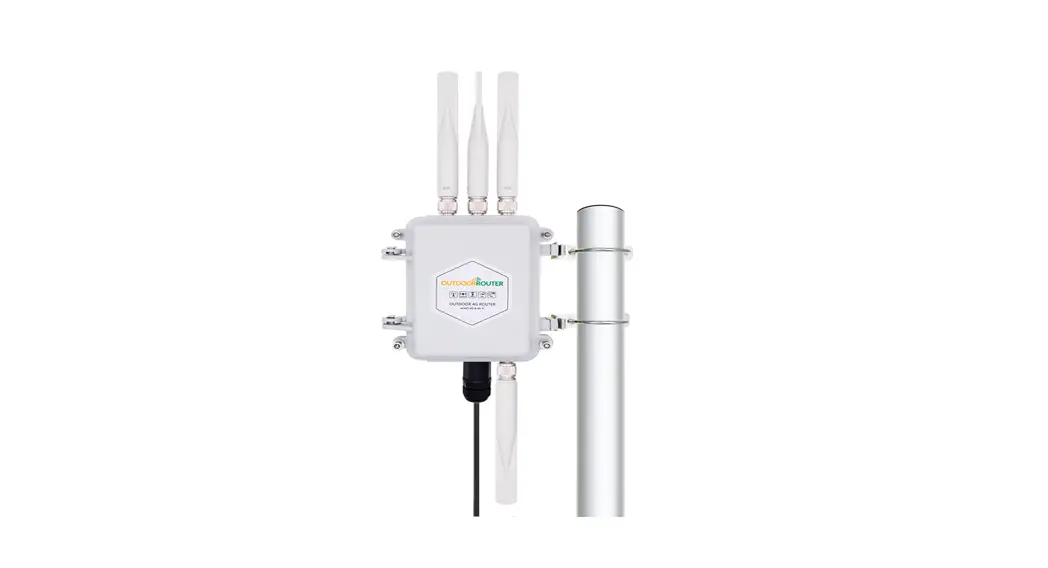
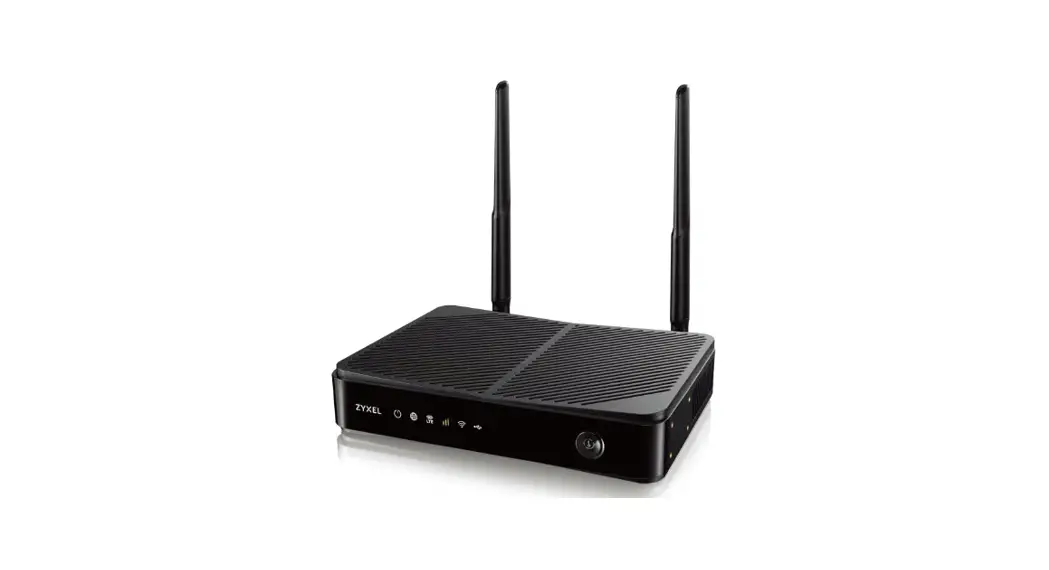
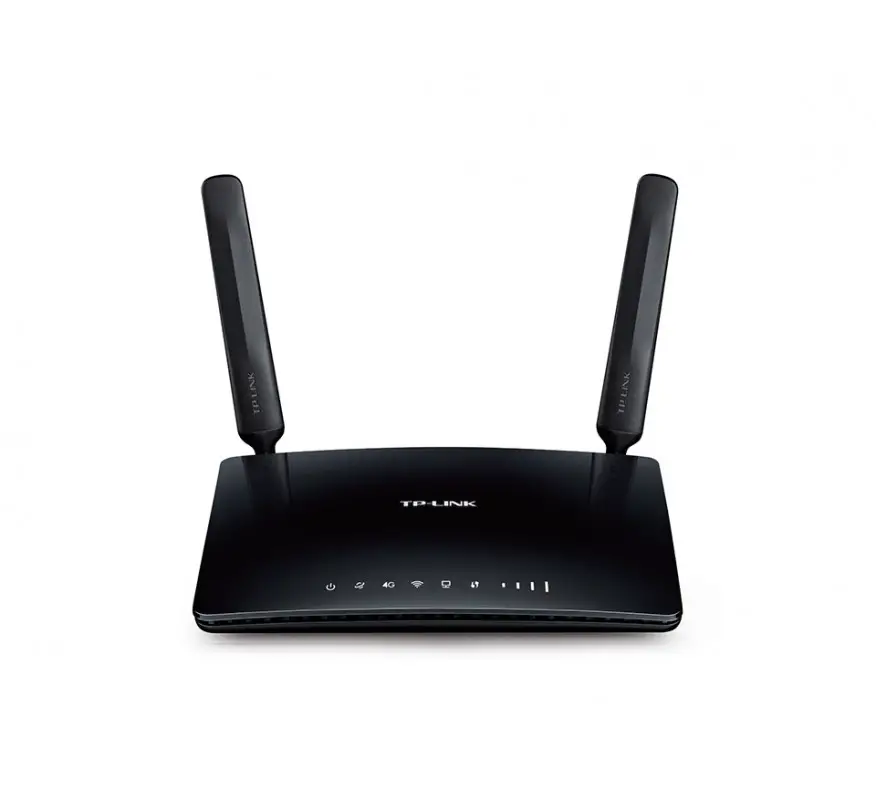
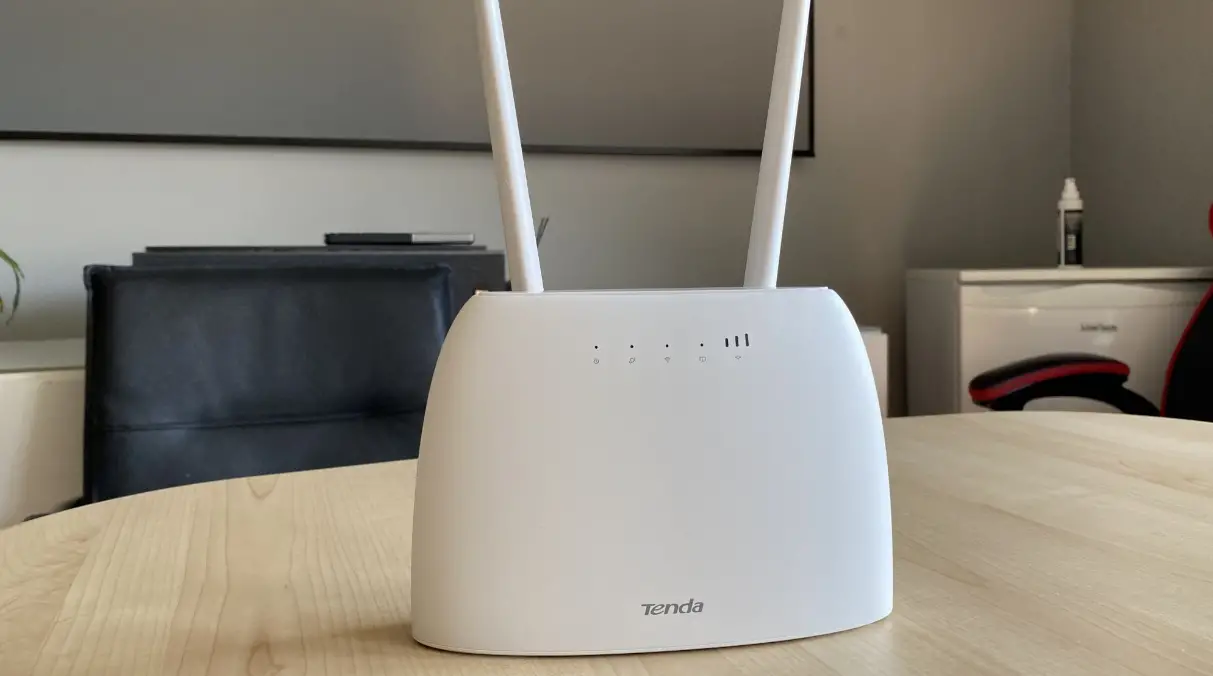
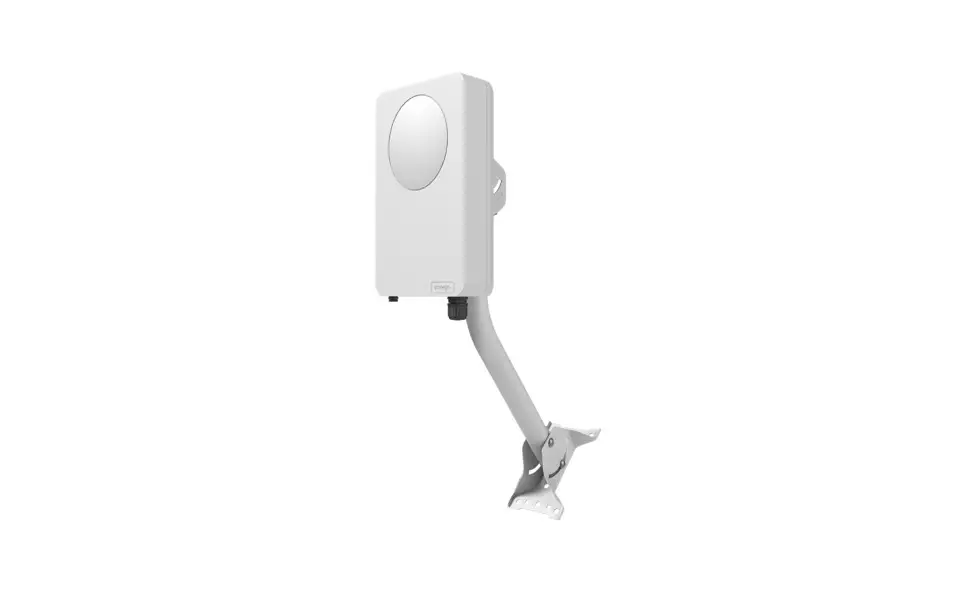
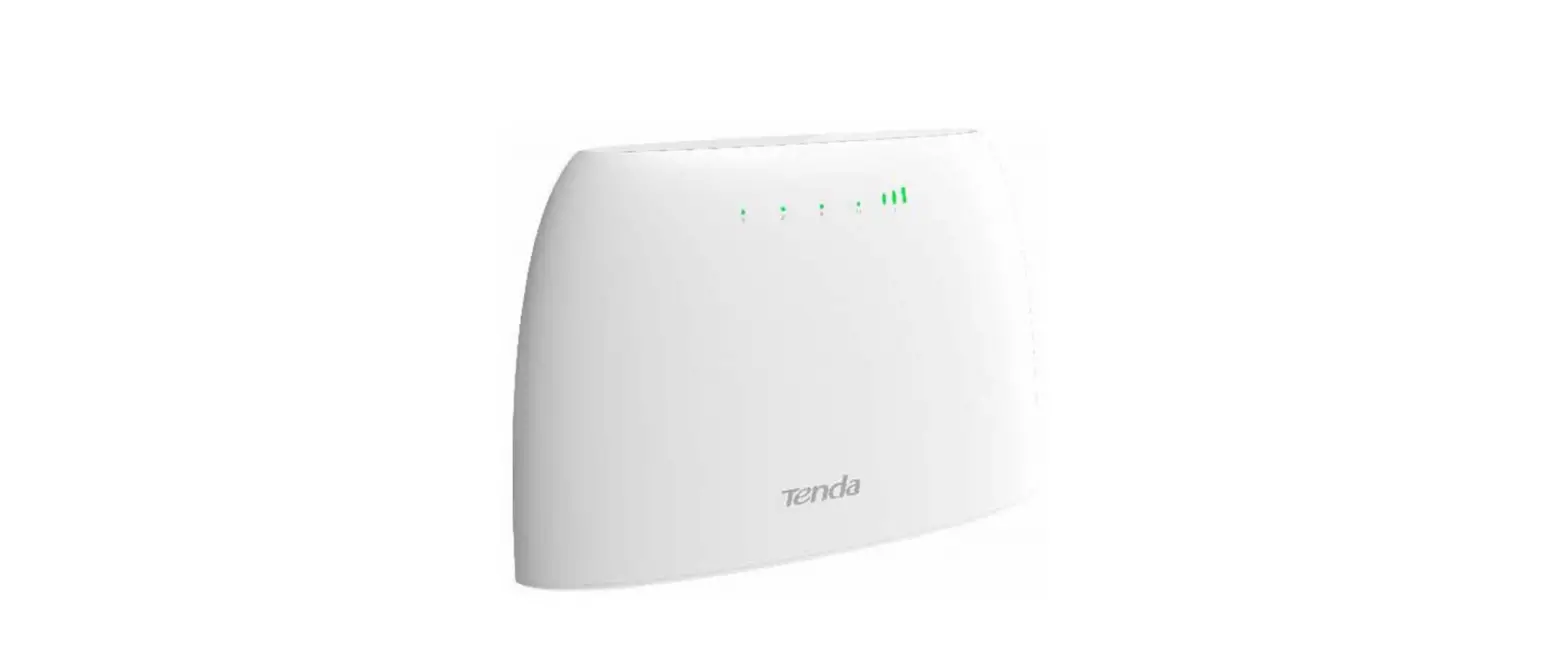
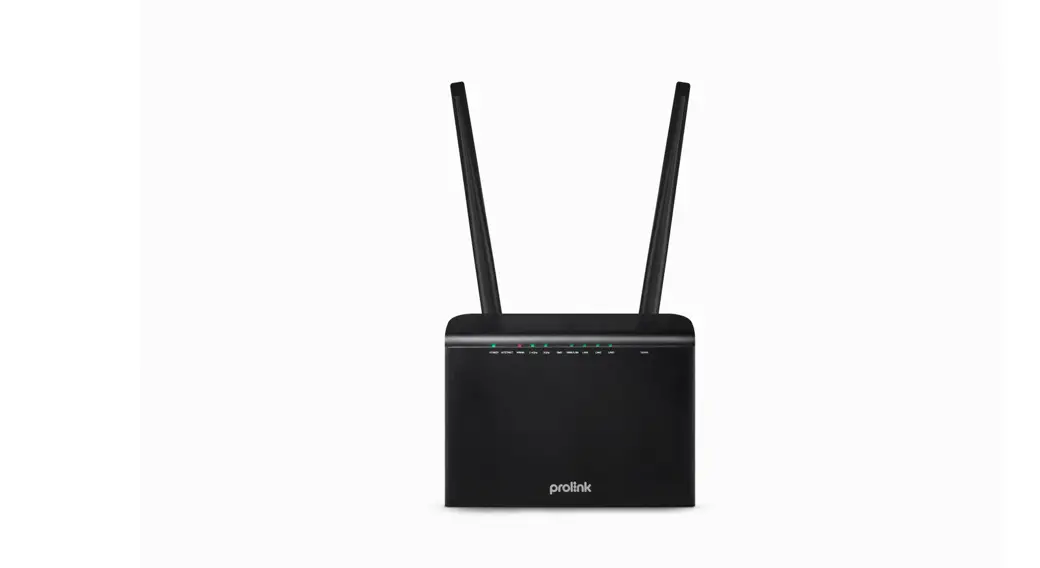
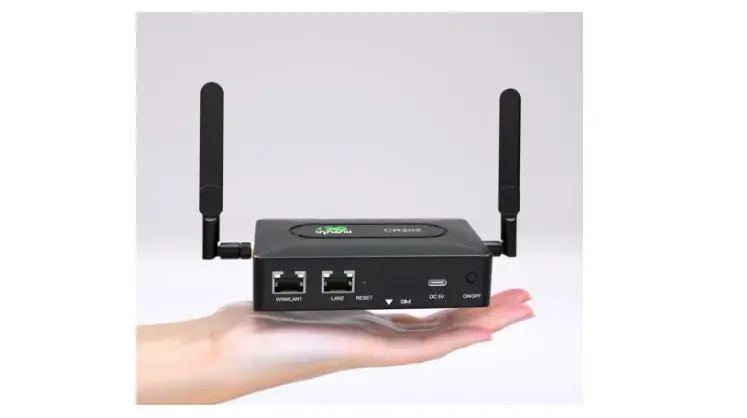
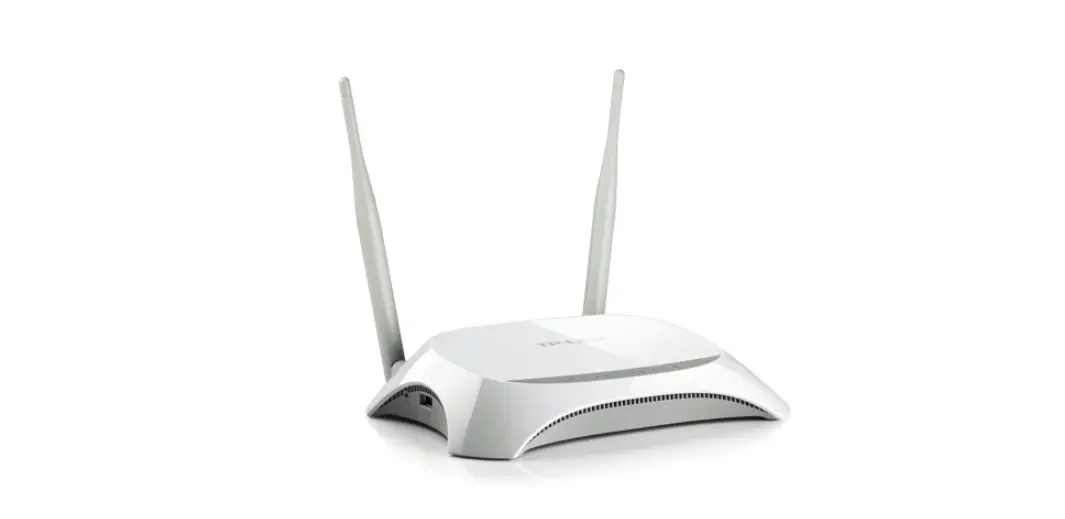
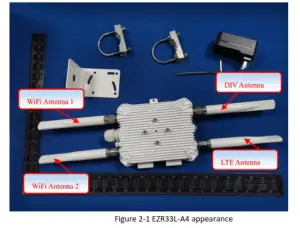
EZR33L-A4 appearance 
Installation
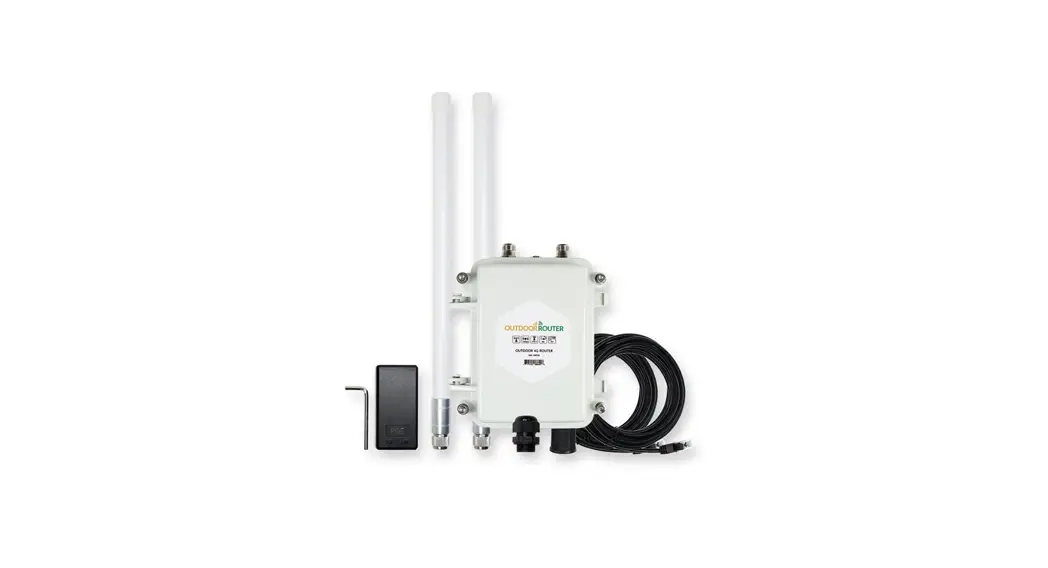
Before unpacking the carton, ensure that the packing carton is intact and not damaged or soaked. Stop unpacking if the equipment is rusted or soggy. Then, investigate the causes and contact the supplier. After unpacking, check items in the carton against the packing list. If any item is missing, contact the supplier or agent. Usually, the packing carton contains all items listed in the packing list shown in Table 3-1.
Table 3-1 package list
| Material | PN | Qty |
| Wireless CPE | EZR33L-A4 | 1 |
| WIFI Antenna | Rundum-Antennen Model: EZR | 4 |
| Power cable | LAN Cable | 1 |
| Net Wire | 10m | 1 |
| Adapter | PoE Injector | 1 |
| Screw to fix L-Bracket (The Cross and M6) | The Cross and M6x4 | 4 |
| Bracket | L-Bracket | 1 |
| Wrench | T-Wrench | 1 |
| Mounting Kit | U-boltsx2 | 2 |
Mechanical size
Dimensions L:75XW:65XH:40MM
Tool Preparation
To install the EZR33L-A4, prepare the tools listed in Table 3-2.
Table 3-2 Tools
 Preparing for Installation
This section describes safety precautions and tool preparations for EZR33L-A4 installation.
Safety Precautions
- Take proper measures to prevent injuries and device damage.
- Place the device in a dry and flat position away from any liquid and prevent the device from slipping.
- Keep the device clean.
- Do not put the device and tools in the aisles.
 CAUTION
Only qualified personnel are permitted to install and remove the device and its
accessories. Before installation and operation, read the safety precautions carefully.
Install
Connect power interface and Data port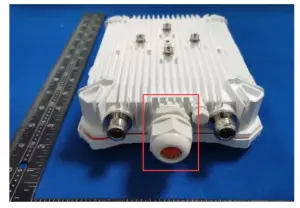
Connect power interface and Data port
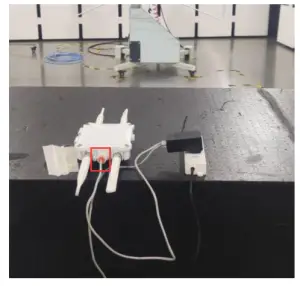 Lightning Protection Cautions
Lighting protection includes direct lighting protection and indirect lighting protection. We should avoid fixing the device to face the direct lighting protection. Below we just list some essential and useful methods to protect from indirect lighting, induction lighting, or surge.
- The lightning rod should be fixed above the tower with a device or gateway. And the gateway should be in the protection area of the lightning rod.
- When the gateway is fixed to the building, the gateway should be in the protection area of the lightning rod which is on the top of the building. If there is no lightning rod on the top of the building, please make sure that the gateway would not be in the influence area of the lightning, or you must fix a lightning rod above the antenna and connect to the ground of the building or lightning protection network.
- The small lightning rod should be made of a circular steel tube with a diameter of more than 16mm. The lightning rod should be higher than the top of the antenna 1m or more.
- Lightning rod ground down lead should be no less than 8 mm diameter galvanized round steel or cross-sectional area not less than 48 mm squared multi-strand copper wire. When using multiple strands of copper wire for grounding, please make steel tubes to prevent mechanical damage.
- When the gateway is put nearby the lightning protection area, please make sure all the devices include an antenna put below the lighting protection area.
- Don’t put or fix the cable to the lightning protection line or area.
- Please ground the fixture of the gateway.