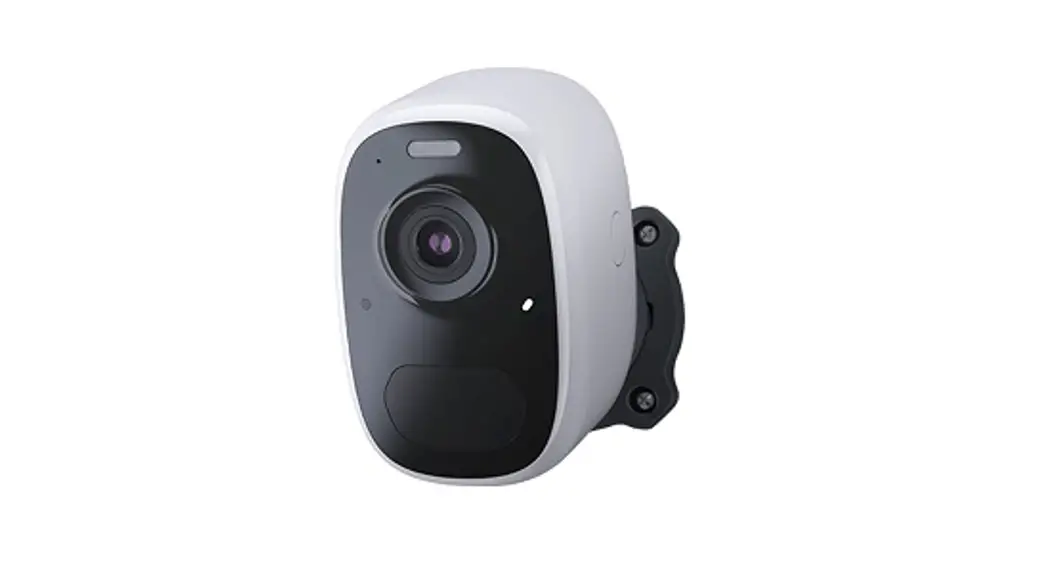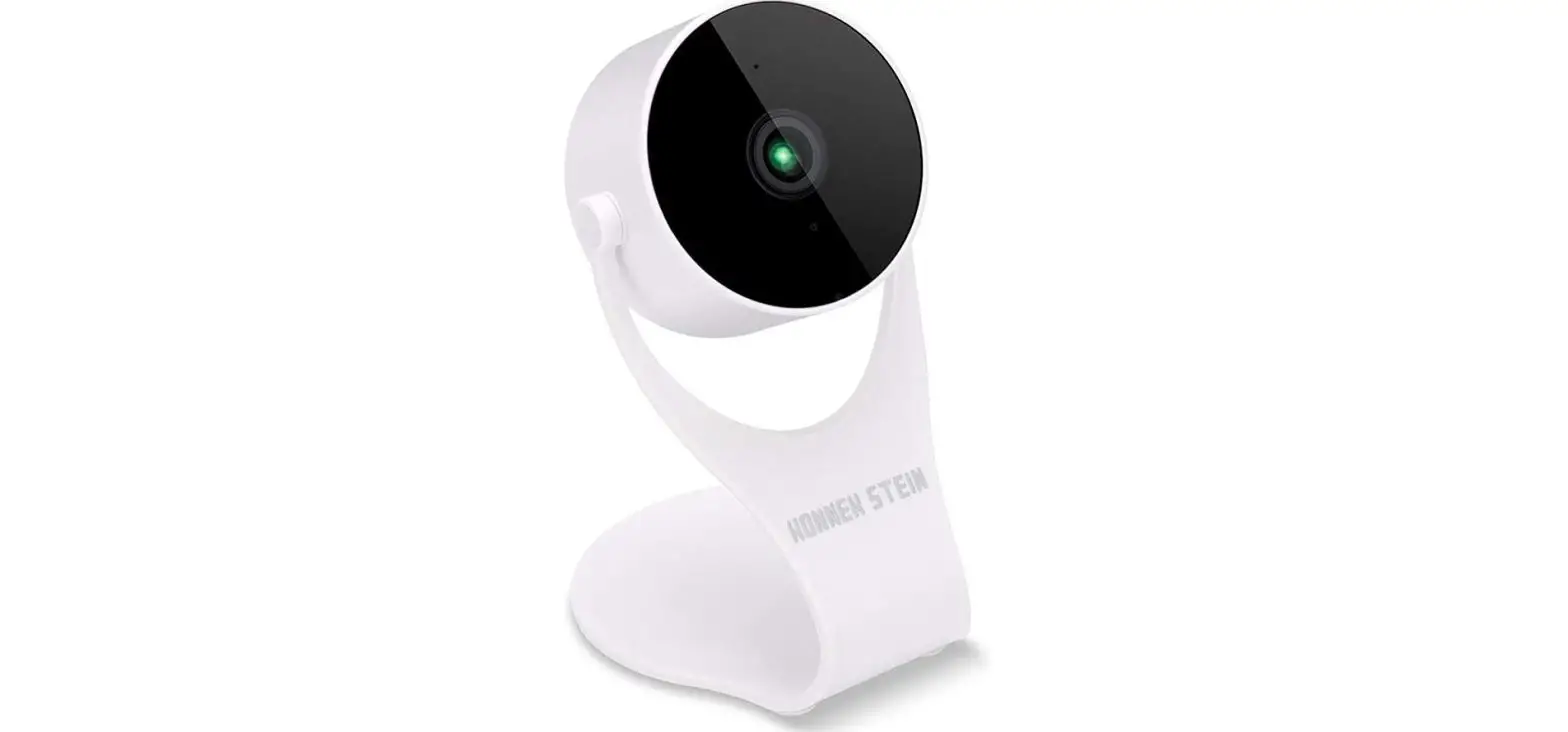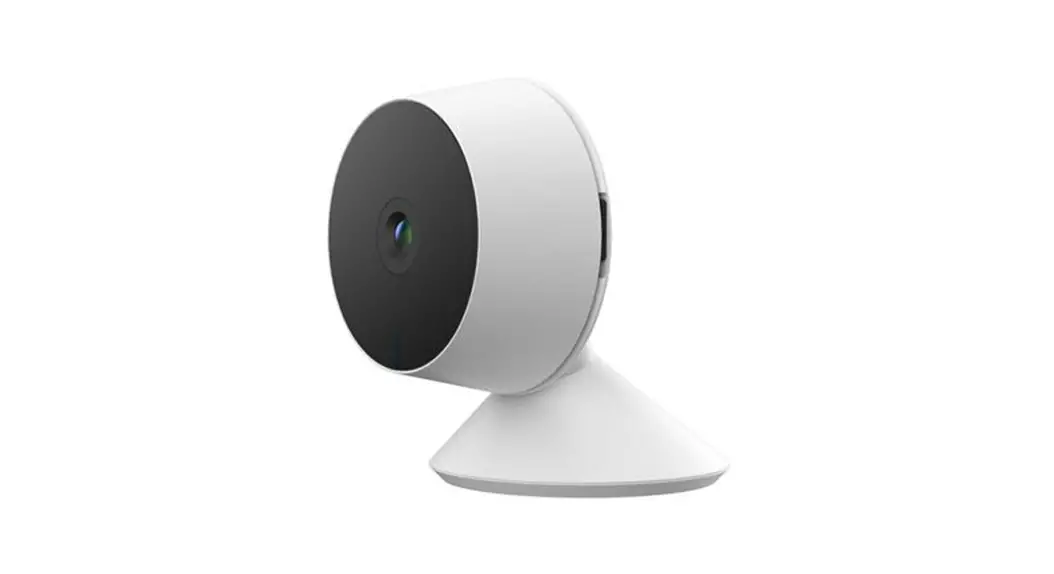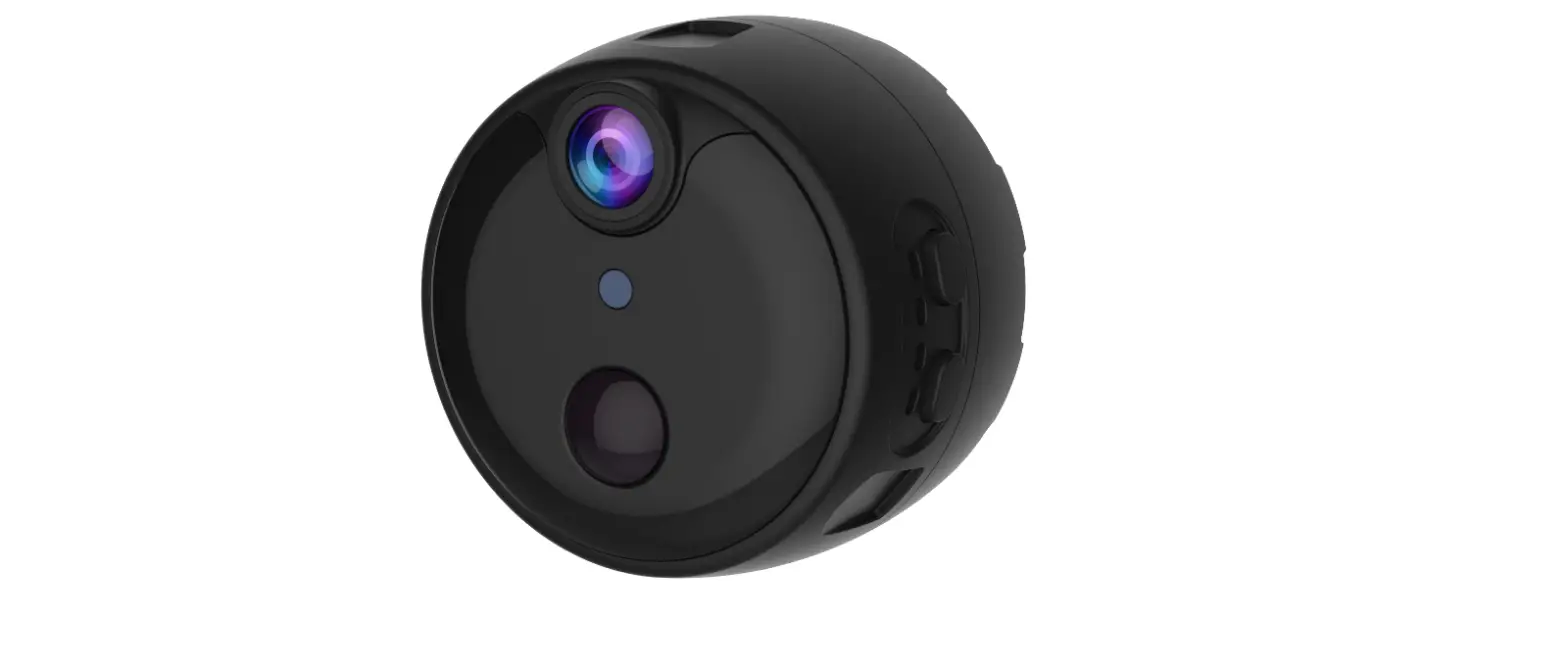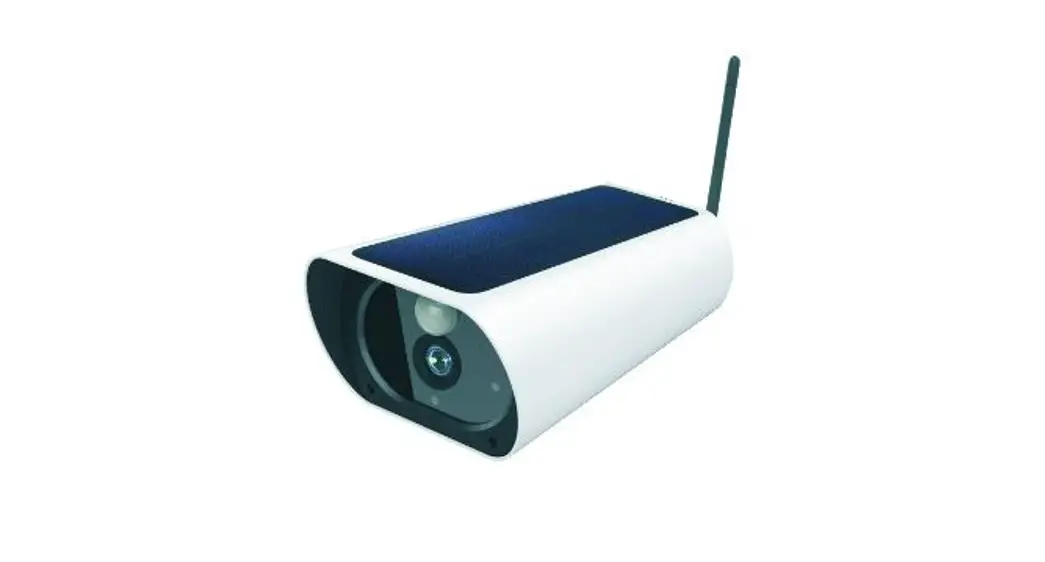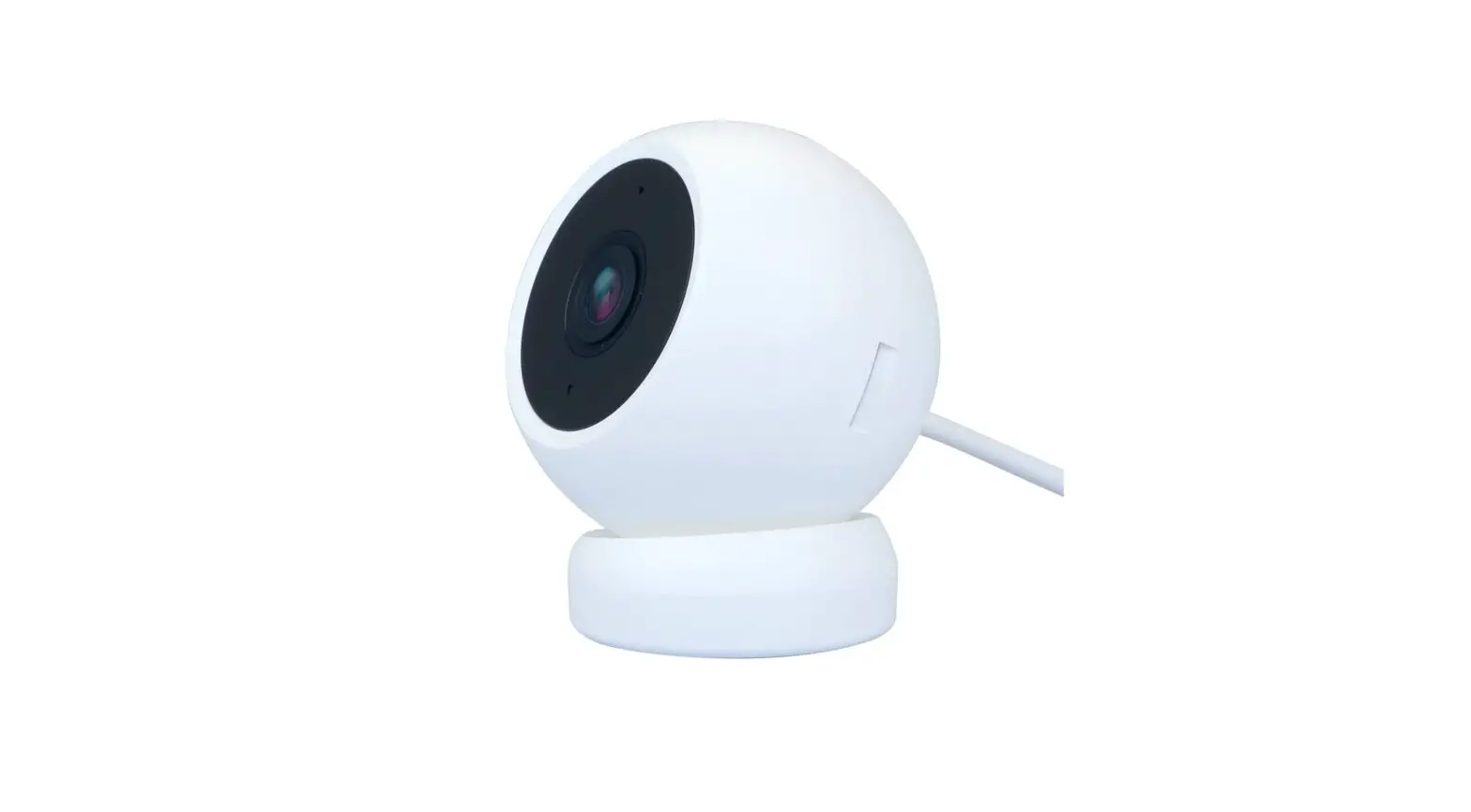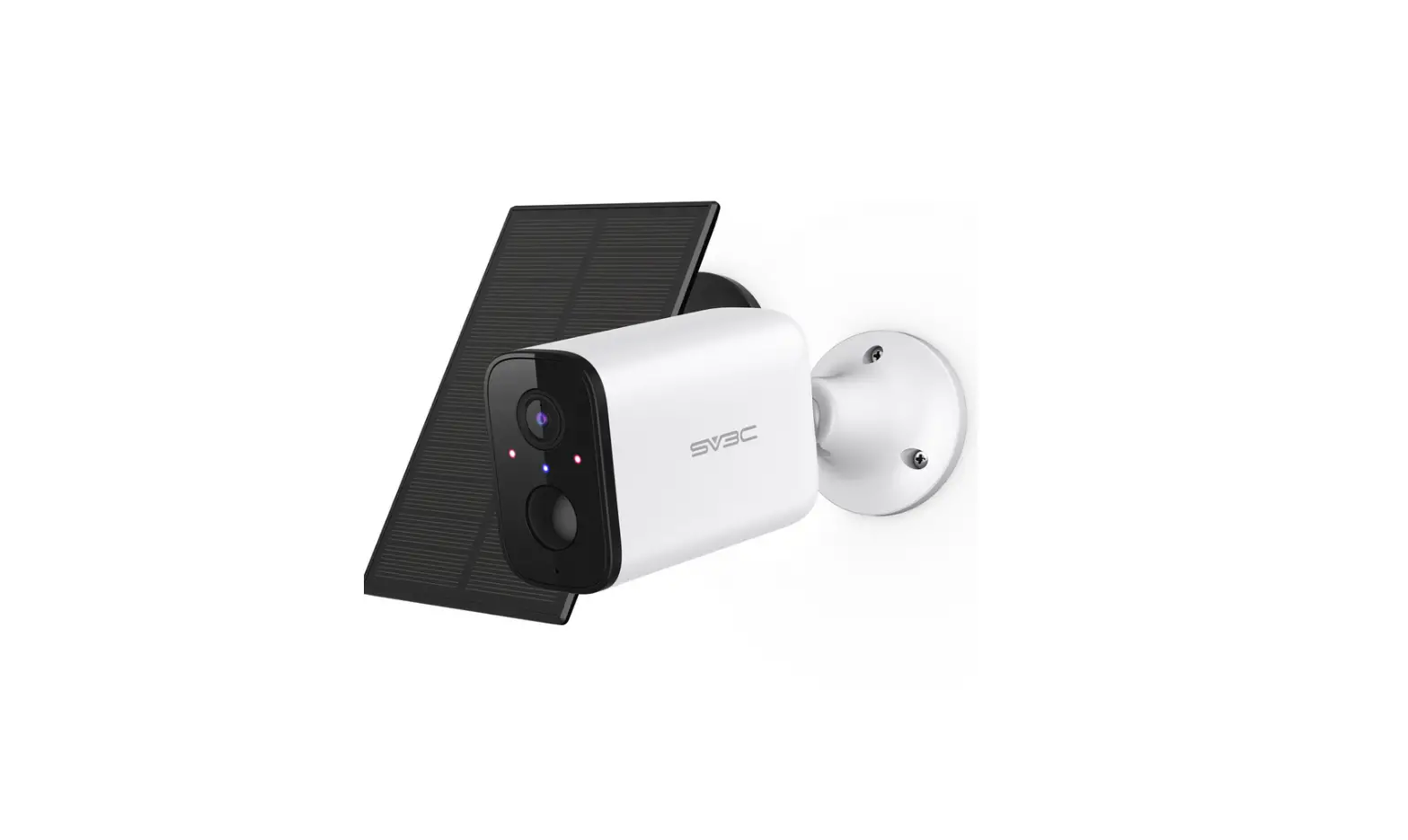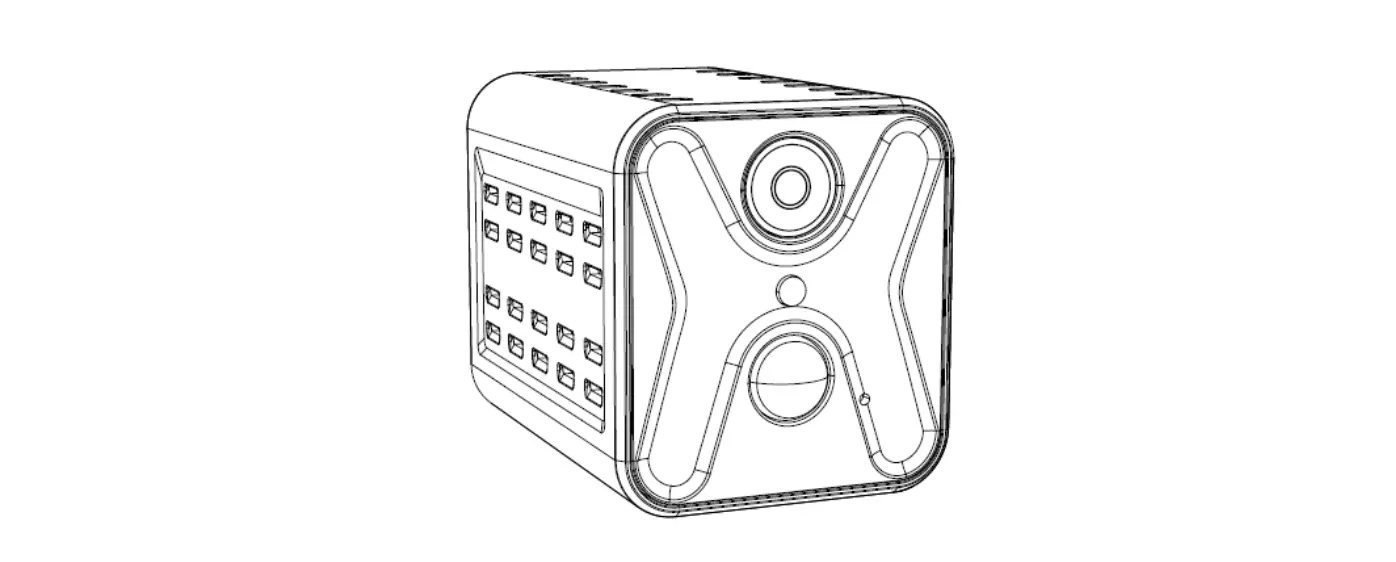

Campark SC13 Wifi Low Power Battery Camera
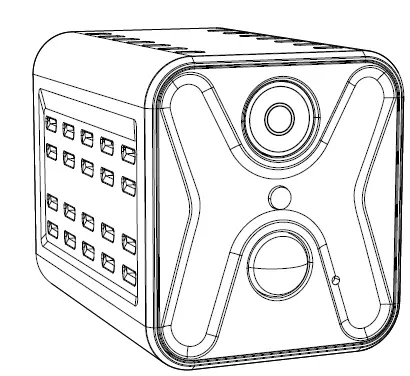
Product Details
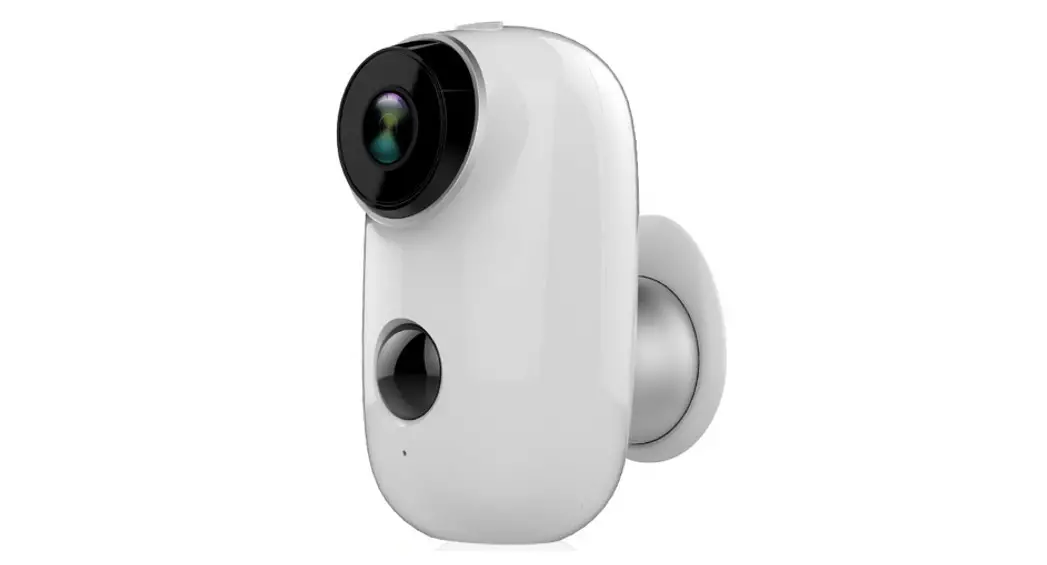
Interface Description
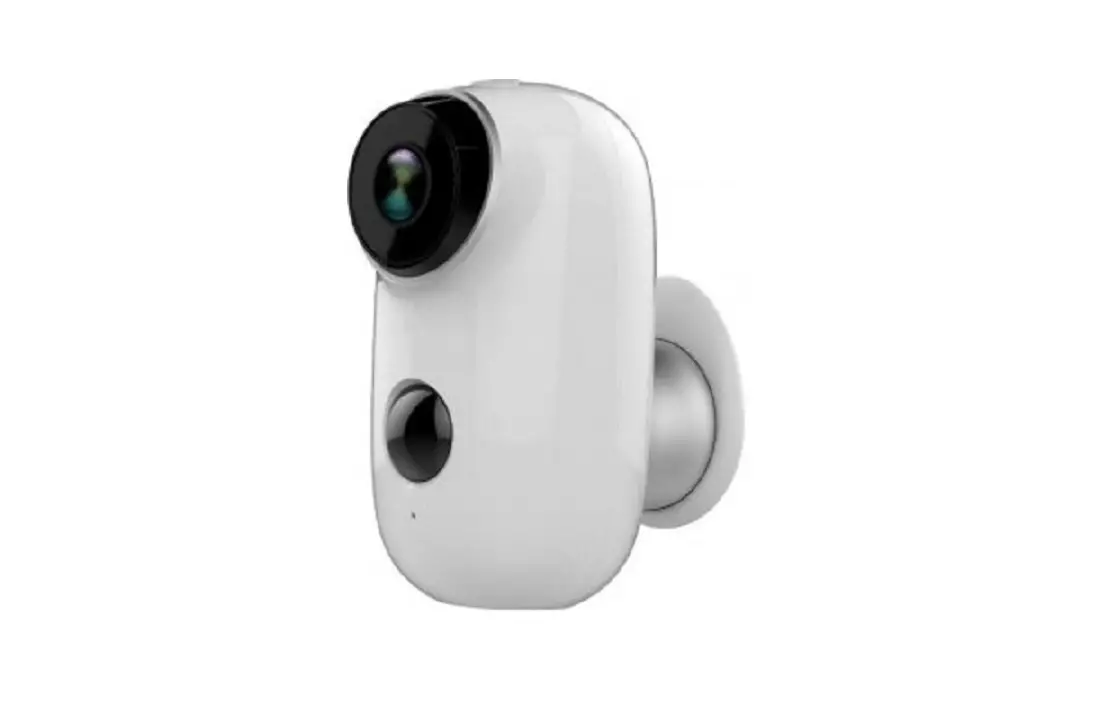
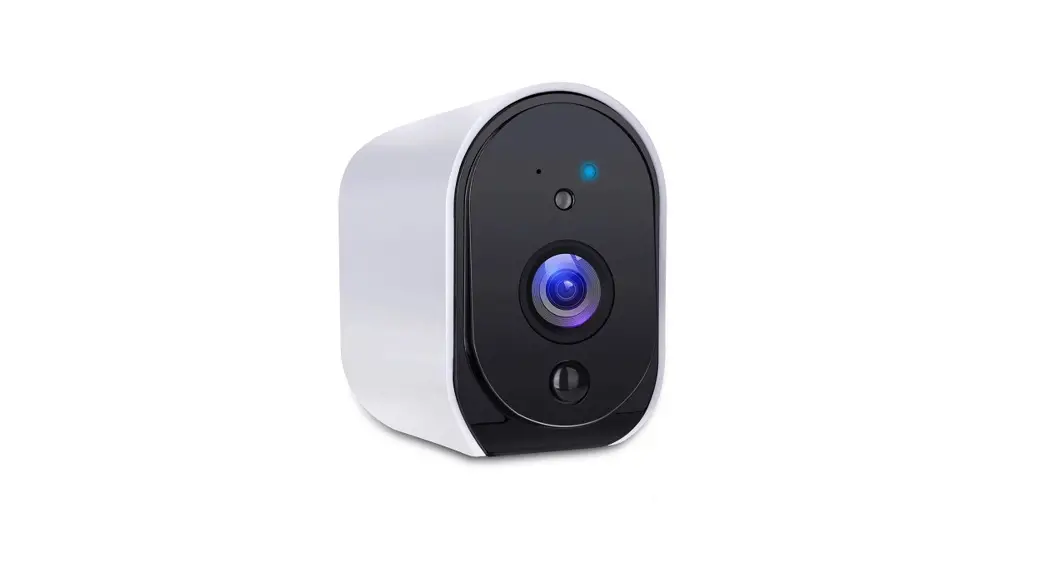
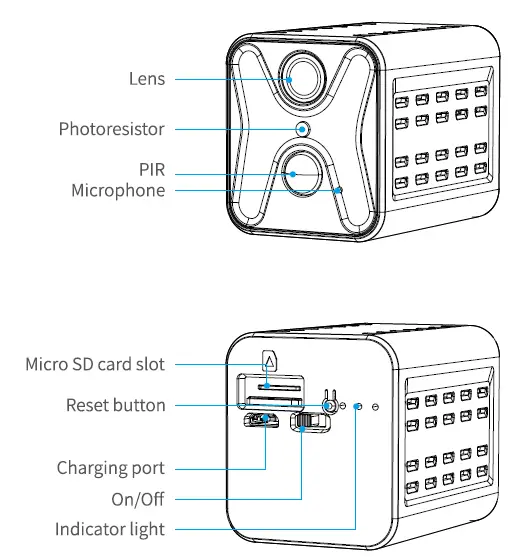
| Lens | Capture images andvideos |
| Microphone | Capture ambient sound and support voice intercom |
| PIR | A trigger signal can be activated when capturing the human body in front of the device |
| Photoresistor | Collect ambient brightness value, enable when the illumination is lower than 2LUX |
| Reset button | Press and hold for 3 seconds to restore factory settings |
| Micro SD Card slot | A user inserts a memory card can store videos |
| Charging port | Micro USB Power charging |
| On/Off | Control device switch |
| Indicator Light |
|
Download APP
Scan the QR code below and click to install or open the Google Play/App store to search for the U-box application, register after downloading and installing
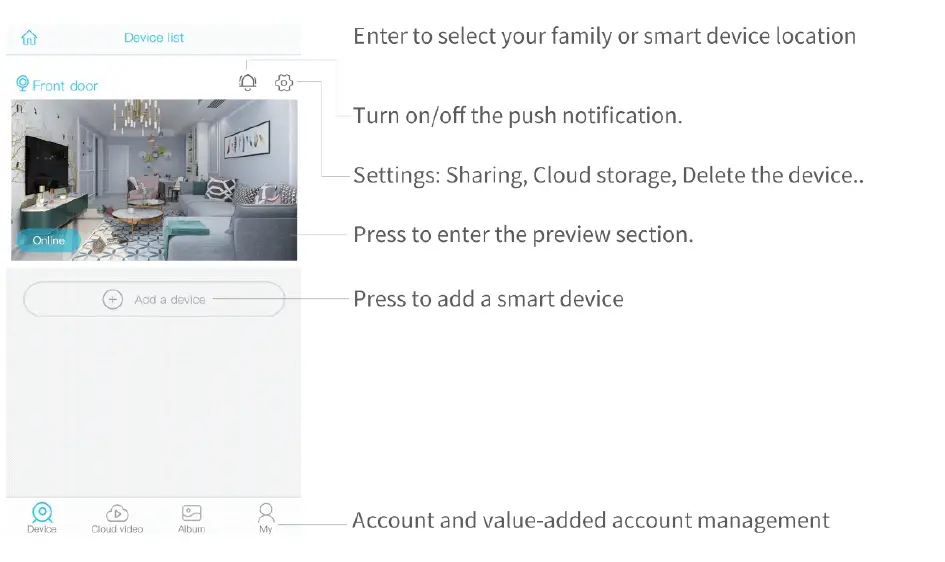
Add Device
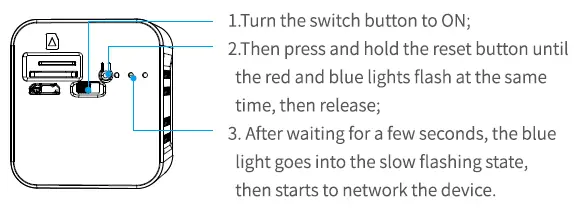
- Click “Add a Device”
- Choose “Setup Wi-Fi Device

- After confirming that the blue light on the device is flashing, select “yes”
- Name for the camera, and click “Next”

- Enter WIFI name and password
- Make sure the lens of the device is clean, and scan the QR code of the mobile phone with the lens of the device

- After the configuration is successful, a prompt tone will sound in the mobile APP
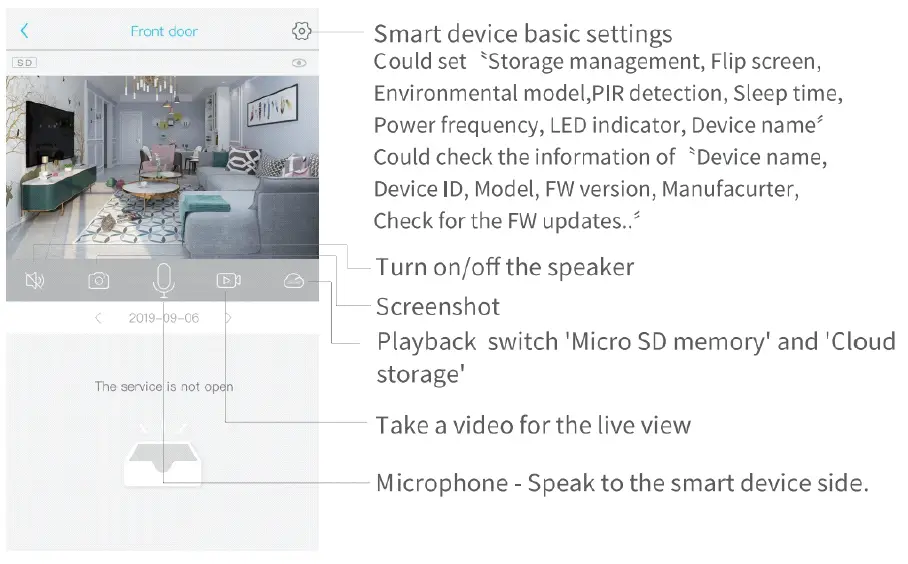
- After the device is added successfully, it will appear in the list, click the screen to play

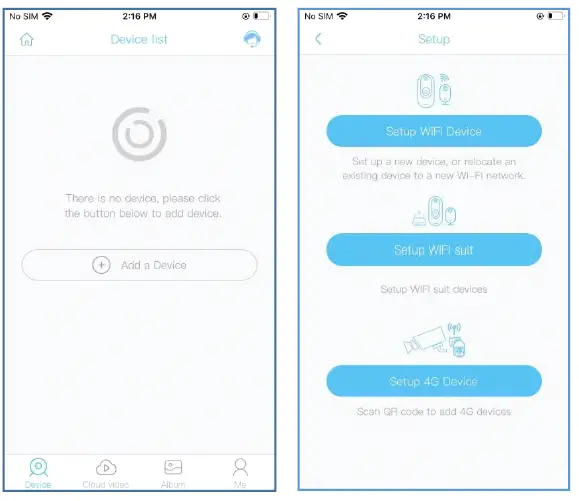
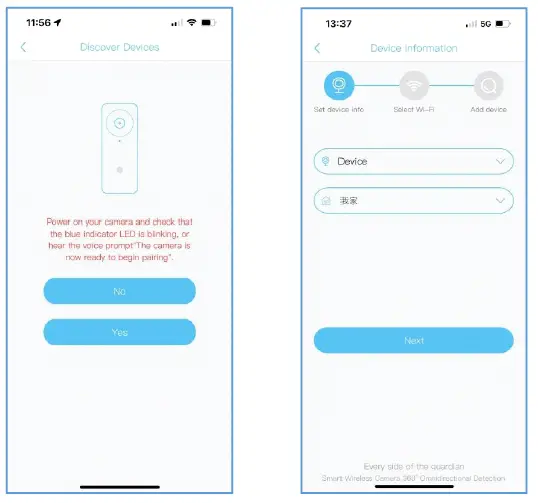
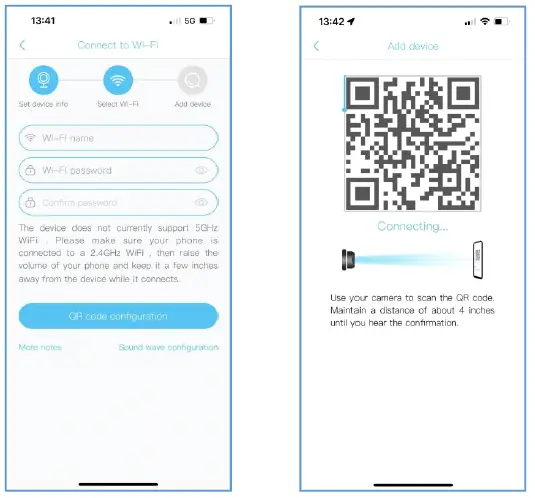
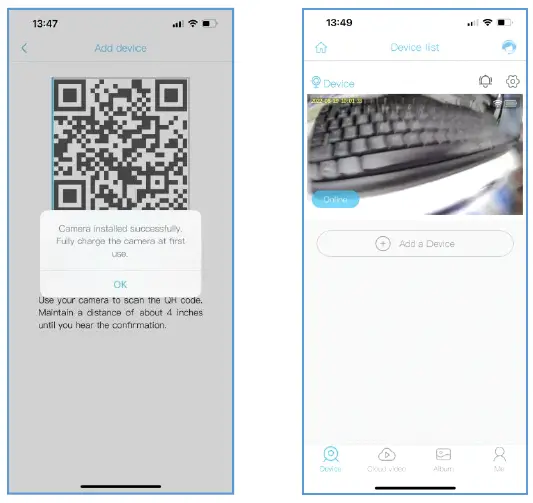
Note: Some functions in the APP menu will be different for different models of cameras
Precautions
- This device is powered by battery, and the battery life will be affected by the wake-up time and times of the device. When the human body sensor alarm detection function is used in a crowded environment, it is recommended to turn off or set the device to low sensitivity to reduce the number of device wake ups and calls to extend battery life. Please charge the device in time when the power of the device is low. Long-term battery shortage may cause the battery to fail.
- During the installation process, please ensure that the network is normal in the installation environment, especially it is installed outside, you need to check whether the Wi-Fi is covered. If the Wi-Fi signal is weak, you need to choose a repeater package or add a Wi-Fi repeater to improve the signal.
- This device is a low-power smart product, which can support APP remote wake-up, PIR human body detection wake-up, key-press wake-up. It is automatically entering the sleep mode after working for a short time. The working time of the device can be set in the APP menu.
If you have any questions, please feel free to contact us at:
[email protected]