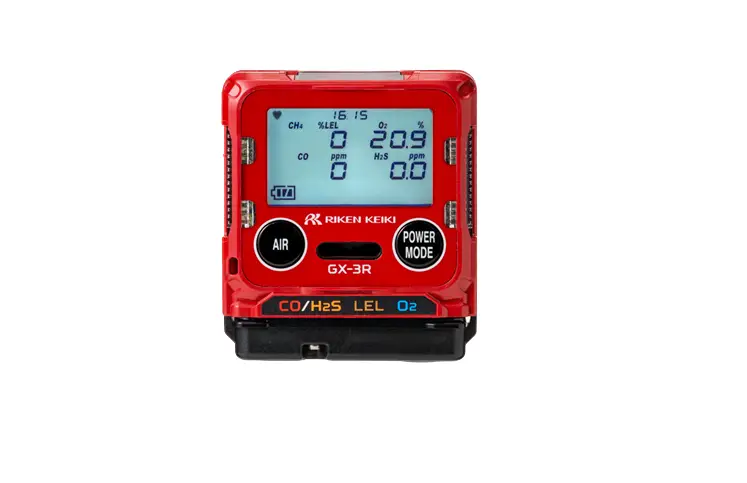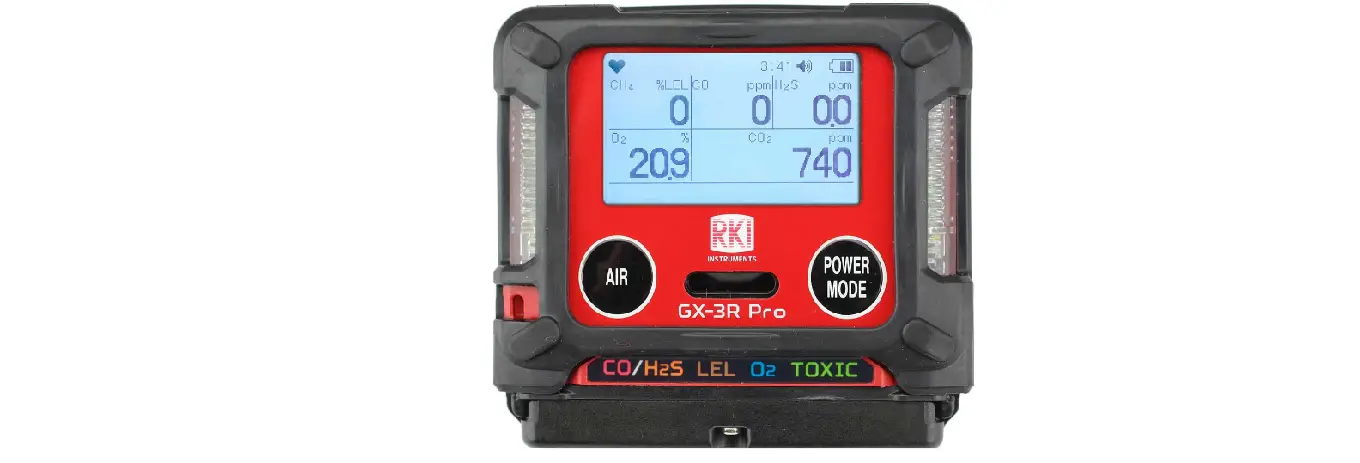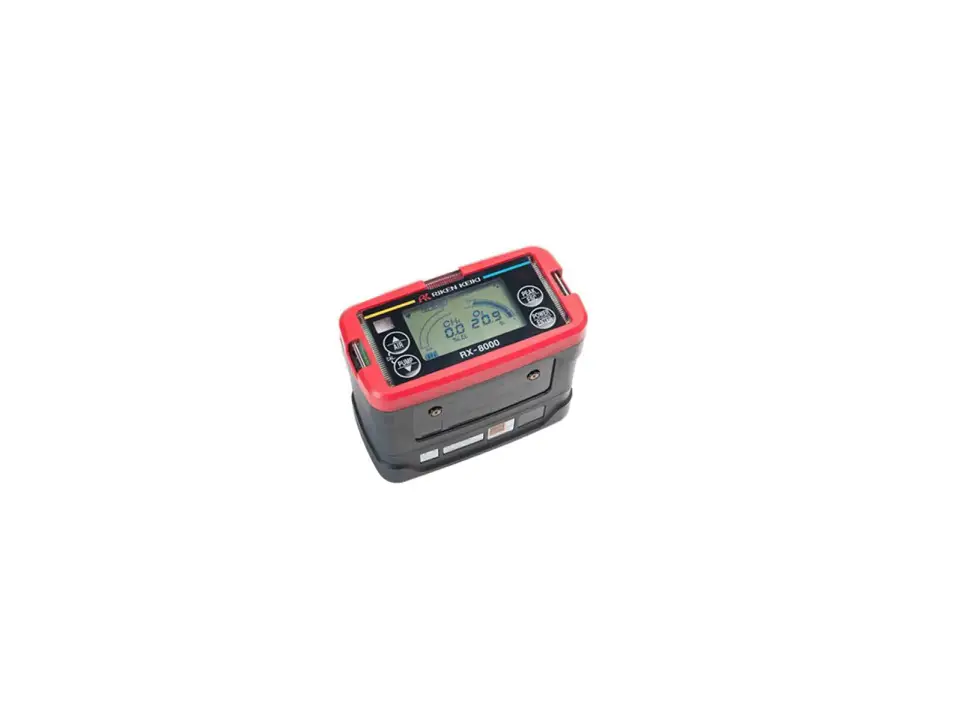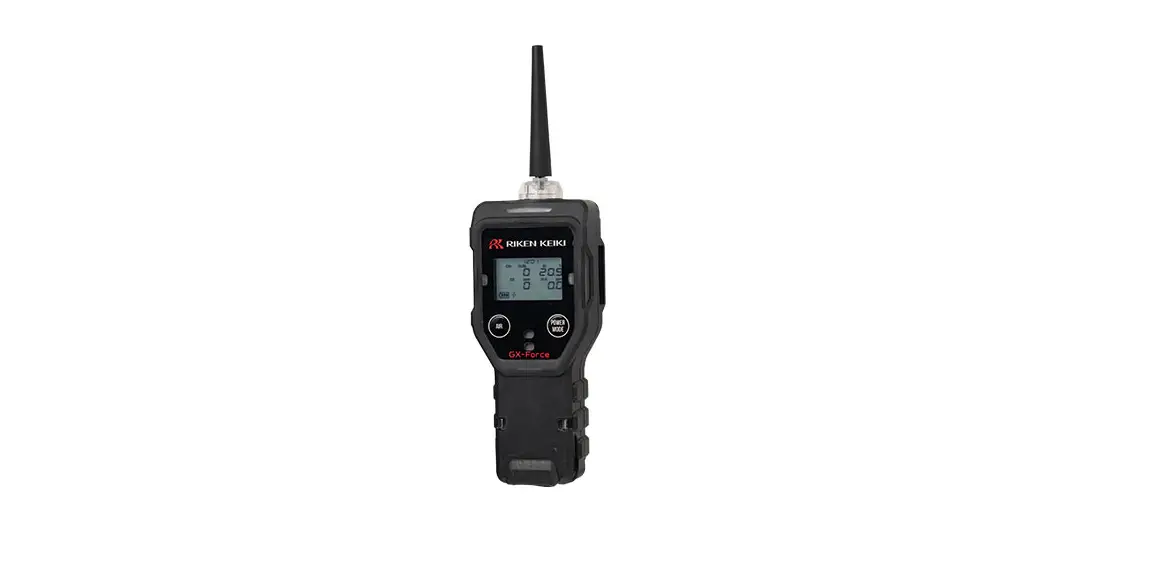

RKI INSTRUMENTS GX-Force Portable Gas Detector
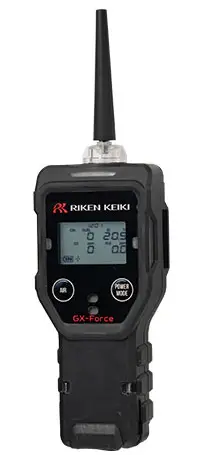
Product Information: GX-Force
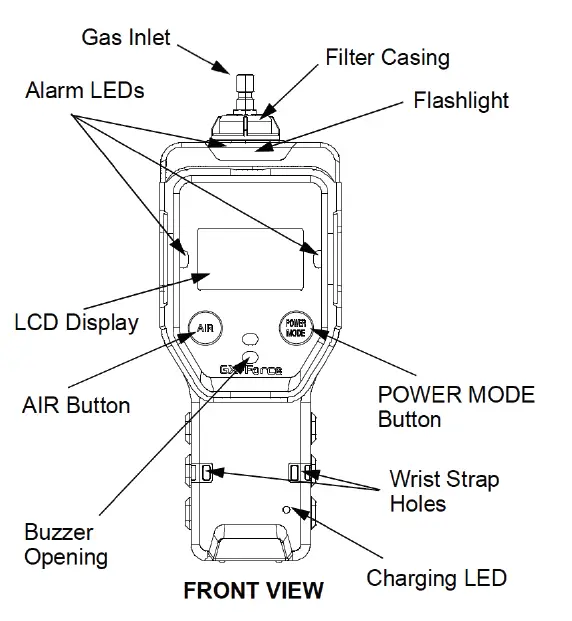
The GX-Force is a versatile device designed for use in various applications. It is equipped with a power mode, bump/call feature, and the ability to confirm and use fresh air. The device requires a brief warm-up period before normal operation can begin.
Product Usage Instructions
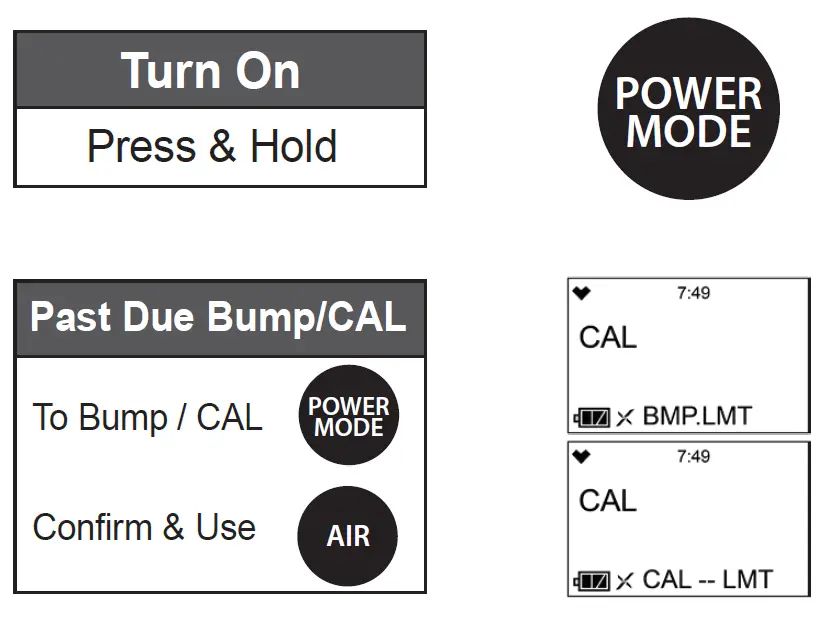
- To turn on the GX-Force, press and hold the POWER MODE button.
- To perform a bump or calibration, press the PAST DUE BUMP/CAL button.
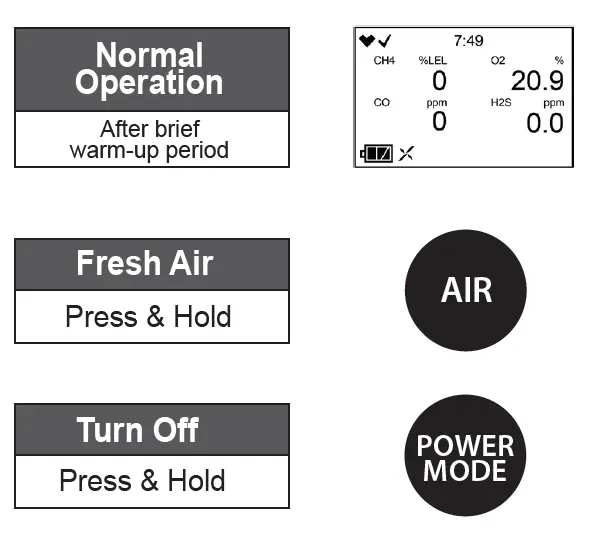
- To confirm and use fresh air, press and hold the AIR button.
- After a brief warm-up period, the device will enter normal operation mode.
- To turn off the GX-Force, press and hold the POWER MODE button.
GX-Force
Scan QR code for GX-Force Manual
RKI Instruments, Inc. 33248 Central Ave, Union City, CA 94587 Phone (510) 441-5656 • (800) 754-5165 • www.rkiinstruments.com
230511/10000
 RKI Gas Detectors - Portable Gas Monitors - LEL, PID, H2S, CO, O2 Sensors