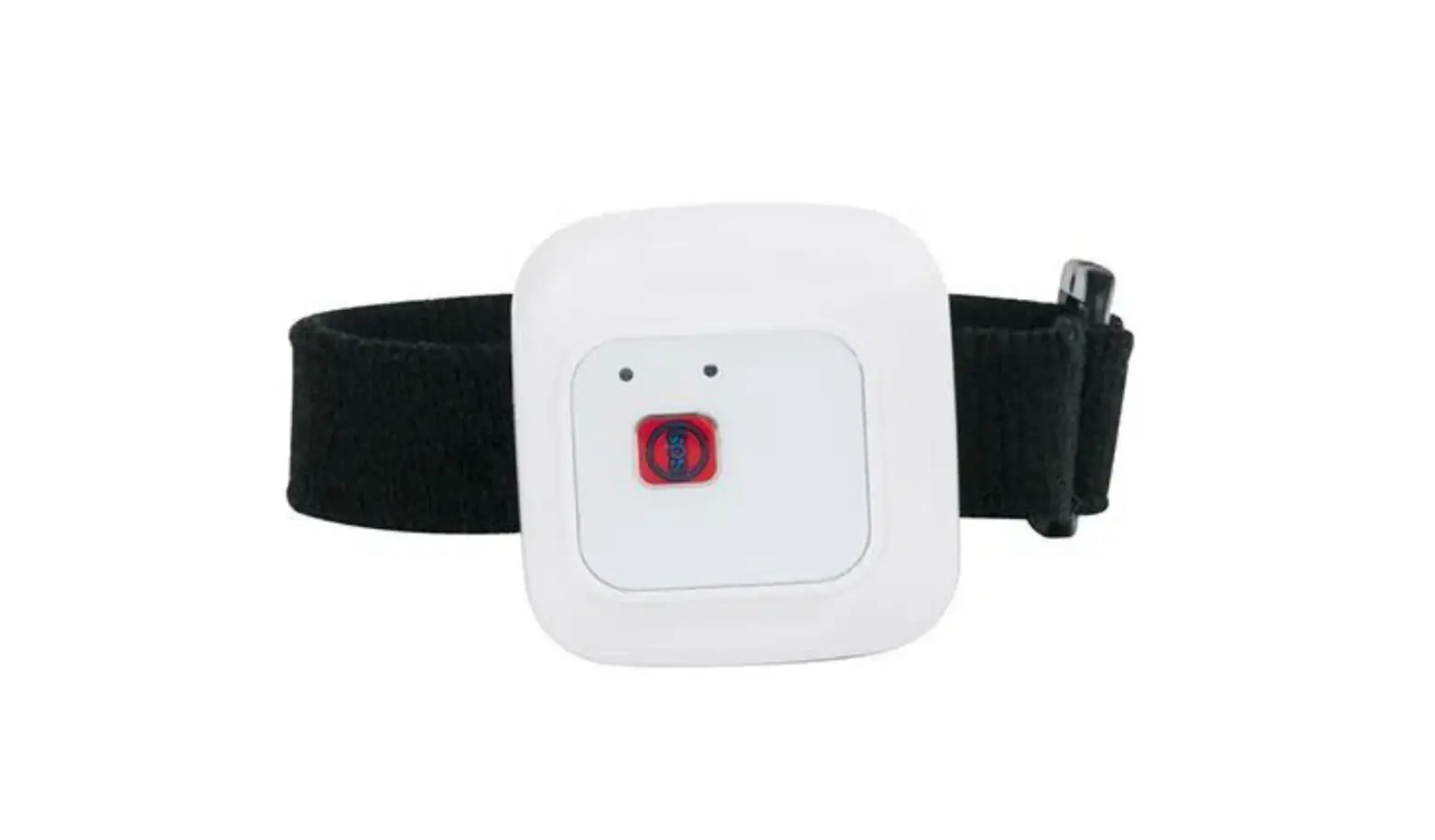
WOXU WIRELESS UT-206 UWB Tag User Manual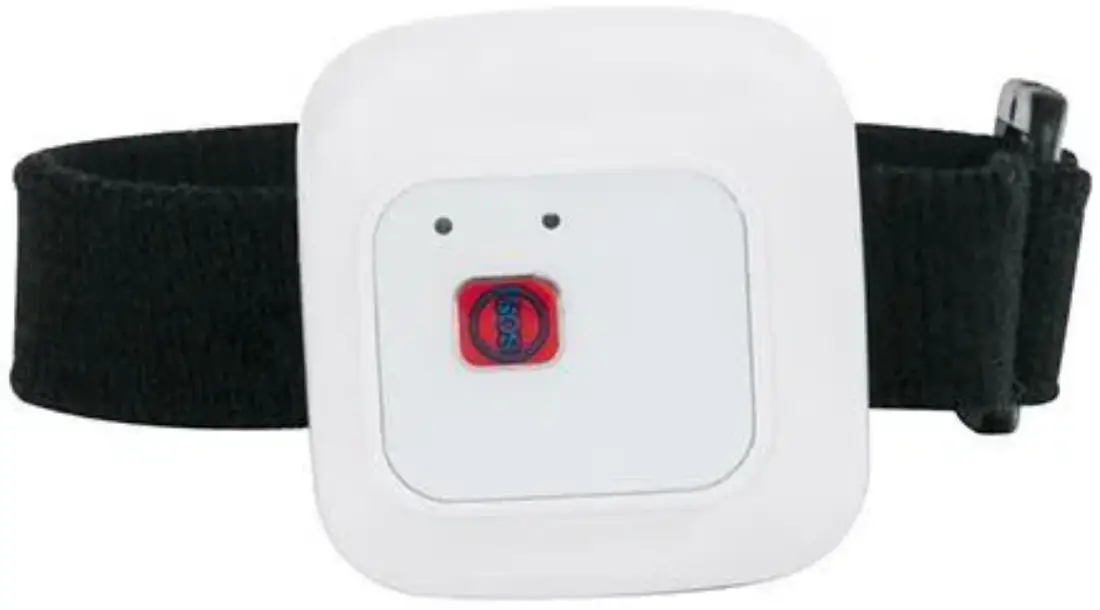
System Application structure
Description:Social distancing system is to measure distance between tags. When two or more tags come in within 2metres, tags will have vibration alerts and data will be recorded.
Event data will be transfer to the server for analyze when the tag is within the gateway range.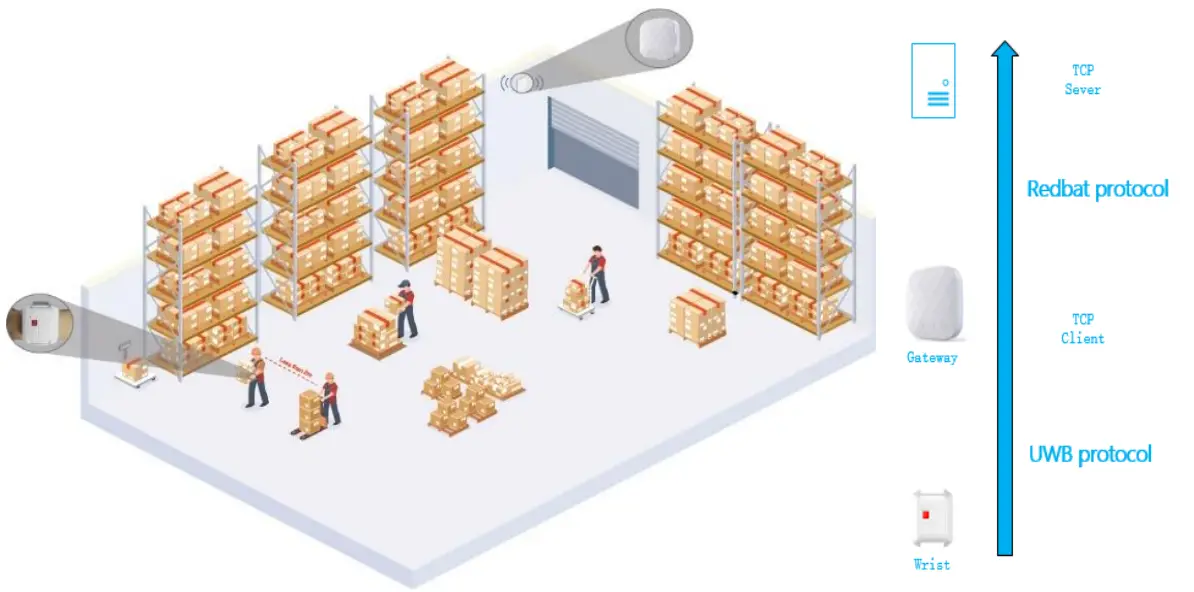
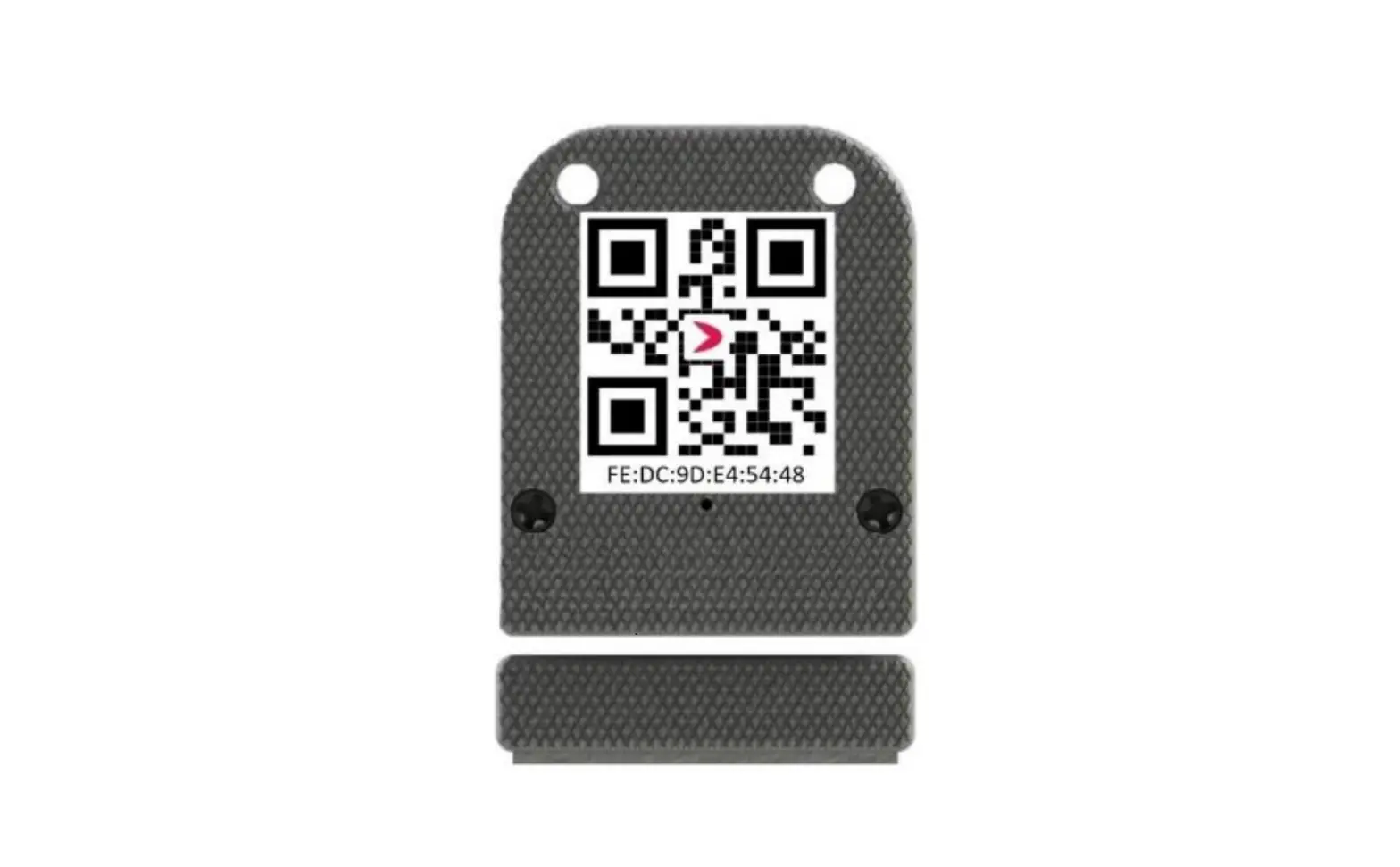
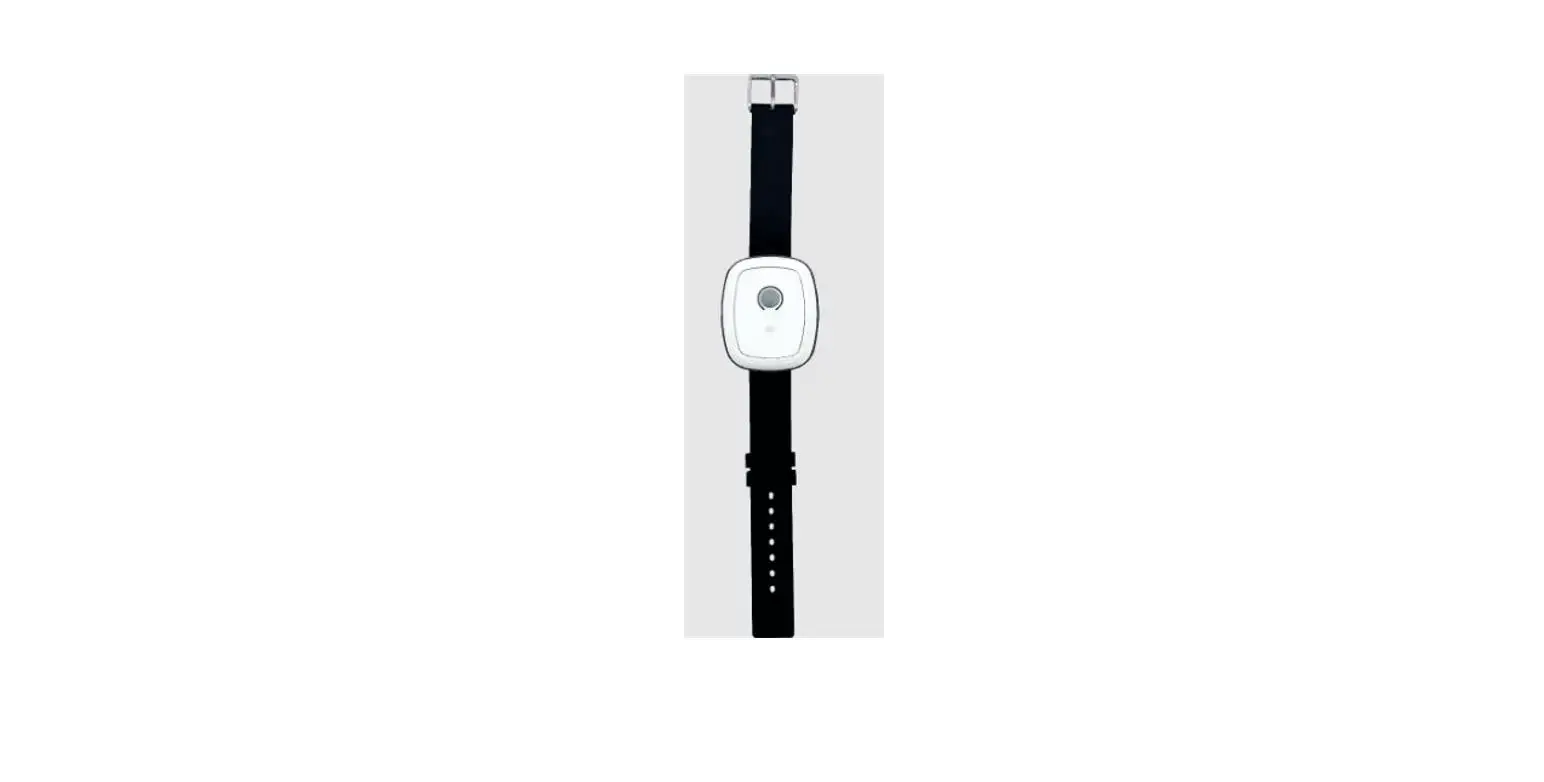
Wrist tag:To be worn by staffs
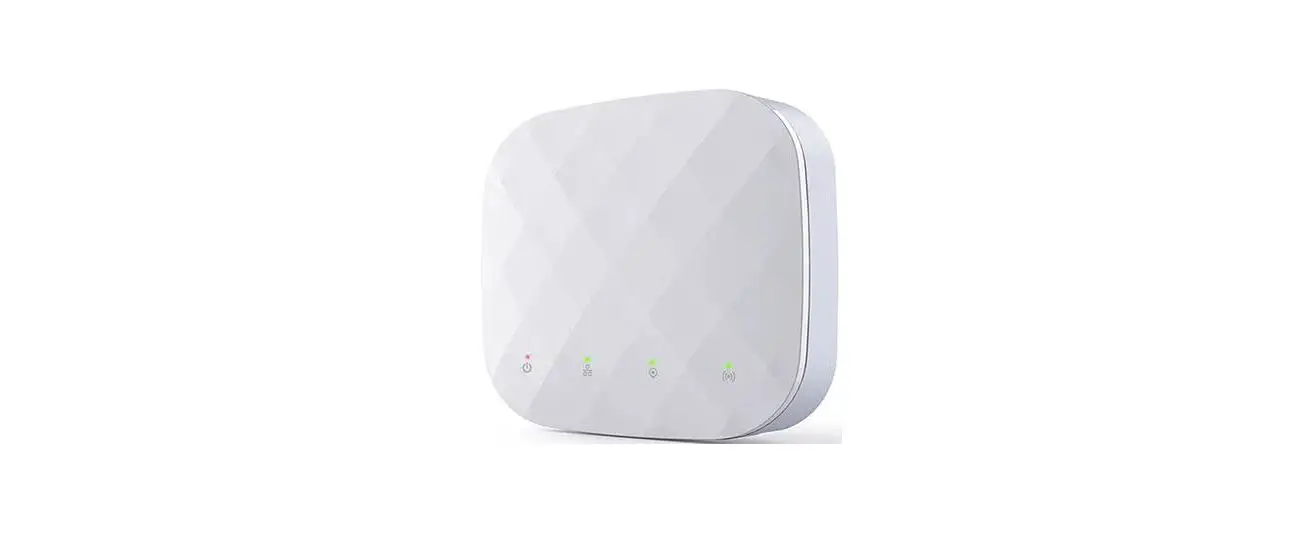
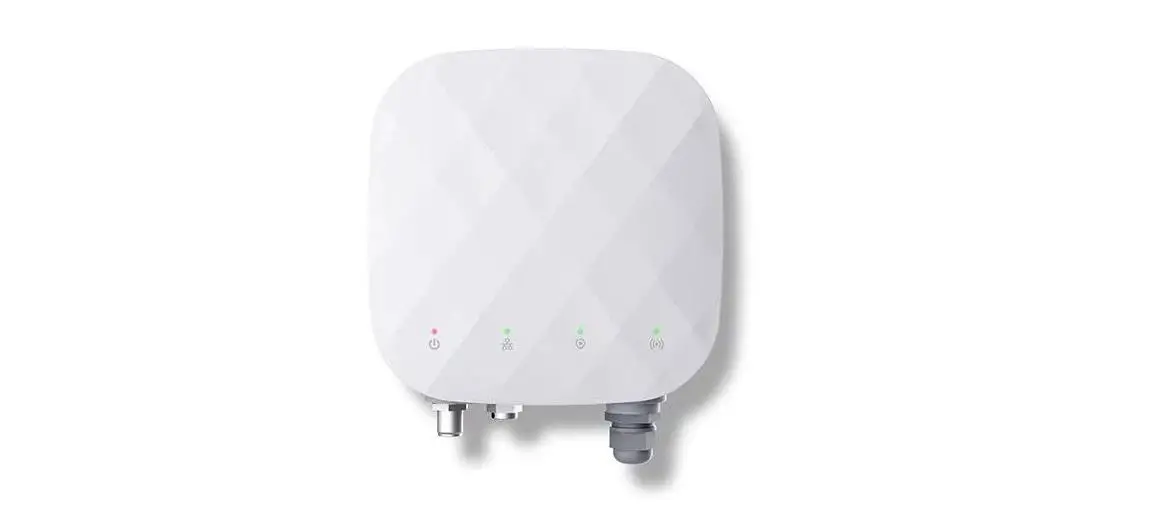
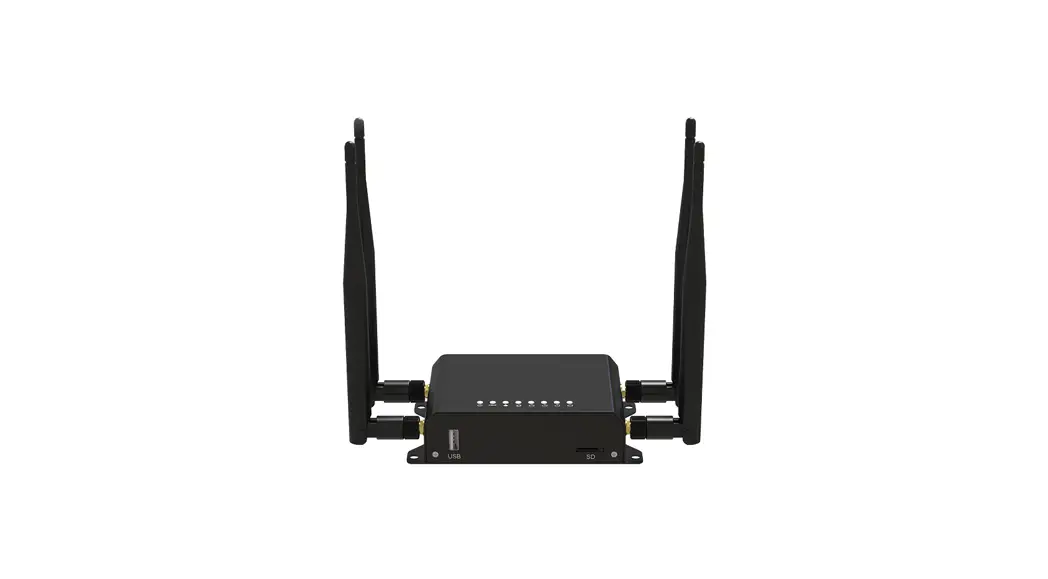
Gateway:Event data collection & transfer to serve
Bracelet
Bracelet BasicInformation
Bracelet Specifications
| Description | Mode; | Battery | Power for EU | Working Time | Warning Distance |
| Social Distancing Bracelet | UT-206 | 600mA | -34.12dBm | 12h | 100~500cm adjustable Default: 200cm |
| External Interface | Dimensions | Weight (g) | RF frequency | Protection Rating | Working Temperature | Charging Voltage |
| 4PINMagnetic Interface Charging | 51*40*19.6mm | 26 | 6.24~6.74GHz | IP67 | -20~65℃ | 5v |
LED Description
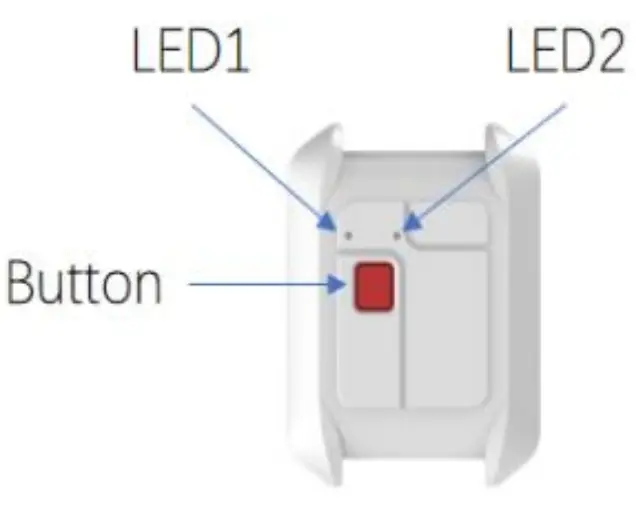
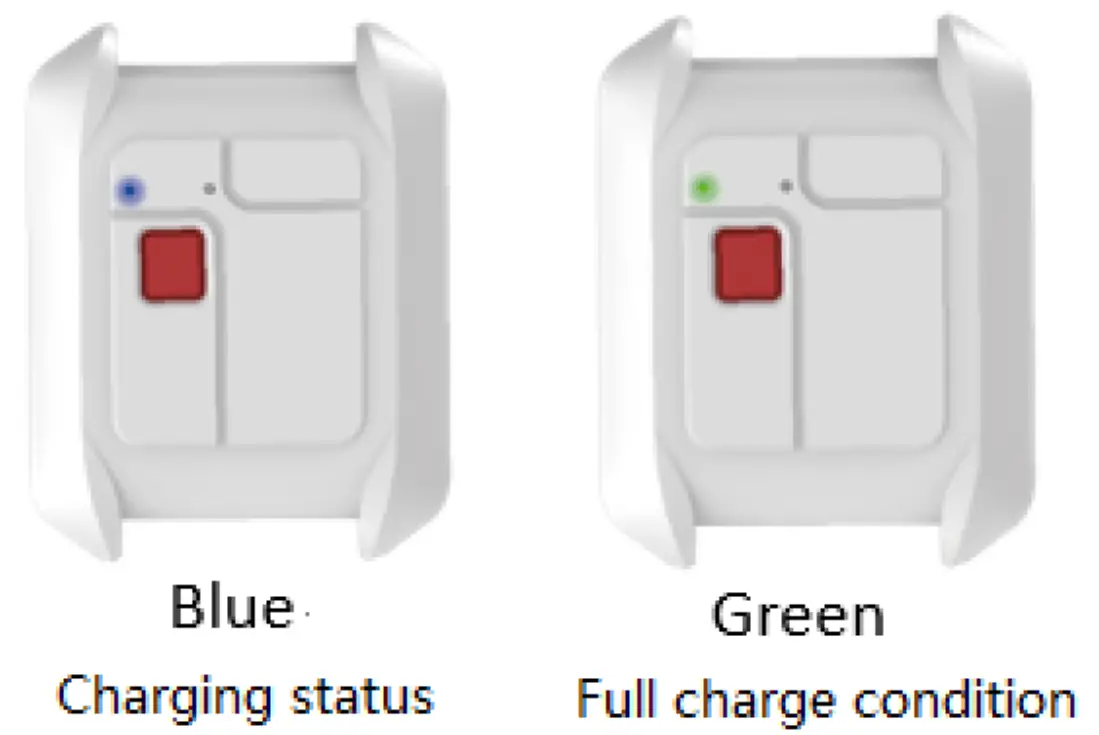
LED1Power indication,Red LED blink when battery is 30%, need charging. Blue LED when charging, Green LED when fully charged.
As shown below: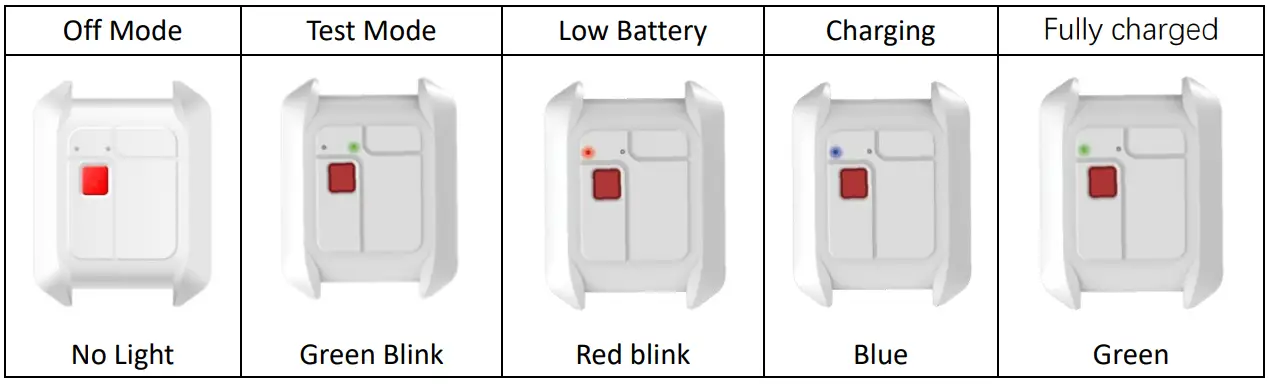
Strap
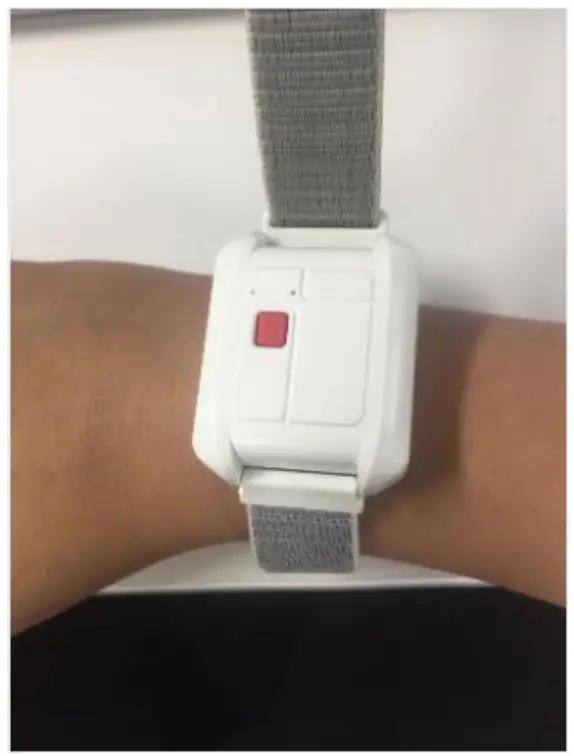
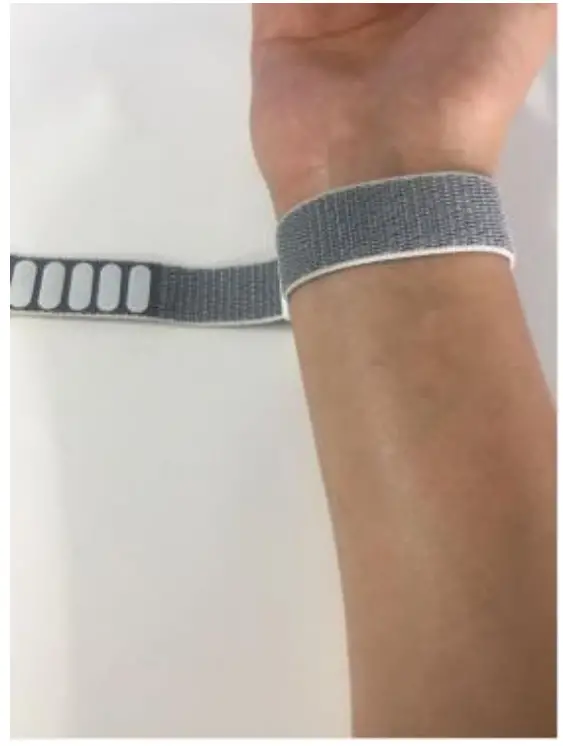
- How to tighten the strap
Lift and pull the strap until desired size. As shown below:

Enter Test Mode & Warning Mode
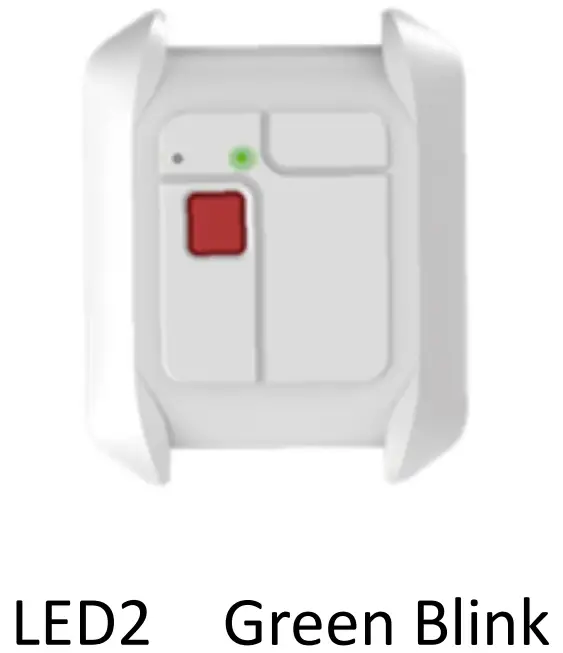
Press and Hold BUTTON for 3 sec, LED 2 Green light turns ON.
Recommended working hours≤10hr.
LED indication: LED2 Green Blink.
Non-range Mode(Manager Access)
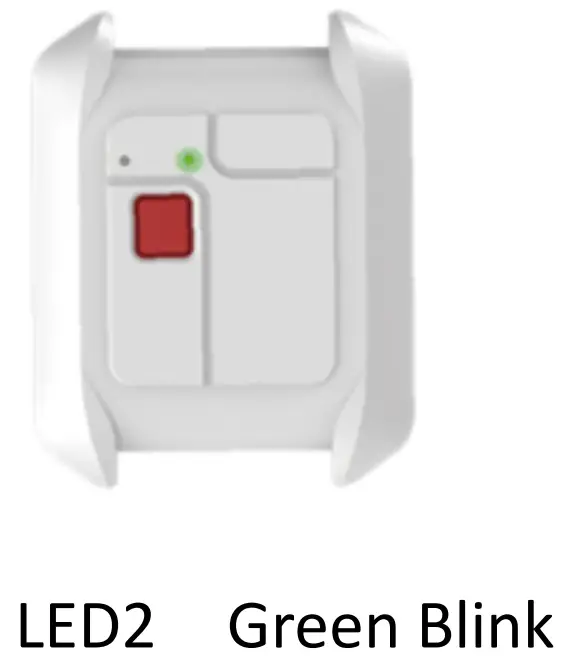
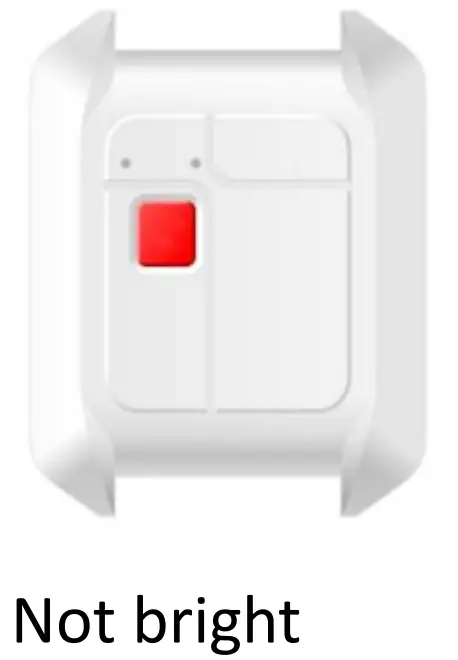
Unable to power off when bracelet in working mode. Can set to non-range mode to stop vibration alert or extended standby time.
Instructions: Press Red BUTTONonce, interval 1sec, then press and hold for 3sec, till LED2 Green Light Blink slowly.
Now bracelet ONLY collect and transfer data. No ranging. No vibration.
LED indication: Transferring of data, LED2Green blink slowly. After data transferred completed, LED2 light will off.
Whitelis
Press and Hold two or more bracelets for 3sec within the alert range to set whitelist. The bracelets will not have alert within 1hr after whitelisting. After 1hr, bracelets will resume back to working mode.
Low-power Alert
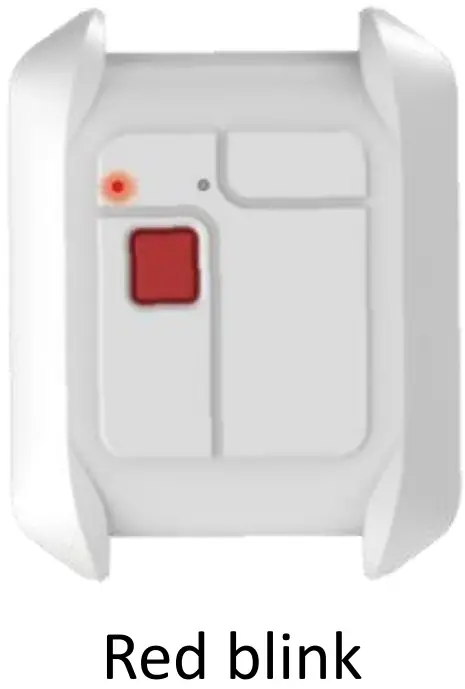
LED indication when battery power ≤30%:LED1 RED blink.
When Low Batt Alert, it is recommend to go into the gateway range to transfer the data within 30 mins.。
Please take note: Data may be lost due to NO BATT.
Bracelet Charging
- Charging:
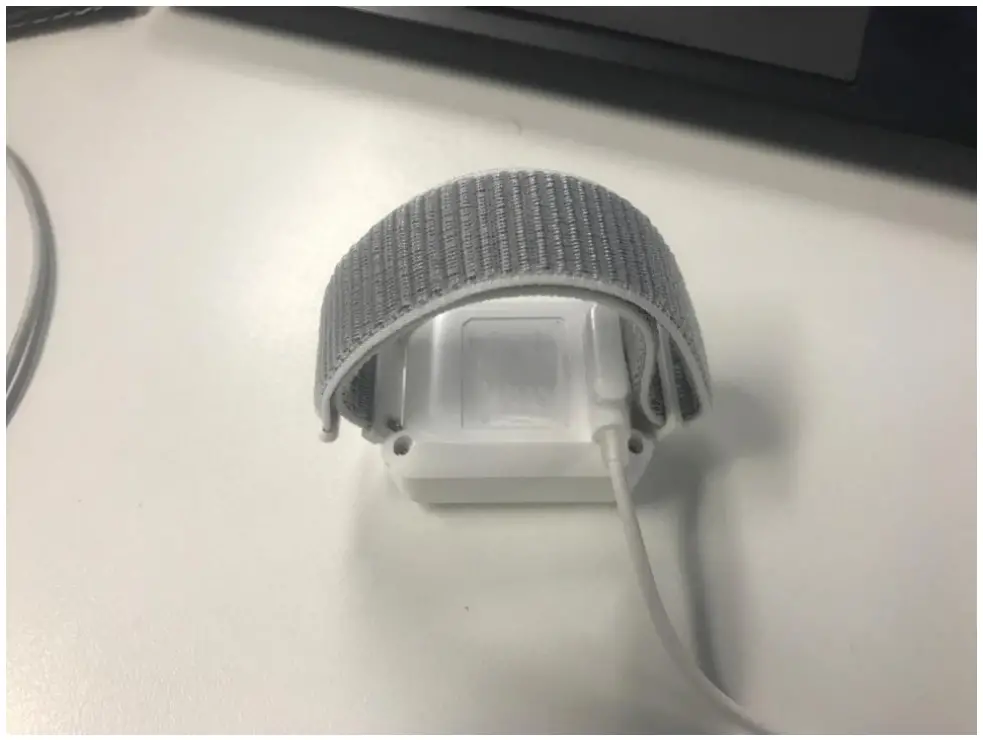
Connect the charging cable’s magnetic interface to the bracelet interface
- LED during Charging

Bracelet full charge takes 2~3hrs.
Submit Records
Event data will be transfer when bracelet and gateway is near. Gateway will transfer the data to server.
Recommended distance between bracelet and gateway for data transfer ≤5m.
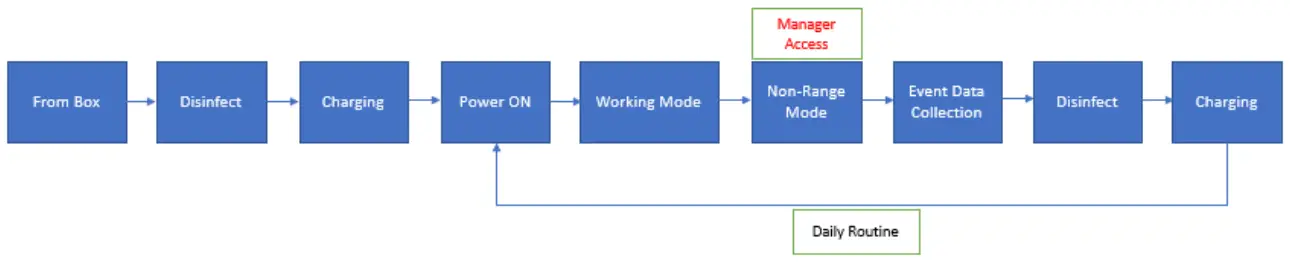
Bracelet Daily operation
Bracelet Daily Operation:
Contact information for after-sales technical support
086-17337502198
[email protected]
0086-13851767329
[email protected]
[email protected]
Manufacturer:
Nanjing Woxu Wireless Co.,Ltd.
210042 4th floor No.2 Building, Xuzhuang Software Industry Base No.699-8 XuanWu Avenue, Nanjing China
Notation
This transmitter must not be co-located or operating in conjunction with any other antenna or transmitter.
Any Changes or modifications not expressly approved by the party responsible for compliance could void the user’s authority to operate the equipment.
This device complies with part 15 of the FCC Rules. Operation is subject to the following two conditions:
- This device may not cause harmful interference, and
- this device must accept any interference received, including interference that may cause undesired operation.
Note: This equipment has been tested and found to comply with the limits for a Class B digital device, pursuant to part 15 of the FCC Rules. These limits are designed to provide reasonable protection against harmful interference in a residential installation. This equipment generates, uses and can radiate radio frequency energy and, if not installed and used in accordance with the instructions, may cause harmful interference to radio communications.
However, there is no guarantee that interference will not occur in a particular installation. If this equipment does cause harmful interference to radio or television reception, which can be determined by turning the equipment off and on, the user is encouraged to try to correct the interference by one or more of the following measures:
- Reorient or relocate the receiving antenna.
- Increase the separation between the equipment and receiver.
- Connect the equipment into an outlet on a circuit different from that to which the receiver is connected.
- Consult the dealer or an experienced radio/TV technician for help.
Note: The operators should cease operation when the harmful Interference occurs to other users.
RF Exposure Statement
This equipment complies with FCC radiation exposure limits set forth for an uncontrolled environment.
This device may not be employed for the operation onboard an aircraft, a ship or a satellite is prohibited.
 沃旭通讯-位置数字化服务方案商