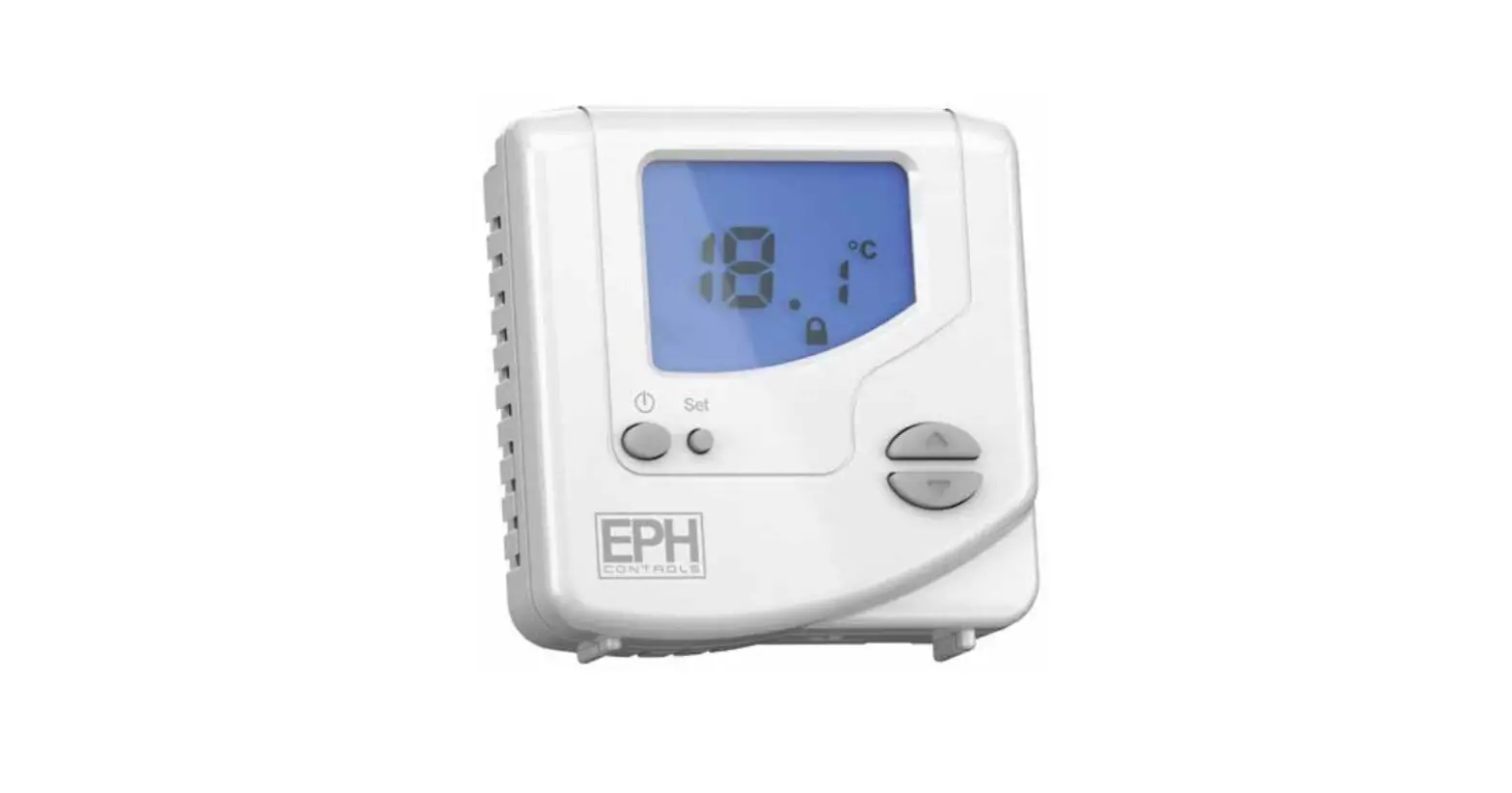
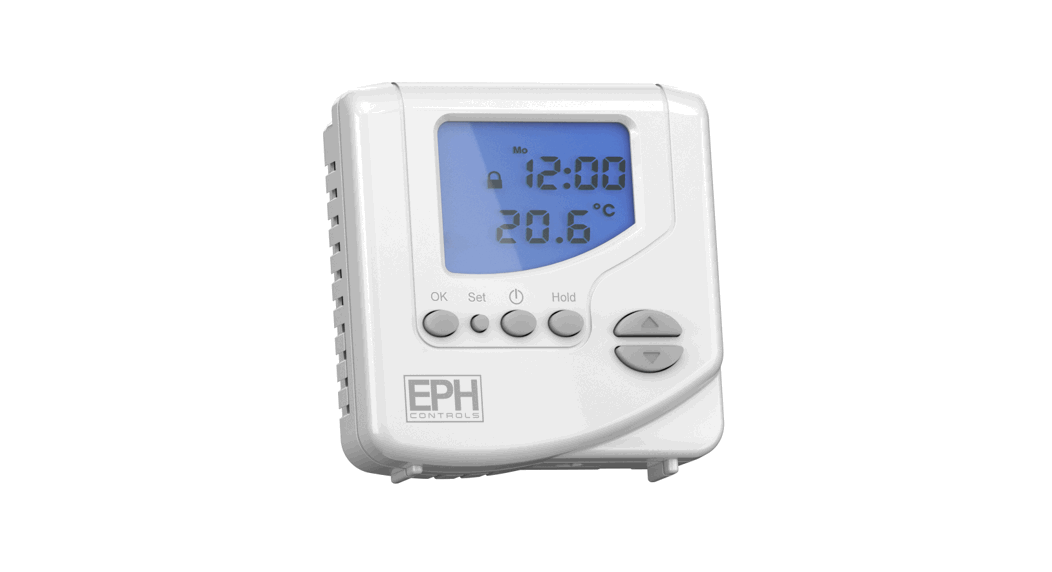
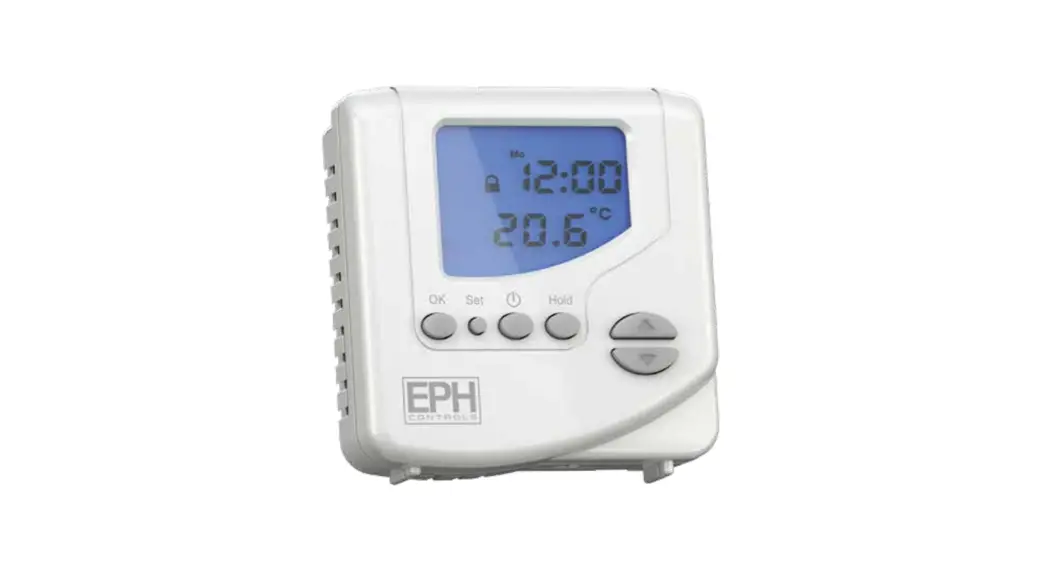
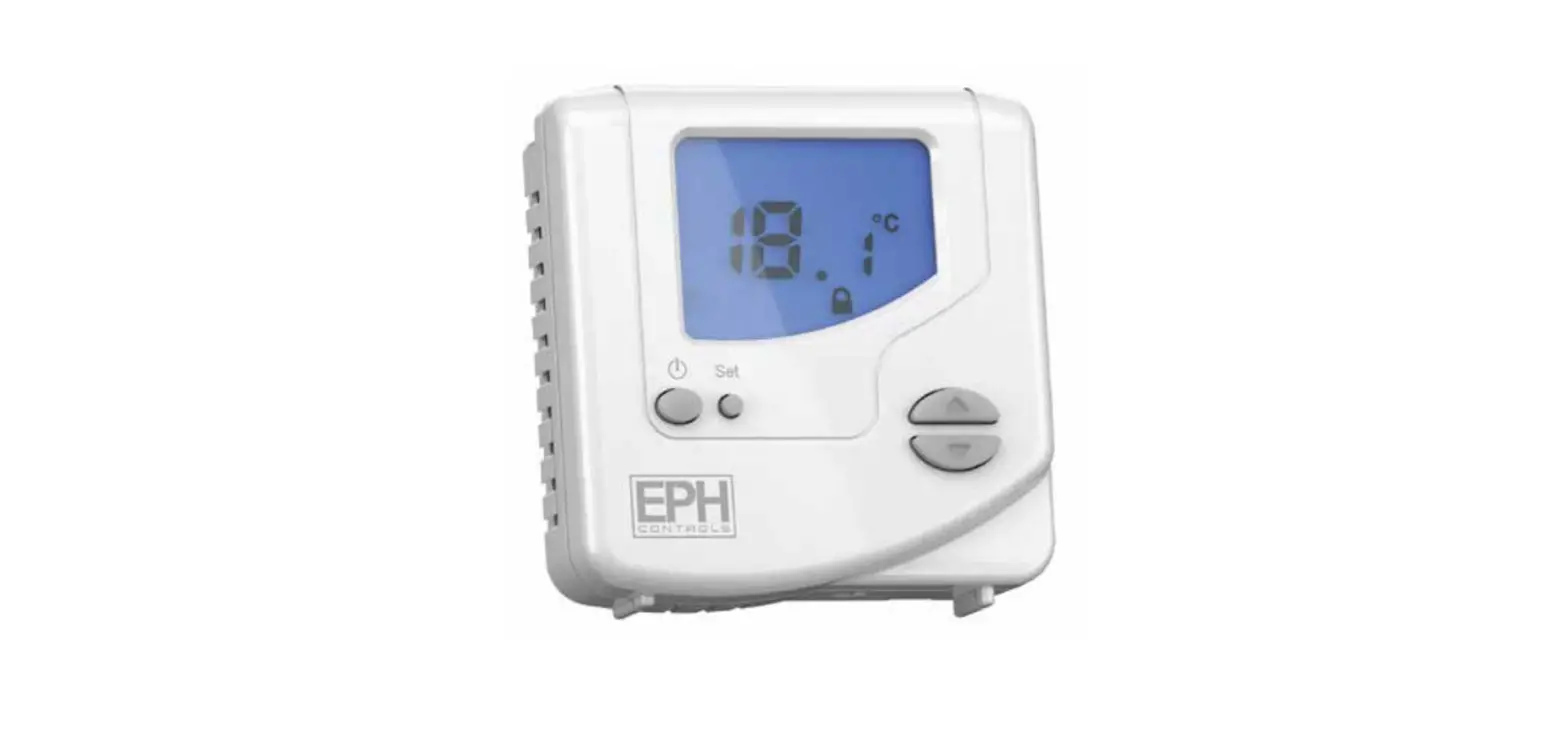
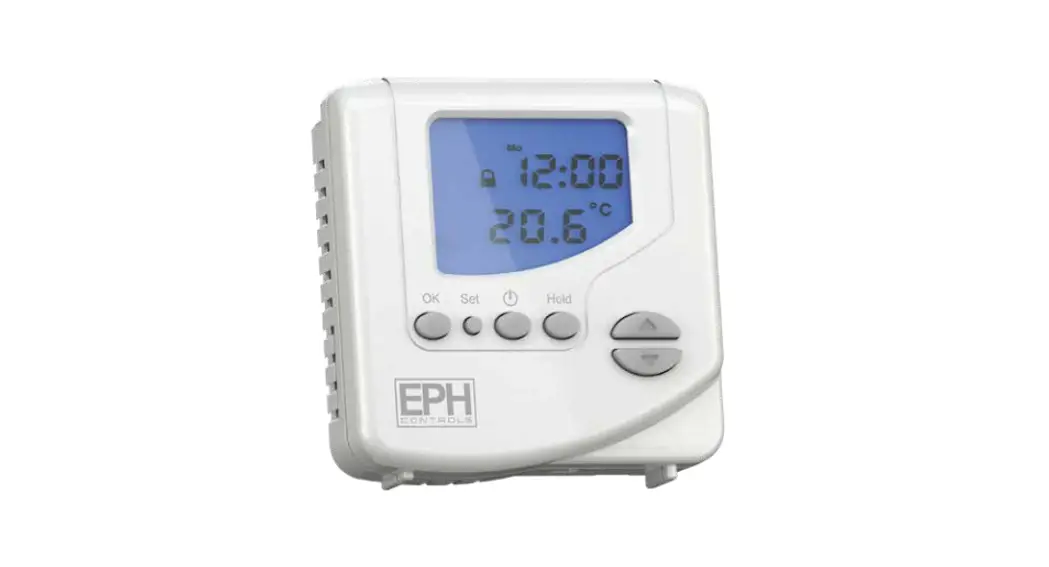
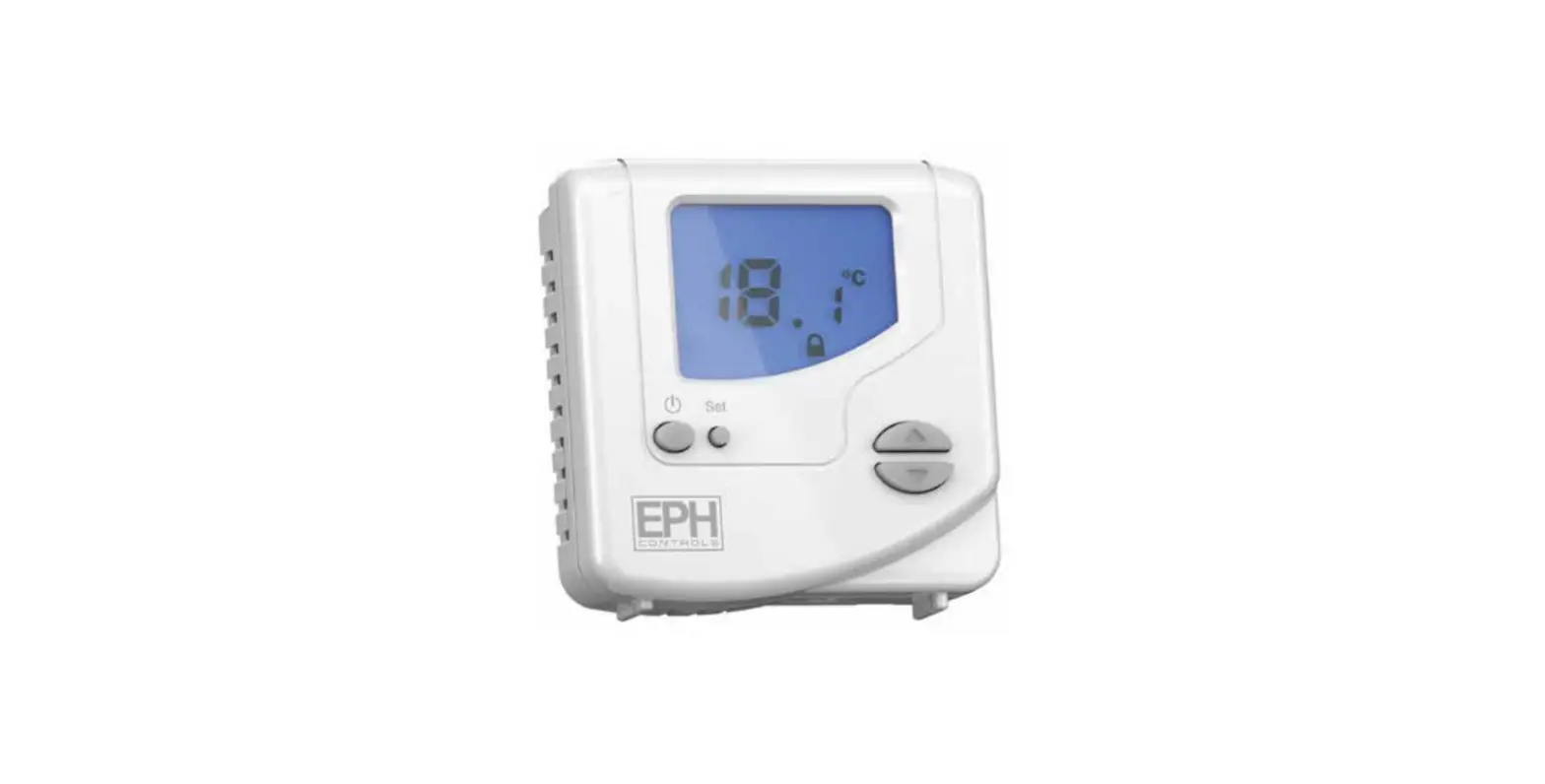
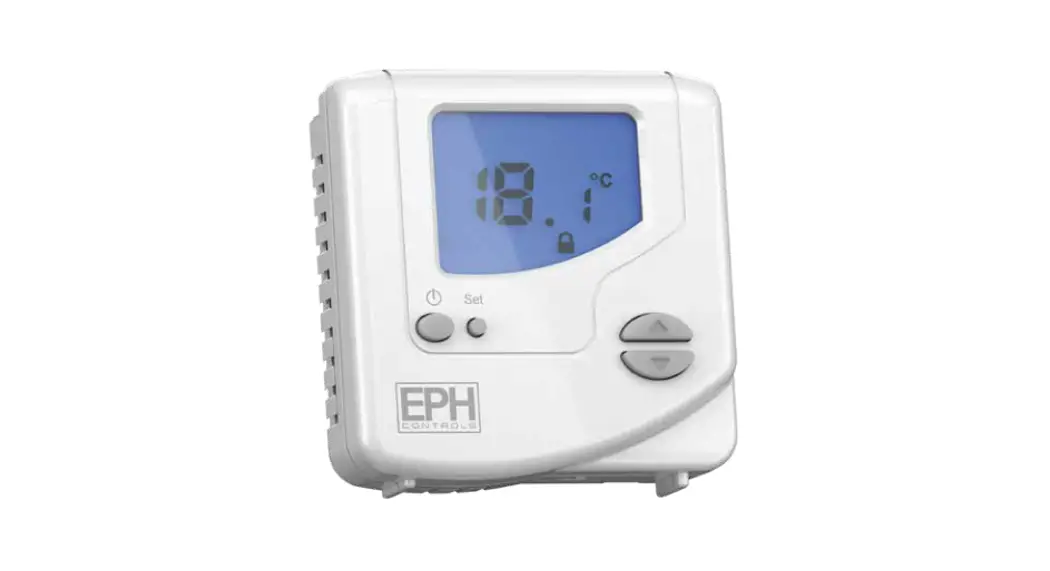
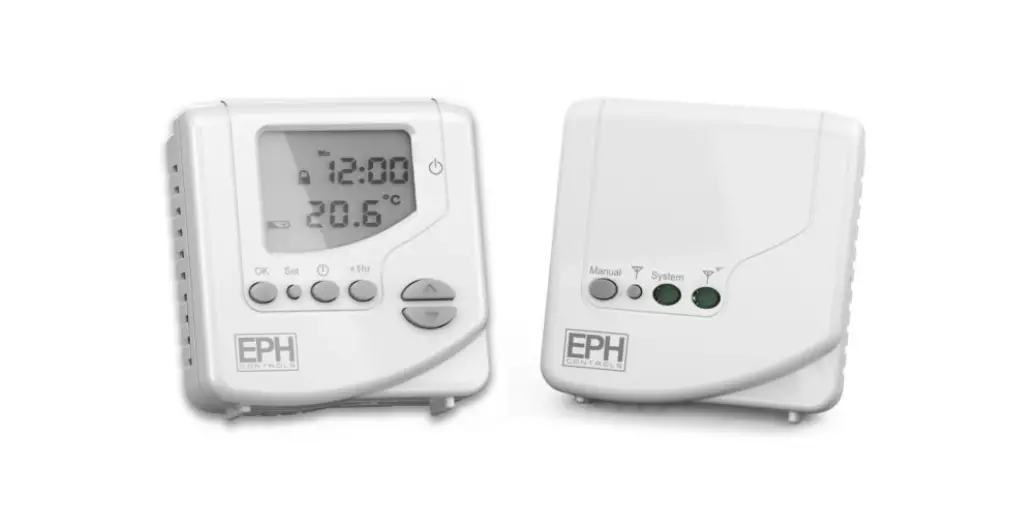
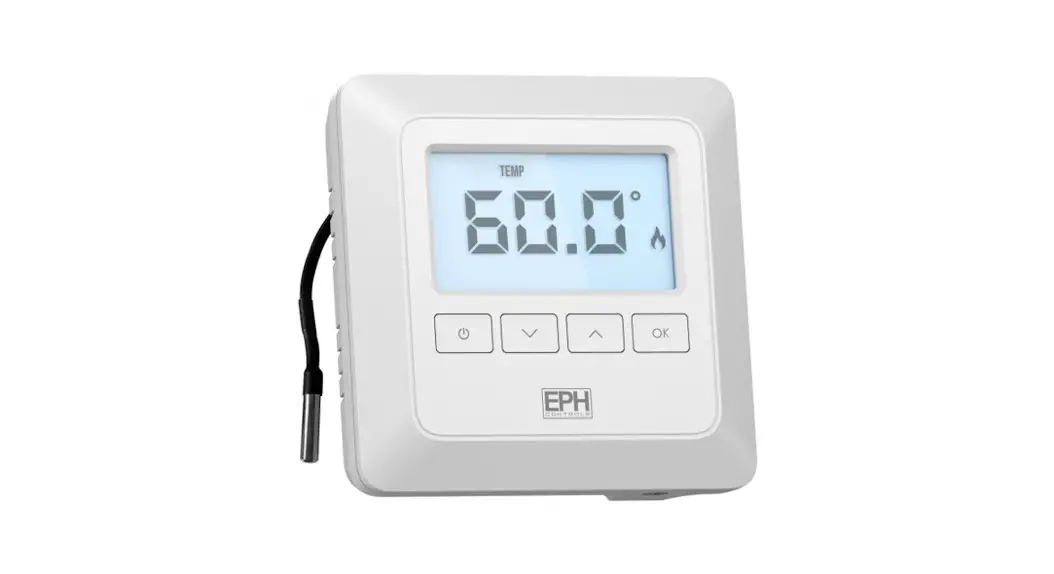
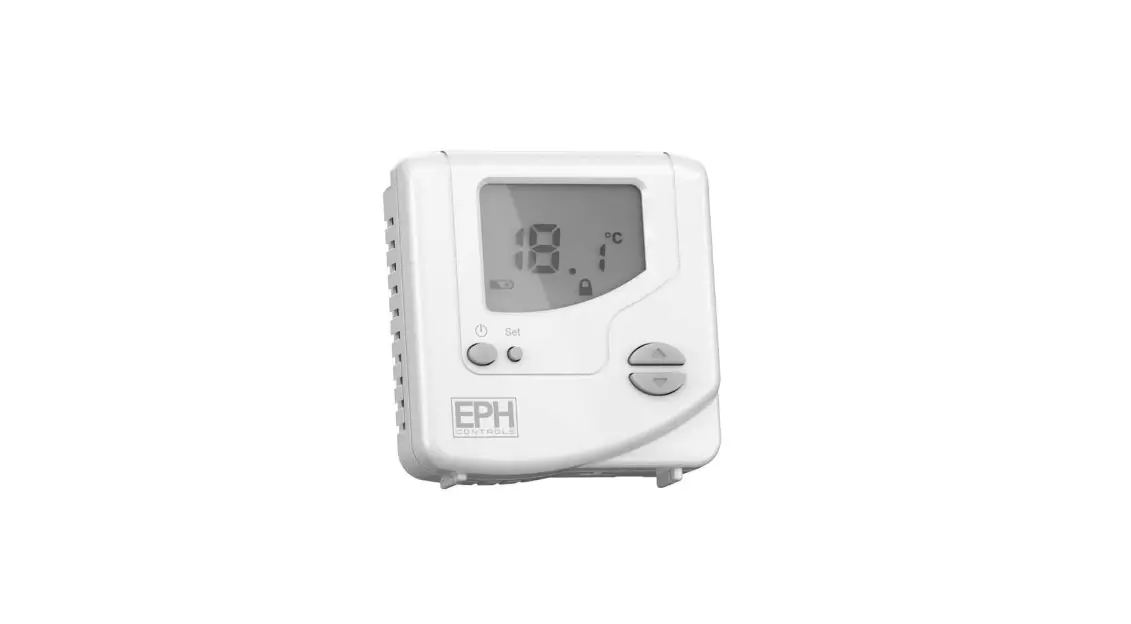
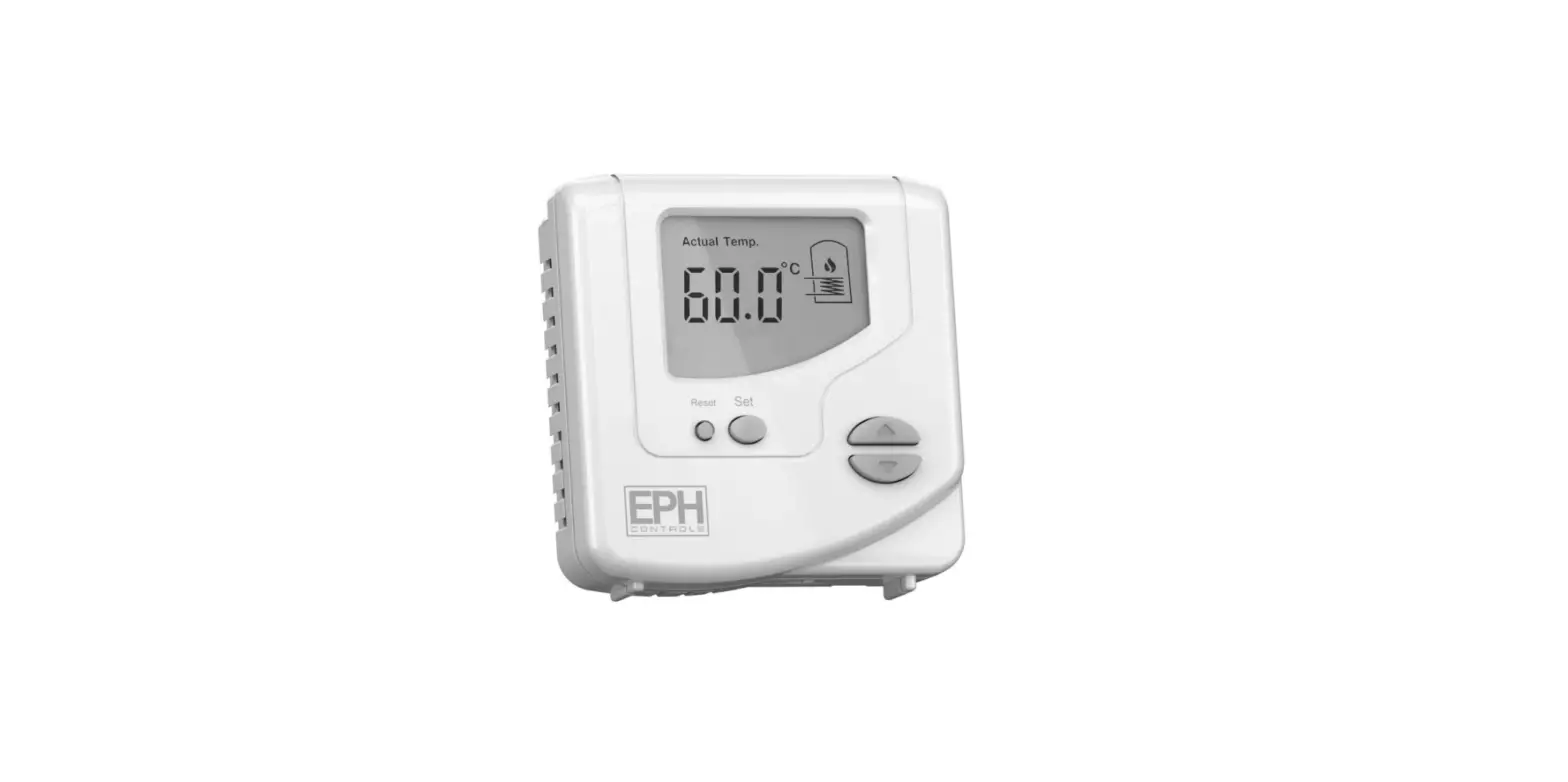
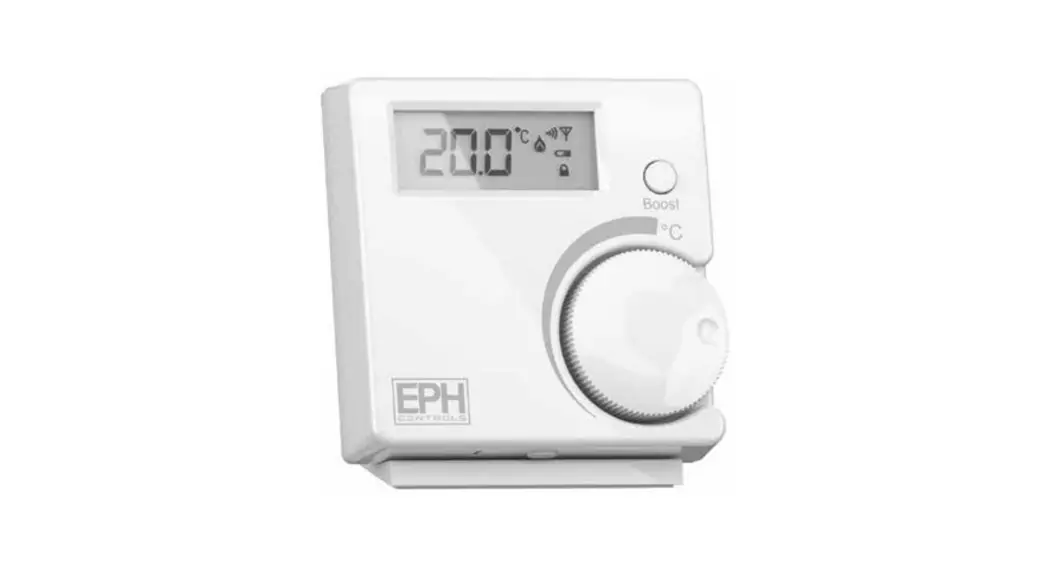
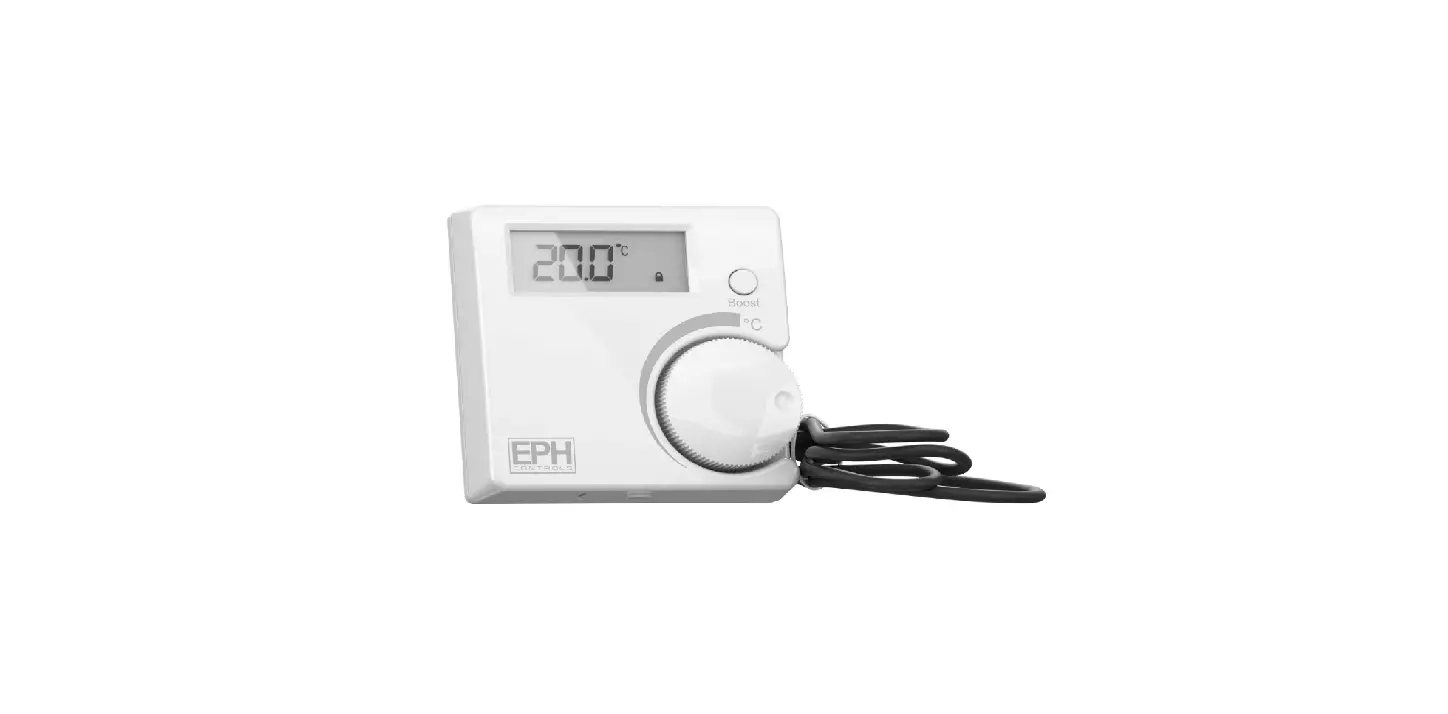
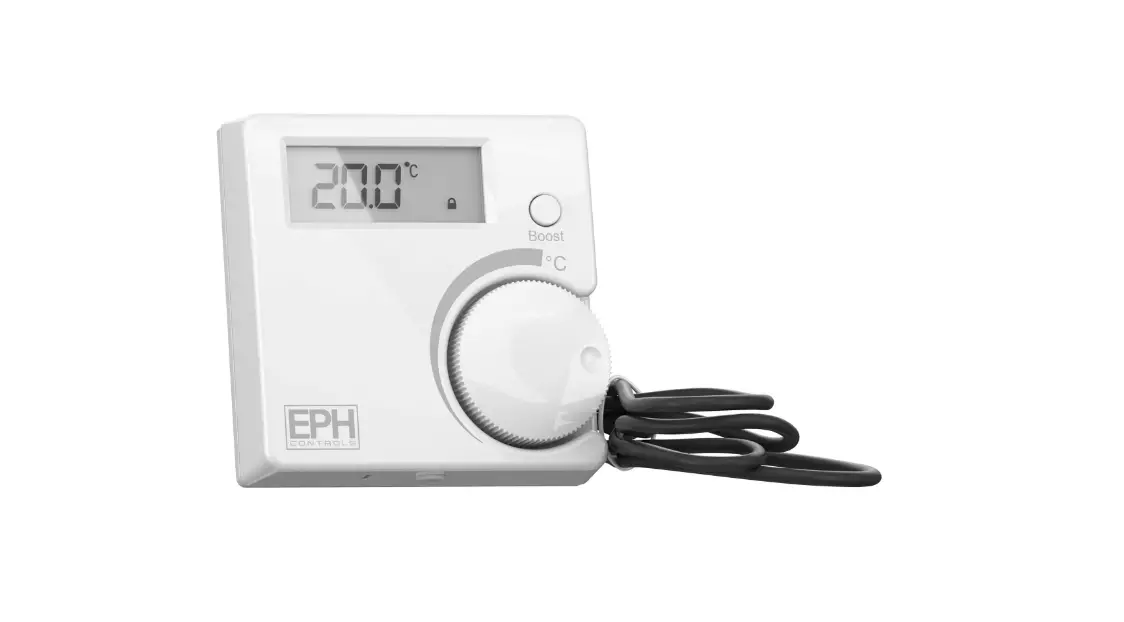
CDT2-24 Room Thermostat Hardwired
Product Information:
The CDT2-24 Room Thermostat is a hardwired thermostat used for
controlling room temperature. It has various features and settings
that can be customized to meet your needs. The thermostat has
factory default settings which can be adjusted according to your
preferences. It also has a frost protection feature to prevent
freezing temperatures. The thermostat has a keypad lock function to
prevent unauthorized access and a high and low temperature
limitation feature. The switching differential can be adjusted to
control the temperature accurately. The thermostat has a blue
backlight that activates for 10 seconds after any button is
pressed.
Specifications:
- Power supply:
- Power consumption:
- Temperature control range:
- Ambient temperature:
- Contact rating:
- Dimensions:
- Temperature sensor:
- Switching differential:
- Frost protection:
Product Usage Instructions:
Mounting:
- The thermostat should be mounted on a wall in the room where
the heating is to be controlled. - The mounting height should be 1.5 meters above the floor
level. - Choose a location that allows the sensor to measure the room
temperature accurately. - Avoid mounting the thermostat in direct sunlight or near other
heating/cooling sources. - The thermostat can be mounted on recessed conduit boxes,
surface mounting boxes, or directly on walls.
Installation:
- Before starting any work on the electrical connections, ensure
that the thermostat is disconnected from the mains power. - Only qualified electricians or authorized service staff should
open the thermostat. - Refer to the wiring diagram and wire the thermostat
accordingly. - Tighten the fastening screw to secure the thermostat.
Frost Protection:
The thermostat has an in-built frost protection feature. The
details of how this feature operates are not provided in the manual
extract.
- Room temperature On/Standby button
- Set button
- Heating ON symbol
- Reset button
- Set point increase button
- Set point decrease button
Resetting the Thermostat:
- To reset the thermostat, press and hold the Set button for 5
seconds. The screen will display “dEL”. - Press the RESET button on the side of the thermostat.
Keypad Lock and Unlock:
- To lock the keypad, press and hold the “+” and “-” buttons for
5 seconds. The screen will display a lock symbol indicating that
the keypad is locked. - To unlock the keypad, press and hold the “+” and “-” buttons
for 5 seconds. The lock symbol will disappear from the screen,
indicating that the keypad is unlocked.
Page 1 of 2
CDT2-24 Room Thermostat Hardwired Operating Instructions
Contents
1. Factory default settings 2. Specification & wiring 3. Mounting 4. Installation 5. Wiring diagram 6. Frost protection 7. Button / symbol description 8. Resetting the thermostat 9. Keypad lock and unlock 10. High and Low temperature limitation 11. Adjusting the switching differential 12. Adjusting the setpoint temperature
Prior to setting the thermostat, it is neccessary to complete all required settings described in this section.
1. Factory default settings
Contacts:
Volt Free
Temperature indicator:
°C
Switching differential:
0.4°C
In built frost protection:
5°C
High and Low temp. limitation: Off
Blue backlight activated :
for 10 secs after any button is pressed
Keypad lock:
Off
CAUTION!
Before commencing any work on the electrical connections, you must first disconnect the thermostat from the mains. None of the 24V connections must be live until the installation has been completed and the housing is closed. Only qualified electricians or authorised service staff are permitted to open the thermostat.
There are parts that may carry mains voltage behind the cover. The thermostat must not be left unsupervised when open. (Prevent non specialists and especially children from gaining access to it.)
Important: Keep this document
5. Wiring diagram
INTERNAL WIRING DIAGRAM CDT2-24
321LN
ON COM OFF 24Vac SUPPLY
If 24Vac output is required, terminals L & 2 must be electrically linked.
2. Specifications & wiring
Power supply: Power consumption: Temp. control range: Ambient temperature: Contact rating: Dimensions: Temperature sensor: Switching differential: Frost protection:
24Vac 50Hz 8 VA 5 … 35°C 0 … 50°C 7A 24Vac 84 x 84 x 30mm NTC 10K Ohm @ 25°C Adjustable from 0.2/0.4/0.6/0.8/1.0°C Only operational in stand by mode
3. Mounting
The mounting height should be 1.5 meters above the floor level.
The thermostat should be wall mounted in the room where the heating is to be controlled.
The place of installation should be chosen so that the sensor can measure the room temperature as accurately as possible.
Choose the mounting location to prevent direct exposure to sunlight or other heating / cooling sources when mounted.
The unit can be fitted to:
1. Recessed conduit boxes
2. Surface mounting boxes
3. Directly on walls.
4. Installation
Slacken the fastening screw on the bottom of the thermostat with a philips head screwdriver. The thermostat is hinged and can be opened 180 degrees.
Mount the unit as described in section 3. Wire the thermostat according to the wiring diagram. Close the thermostat and tighten the fastening screw.
6. Frost protection
5°C
Frost protection is built into this thermostat, it is pre fixed at 5°C and is not adjustable.
It will only be activated when the thermostat is in the stand by mode and the room temperature reaches 5°C.
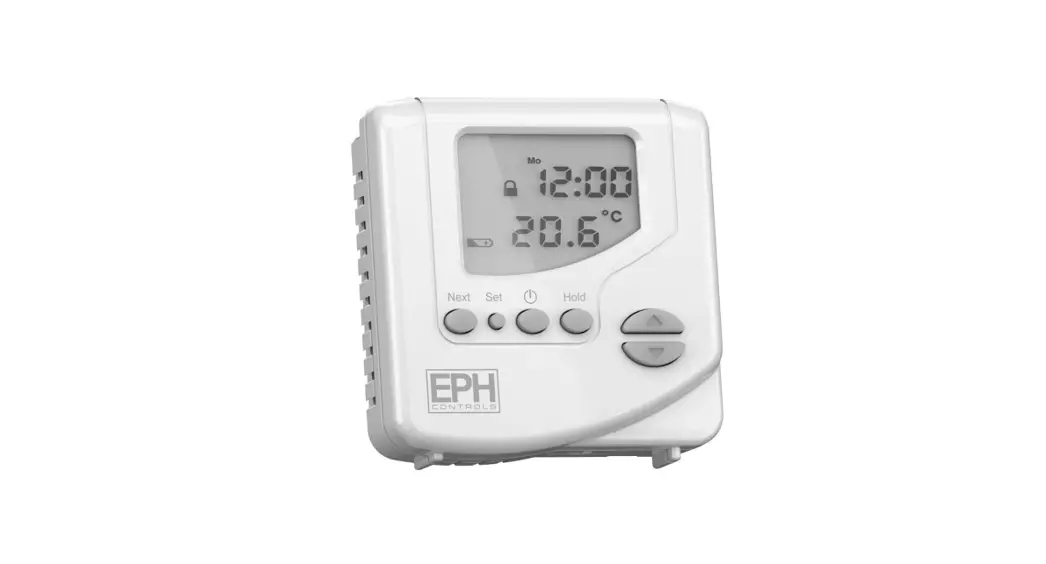
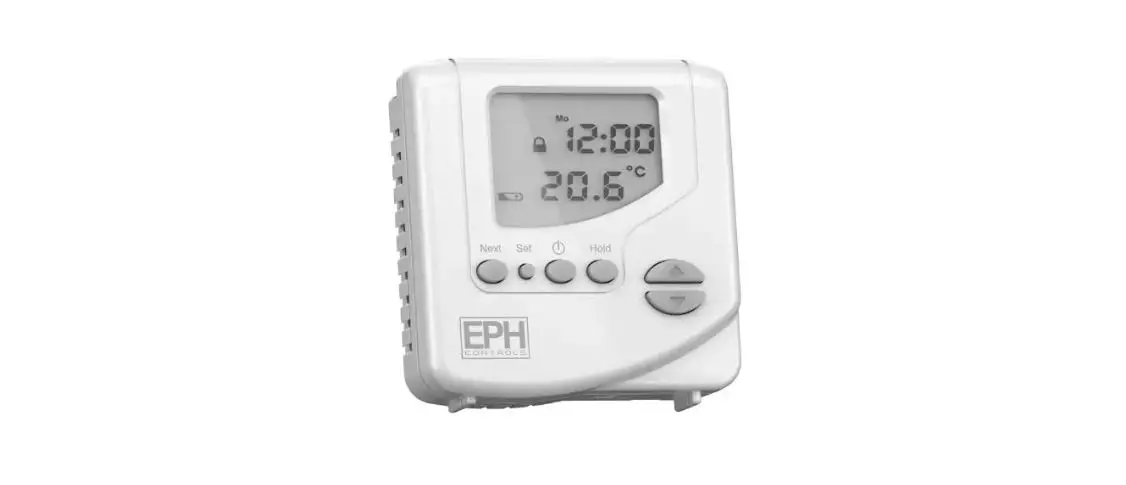
7. Button / Symbol description
Room temperature On / Standby button
Set button
Heating ON symbol Reset button Set point increase Set point decrease
8. Resetting the thermostat
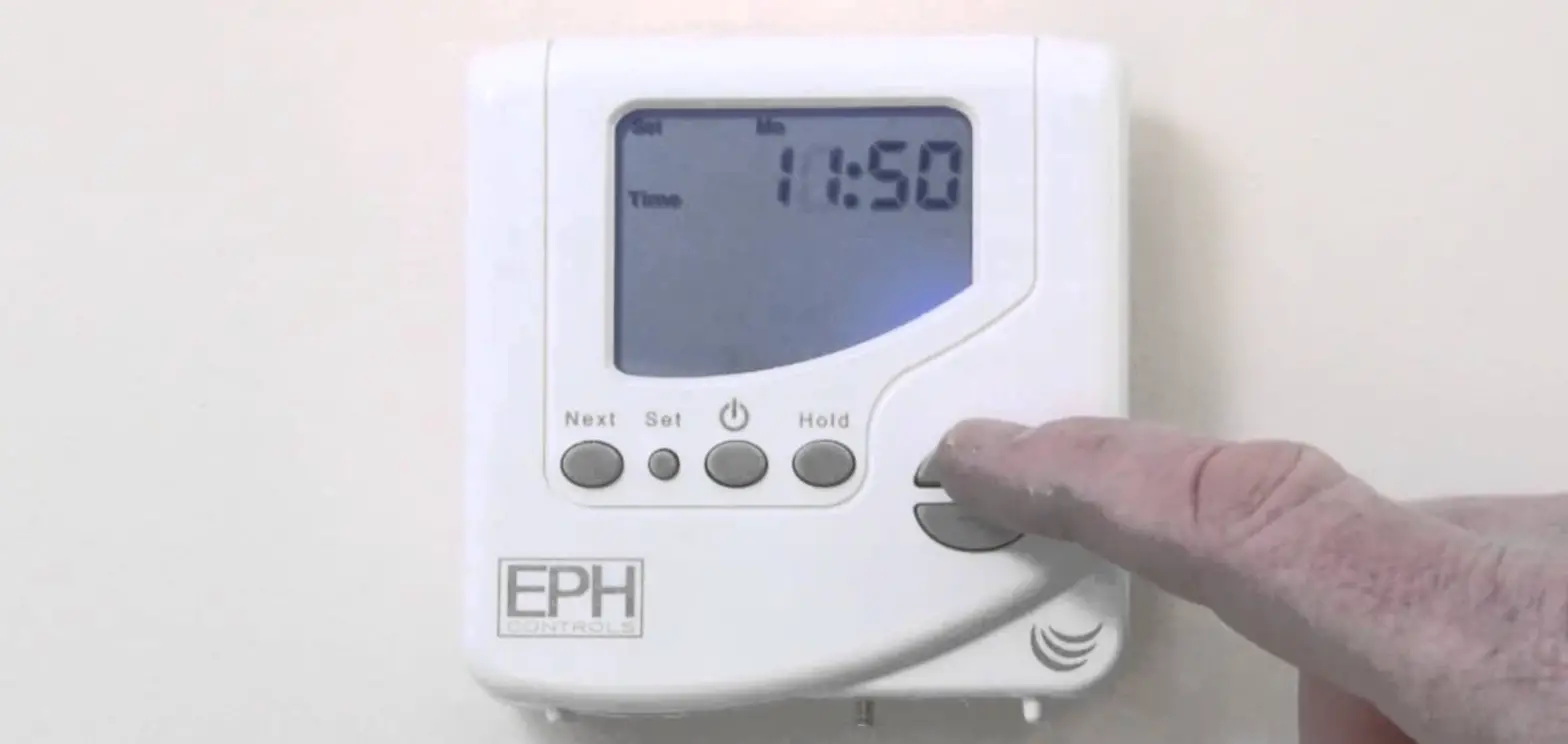
It is necessary to reset the thermostat prior to initial use. Press and hold the Set button for 5 seconds. dEL will appear on the screen. Press the RESET button on the side of the thermostat.
9. Keypad lock and unlock
OFF
To lock the keypad, press and hold the and buttons for 5 seconds. will appear on the screen. The keypad is now locked.
To unlock the keypad, press and hold the and buttons for 5 seconds. will disappear from the screen. The keypad is now unlocked.
EPH Controls Ireland
[email protected] www.ephcontrols.com
EPH Controls UK
[email protected] www.ephcontrols.co.uk
20221006_CDT2-24-DS_Opsins_Hw_PK
Page 2 of 2
CDT2-24 Room Thermostat Hardwired Operating Instructions
10. High and Low temperature limitation
OFF
An upper and lower temperature limit may be chosen. Press and hold the and Set buttons for 10 seconds. “Limit OFF” will appear on the screen. Press the button to select “Limit ON” mode. Press the Set button to confirm you wish to adjust the high limit temperature. Press the and buttons to select the high limit temperature. Press the Set button to select the low limit temperature mode. Press the and buttons to select the low limit temperature. Press the Set button and the thermostat is ready for operation. “Limit” will appear on the screen.
To deactivate High and Low temperature limitation. Press and hold the and Set buttons for 10 seconds. “Limit ON” will appear on the screen. Press the button to deactivate this function. “Limit OFF” will appear on the screen. Press the Set button and the thermostat is ready for operation.
11. Adjusting the switching differential
Press the Set button once, Diff set will appear on the screen. The factory default switching differential of 0.4 C will appear on the screen. Press the and buttons to select the desired differential from 0.2 – 1°C. Press the Set button to return to normal operation.
12. Adjusting the setpoint temperature
Press the or buttons to adjust the temperature setpoint.
EPH Controls Ireland
[email protected] www.ephcontrols.com
EPH Controls UK
[email protected] www.ephcontrols.co.uk
20221006_CDT2-24-DS_Opsins_Hw_PK
 Home Page - EPH Controls
 Home Page - EPH Controls