 2023-03-10 RFR-RF Room Thermostat
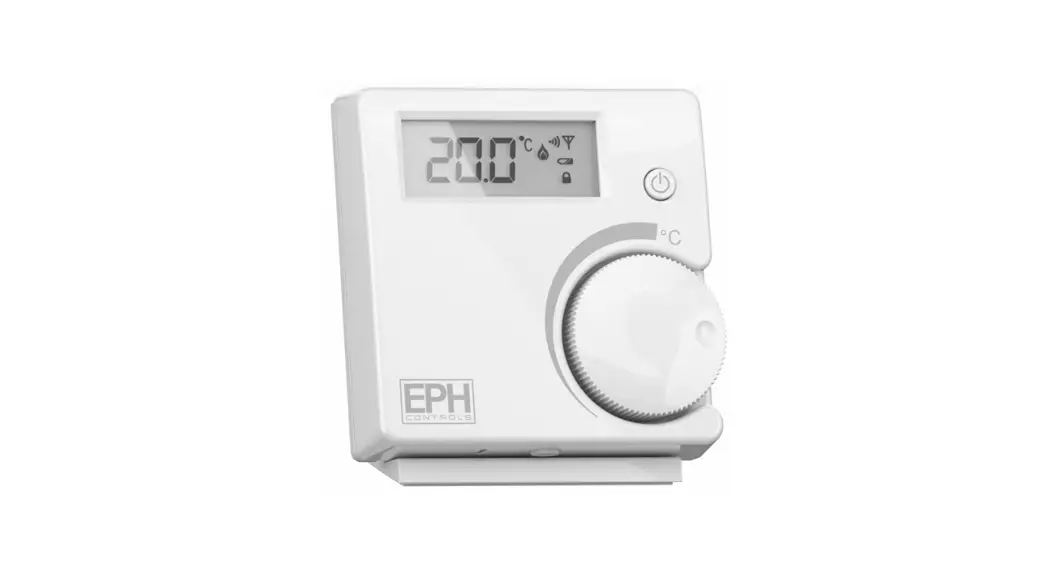
Instruction Manual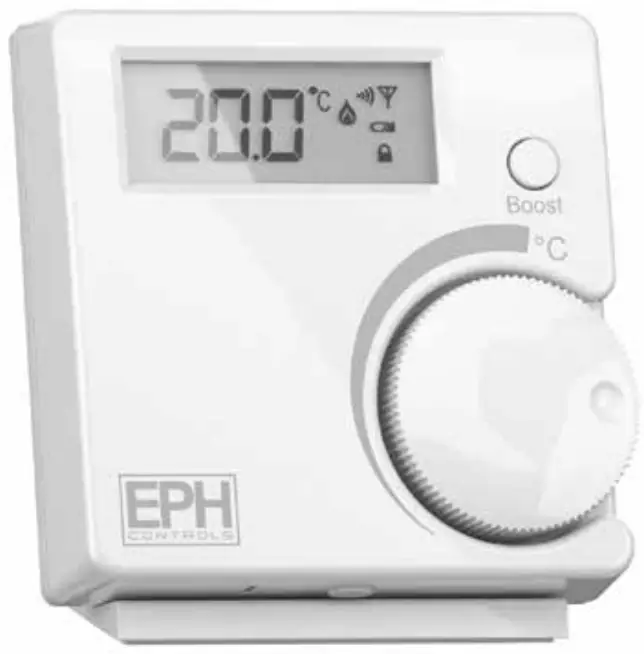 RFR – RF Room Thermostat
Operating Instructions
CAUTION!
- Only qualified electricians or authorised service staff are permitted to open the thermostat.
- Ensure that this wireless enabled thermostat is installed 1 metre from any metalic object, television, radio or wireless internet transmitter.
 Factory default settings
 Factory default settings
| Temperature indicator: | °C |
| Switching difierential: | 0.4°C |
| In built frost protection: | 5°C |
| Keypad lock: | Off |
Specifications & wiring
| Power Supply: | 2 x AAA Alkaline Battery |
| Power consumption: | 50 uA |
| Battery replacement: | Once per year |
| Temp. Control Range: | 5…35°C |
| Dimensions: | 84 * 84 * 30mm |
| Temp. sensor: | NTC 10K Ohm @ 25°C |
| Temp. indication: | °C |
Mounting
The mounting height should be 1.5 meters above the floor level. The thermostat should be wall mounted in the room where the heating is to be controlled.
The place of installation should be chosen so that the sensor can measure the room temperature as accurately as possible.
Choose the mounting location to prevent direct exposure to sunlight or other heating / cooling sources when mounted.
The unit can be fitted to:
- Recessed conduit boxes
- Surface mounting boxes
- Directly on walls
- Table mounting with stand provided
Installation
Press the button on the bottom of the thermostat.
The front housing will detach from the baseplate.
Insert the batteries (provided) into the thermostat.
Mount the unit as described in section 3.
Offer the baseplate up to the thermostat. Snap it into position to close.
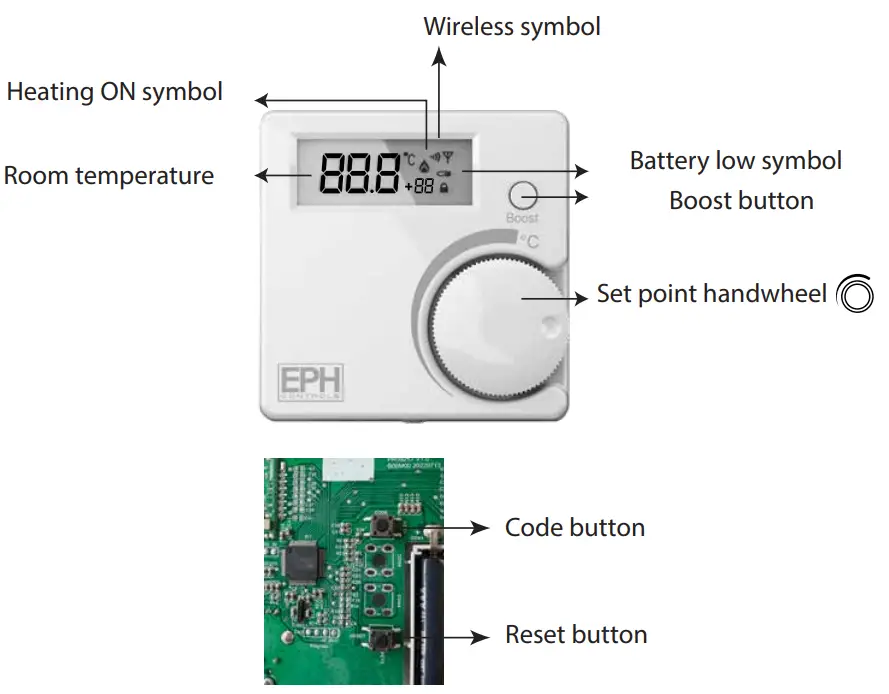
Resetting the thermostat
Press the  button on the bottom of the thermostat, the front housing will detach from the baseplate.
Insert the batteries into the thermostat.
Press the reset button on the PCB, ‘NO’ will flash on the screen.
Rotate the hand wheel clockwise until ‘YES’ appears on the screen.
Press the hand wheel once to confirm the setting.
The thermostat has now been reset and the current temperature will appear on the screen.
Adjusting the setpoint temperature
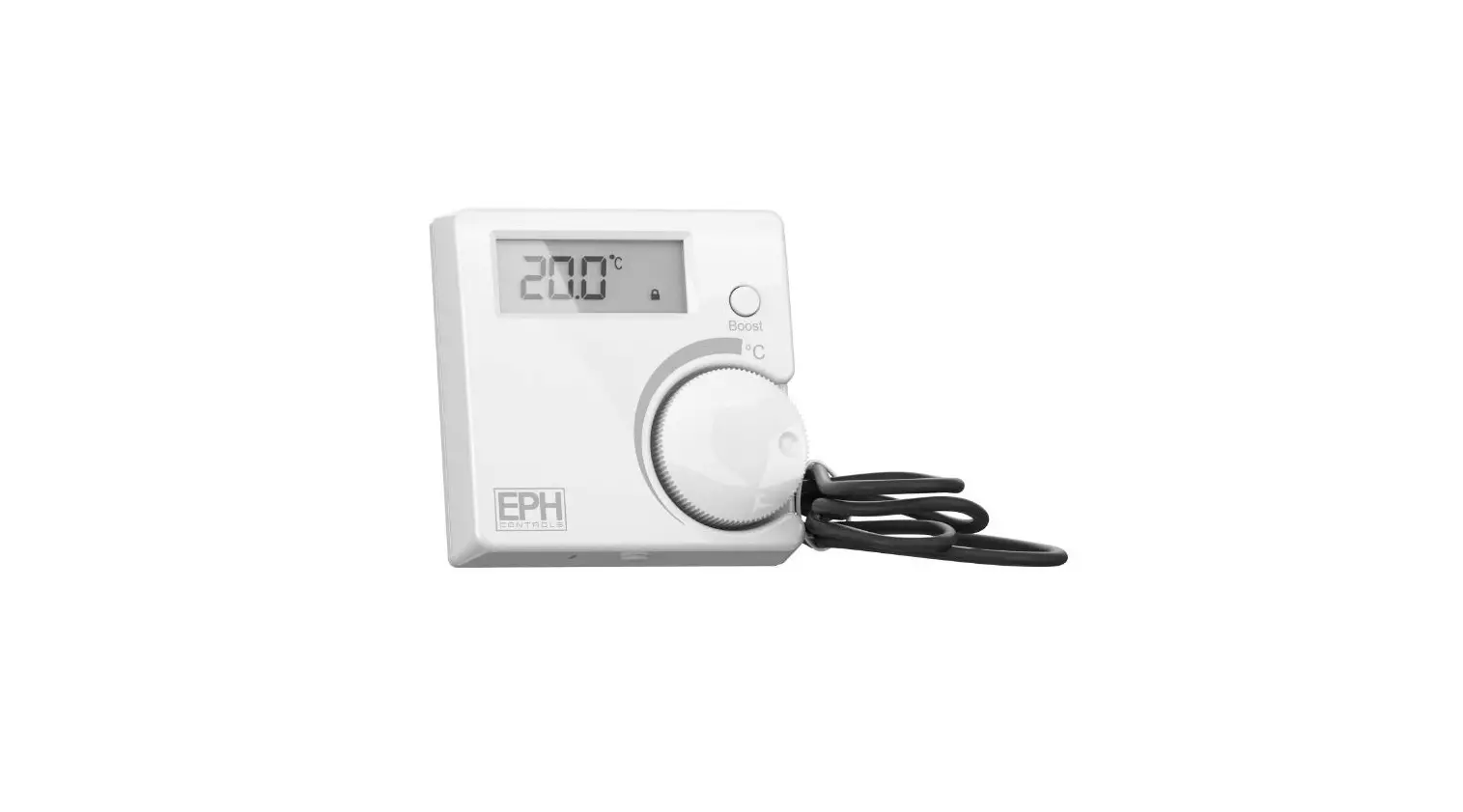
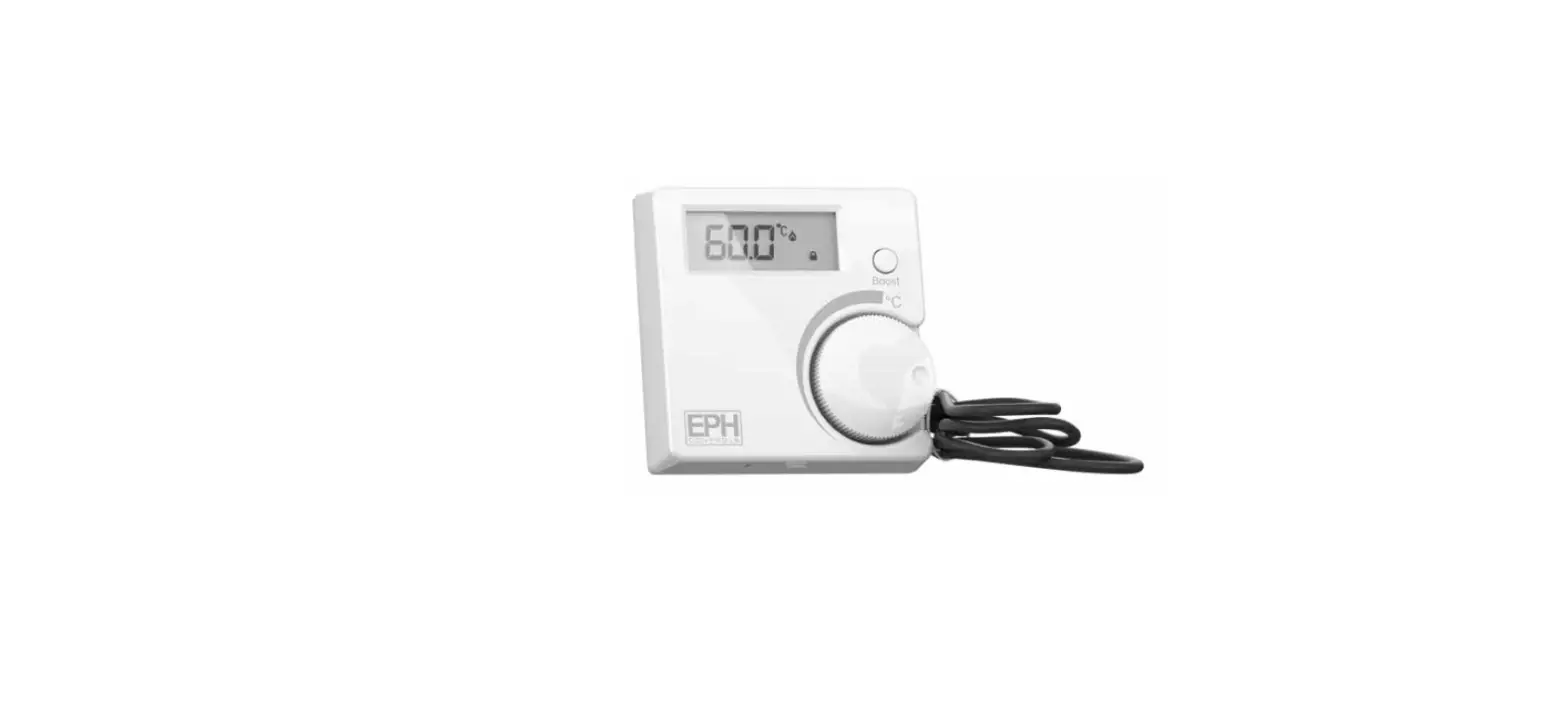
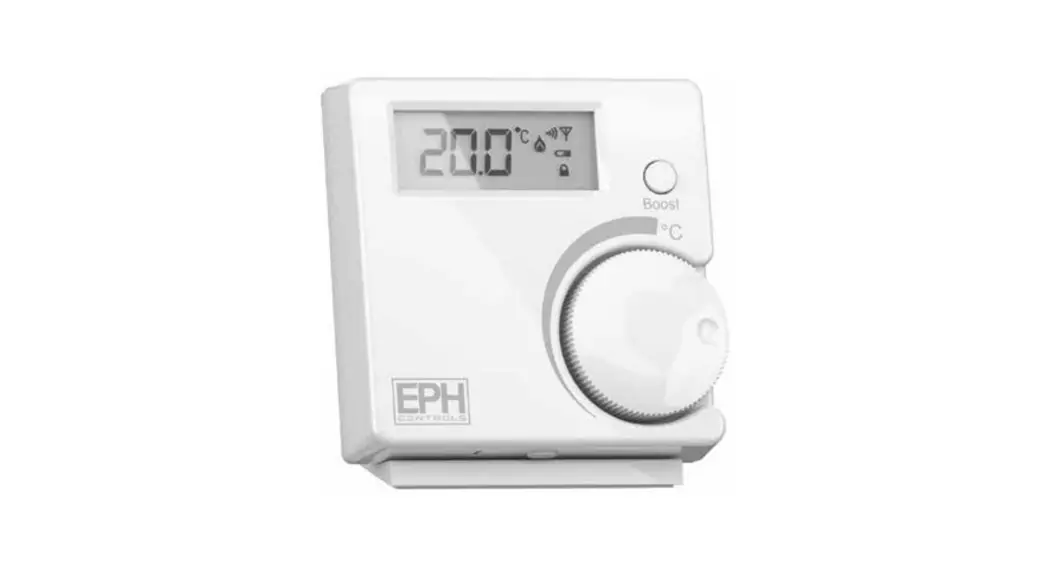
Rotate  clockwise to increase the target temperature.
Press or wait 5 seconds. The target temperature is now saved.
Rotate anti-clockwise to decrease the target temperature.
Press or wait 5 seconds. The target temperature is now saved.
Boost function
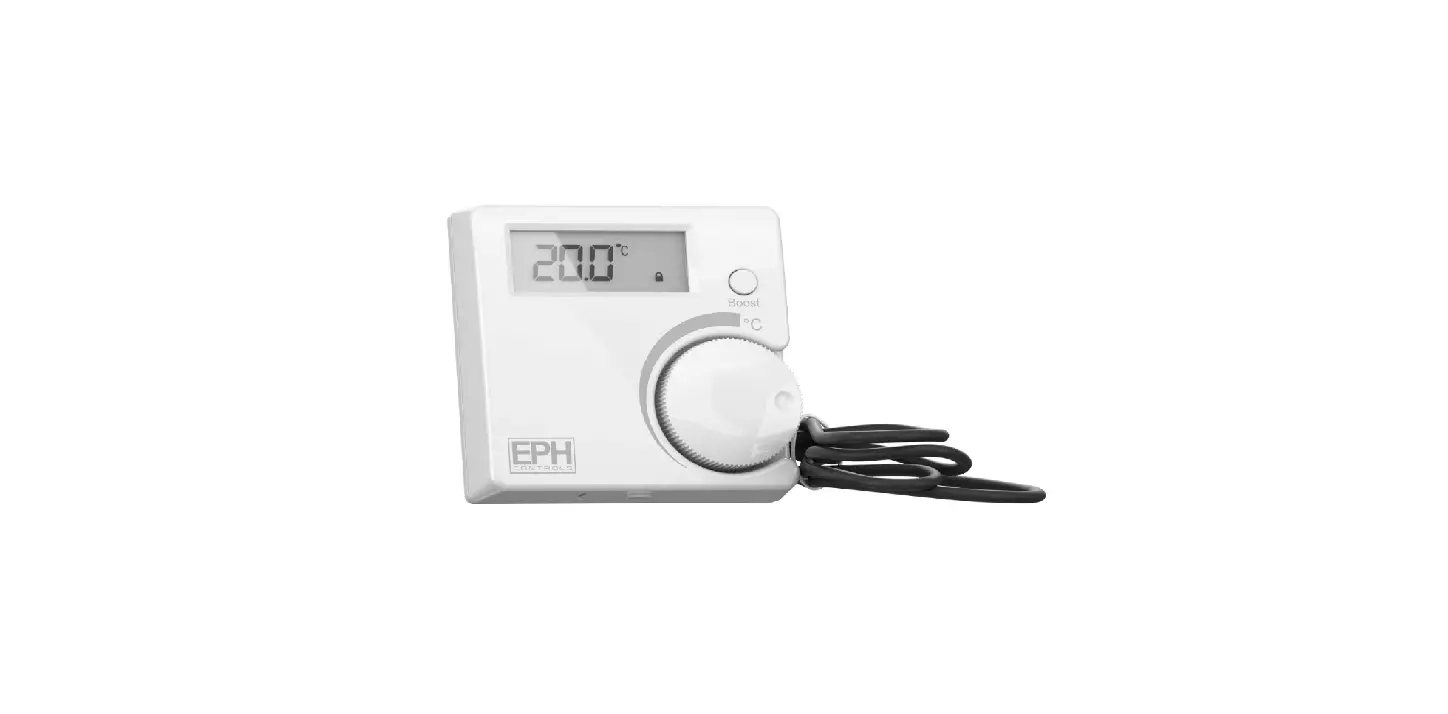
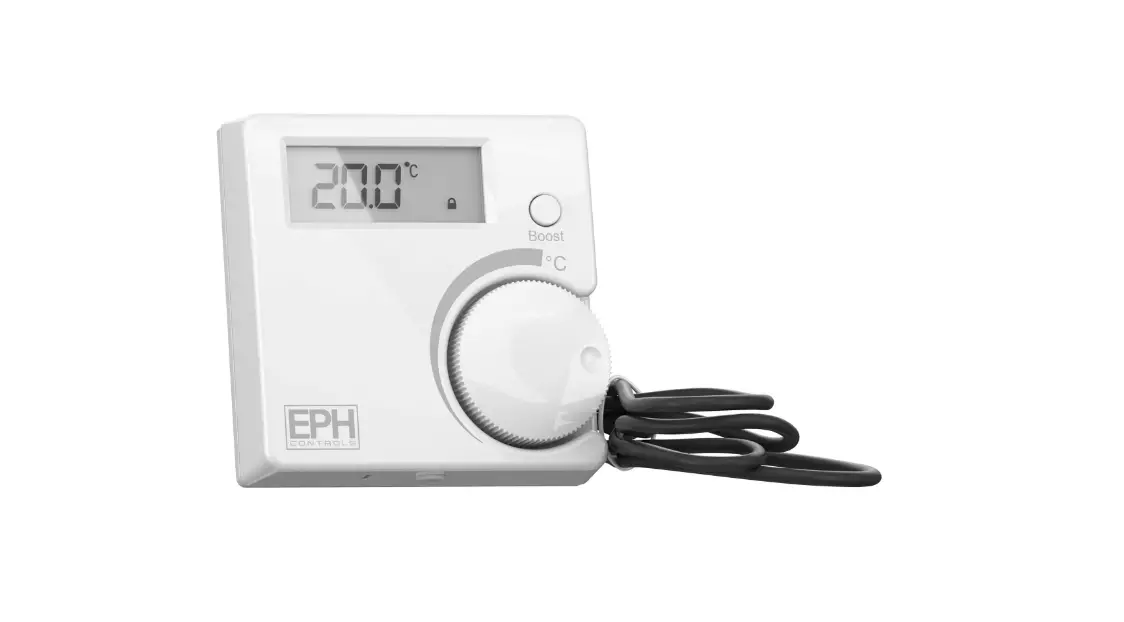
Press the boost button once, twice or three times to boost the heating for 1, 2 or 3 hours respectively. +1H, +2H or +3H will appear on the screen.
The boost function will override the programmer if the programmer is timed to be Off.
Lock function
To lock the thermostat, press the hand wheel for 10 seconds. The keypad symbol will appear on the screen.
To unlock the thermostat, press the hand wheel for 10 seconds. The keypad symbol will disappear from the screen.
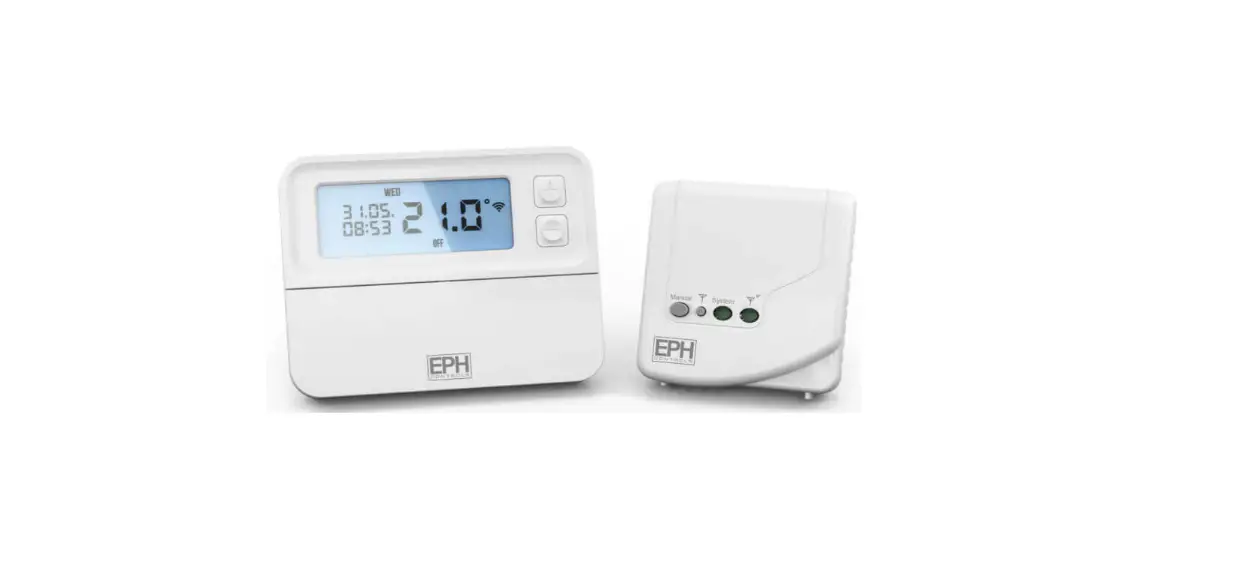
To connect the RF thermostat with the programmer
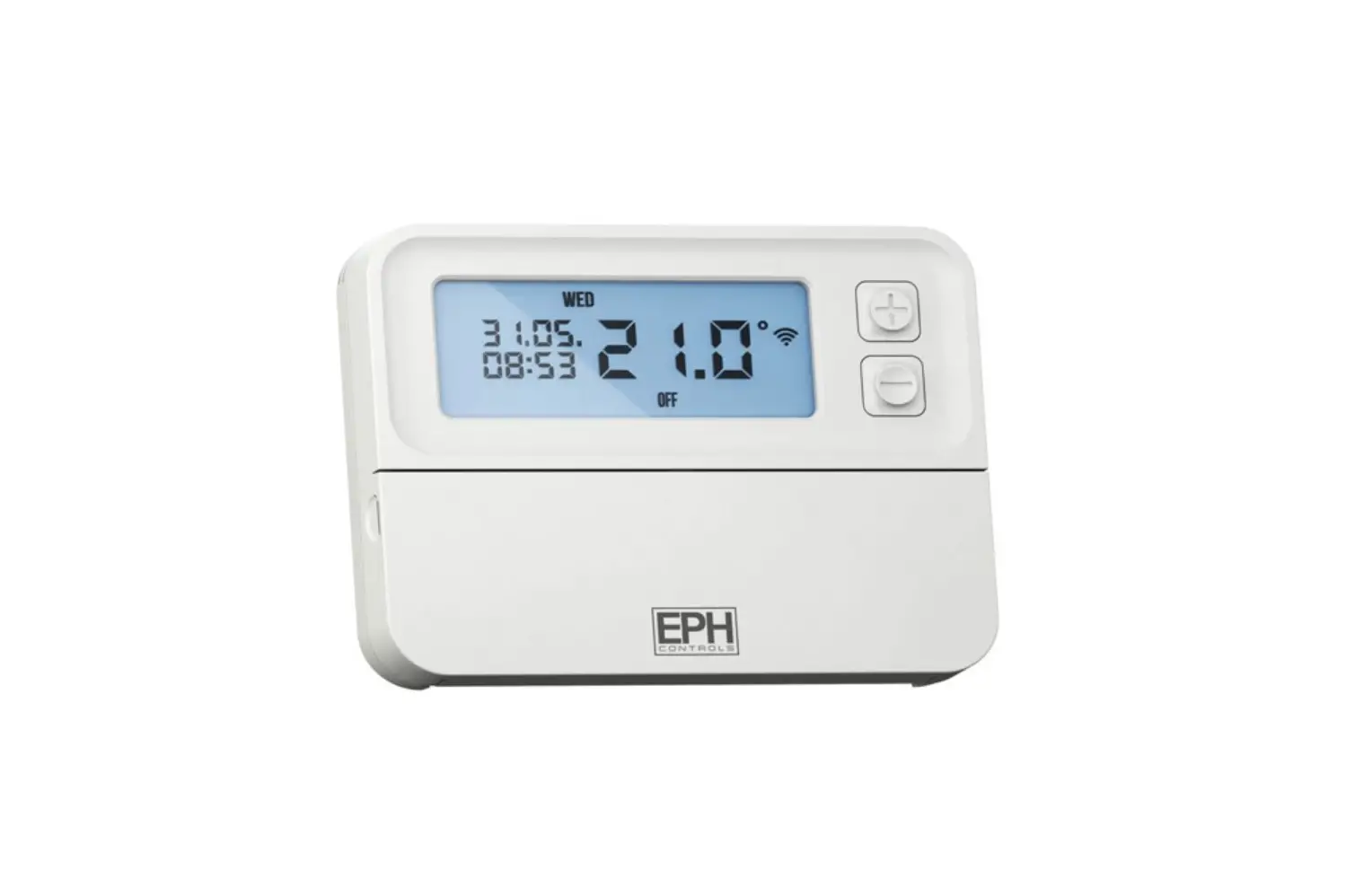
On the timeswitch / programmer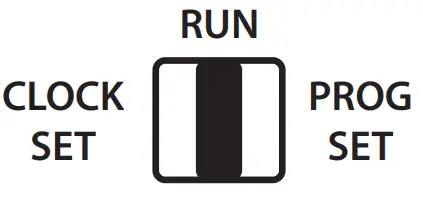 Lower the front cover and move the selector switch to the RUN position.
Press the button for 5 seconds.
Wireless Connect will appear on the screen.
On the RFR wireless room thermostat or RFC wireless cylinder thermostat
Press the Code button. This is located inside the housing on the Printed Circuit Board.
On the timeswitch / programmer
The available zones will begin to flash.
Press the  button for the zone you wish to connect the thermostat to.
The wireless symbol  appears on the screen.
The thermostat will count to 3 and then display the zone of the programmer that it is paired to.
If it is paired to the first zone it will display r1, the second zone r2 etc.
Press the wheel on the thermostat to complete the pairing process.
The timeswitch / programmer is now operating in the wireless mode. The temperature of the wireless thermostat is now displayed on the programmer.
Repeat this process for the second, third and fourth zone if required.
To disconnect the RF thermostat with the programmer
On the timeswitch / programmerLower the front cover and move the selector switch to the RUN position.
Press the button for 5 seconds.
This will take you into the Wireless Connect screen.
Press the button for 3 seconds.
This will clear all RF connections thereby disconnecting all thermostats from the timeswitch / programmer.
Press the button.
EPH Controls Ireland
[email protected]
www.ephcontrols.com
EPH Controls UK
[email protected]
www.ephcontrols.co.uk
 Home Page - EPH Controls
 Home Page - EPH Controls