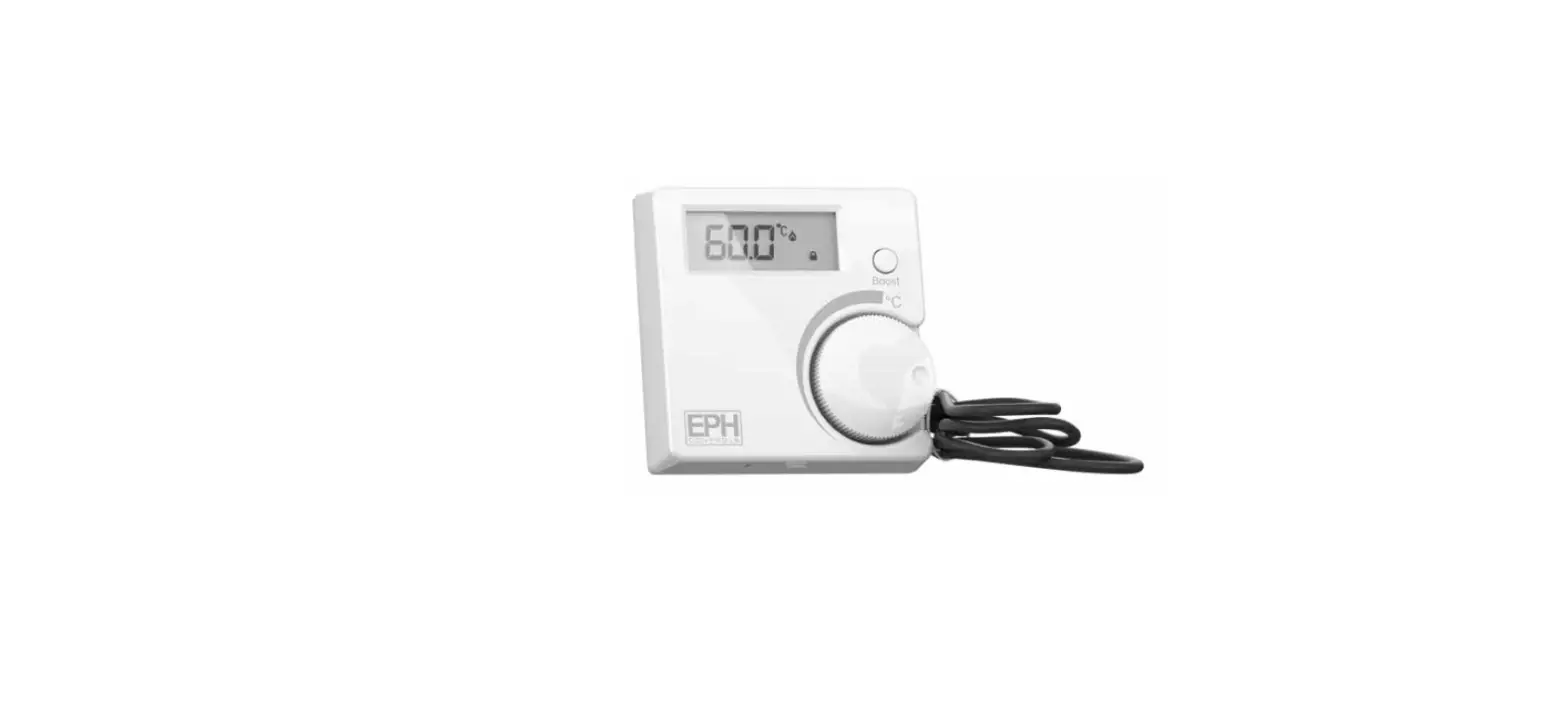
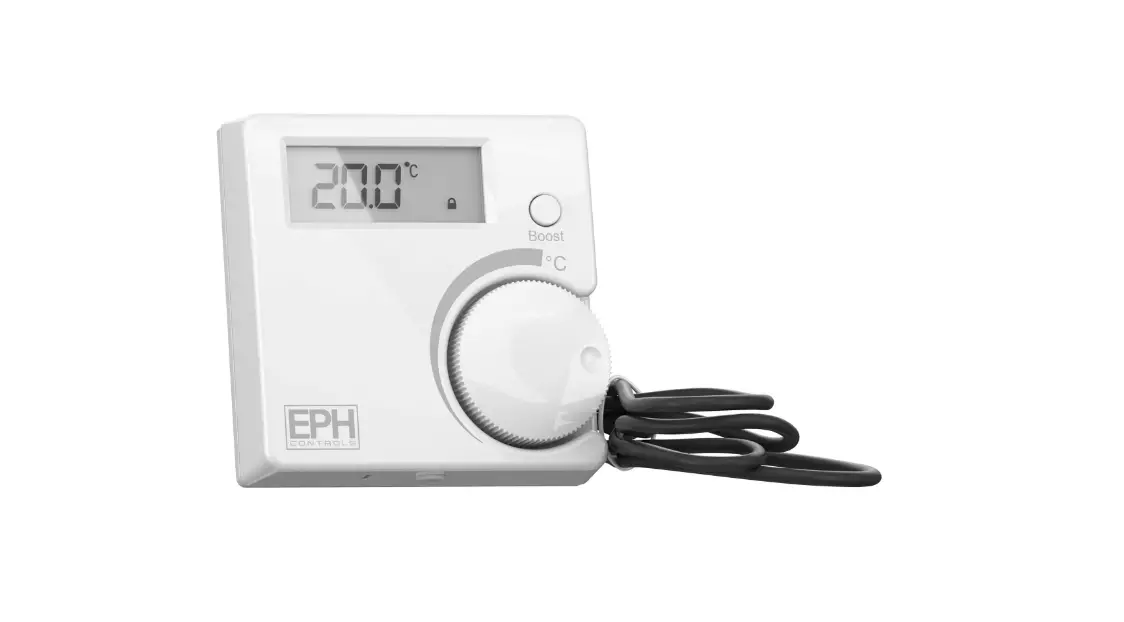
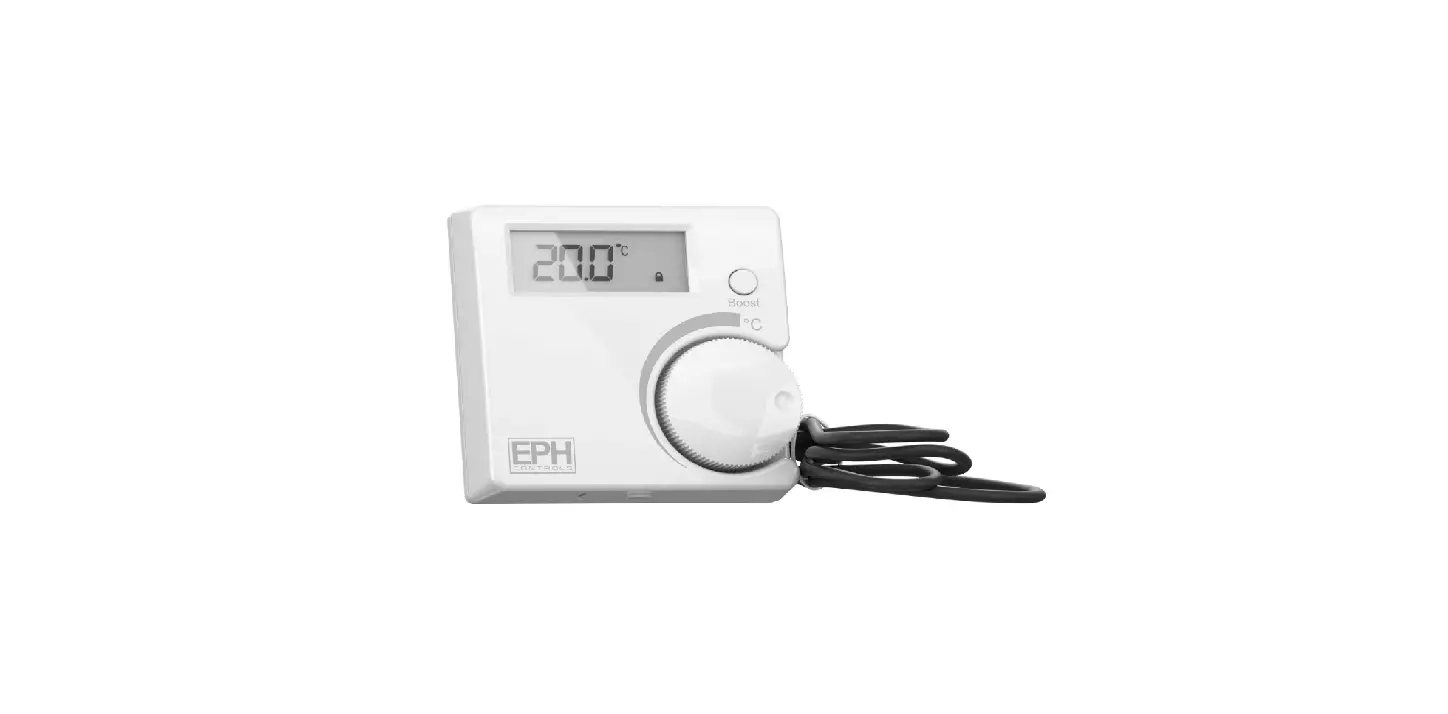
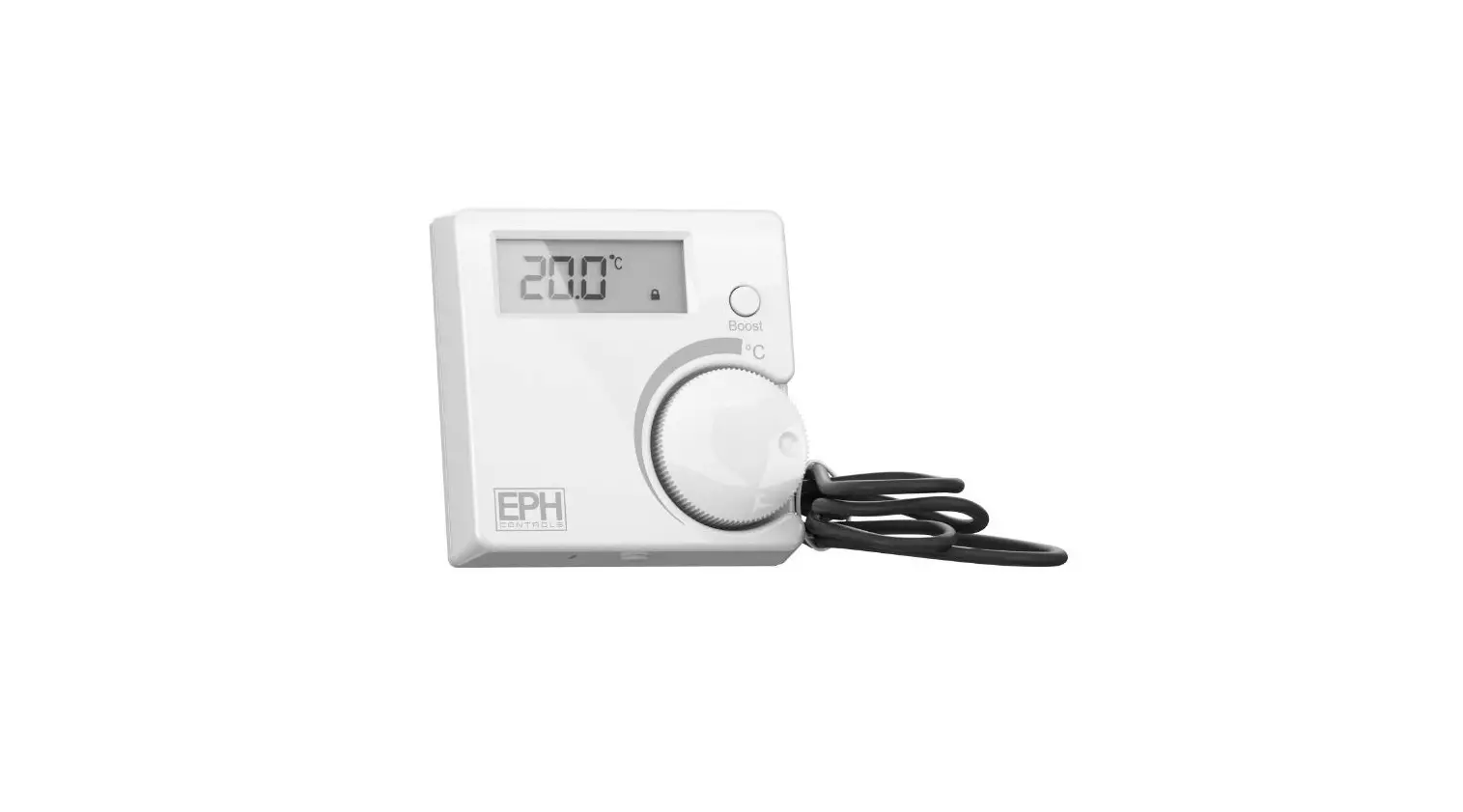
RFCA RF Cylinder Thermostat
Product Information
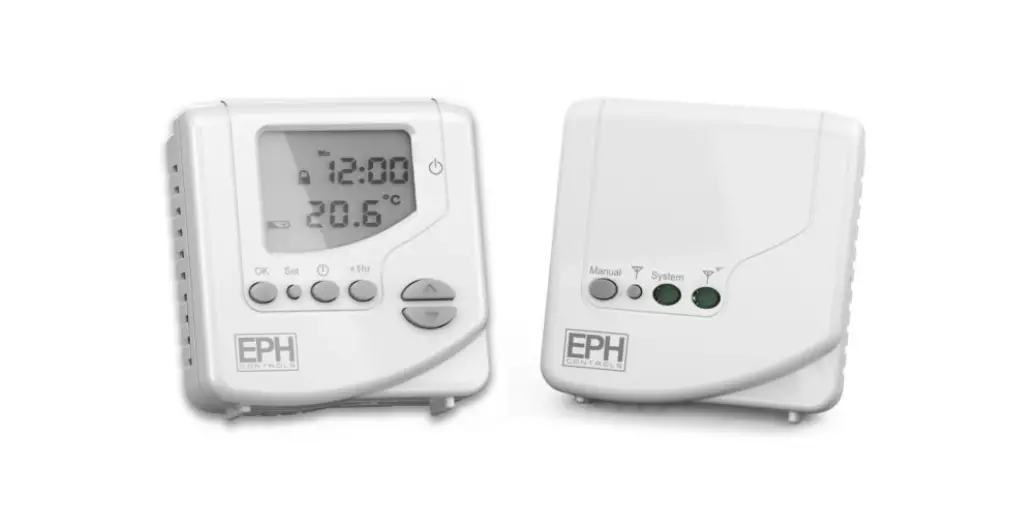
The RFCA – RF Cylinder Thermostat is a wireless enabled
thermostat designed for controlling the temperature of a cylinder.
It comes with various features and functions to ensure accurate
temperature control.
Factory Default Settings
- Temperature indicator: Water temperature
- In built frost protection: Yes
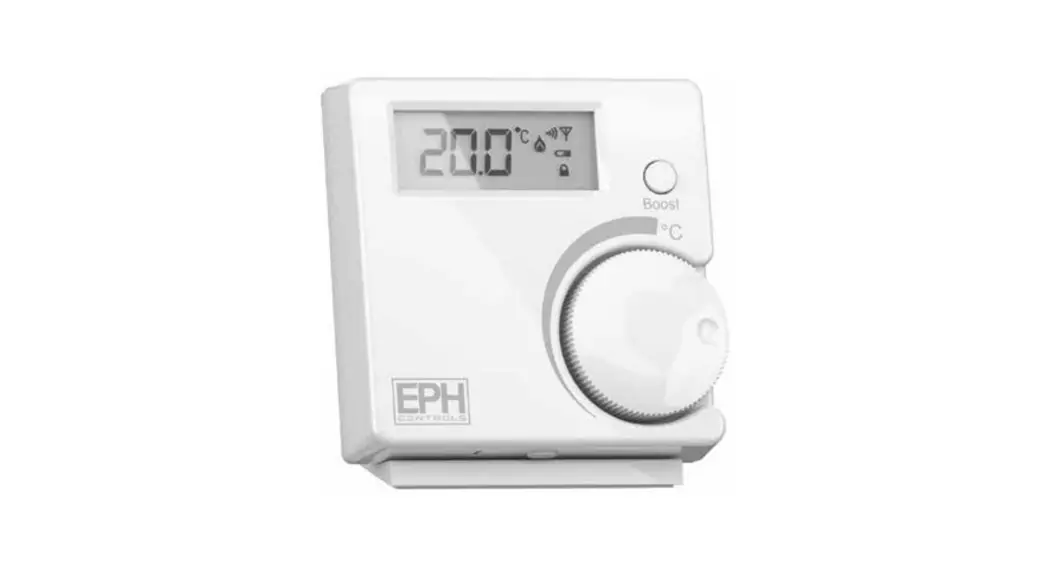
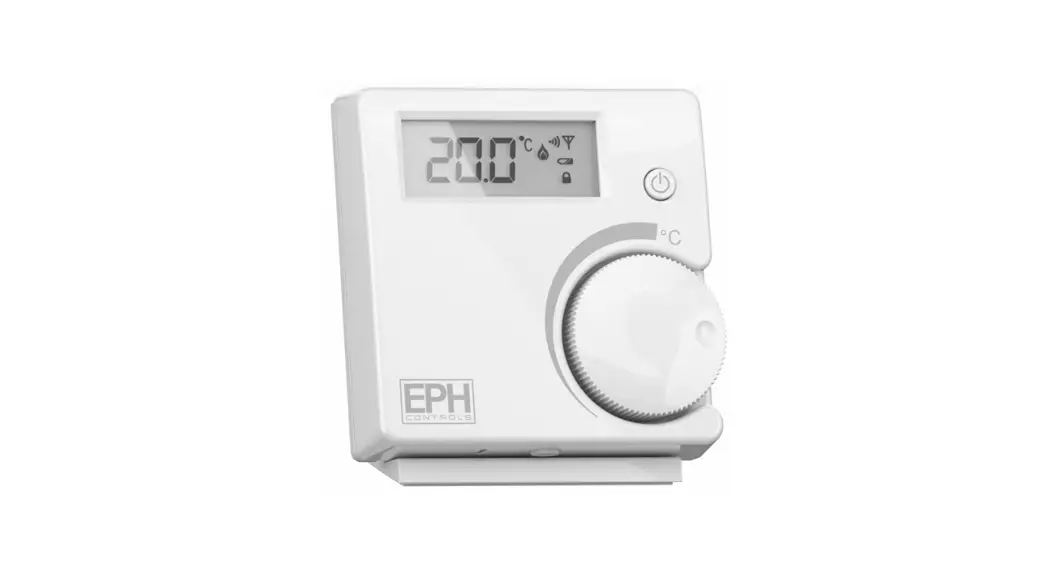
- Wireless symbol: Indicates wireless connectivity
- Heating ON symbol: Indicates heating is turned on
- Battery low symbol: Indicates low battery level
- Standby button: Puts the thermostat in standby mode
- Set point handwheel: Used to set the desired temperature
- Reset button: Resets the thermostat to default settings
- Code button: Used for connecting the thermostat to the RF1
receiver
Mounting
The temperature sensor should be tightly mounted on the
pipework, ensuring direct contact with no insulation. The
thermostat itself should be mounted in a convenient position for
easy reading of the display. It can be mounted using surface
mounting boxes or directly on walls.
Installation
- Press the button on the bottom of the thermostat to detach the
front housing from the baseplate. - Insert the provided batteries into the thermostat.
- Mount the thermostat as described in the mounting section.
- Connect the cable sensor to terminals Con 3 and Con 4.
Resetting the Thermostat
To reset the thermostat:
- Press the button on the bottom of the thermostat to detach the
front housing from the baseplate. - Insert the batteries into the thermostat.
- Rotate the handwheel clockwise until ‘YES’ appears on the
screen. - The thermostat has now been reset and the current temperature
will appear on the screen.
Lock Function
To lock the thermostat, press and hold the handwheel for 10
seconds. The lock symbol will appear on the screen. To unlock the
thermostat, press and hold the handwheel for 10 seconds. The lock
symbol will disappear.
Connecting and Disconnecting to RF1 Receiver
To connect:
- On the RFCA thermostat, press the button on the bottom to
detach the front housing from the baseplate. - Press the CODE button on the printed circuit board.
- When ‘r1’ appears on the screen, press the handwheel once. The
thermostat is now connected to the receiver.
To disconnect:
- On the RF1 receiver, press the reset button on the right side
of the housing. - Within 2 seconds, press the connect button. The RF1 receiver is
now disconnected from the RFCA thermostat. - On the RFCA thermostat, press the button on the bottom to
detach the front housing from the baseplate. - Press the RESET button on the printed circuit board.
For further assistance or technical support, please contact EPH
Controls Ireland at [email protected] or
visit their website at www.ephcontrols.com. For EPH
Controls UK, you can reach them at [email protected] or
visit www.ephcontrols.co.uk.
RFCA – RF Cylinder Thermostat
Page 1 of 2
Operating Instructions
Contents
1. Factory default settings
3. Mounting 4. Installation 5. Button / symbol description 6. Resetting the thermostat 7. Boost function 8. Lock function 9. To connect the RFC thermostat to the
RF1 receiver 10. To disconnect the RFC thermostat from
the RF1 receiver
Important: Keep this document
Prior to setting the thermostat, it is neccessary to complete all required settings described in this section.
CAUTION!
thermostat. Ensure that this wireless enabled thermostat is installed 1 metre from any metalic object, television, radio or wireless internet transmitter.
1. Factory default settings
Temperature indicator:
°C
In built frost protection:
5°C
5. Button / symbol description
Wireless symbol Heating ON symbol
Power Supply: Power consumption: Battery replacement: Temp. Control Range: Dimensions: Temp. sensor: Temp. indication:
2 x AAA Alkaline Battery 50 uA Once per year 10…90°C 84 * 84 * 30mm NTC 10K Ohm @ 25°C – 1.5m probe type °C
Water temperature
Battery low symbol Standby button
Set point handwheel
3a Mounting of temperature sensor
ON CYLINDER: To ensure accurate control of your cylinder, the temperature sensor should be mounted on the bottom 1/3 of the cylinder. It is essential that the sensing element is in direct contact with the cylinder and that there is no insulation between it and the cylinder. 60°C is the temperature level required in order to prevent the build up of legionella bacteria. The temperature sensor can
ON PIPEWORK: To ensure accurate control, the temperature sensor should be mounted on the pipework as tightly as possible. It is essential that the sensing element is in direct contact with the pipework and that there is no insulation
Reset button Code button
6. Resetting the thermostat
Press the button on the bottom of the thermostat, the front housing will detach from the baseplate. Insert the batteries into the thermostat.
pipework using the provided foil tape.
Rotate the hand wheel clockwise until `YES’ appears on the screen.
3b Mounting of thermostat
The thermostat should be mounted in a position that will make reading the display conventient.
The thermostat has now been reset and the current temperature will appear on the screen.
2. Surface mounting boxes 3. Directly on walls
4. Installation
Press the button on the bottom of the thermostat. The front housing will detach from the baseplate. Insert the batteries (provided) into the thermostat. Mount the unit as described in section 3. Ensure the cable sensor is connected to terminals Con 3 and Con 4.
8. Lock function
To lock the thermostat, press the hand wheel for 10 seconds. symbol will appear on the screen.
To unlock the thermostat, press the hand wheel for 10 seconds. symbol will disappear from the screen.
EPH Controls Ireland
[email protected] www.ephcontrols.com
EPH Controls UK
[email protected] www.ephcontrols.co.uk
20221020_RFCA_OpIns_PK
RFCA – RF Cylinder Thermostat
9. To connect the RFCA thermostat to the RF1 receiver
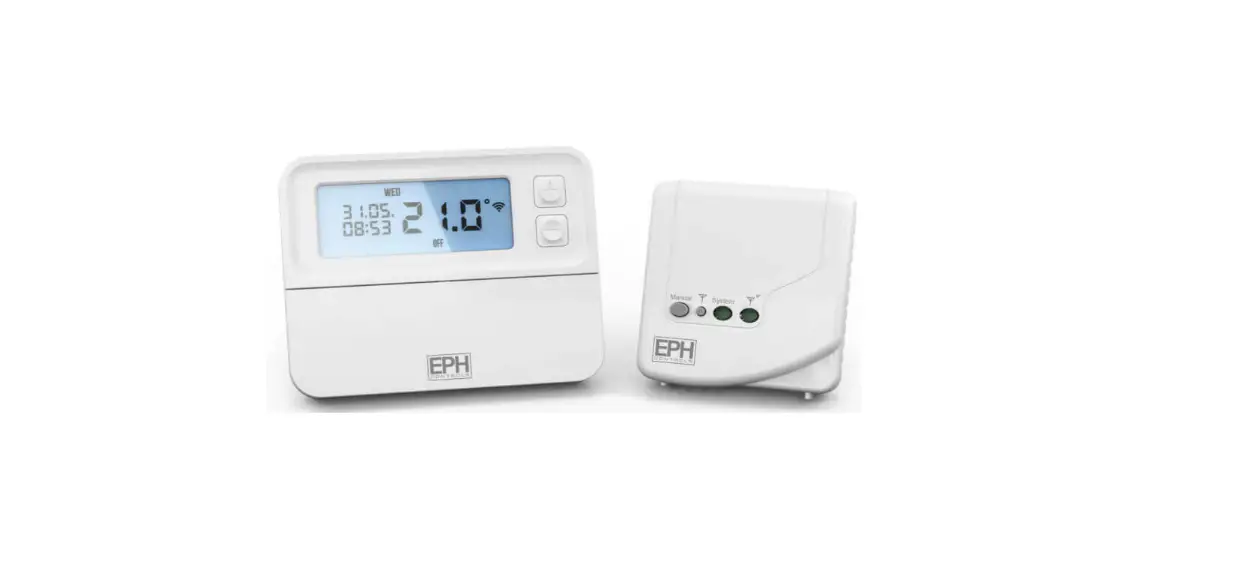
On the front of the RF1 receiver
On the RFCA thermostat Press the button on the bottom of the thermostat, the front housing will detach from the baseplate. Press the CODE button on the printed circuit board. When r1 appears on the screen, press the hand wheel once. The thermostat is now connected to the receiver.
10. To disconnect the RFCA thermostat from the RF1 receiver
On the RF1 receiver Press the reset button on the right side of the housing. Within 2 seconds, press the connect button. The RF1 receiver is now disconnected from the RFRA thermostat.
On the RFCA thermostat Press the button on the bottom of the thermostat, the front housing will detach from the baseplate. Press the RESET button on the printed circuit board.
Rotate the hand wheel clockwise until “YES” appears on the screen.
The thermostat is now disconnected from the receiver.
Page 2 of 2
Operating Instructions
EPH Controls Ireland
[email protected] www.ephcontrols.com
EPH Controls UK
[email protected] www.ephcontrols.co.uk
20221020_RFCA_OpIns_PK
 Home Page - EPH Controls
 Home Page - EPH Controls