Product Information
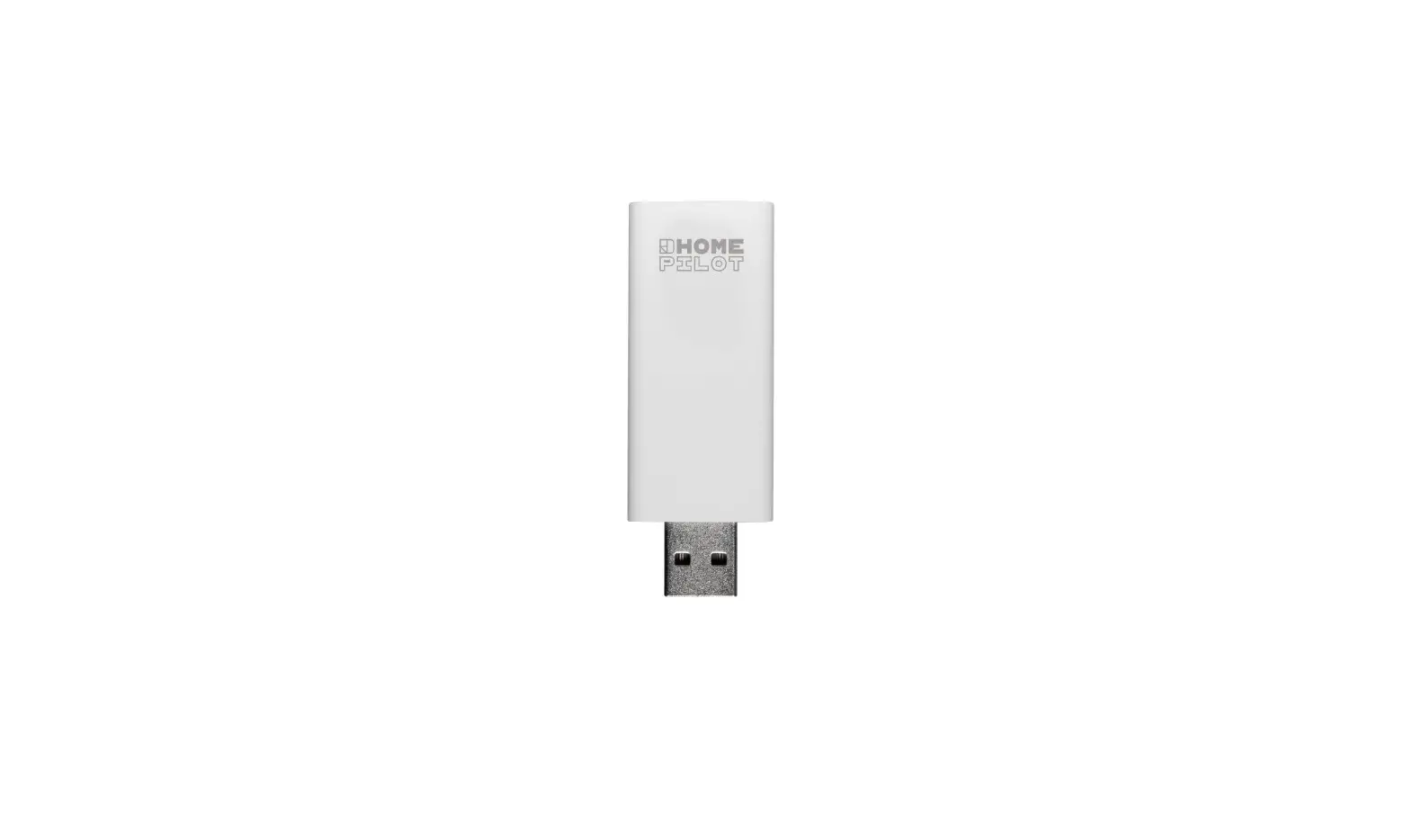
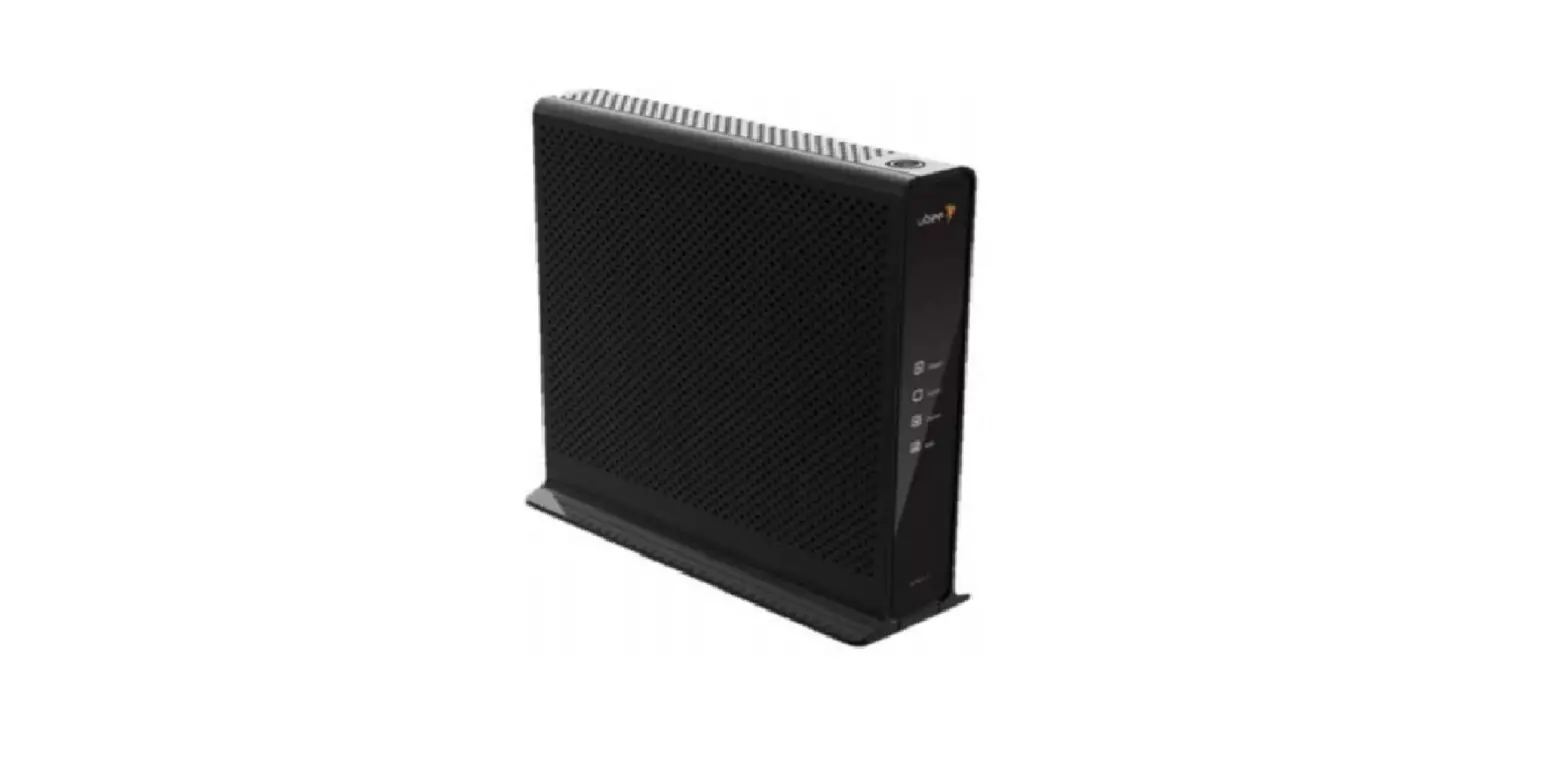
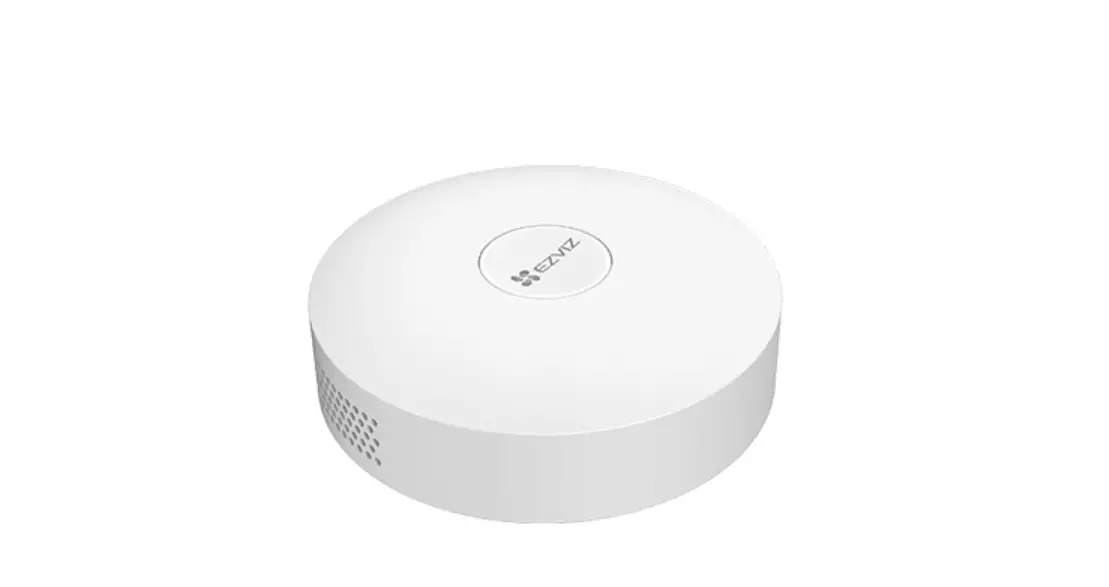
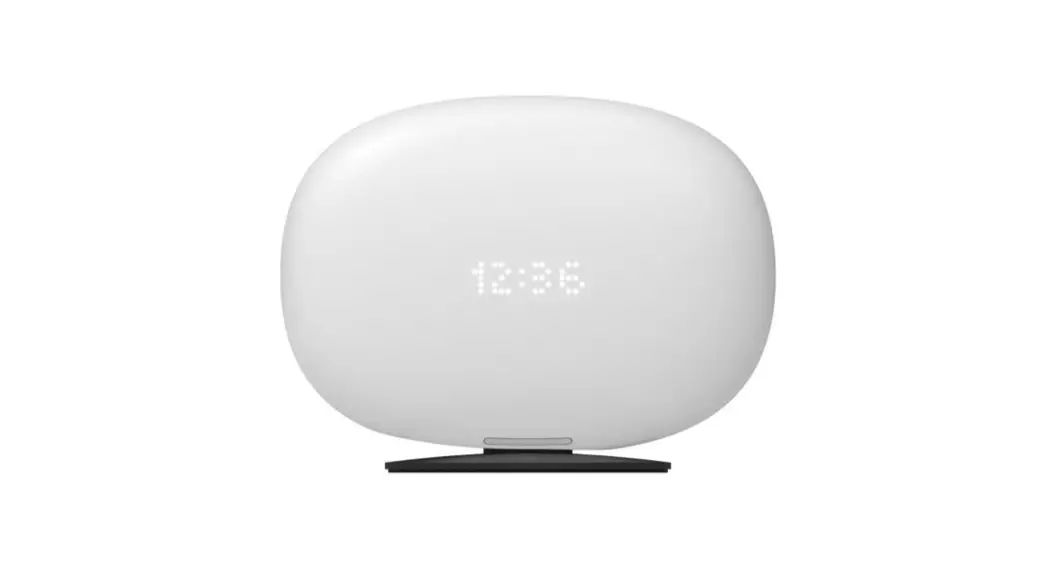
The Gateway Premium is a smart home device that serves as a
central hub for controlling and managing various smart devices in
your home. It provides a seamless connection between different
smart devices, allowing you to create a unified and automated smart
home system.
The Gateway Premium comes with advanced features and
functionalities, making it the ideal choice for those looking to
enhance their home automation experience. With DHCP enabled, the
device automatically assigns IP addresses to connected devices,
simplifying the network setup process.
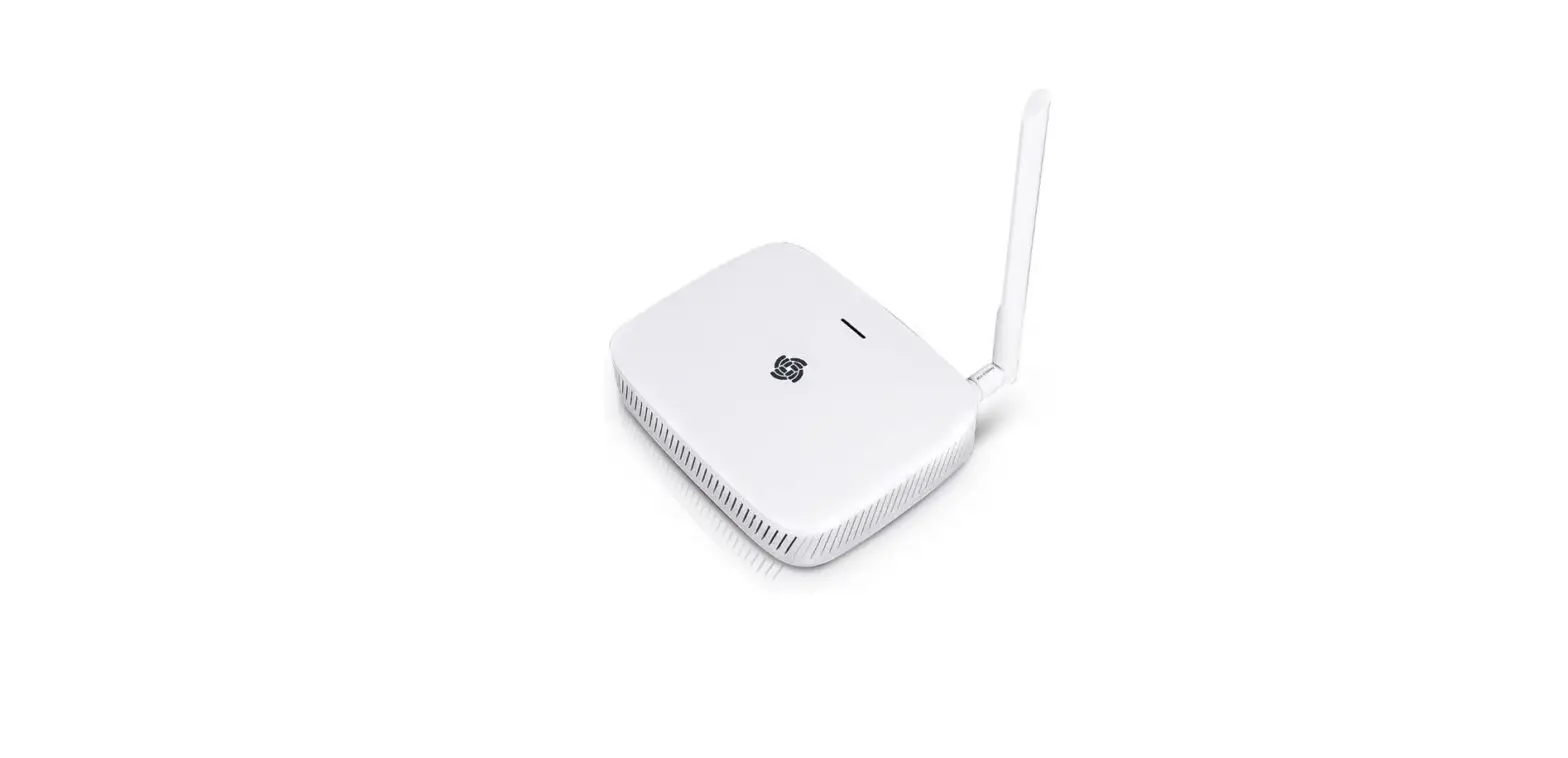
The unit is designed to be user-friendly, with a LED indicator
that lights up green when it is ready for operation. This ensures
that you can easily determine the status of the device at a
glance.
For further product information and customer support, you can
visit the official website at https://service.homepilot-smarthome.com.
You can also reach out to the customer service team via email,
depending on your language preference:
- DE Email: [email protected]
- EN Email: [email protected]
- NL Email: [email protected]
- FR Email: [email protected]
- IT Email: [email protected]
- ES Email: [email protected]
- PL Email: [email protected]
- CS Email: [email protected]
- SV Email: [email protected]
The Gateway Premium is manufactured by Buschkamp, located at
Buschkamp 7, 46414 Rhede (Germany).
Product Usage Instructions
- Ensure that the Gateway Premium is properly connected to a
power source. - Wait for the LED indicator to light up green steadily,
indicating that the unit is ready for operation. - Connect your smart devices to the Gateway Premium using the
appropriate protocols or methods recommended by the device
manufacturers. - Access the Gateway Premium’s web server through a web browser
on your computer or mobile device. Use the IP address assigned to
the Gateway Premium or the provided URL for access. - Follow the on-screen instructions and user interface of the web
server to set up and configure your smart home system.
If you encounter any issues or require further assistance during
the setup or usage of the Gateway Premium, refer to the product
manual or contact the customer service team via email.
Wichtige Produktinformationen Further useful product information
Diese Anleitung ist nur ein Bestandteil des Benutzerhandbuchs, DE welches über die sichere Handhabung des Produktes informiert. Das
Handbuch ist als Download-PDF auf unserer Homepage verfügbar: This quick user guide is only a part of the user manual, which informs EN about the safe handling of the product. The manual is available as a downloadable PDF on our homepage: Deze instructies zijn slechts een deel van de gebruiksaanwijzing, die NL informeert over het veilig gebruik van het product. De handleiding is als downloadbare PDF beschikbaar op onze homepage: Ces instructions ne sont qu’une partie du manuel d’utilisation qui FR informe sur l’utilisation sûre du produit. Le manuel est disponible sous forme de PDF à télécharger sur notre site Internet : Questa guida rapida è solo una parte del manuale d’uso, che informa IT sull’utilizzo sicuro del prodotto. Il manuale è disponibile in formato PDF scaricabile dalla nostra homepage: Esta guía rápida es sólo una parte del manual de usuario, que informa ES sobre el manejo seguro del producto. El manual está disponible como PDF descargable en nuestra página web: Ta skrócona instrukcja jest tylko czci instrukcji obslugi, która informuje PL o bezpiecznym obchodzeniu si z produktem. Podrcznik jest dostpny w formie pliku PDF do pobrania na naszej stronie internetowej: Tento strucný návod je pouze soucástí uzivatelské pírucky, která CS informuje o bezpecném zacházení s výrobkem. Pírucka je k dispozici ke stazení ve formátu PDF na nasí domovské stránce: Den här snabbguiden är bara en del av bruksanvisningen, som SV informerar om säker hantering av produkten. Handboken finns som en nedladdningsbar PDF-fil på vår hemsida:
https://service.homepilot-smarthome.com
Gateway premium
2 4
1
Premium gateway
DHCP aktiviert.
3
2
Gerät ist betriebsbereit, wenn die LED dauerhaft grün leuchtet.
5
4
DE
1
Geconnecteerde woningbox premium
1
Box maison connectée premium
1
Web server premium
1
DHCP enabled.
3
2
DHCP geactiveerd.
3
2
DHCP activé.
3
2
DHCP attivato.
3
The unit is ready for operation when the LED lights up green steadily.
5
4
Het apparaat is klaar voor gebruik als de LED continu groen brandt.
5
4
L’appareil est prêt à fonctionner lorsque la LED est verte.
5
4
L’unità è pronta per il funzionamento quando il LED è verde.
5
EN
NL
FR
IT
Serviceinformationen Customer Service Information
Pasarela premium
DE E-Mail:
[email protected] (Deutschland) [email protected] (Österreich) [email protected] (Schweiz)
EN Email:
NL E-mail: [email protected]
2
FR Email : [email protected]
IT Email:
ES Email:
PL Email:
4
CS E-mail: [email protected]
SV E-post: tjä[email protected]
RADEMACHER Geräte-Elektronik GmbH
Buschkamp 7 46414 Rhede (Germany)
1
Gateway premium
DHCP activado.
3
2
La unidad está lista para funcionar cuando el LED está verde.
5
4
1
Gateway premium
DHCP aktywowane.
3
2
Urzdzenie jest gotowe do pracy, gdy dioda LED wieci si na zielono.
5
4
1
Gateway premium
DHCP aktivováno.
3
2
Pístroj je pipraven k provozu, kdyz se kontrolka LED rozsvítí zelen.
5
4
1
DE
EN
NL
FR
IT
DHCP aktiverat.
ES
3
PL
CS
SV
Enheten är klar för drift när lysdioden lyser grönt.
5
Quick User Guide
Gateway premium
ES
PL
CS
SV
QUG-A101-0 (03.2023)
 Control4 Smart Homes