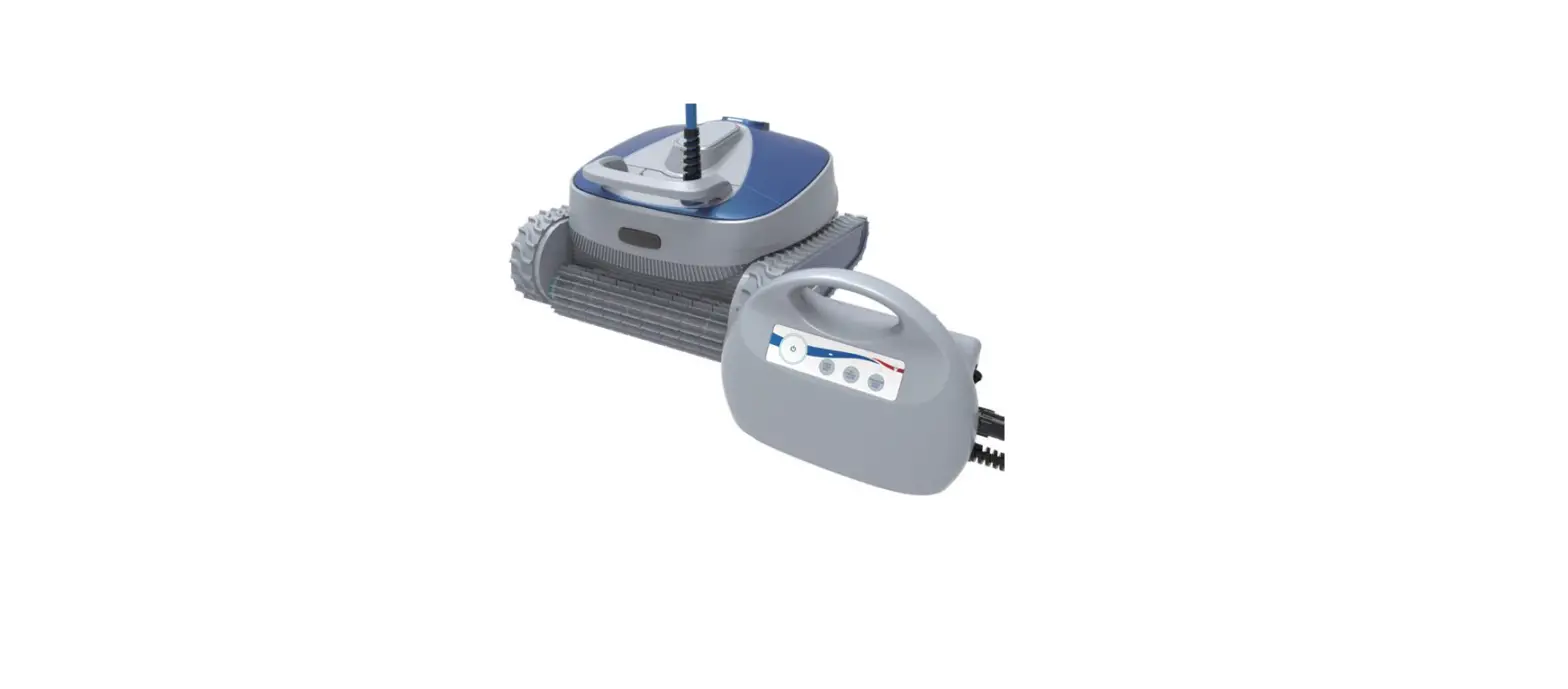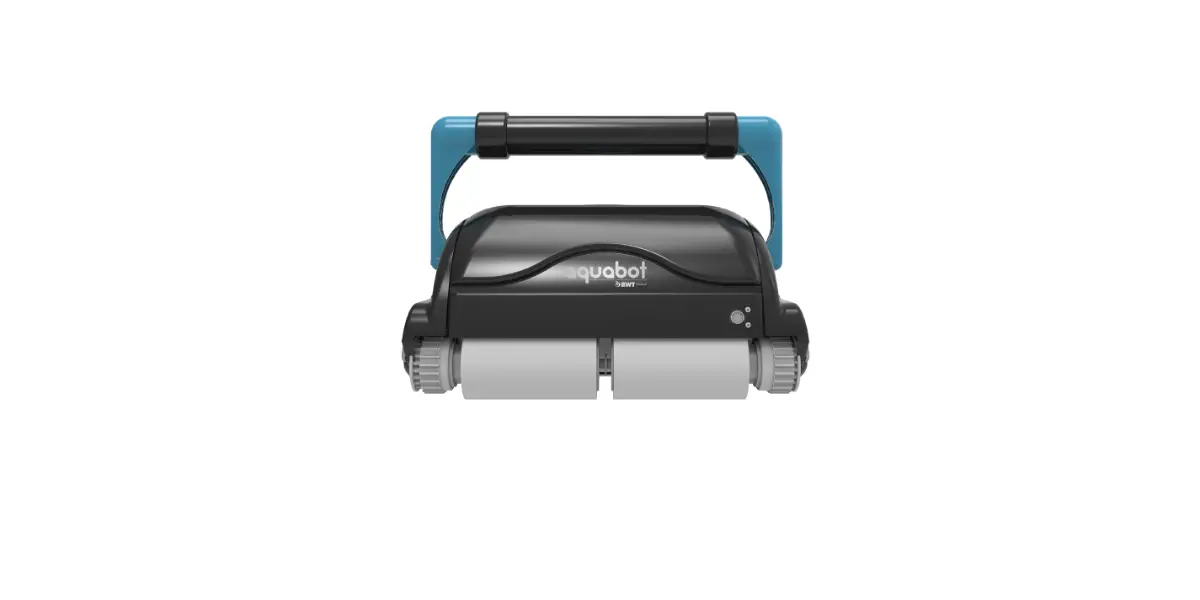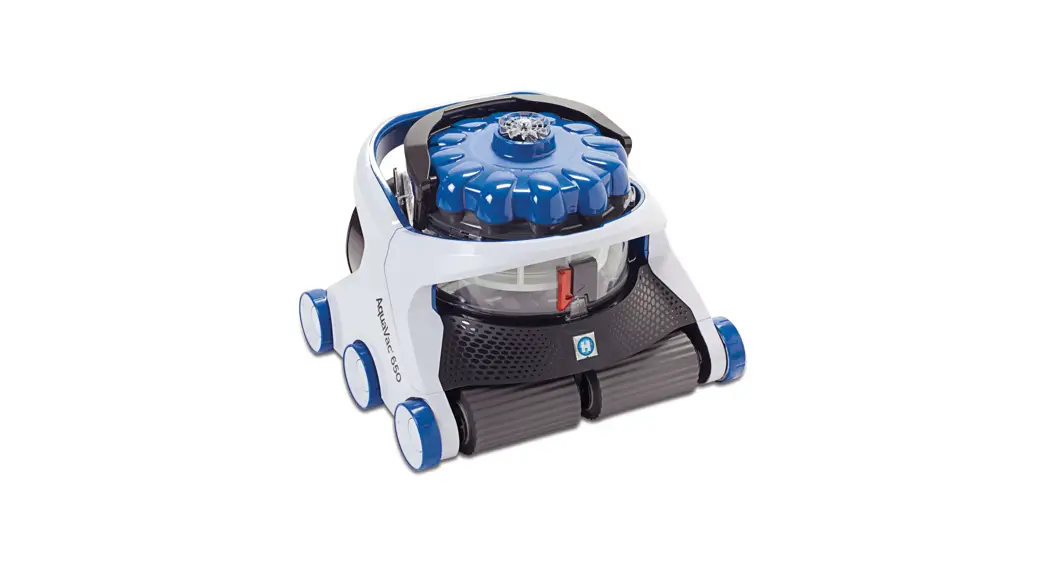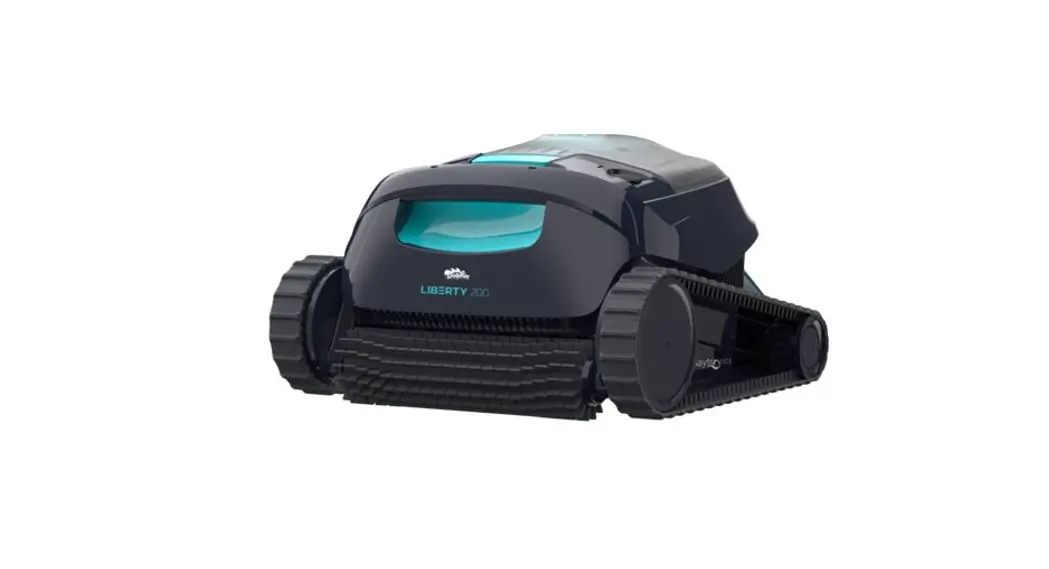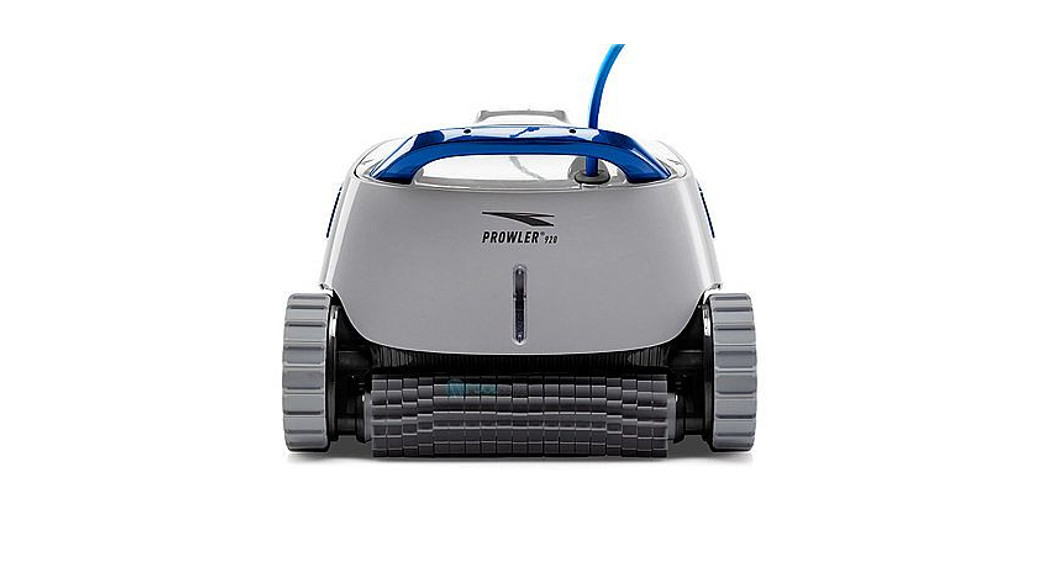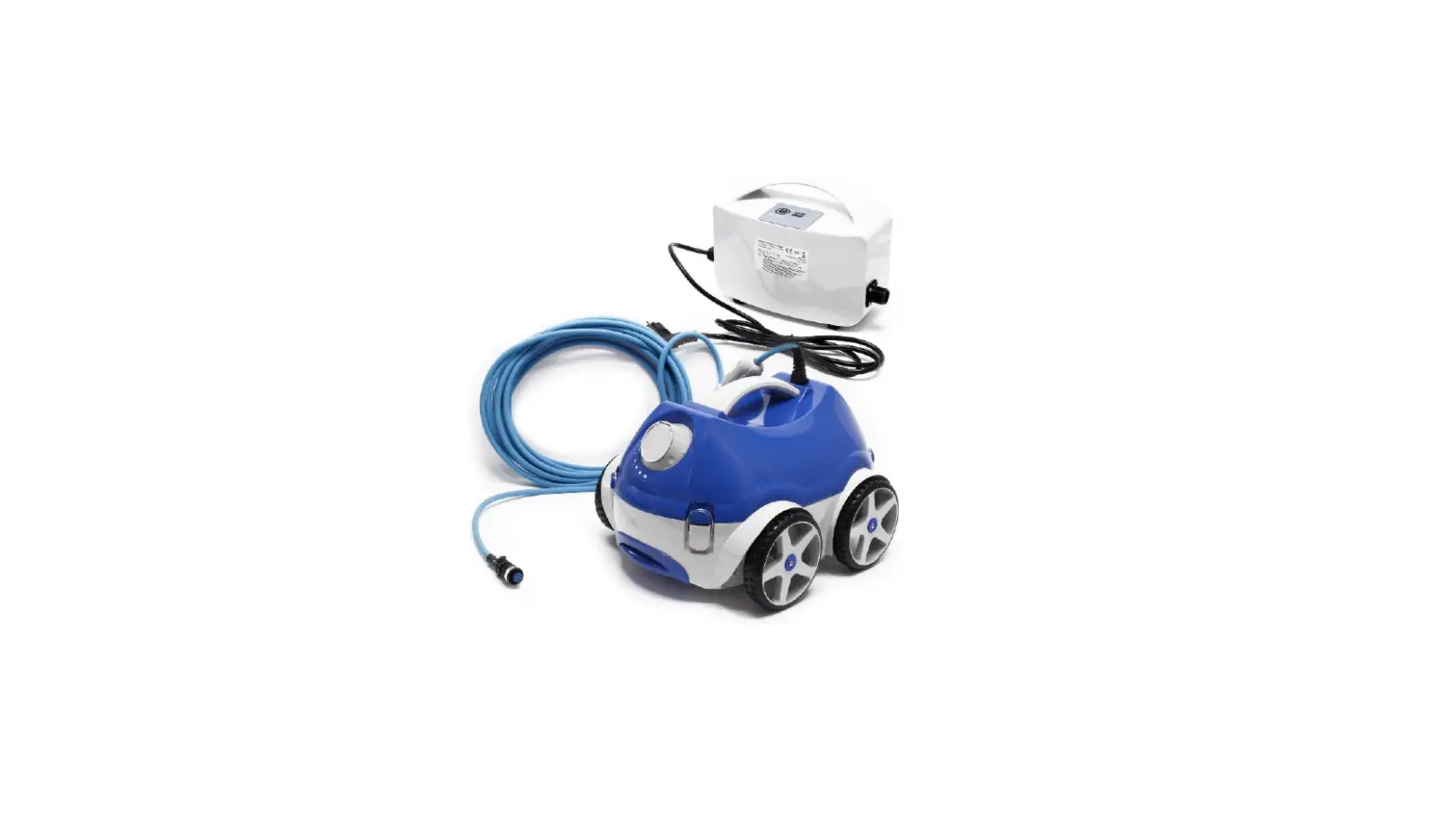
FLOTIDE Type XR2 Robotic Swimming Pool Cleaner Instruction Manual

Product Introduction
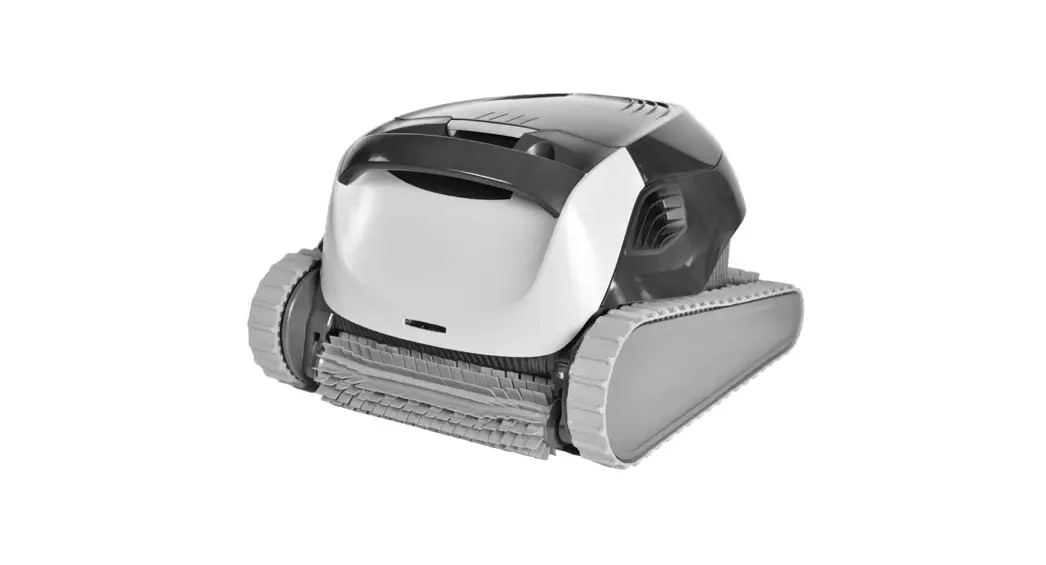
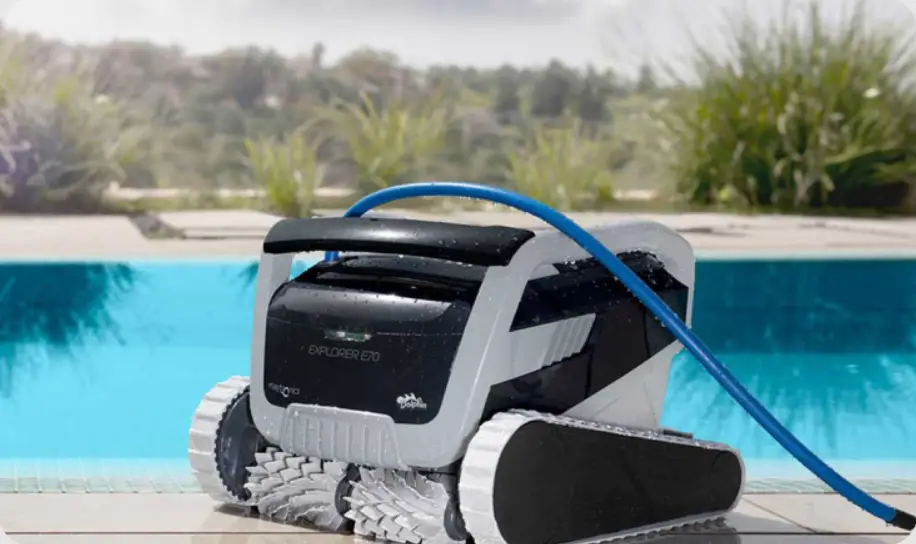
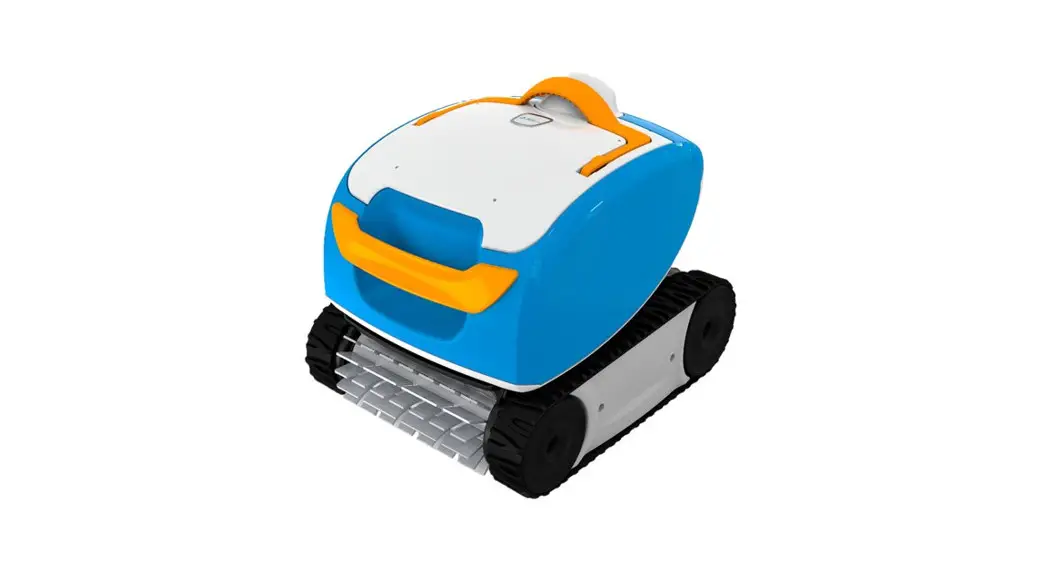
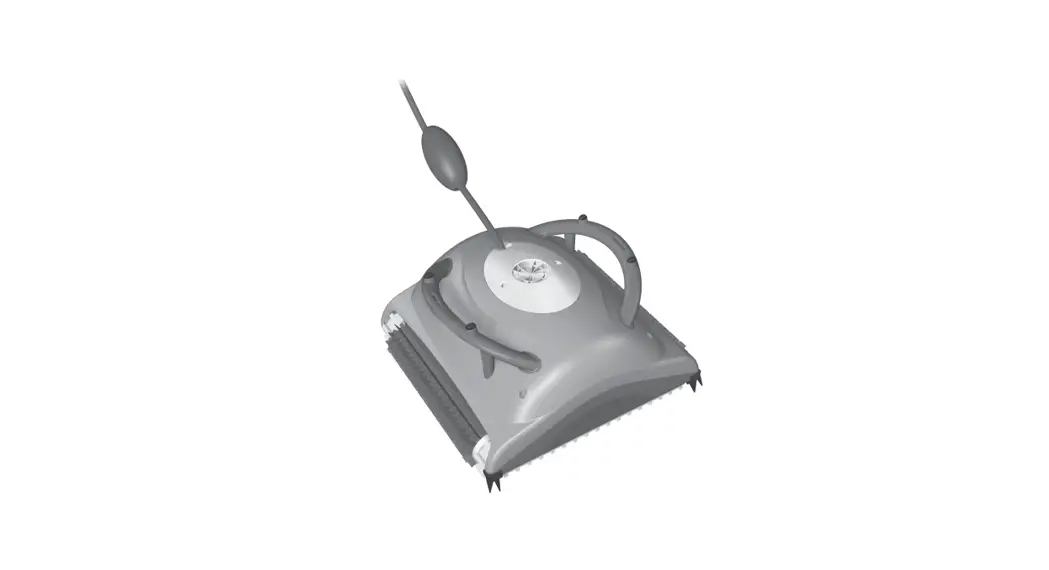
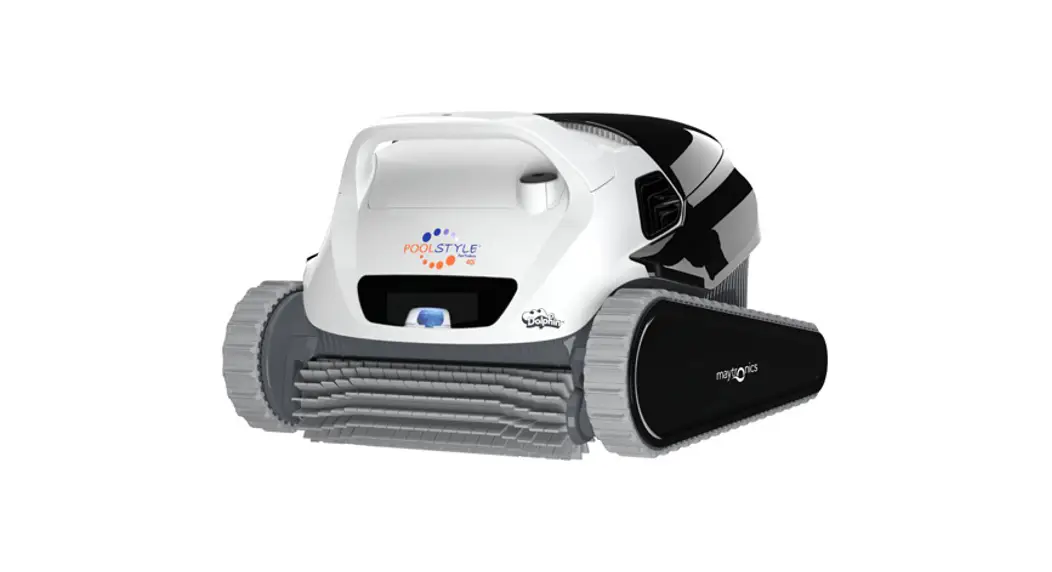
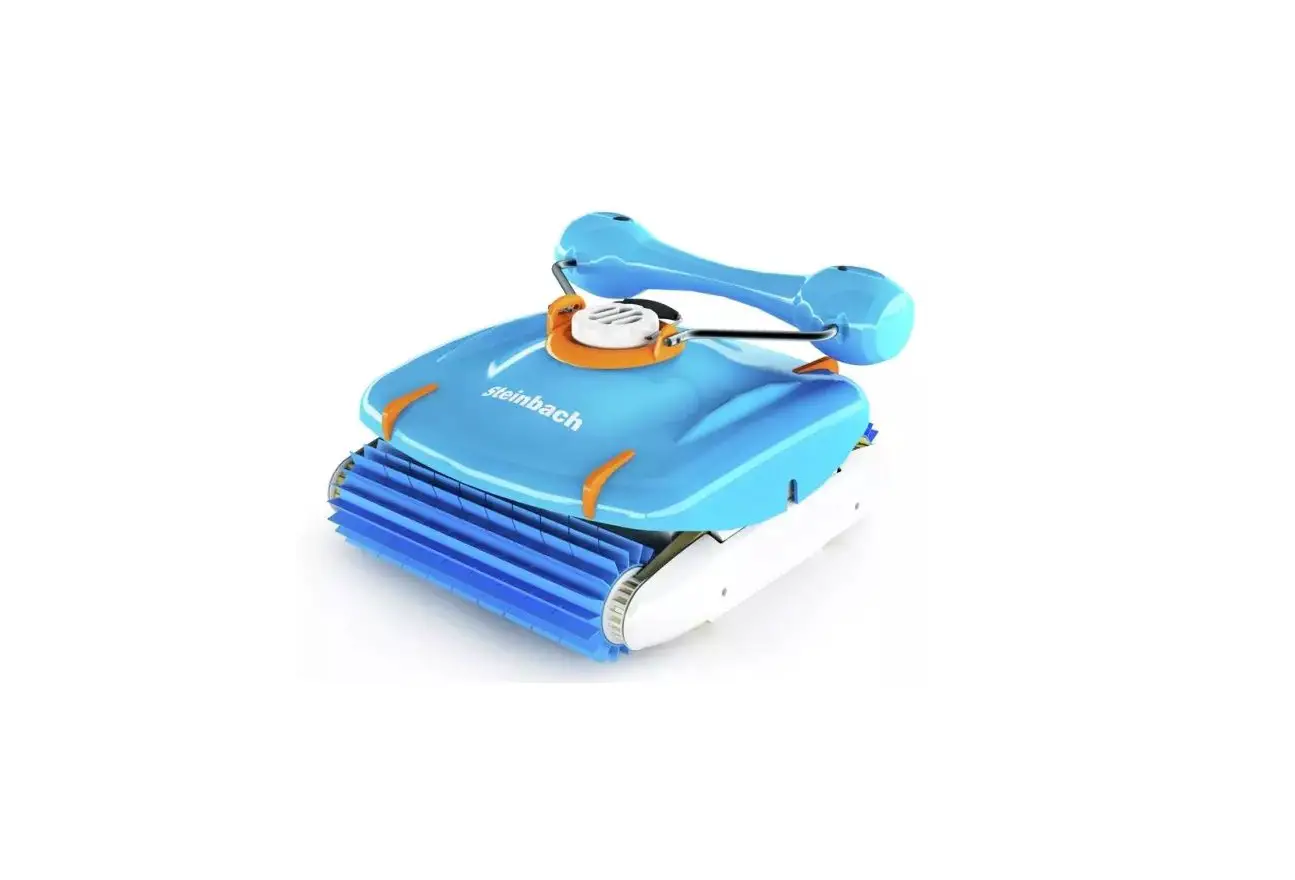
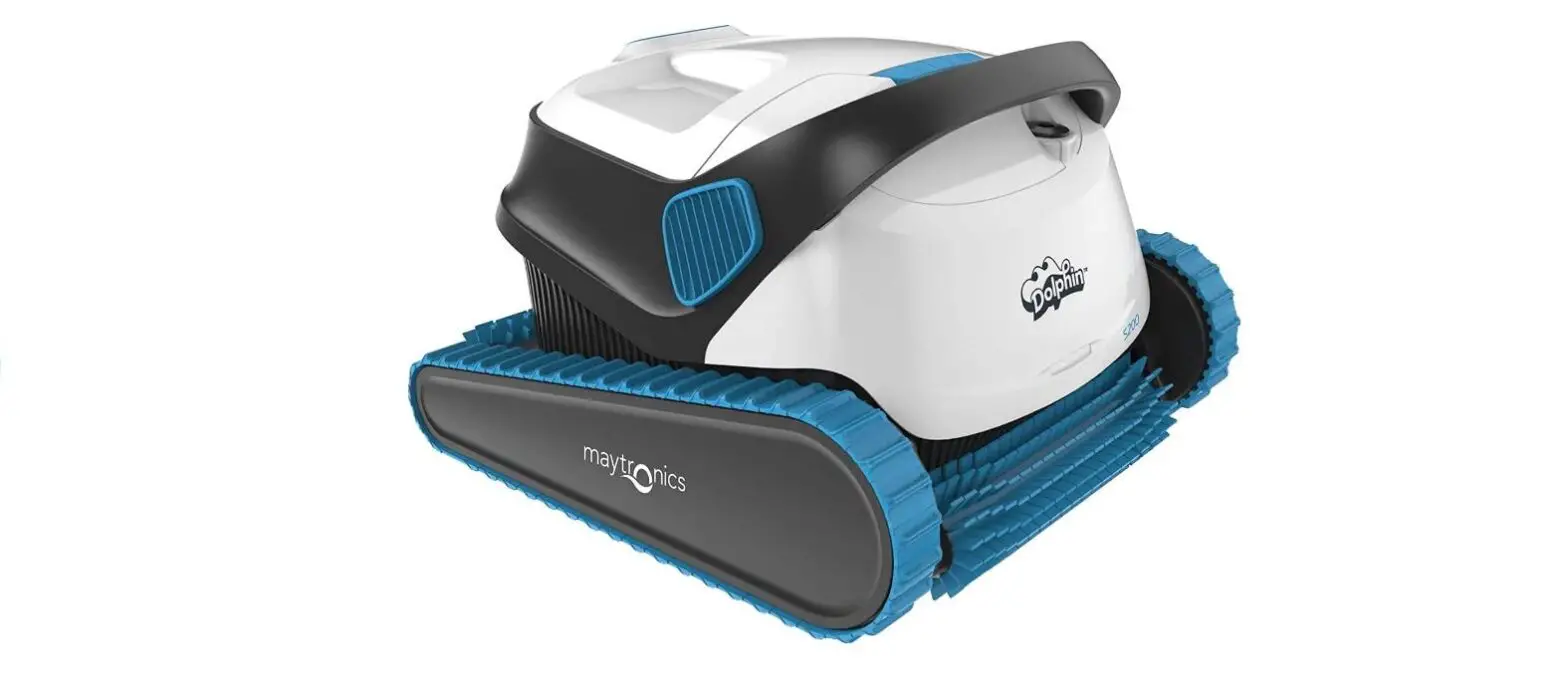
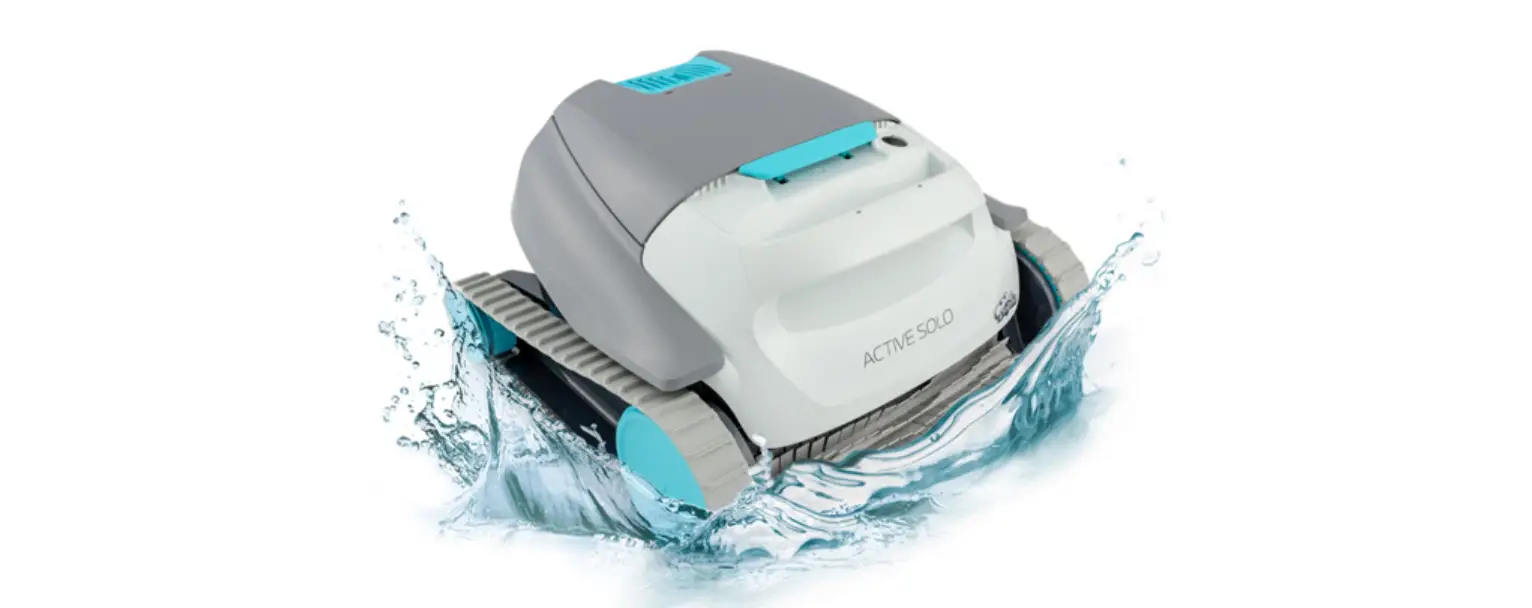
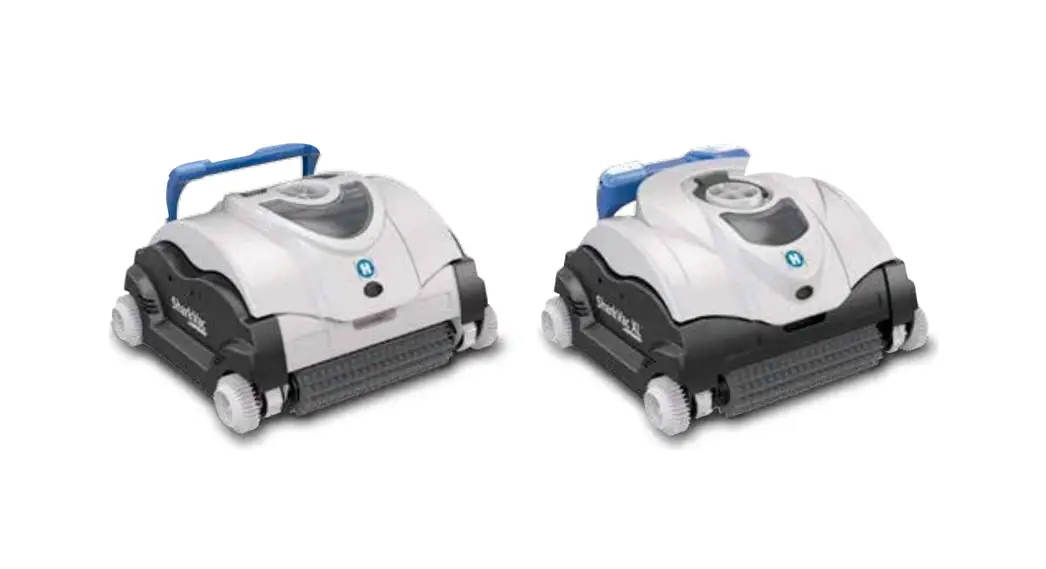
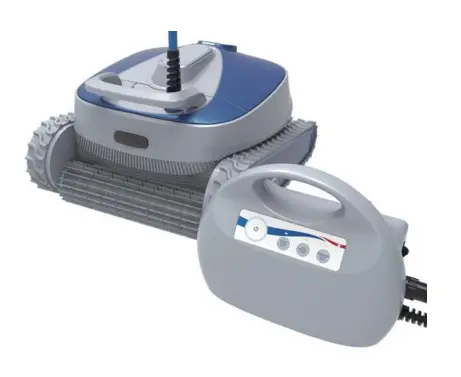
Everybody wants to enjoy an easy life and automating the manual tasks involved with maintaining your pool is no exception. That is why we have developed the Flotide robotic swimming pool cleaner. . The Flotide robot acts as an underwater vacuum cleaner. , it is fully automatic. It is mainly used to clean the dirt and debris such as hair, leaves and sand from the pool floor; poolwall and waterline. As long as you put it into the pool after initial program setting, the cleaning robot can automatically measure the size of the pool, design optimum cleaning route, and clean the pool by itself.
Warning and Cautions
Warning: Your cleaner should not be used while people are swimming in the pool. Do not allow swimmers in the pool while pool cleaner is operating.
Warning: Keep the cleaner away from Chilrend, or use under adult’s strict and close supervision.
Warning: DO NOT switch on the pool cleaner if it is not immersed in the water. Operating the cleaner out of the water may cause severe damage and will result in loss of warranty.
Warning: Always remember to turn the power supply off and unplug it from the power outlet before removing the cleaner from the pool.
Warning: DO NOT PULL THE POOL CLEANER FROM THE POOL USING THE CABLE.
Warning: Use this cleaner only when water temperature is 10-35 OC and the depth of the pool is 0.5m-3m. The cleaner is designed to work for the pools with 100m2 surface area.
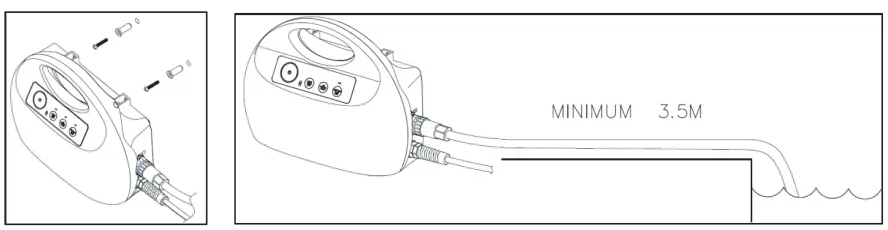
Warning: Keep the controller box in a dry place which is 3.5m away from your pool.
Operation Instructions Brief Introduction
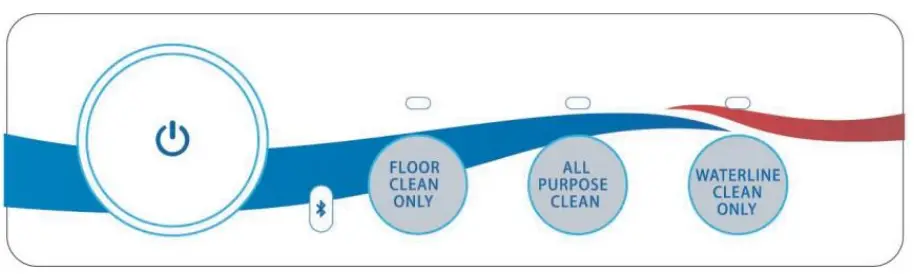
- Start/Stop measures the pool size automatically and set the working cycle.
- Mode of floor clean only To only clean the pool floor to optimize floor cleaning efficiency.
- Mode of all purpose clean All-around cleaning, including pool floor; pool wall and waterline.
- Mode of waterline clean only quick clean the waterline
- Use App CIPU to control (not available for all models)
To control the cleaner by Bluetooth and clean the pool.
Operation Instructions:
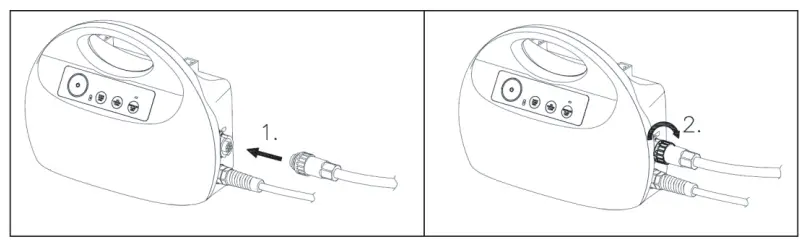
- Connect floating power

- Position the power supply so that it is approximately in the middle of the long side of the pool at a distance of 3.5m /11.5ft. Fixation in the middle of longer side is recommended, if you have a rectangle or oval shape pool.

- Put the Pool Cleaner into the Release the Pool Cleaner and let it sink to the floor of the pool. Make sure that the floating cable is free of any obstructions.
- Turn the power supply ON ( 230V AC 50Hz) in the position of l, One of the three modeslight will be on. Press the button for the mode you want to run, then press ON/OFF button, the Pool Cleaner will now operate until it has reached the end of the cleaning
- Mode switching: Press on/off button, choose the mode, press on/off button to start the

- Indicator lights%
LED
LightStatus Indication White On Normal operation of the pool cleaner White Blinking twice reverses after meeting obstacles White Always blinking Bluetooth communication with the pool cleaneor standby status Red On Overload or no-load protection Let the cleaner sink to the floor of the pool, and press on/off to start again.
Routine Maintenance 1.Clean the filter basket
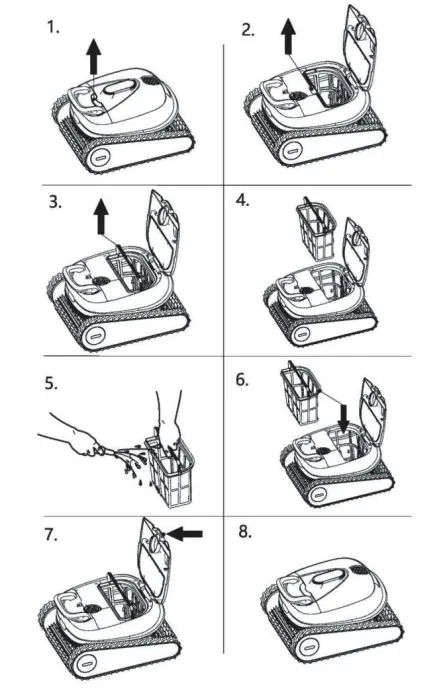
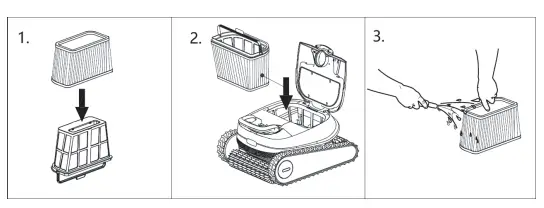
- Turn off the Pool cleaner. Open the filter cover. Clean the filter basket with a hose. Insert the clean filter basket and close the filter cover.

Make sure the power supply is switched off and unplugged.
It is highly recommended to clean the filter basket after each cleaning cycle. - Use of filter paper core

The filter paper core is a fragile part, which can filter particles below 100 m, and its service life is less than 72 hours. (The filter paper core can be used without affecting the performance of the robot, and it is strongly recommended that the filter paper core not be used in a dirty swimming pool. It is best to give final cleaning after majority of cleaning has been carried out) - Routine Maintenance of the floating cable
The floating cable may get twisted after 8 hours of continuous work, please untwist the cable before re-staringt the pool cleaner. After each use, roll up the cable so that it has no kinks.
Trouble shooting
| Symptom | Possible Reason | Corrective action |
| The pool cleaner moves but does not clean the pool | Clogged filter basket | Clean the filter basket |
| The pool cleaner does not move | An obstacle blocks the impeller An obstacle blocks the drive belt | Unplug the power supply. Open the impeller cover and check that nothing is trapped in the impeller. Verify that nothing blocks the tracks or wheels. |
| Debris out from the outlet | Filter basket is broken | Replace the filter basket |
| Filter basket is full | Clean the filter basket | |
| The floating cable has kinks | Working for too long time, over 8 hours. | Untwist the floating cable before re-start. |
| Stop working | Overload or no- load protection | Let the cleaner sink to the floor of the pool, and press on/off to start again. |
Specifications
| Specifications | |
| Product dimension | 470 x 410x 255 mm |
| Package dimension | 680 x 450x 390 mm |
| Product weight | Around 10.5 KG |
| Package weight | Around 18 KG |
| Cleaning area | All-around |
| Filtration accuracy | |
| Length of floating cable | 17m |
| Filter speed | 14-18 m3/ h |
| Output voltage | 24V DC |
| Output current | 4.5A |
| Input voltage | 230V |
| Frequency | 50Hz |
| Horsepower | 150W |
| IP Class for controller box | IP54 |
| IP Class for motor | IP68 |
Parts breakdown and replaceable Parts List
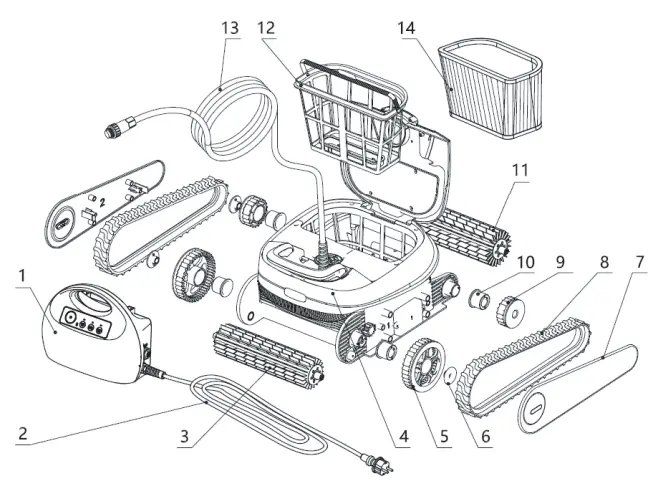
- Controller box Drive belt
- Power cord for controller box Driven wheel
- Wheel brush Sleeve
- Main body Wheel brush
- Drive wheel Filter basket
- Drive wheel fixing block Floating cable
- Side panel Filter paper core