VFC400 Download of Data
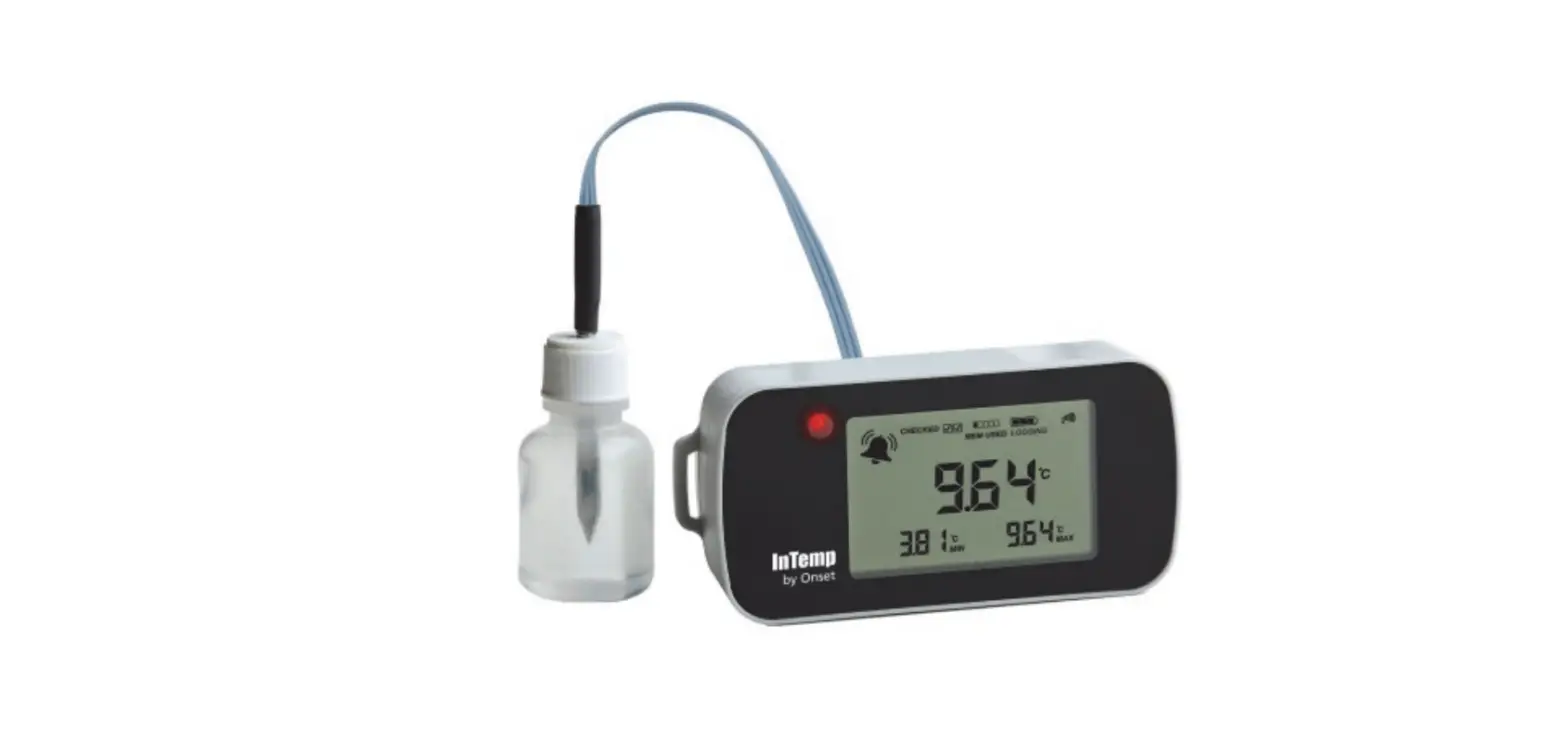
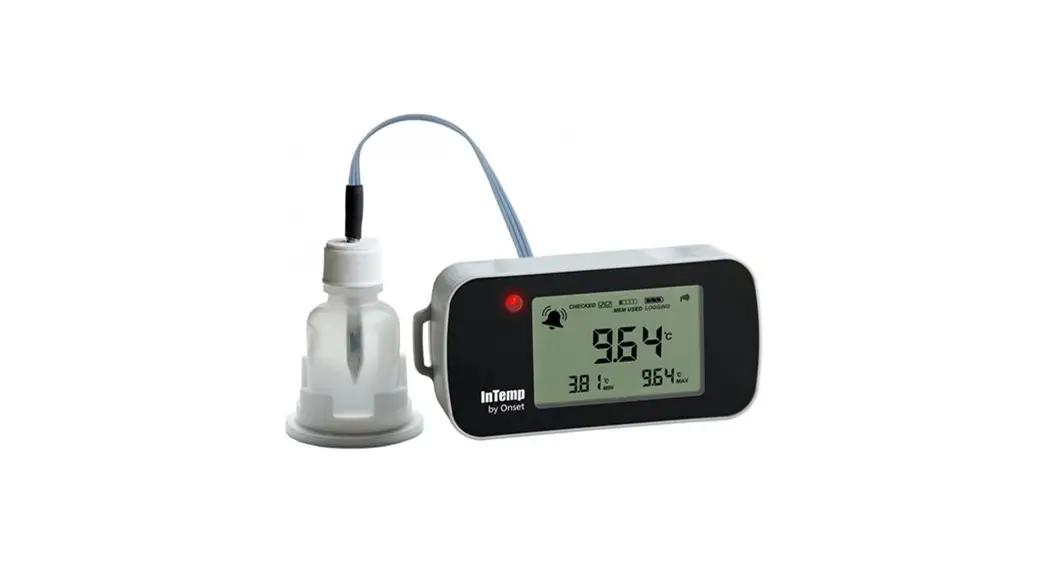
Downloading data from your the VFC400
Downloading data
Buttons Actions
Overview
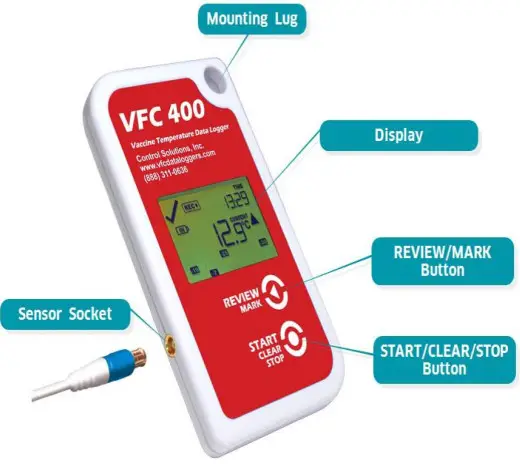
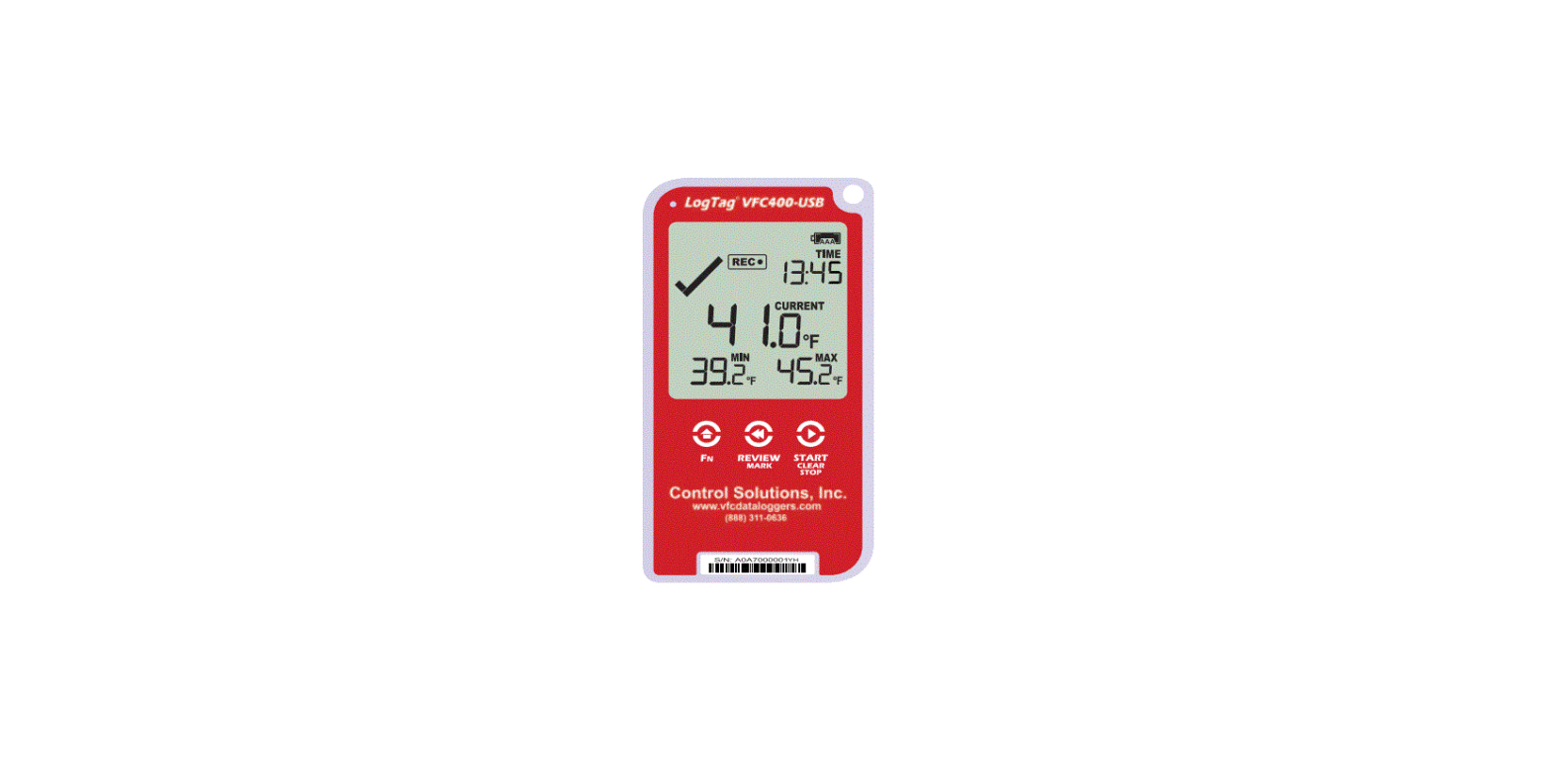
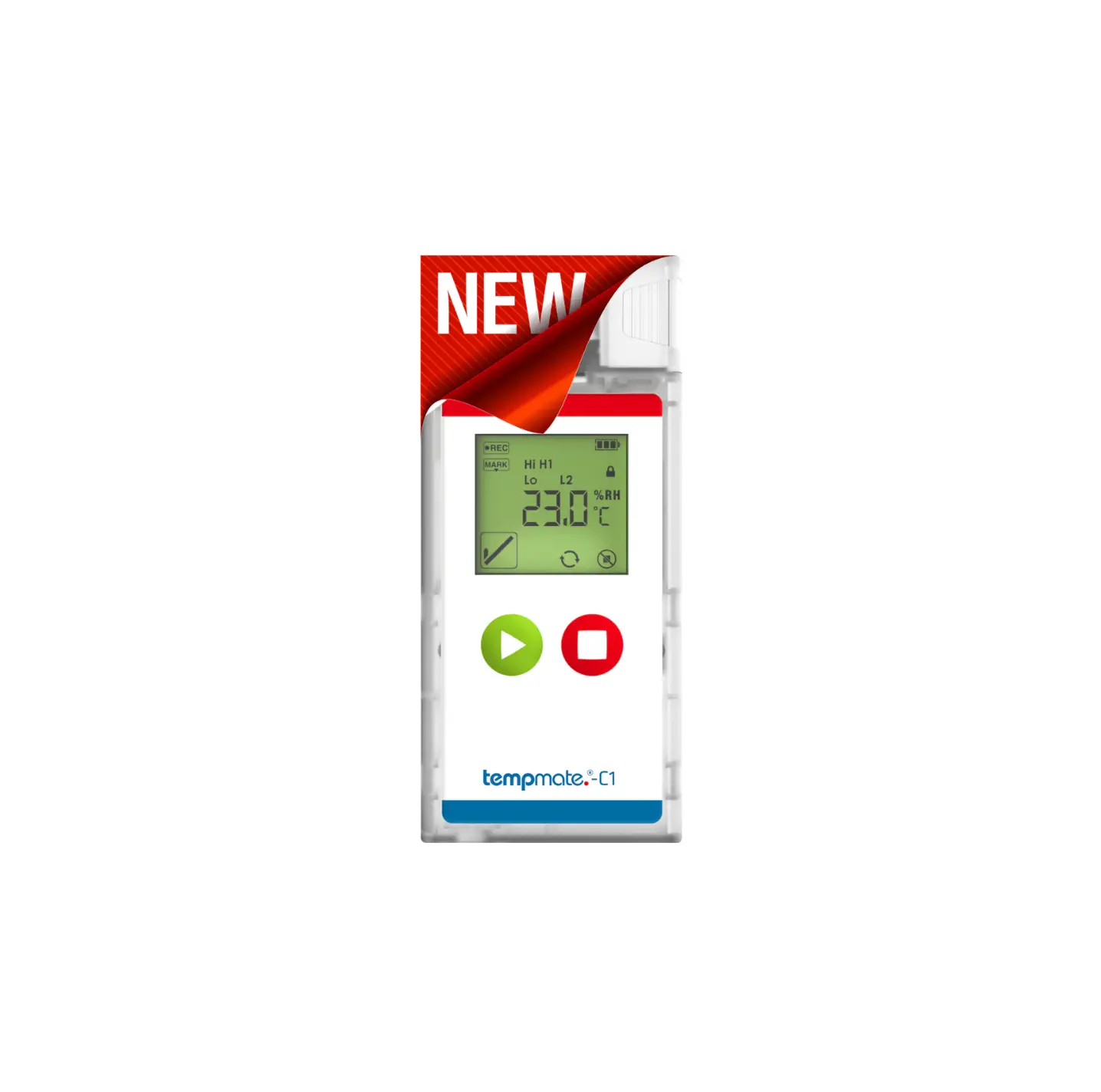
Review/Mark button
Press to enter REVIEW mode and then press again to advance through the min/max temperatures. This action also places an inspection mark in the log if RECORDING is active. This validates your twice daily temperature logs.
Start/Clear/Stop button
Press to start recording
Press to Stop recording
Press to exit day summary
Downloading data
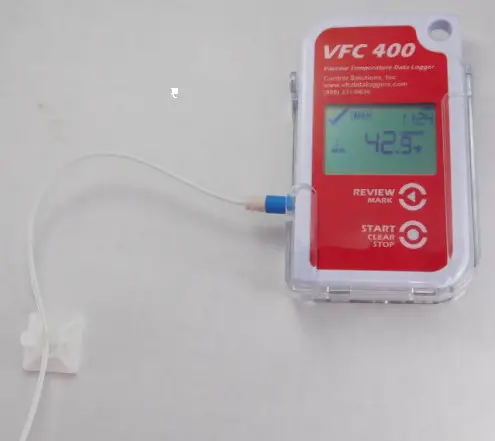
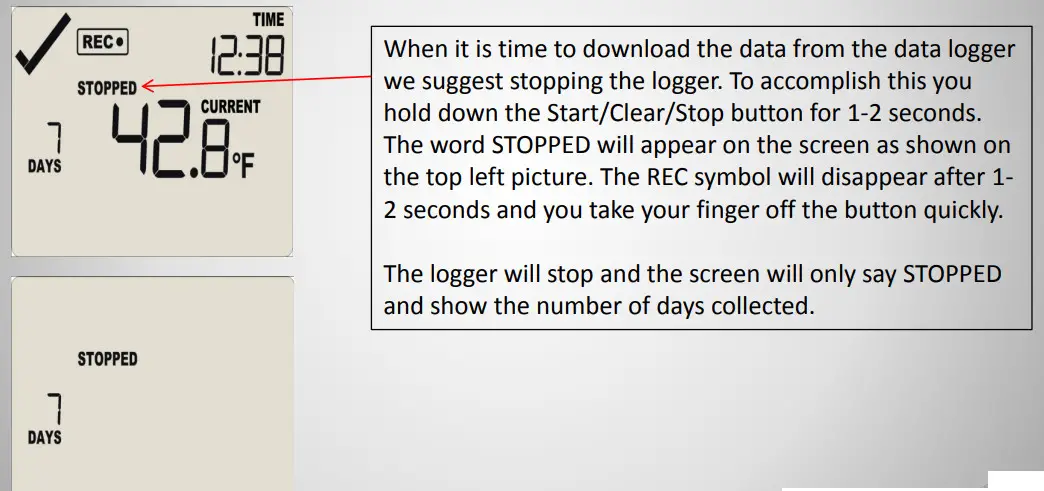
- The first thing we want to do before we download data from the VFC400 is stop the data logger from logging temperatures.

Downloading data
Stopping the data logger
Downlaoding data
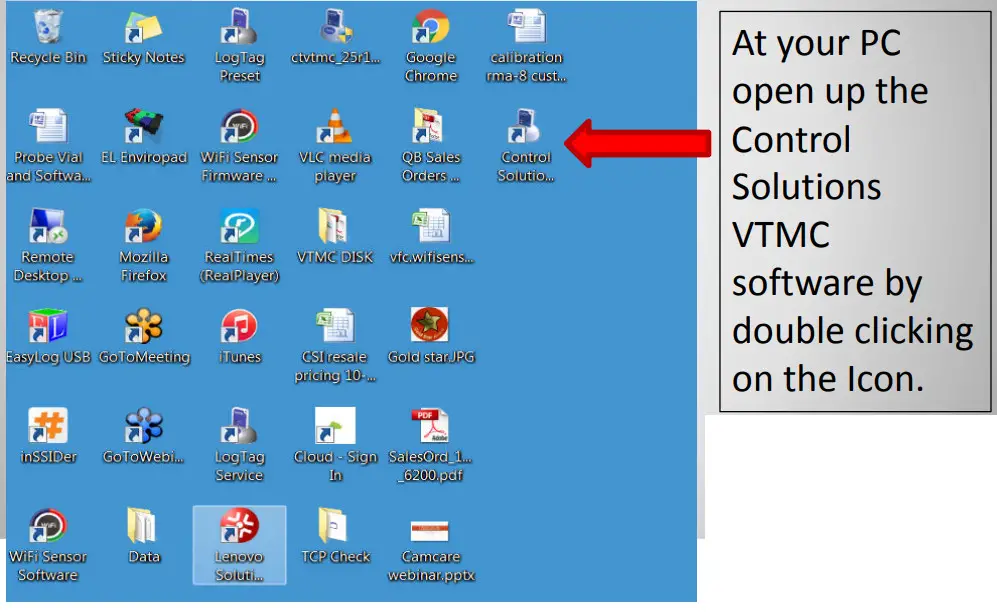
VFC400 Data Logger Configuration
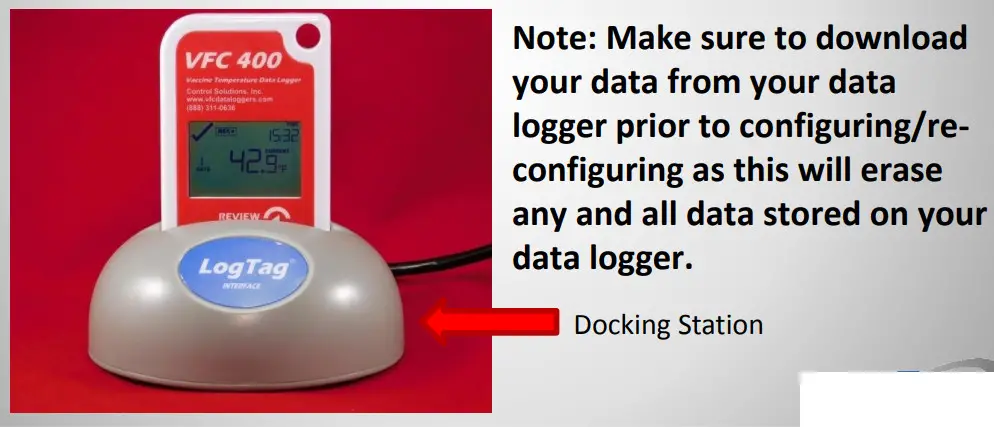
- Plug your Docking Station into the USB port of your PC
- Insert data logger into the Docking Station firmly

Downloading data
- After you insert the logger into the docking station you will see the following message:
 A few seconds later the chart/data will pop-up on the screen and then the following message:
Click OK in the box and remove the data logger from the docking station.
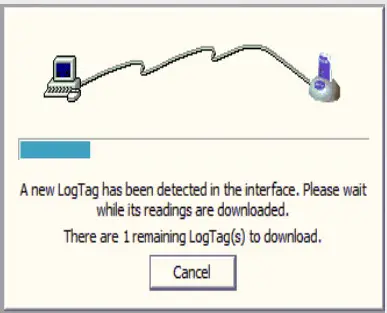 A few seconds later the chart/data will pop-up on the screen and then the following message: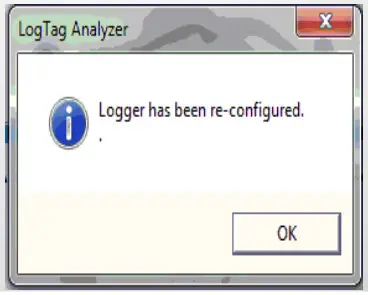
Downloading data
Starting The Logger
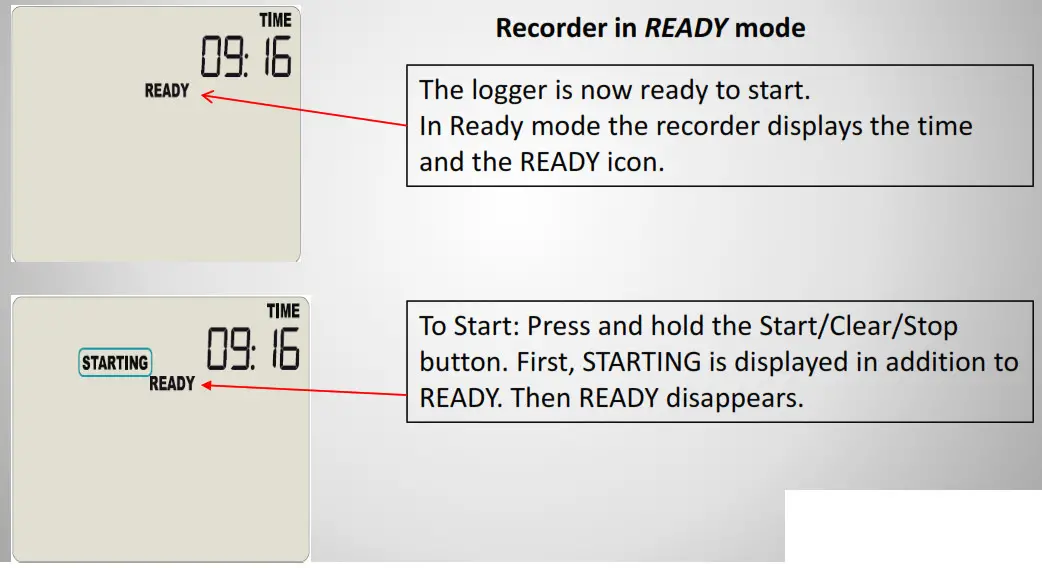
Downlaoding data
Starting The Logger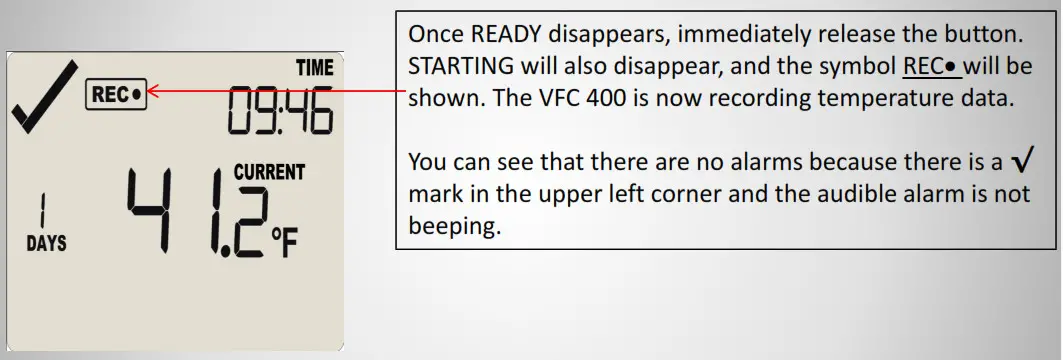
Control Solutions, Inc.
www.vfcdataloggers.com
503-410-5996
Thank you for your business
Control Solutions, Inc.
35851 Industrial Way, Suite D
St. Helens, OR 97051
503-410-5996
www.vfcdataloggers.com
 Home | Control Solutions