
User Manual
KC62
Uni-Core Force Cancelling Subwoofer
WARNING: The apparatus with CLASS I construction shall be connected to a MAINS socket outlet with a protective earthing connection.
Introduction
Thank you for purchasing the KEF KC62 powered subwoofer. We are confident that your KC62 will provide reliable, high-performance sound for many years to come. Please read this manual fully before you attempt any connection to the KC62.
This product complies with the Canadian ICES-003 Class B specifications, CAN ICES-3(B)/ NMB-3(B).
Inside the box
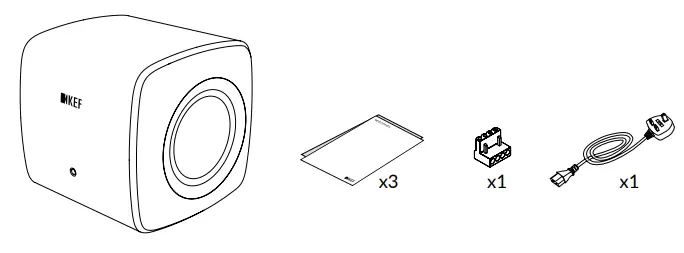
Contents vary by region.
Controls and sockets
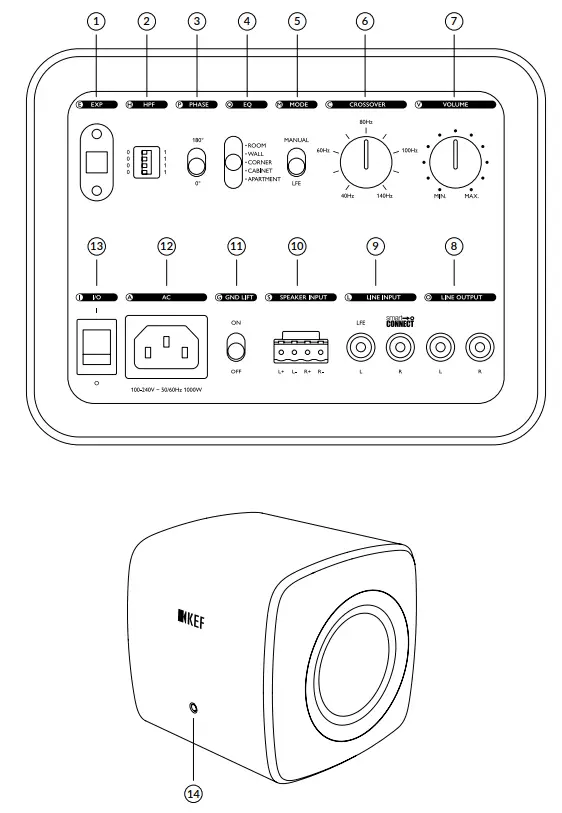
Controls and sockets
| 1. Expansion port | 8. Line output |
| 2. Line out high pass frequency (HPF) | 9. LFE/ Line in with Smart Connect |
| 3. Phase control | 10. High level (speaker) input block |
| 4. EQ | 11. Ground lift |
| 5. Mode | 12 AC power input |
| 6. Crossover frequency control | 13. Power on/ off |
| 7. Volume control | 14. LED indicator light |
Positioning
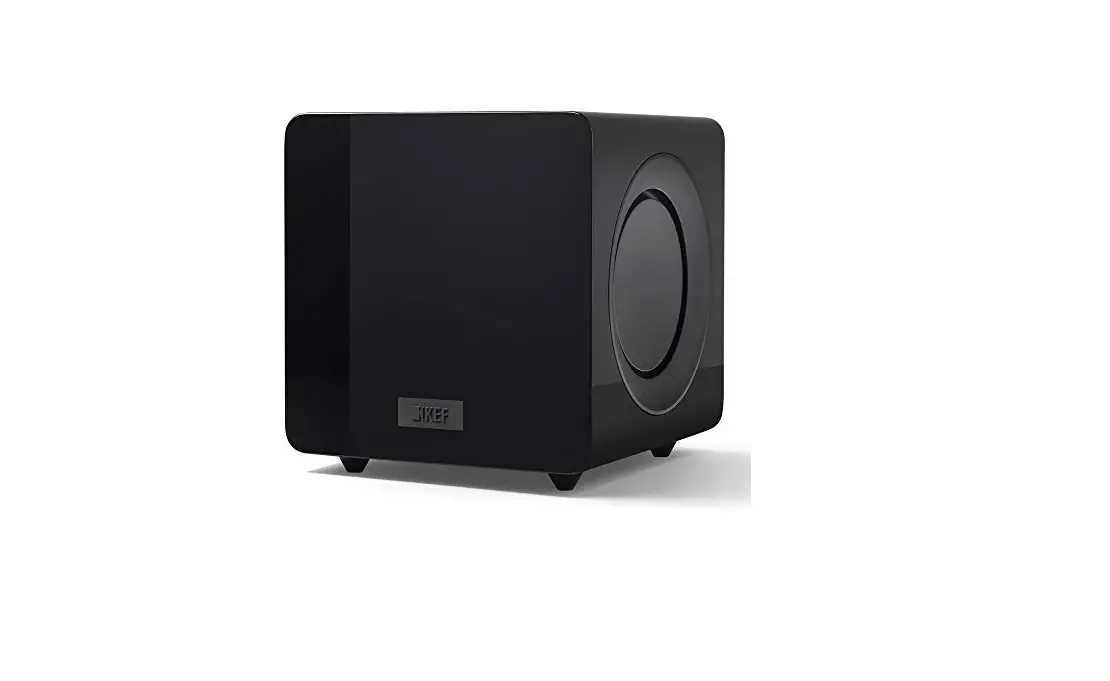
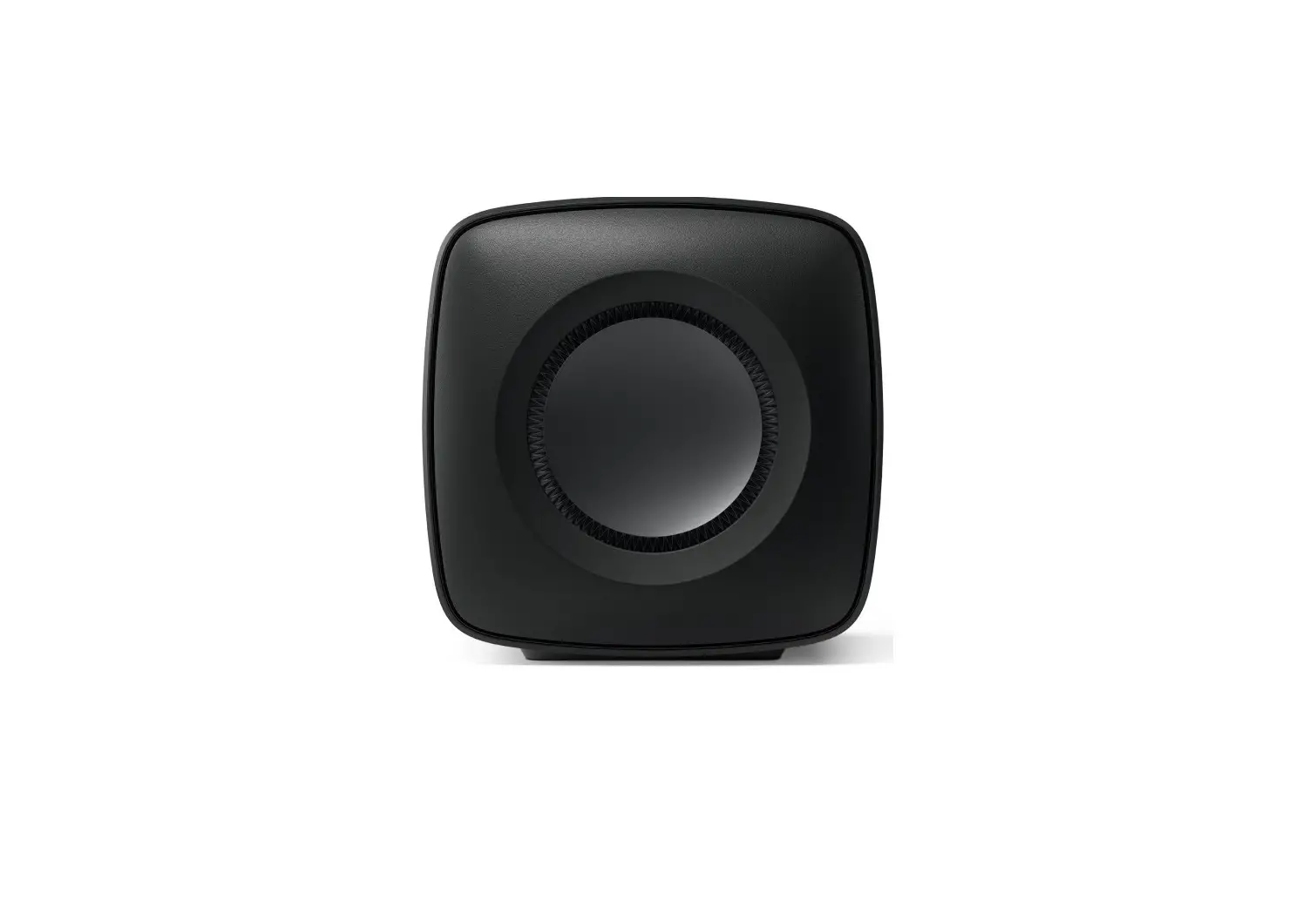
The KC62 is side-firing, therefore there should be a minimum of 77mm (3″) clearance between the drivers and any wall.
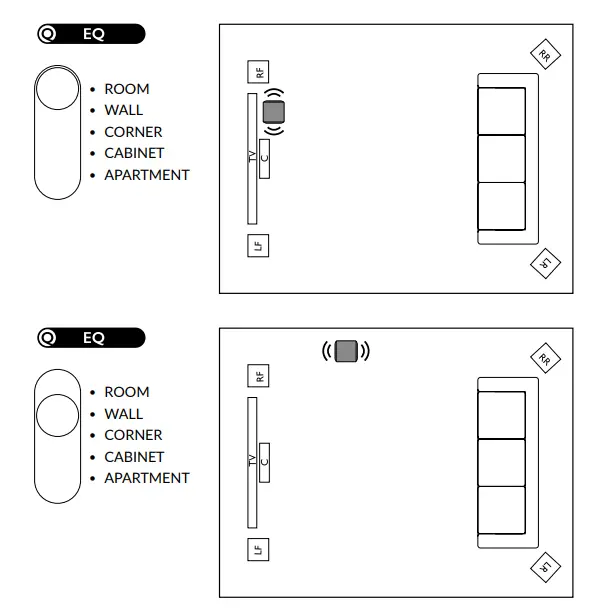 | 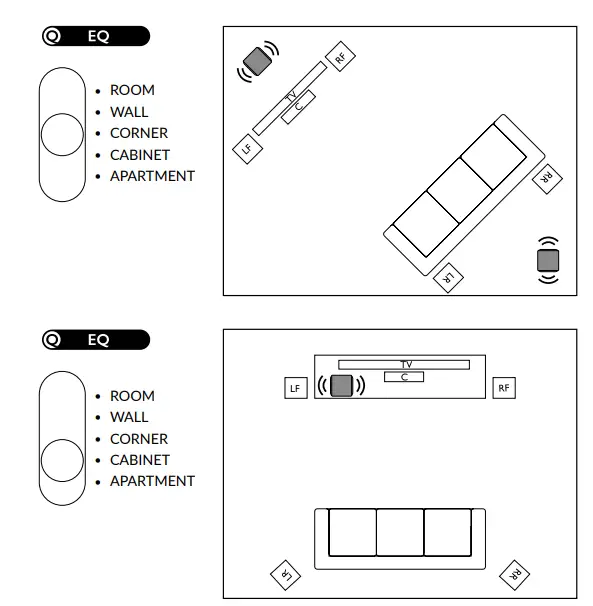 |
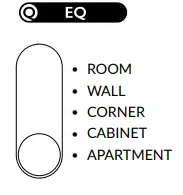 Low-frequency sound can travel through walls and be heard in adjacent rooms. To avoid disturbing neighbors set the EQ to “APARTMENT MODE” to reduce the level of very low frequencies.
Connection to LINE INPUT from a preamp or receiver
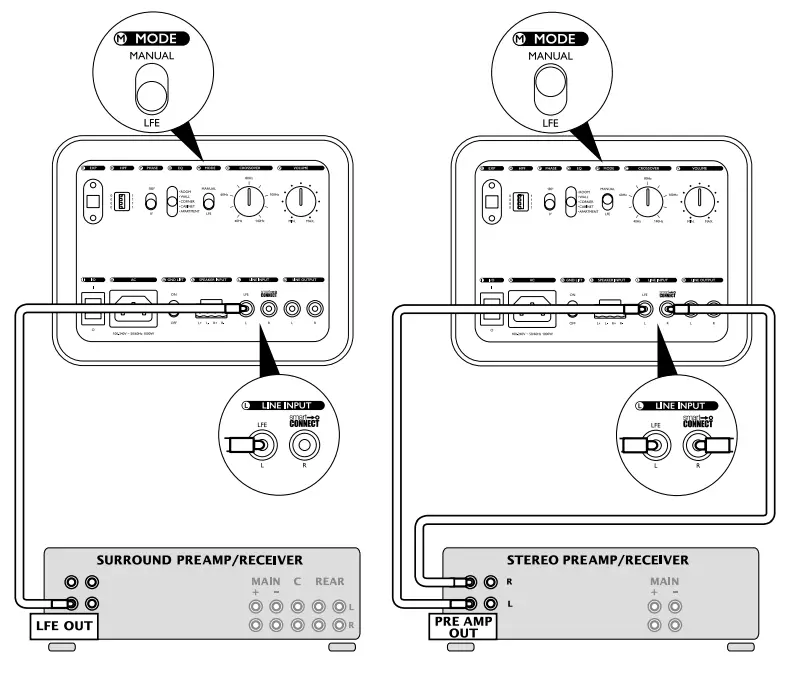
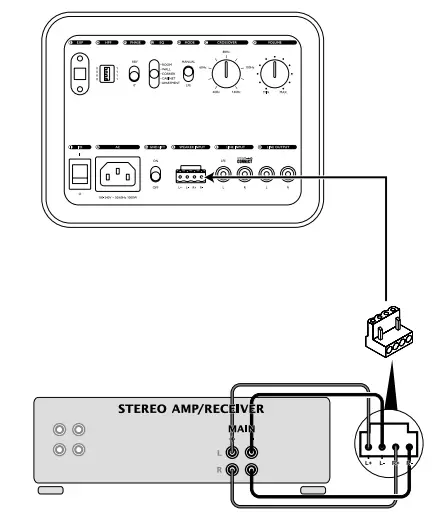
Connection to SPEAKER INPUT from a stereo amp or receiver
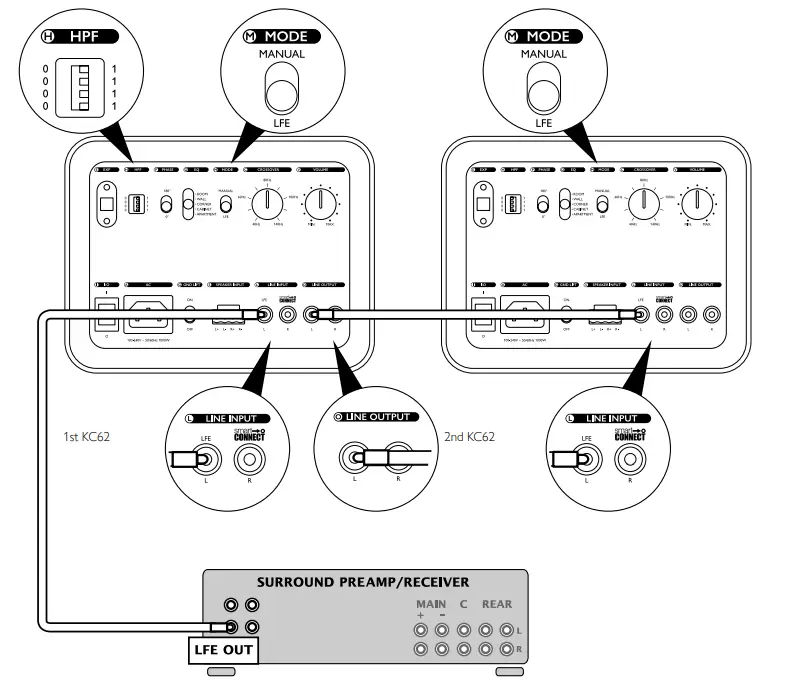
LFE connection to 2 subwoofers
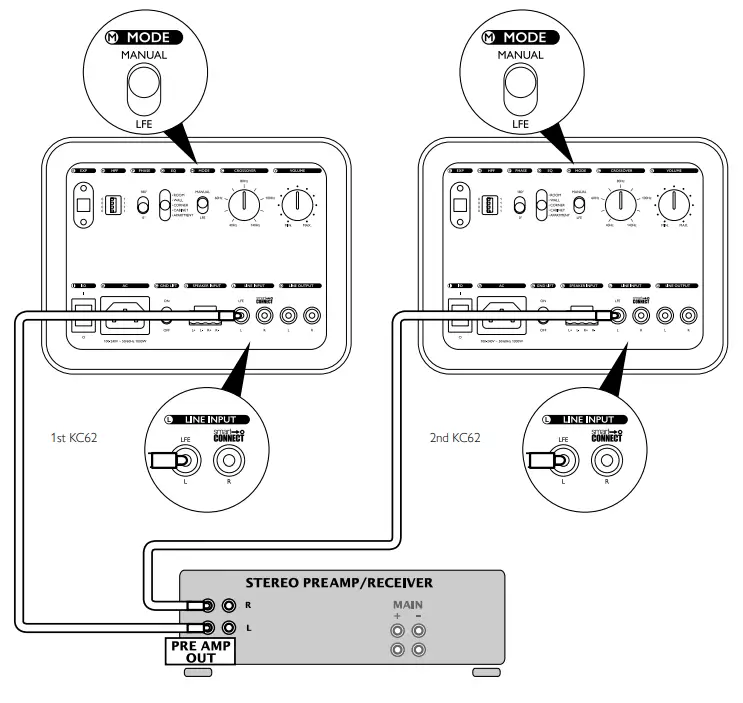
Stereo connection to 2 subwoofers
Connection to small speakers in a stereo music system
Connection to small speakers in a stereo music system
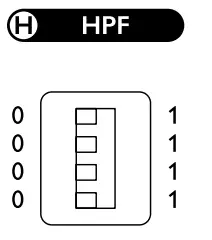 You can use the LINE OUT high pass frequency (HPF) of the KC62 to match the KC62’s frequency response to speakers.
- Connect the amplifier for the speakers to the LINE OUTPUT
- Adjust the high pass frequency through LINE OUT HPF to optimize the performance of the speakers. Please refer to the frequency settings on the table.
DIP | High Pass (Hz) | Stereo/ Mono |
| 0000 | Bypass | Stereo |
| 1000 | 40 | Stereo |
| 0100 | 45 | Stereo |
| 1100 | 50 | Stereo |
| 0010 | 55 | Stereo |
| 1010 | 60 | Stereo |
| 0110 | 70 | Stereo |
| 1110 | 80 | Stereo |
| 0001 | 90 | Stereo |
| 1001 | 100 | Stereo |
| 0101 | 110 | Stereo |
| 1101 | 120 | Stereo |
| 0011 | 40 | Mono |
| 1011 | 80 | Mono |
| 0111 | 100 | Mono |
| 1111 | Bypass | Mono |
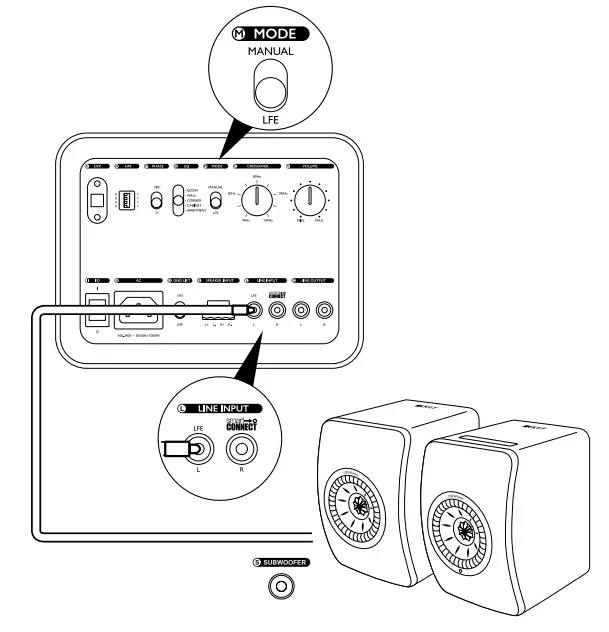
Connection to LINE INPUT from LSX / LS50W / LS50W II
When using LSX / LS50W / LS50W II, set MODE to LFE, and use their respective KEF app to set the high and low pass frequencies.
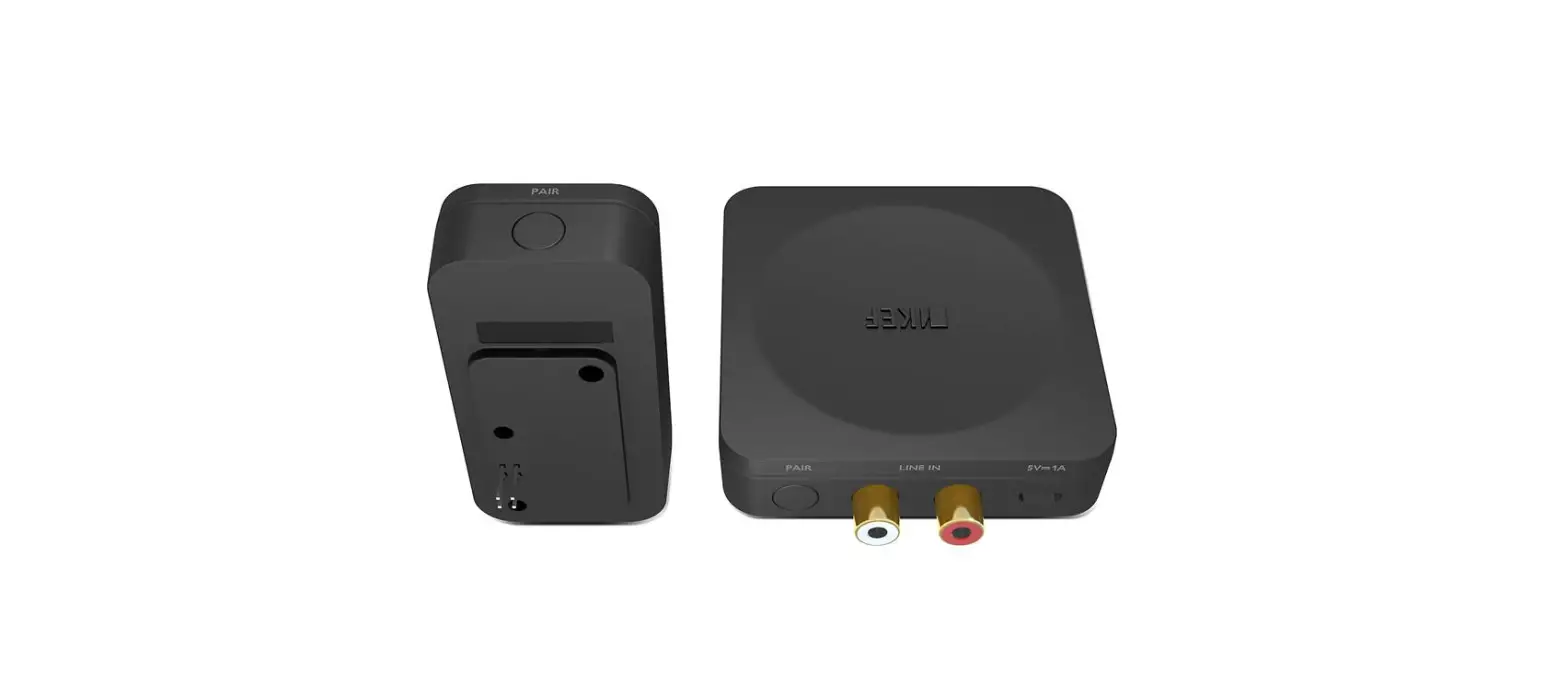
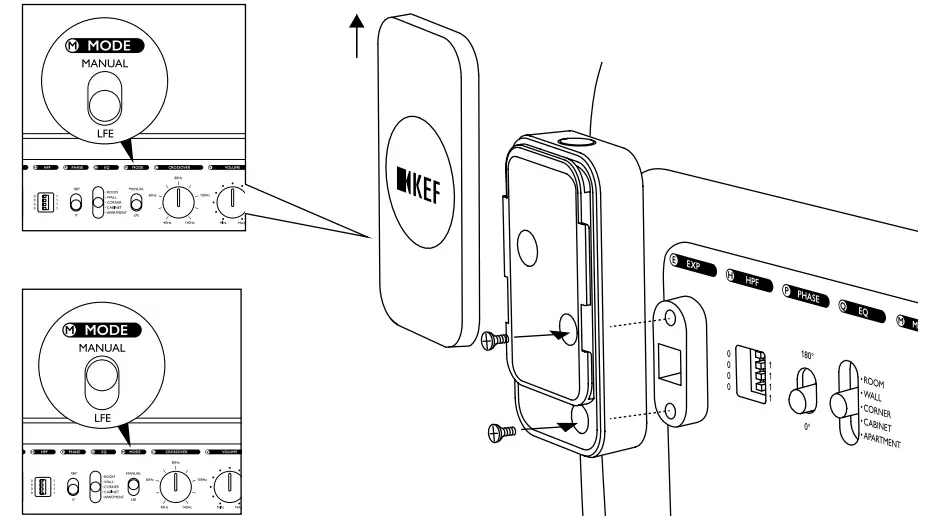
Connection to KW1 Wireless Subwoofer Adapter Kit (Optional accessory)
SURROUND RECEIVER
STEREO RECEIVER
Please refer to the detailed setup in KW1 user manual.
Controls
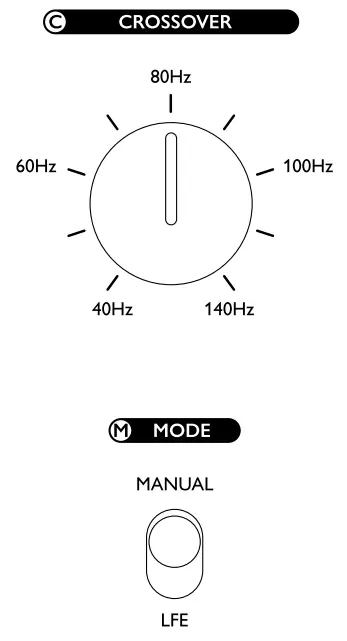
Crossover frequency control & mode
The crossover frequency control changes the upper cut-off frequency of the subwoofer. Its effective range is from 40Hz to 140Hz at a rate of 24dB per octave. The frequency control should be adjusted to achieve the smoothest integration between the main/satellite speakers and the subwoofer. Clockwise rotation will increase the cut-off frequency and anti-clockwise rotation will decrease the cut-off frequency.
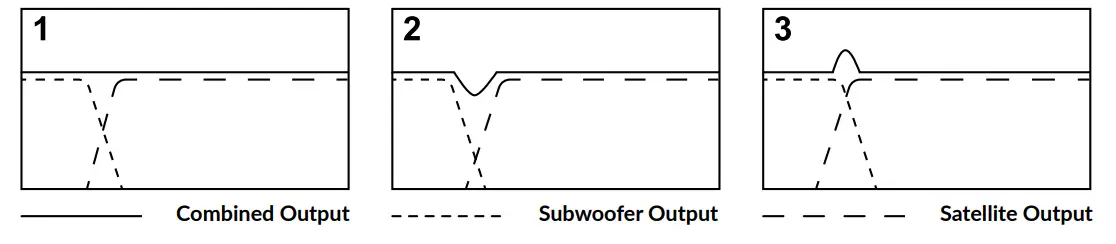
- Ideal crossover – flat response.
- Crossover point set too low – causes dip in combined response.
- Crossover point set too high – causes hump in combined response.
If your receiver/preamp does not have a subwoofer crossover
- Set the “Mode” button to MANUAL.
- Start with the crossover on the subwoofer at 80Hz and adjust up or down till you find the best match with your speakers.
If your AV amplifier/receiver/preamp has a subwoofer crossover
- Set the “Mode” button to LFE
- Start with the crossover on the AV amplifier/receiver/preamp at 80Hz and adjust up or down till you find the best match with your speakers.
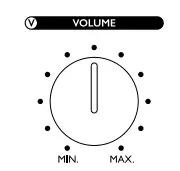 | Volume control The volume control adjusts the output level of the subwoofer in relation to the satellite or AV speaker output level. Clockwise rotation to increase the output level or anti-clockwise to decrease the output level. |
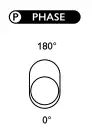 | Phase control The phase control will normally be set at 0º but more output level can sometimes be achieved in the 180º position, particularly when the subwoofer is far away from the satellite speakers. |
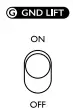 | Ground lift If you hear ground-related noise, make sure your system is properly grounded and that all antenna, satellite, or CATV lines are properly grounded. If noise continues, set the “GND LIFT” button to “ON” to reduce or eliminate any remaining ground noise |
LED indicator light
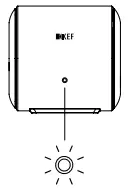
| Standby | Amber |
| On | White (6 sec) > Off |
| Error | Blinking amber |
Specifications
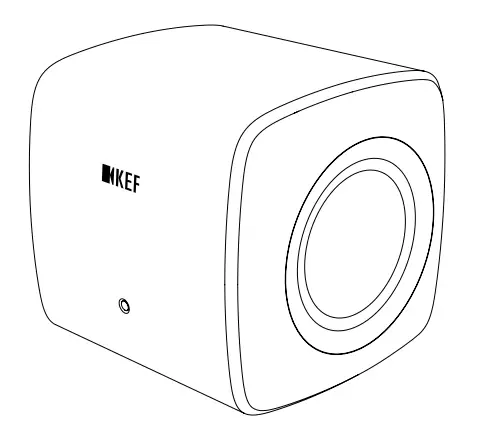
| Model | KC62 |
| Design | Force cancellation |
| Drive units | 2 x 6.5″ drivers |
| Frequency response (-3dB) | 11Hz – 200Hz |
| Max output | 105dB |
| Amplifier type | Built-in Class-D |
| Amplifier power | 1000W RMS (2 x 500W RMS) |
| Variable Low Pass Filter | 40Hz – 140Hz, LFE |
| Input | RCA phono sockets Speaker level inputs |
| Power requirements | 100-240 V — 50/60 Hz |
| Power consumption | 1000W |
| Dimension (H x W x D) with Rear panels and Feet | 246 x 256 x 248 mm |
| Weight | 14kg (30.8Ibs) |
| Optional accessory | KW1 Wireless Subwoofer Adapter Kit |
KEF reserves the right, in line with continuing research and development, to amend or change specifications. E&OE.
For product registration, please visit https://kef.world/kc62reg
GP Acoustics (UK) Limited
Eccleston Road
Tovil, Maidstone
Kent, ME15 6QP
UK
 KEF US | KEF USA
 choose-your-location | KEF International