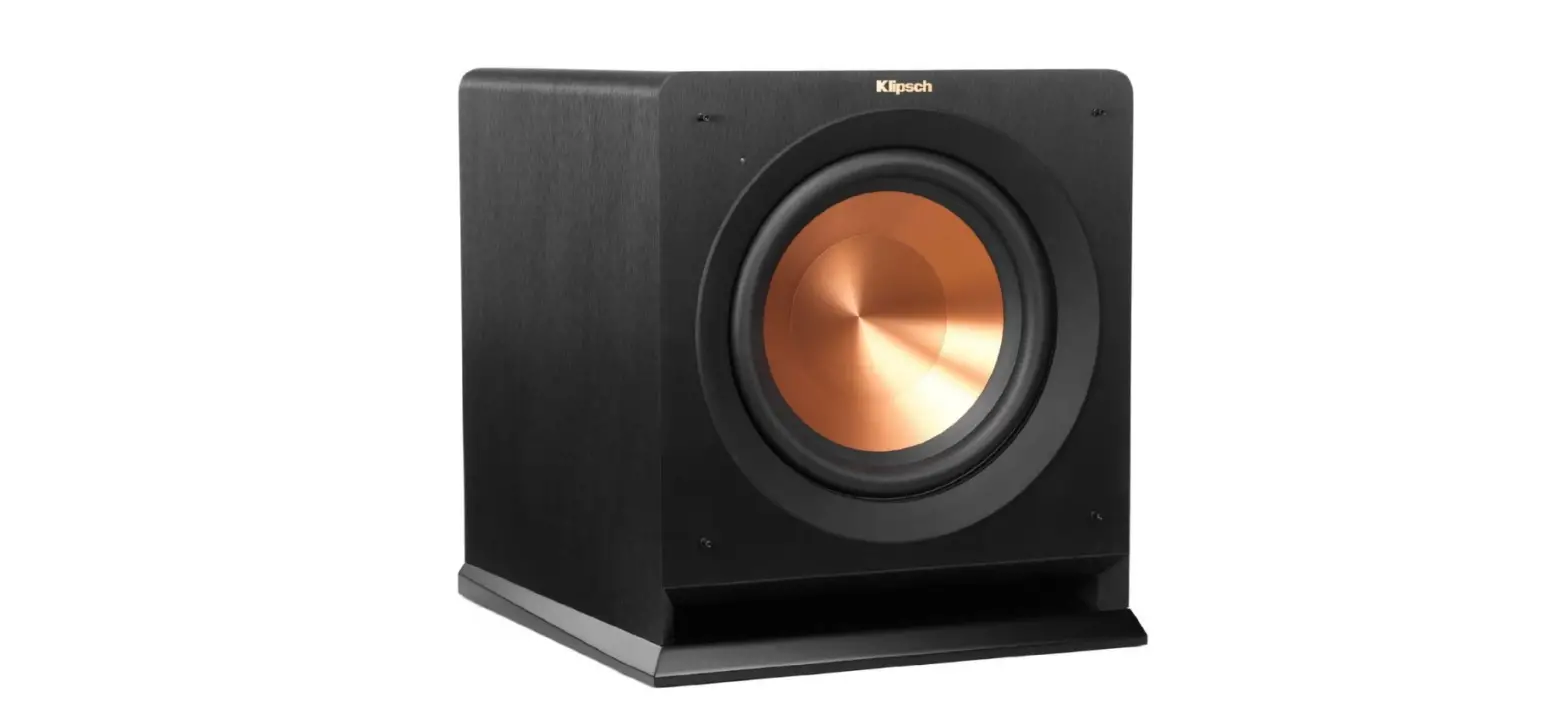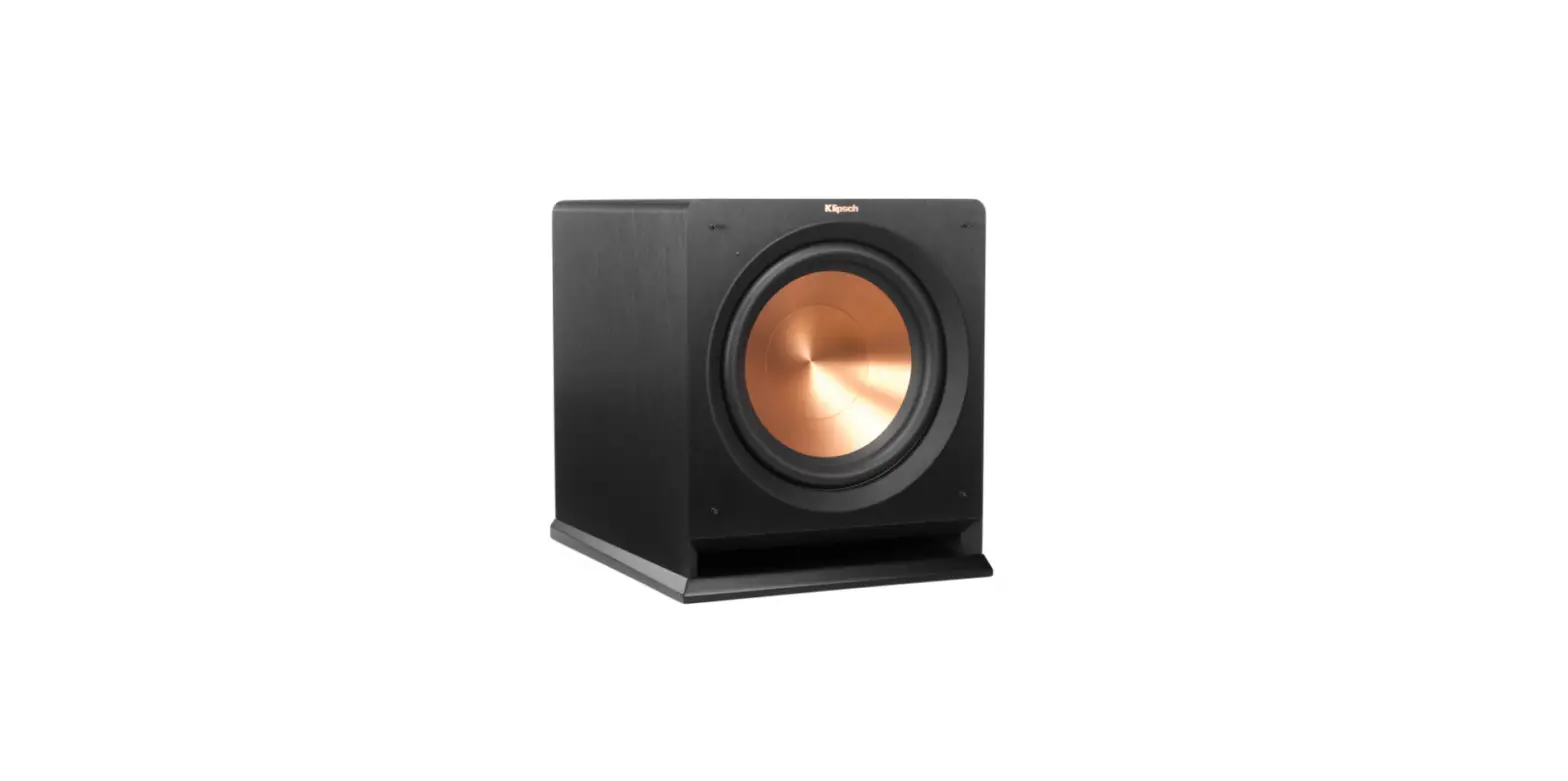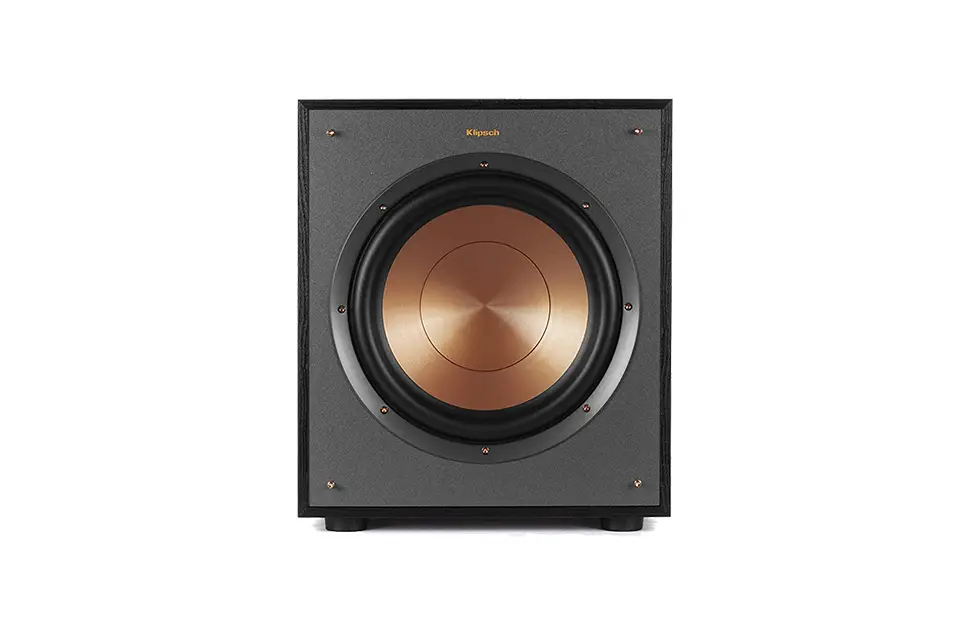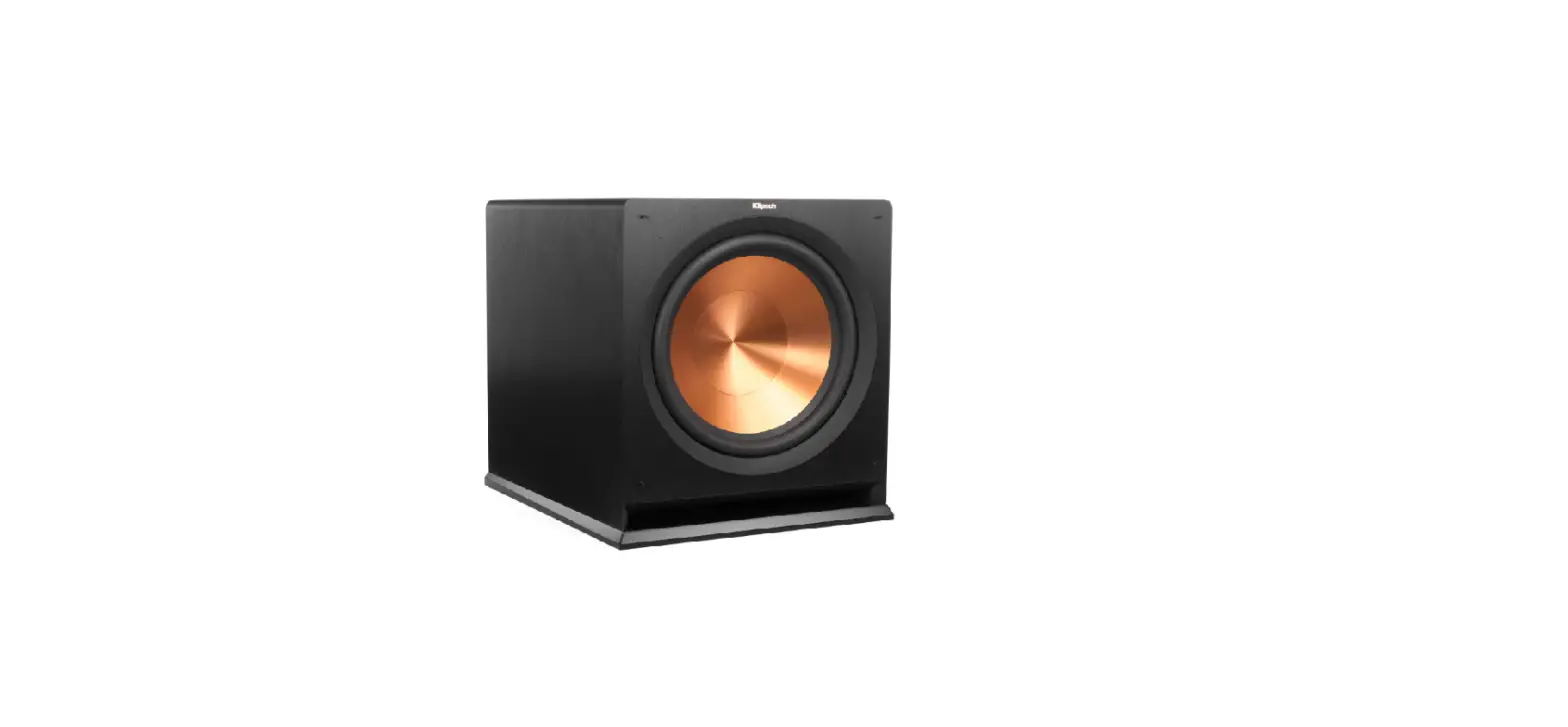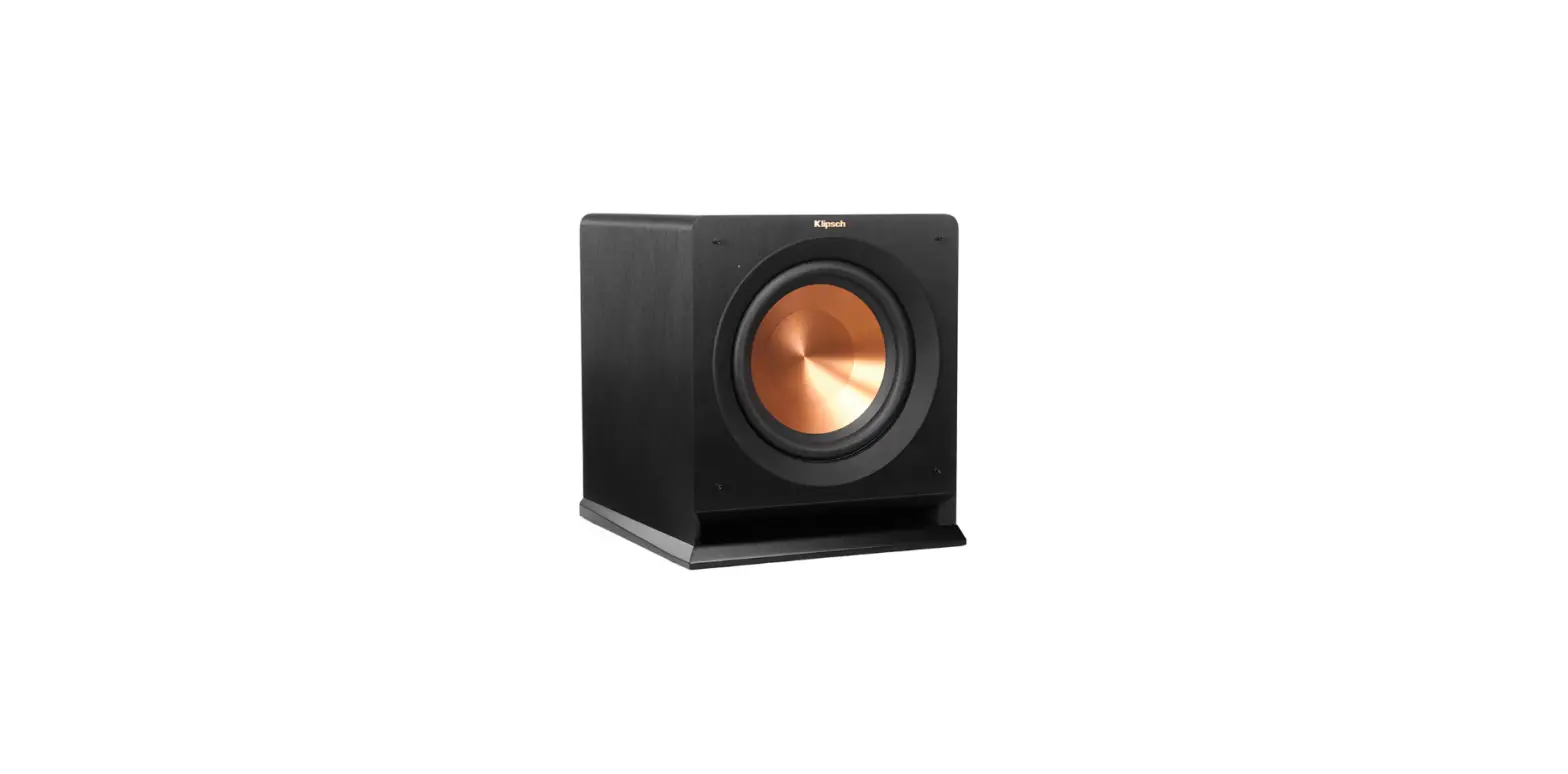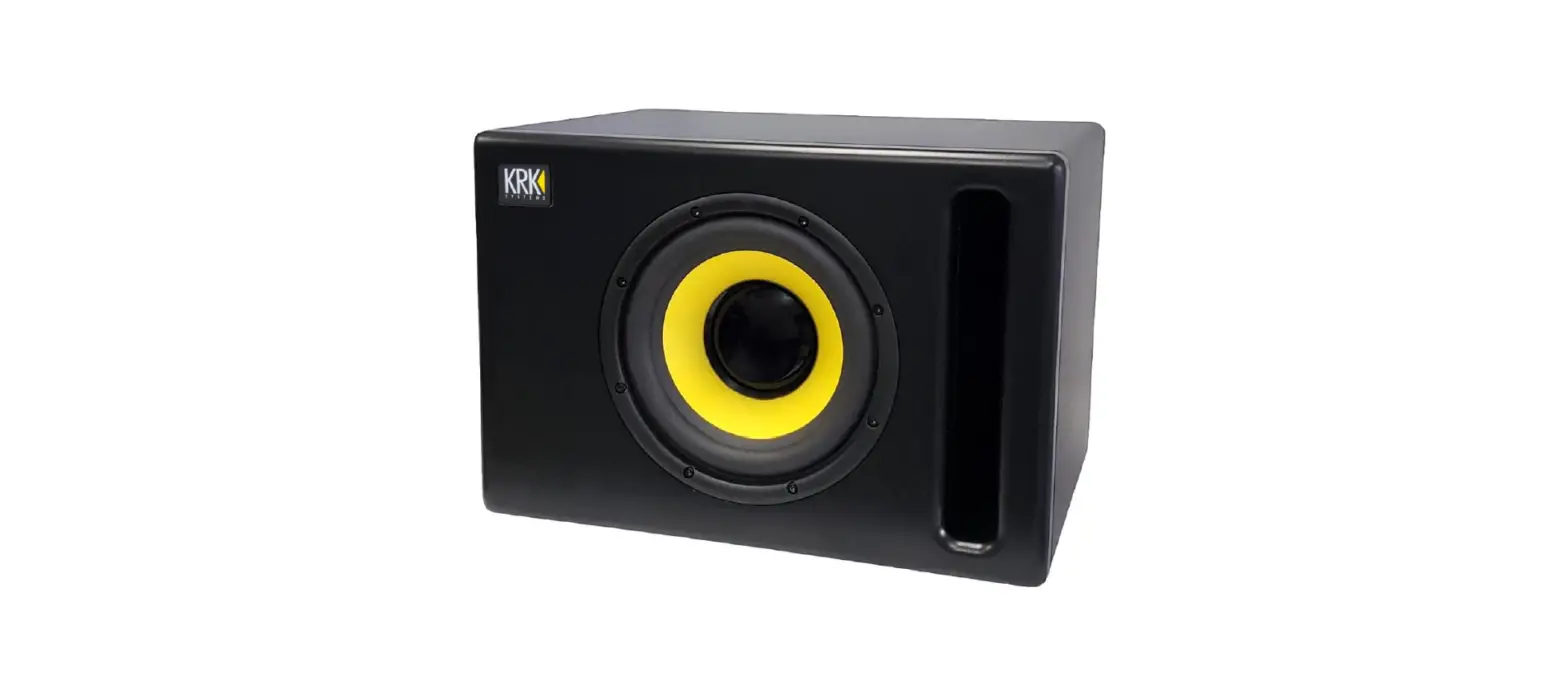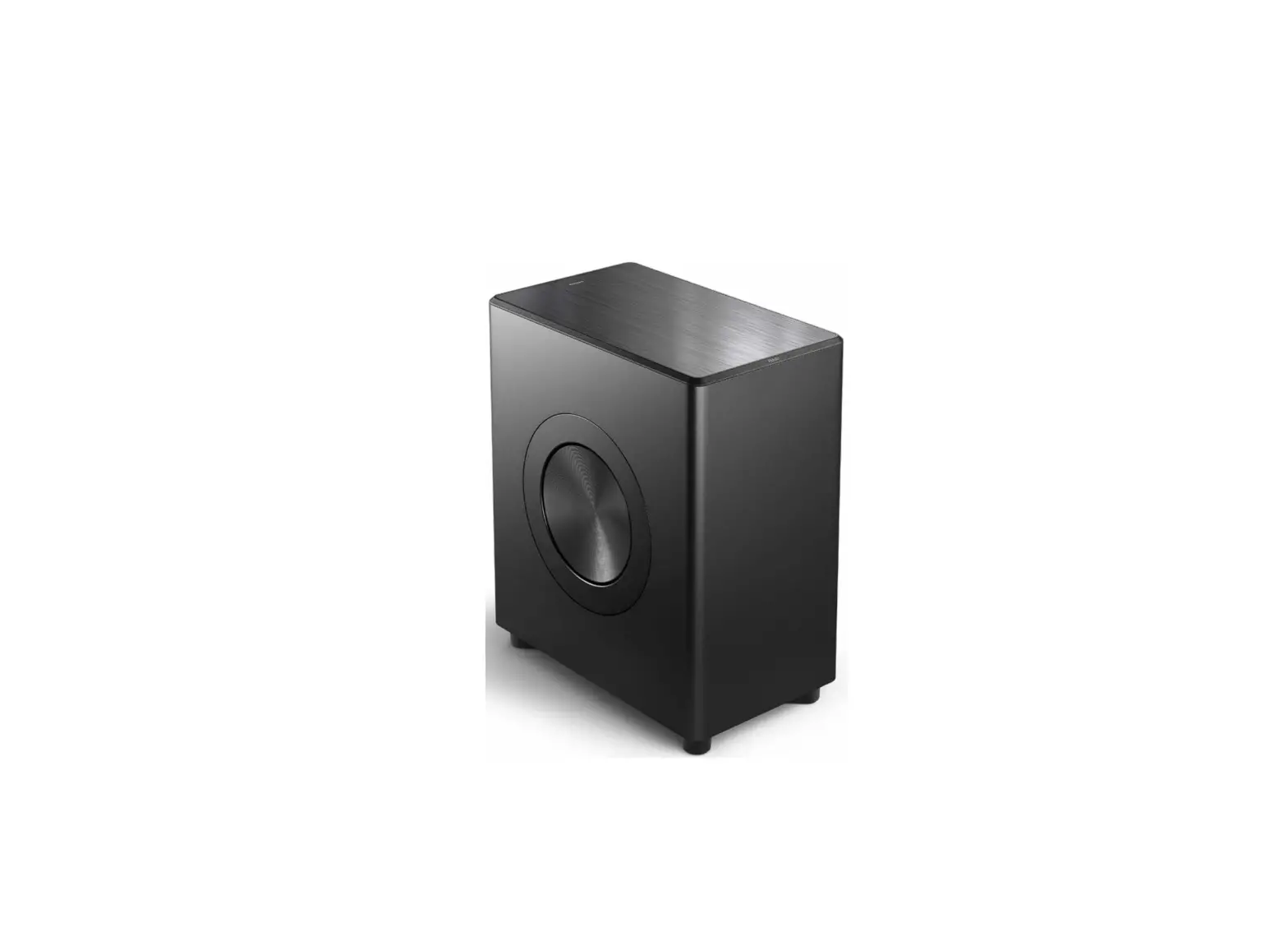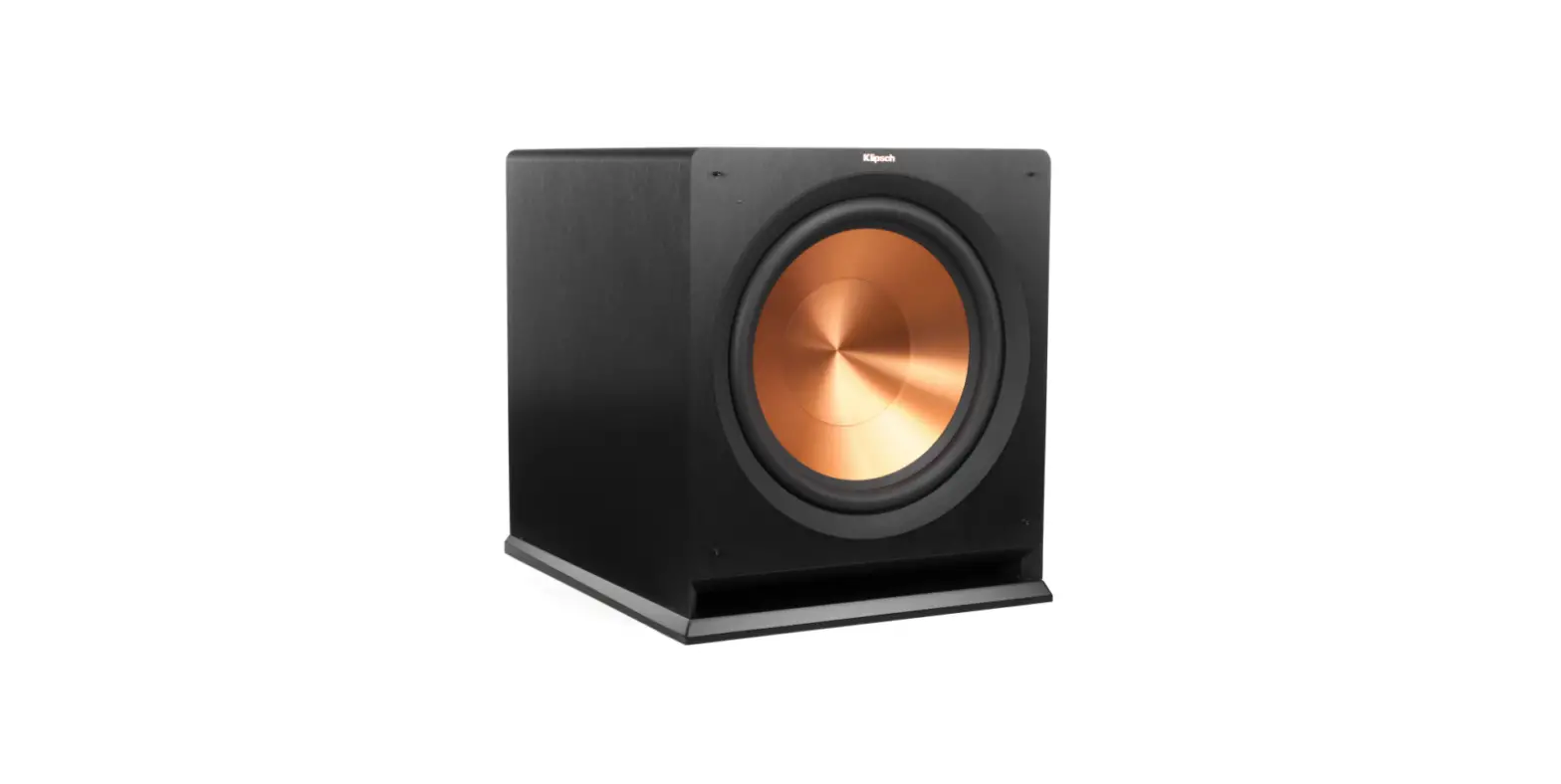

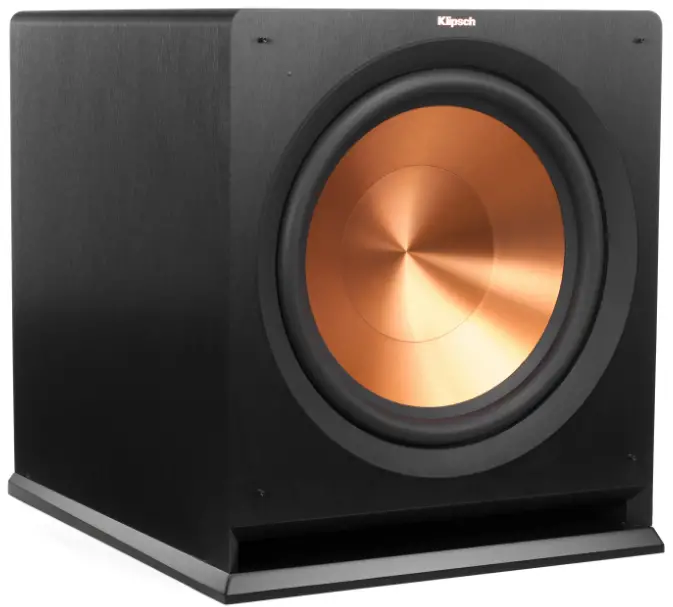
Klipsch R-115sw Wireless Subwoofer
REFERENCE (n):
- the standard, the benchmark, the point used for comparison
- the embodiment of the legendary Klipsch sound
LOUD AND PROUD SINCE 1946
In 1946, Paul W. Klipsch revolutionized the audio industry by creating our proprietary horn technology and the acoustic principles that are the driving force behind our highly acclaimed signature sound. Today, we remain true to PWK’s vision and pack the better part of a century’s worth of sweat and genius into every product we make. These speakers are the result of our obsession with that aural perfection. Experience the power, detail and emotion of Klipsch Reference. We are the Keepers of the Sound
REFERENCE SUBWOOFERS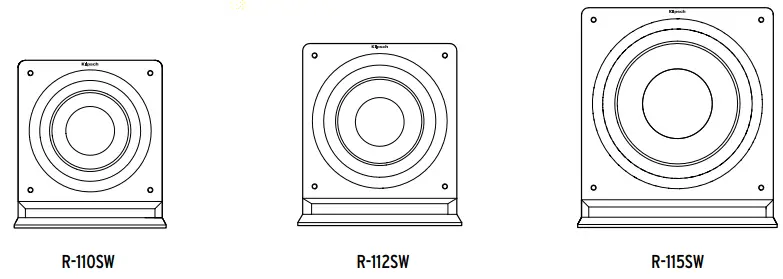
INSPECTION
We want your new speaker system to look as good as it did leaving the factory! Please check promptly for any transit damage. Carefully unpack your new speaker system and verify the components against the packing list. In extreme circumstances, items may have become damaged in transit. If any damage is discovered, notify the delivery service and dealer where the system was purchased. Make a request for inspection, and follow their instructions for evaluation. Be sure to keep the product’s original shipping carton.
POSITIONING YOUR REFERENCE SUBWOOFER
Klipsch® powered subwoofers are designed to reproduce deep bass and deliver the impact that makes your movies and music come alive. Typically, optimum performance will result if you place your subwoofer in a corner of the room on the same wall as your front channel speakers (Refer to Figure 1). Please note that room placement can have a dramatic effect upon the performance of your powered subwoofer. Corner placement, as suggested above, will increase the amount of bass output, while placing the subwoofer along the middle of a wall, or out in the room will decrease the amount of bass output. Experiment with a number of different placement options and control settings to find the one that best suits your particular room and taste. When choosing your subwoofer’s location, keep in mind that you will need to connect the subwoofer’s built-in amplifier to an AC power outlet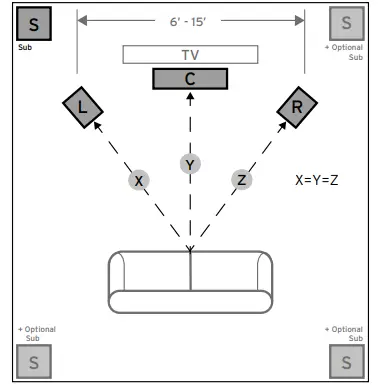
CONNECTIONS AND CONTROLS
CAUTION: Ensure that the subwoofer is unplugged from the AC wall outlet before making any connections.
“LINE IN” Connection – Most of today’s surround receivers (and preamplifiers) have a line level subwoofer output labeled Subwoofer Pre Out, Sub Out, SW Out, etc. If you have this output, connect one end of a subwoofer cable to it and connect the other end of the cable into the subwoofer line input labeled LEFT/LFE. This connection allows the subwoofer to operate with both music and surround sound movies (refer to your receiver manual). In absence of a subwoofer output on your receiver, as an alternative hookup, you can connect Left and Right channel Pre-Amp Outputs from your receiver (if provided) to the Left/LFE and Right input on the subwoofer.
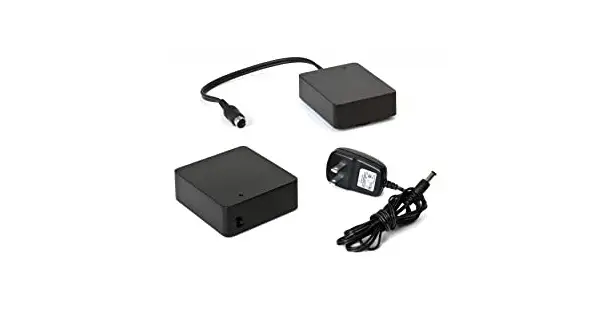
WA-2 Port Connection – For wireless connectivity of your new Klipsch R-110SW, R-112SW, or R-115SW subwoofer, the optional WA-2 is available. The WA-2 will only operate with select Klipsch, Energy, Mirage and Jamo brand subwoofers that have a “WA Port” input. The WA-2 is a 2.4 GHz product designed to wirelessly transmit a signal up to a 50 foot radius. See klipsch. com for more details.
Level – If your subwoofer is connected to a Subwoofer Output of a surround receiver, first set the subwoofer volume level control in the receiver to the “half way” or “0 dB” position. Then increase the volume (or gain) of the subwoofer up until the subwoofer’s volume level matches the output of your main speakers. After this setup is completed, the volume control on your system’s main amplifier or pre-amplifier will be the volume control for both your subwoofer and speakers together. If your subwoofer is connected to the L/R Pre-Amp Outputs of a receiver there will be no subwoofer volume in that receiver to set before setting the subwoofer’s gain control.
LOWPASS” Control – The crossover point chosen determines where low bass frequencies are “handed off” from the speakers to the subwoofer. If setting the crossover point in the receiver, turn the Lowpass Filter knob on the subwoofer to the farthest point right (160Hz). Set the crossover point based on the size of the main left/right speakers you are using in the system. As a general rule, for larger, floorstanding speakers, set the crossover point between 50Hz-90Hz. If using small bookshelf or “satellite” speakers for the mains, set the crossover point between 90Hz-150Hz. The smaller the speaker, the higher the setting until the bass frequencies blend well between the speakers and your subwoofer once your system is completely hooked up. If your receiver does not have a crossover point setting, set the Lowpass Filter on the subwoofer instead within the same recommended settings (see receiver manual for additional speaker setup info).
“PHASE” 0/180 – This control is used to acoustically match the subwoofer’s output to your main speakers. Select the position, either 0° or 180°, in which your subwoofer has more output at the listening position.
“POWER” AUTO/ON/OFF – When this switch is in the “ON/AUTO/STANDBY” position, the subwoofer will automatically turn “on” when it senses a signal. It will automatically go into “standby mode” after 15-20 minutes with no signal. When this switch is in the “OFF” position, the subwoofer will remain “off” until the switch is manually turned back to the “ON/AUTO/STANDBY” position.
Power LED indicator – Located on the front baffle, this LED indicates the operating status of the built-in amplifier. The LED will light green when the amplifier is on and receiving a signal. If the LED is dark and not lit, the amplifier is off. For more information on the controls mentioned in this manual and on bass management, see your dealer or visit www.klipsch.com
FIGURE 2
R-110SW, R-112SW, R-115SW SUBWOOFER HOOK UP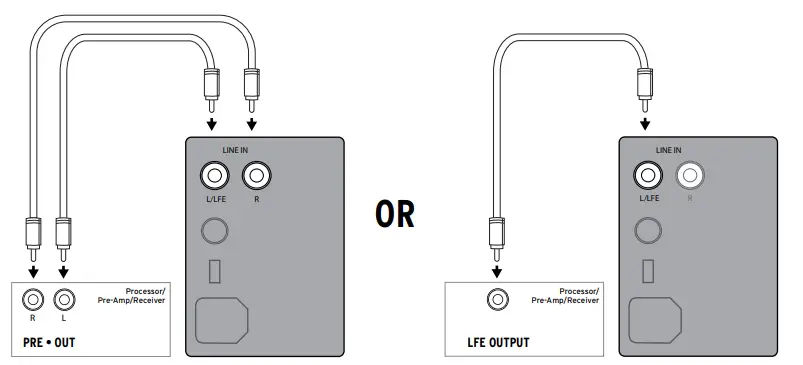
- Left and Right pre-outs on Processor/Pre-Amp/Receiver connected to
- Left and Right line inputs on subwoofer amplifier
LFE Output on Processor/Pre-Amp/Receiver connected to LFE input on subwoofer amplifier
CARE AND CLEANING
Your subwoofer has a durable vinyl finish that should only require dry dusting or cleaning with a dry cloth. Avoid the use of abrasive or solvent-based cleaners and harsh detergents. The brush attachment of your vacuum should remove any dust from your subwoofer enclosure
PRODUCT REGISTRATION
- Register your product online at www.klipsch.com/register
- Keep up-to-date on new products and promotions.
- Your personal information will never be resold.
- This registration information is not used for warranty purposes.
- Please retain your receipt for warranty claims
FAQS
Age. The R-115sw was phased out as they began releasing the SPL-150. They are essentially the same apart from price and age at this point. Slightly different cabinet build, but I don’t even think they really upgraded the amp that powers it.
the volume or gain is calibrated in dicebles (- to +), the low pass or crossover is in herzs (Hz) and this would be where you set the LFE function of the subwoofer. The amplifier in the sub is for the function of the sub and the bookshelf speakers would get their power from the source they are connected to… av receiver, or power amp unless they are powered themselves
well the two purchase doing pretty well over the years have not fail me yet and abuse and punish this thing with drum and base for 24 hours with a mixture of old classic rock and 90 hip hop they take it and perform yeah you get some bad batches sometimes and also you could always diy the back plate is your wish that’s how it goes with audio sometimes i bet you that what you heard is from a very small percentage
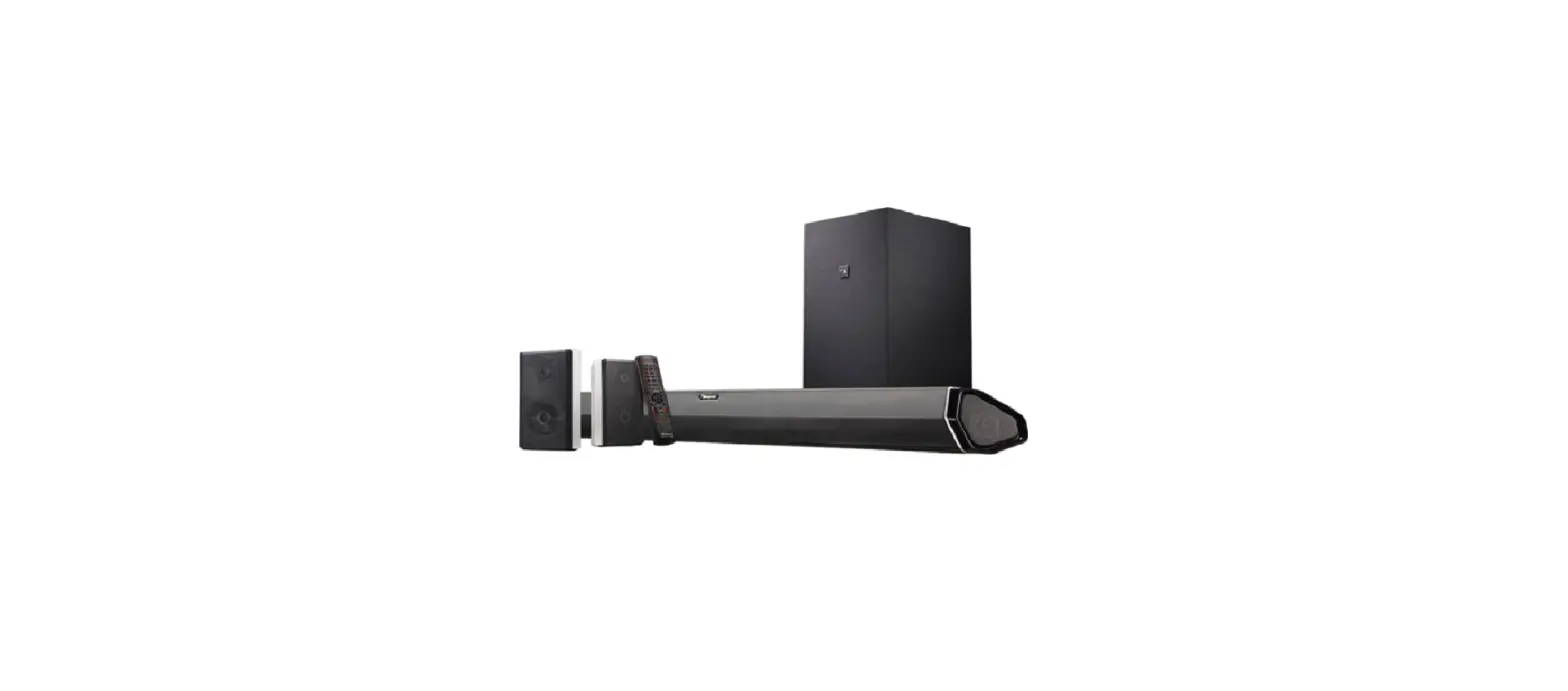
No I don’t think so this sub link to my Klipsch sound bar
Depends on what you mean by “not thumping.” If they’re not making any sound at all, it could be the receiver output if they used to work and suddenly both stopped. If they’re just quieter than normal and you’re missing that punch that comes with things like explosions or bass drums
The amplifiers were upgraded on the R-115sw so the units being sold now as new should have the upgrade. I have two that I brought in 2019 and they are awesome and I haven’t had a problem.
I have 2ea 15in r115sw and it sounds fine in my garage home theater. But I am running 11.2 speakers as well as 2ea large 10in klipsch tower speakers.
“As soon as you plug in the bar and the wireless subwoofer, they will automatically be paired. If for some reason they become unpaired at any time, it’s a quick and easy re-pairing process: simply hold the “pair” button on the back of the sub for 3 seconds. The blue LED on the back of the sub will start to blink
You need to have a receiver with an amp to power the signal to sub
Klipsch subwoofers can be connected via the LFE channel, the white RCA connection, or in a Stereo pair by using both the white and red RCA connections. If you don’t have an AV receiver, most preamplifiers have a Subwoofer outpu
Yes, the subwoofer will work with just about any receiver, that allows speaker wires to be attached. It offers not only a wireless connection, but also offers a wired connection.
Klipsch makes some of the best speakers in the industry, and their subwoofers are no exception. As a result, the R-12SW is an excellent buy for anyone who wants crisp bass without taking up too much space with big boxes that take away from other furniture arrangements.
Some soundbars have proprietary outputs that makes connecting an SVS or other powered subwoofer impossible. Look for a soundbar that accepts a cable like the SVS SoundPath RCA Audio Interconnect Cable or something comparable, and it should work with almost any subwoofer, including all SVS models
Klipsch’s sound quality is generally powerful and harsh. SVS on the other hand offers superior subwoofers and center channel speaker options that offer fuller, softer, and mellower sound.
Level/Gain: Essentially, just a volume knob. You can control the subwoofer’s volume directly here. Or, you can simply set the knob to about 60-75% (about 2 or 3 o’clock) and then control the subwoofer volume within your receiver or pre-amp settings.