Contents hide
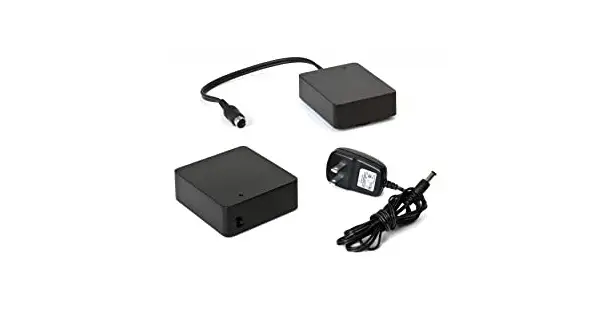
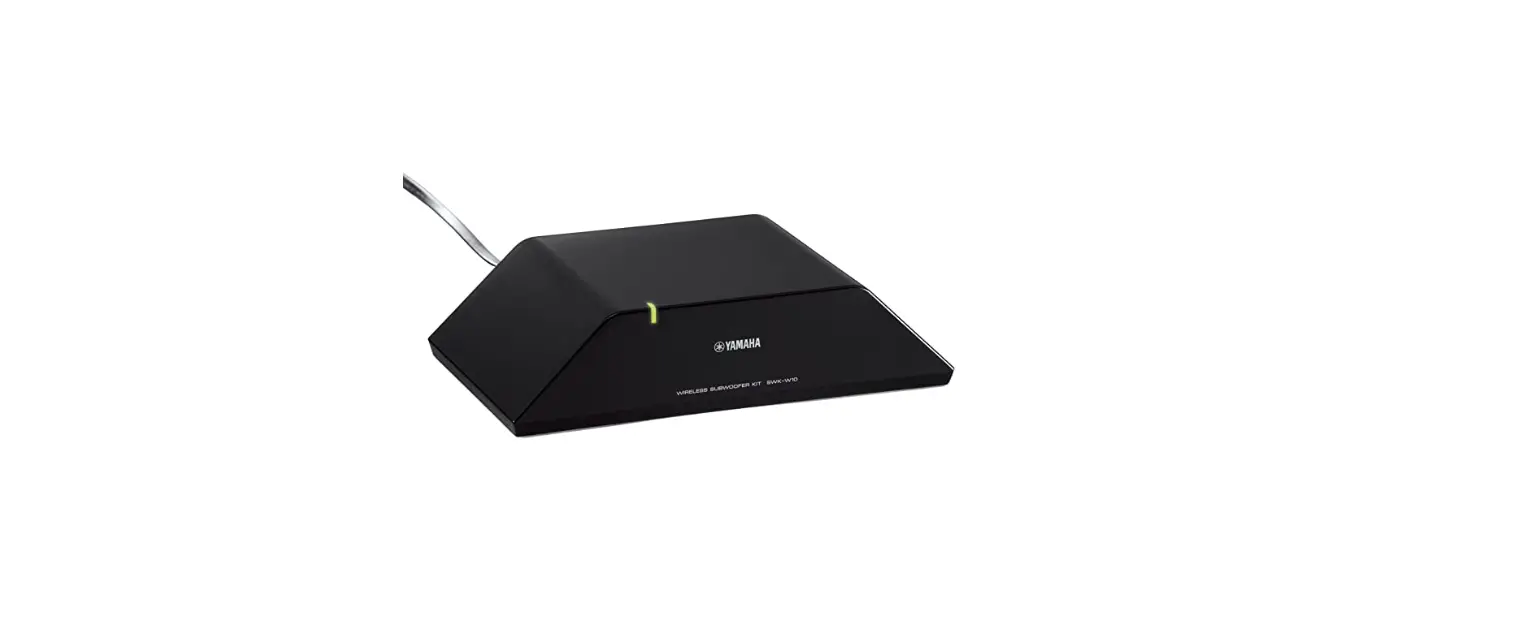
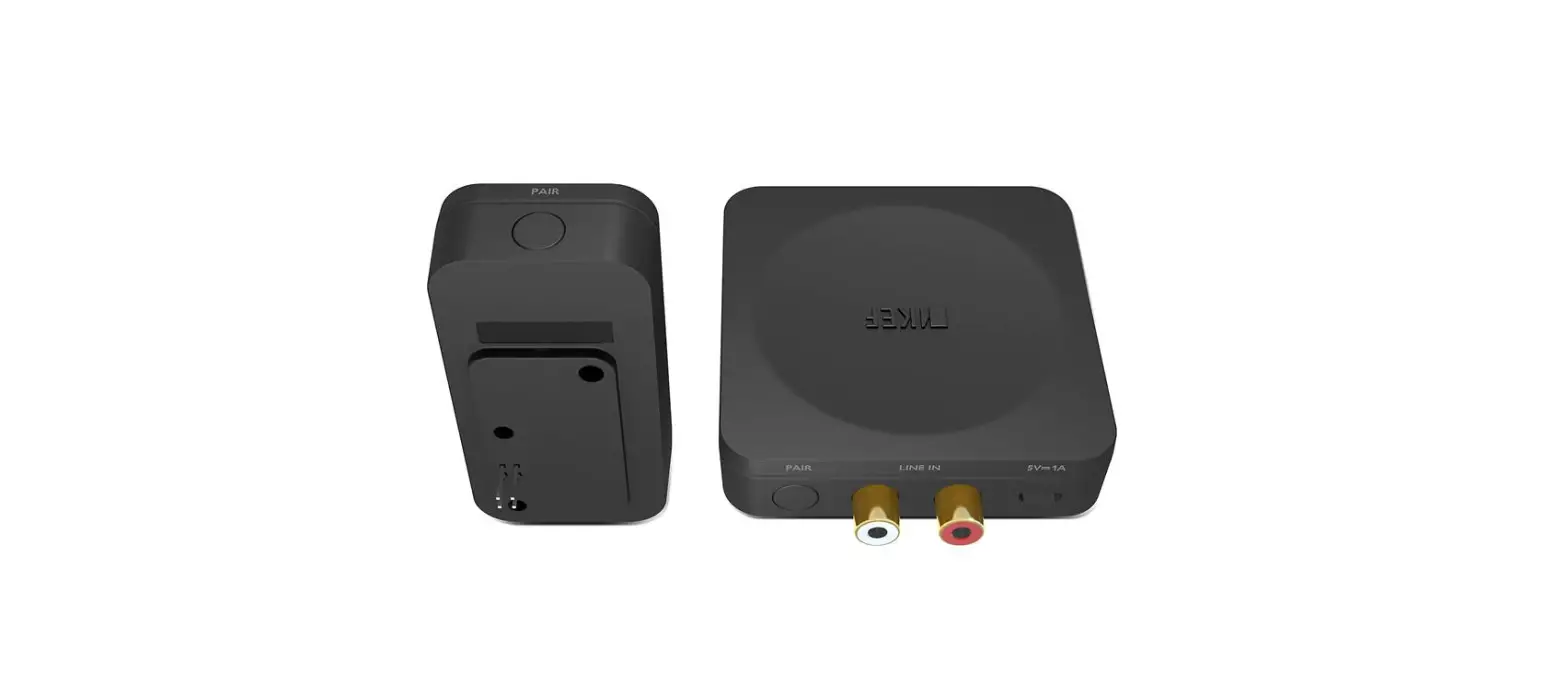
 X Receiver Wireless Subwoofer Adapter
 X Receiver Wireless Subwoofer Adapter
Introduction
Thank you for purchasing KEF KW1 RX Receiver. We are confident that your KW1 RX will provide reliable, high-performance sound for many years to come. Please read this manual fully before you attempt any connection to the KW1 RX.
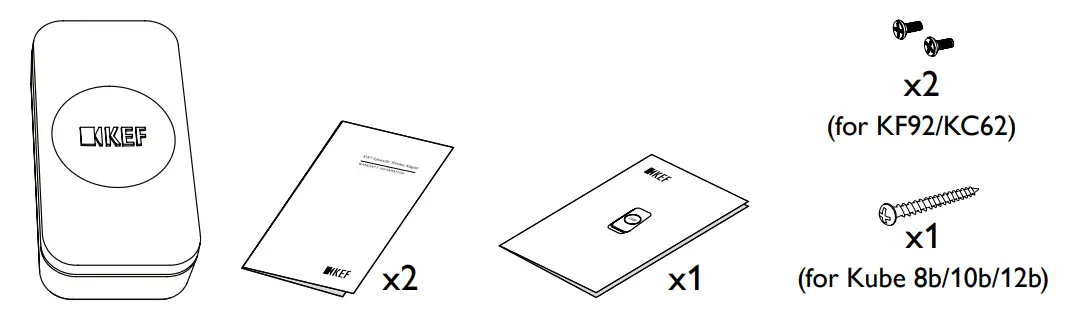
Inside the box
Controls and Connections
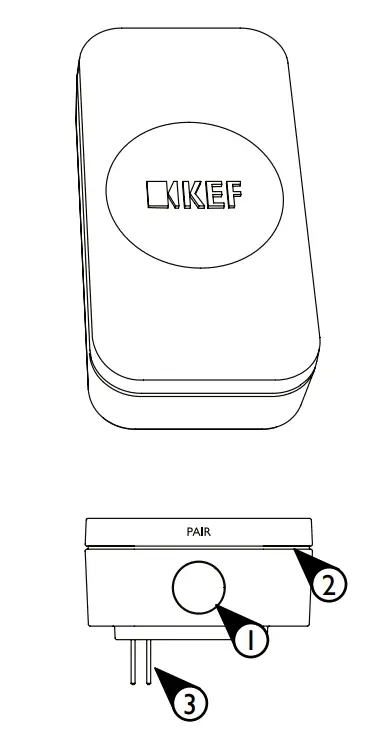
- Receiver PAIR button
- Receiver LED indicator
- Subwoofer expansion port input
Connection to LINE IN from a preamp or receiver
Transmitter
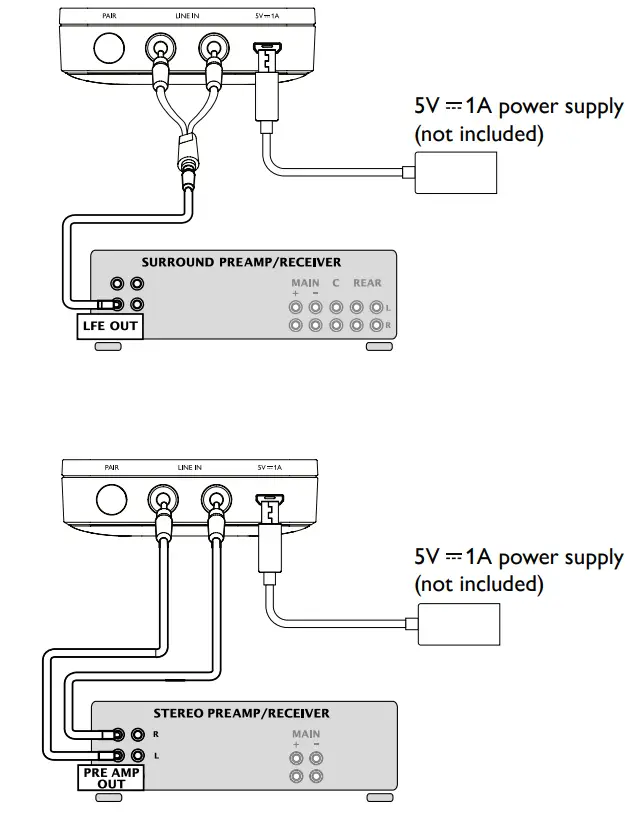
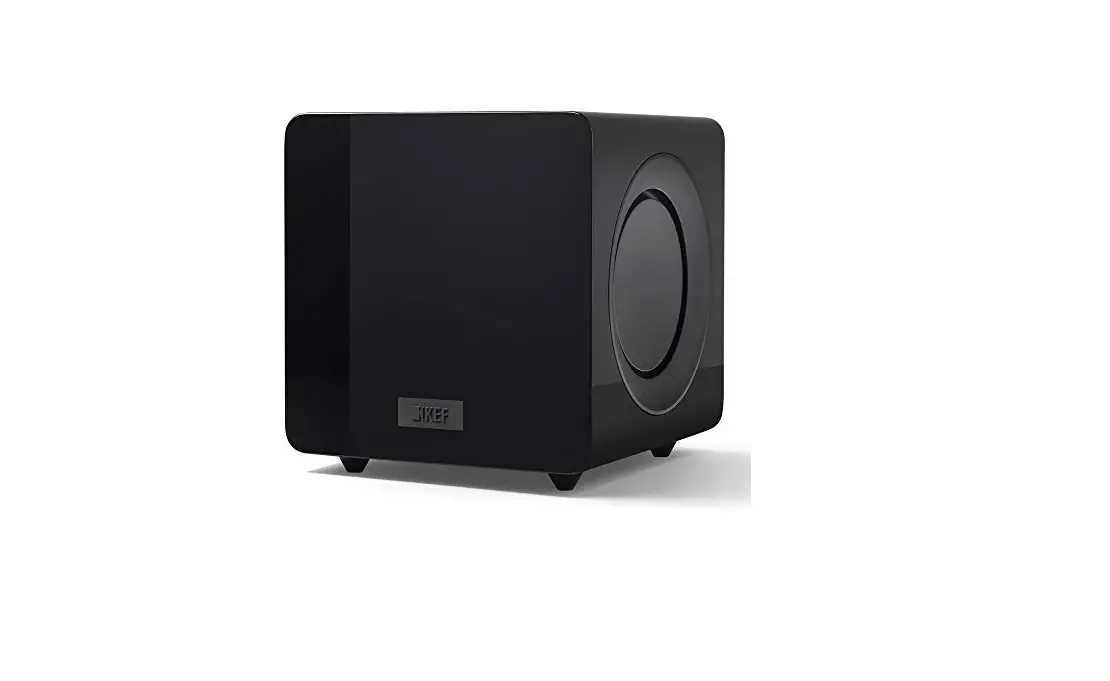
Receiver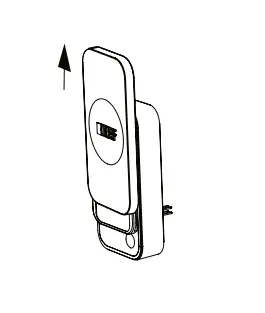 Kube 8b/10b/12b
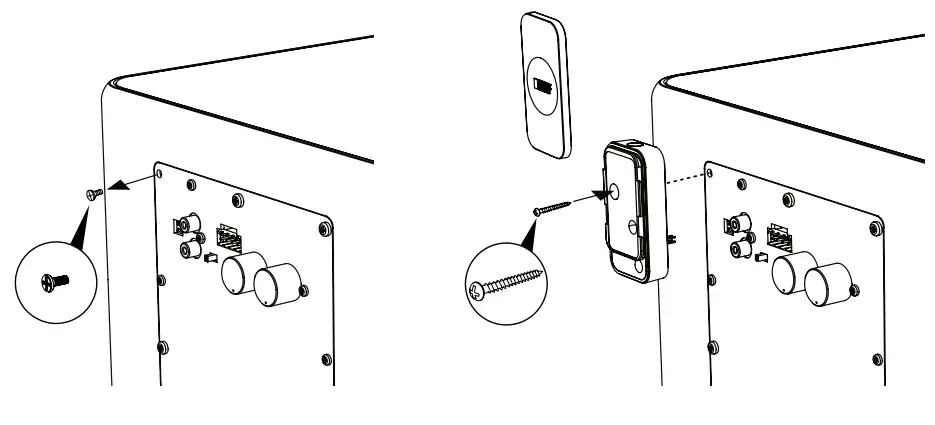 KF92
KF92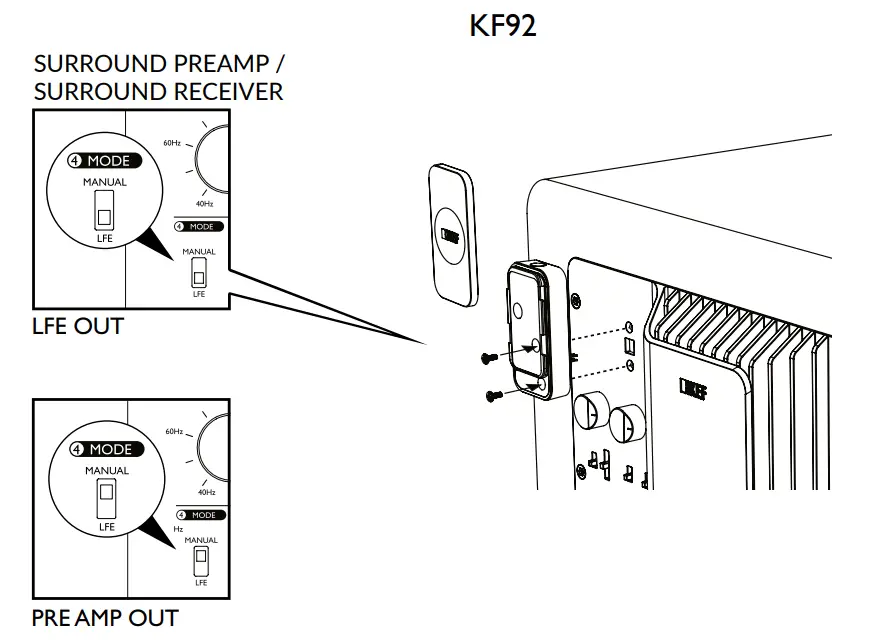
KC62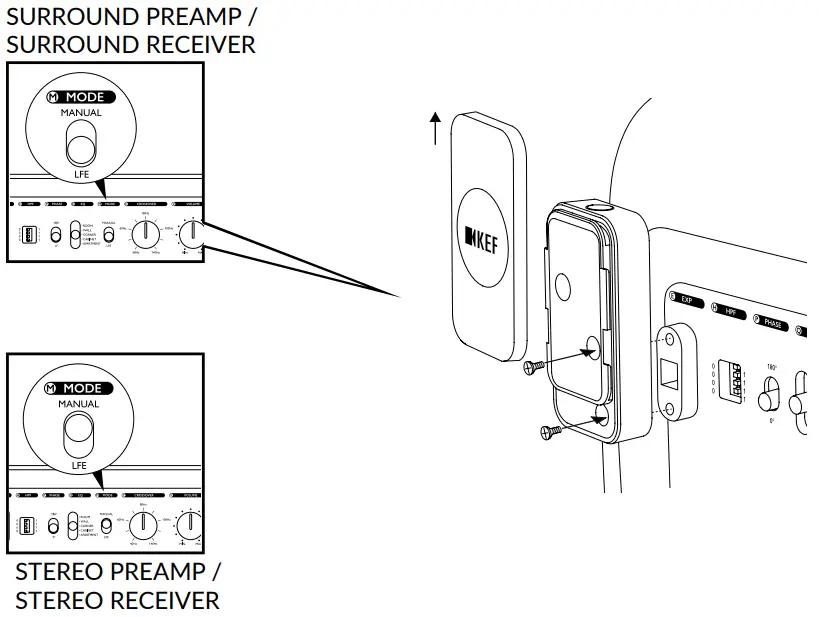
Connection to LINE IN from LSX/LS50W/LS50W II
Transmitter
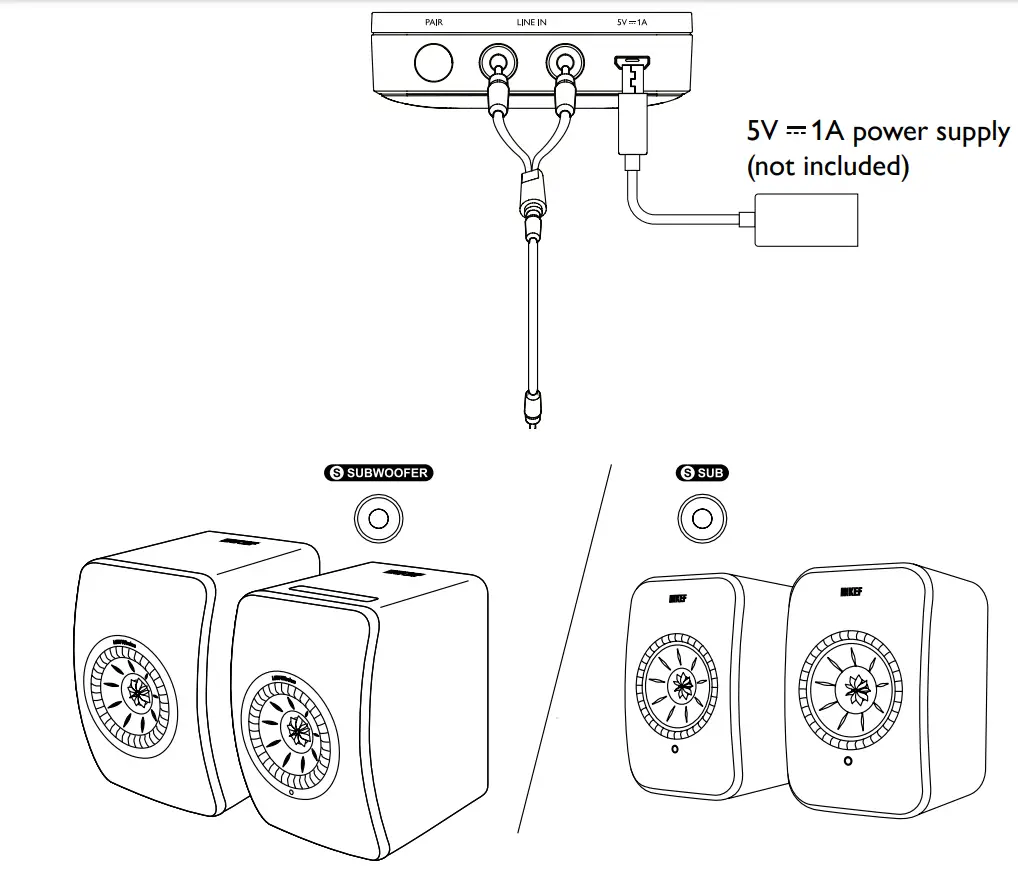
Receiver
Kube 8b/10b/12b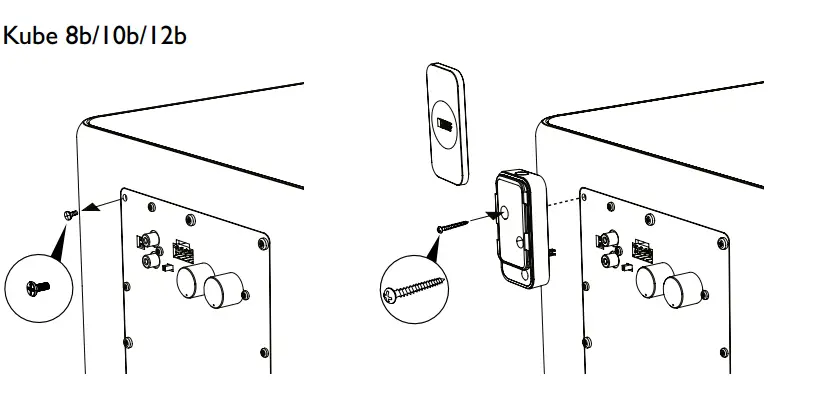
KF92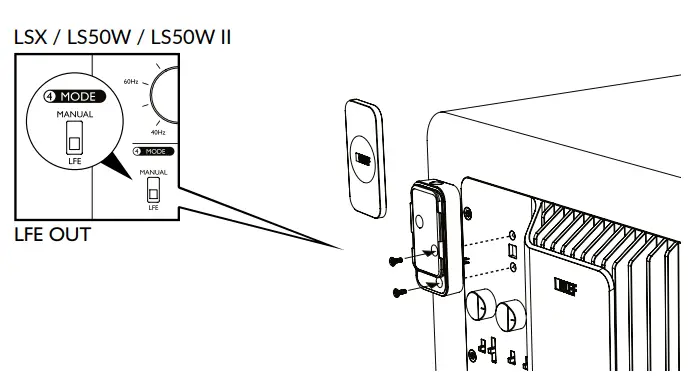
KC62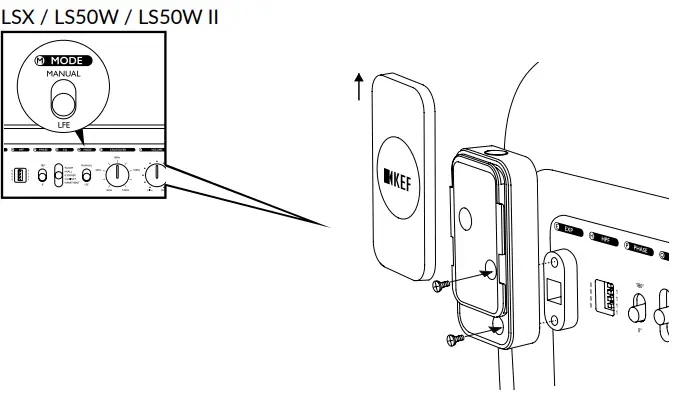
Pairing a Second Receiver with Channel Selection
- Short press the ‘PAIR’ button on the second Receiver to toggle between the 5.2GHz (blinking green LED) and 5.8GHz (blinking blue LED) channels.
- Ensure both the Transmitter and the second Receiver show the same LED color.
- Long press the ‘PAIR’ button on both Transmitter and the second Receiver to confirm the channel selection.
- Successful pairing is indicated by a solid green/blue LED on both the Transmitter and Receiver.
LED Indicators (Transmitter/ Receiver)
- Colour Channel
- Blue 5.8GHz
- Green 5.2GHz
 KEF US | KEF USA