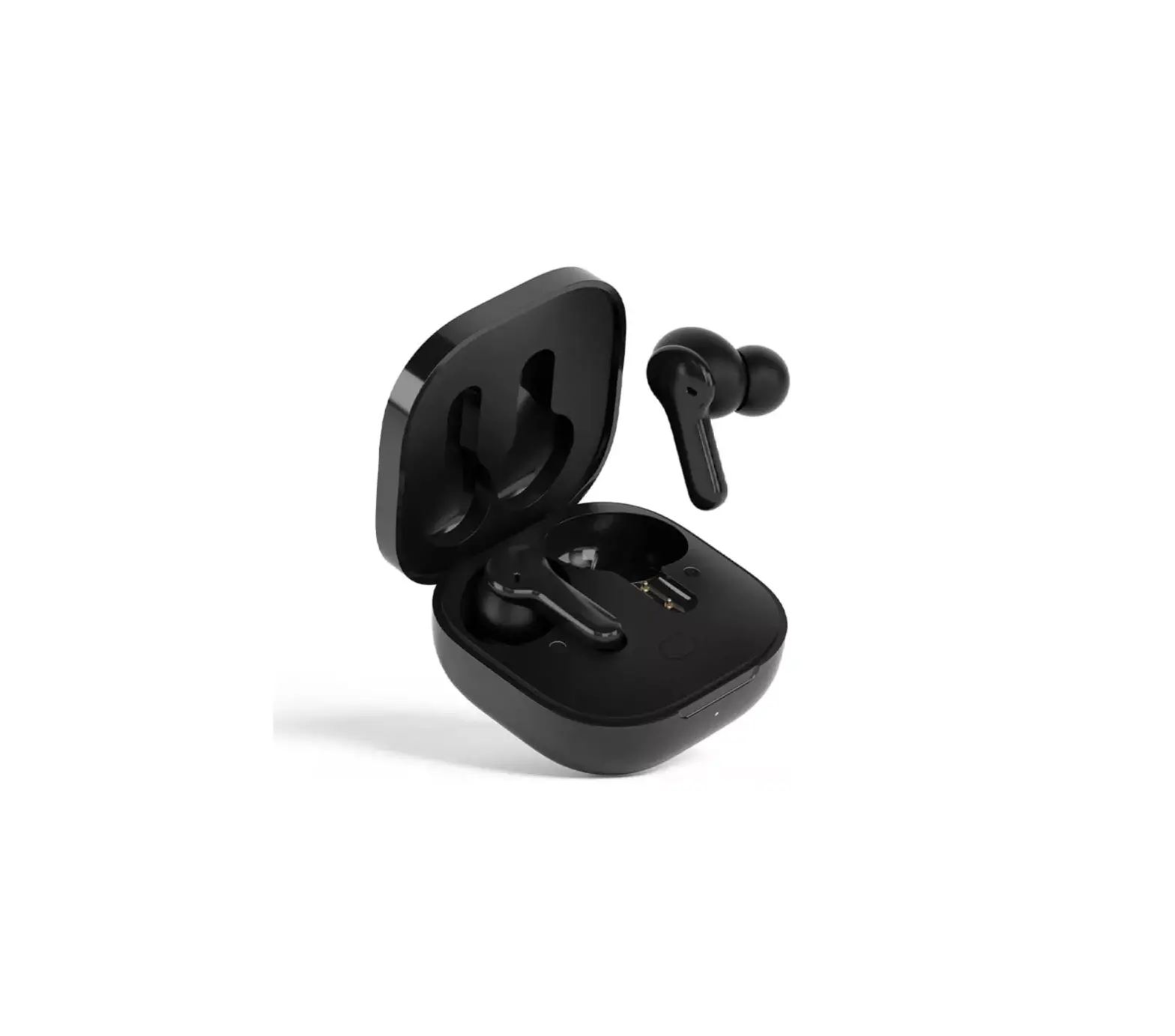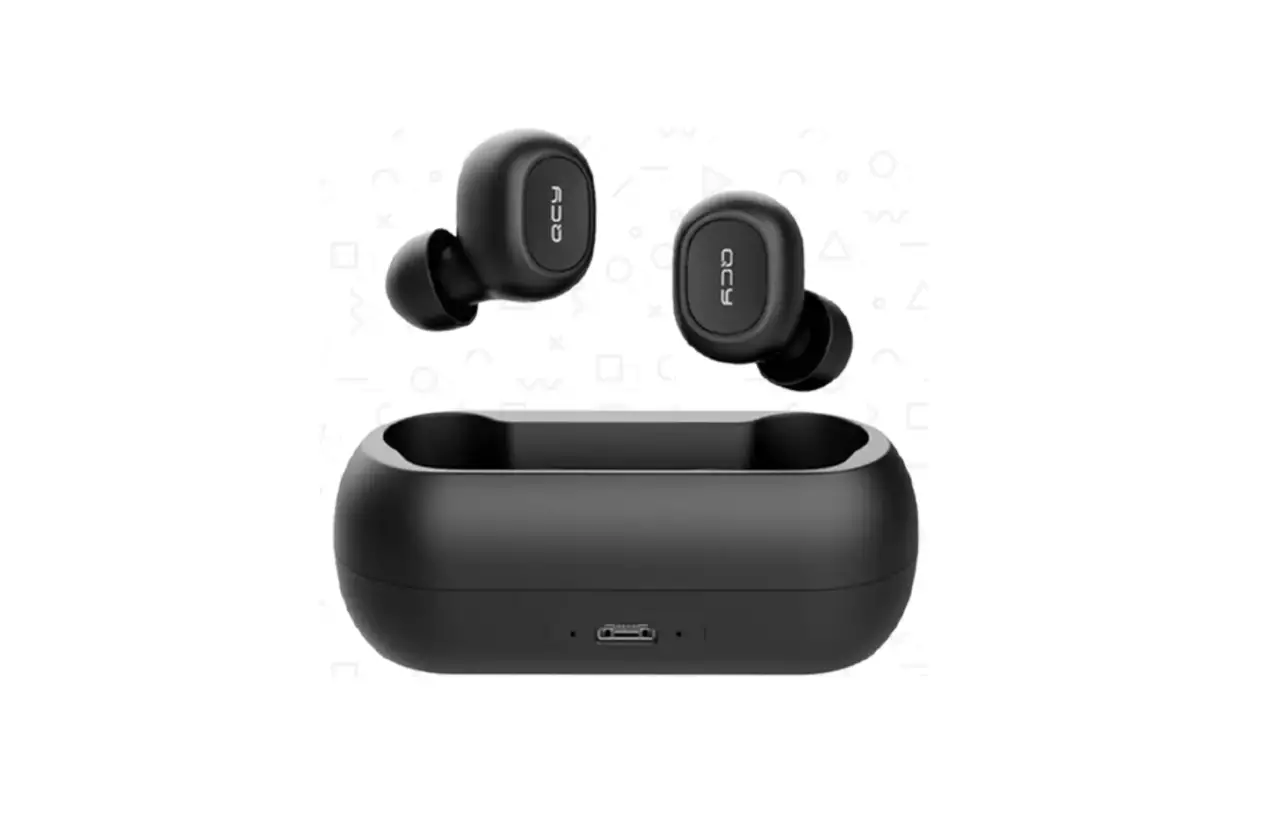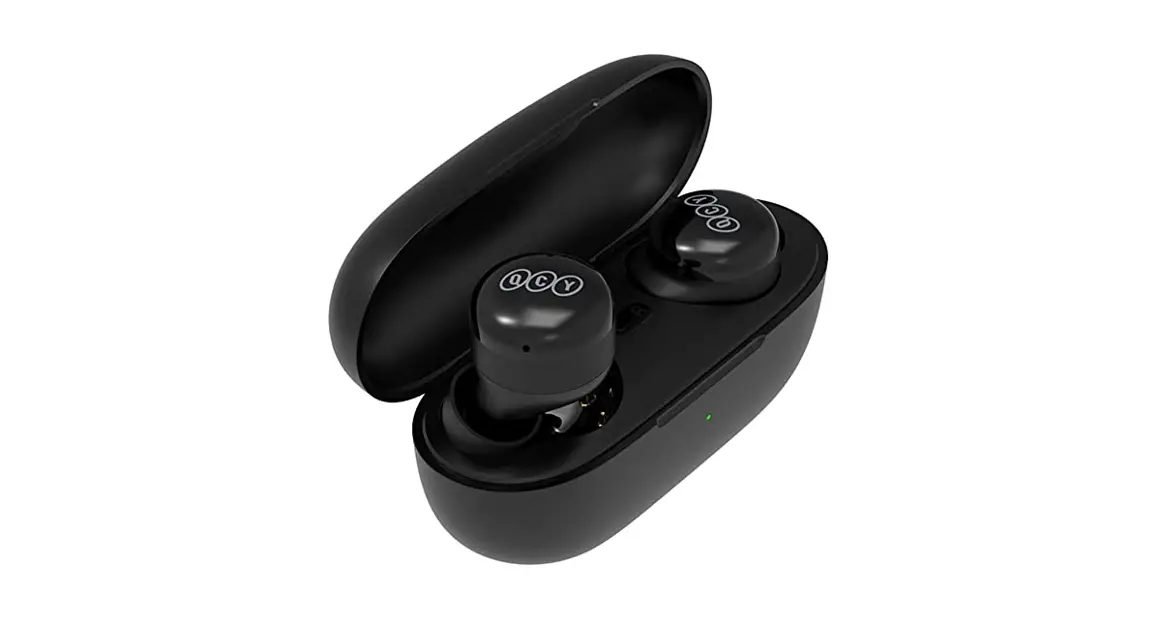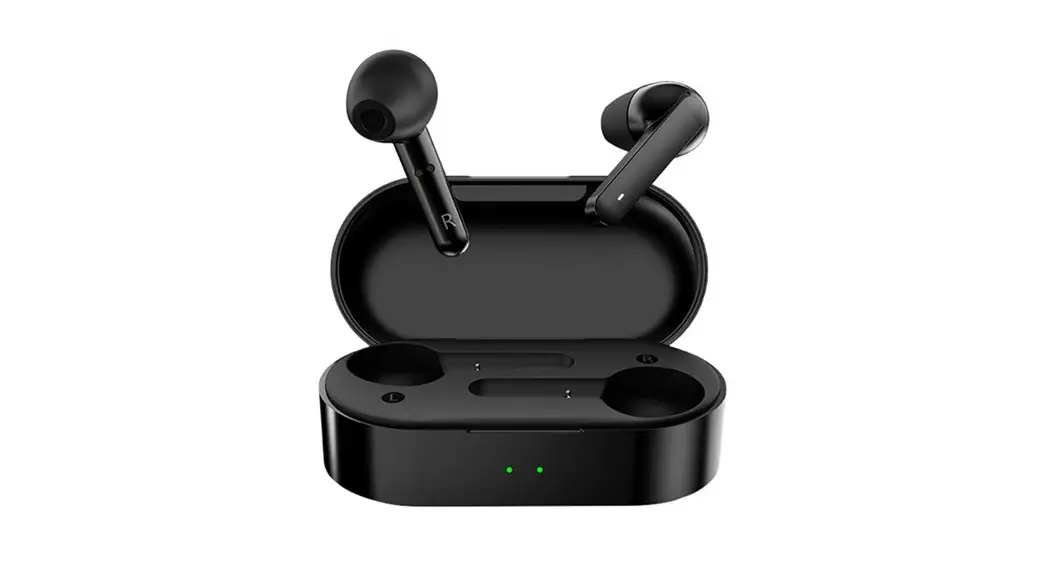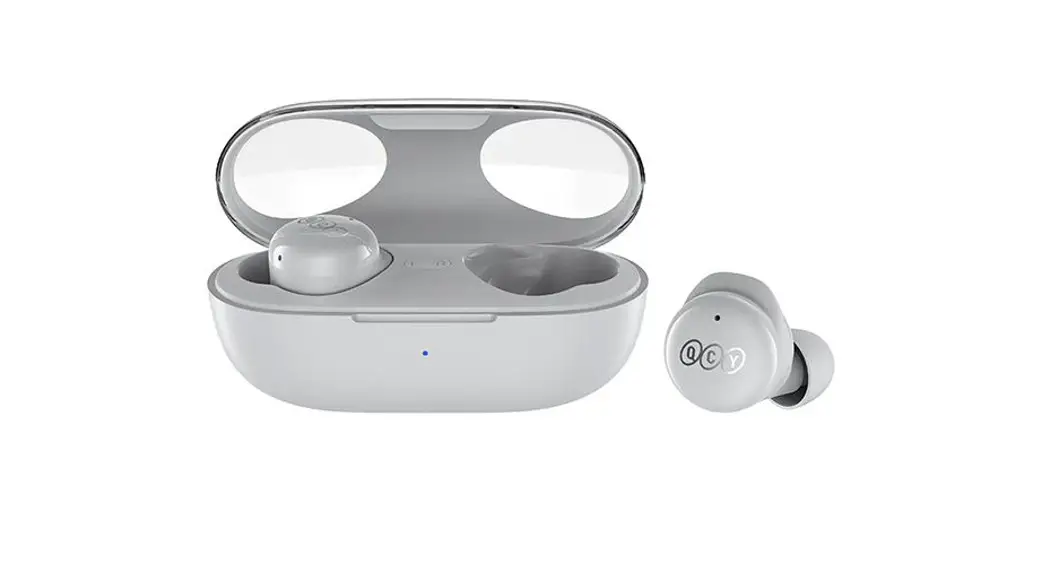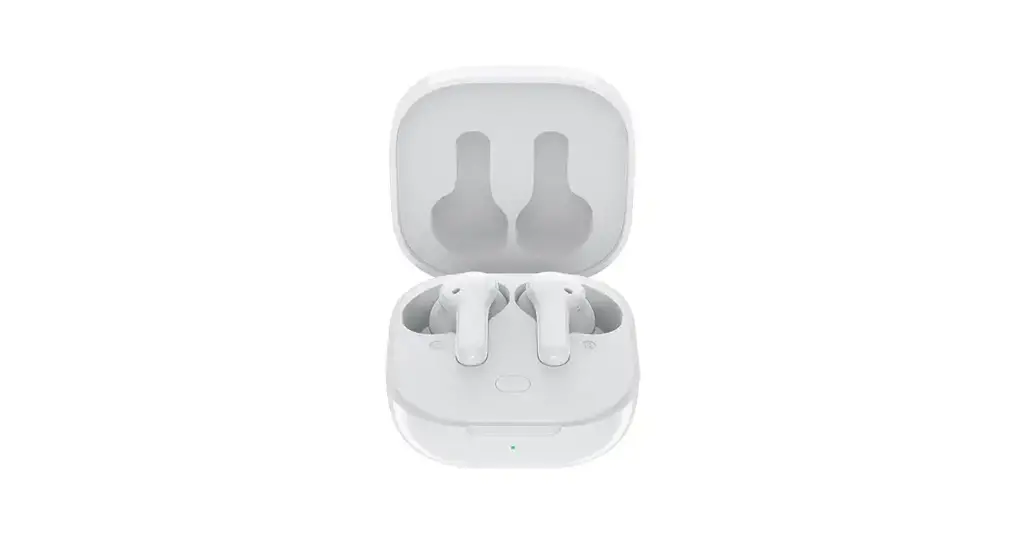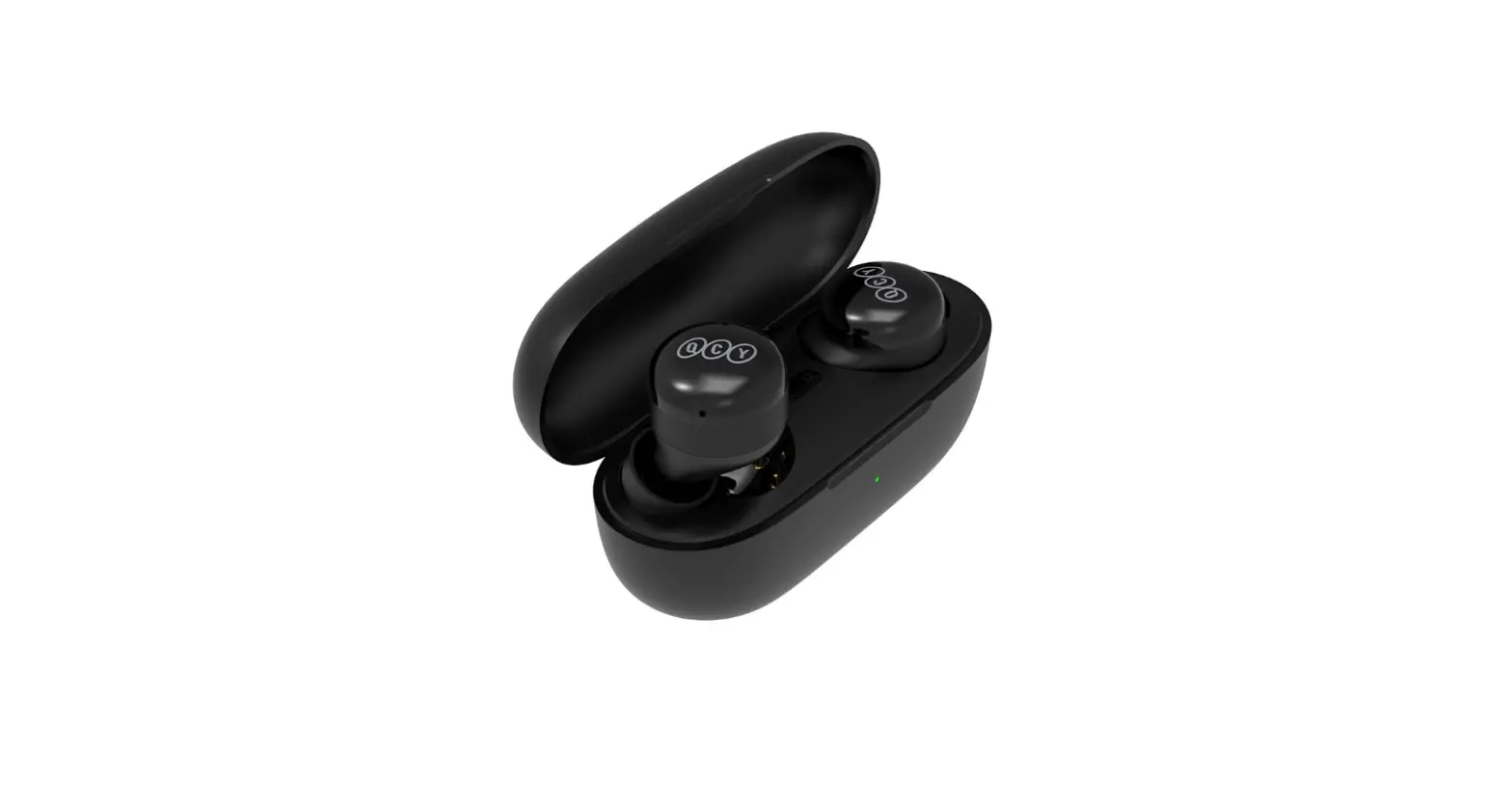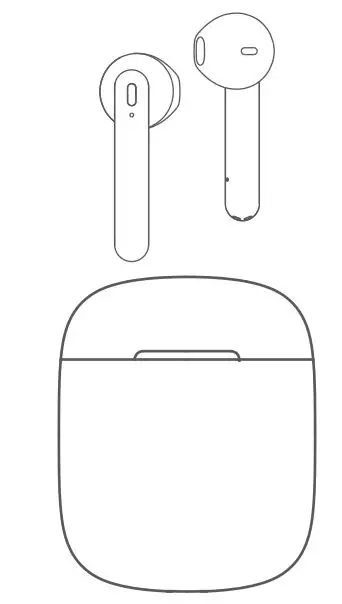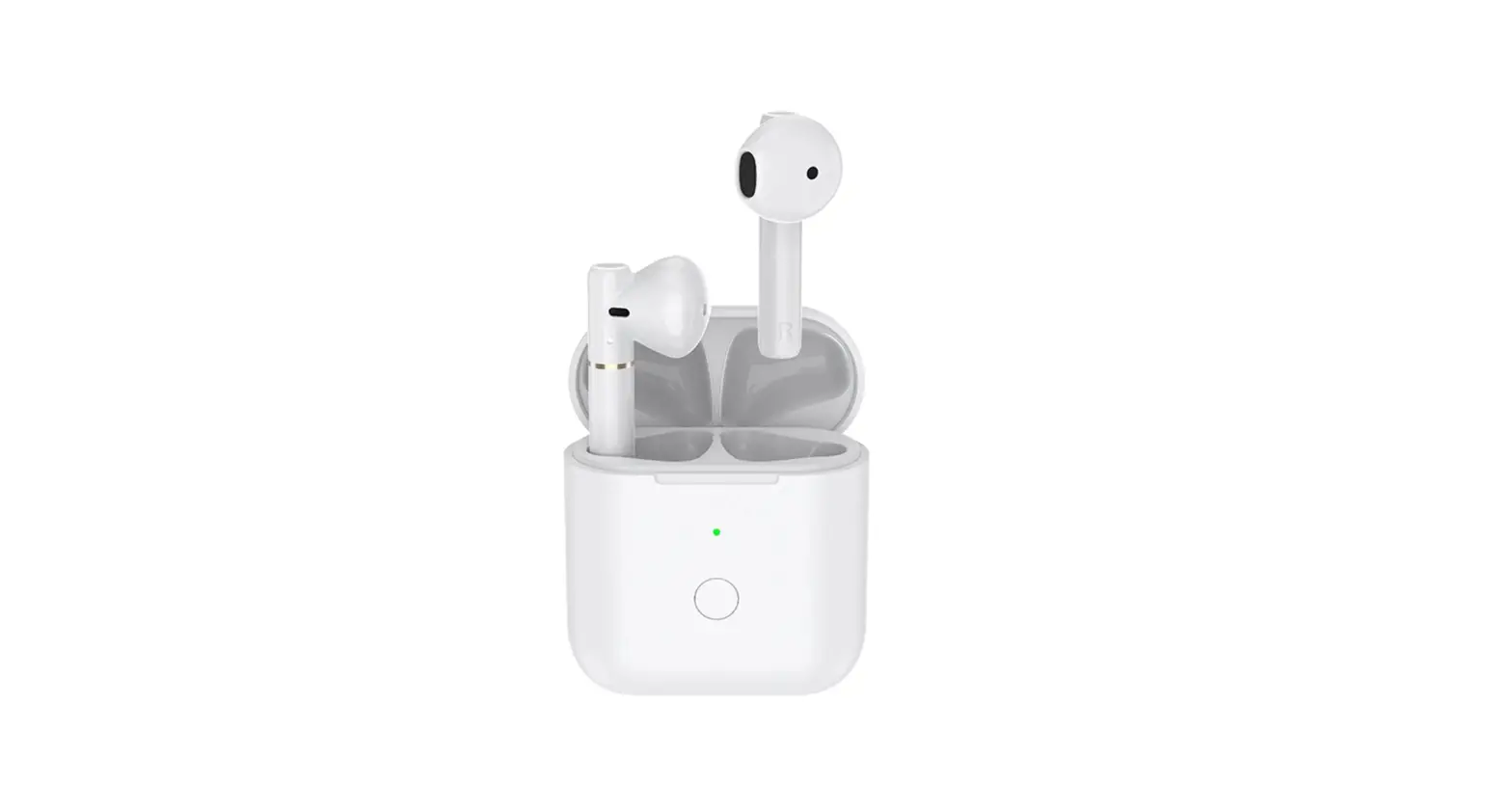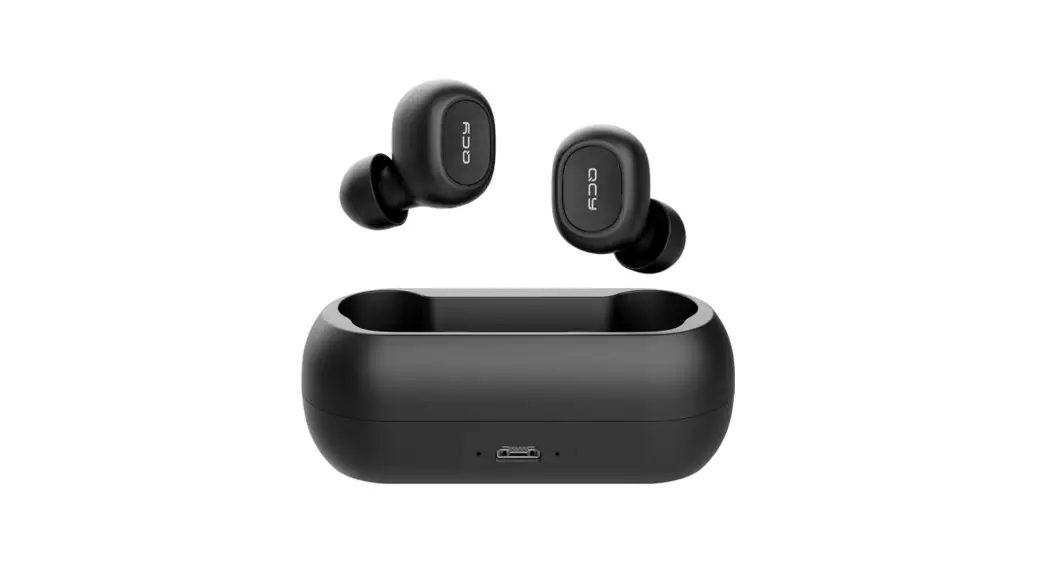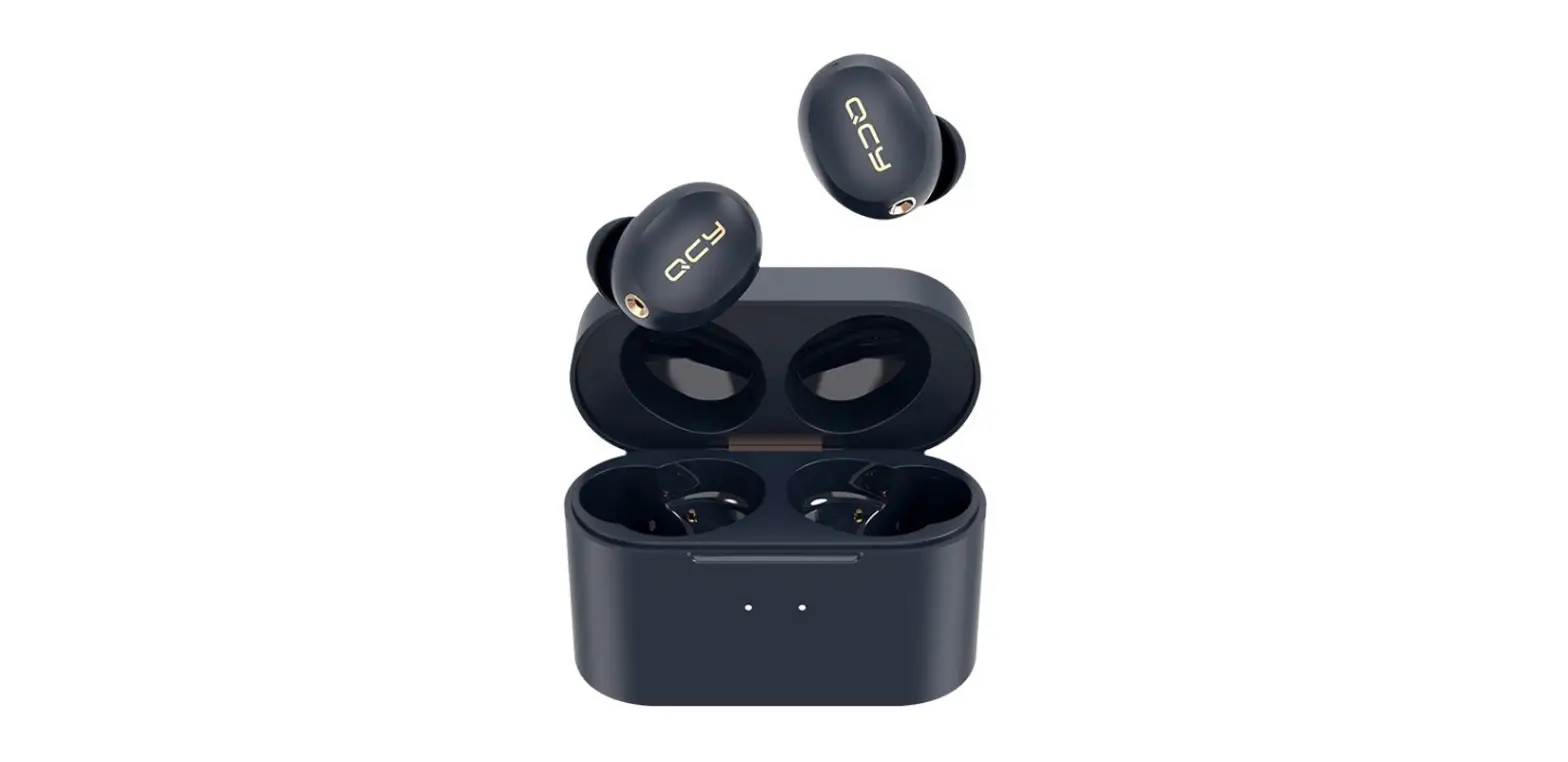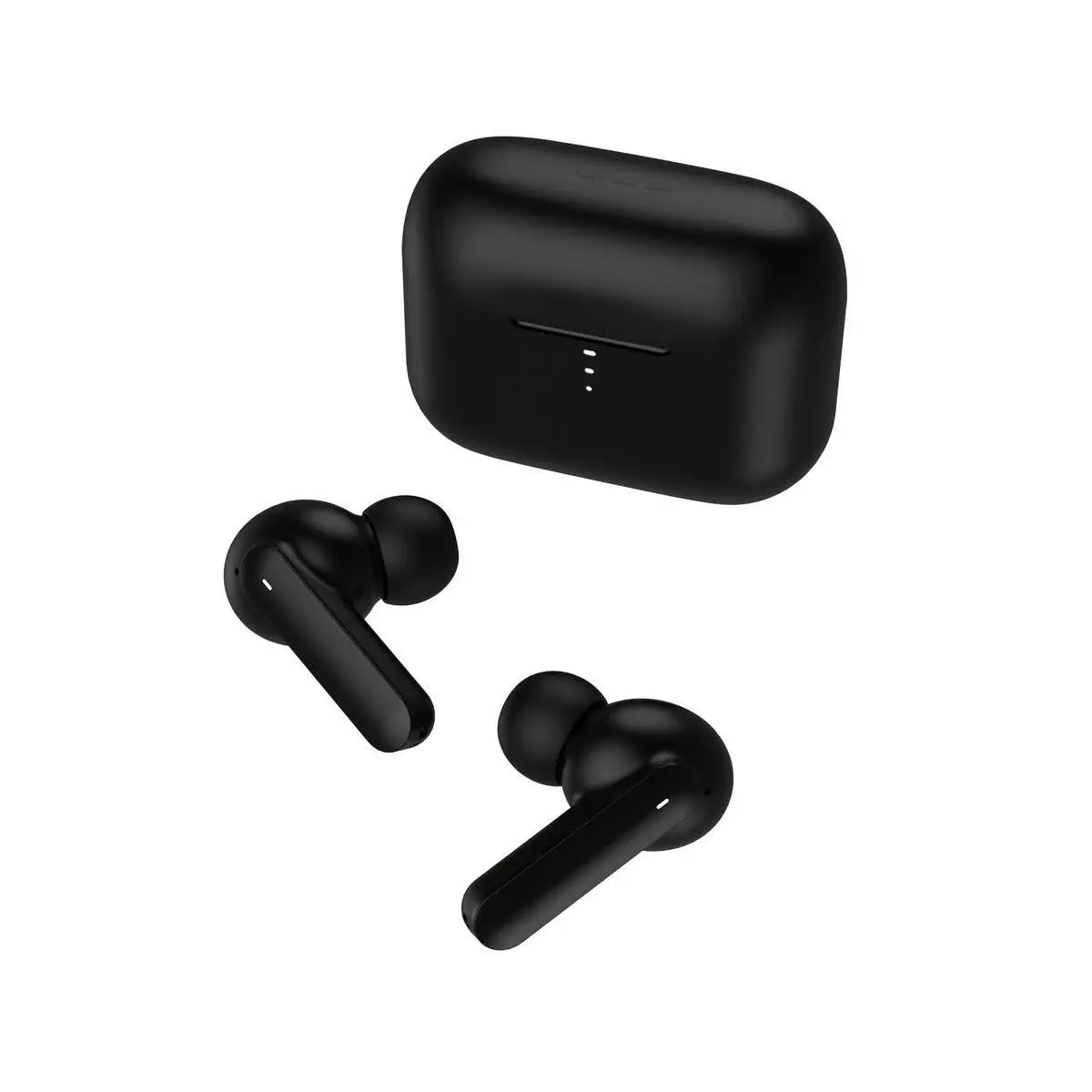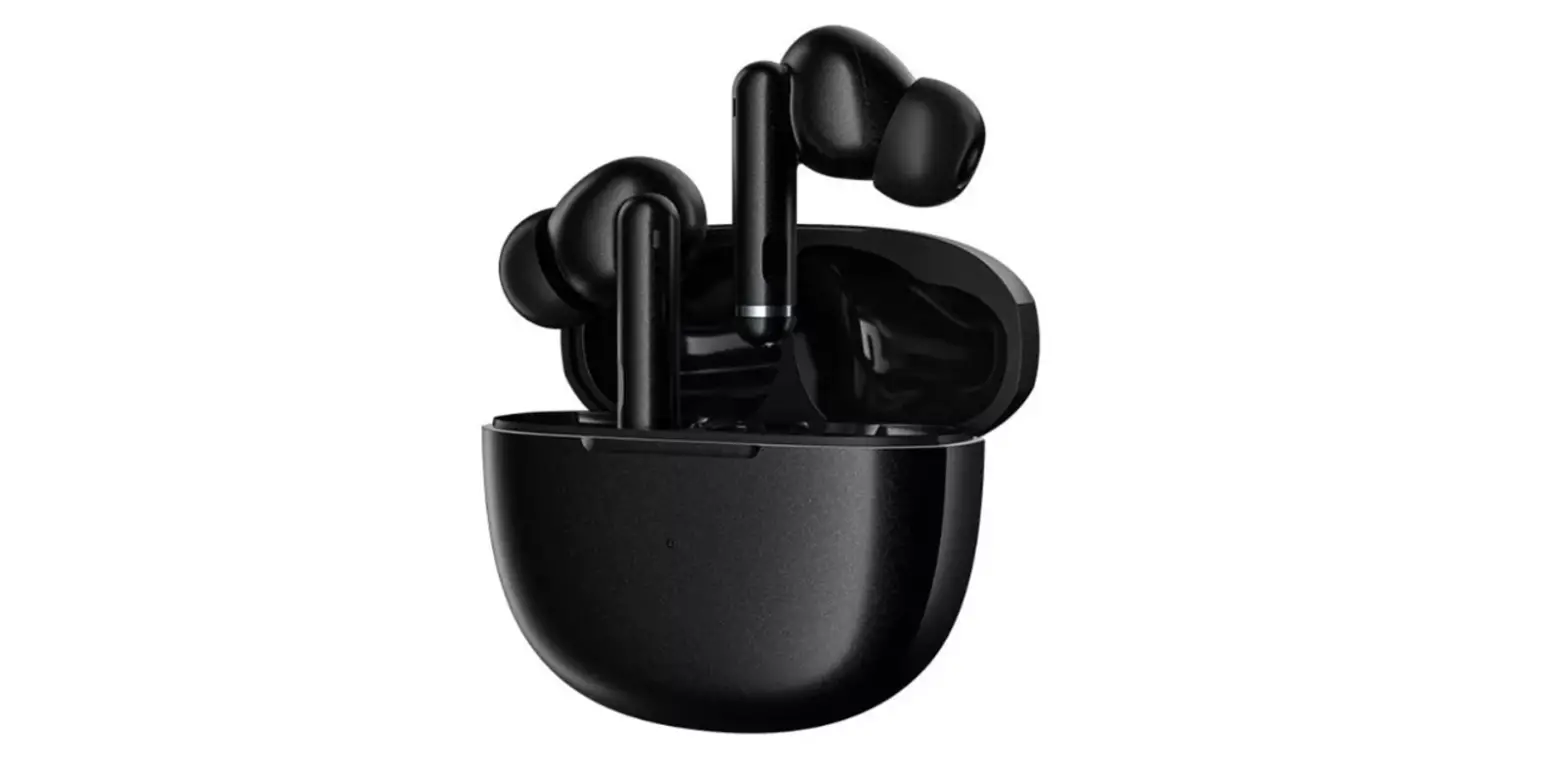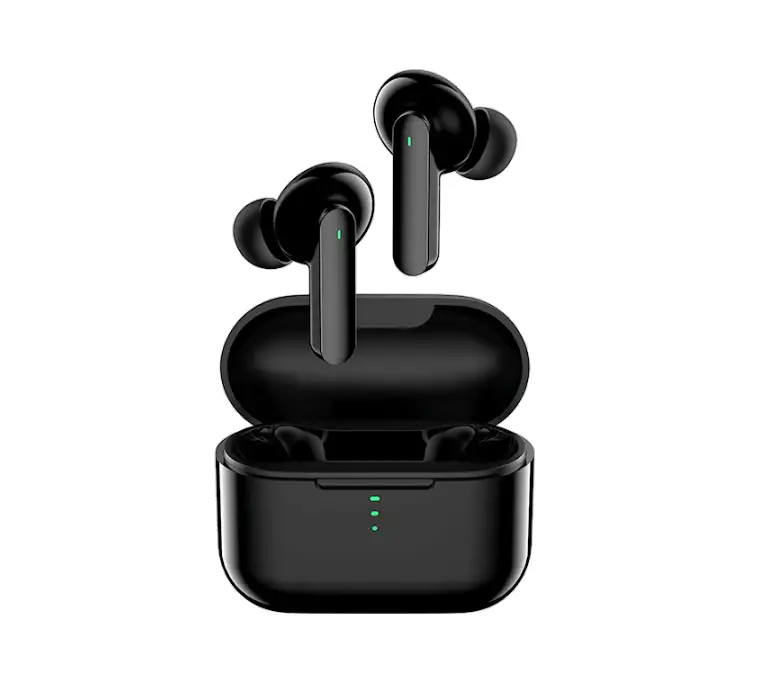
QCY-T11 True Wireless Earbuds User Manual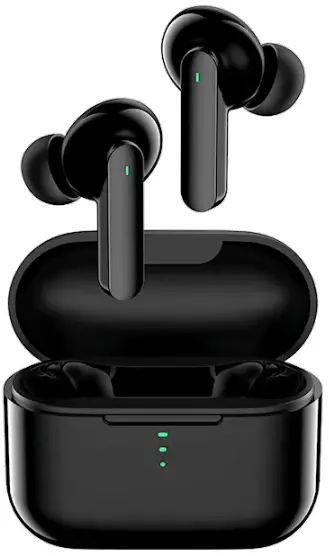
Introduction
Dear customer,
Thank you for purchasing our product.
Please read the following instructions carefully before first use and keep this user manual for future reference.
Pay particular attention to the safety instructions.
If you have any questions or comments about the device, please contact the customer line.
Overview
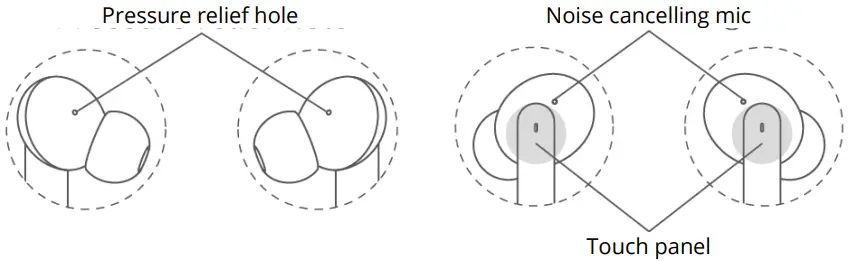
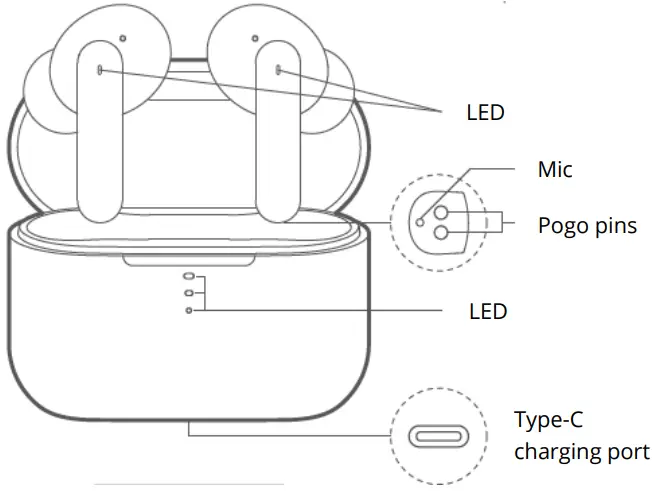
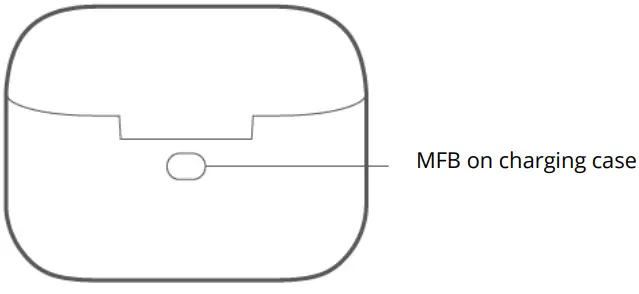
How to Connect
First time connectivity:
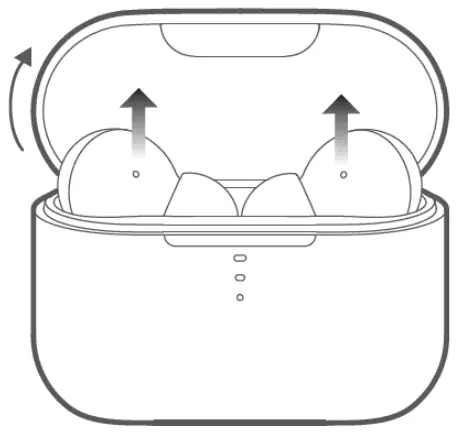
- Open the lid and pick up both earbuds from the case.
- On phone, search for QCY-T11 and tap to connect.
Earbuds will auto power on upon picking up, otherwise please charge them and try again.
Switch connected device:
- Turn off phone A’s Bluetooth faculty and earbuds will auto disconnect and turn connectable.
- On phone B, search for QCY-T11 and tap to connect.
Multi-point connection is not available and earbuds will auto reconnect to phone B upon powering up again.
Factory Setting
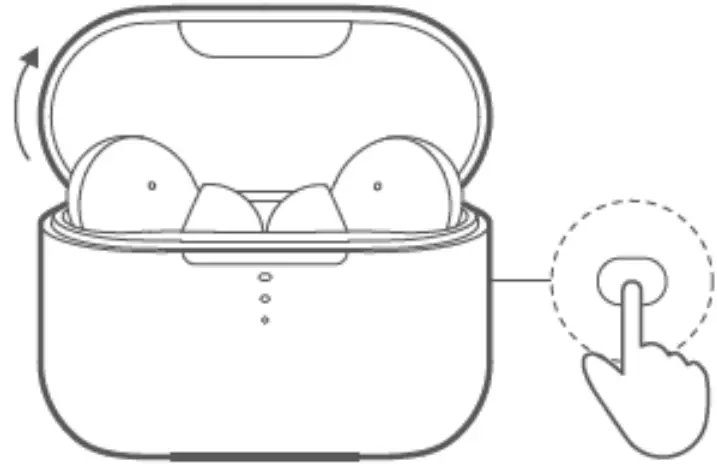
- Push earbuds into case and open lid.
- Hold MFB on case for 10s or until LEDs on case blink red and blue three times while those on earbuds blink red and green three times to set earbuds to factory.
Try the above steps if earbuds fail to reconnect.
How to Wear

- Push earbuds into ear canel and shake head to check stability.
- Adjust mic towards mouth to gain better calling experience.
- . Please put on earbuds properly, getting sound hole towards ear canal.
Mono Mode
- Pick up either earbud to turn it connectable to phone (LED blinks red and green).
- On phone, search for QCY-T11 and tap to connect.
Charge the Earbuds
Push earbuds into case to power off and get them charged (LED will glow solid red when charging and turn green for 1 minute once earbuds are topped up).
Charge the Case
Charge the case via USB cable. LED on case will glow solid red when charging and turn green once the case is topped up.
Functions
| Functions | Current status | Operation/result | LED | Prompt |
| Power-on | Power-off | Keep touching panels for 1.5s | LED glows green for 2s | TONE |
| Earbuds are in case while case is within power | Open lid and pick up earbuds | |||
| Power-off | Power-on | Keep touching panels for 4.5s | LED glows red for 2s | TONE |
| Power-on and case within power | Push in earbuds and close lid | / | ||
| Factory setting | Earbuds are in case with lid open | Hold MFB on charging case for 10s | LED blinks red and green 3 times | TONE |
| Answer/end call | Incoming call/calling | Double touch left/right panel | / | TONE |
| Ignore call | Incoming call | Keep touching panel for 1.5s | / | TONE |
| Voice assistant | Connected (without calling) | Triple touch left panel | / | TONE |
| Music pause/resume playing | Playing | When playing, double touch panel to pause and double touch again to resume playing | / | / |
| Skip track | Playing | Keep touching right/left panel for 1.5s to skip track forward/backward | / | / |
| Low-latency mode | Connecting | Triple touch right panel to turn on/off | / | TONE |
Tips
- Before using the headset, please read the manual carefully and keep it for future references.
- The headset needs to be fully charged prior to first-time use.
- If the headset is left unused for over two weeks, please recharge it periodically.
- Please use the chargers made by qualified manufacturer.
- If the headset cannot be found by your phone, please check whether it is in pairing mode; if left unconnected for a long while, the headset will exit pairing mode, please re-enter the mode; if a procedure error of your phone occurs, reboot it; if a procedure error of the headset occurs, reboot or reset it.
Caveats
- Never disassemble or modify your headset for any reasons to avoid any damages and danger.
- Do not store the headset in extreme temperatures (under 0°C or over 45°C).
- Avoid using the indicator close to the eyes of children or animals.
- Do not use this headset during a thunderstorm to avoid irregular function and increased risk of electric shock.
- Do not use harsh chemicals or strong detergents to clean the headset.
- Keep the headset dry
Warranty Conditions
A new product purchased in the Alza.cz sales network is guaranteed for 2 years.
If you need repair or other services during the warranty period, contact the product seller directly, you must provide the original proof of purchase with the date of purchase.
The following are considered to be a conflict with the warranty conditions, for which the claimed claim may not be recognized:
- Using the product for any purpose other than that for which the product is intended or failing to follow the instructions for maintenance, operation, and service of the product.
- Damage to the product by a natural disaster, the intervention of an unauthorized person or mechanically through the fault of the buyer (e.g., during transport, cleaning by inappropriate means, etc.).
- Natural wear and aging of consumables or components during use (such as batteries, etc.).
- Exposure to adverse external influences, such as sunlight and other radiation or electromagnetic fields, fluid intrusion, object intrusion, mains overvoltage, electrostatic discharge voltage (including lightning), faulty supply or input voltage and inappropriate polarity of this voltage, chemical processes such as used power supplies, etc.
- If anyone has made modifications, modifications, alterations to the design or adaptation to change or extend the functions of the product compared to the purchased design or use of non-original components.
EU Declaration of Conformity
Identification data of the manufacturer’s/importer’s authorized representative:
Importer: Alza.cz a.s.
Registered office: Jankovcova 1522/53, Holešovice, 170 00 Prague 7
CIN: 27082440
Subject of the declaration:
Title:
Model/Type: T-11
The above product has been tested in accordance with the standard(s) used to demonstrate compliance with the essential requirements laid down in the Directive(s):
Directive No. 2014/53/EU
Directive No. 2011/65/EU as amended 2015/863/EU
WEEE
This product must not be disposed of as normal household waste in accordance with the EU Directive on Waste Electrical and Electronic Equipment (WEEE – 2012/19 / EU).
Instead, it shall be returned to the place of purchase or handed over to a public collection point for the recyclable waste.
By ensuring this product is disposed of correctly, you will help prevent potential negative consequences for the environment
and human health, which could otherwise be caused by inappropriate waste handling of this product.
Contact your local authority or the nearest collection point for further details. Improper disposal of this type of waste may result in fines in accordance with national regulations.
CUSTOMER SUPPORT
 www.alza.co.uk/kontakt
 +44 (0)203 514 4411
Importer Alza.cz a.s., Jankovcova 1522/53, Holešovice, 170 00 Praha 7,
www.alza.cz
 alza.at
 alza.co.uk
 alza.de
 alza.hu
 alza.sk