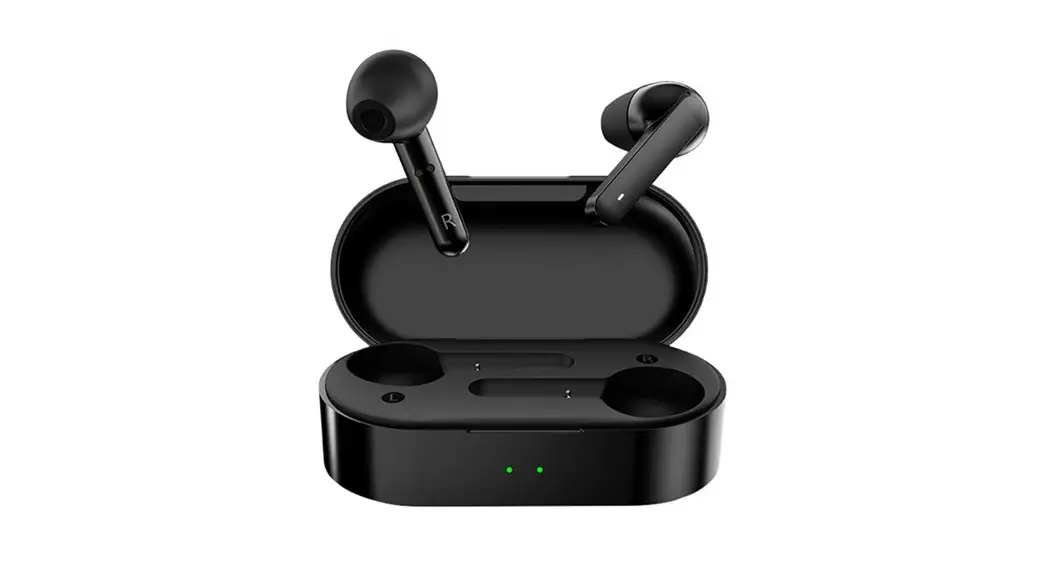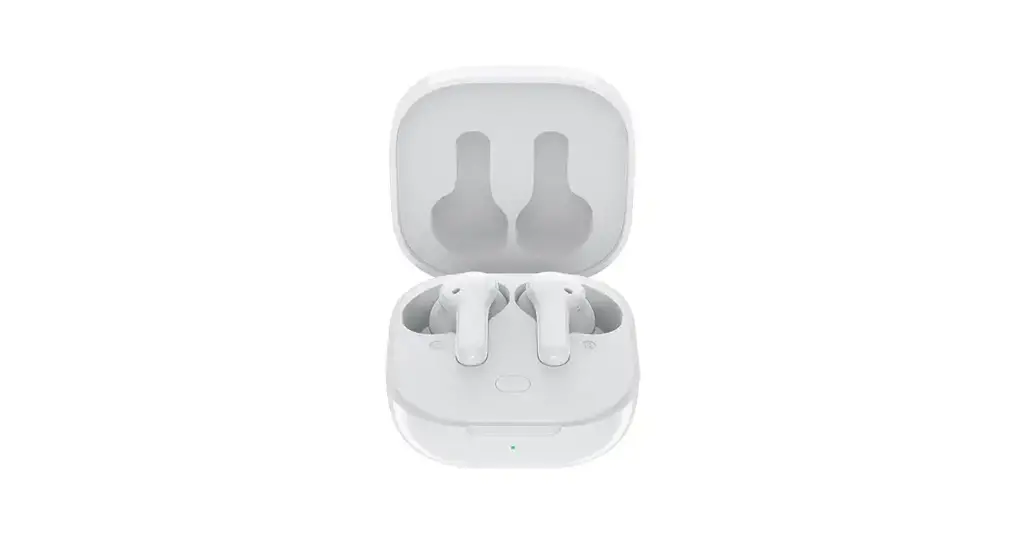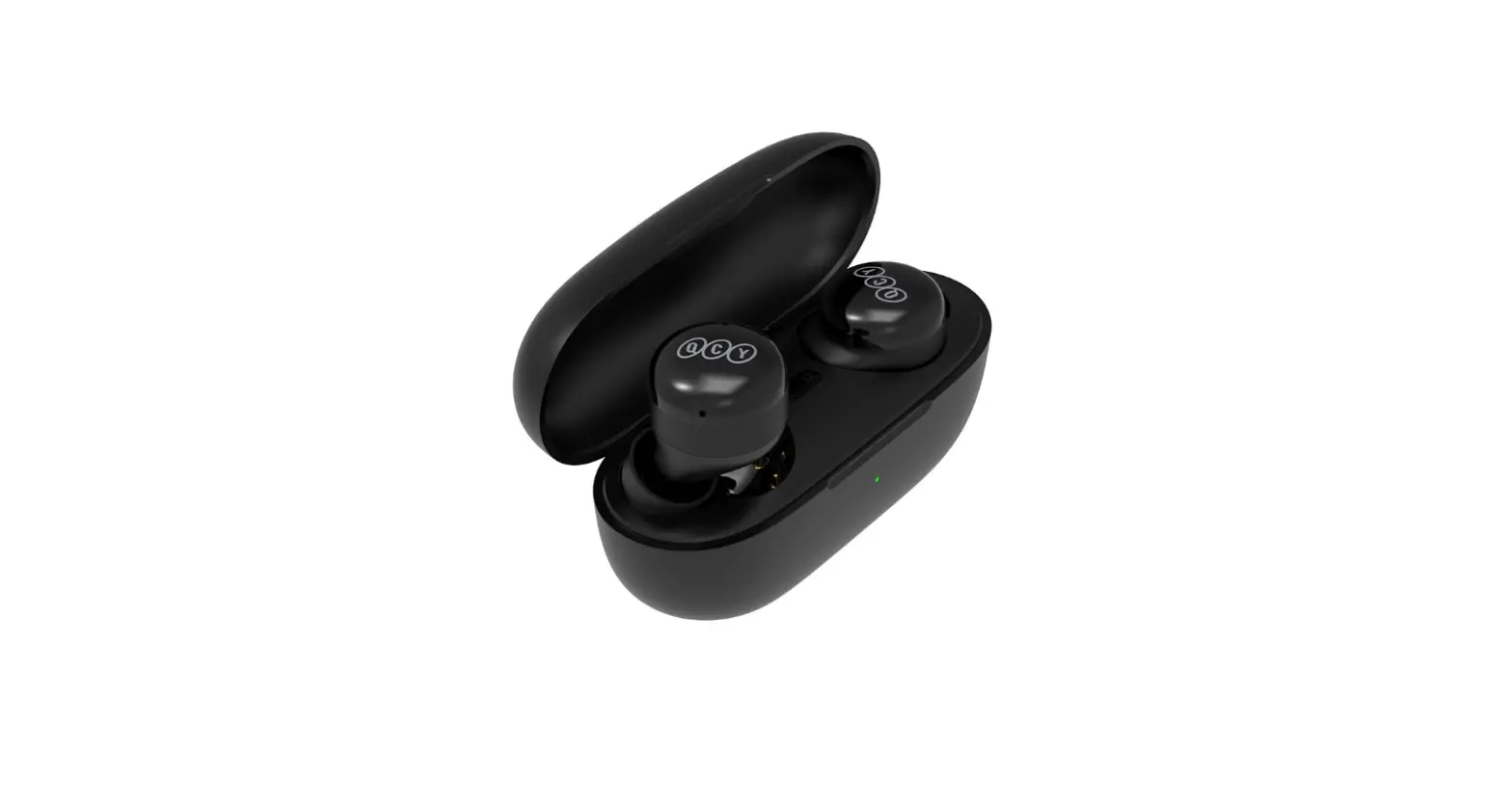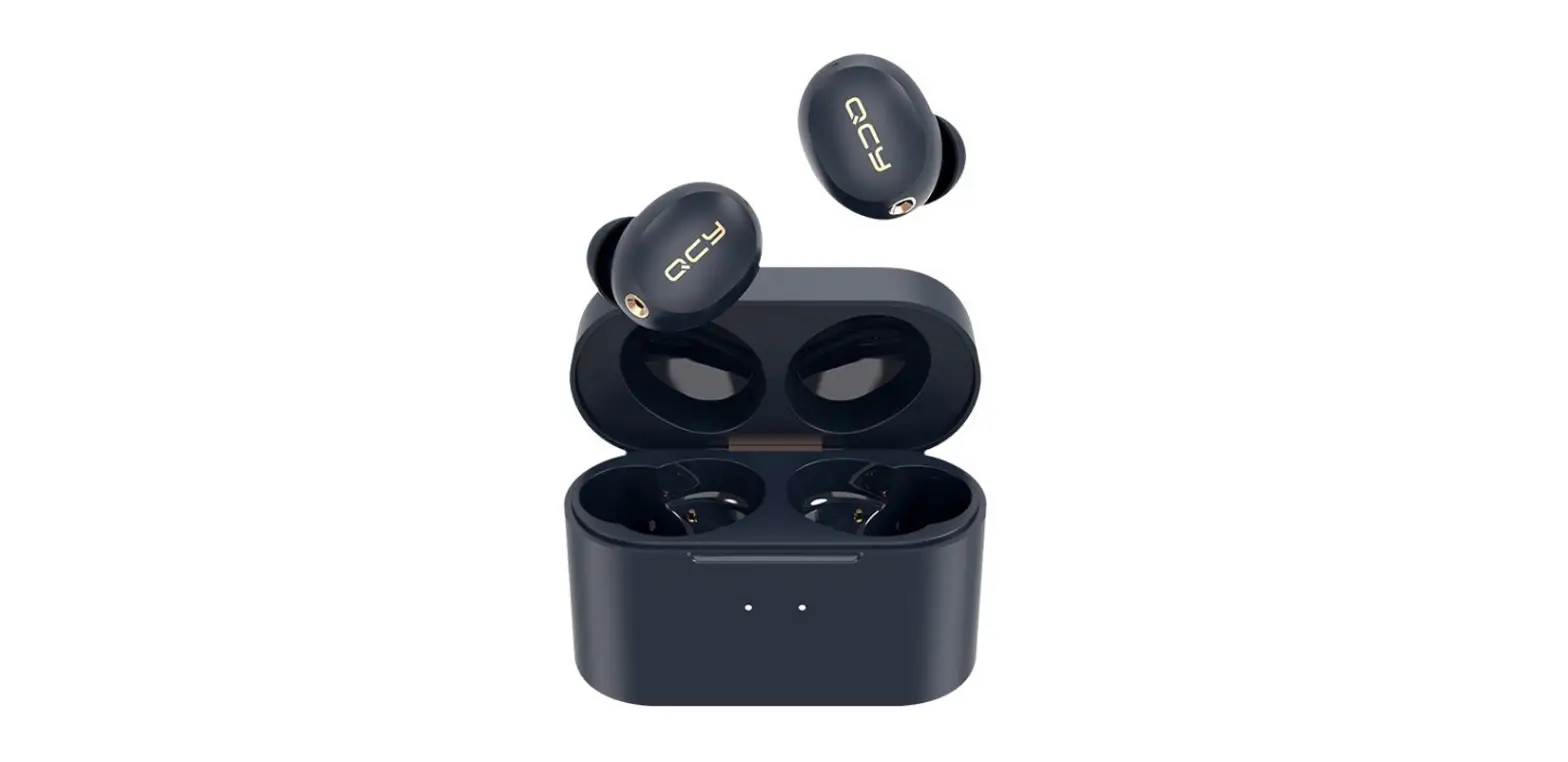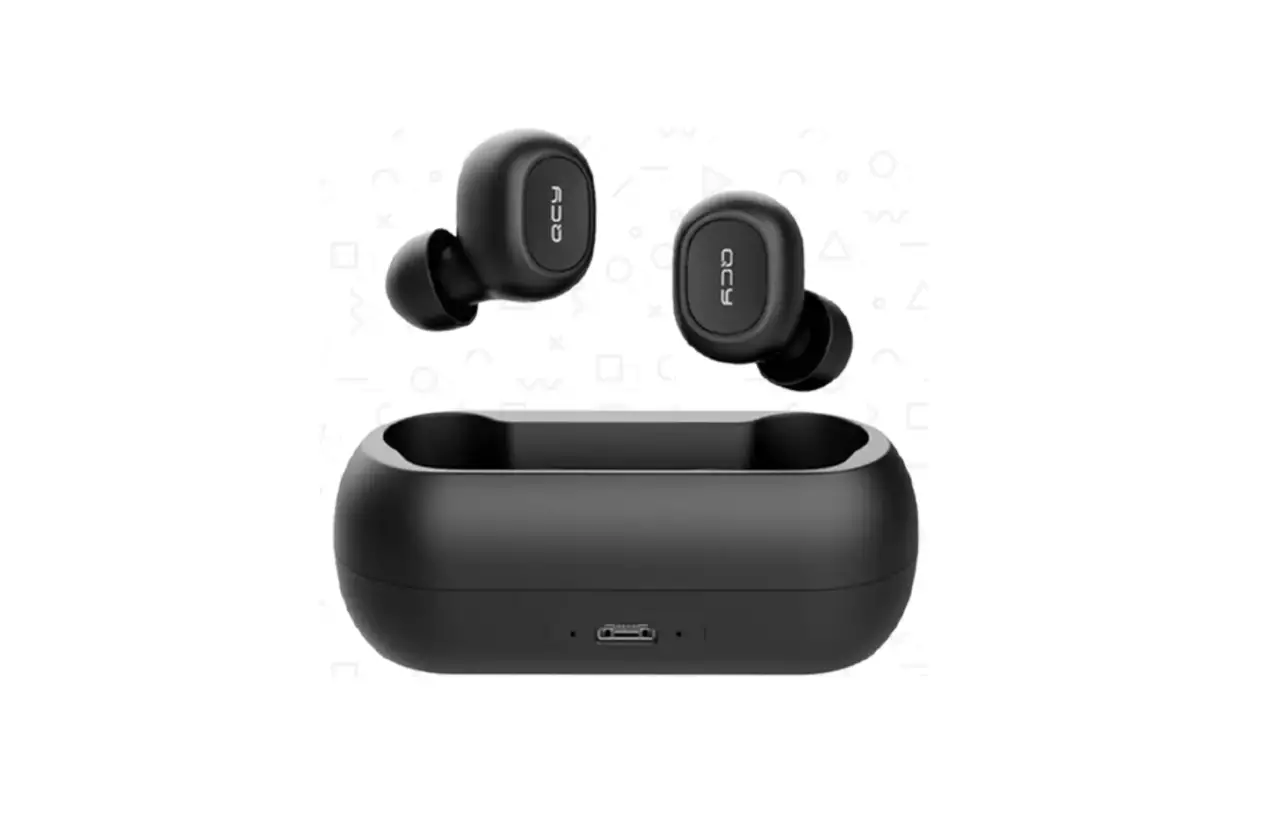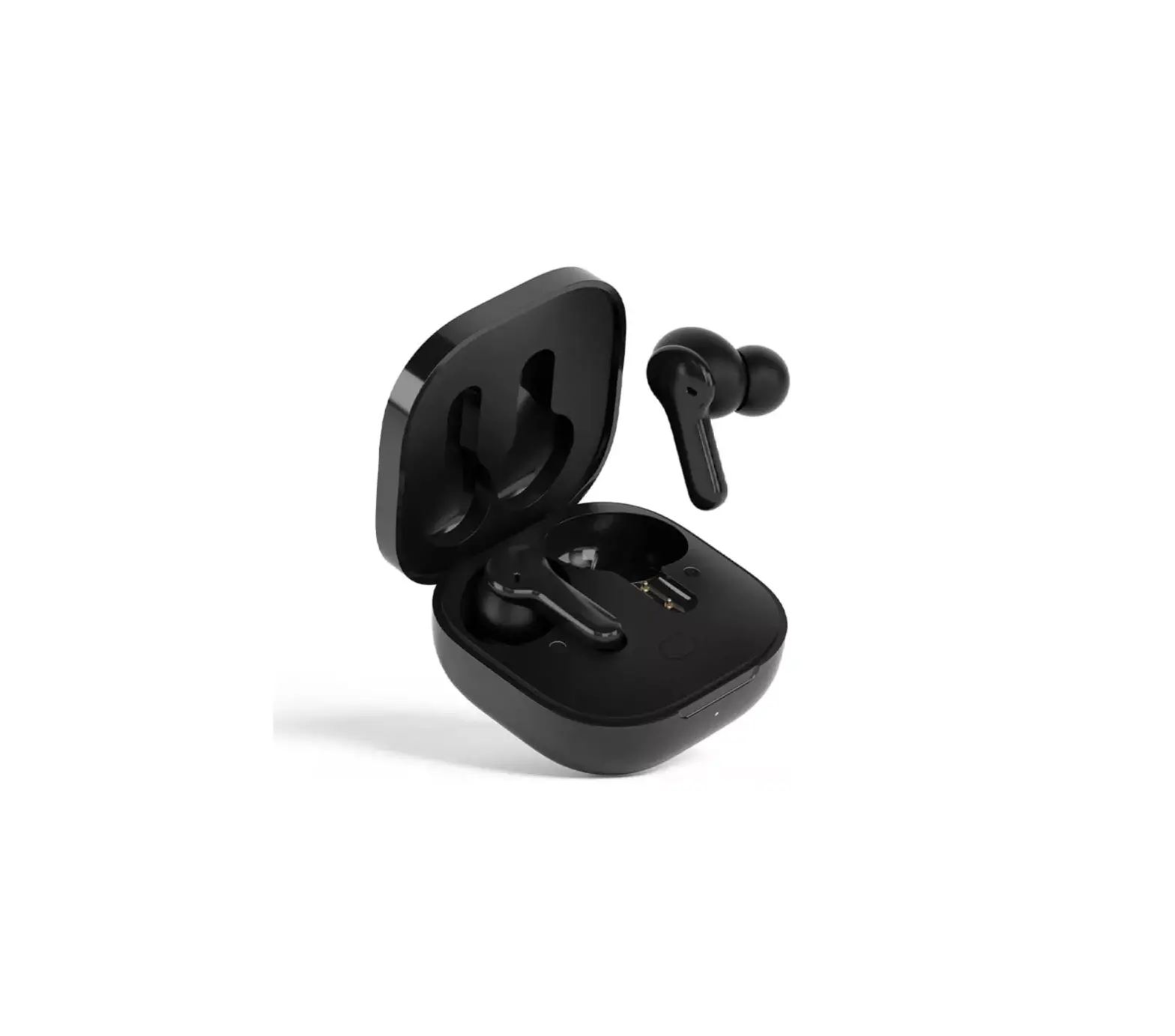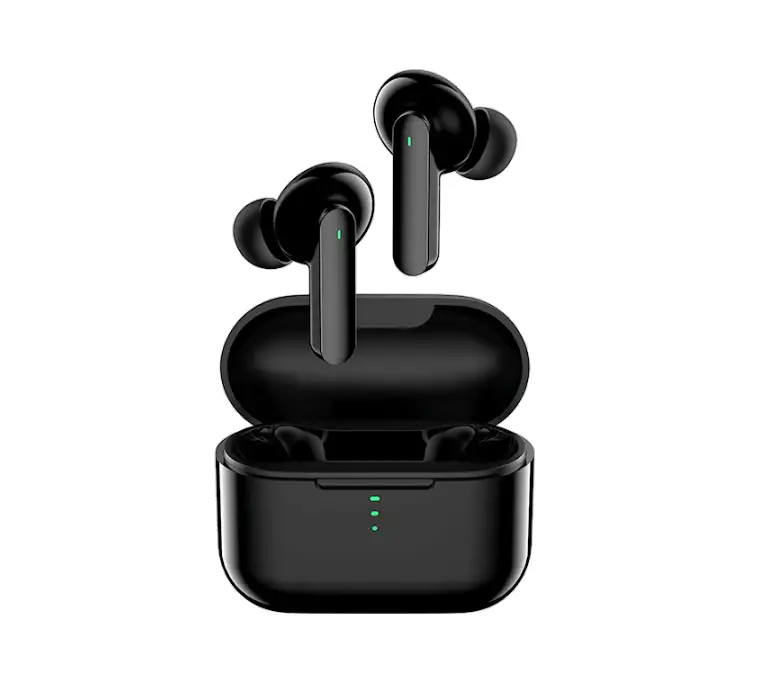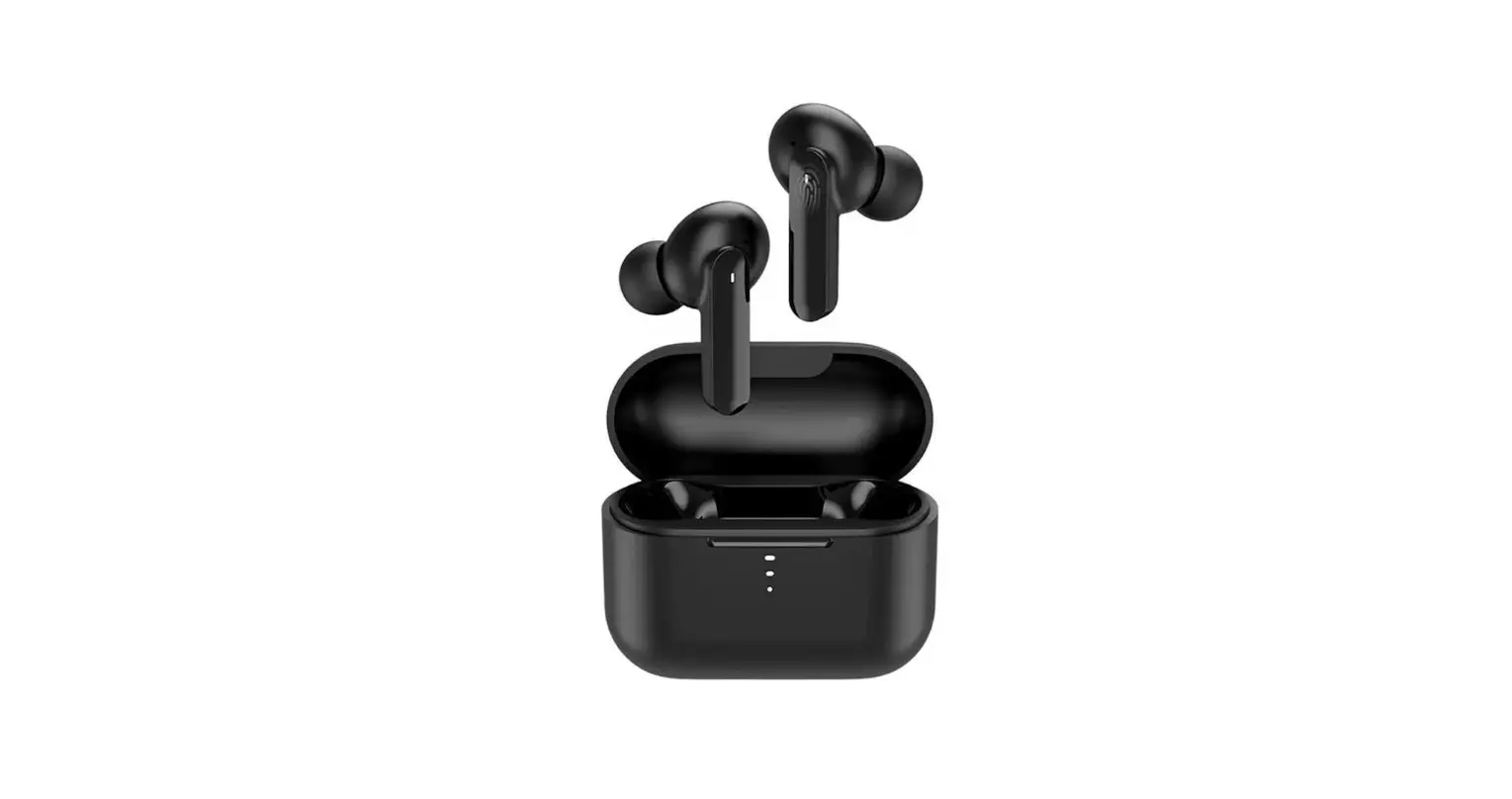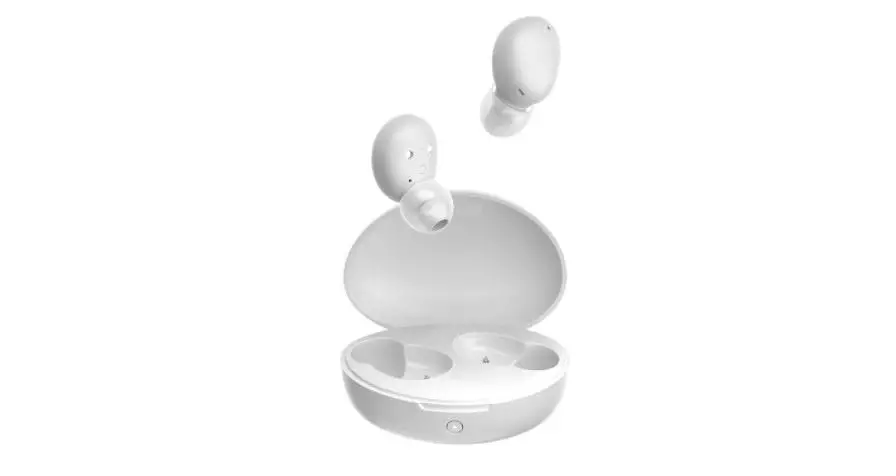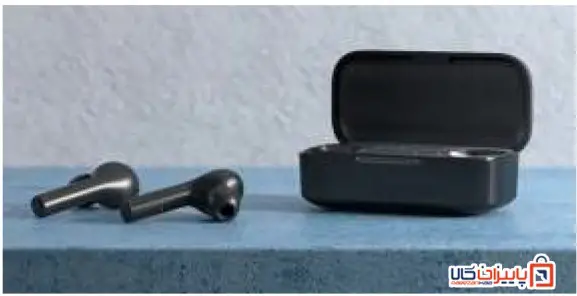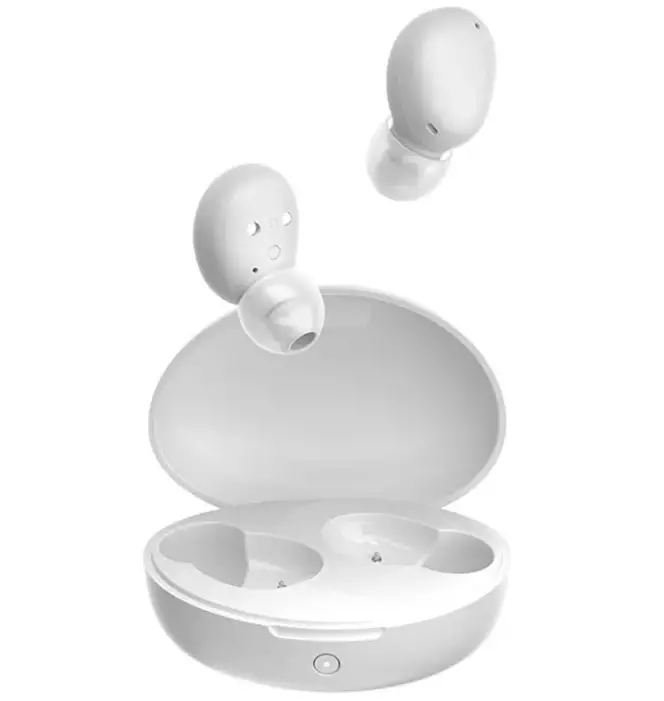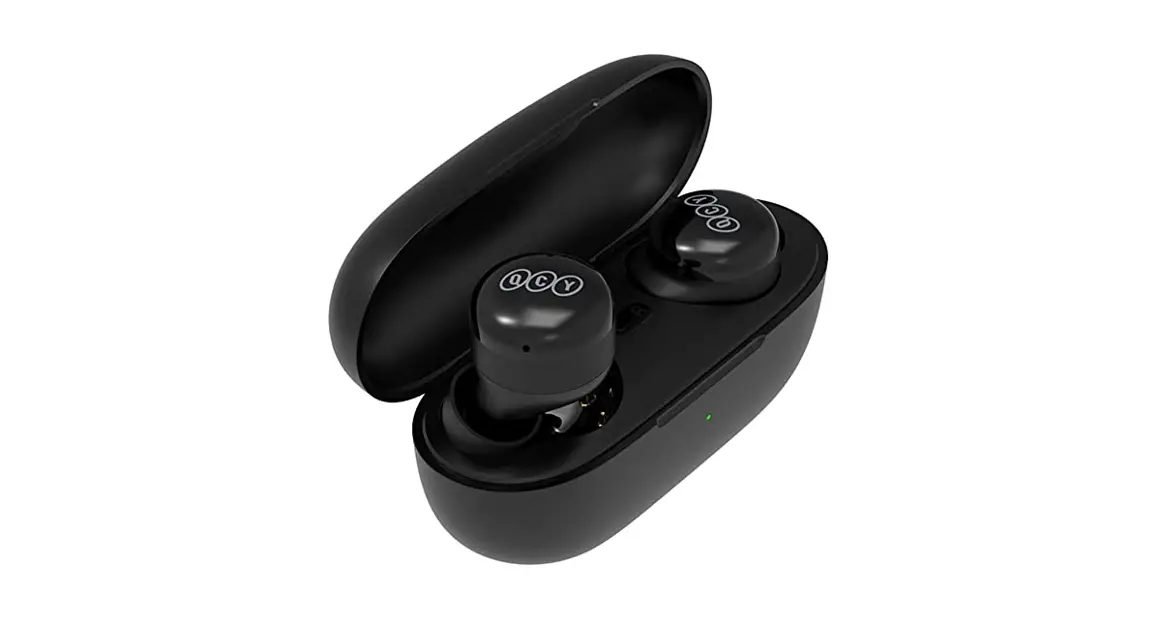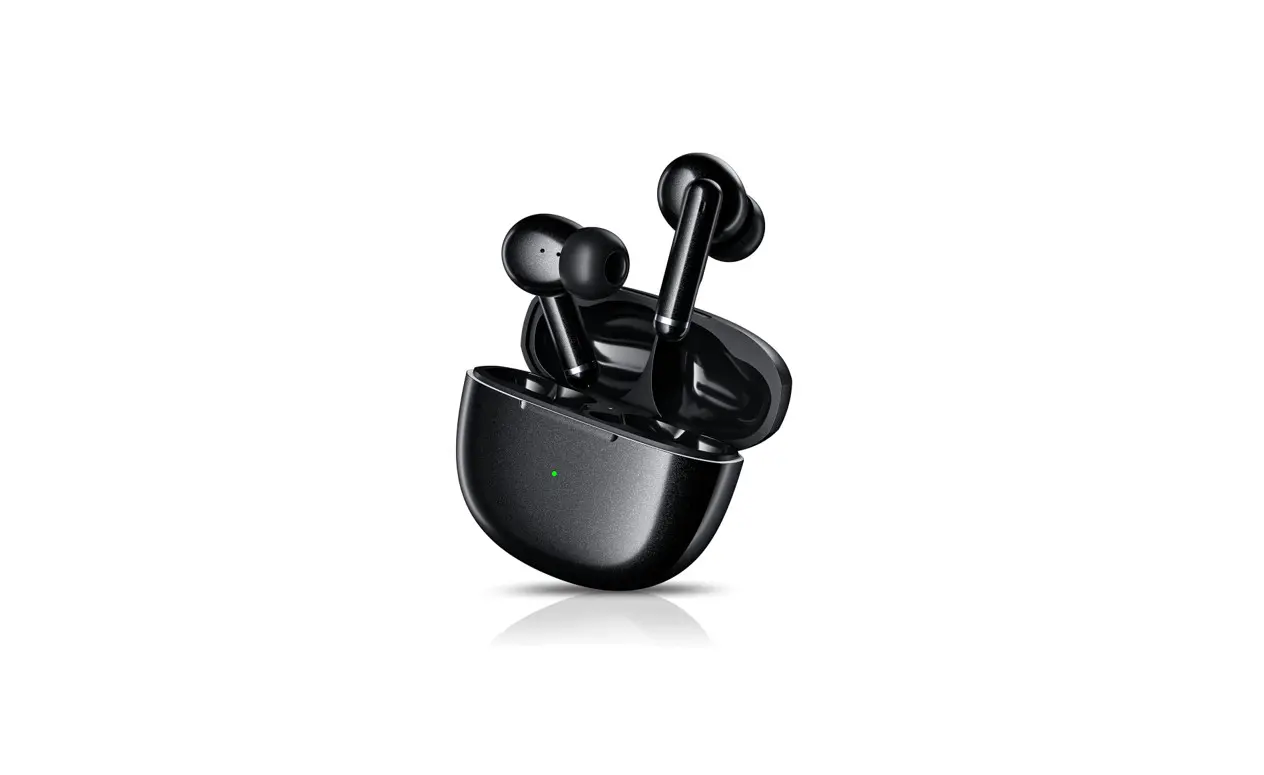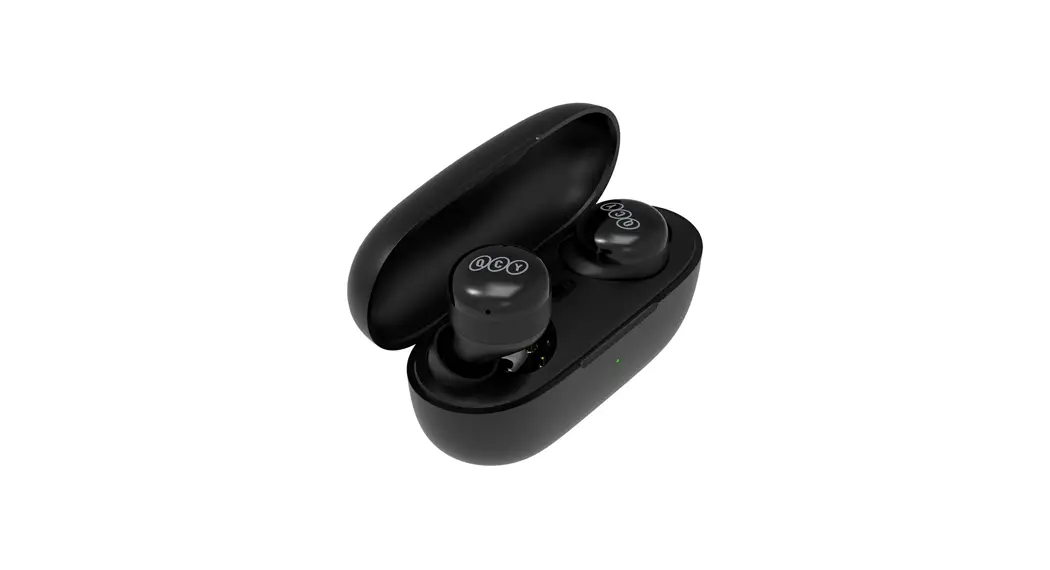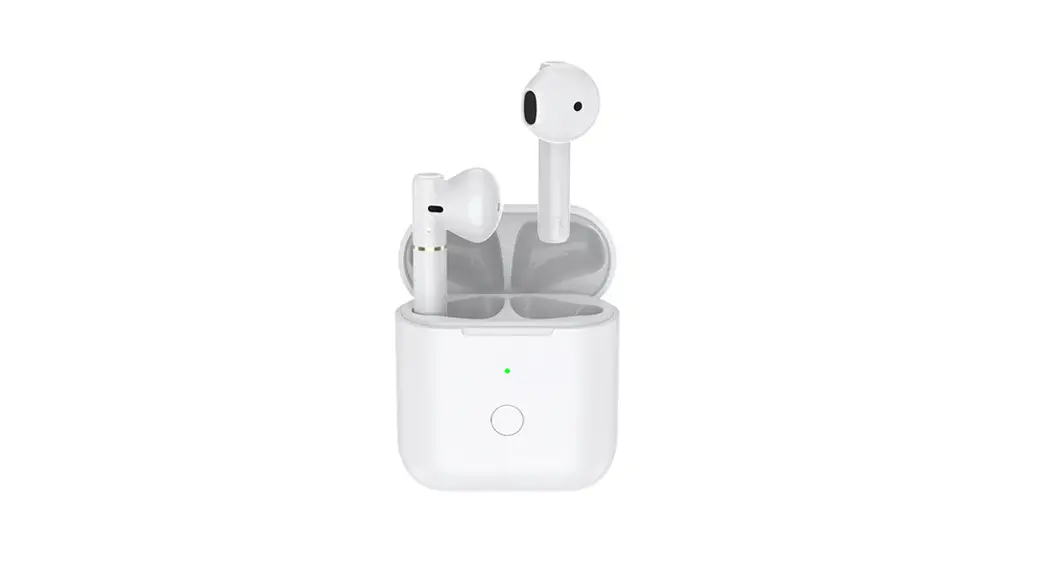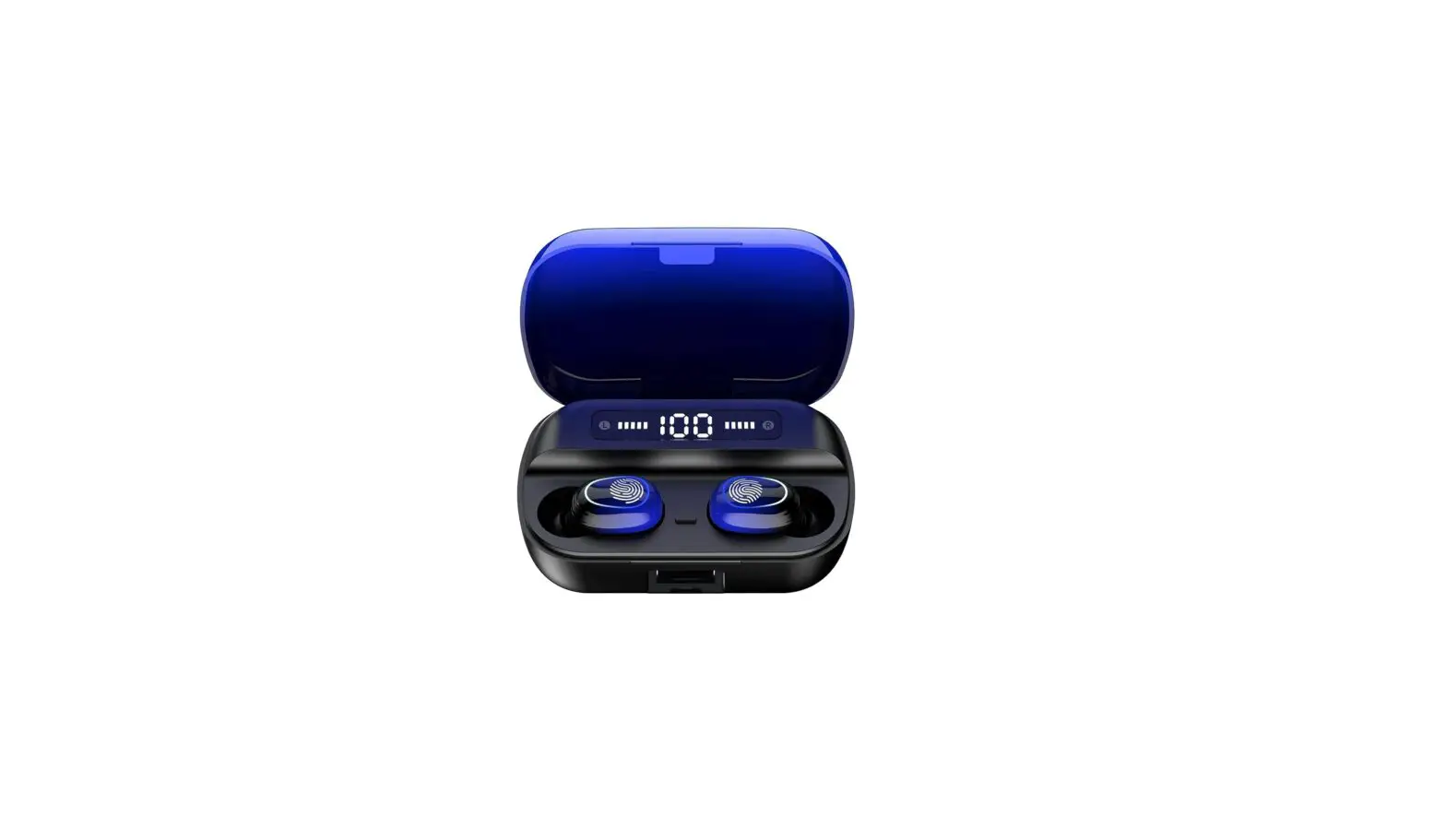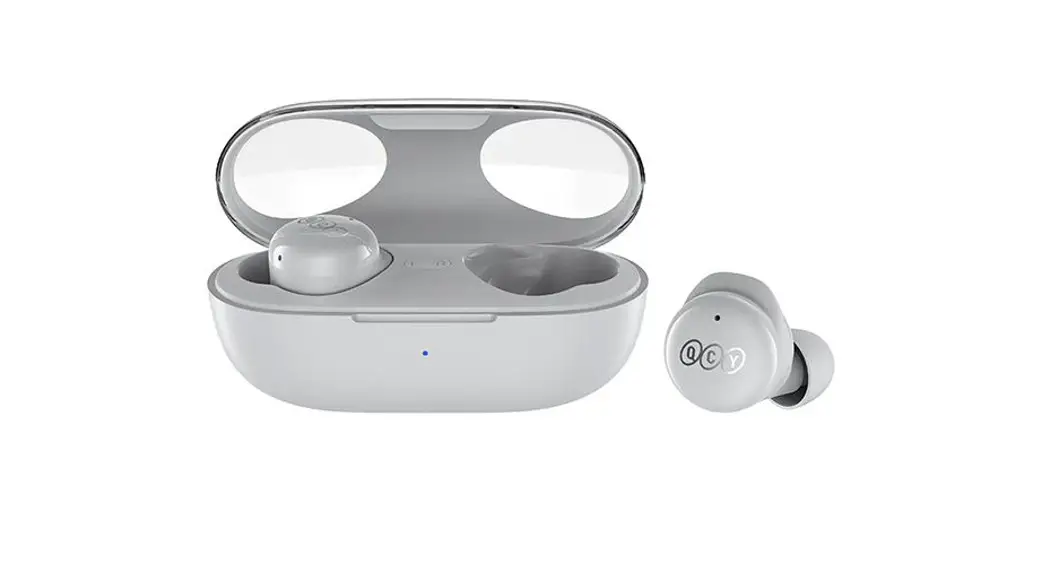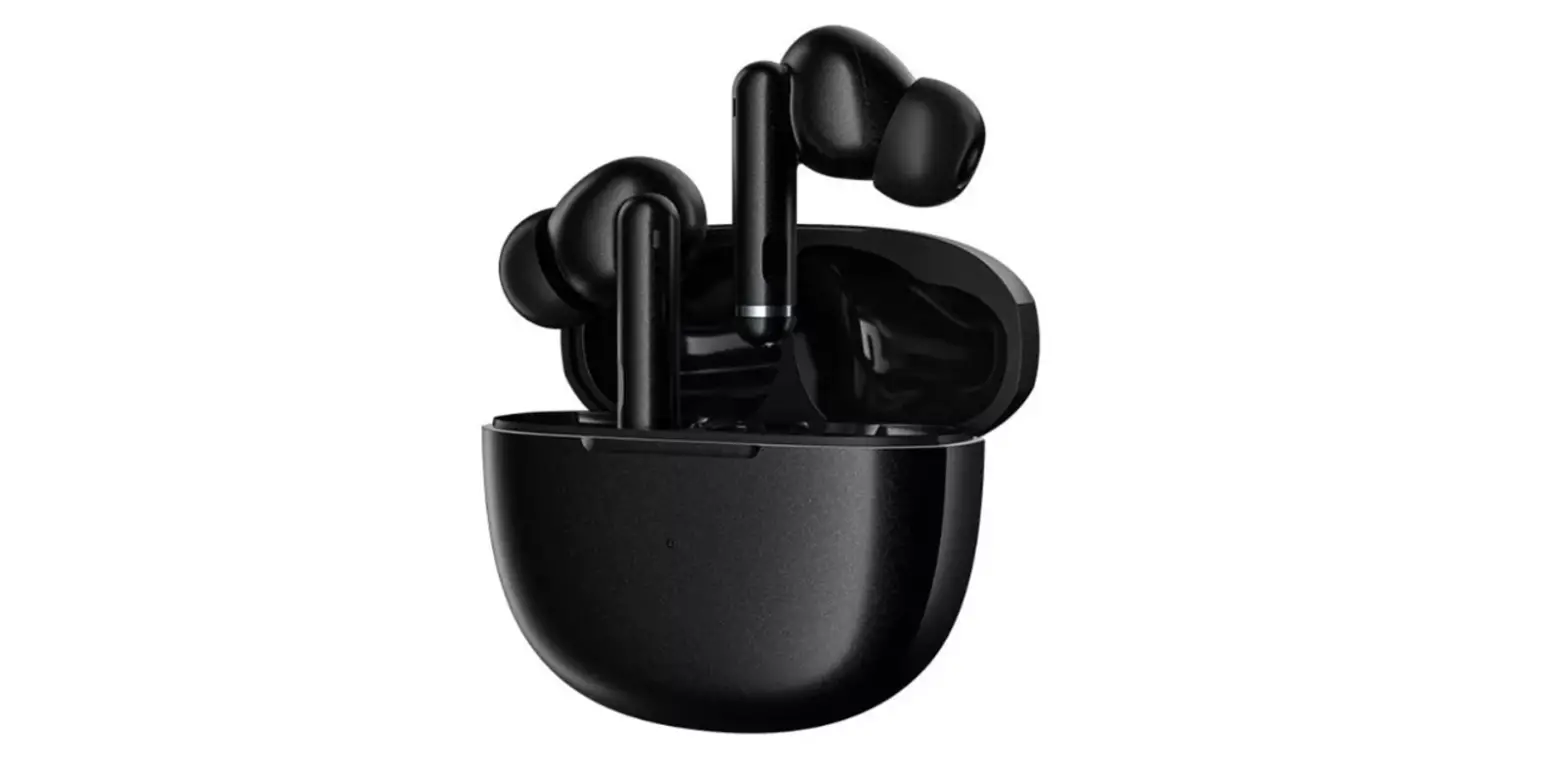

QCY HT03 True Wireless Earbuds
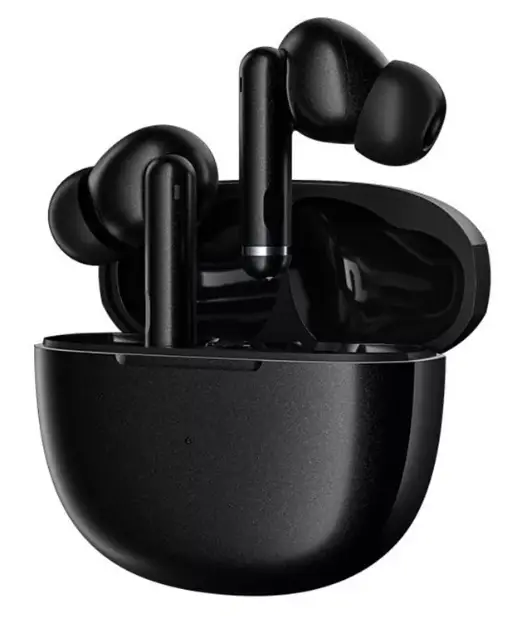
Overview
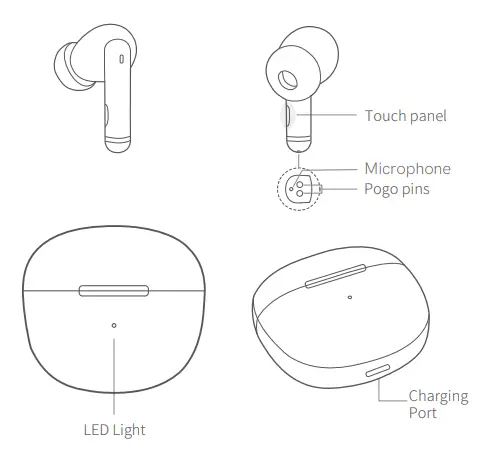
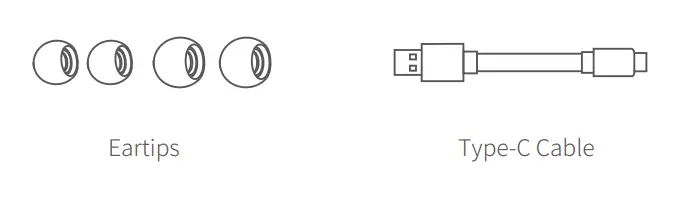
Packaging Content
Wearing
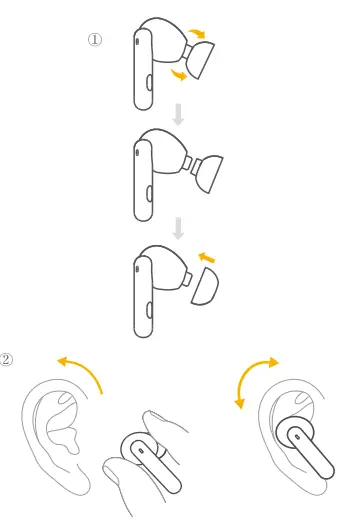
Choose the EarTips that fit your ears best.
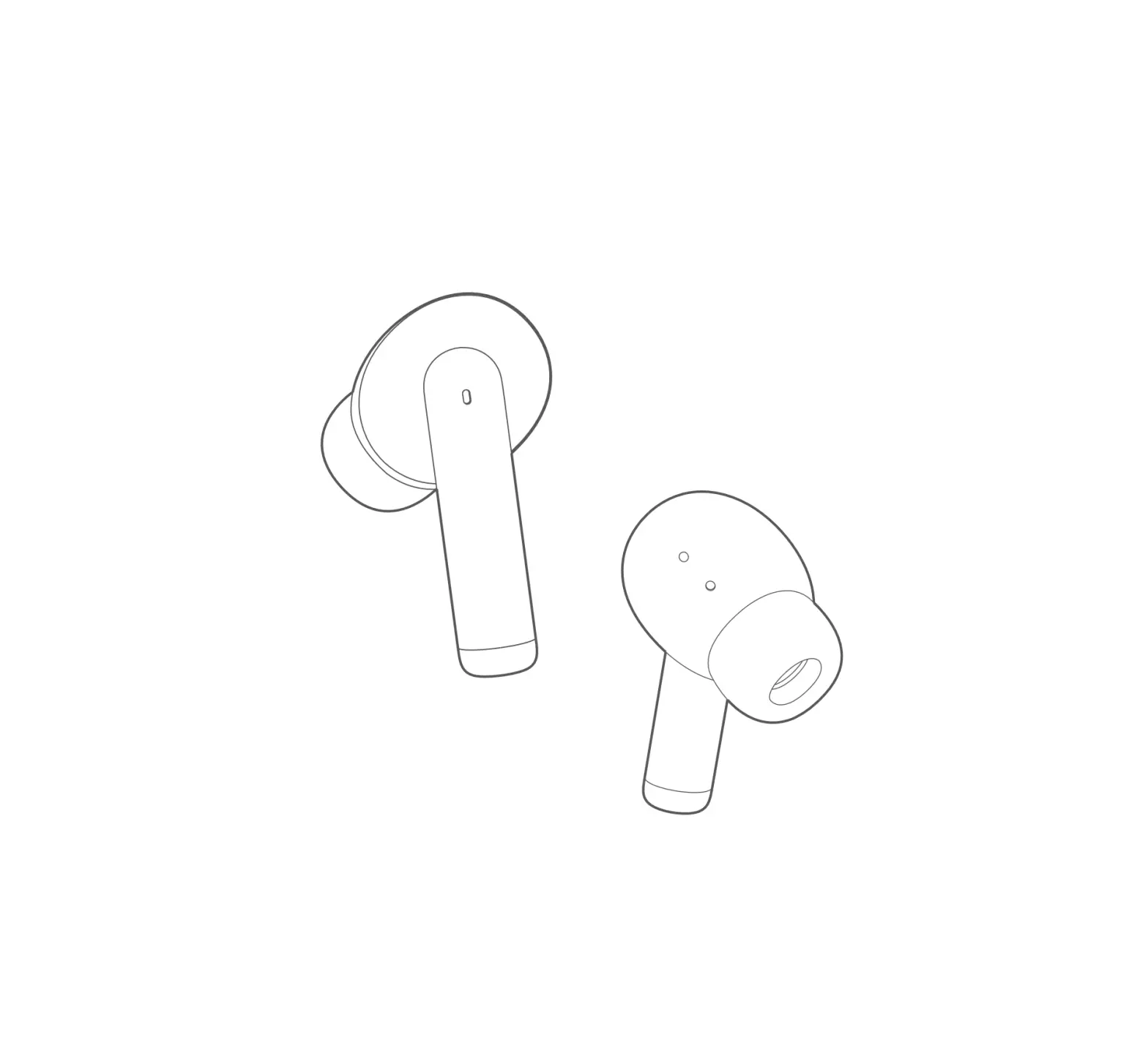
Step 1: Ensure sounds hole downward, then place earbuds Into ear.
Step 2: Rotate earbud back to auricle side to fit snugly.
Your earbuds come with multiple pairs of EarTips, among which Medium-sized are pre-installed.
Pairing
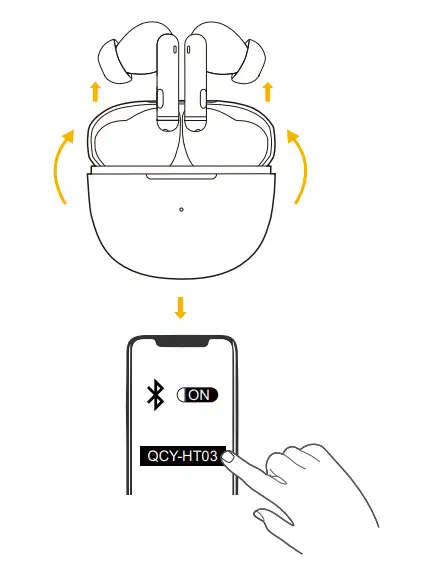
Automatic Pairing
- Take the earbuds out of the charging case.
- Find “QCY-HT03” in the Bluetooth list on your device.
- Confirm the pairing when a notification pops up, otherwise, the secondary earbud cannot be used separately
*Each time you power on your earphones, it will automatically connect to your last successfully connected device if available within the Bluetooth range.
Pairing
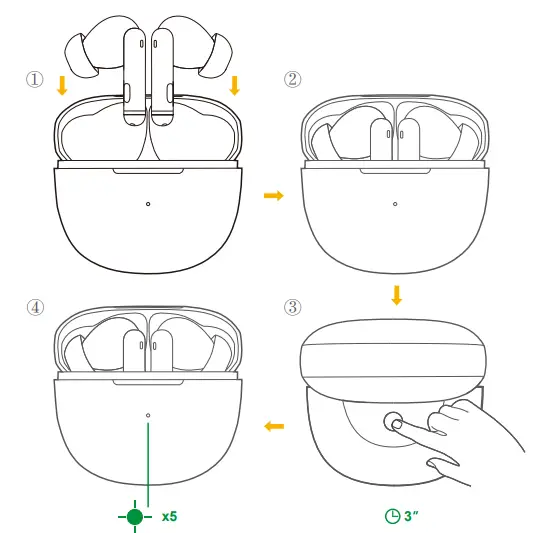
Manual Pairing
- Place the earbuds in the charging case and leave the case open.
- Press and hold the button on the charging case for 3 seconds until the LED indicators inside the charging case flash green 5 times.
BUTTON CONTROLS
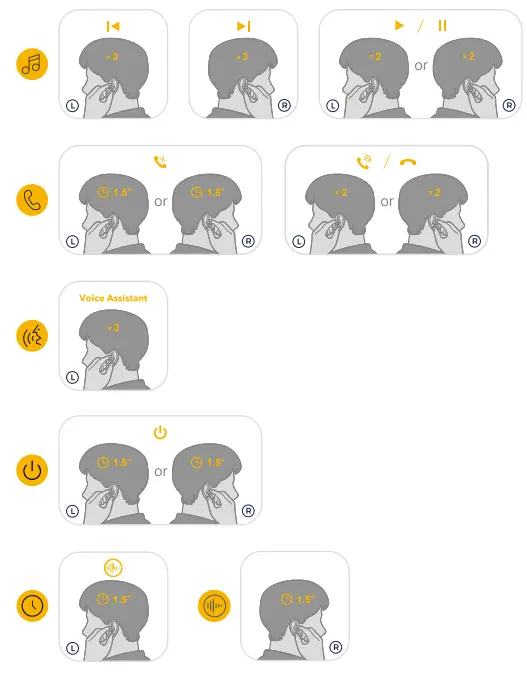
X2: Tap Twice X3: Tap Triple 1.5”: Press and hold for 1.5 seconds
Charging
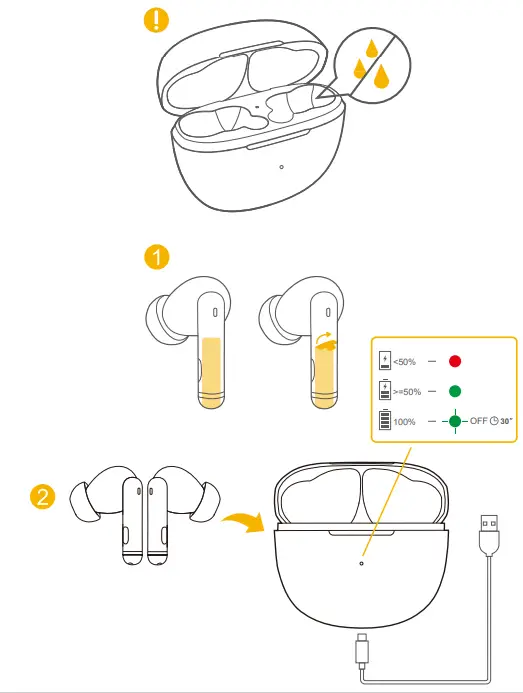
- Fully dry off the earbuds and the USB port before charging.
- Remove the protective film before charging.
- To prevent damage, use the provided USB-C cable.
* It takes up to 2 hours to fully charge the Bluetooth headphones and charging case (depending on the charger used)
POWERING ON/OFF
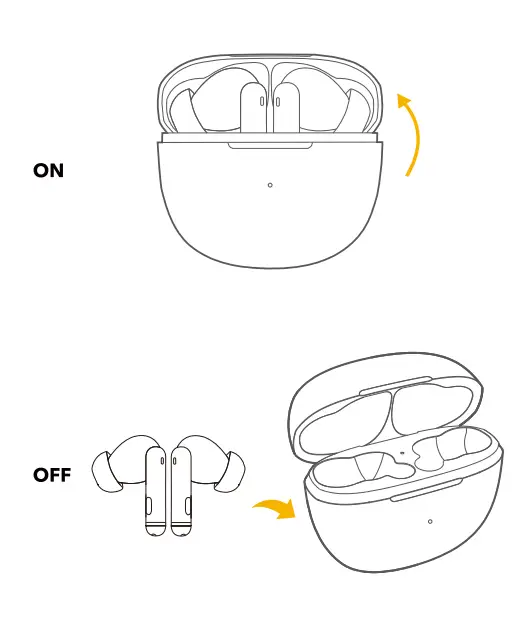
- Open the charging case, the earbuds will automatically power on.
- To power off, place the earbuds in the charging case and close it.
Factory Resetting
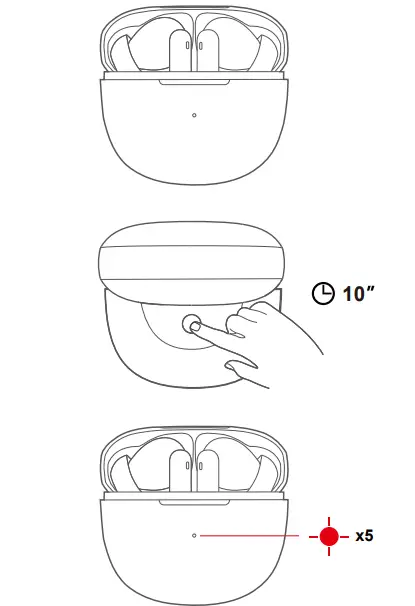
Reset if the earbuds cannot properly pair with each other or with other devices.
- Place the earbuds into the charging case and leave the case open.
- Press and hold the button on the case for 10 seconds until the LED indicators inside the charging case rapidly flash red 5 times. This confirms that the reset was successful and your earbuds can be connected normally.
Specifications
Specifications are subject to change without notice.
- Input: 5 V +/-0.25
- Battery capacity:
- 45 mAh x 2 (earbuds);
- 380 mAh (charging case)
- Charging time: 2 hours
- Playtime (varies by volume level and content):Up to 5.5 hours (Total 24 hours with the charging case)
- Playtime (with ANC mode turned on):Up to 5 hours (Total 20 hours with the charging case)
- Driver unit :10 mm dynamic driver
- Frequency response:20 kHz – 20 kHz
- Impedance: 16 Ω+-15%
- Waterproof Rating (Earbuds) : IPX5
- Bluetooth version:: 5.1
- Bluetooth range: 10 m / 33 ft
Customer Service
- 12 month limited warranty
- Lifetime technical support
- Our warranty is additional to the legal rights consumers have buying this product.
FAQ
- FAQ
View the FAQs on QCY-HT03-FAQ - How to care for your earbuds
- Do not disassemble. Avoid Dropping.
- Use original or certified cables.
- Keep away from children or pets. Small parts included may be a choking hazard.
- The earbuds need to be fully charged prior to first-time use.If you do not use it for more than 2 months, please charge and maintain it regularly for safe operation.
- Do not put it under extreme temperatures, such as below 10 degrees Celsius or above 60 degrees Celsius.
- Do not expose the product to strong sunlight fire or throw it into the fire to avoid an explosion
- Do not use the product outdoors during thunderstorms to avoid malfuntion or electric shock.
- Do not use chemicals or strong detergents to clean the earbuds

Manufacturer : Hele Electronics Co., Ltd.
Add: No. 325, Yuehui Road, Daojiao Town, Dongguan City, Guangdong Province, China
Thank you for purchasing the QCY authentic product. For any assistance,
please contact us freely: [email protected] [email protected]